
Web Services Overview Objectives n Background n Microsoft
Web Services Overview
Objectives n Background n Microsoft®. NET Framework n Microsoft ASP. NET n Web Services Overview n Concepts and Architecture n Design and Create Web Services n Consume Web Services
Contents n Section 1: Overview n Section 2: Architecture n Microsoft. NET framework and ASP. NET n Section 3: Creating Web Services n Section 4: Using Web Services n Invoking and consuming Web Services n Section n 5: Advanced Web Services State Management, Security, and Transactions n Summary
Section 1: Overview n “Looking n What Back. . . “ are Web Services? n Distributed Web applications
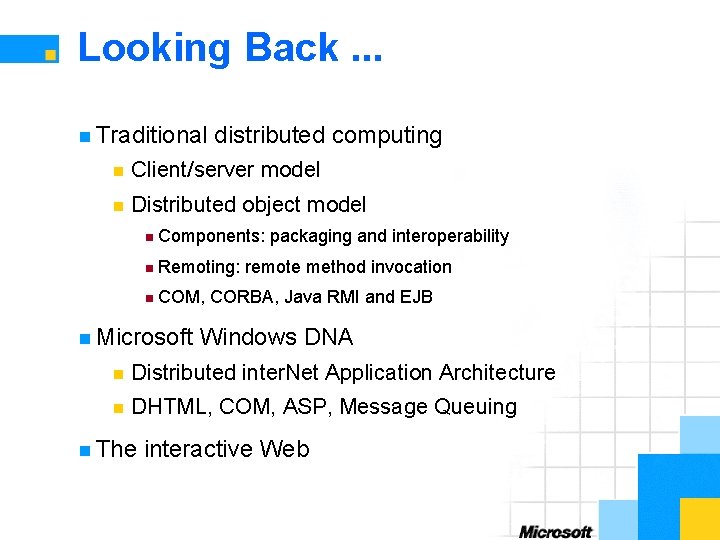
Looking Back. . . n Traditional distributed computing n Client/server model n Distributed object model n Components: packaging and interoperability n Remoting: remote method invocation n COM, CORBA, Java RMI and EJB n Microsoft Windows DNA n Distributed inter. Net Application Architecture n DHTML, COM, ASP, Message Queuing n The interactive Web
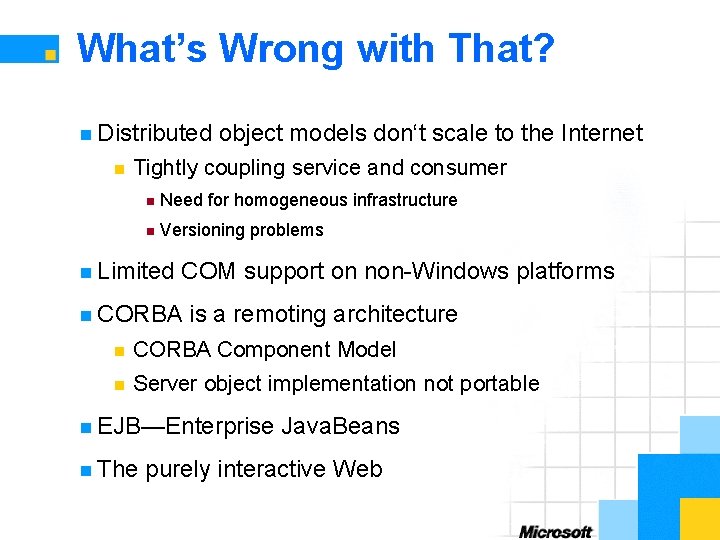
What’s Wrong with That? n Distributed n object models don‘t scale to the Internet Tightly coupling service and consumer n Need for homogeneous infrastructure n Versioning problems n Limited COM support on non-Windows platforms n CORBA is a remoting architecture n CORBA Component Model n Server object implementation not portable n EJB—Enterprise n The Java. Beans purely interactive Web
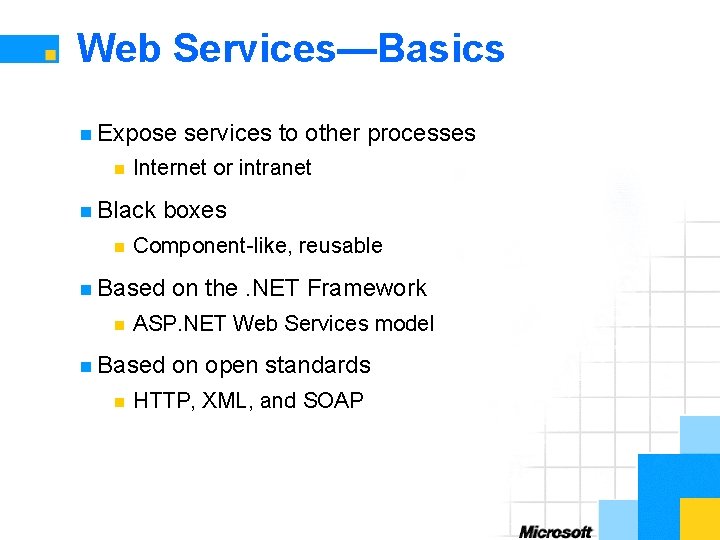
Web Services—Basics n Expose n Internet or intranet n Black n boxes Component-like, reusable n Based n on the. NET Framework ASP. NET Web Services model n Based n services to other processes on open standards HTTP, XML, and SOAP
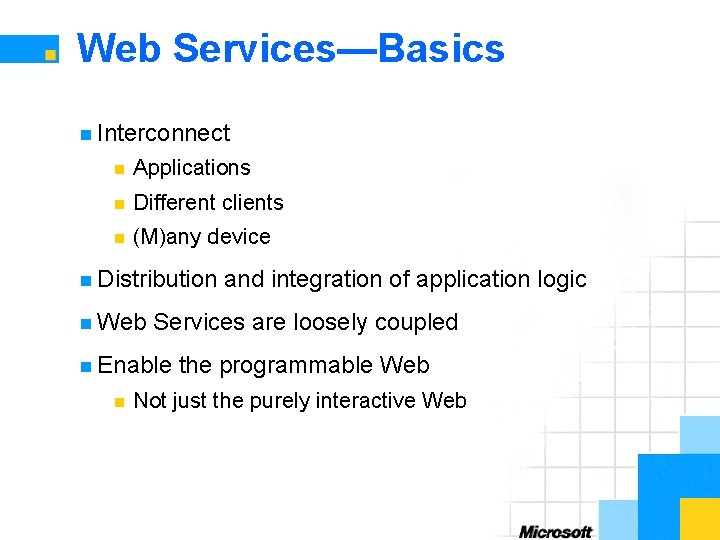
Web Services—Basics n Interconnect n Applications n Different clients n (M)any device n Distribution n Web Services are loosely coupled n Enable n and integration of application logic the programmable Web Not just the purely interactive Web
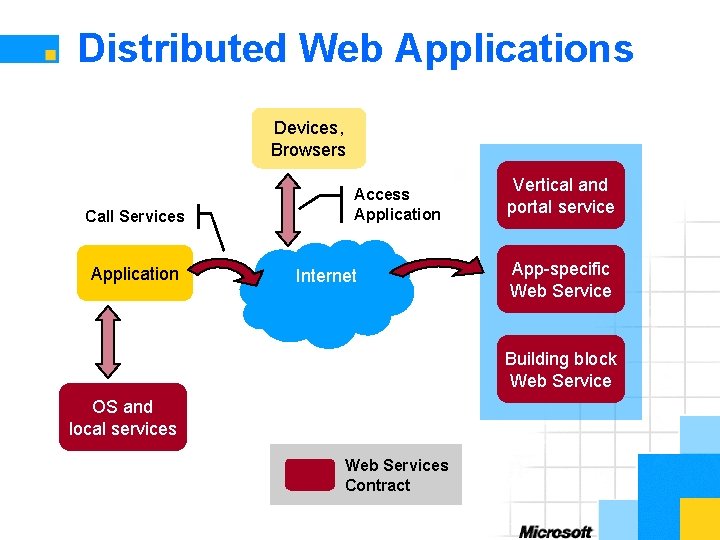
Distributed Web Applications Devices, Browsers Call Services Application Access Application Internet Vertical and portal service App-specific Web Service Building block Web Service OS and local services Web Services Contract
Section 2: Architecture n The . NET Framework Architecture n Programming n Configuration Model
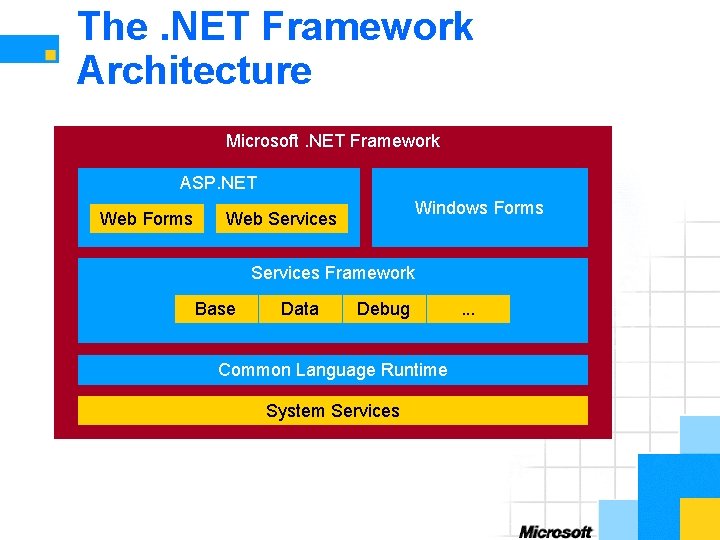
The. NET Framework Architecture Microsoft. NET Framework ASP. NET Web Forms Windows Forms Web Services Framework Base Data Debug Common Language Runtime System Services . . .
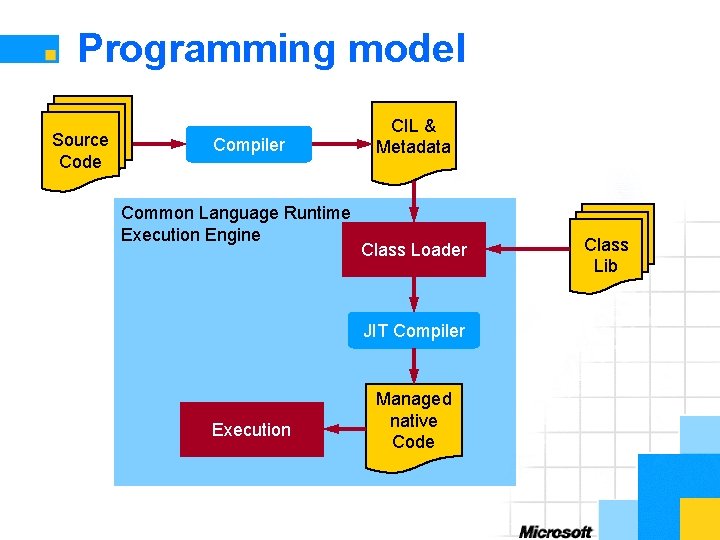
Programming model Source Code Compiler Common Language Runtime Execution Engine CIL & Metadata Class Loader JIT Compiler Execution Managed native Code Class Lib
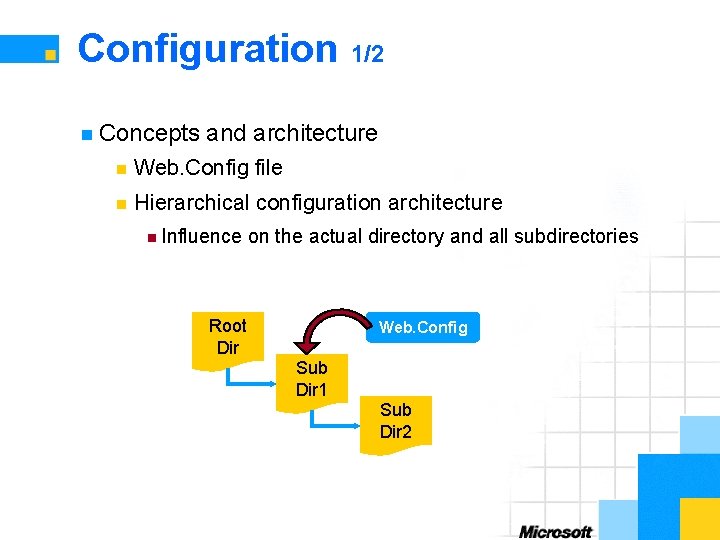
Configuration 1/2 n Concepts and architecture n Web. Config file n Hierarchical configuration architecture n Influence on the actual directory and all subdirectories Root Dir Web. Config Sub Dir 1 Sub Dir 2
Configuration 2/2 n Web. Config file n XML based n File is kept within the application directory n Default and custom configuration n Customized Web. Config file n Customized configuration section handler n Web. Services. Configuration class n Contains configuration information n <web. Services> section in Web. Config
Section 3: Creating Web Services n Basics n Web Services Infrastructure n Code n Web of Creating Web Services and Syntax Services Namespace n Publishing n Discovery
Creating Web Services— Basics n. asmx file n Virtual path of ASP. NET Web application n Stand-alone or part of an existing solution n Web n Services infrastructure Discovery, description, and wire format n Microsoft n Visual Studio. NET Microsoft Visual Basic. NET, C#, and Managed C++
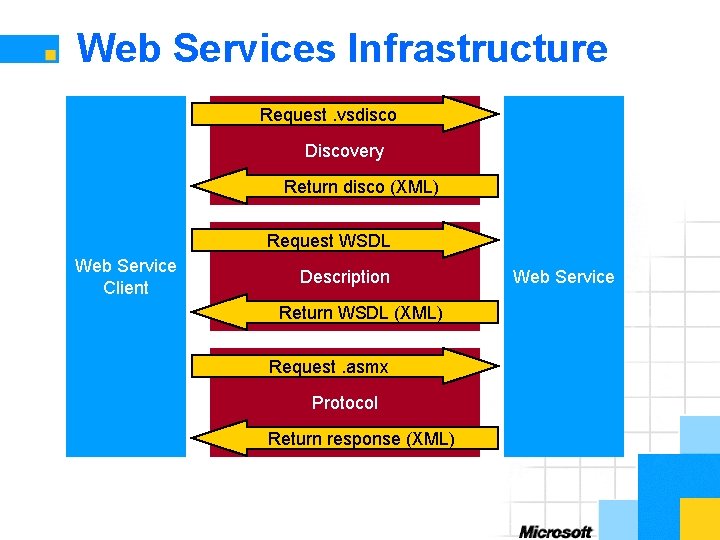
Web Services Infrastructure Request. vsdisco Discovery Return disco (XML) Request WSDL Web Service Client Description Return WSDL (XML) Request. asmx Protocol Return response (XML) Web Service
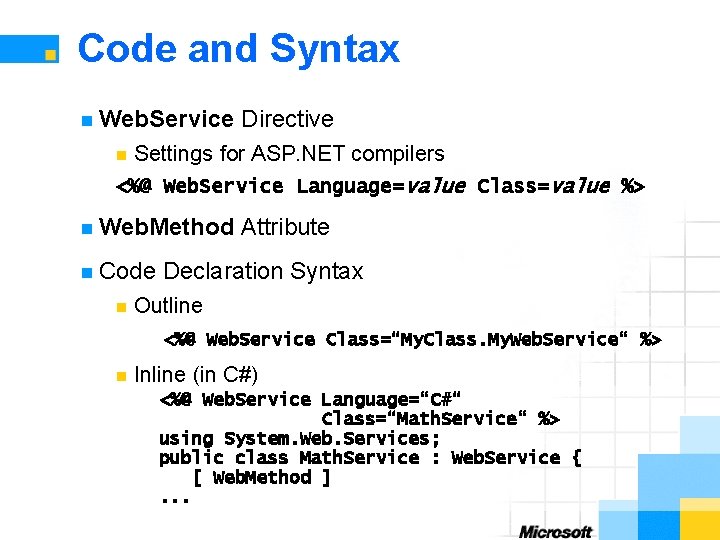
Code and Syntax n Web. Service Directive Settings for ASP. NET compilers <%@ Web. Service Language=value Class=value %> n n Web. Method n Code n Attribute Declaration Syntax Outline <%@ Web. Service Class=“My. Class. My. Web. Service“ %> n Inline (in C#) <%@ Web. Service Language=“C#“ Class=“Math. Service“ %> using System. Web. Services; public class Math. Service : Web. Service { [ Web. Method ]. . .
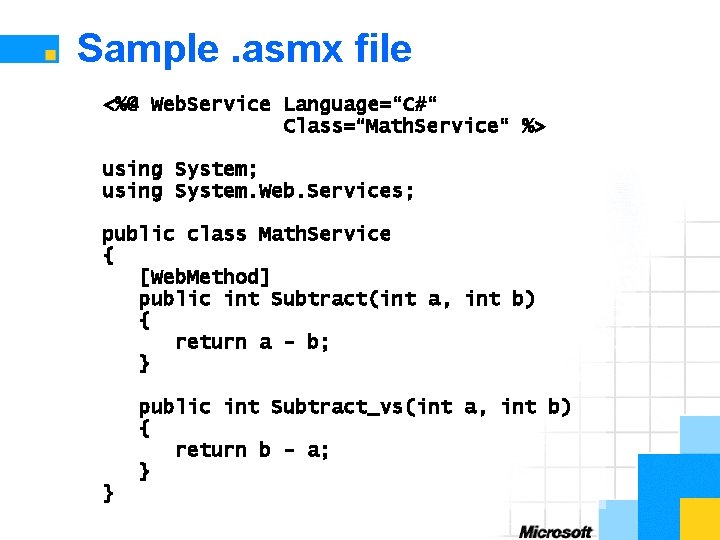
Sample. asmx file <%@ Web. Service Language=“C#“ Class=“Math. Service“ %> using System; using System. Web. Services; public class Math. Service { [Web. Method] public int Subtract(int a, int b) { return a - b; } public int Subtract_vs(int a, int b) { return b - a; } }
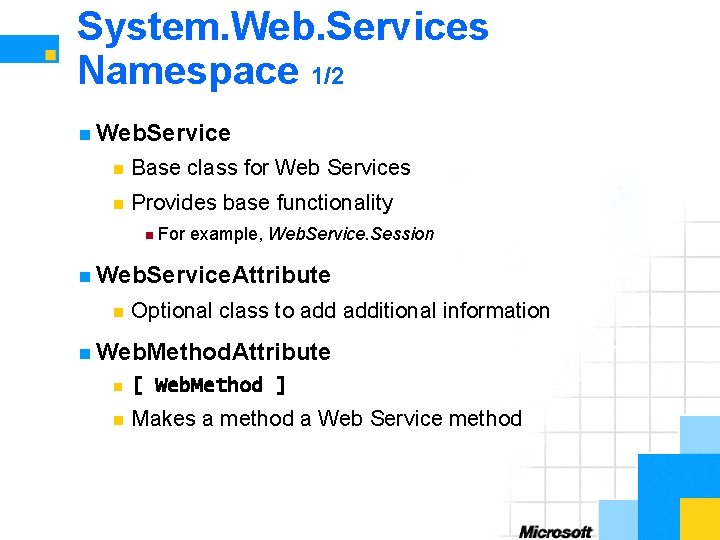
System. Web. Services Namespace 1/2 n Web. Service n Base class for Web Services n Provides base functionality n For example, Web. Service. Session n Web. Service. Attribute n Optional class to additional information n Web. Method. Attribute n [ Web. Method ] n Makes a method a Web Service method
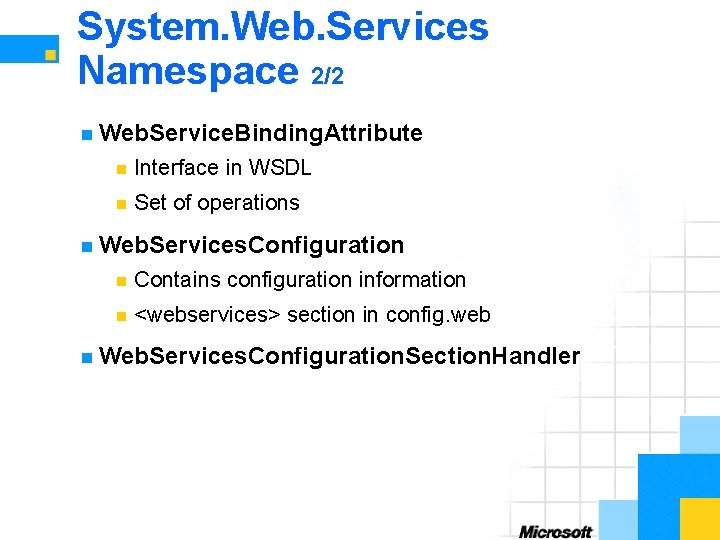
System. Web. Services Namespace 2/2 n Web. Service. Binding. Attribute n Interface in WSDL n Set of operations n Web. Services. Configuration n Contains configuration information n <webservices> section in config. web n Web. Services. Configuration. Section. Handler
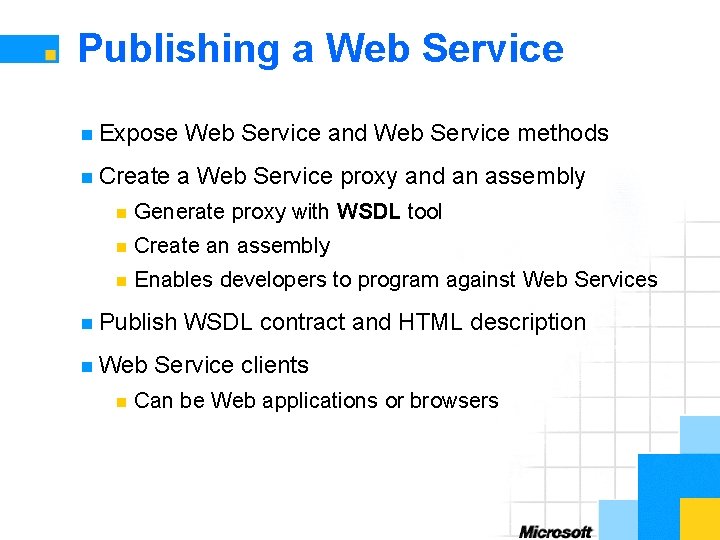
Publishing a Web Service n Expose n Create Web Service and Web Service methods a Web Service proxy and an assembly n Generate proxy with WSDL tool n Create an assembly n Enables developers to program against Web Services n Publish n Web n WSDL contract and HTML description Service clients Can be Web applications or browsers
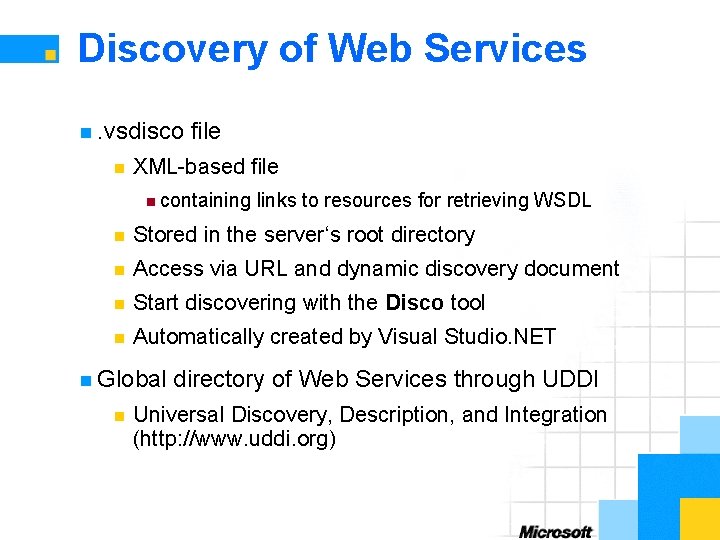
Discovery of Web Services n. vsdisco n file XML-based file n containing links to resources for retrieving WSDL n Stored in the server‘s root directory n Access via URL and dynamic discovery document n Start discovering with the Disco tool n Automatically created by Visual Studio. NET n Global n directory of Web Services through UDDI Universal Discovery, Description, and Integration (http: //www. uddi. org)
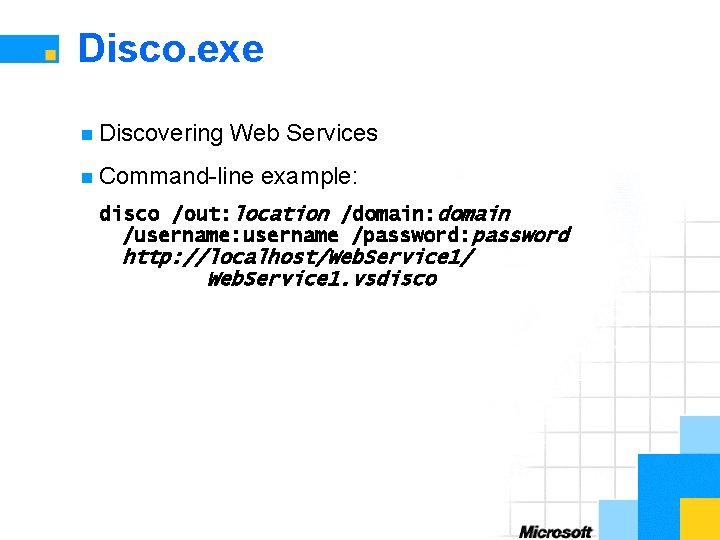
Disco. exe n Discovering Web Services n Command-line example: disco /out: location /domain: domain /username: username /password: password http: //localhost/Web. Service 1/ Web. Service 1. vsdisco
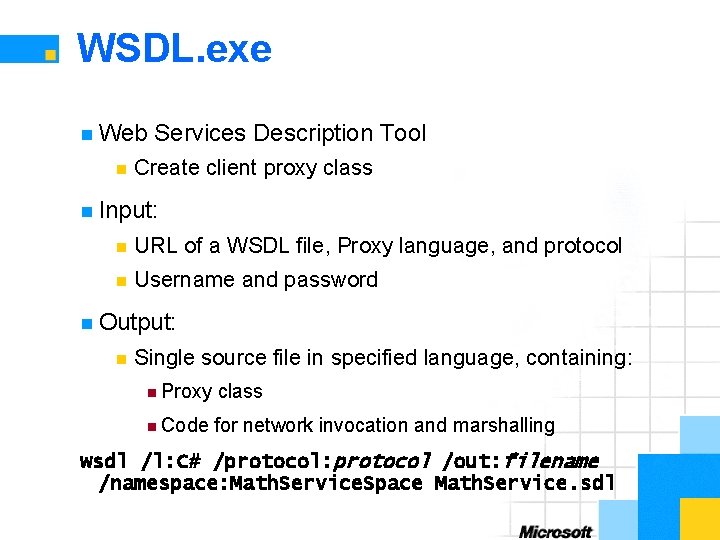
WSDL. exe n Web n Services Description Tool Create client proxy class n Input: n URL of a WSDL file, Proxy language, and protocol n Username and password n Output: n Single source file in specified language, containing: n Proxy class n Code for network invocation and marshalling wsdl /l: C# /protocol: protocol /out: filename /namespace: Math. Service. Space Math. Service. sdl
Section 4: Using Web Services n Application n Invoking Web Services n Consuming n Web Model Web Services Description Language (WSDL)
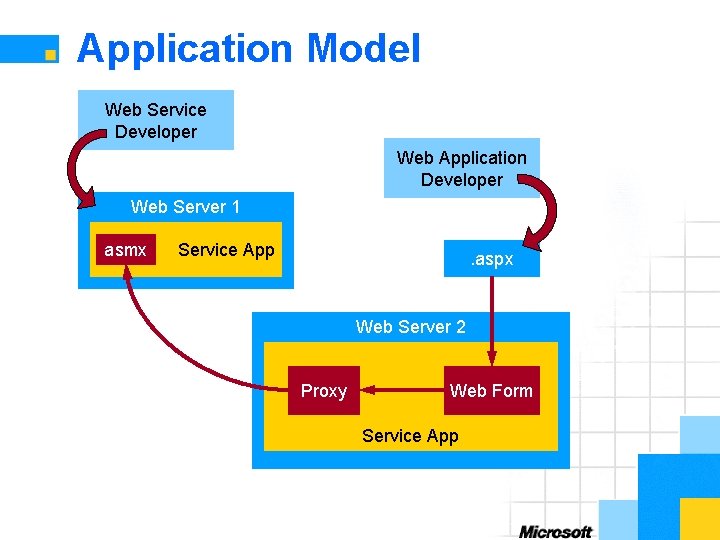
Application Model Web Service Developer Web Application Developer Web Server 1 asmx Service App . aspx Web Server 2 Proxy Web Form Service App
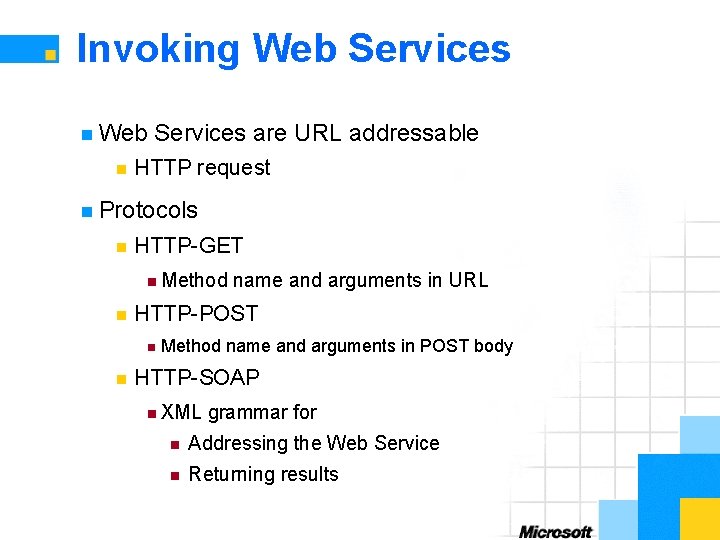
Invoking Web Services n Web n Services are URL addressable HTTP request n Protocols n HTTP-GET n Method n HTTP-POST n n name and arguments in URL Method name and arguments in POST body HTTP-SOAP n XML grammar for n Addressing the Web Service n Returning results
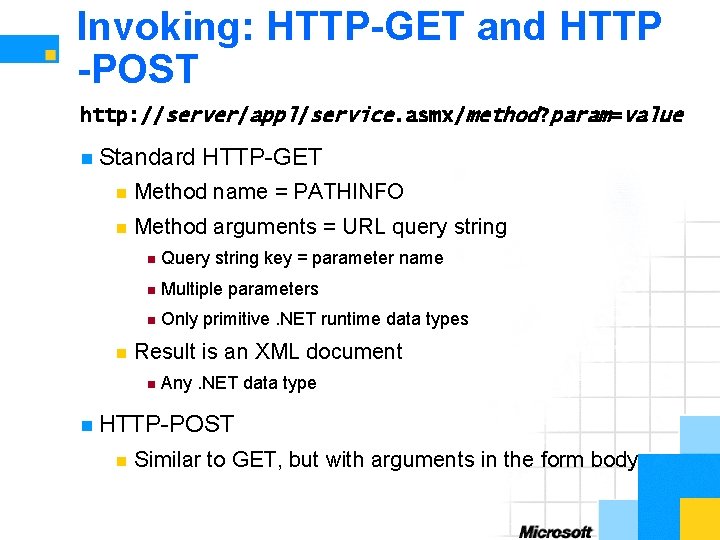
Invoking: HTTP-GET and HTTP -POST http: //server/appl/service. asmx/method? param=value n Standard HTTP-GET n Method name = PATHINFO n Method arguments = URL query string n n Query string key = parameter name n Multiple parameters n Only primitive. NET runtime data types Result is an XML document n Any. NET data type n HTTP-POST n Similar to GET, but with arguments in the form body
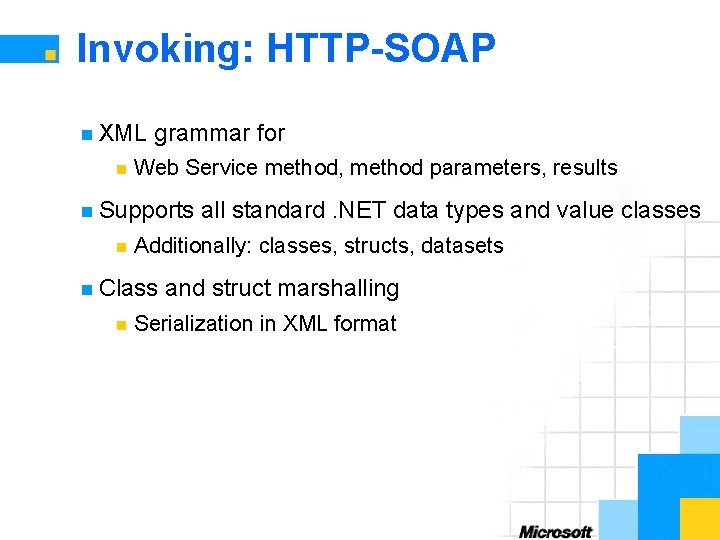
Invoking: HTTP-SOAP n XML n grammar for Web Service method, method parameters, results n Supports n Additionally: classes, structs, datasets n Class n all standard. NET data types and value classes and struct marshalling Serialization in XML format
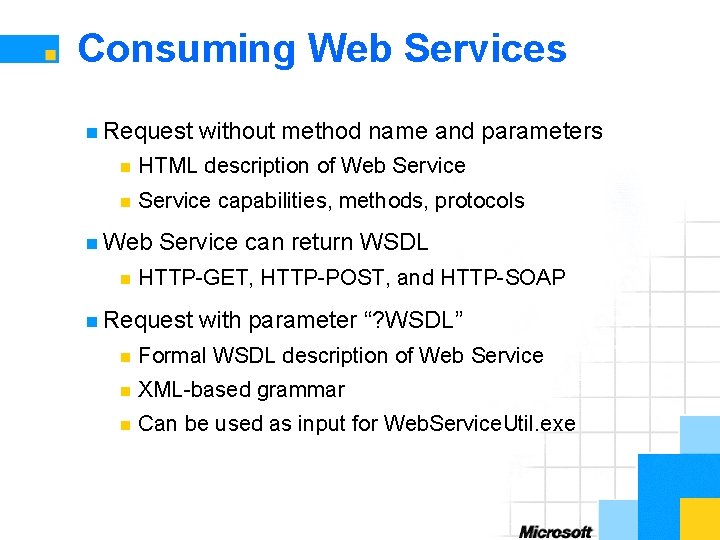
Consuming Web Services n Request without method name and parameters n HTML description of Web Service n Service capabilities, methods, protocols n Web n Service can return WSDL HTTP-GET, HTTP-POST, and HTTP-SOAP n Request with parameter “? WSDL” n Formal WSDL description of Web Service n XML-based grammar n Can be used as input for Web. Service. Util. exe
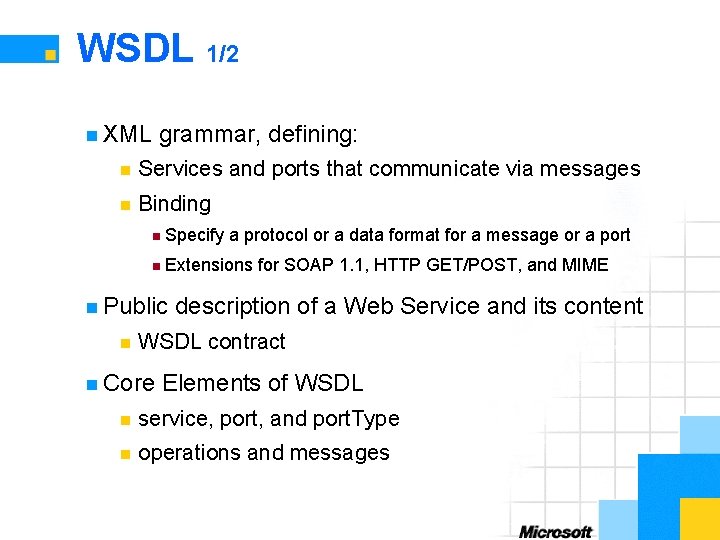
WSDL 1/2 n XML grammar, defining: n Services and ports that communicate via messages n Binding n Specify a protocol or a data format for a message or a port n Extensions for SOAP 1. 1, HTTP GET/POST, and MIME n Public n description of a Web Service and its content WSDL contract n Core Elements of WSDL n service, port, and port. Type n operations and messages
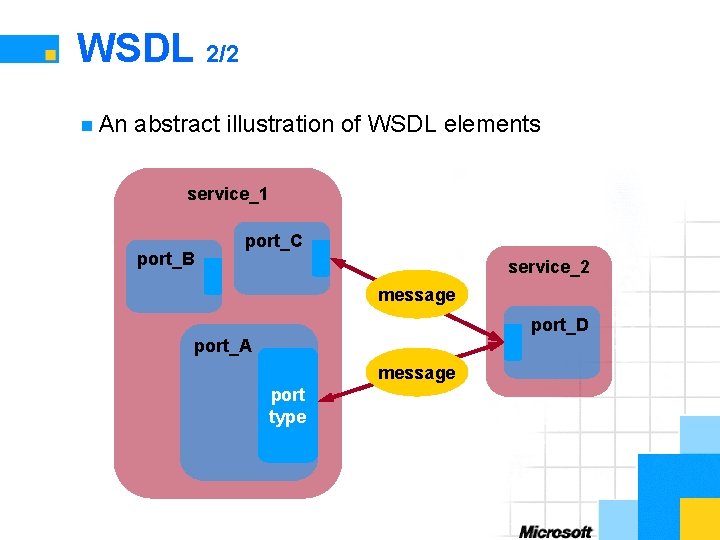
WSDL 2/2 n An abstract illustration of WSDL elements service_1 port_B port_C service_2 message port_D port_A message port type
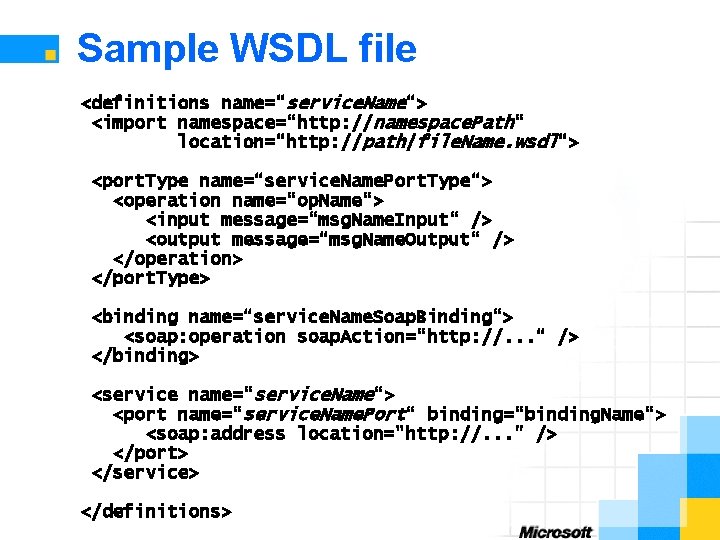
Sample WSDL file <definitions name=“service. Name“> <import namespace=“http: //namespace. Path“ location=“http: //path/file. Name. wsdl“> <port. Type name=“service. Name. Port. Type“> <operation name=“op. Name“> <input message=“msg. Name. Input“ /> <output message=“msg. Name. Output“ /> </operation> </port. Type> <binding name=“service. Name. Soap. Binding“> <soap: operation soap. Action=“http: //. . . “ /> </binding> <service name=“service. Name“> <port name=“service. Name. Port“ binding=“binding. Name“> <soap: address location="http: //. . . " /> </port> </service> </definitions>
Section 5: Advanced Web Services n State Management n Security n Transactions n Execution Model n Distributed Web Applications
State Management n Web Services are stateless n Use, for example, ASP. NET session state n What is a session? n Restricted n Context n in which a user communicates to a server Functionality n Request n Store n to a logical application identification and classification data across multiple requests n Session events n Release of session data . NET State Server
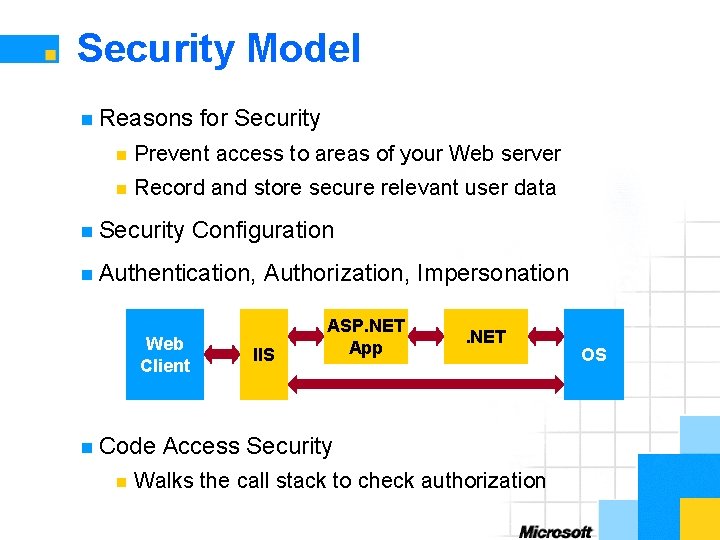
Security Model n Reasons for Security n Prevent access to areas of your Web server n Record and store secure relevant user data n Security Configuration n Authentication, Web Client n Code n Authorization, Impersonation IIS ASP. NET App . NET Access Security Walks the call stack to check authorization OS
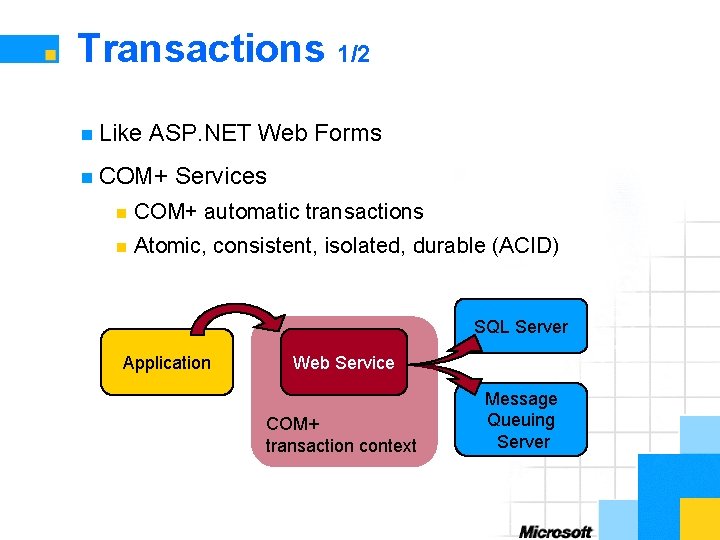
Transactions 1/2 n Like ASP. NET Web Forms n COM+ Services n COM+ automatic transactions n Atomic, consistent, isolated, durable (ACID) SQL Server Application Web Service COM+ transaction context Message Queuing Server
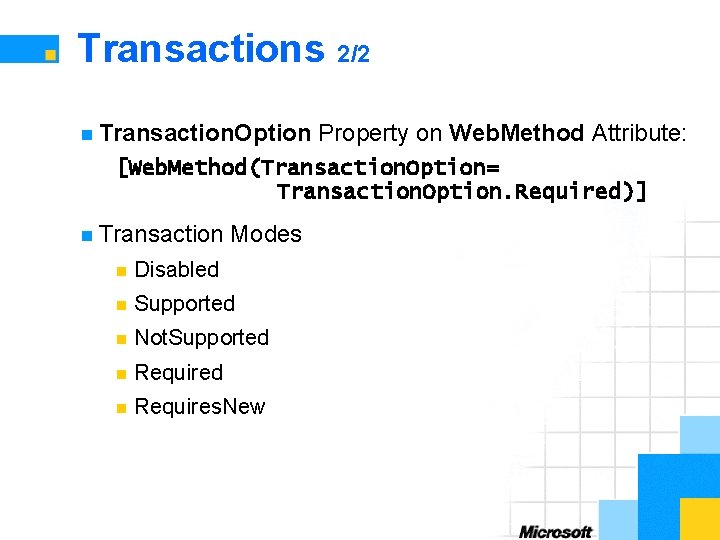
Transactions 2/2 n Transaction. Option Property on Web. Method Attribute: [Web. Method(Transaction. Option= Transaction. Option. Required)] n Transaction Modes n Disabled n Supported n Not. Supported n Requires. New
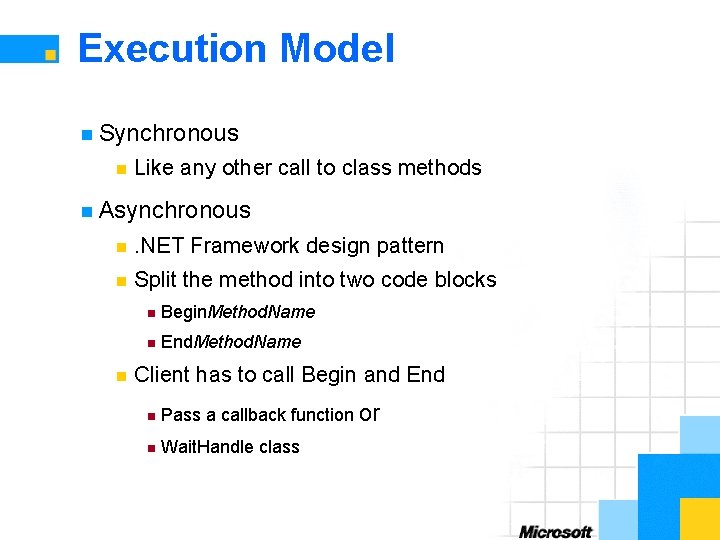
Execution Model n Synchronous n Like any other call to class methods n Asynchronous n . NET Framework design pattern n Split the method into two code blocks n n Begin. Method. Name n End. Method. Name Client has to call Begin and End n Pass a callback function or n Wait. Handle class
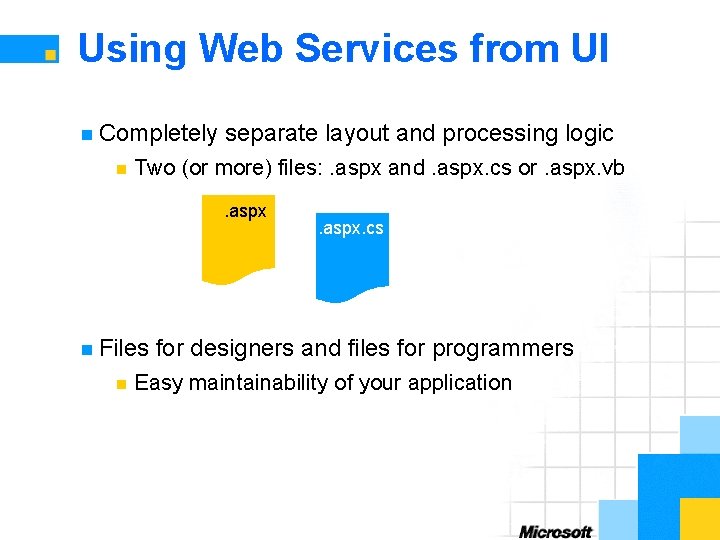
Using Web Services from UI n Completely n separate layout and processing logic Two (or more) files: . aspx and. aspx. cs or. aspx. vb. aspx n Files n . aspx. cs for designers and files for programmers Easy maintainability of your application
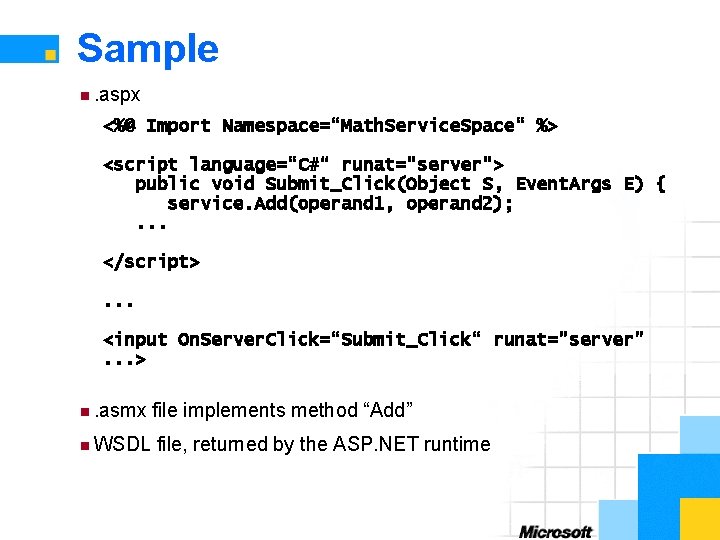
Sample n. aspx <%@ Import Namespace=“Math. Service. Space“ %> <script language=“C#“ runat="server"> public void Submit_Click(Object S, Event. Args E) { service. Add(operand 1, operand 2); . . . </script>. . . <input On. Server. Click=“Submit_Click“ runat="server". . . > n. asmx n WSDL file implements method “Add” file, returned by the ASP. NET runtime
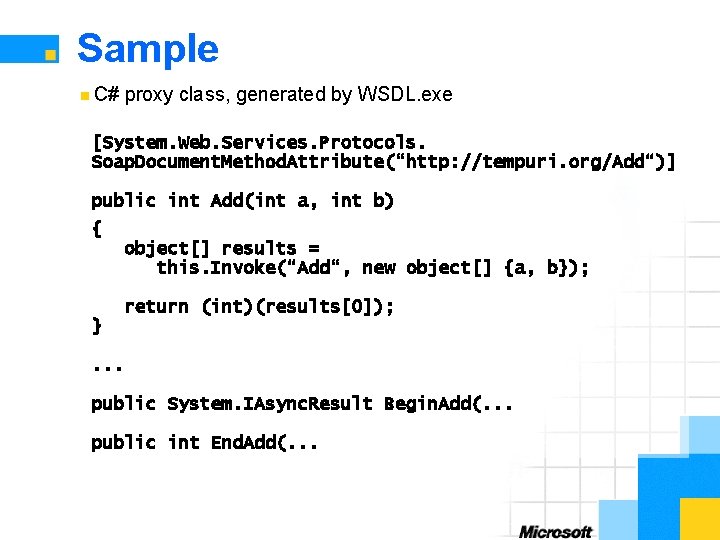
Sample n C# proxy class, generated by WSDL. exe [System. Web. Services. Protocols. Soap. Document. Method. Attribute(“http: //tempuri. org/Add“)] public int Add(int a, int b) { object[] results = this. Invoke(“Add“, new object[] {a, b}); return (int)(results[0]); }. . . public System. IAsync. Result Begin. Add(. . . public int End. Add(. . .
Summary n. NET Architecture Overview n Web Services and ASP. NET n Create and Publish Web Services n Invoke and Consume Web Services n WSDL and Proxy Classes n Program Against Web Services
Questions
A Simple Web Service n ASP. NET Quick. Start Tutorial
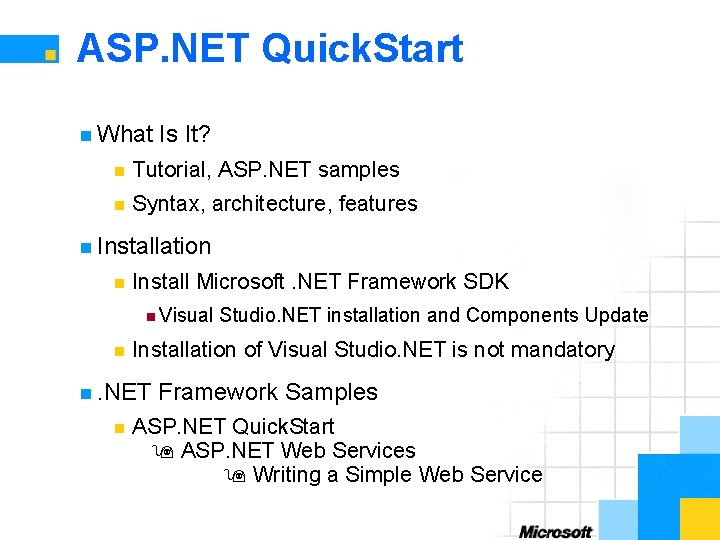
ASP. NET Quick. Start n What Is It? n Tutorial, ASP. NET samples n Syntax, architecture, features n Installation n Install Microsoft. NET Framework SDK n Visual n Installation of Visual Studio. NET is not mandatory n. NET n Studio. NET installation and Components Update Framework Samples ASP. NET Quick. Start ASP. NET Web Services Writing a Simple Web Service
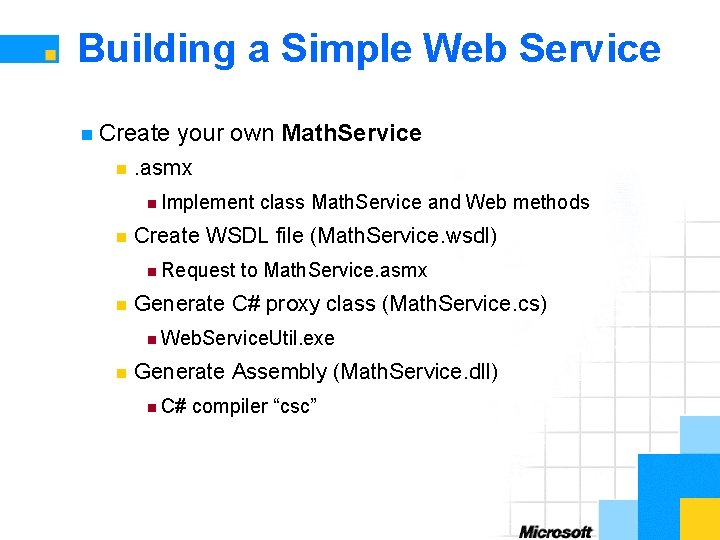
Building a Simple Web Service n Create n your own Math. Service . asmx n Implement n Create WSDL file (Math. Service. wsdl) n Request n class Math. Service and Web methods to Math. Service. asmx Generate C# proxy class (Math. Service. cs) n Web. Service. Util. exe n Generate Assembly (Math. Service. dll) n C# compiler “csc”
Consuming a Simple Web Service n Implement Math. Service client (Math. Service. Client. aspx) n ASP. NET UI n Operands n Methods n Result n Text box Buttons Label Event Handler n On. Server. Click
Terra. Server. Microsoft. net
Overview n What is it? n Set of Web methods n Programmable interface to online database n Aerial imagery and topographical maps n Assumptions for this tutorial n Visual Studio. NET n Internet connection
Tutorial n Create a new project n Create application UI n Add Web reference n Implement functionality
Legal Notices Unpublished work. Ó 2001 Microsoft Corporation. All rights reserved. Microsoft, Visual Basic, Visual Studio, and Windows are either registered trademarks or trademarks of Microsoft Corporation in the United States and/or other countries. The names of actual companies and products mentioned herein may be the trademarks of their respective owners.
- Slides: 53