
Web Service Resource Framework Notes on sticky note
Web Service Resource Framework Notes on “sticky note” assignment Grid Computing, B. Wilkinson, 2005 1
Environment • Uses the Java GT 4 core, which can be installed directly on a PC. • Needs: – jdk, Java software development kit – ant, open source tool for building java code 2
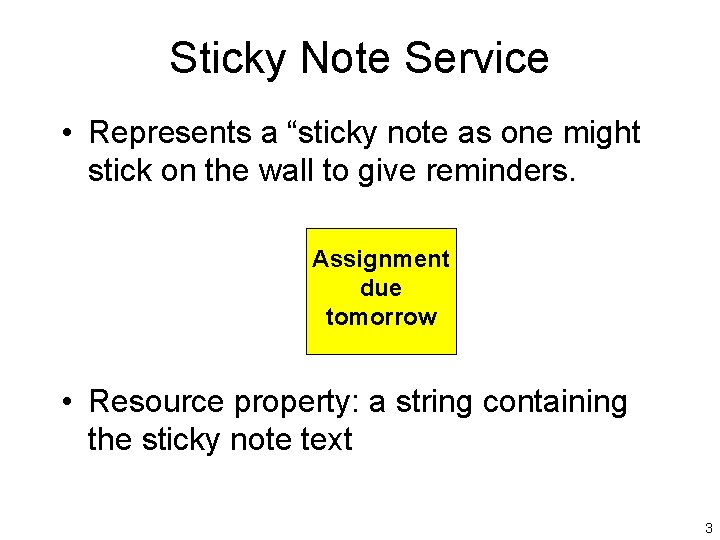
Sticky Note Service • Represents a “sticky note as one might stick on the wall to give reminders. Assignment due tomorrow • Resource property: a string containing the sticky note text 3
Sticky Note Operations • Operations: – Write text into a note – “write-note” – Display the text of a note – “show-note” – Create a note (introduced in Exercise 2) 4
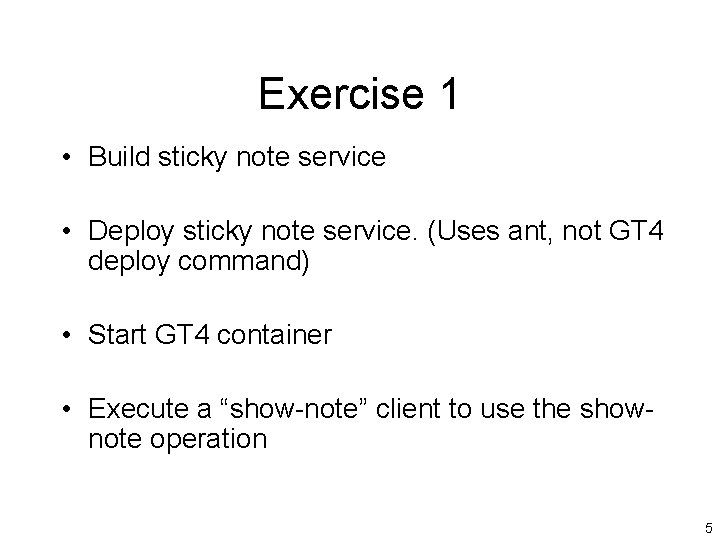
Exercise 1 • Build sticky note service • Deploy sticky note service. (Uses ant, not GT 4 deploy command) • Start GT 4 container • Execute a “show-note” client to use the shownote operation 5
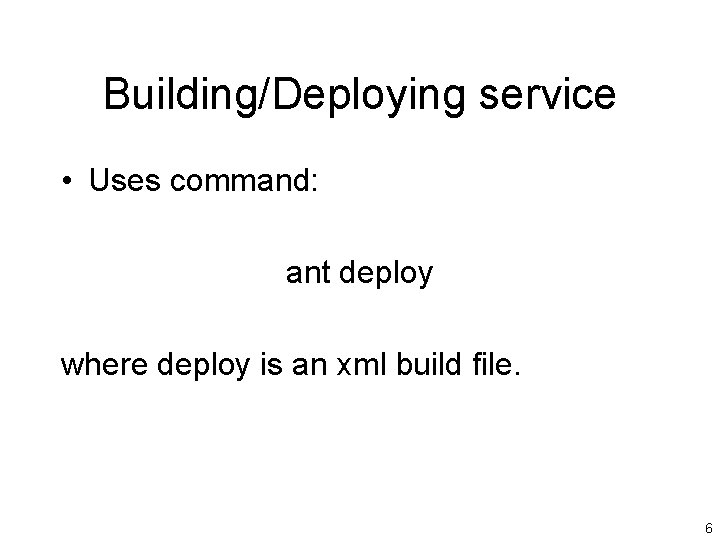
Building/Deploying service • Uses command: ant deploy where deploy is an xml build file. 6
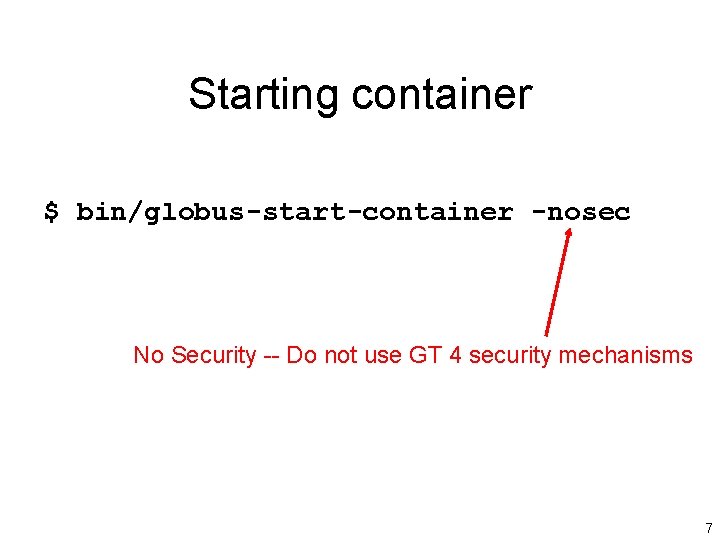
Starting container $ bin/globus-start-container -nosec No Security -- Do not use GT 4 security mechanisms 7
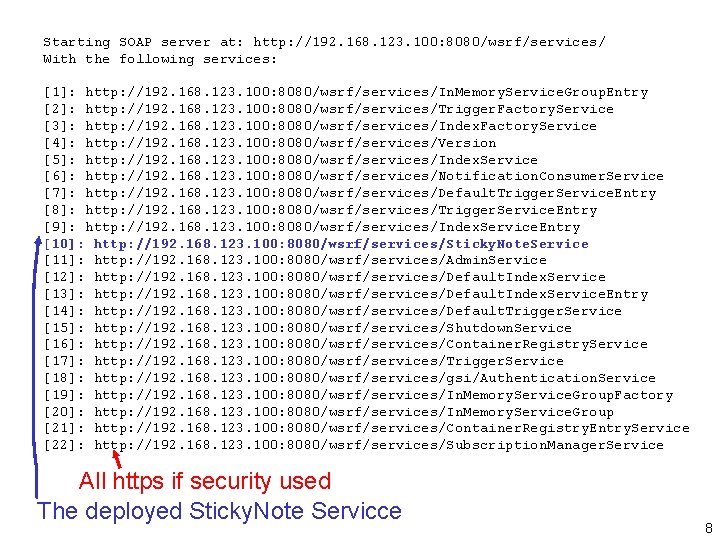
Starting SOAP server at: http: //192. 168. 123. 100: 8080/wsrf/services/ With the following services: [1]: http: //192. 168. 123. 100: 8080/wsrf/services/In. Memory. Service. Group. Entry [2]: http: //192. 168. 123. 100: 8080/wsrf/services/Trigger. Factory. Service [3]: http: //192. 168. 123. 100: 8080/wsrf/services/Index. Factory. Service [4]: http: //192. 168. 123. 100: 8080/wsrf/services/Version [5]: http: //192. 168. 123. 100: 8080/wsrf/services/Index. Service [6]: http: //192. 168. 123. 100: 8080/wsrf/services/Notification. Consumer. Service [7]: http: //192. 168. 123. 100: 8080/wsrf/services/Default. Trigger. Service. Entry [8]: http: //192. 168. 123. 100: 8080/wsrf/services/Trigger. Service. Entry [9]: http: //192. 168. 123. 100: 8080/wsrf/services/Index. Service. Entry [10]: http: //192. 168. 123. 100: 8080/wsrf/services/Sticky. Note. Service [11]: http: //192. 168. 123. 100: 8080/wsrf/services/Admin. Service [12]: http: //192. 168. 123. 100: 8080/wsrf/services/Default. Index. Service [13]: http: //192. 168. 123. 100: 8080/wsrf/services/Default. Index. Service. Entry [14]: http: //192. 168. 123. 100: 8080/wsrf/services/Default. Trigger. Service [15]: http: //192. 168. 123. 100: 8080/wsrf/services/Shutdown. Service [16]: http: //192. 168. 123. 100: 8080/wsrf/services/Container. Registry. Service [17]: http: //192. 168. 123. 100: 8080/wsrf/services/Trigger. Service [18]: http: //192. 168. 123. 100: 8080/wsrf/services/gsi/Authentication. Service [19]: http: //192. 168. 123. 100: 8080/wsrf/services/In. Memory. Service. Group. Factory [20]: http: //192. 168. 123. 100: 8080/wsrf/services/In. Memory. Service. Group [21]: http: //192. 168. 123. 100: 8080/wsrf/services/Container. Registry. Entry. Service [22]: http: //192. 168. 123. 100: 8080/wsrf/services/Subscription. Manager. Service All https if security used The deployed Sticky. Note Servicce 8
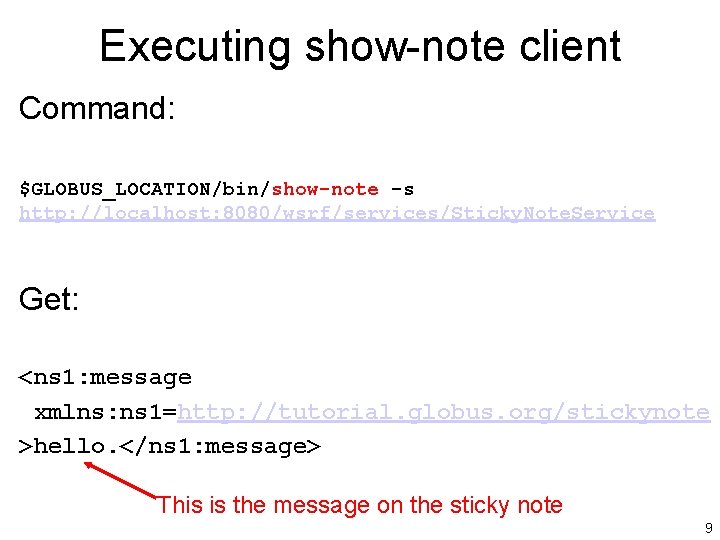
Executing show-note client Command: $GLOBUS_LOCATION/bin/show-note -s http: //localhost: 8080/wsrf/services/Sticky. Note. Service Get: <ns 1: message xmlns: ns 1=http: //tutorial. globus. org/stickynote >hello. </ns 1: message> This is the message on the sticky note 9
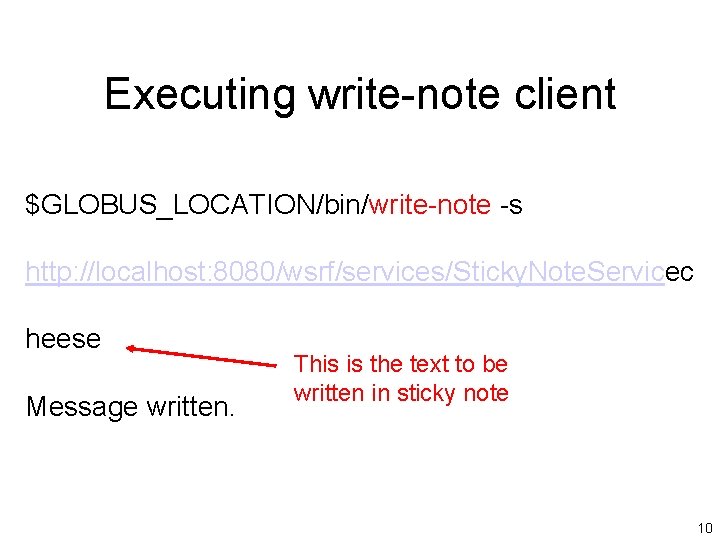
Executing write-note client $GLOBUS_LOCATION/bin/write-note -s http: //localhost: 8080/wsrf/services/Sticky. Note. Servicec heese Message written. This is the text to be written in sticky note 10
Exercise 2 Creating a Resource • In this exercise, you are asked to modify files to introduce the “create note” operation. • Files to modify: – sticky note service wsdl file, to include the create note operation – Sticky note service code, to include the create note operation – jndi deployment configuration file • Also create a “create-note” client 11
Resource Home • For managing resources. • Must modify Resource Home from Exercise 1 so as to handle multiple resources. • Done in deploy-jndi-conf. xml, by changing type of resource from “Single. Note. Home” to “Many. Note. Home” and associated details changed also. 12
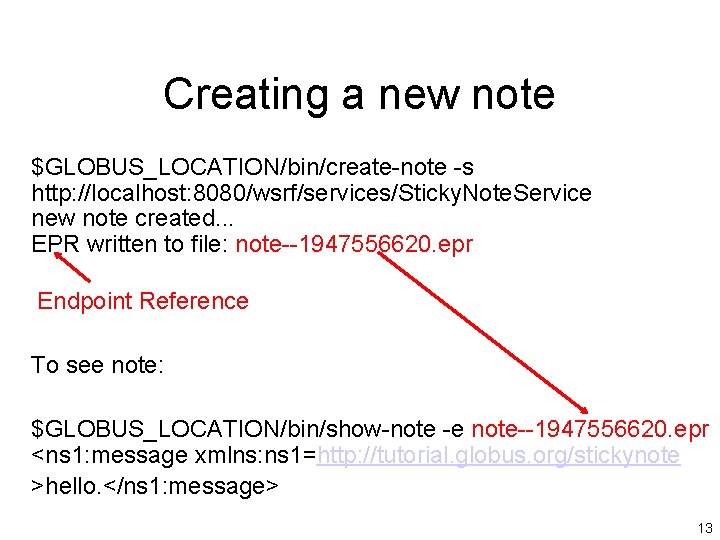
Creating a new note $GLOBUS_LOCATION/bin/create-note -s http: //localhost: 8080/wsrf/services/Sticky. Note. Service new note created. . . EPR written to file: note--1947556620. epr Endpoint Reference To see note: $GLOBUS_LOCATION/bin/show-note -e note--1947556620. epr <ns 1: message xmlns: ns 1=http: //tutorial. globus. org/stickynote >hello. </ns 1: message> 13

Sample file containing Endpoint Reference <Sticky. Note. Endpoint xsi: type="ns 1: Endpoint. Reference. Type" xmlns: xsi="http: //www. w 3. org/2001/XMLSchema-instance" xmlns: ns 1="http: //schemas. xmlsoap. org/ws/2004/03/addressing"> <ns 1: Address xsi: type="ns 1: Attributed. URI">http: //192. 168. 1. 100: 8080/wsrf/ services/ Sticky. Note. Service Resource “key” </ns 1: Address> <ns 1: Reference. Properties “xsi: type="ns 1: Reference. Properties. Type"> <ns 1: Note. Key xmlns: ns 1="http: //sticky. com">25781085 </ns 1: Note. Key> </ns 1: Reference. Properties> <ns 1: Reference. Parameters xsi: type="ns 1: Reference. Parameters. Type"/> </Sticky. Note. Endpoint> 14
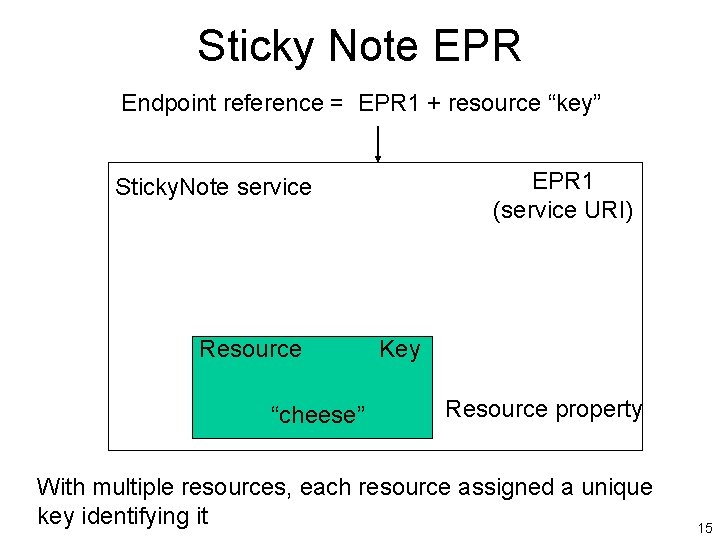
Sticky Note EPR Endpoint reference = EPR 1 + resource “key” EPR 1 (service URI) Sticky. Note service Resource “cheese” Key Resource property With multiple resources, each resource assigned a unique key identifying it 15
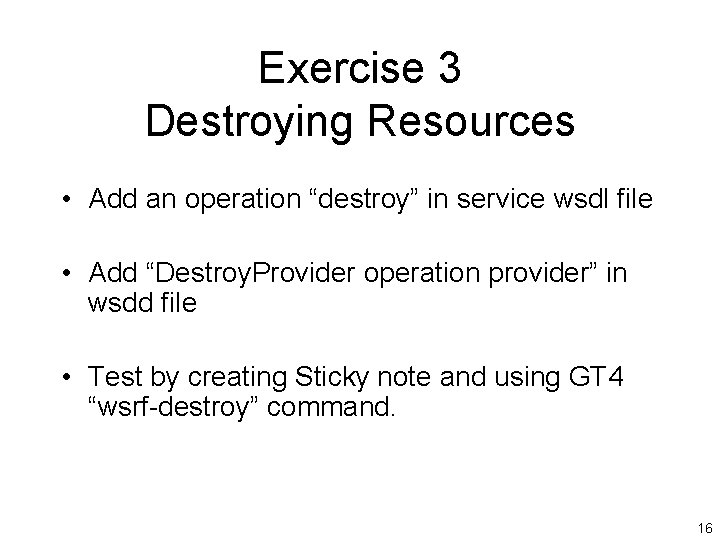
Exercise 3 Destroying Resources • Add an operation “destroy” in service wsdl file • Add “Destroy. Provider operation provider” in wsdd file • Test by creating Sticky note and using GT 4 “wsrf-destroy” command. 16
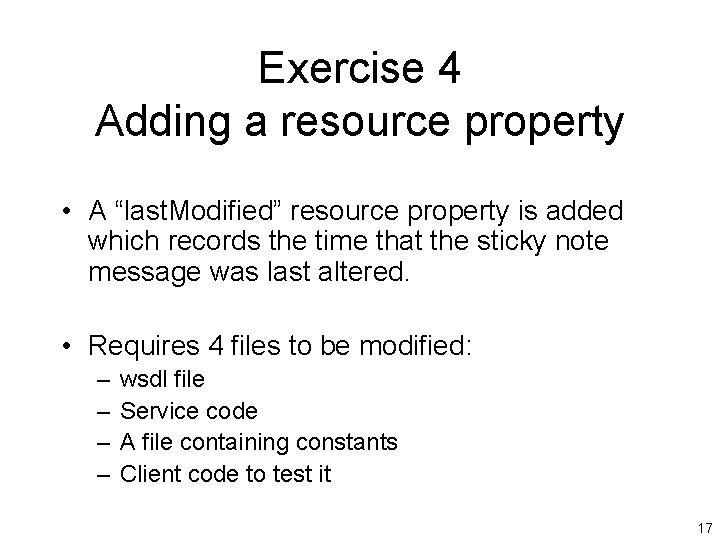
Exercise 4 Adding a resource property • A “last. Modified” resource property is added which records the time that the sticky note message was last altered. • Requires 4 files to be modified: – – wsdl file Service code A file containing constants Client code to test it 17
Exercise 5 Register with a Local Index Service • GT 4 provided with an index service that can maintain a list of available services. • Index service acts as local service registry. • In Exercise 5, the service is registered with the local GT 4 index service. 18
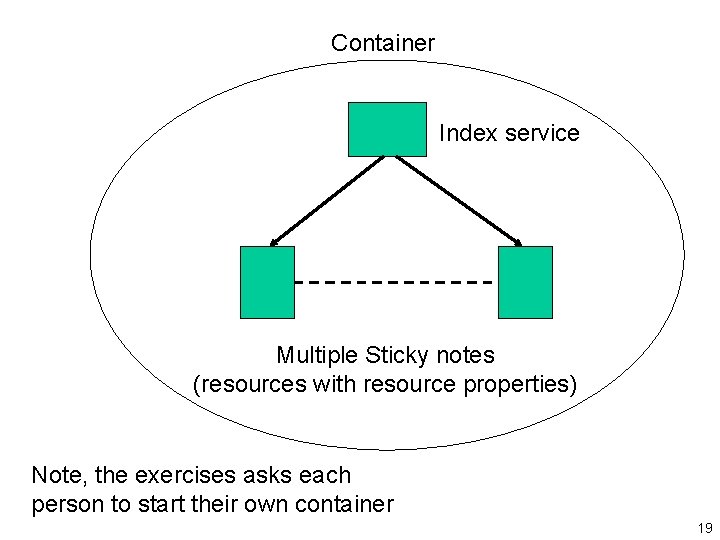
Container Index service Multiple Sticky notes (resources with resource properties) Note, the exercises asks each person to start their own container 19
Details to use index service • When resource created, “add” method of Resource. Home called. • Need to override this method to include registering Resource with local index service. • Need to modify Many. Note. Home. java 20
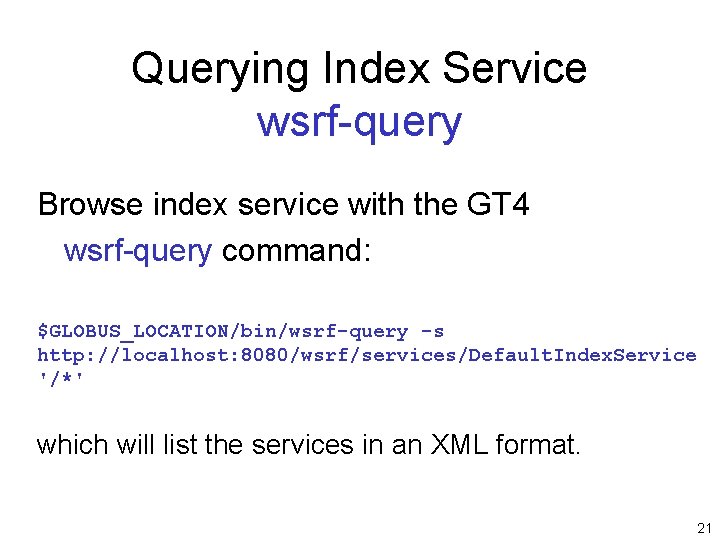
Querying Index Service wsrf-query Browse index service with the GT 4 wsrf-query command: $GLOBUS_LOCATION/bin/wsrf-query -s http: //localhost: 8080/wsrf/services/Default. Index. Service '/*' which will list the services in an XML format. 21
Exercise 6 Register with a “Community” Index Service • A remote index service is used, which holds all the services of the “virtual organization. ” • For our purposes, the community index service is at: http: //beowulf. bear. uncw. edu: 8080/wsrf/ services/Default. Index. Service 22
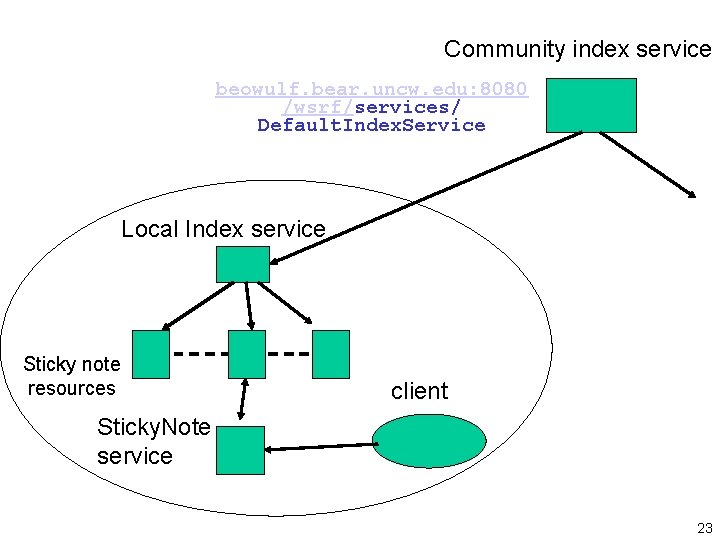
Community index service beowulf. bear. uncw. edu: 8080 /wsrf/services/ Default. Index. Service Local Index service Sticky note resources client Sticky. Note service 23
Implementation • Configure local index to register with community index service. • All local information, including service resource properties, copied to community index service. 24
Implementation Modify the file: $GLOBUS_LOCATION/etc/globus_wsrf_mds_ index/hierarchy. xml to include the URL of the community index service (<upstream> parameter) 25
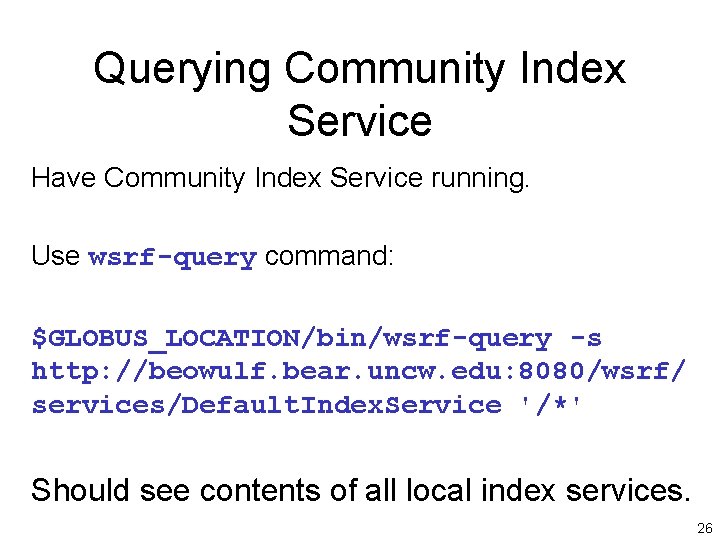
Querying Community Index Service Have Community Index Service running. Use wsrf-query command: $GLOBUS_LOCATION/bin/wsrf-query -s http: //beowulf. bear. uncw. edu: 8080/wsrf/ services/Default. Index. Service '/*' Should see contents of all local index services. 26
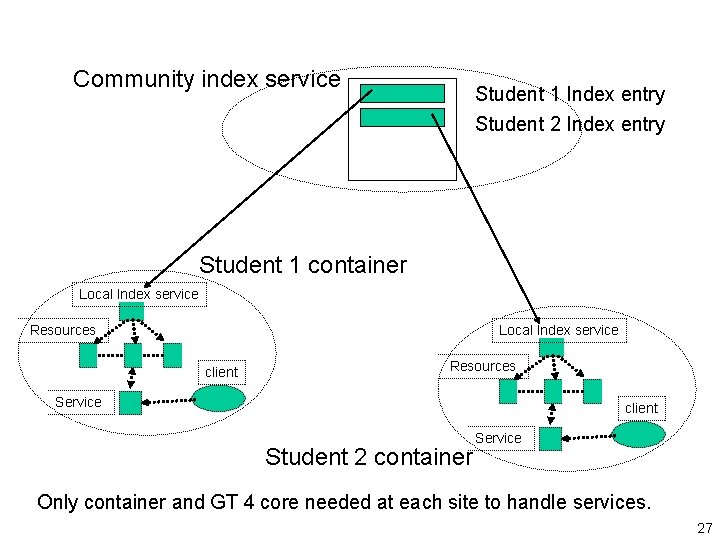
Community index service Student 1 Index entry Student 2 Index entry Student 1 container Local Index service Resources Local Index service client Resources Service client Student 2 container Service Only container and GT 4 core needed at each site to handle services. 27
Exercise 7 Lease-based Lifetime • In lease-based model, resources must be kept alive by interested parties, otherwise resource dies. • Set a lifetime for a service after which the service is destroyed. • Clean up without having to use a destroy operation explicitly. 28
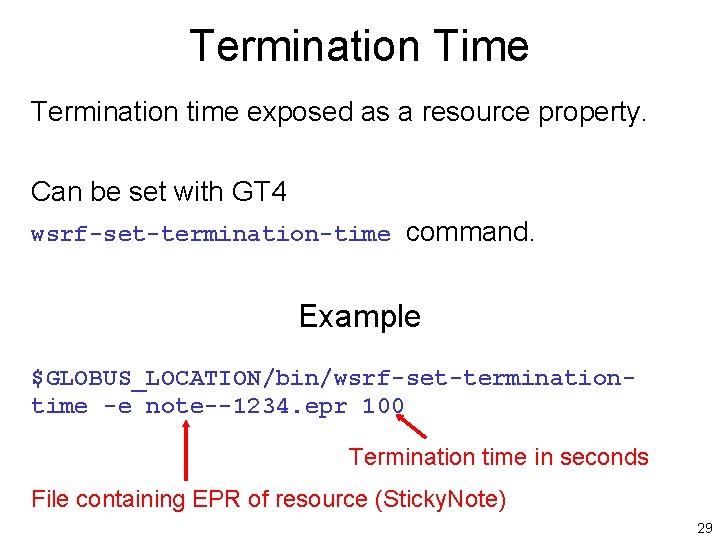
Termination Time Termination time exposed as a resource property. Can be set with GT 4 wsrf-set-termination-time command. Example $GLOBUS_LOCATION/bin/wsrf-set-terminationtime -e note--1234. epr 100 Termination time in seconds File containing EPR of resource (Sticky. Note) 29
Implementation • • Add subscribe operation to wsdl file. Add Subscribe. Provider to wsdd file. Modify Sticky. Note. java Modify post-deploy. xml file See exercise write-up for more details 30
Exercise 8 Notifications • Notifications, generally, are a means by which a client can be informed of changes that have occurred such as: – Changes to resource property values. – Methods added – Methods removed – Resources destroyed 31
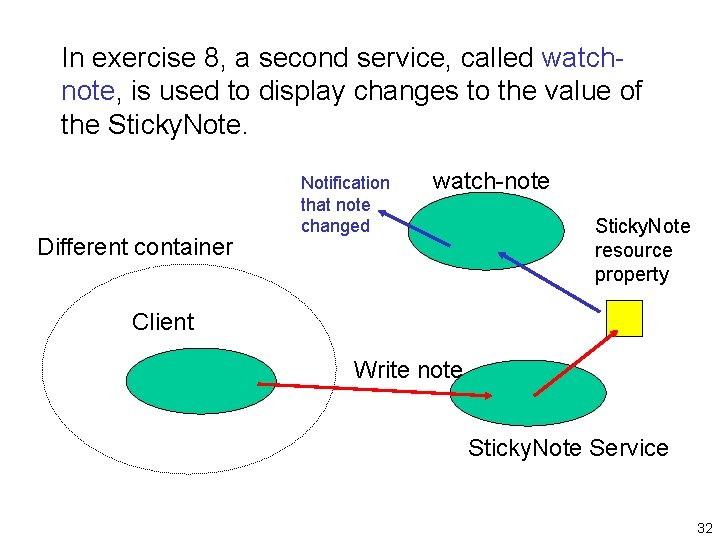
In exercise 8, a second service, called watchnote, is used to display changes to the value of the Sticky. Note. Different container Notification that note changed watch-note Sticky. Note resource property Client Write note Sticky. Note Service 32
• In Exercise 8, a second service, called watchnote, is used to inform the client of changes to the value of the Sticky. Note. • Need the client to “subscribe” to receive notifications. • Subscriptions are for a particular topic. 33
Exercise 9 Resource Discovery • In this exercise, the local and community index services are searched for a particular Sticky. Note message. • Since Resources properties are XML, can use “XPath” queries for searching and retrieval. • Uses a “XPath” query (apparently embedded in a script called search-note in this exercise) 34
XML Path Language (XPath) • W 3 C recommendation, 1999 • A query language for search XML documents. • Queries formed by identifying a route to the desired data. • For details: http: //www. w 3. org/TR/xpath 35
- Slides: 35