
WEB SECURITY USING XML ENCRYPTION Based on the
WEB SECURITY USING XML ENCRYPTION Based on the Apache XML Security Project. By Ajeya Krishnamurthy
Presentation Overview • Introduction • XML Signature • XML Encryption and Decryption • The JCE ( Java Cryptography Extensions ) • Code Overview • Future work
Introduction The XML Signature technology was developed by the XML-DSig Charter – an IETF/W 3 C charter – in response to the June 16 2000 e-sign act, which made digital signatures legally binding. XML Signatures allow you to sign only specified sections of a document. This contrasts to non-XML Signatures that require you to sign all of a document. XML Signatures are not limited to XML documents and can be applied to all types of electronic data, for example, HTML and GIF files.
Introduction Basics of cryptography • Confidentiality - Protecting data from prying eyes while in transit over an insecure communications channel like the Internet • Integrity - Provides communicating parties with the assurance that a message was not modified while in transit • Non-repudiation - The recipient should be able to prove that a message actually originated with the purported sender and is not a forgery
Canonical XML Different XML applications may represent XML differently. The digest calculation is sensitive to changes in the physical representation of the XML. Canonical XML normalizes the physical representation of XML, creating a standard for signature processing. Before the signature digest is created for a document, it is transformed to canonical XML. Then, when the received document is checked for data integrity, it is transformed to canonical XML before a digest is created for it.
XML Signature • XML Signatures are human readable and platform independent • Unlike non-XML digital signatures, XML Signatures include processing information ( ex: Algorithm used to generate the signature ) • XML allows signing only portions of the document. Advantages?
XML Signature Types Enveloped - The XML Signature is included in the XML document. It is contained within a child element of the XML document Enveloping - The XML document is included in the XML Signature. It is contained within a a child element of the XML Signature Detached - The XML Signature is included in a separate document from the signed document. The location of the signed document is referenced in the XML Signature. This type of signature is used for non-XML documents
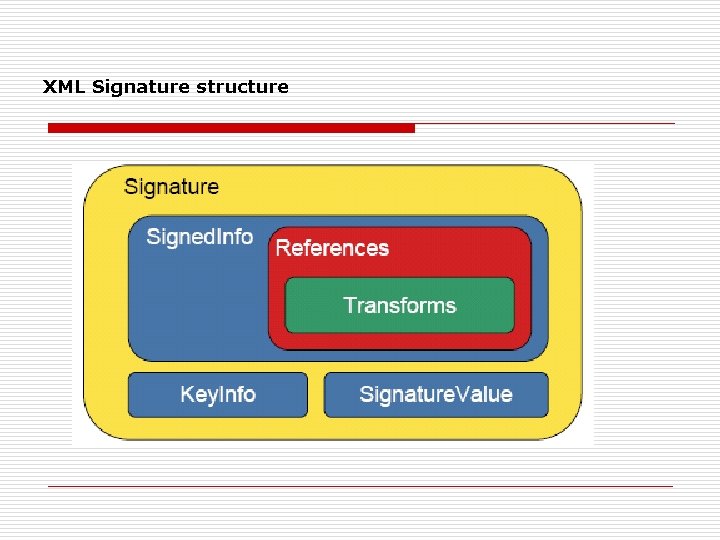
XML Signature structure
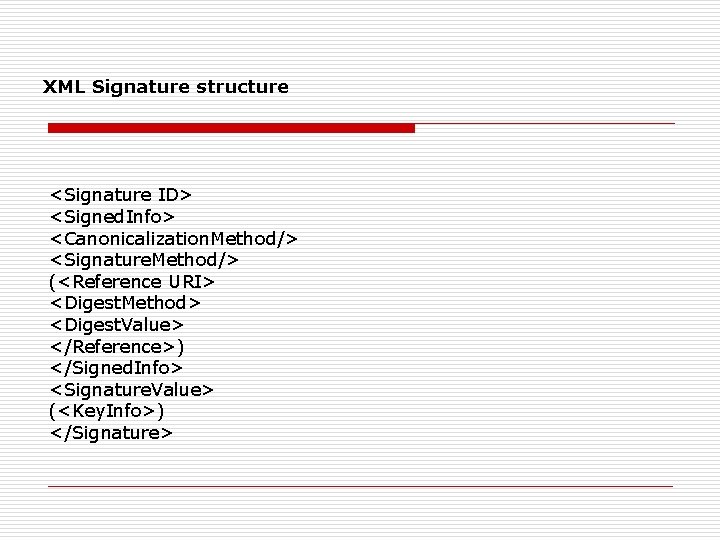
XML Signature structure <Signature ID> <Signed. Info> <Canonicalization. Method/> <Signature. Method/> (<Reference URI> <Digest. Method> <Digest. Value> </Reference>) </Signed. Info> <Signature. Value> (<Key. Info>) </Signature>
XML Encryption • Enables encryption of specified portions of a document, leaving the rest of the document in its original form • Does not support the encryption of attributes • Both symmetric and asymmetric encryption can be used The ability to encrypt partial documents is unique to XML encryption.
XML Encryption Interoperability XML encryption is interoperable with XML Signature. However, if you want to encrypt and sign a document, you must always encrypt the document before you sign it. This is because the digest, generated for the digital signature, may give clues about the unencrypted content of a document.
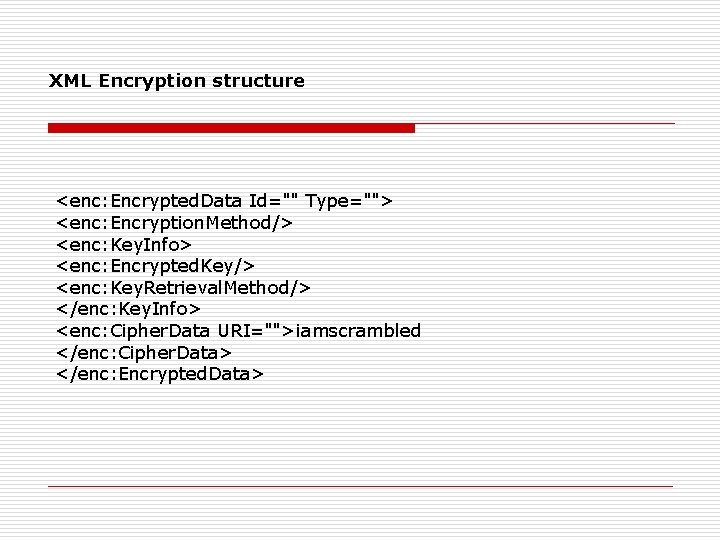
XML Encryption structure <enc: Encrypted. Data Id="" Type=""> <enc: Encryption. Method/> <enc: Key. Info> <enc: Encrypted. Key/> <enc: Key. Retrieval. Method/> </enc: Key. Info> <enc: Cipher. Data URI="">iamscrambled </enc: Cipher. Data> </enc: Encrypted. Data>
The Java Cryptography Extension The JCE and the JCA are APIs provided by Java for cryptography. Tutorials are available at http: //java. sun. com/j 2 se/1. 4. 2/docs/guide/security/jce/JCERef. Guide. html
Code Overview Class XMLSignature. Factory -- Main class used to create all elements required for a signature XMLSignature. Factory. • XMLSignature. Factory is a standard Factory Singleton. The main purpose is to create all elements of a XMLSignature • It can be instantiated by: ─ XMLSignature. Factory. get. Instance() ─ XMLSignature. Factory. get. Instance(“DOM”, new <placeholder_provider>()); ─ XMLSignature. Factory. get. Instance(“DOM”, “<placeholder_provider>”);
Code Overview Class XMLSignature Main class for interaction • Creating XMLSignature. Factory. new. Instance() XMLSignature. Factory. unmarshal. XMLSignature() • Important methods sign(XMLSign. Context sign. Context) validate(XMLValidate. Context validate. Context)
Code Overview – Creating the signature This creates a new XMLSignature. Factory instance… XMLSignature. Factory fac = XMLSignature. Factory. get. Instance(); And this creates a reference to be signed. The reference contains a URI pointing to the data that we wish to sign. Reference ref = fac. new. Reference(“http: //xml. apache. org/", fac. new. Digest. Method(Digest. Method. SHA 1, null));
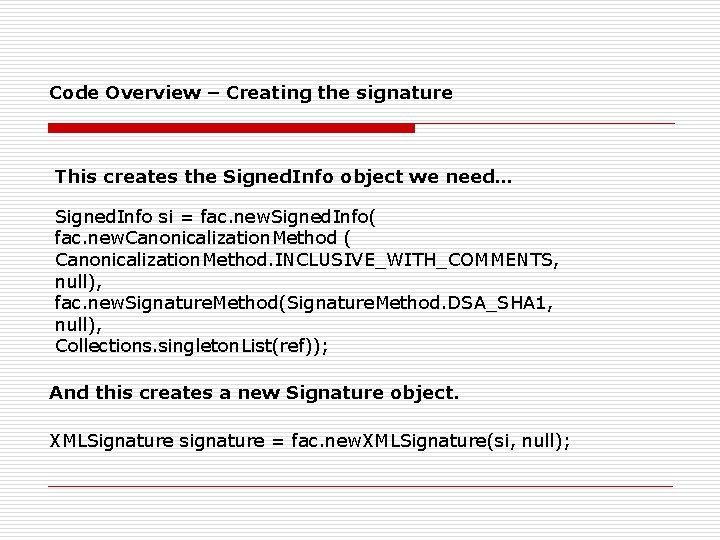
Code Overview – Creating the signature This creates the Signed. Info object we need… Signed. Info si = fac. new. Signed. Info( fac. new. Canonicalization. Method ( Canonicalization. Method. INCLUSIVE_WITH_COMMENTS, null), fac. new. Signature. Method(Signature. Method. DSA_SHA 1, null), Collections. singleton. List(ref)); And this creates a new Signature object. XMLSignature signature = fac. new. XMLSignature(si, null);
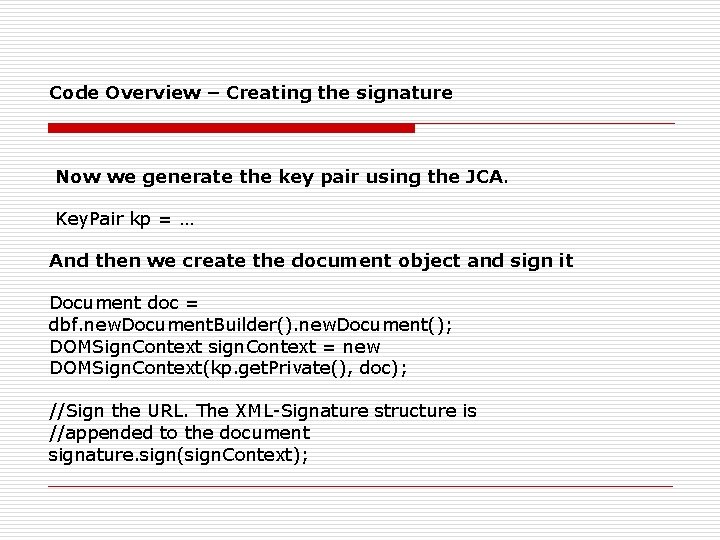
Code Overview – Creating the signature Now we generate the key pair using the JCA. Key. Pair kp = … And then we create the document object and sign it Document doc = dbf. new. Document. Builder(). new. Document(); DOMSign. Context sign. Context = new DOMSign. Context(kp. get. Private(), doc); //Sign the URL. The XML-Signature structure is //appended to the document signature. sign(sign. Context);
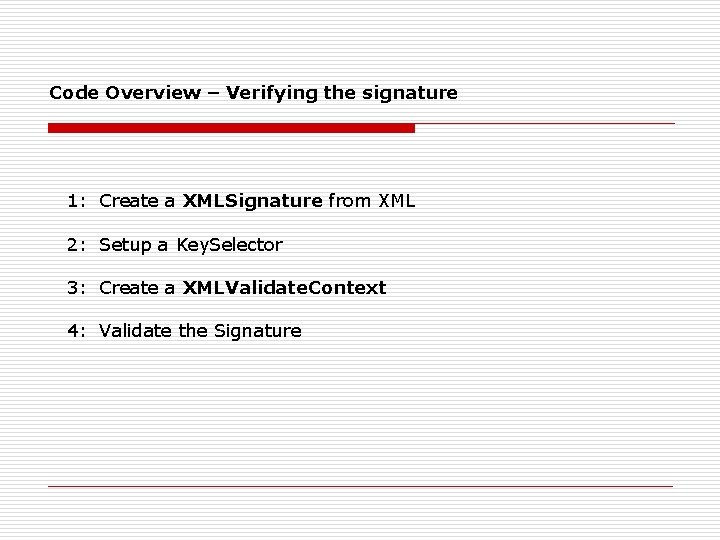
Code Overview – Verifying the signature 1: Create a XMLSignature from XML 2: Setup a Key. Selector 3: Create a XMLValidate. Context 4: Validate the Signature
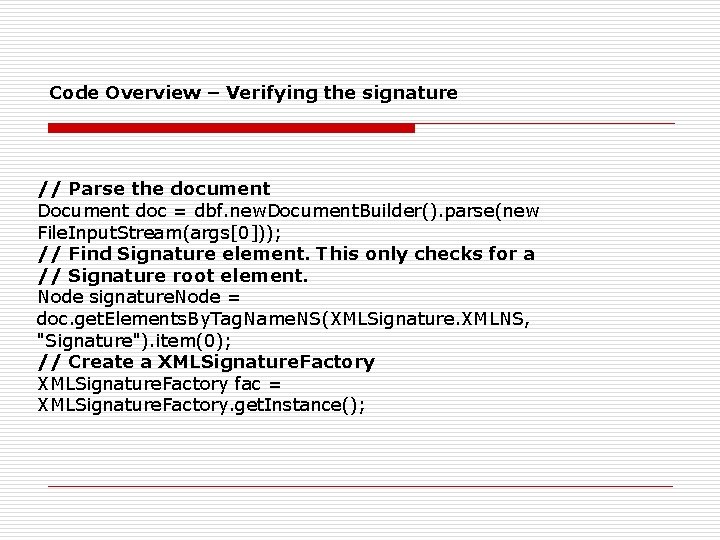
Code Overview – Verifying the signature // Parse the document Document doc = dbf. new. Document. Builder(). parse(new File. Input. Stream(args[0])); // Find Signature element. This only checks for a // Signature root element. Node signature. Node = doc. get. Elements. By. Tag. Name. NS(XMLSignature. XMLNS, "Signature"). item(0); // Create a XMLSignature. Factory fac = XMLSignature. Factory. get. Instance();
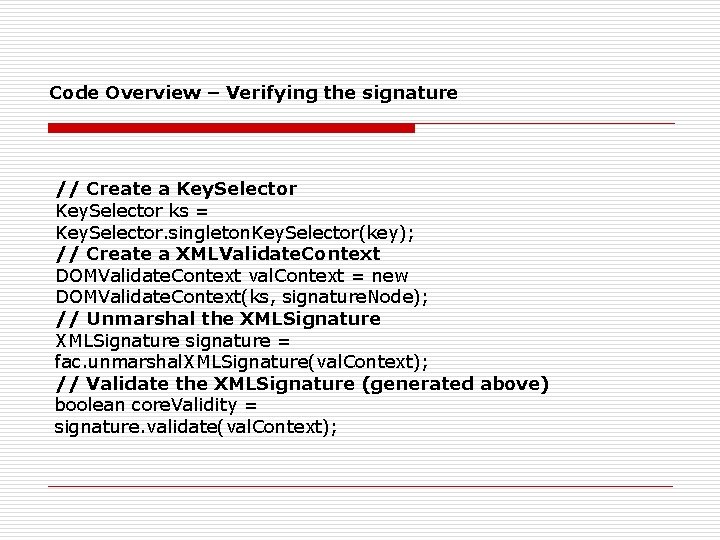
Code Overview – Verifying the signature // Create a Key. Selector ks = Key. Selector. singleton. Key. Selector(key); // Create a XMLValidate. Context DOMValidate. Context val. Context = new DOMValidate. Context(ks, signature. Node); // Unmarshal the XMLSignature signature = fac. unmarshal. XMLSignature(val. Context); // Validate the XMLSignature (generated above) boolean core. Validity = signature. validate(val. Context);
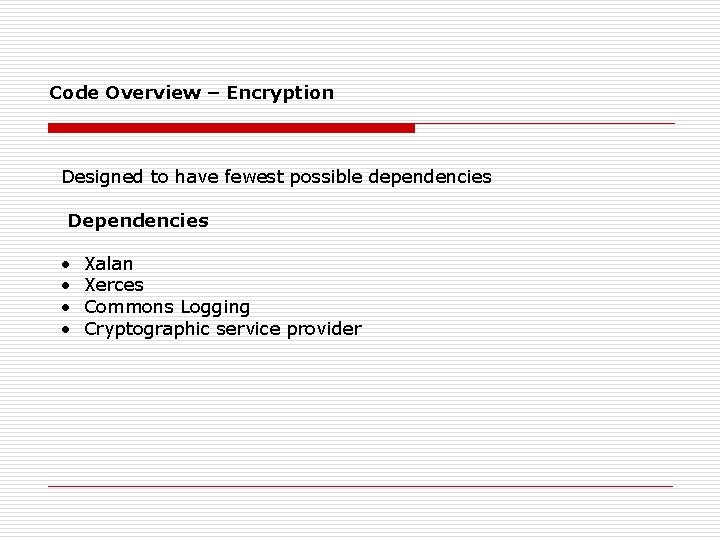
Code Overview – Encryption Designed to have fewest possible dependencies Dependencies • • Xalan Xerces Commons Logging Cryptographic service provider
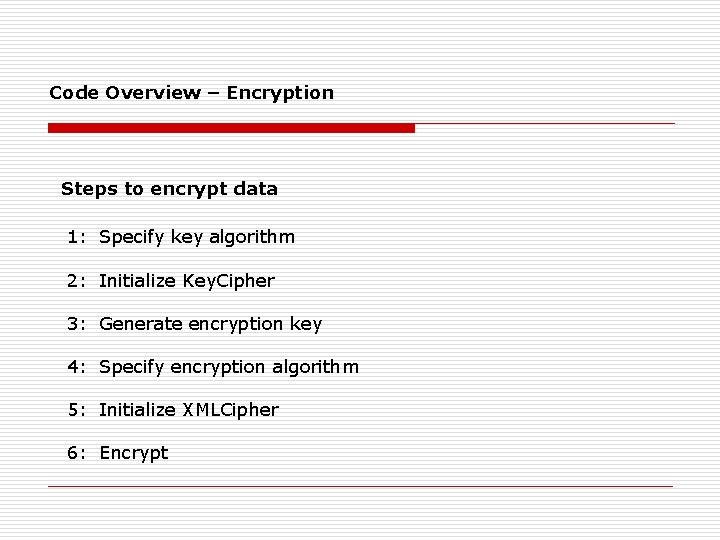
Code Overview – Encryption Steps to encrypt data 1: Specify key algorithm 2: Initialize Key. Cipher 3: Generate encryption key 4: Specify encryption algorithm 5: Initialize XMLCipher 6: Encrypt
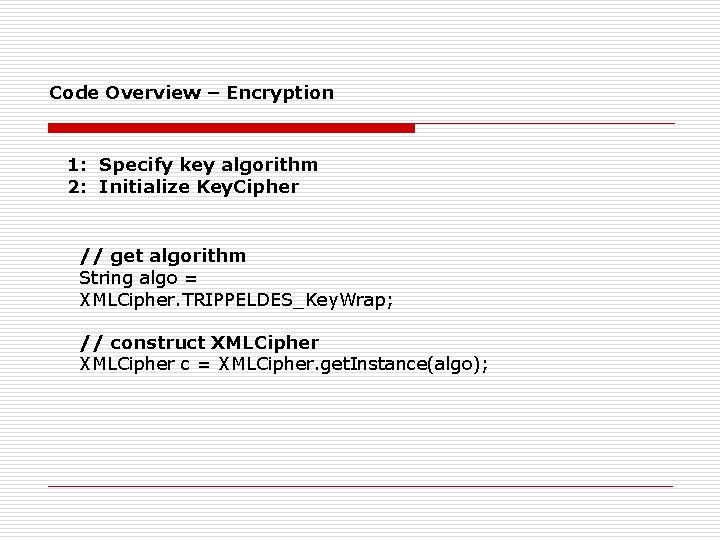
Code Overview – Encryption 1: Specify key algorithm 2: Initialize Key. Cipher // get algorithm String algo = XMLCipher. TRIPPELDES_Key. Wrap; // construct XMLCipher c = XMLCipher. get. Instance(algo);
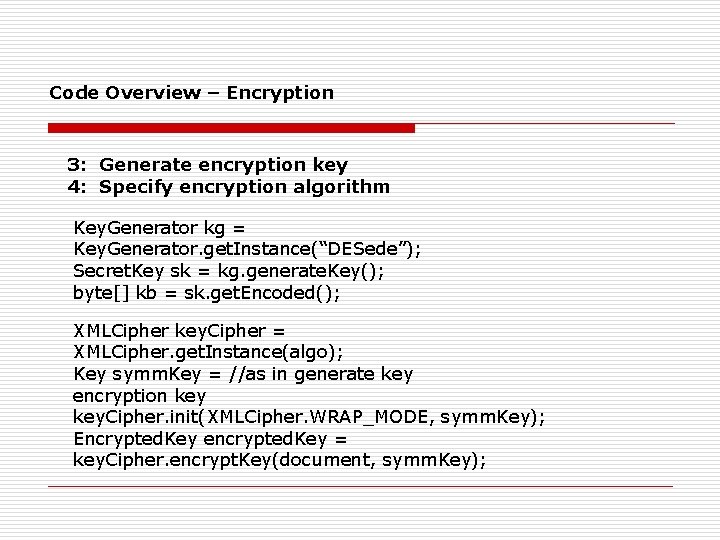
Code Overview – Encryption 3: Generate encryption key 4: Specify encryption algorithm Key. Generator kg = Key. Generator. get. Instance(“DESede”); Secret. Key sk = kg. generate. Key(); byte[] kb = sk. get. Encoded(); XMLCipher key. Cipher = XMLCipher. get. Instance(algo); Key symm. Key = //as in generate key encryption key. Cipher. init(XMLCipher. WRAP_MODE, symm. Key); Encrypted. Key encrypted. Key = key. Cipher. encrypt. Key(document, symm. Key);
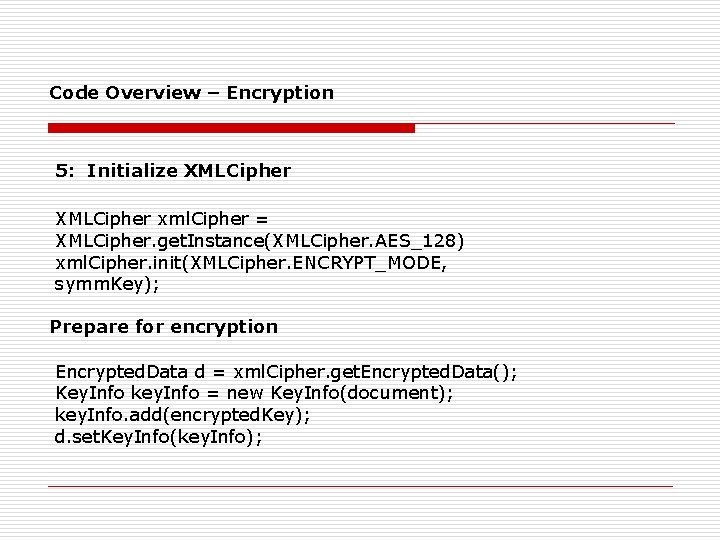
Code Overview – Encryption 5: Initialize XMLCipher xml. Cipher = XMLCipher. get. Instance(XMLCipher. AES_128) xml. Cipher. init(XMLCipher. ENCRYPT_MODE, symm. Key); Prepare for encryption Encrypted. Data d = xml. Cipher. get. Encrypted. Data(); Key. Info key. Info = new Key. Info(document); key. Info. add(encrypted. Key); d. set. Key. Info(key. Info);
Code Overview – Encryption 6: Encrypt xml. Cipher. do. Final(document, root. Element, true);
Code Overview – Decryption Steps involved in Decryption 1: Get the element that need to be decrypted 2: Get the key 3: Decrypt
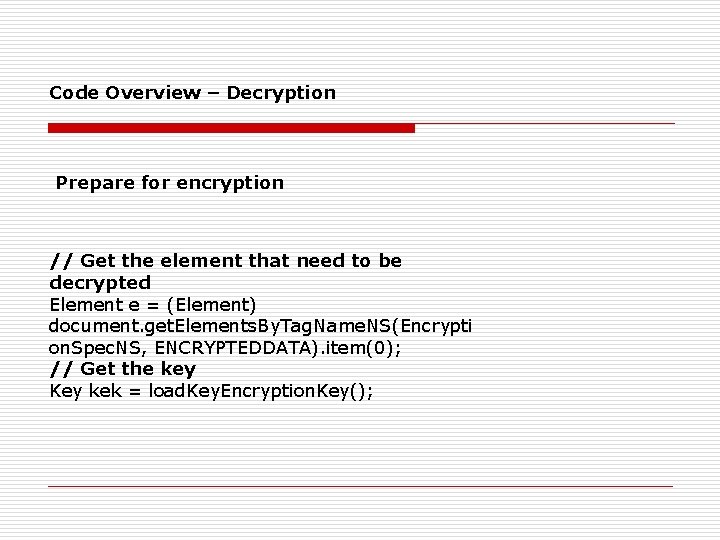
Code Overview – Decryption Prepare for encryption // Get the element that need to be decrypted Element e = (Element) document. get. Elements. By. Tag. Name. NS(Encrypti on. Spec. NS, ENCRYPTEDDATA). item(0); // Get the key Key kek = load. Key. Encryption. Key();
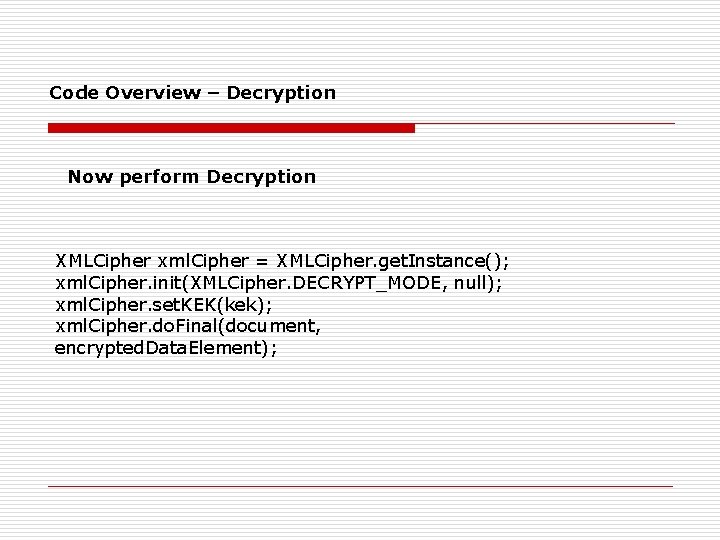
Code Overview – Decryption Now perform Decryption XMLCipher xml. Cipher = XMLCipher. get. Instance(); xml. Cipher. init(XMLCipher. DECRYPT_MODE, null); xml. Cipher. set. KEK(kek); xml. Cipher. do. Final(document, encrypted. Data. Element);
Future Work The Apache foundation will focus next on the XKMS for this project. Currently, the Java API is complete and robust. The C++ library is still evolving.
- Slides: 31