
Web Programming UnitII JAVA Java its features James
Web Programming Unit-II (JAVA)
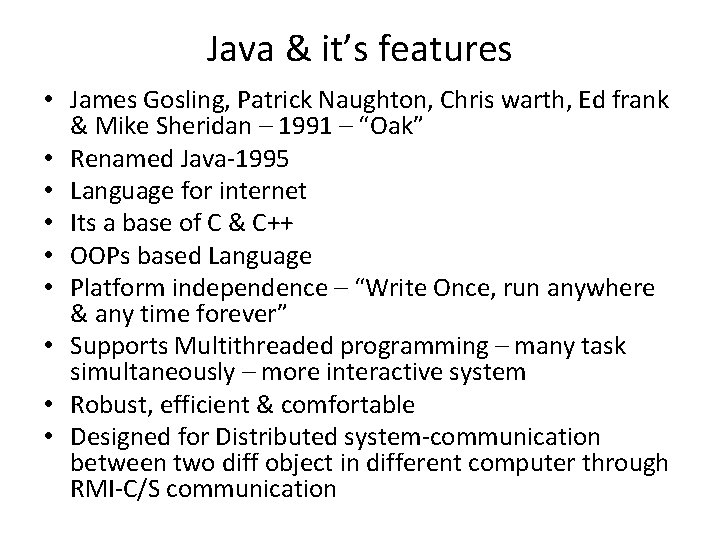
Java & it’s features • James Gosling, Patrick Naughton, Chris warth, Ed frank & Mike Sheridan – 1991 – “Oak” • Renamed Java-1995 • Language for internet • Its a base of C & C++ • OOPs based Language • Platform independence – “Write Once, run anywhere & any time forever” • Supports Multithreaded programming – many task simultaneously – more interactive system • Robust, efficient & comfortable • Designed for Distributed system-communication between two diff object in different computer through RMI-C/S communication
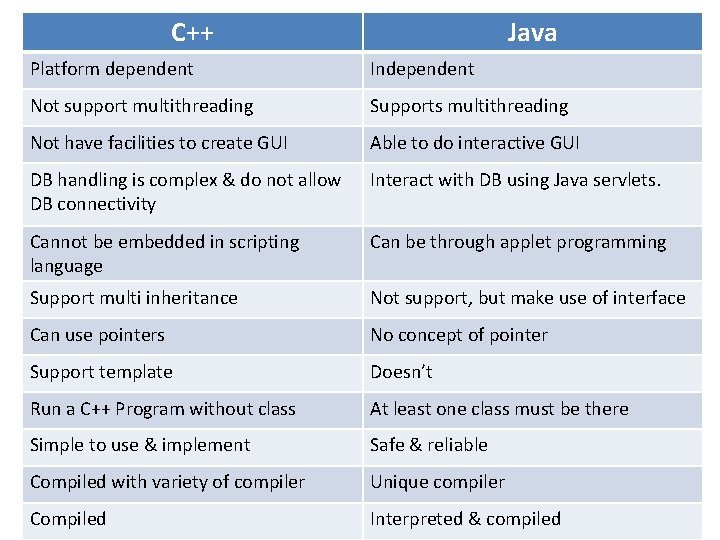
C++ Java Platform dependent Independent Not support multithreading Supports multithreading Not have facilities to create GUI Able to do interactive GUI DB handling is complex & do not allow DB connectivity Interact with DB using Java servlets. Cannot be embedded in scripting language Can be through applet programming Support multi inheritance Not support, but make use of interface Can use pointers No concept of pointer Support template Doesn’t Run a C++ Program without class At least one class must be there Simple to use & implement Safe & reliable Compiled with variety of compiler Unique compiler Compiled Interpreted & compiled
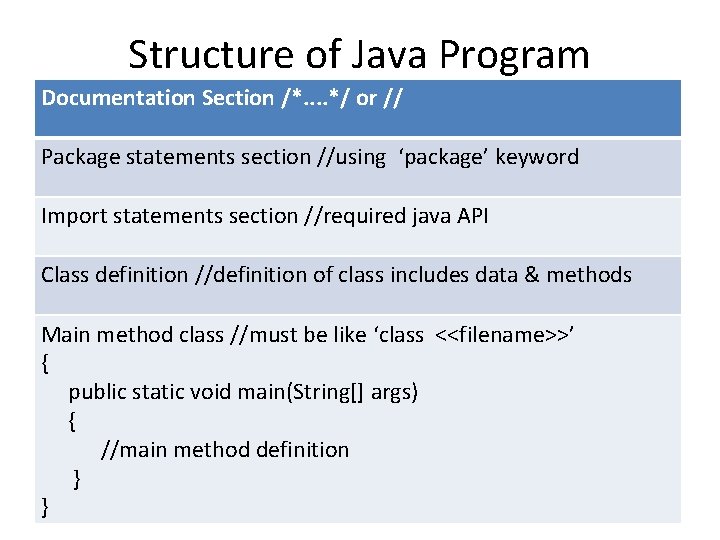
Structure of Java Program Documentation Section /*. . */ or // Package statements section //using ‘package’ keyword Import statements section //required java API Class definition //definition of class includes data & methods Main method class //must be like ‘class <<filename>>’ { public static void main(String[] args) { //main method definition } }
Write & execute Java program • Written using Text Editors • Extension. java • Class name in java program should be same as program file name. • Case sensitive PL • javac filename. java • java filename
Required Tools • JDK(Java Development Kit) • JVM(Java Virtual Machine) • JRE(Java Runtime Environment)
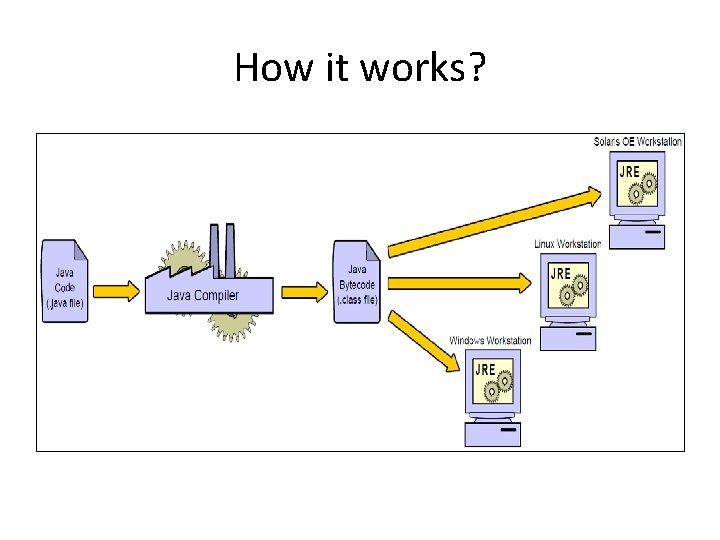
How it works?
Integrated Development Environment(IDE) • • • Netbeans Eclipse Jcreator Blue. J Etc…
![simpleprg. java class simpleprg { public static void main(String args[]) { System. out. println(“My](http://slidetodoc.com/presentation_image_h2/ca132687eb1f4da5ea98281059a388ac/image-9.jpg "simpleprg. java class simpleprg { public static void main(String args[]) { System. out. println(“My")
simpleprg. java class simpleprg { public static void main(String args[]) { System. out. println(“My first Java Program”); } } javac simpleprg. java simpleprg
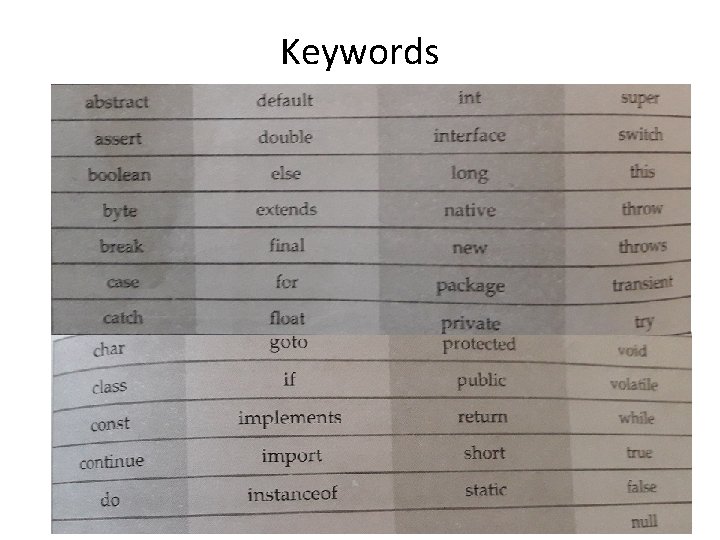
Keywords
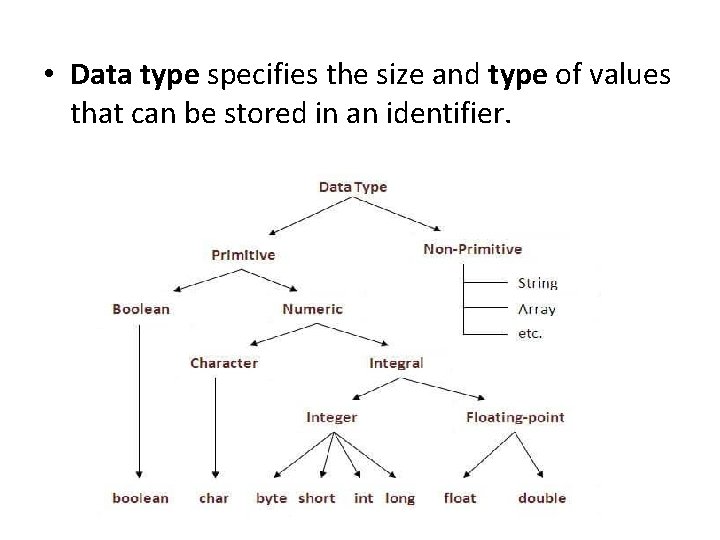
• Data type specifies the size and type of values that can be stored in an identifier.
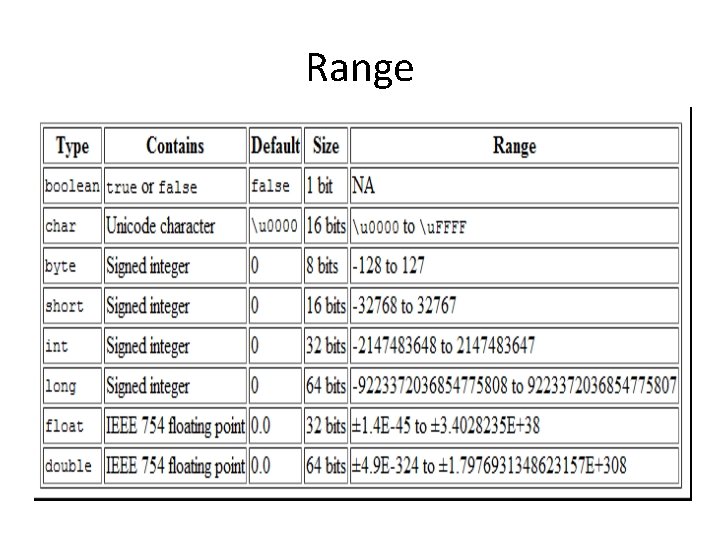
Range
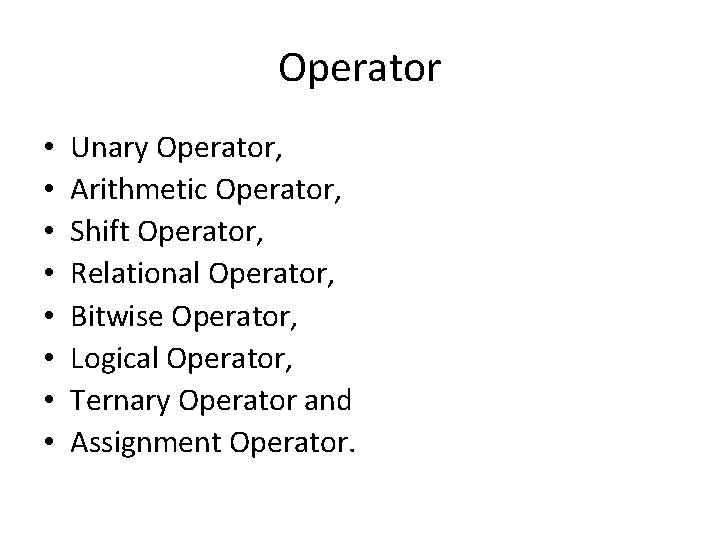
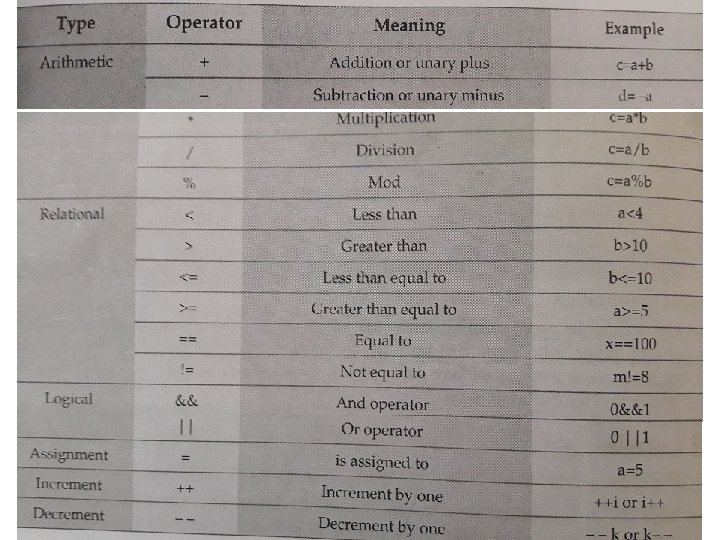
Operator • • Unary Operator, Arithmetic Operator, Shift Operator, Relational Operator, Bitwise Operator, Logical Operator, Ternary Operator and Assignment Operator.
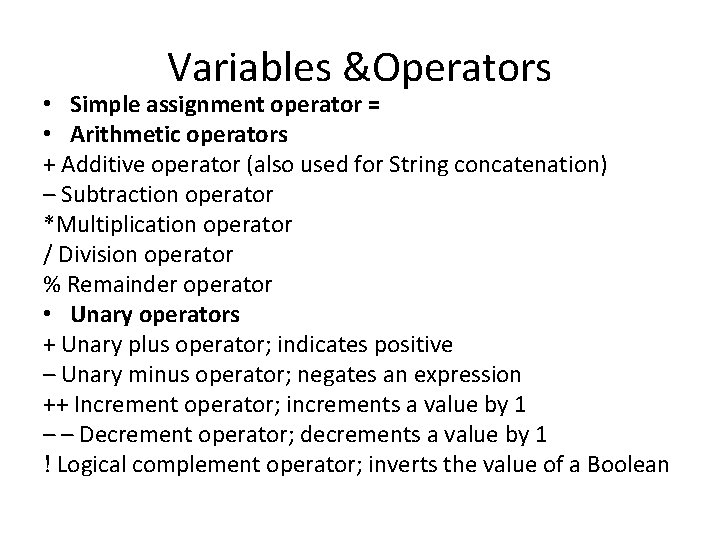
Variables &Operators • Simple assignment operator = • Arithmetic operators + Additive operator (also used for String concatenation) – Subtraction operator *Multiplication operator / Division operator % Remainder operator • Unary operators + Unary plus operator; indicates positive – Unary minus operator; negates an expression ++ Increment operator; increments a value by 1 – – Decrement operator; decrements a value by 1 ! Logical complement operator; inverts the value of a Boolean

Escape Sequence
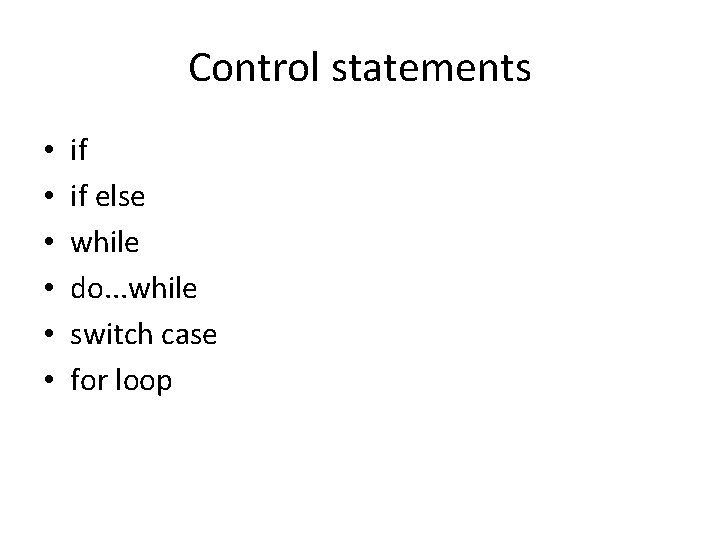
Control statements • • • if if else while do. . . while switch case for loop
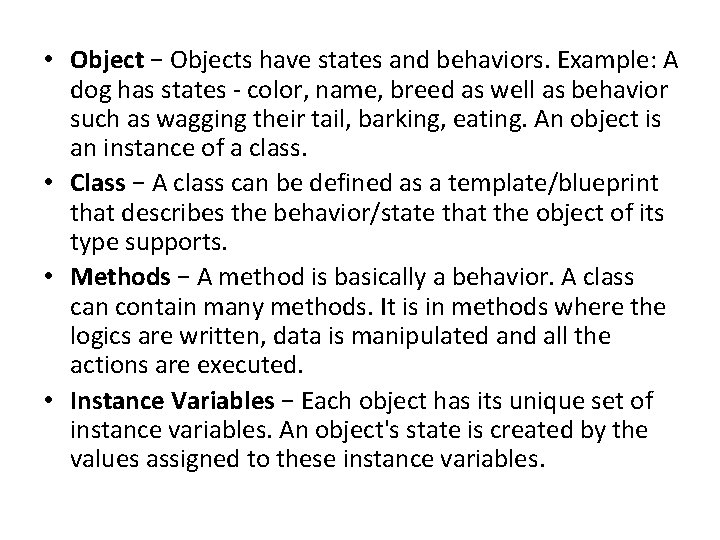
• Object − Objects have states and behaviors. Example: A dog has states - color, name, breed as well as behavior such as wagging their tail, barking, eating. An object is an instance of a class. • Class − A class can be defined as a template/blueprint that describes the behavior/state that the object of its type supports. • Methods − A method is basically a behavior. A class can contain many methods. It is in methods where the logics are written, data is manipulated and all the actions are executed. • Instance Variables − Each object has its unique set of instance variables. An object's state is created by the values assigned to these instance variables.
Java Identifiers • All identifiers should begin with a letter (A to Z or a to z), currency character ($) or an underscore (_). • After the first character, identifiers can have any combination of characters. • A key word cannot be used as an identifier. • Most importantly, identifiers are case sensitive. • Examples of legal identifiers: age, $salary, _value, __1_value. • Examples of illegal identifiers: 123 abc, -salary.
literals int a, b, c; // Declares three ints, a, b, and c. int a = 10, b = 10; // Example of initialization byte B = 22; // initializes a byte type variable B. double pi = 3. 14159; // assigns a value of PI. char a = 'a'; // initialized with value 'a'
Local variables − Variables defined inside methods, constructors or blocks are called local variables. • The variable will be declared and initialized within the method and the variable will be destroyed when the method has completed. • Access modifiers cannot be used for local variables. • There is no default value for local variables. public class Test { public void pup. Age() { int age=0; age = age + 7; System. out. println("Puppy age is : " + age); } public static void main(String args[]) { Test test = new Test(); test. pup. Age(); } }
Instance variables − Instance variables are declared in a class, but outside a method, constructor or any block. • When a space is allocated for an object, a slot for each instance variable value is created. • Instance variables are created when an object is created with the use of the keyword 'new' and destroyed when the object is destroyed. • These variables are initialized when the class is instantiated. • Instance variables can be accessed from inside any method, constructor or blocks of that particular class. • Access modifiers can be given for instance variables. • Instance variables have default values. For numbers, the default value is 0, for Booleans it is false, and for object references it is null. Values can be assigned during the declaration or within the constructor. • Instance variables can be accessed directly by calling the variable name inside the class. However, within static methods (when instance variables are given accessibility), they should be called using the fully qualified name. Object. Reference. Variable. Name.
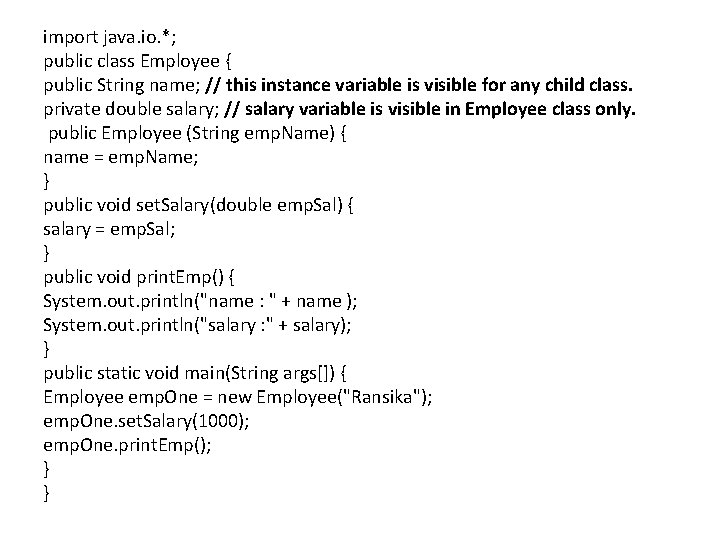
import java. io. *; public class Employee { public String name; // this instance variable is visible for any child class. private double salary; // salary variable is visible in Employee class only. public Employee (String emp. Name) { name = emp. Name; } public void set. Salary(double emp. Sal) { salary = emp. Sal; } public void print. Emp() { System. out. println("name : " + name ); System. out. println("salary : " + salary); } public static void main(String args[]) { Employee emp. One = new Employee("Ransika"); emp. One. set. Salary(1000); emp. One. print. Emp(); } }
Class/Static variables − Class variables also known as static variables are declared with the static keyword in a class, but outside a method, constructor or a block. • There would only be one copy of each class variable per class, regardless of how many objects are created from it. • Static variables are rarely used other than being declared as constants. • Static variables are stored in the static memory. • Static variables are created when the program starts and destroyed when the program stops. • Visibility is similar to instance variables. • Static variables can be accessed by calling with the class name Class. Name. Variable. Name
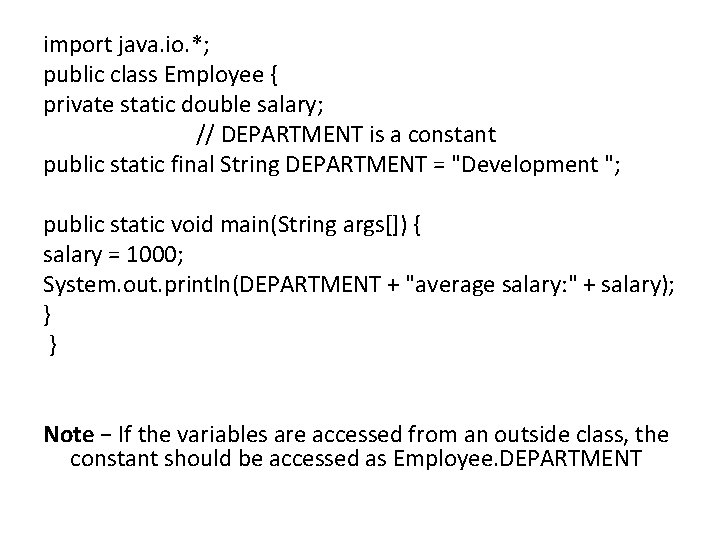
import java. io. *; public class Employee { private static double salary; // DEPARTMENT is a constant public static final String DEPARTMENT = "Development "; public static void main(String args[]) { salary = 1000; System. out. println(DEPARTMENT + "average salary: " + salary); } } Note − If the variables are accessed from an outside class, the constant should be accessed as Employee. DEPARTMENT
Access Control Modifiers • Java provides a number of access modifiers to set access levels for classes, variables, methods and constructors. The four access levels are – – Visible to the package, the default. No modifiers are needed. Visible to the class only (private). Visible to the world (public). Visible to the package and all subclasses (protected). Non-Access Modifiers • Java provides a number of non-access modifiers to achieve many other functionality. • The static modifier for creating class methods and variables. • The final modifier for finalizing the implementations of classes, methods, and variables. • The abstract modifier for creating abstract classes and methods. • The synchronized and volatile modifiers, which are used for threads.
Constructors • Every class has a constructor. If we do not explicitly write a constructor for a class, the Java compiler builds a default constructor for that class. • Each time a new object is created, at least one constructor will be invoked. • The main rule of constructors is that they should have the same name as the class. • A class can have more than one constructor.
Creating an Object • In Java, the new keyword is used to create new objects. • There are three steps when creating an object from a class Declaration − A variable declaration with a variable name with an object type. Instantiation − The 'new' keyword is used to create the object. Initialization − The 'new' keyword is followed by a call to a constructor. This call initializes the new object. Puppy my. Puppy = new Puppy( "tommy" );
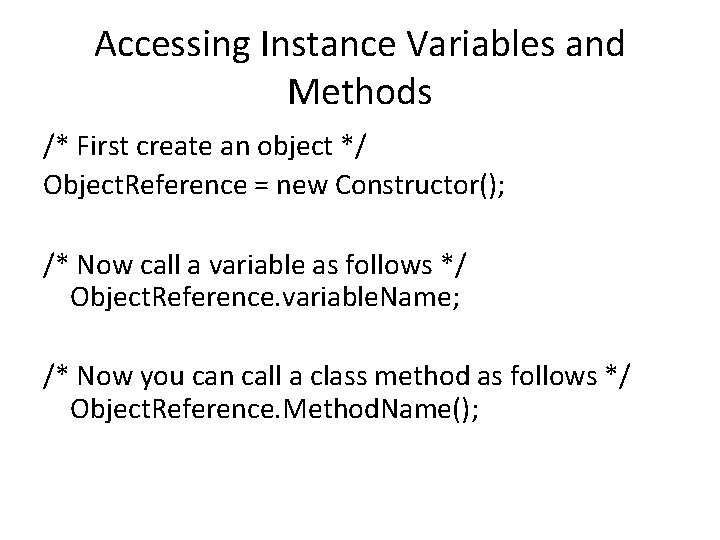
Accessing Instance Variables and Methods /* First create an object */ Object. Reference = new Constructor(); /* Now call a variable as follows */ Object. Reference. variable. Name; /* Now you can call a class method as follows */ Object. Reference. Method. Name();
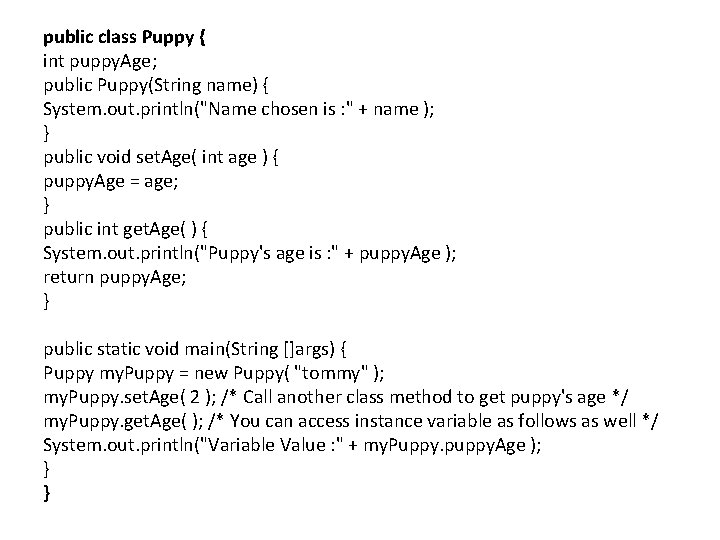
public class Puppy { int puppy. Age; public Puppy(String name) { System. out. println("Name chosen is : " + name ); } public void set. Age( int age ) { puppy. Age = age; } public int get. Age( ) { System. out. println("Puppy's age is : " + puppy. Age ); return puppy. Age; } public static void main(String []args) { Puppy my. Puppy = new Puppy( "tommy" ); my. Puppy. set. Age( 2 ); /* Call another class method to get puppy's age */ my. Puppy. get. Age( ); /* You can access instance variable as follows as well */ System. out. println("Variable Value : " + my. Puppy. puppy. Age ); } }
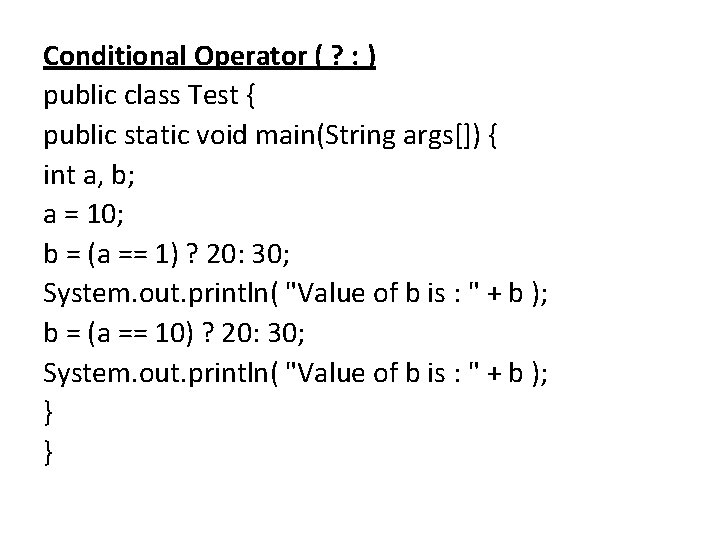
Conditional Operator ( ? : ) public class Test { public static void main(String args[]) { int a, b; a = 10; b = (a == 1) ? 20: 30; System. out. println( "Value of b is : " + b ); b = (a == 10) ? 20: 30; System. out. println( "Value of b is : " + b ); } }
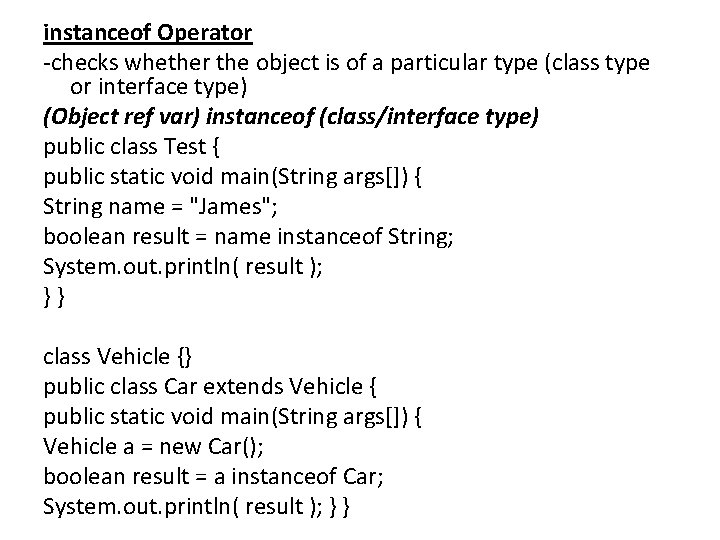
instanceof Operator -checks whether the object is of a particular type (class type or interface type) (Object ref var) instanceof (class/interface type) public class Test { public static void main(String args[]) { String name = "James"; boolean result = name instanceof String; System. out. println( result ); }} class Vehicle {} public class Car extends Vehicle { public static void main(String args[]) { Vehicle a = new Car(); boolean result = a instanceof Car; System. out. println( result ); } }
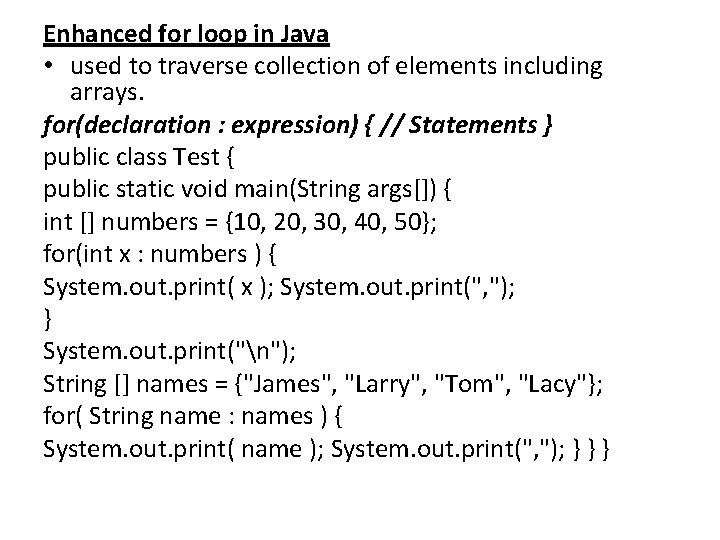
Enhanced for loop in Java • used to traverse collection of elements including arrays. for(declaration : expression) { // Statements } public class Test { public static void main(String args[]) { int [] numbers = {10, 20, 30, 40, 50}; for(int x : numbers ) { System. out. print( x ); System. out. print(", "); } System. out. print("n"); String [] names = {"James", "Larry", "Tom", "Lacy"}; for( String name : names ) { System. out. print( name ); System. out. print(", "); } } }
- Slides: 33