
Web Programming Language CHA PT ER 1 269200

Web Programming Language CHA PT ER 1
269200 Web Programming Language(s)
Introducing HTML • Basic HTML Tags • HTML Tables • Images & HTML Attributes • Hypertext & Links • HTML Comments
HTML • Hypertext Markup Language • Text & Tags • Opening Tag: <HTML> or <html> • Closing Tag: </HTML> or </html>
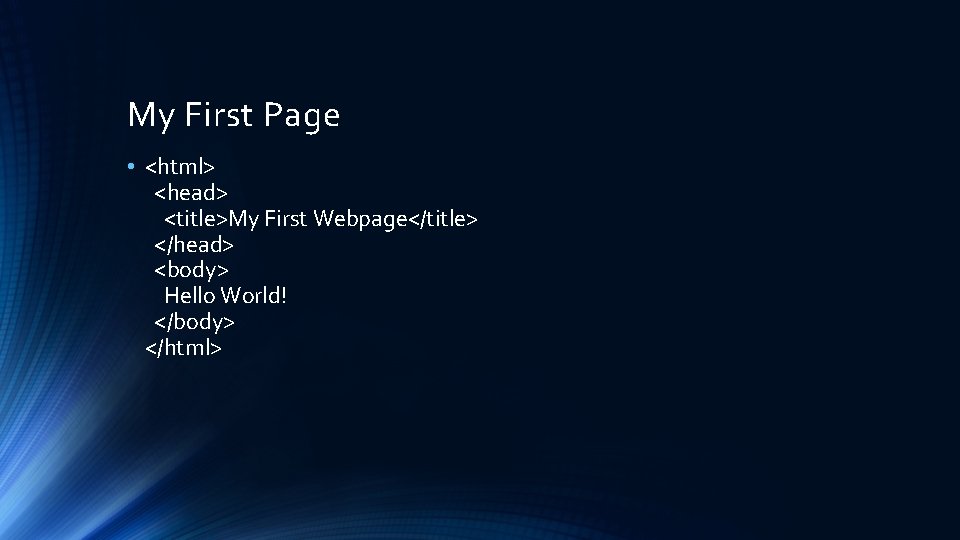
My First Page • <html> <head> <title>My First Webpage</title> </head> <body> Hello World! </body> </html>
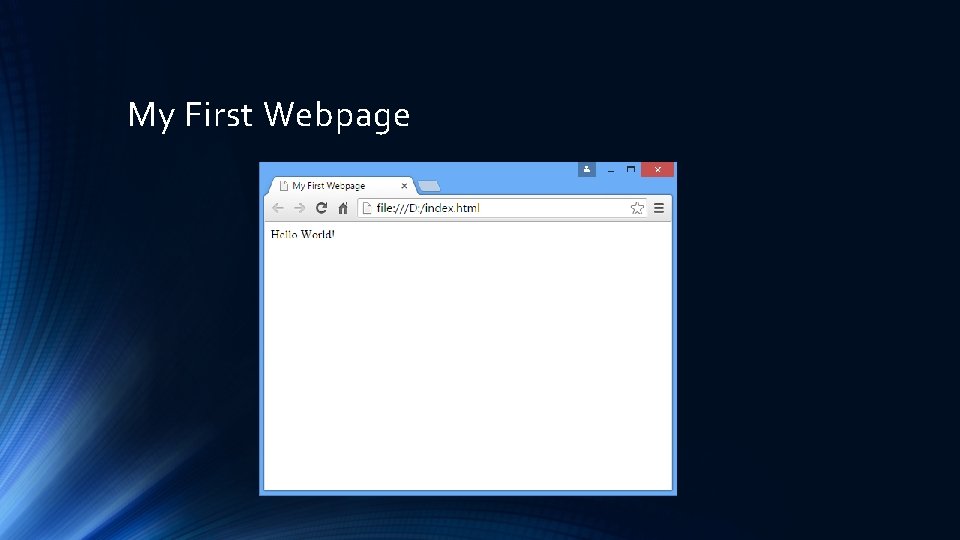
My First Webpage
Key Tags • <html>…</html> - Everything inside is HTML • <head>…</head> - Contains header data, which doesn’t appear on the page • <body>…</body> - Contains the parts that appear in the browser • <title>…</title> - Appears on the browser toolbar

Tip : View Source • Or, Ctrl-U in Chrome
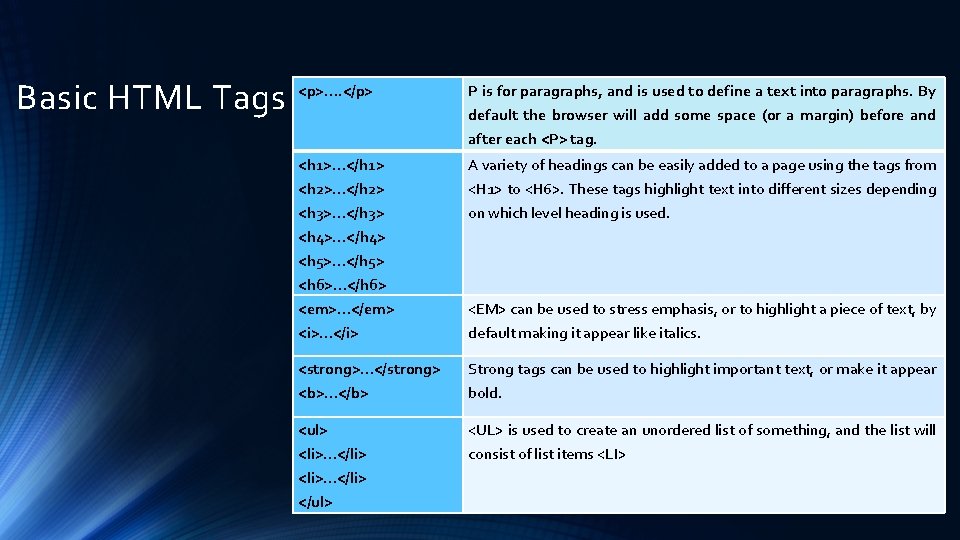
Basic HTML Tags <p>…. </p> P is for paragraphs, and is used to define a text into paragraphs. By default the browser will add some space (or a margin) before and after each <P> tag. <h 1>…</h 1> A variety of headings can be easily added to a page using the tags from <h 2>…</h 2> <h 3>…</h 3> <h 4>…</h 4> <h 5>…</h 5> <h 6>…</h 6> <em>…</em> <H 1> to <H 6>. These tags highlight text into different sizes depending on which level heading is used. <i>…</i> default making it appear like italics. <strong>…</strong> Strong tags can be used to highlight important text, or make it appear <b>…</b> bold. <ul> <UL> is used to create an unordered list of something, and the list will <li>…</li> </ul> consist of list items <LI> <EM> can be used to stress emphasis, or to highlight a piece of text, by
Subtle Difference? • What is the difference between <strong> and <b>? • What is the difference between <em> and <i>?
Subtle Difference? • What is the difference between <strong> and <b>? • <b> or “Bold” defines how the text should appear, <strong> indicates it is more significant that the surrounding text… • What is the difference between <em> and <i>? • <i> or “Italic” defines how the text should appear, which <em> indicates it should be “emphasized”… • Consider a browser for a blind person?
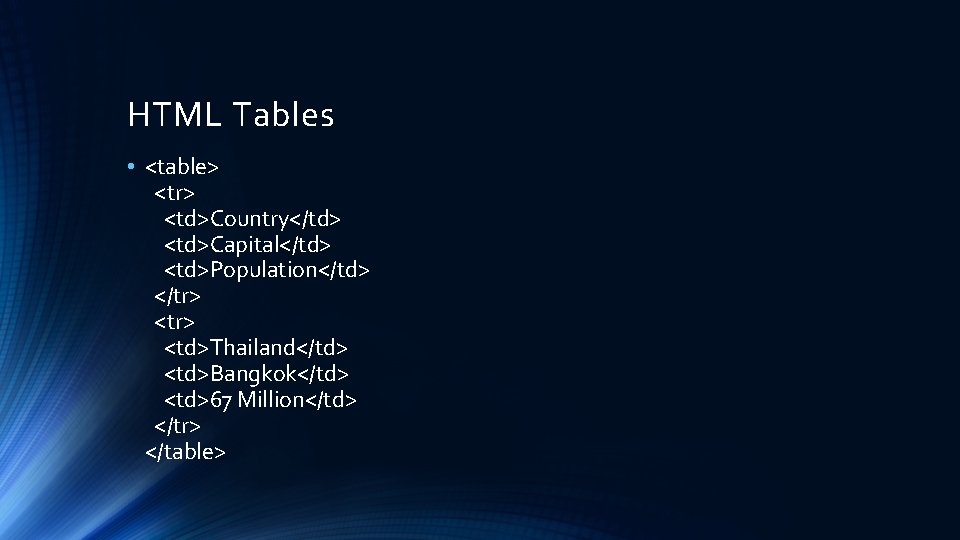
HTML Tables • <table> <tr> <td>Country</td> <td>Capital</td> <td>Population</td> </tr> <td>Thailand</td> <td>Bangkok</td> <td>67 Million</td> </tr> </table>
Tables Tip • Don’t use tables for layout! • Tables often use more bytes of markup, making pages take longer to download. • The browser needs to download most of a table before it can render any of the page. • Tables can make website maintenance and particularly redesign much more complicated. • Tables can make content inaccessible to screen readers. • Tables can break text copying. • In short, tables weren’t meant for page layouts, but they ARE meant for displaying tabular data!
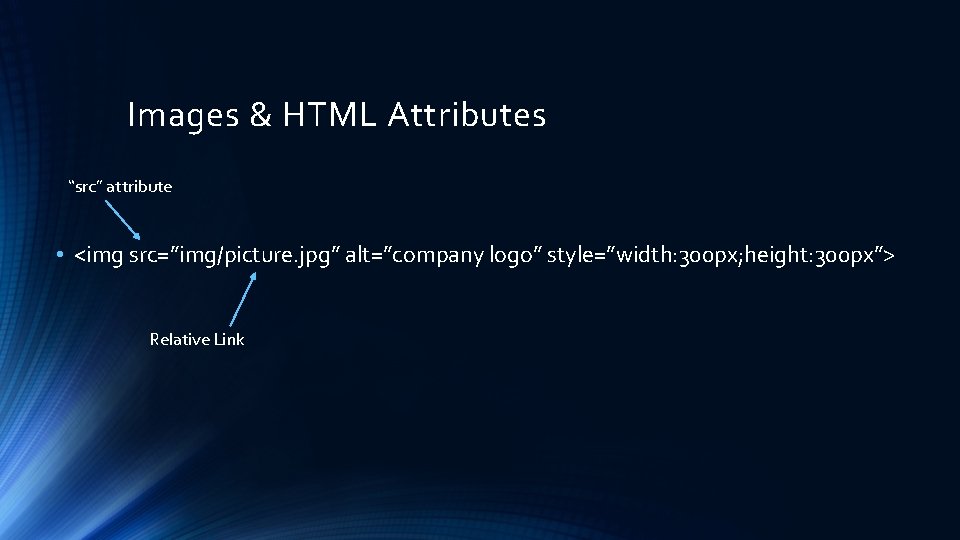
Images & HTML Attributes “src” attribute • <img src=”img/picture. jpg” alt=”company logo” style=”width: 300 px; height: 300 px”> Relative Link
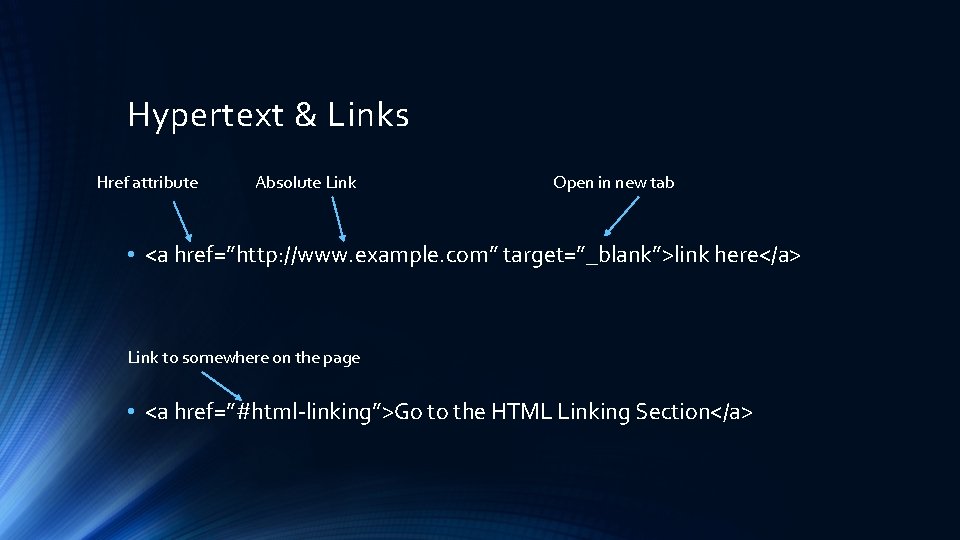
Hypertext & Links Href attribute Absolute Link Open in new tab • <a href=”http: //www. example. com” target=”_blank”>link here</a> Link to somewhere on the page • <a href=”#html-linking”>Go to the HTML Linking Section</a>
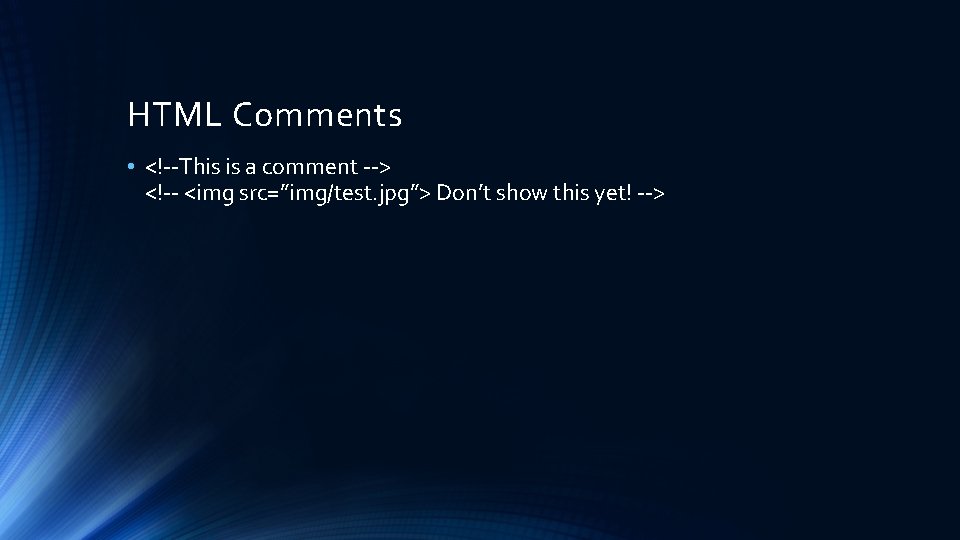
HTML Comments • <!--This is a comment --> <!-- <img src=”img/test. jpg”> Don’t show this yet! -->
Key Points • HTML (Hyper Text Markup Language) is used to create simple webpages. • An HTML page consists of text and tags, with tags instructing a browser what to do with the text. • Opening tags, such as <html>, are matched with closing tags, such as </html>. • Some HTML tags are used to define the structure of the document, such as <head> and <body>. • Some HTML tags instruct the browser how text should be displayed, such as <strong> or <i>. • The table tags can be used to display tabular data on a page. • Pictures can be included on a webpage using the <img> tag, which has no closing tag. • Some tags, such as the <img> tag need attributes, or parameters, to give the browser more information such as how big the image should be, or where the file is located. • The anchor tag, <a>, is used for creating links.
- Slides: 17