
Web of Science 2010 03 n n n
Web of Science 数据库使用介绍 2010年 03月
主要内容 n n n Web of Science数据库简介 Web of Science数据库的基本检索规则 Web of Science数据库的基本检索操作 Title of Presentation (Edit using View Menu > Header and Footer) 2
Web of Science数据库简介 Web of Science n 由索引数据库、化学数据库共 7个数据库组 成 n 集成了scholarly journals, book series ( 丛书), reports, conferences等多种信息。 n 既可以分库检索,也可以多库联合检索 n Web of Science检索界面默认多库联合检索 Title of Presentation (Edit using View Menu > Header and Footer) 3
Web of Science数据库简介 Web of Science 索引数据库 n 科学引文索引数据库:收录论文的参考文 献并索引 可进行参考文献的索引检索 n Science Citation Index Expanded (SCIExpanded) n Social Sciences Citation Index (SSCI) n Arts & Humanities Citation Index (A&HCI) 未订购 Title of Presentation (Edit using View Menu > Header and Footer) 4
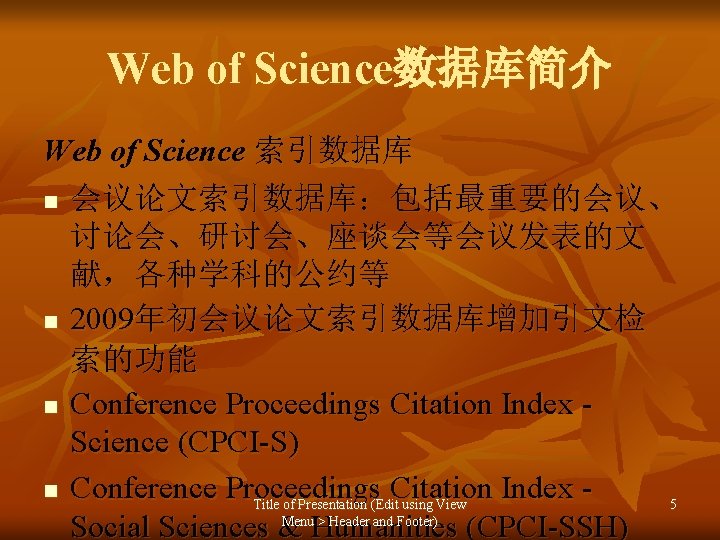
Web of Science数据库简介 Web of Science 索引数据库 n 会议论文索引数据库:包括最重要的会议、 讨论会、研讨会、座谈会等会议发表的文 献,各种学科的公约等 n 2009年初会议论文索引数据库增加引文检 索的功能 n Conference Proceedings Citation Index Science (CPCI-S) n Conference Proceedings Citation Index Title of Presentation (Edit using View 5 Menu > Header and Footer) Social Sciences & Humanities (CPCI-SSH)

Web of Science数据库简介 n n n 化学数据库:能够通过创建结构图找到化 合物和反应;搜索化合物和反应的数据 Index Chemicus (IC) Current Chemical Reactions (CCR-Expanded) Title of Presentation (Edit using View Menu > Header and Footer) 6
培训内容 n n n Web of Science数据库简介 Web of Science数据库的基本检索规则 Web of Science数据库的基本检索操作 Title of Presentation (Edit using View Menu > Header and Footer) 9
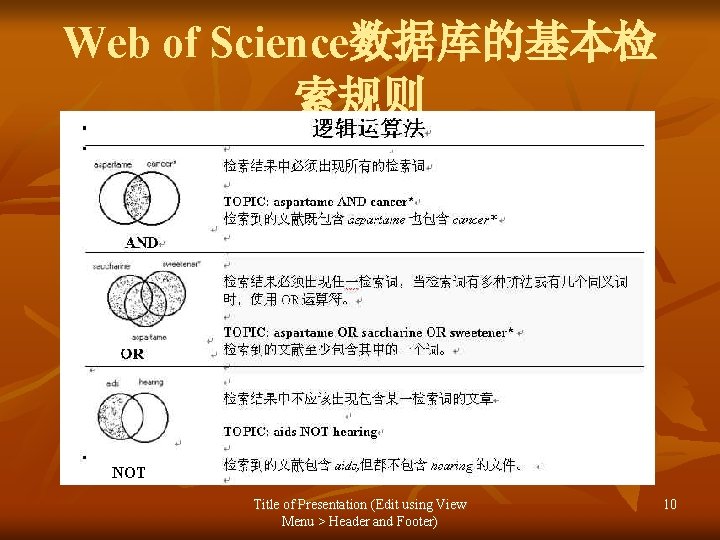
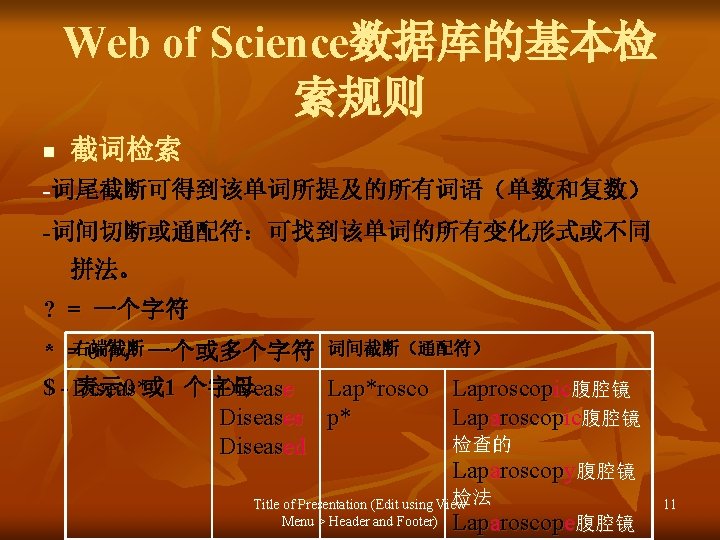
Web of Science数据库的基本检 索规则 NOT Title of Presentation (Edit using View Menu > Header and Footer) 10
培训内容 n n n Web of Science数据库简介 Web of Science数据库的基本检索规则 Web of Science数据库的基本检索操作 Title of Presentation (Edit using View Menu > Header and Footer) 14
Web of Science数据库的检索操 作-一般检索 n WOS数据库提供的检索字段 Topic: 检索论文的标题、关键词、扩展主题 词及文摘 Author:作者名 Group Author :团体作者名 Publication Name: 出版物名称 Year Published: 出版物出版的年代 Address :论文作者的地址 Title of Presentation (Edit using View 15 Conference:会议名称 Menu > Header and Footer)
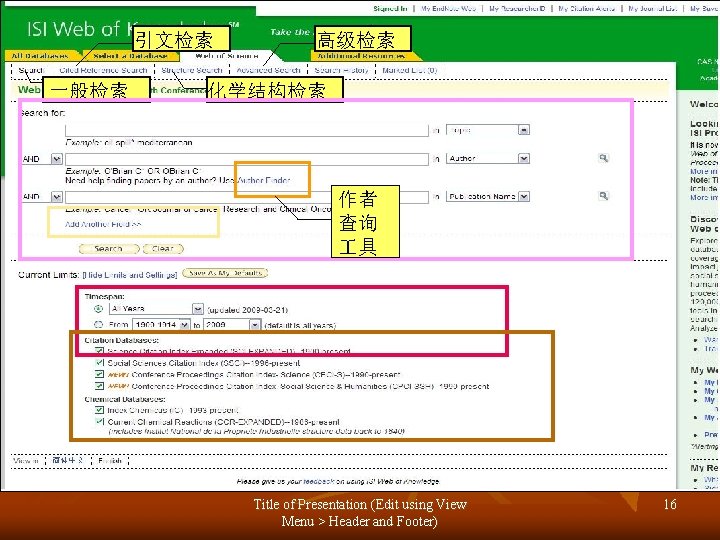
引文检索 一般检索 高级检索 化学结构检索 作者 查询 具 Title of Presentation (Edit using View Menu > Header and Footer) 16
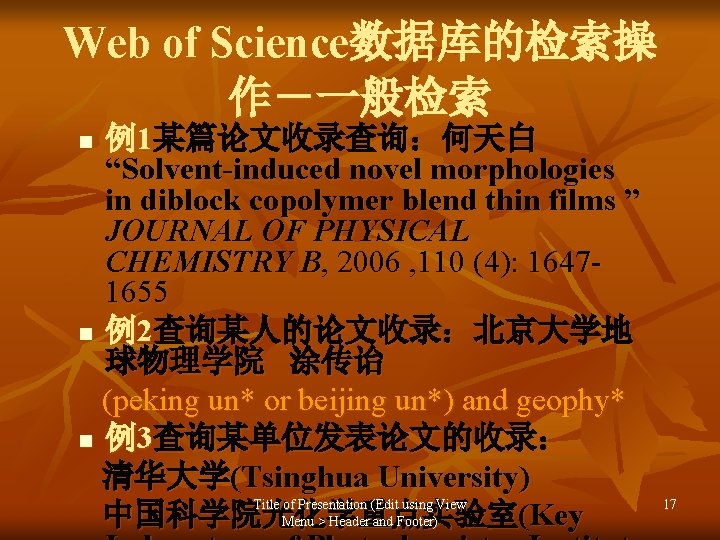
Web of Science数据库的检索操 作-一般检索 例1某篇论文收录查询:何天白 “Solvent-induced novel morphologies in diblock copolymer blend thin films ” JOURNAL OF PHYSICAL CHEMISTRY B, 2006 , 110 (4): 16471655 n 例2查询某人的论文收录:北京大学地 球物理学院 涂传诒 (peking un* or beijing un*) and geophy* n 例3查询某单位发表论文的收录: 清华大学(Tsinghua University) Title of Presentation (Edit using View 中国科学院光化学重点实验室 (Key Menu > Header and Footer) n 17
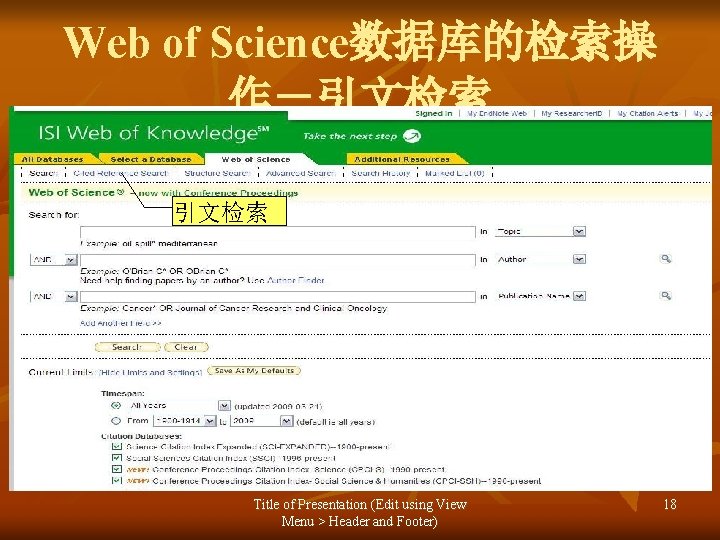
Web of Science数据库的检索操 作-引文检索 Title of Presentation (Edit using View Menu > Header and Footer) 18
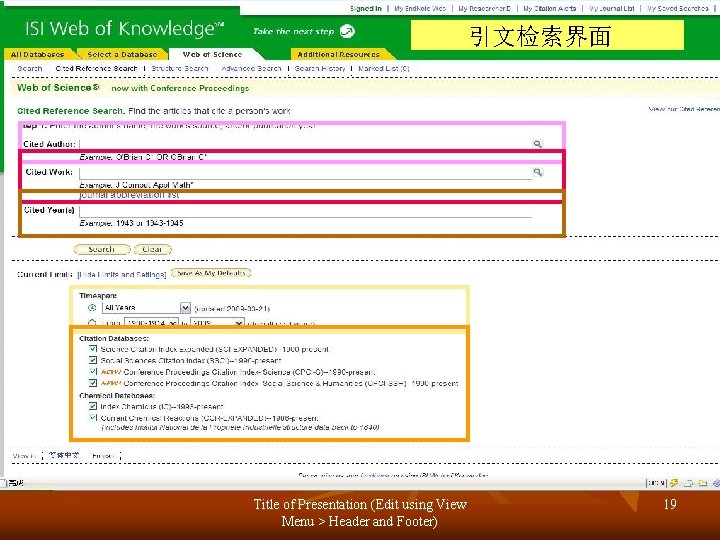
引文检索界面 Title of Presentation (Edit using View Menu > Header and Footer) 19
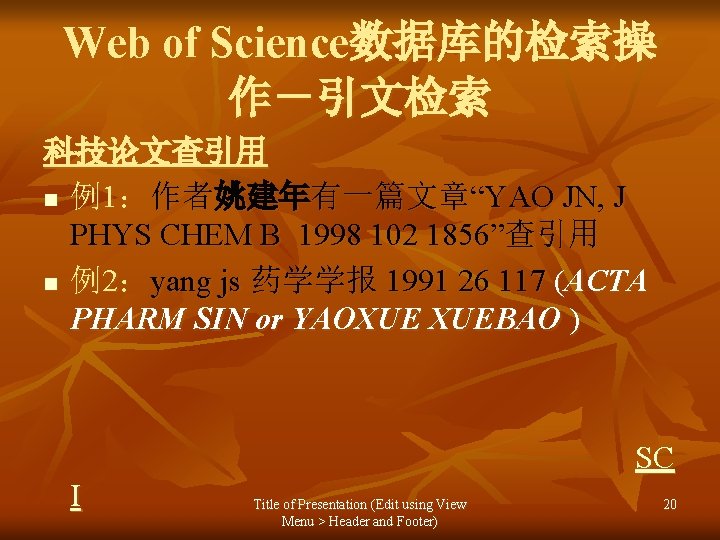
Web of Science数据库的检索操 作-引文检索 科技论文查引用 n 例1:作者姚建年有一篇文章“YAO JN, J PHYS CHEM B 1998 102 1856”查引用 n 例2:yang js 药学学报 1991 26 117 (ACTA PHARM SIN or YAOXUE XUEBAO ) SC I Title of Presentation (Edit using View Menu > Header and Footer) 20
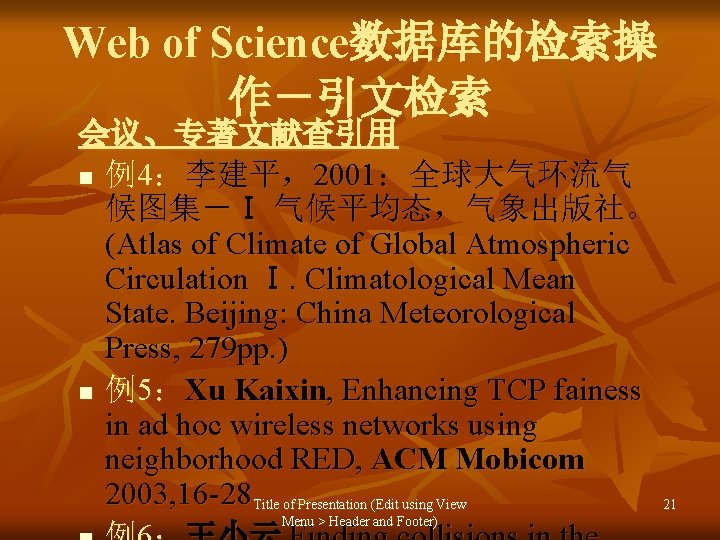
Web of Science数据库的检索操 作-引文检索 会议、专著文献查引用 n 例4:李建平,2001:全球大气环流气 候图集-Ⅰ 气候平均态,气象出版社。 (Atlas of Climate of Global Atmospheric Circulation Ⅰ. Climatological Mean State. Beijing: China Meteorological Press, 279 pp. ) n 例5:Xu Kaixin, Enhancing TCP fainess in ad hoc wireless networks using neighborhood RED, ACM Mobicom 2003, 16 -28 Title of Presentation (Edit using View 21 Menu > Header and Footer)
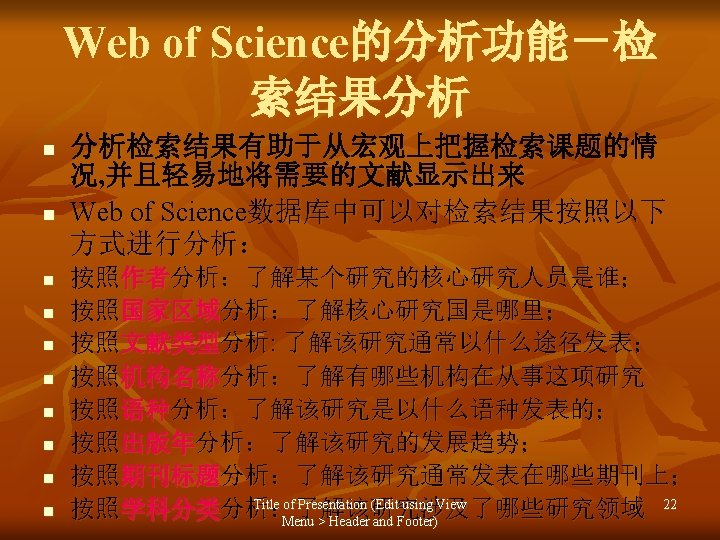
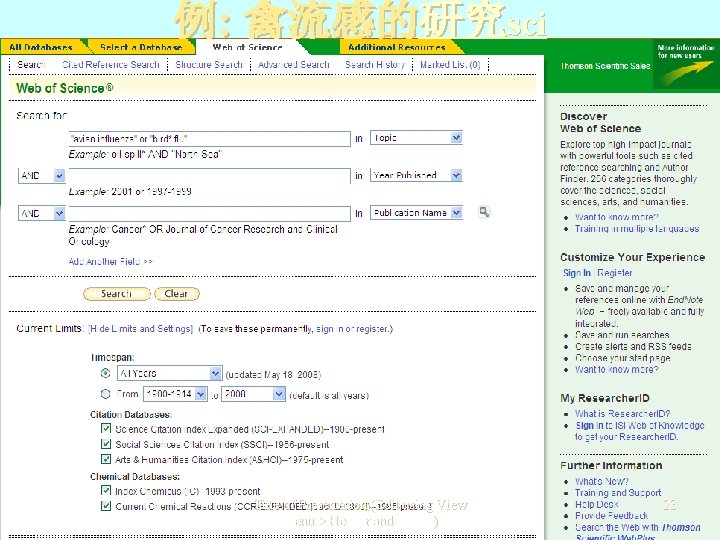
例: 禽流感的研究sci Title of Presentation (Edit using View Menu > Header and Footer) 23
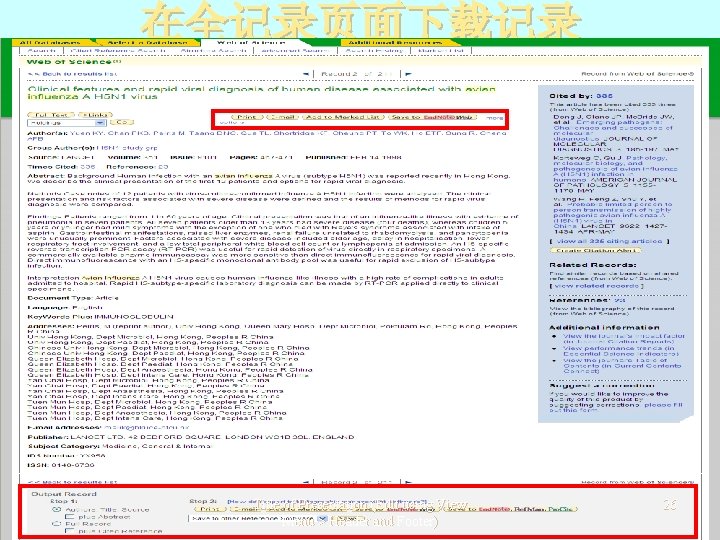
在全记录页面下载记录 Title of Presentation (Edit using View Menu > Header and Footer) 26
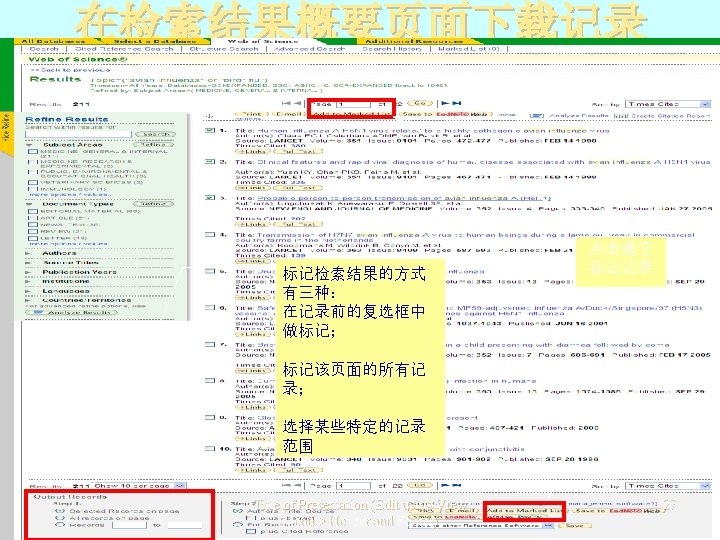
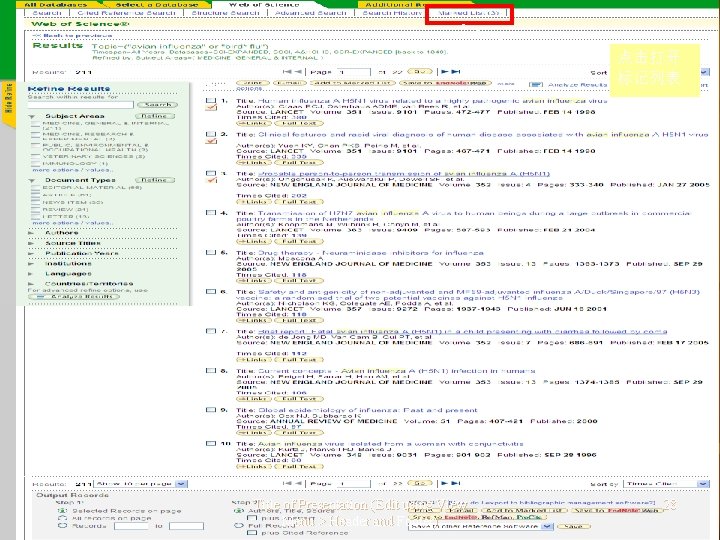
点击打开 标记列表 Title of Presentation (Edit using View Menu > Header and Footer) 28
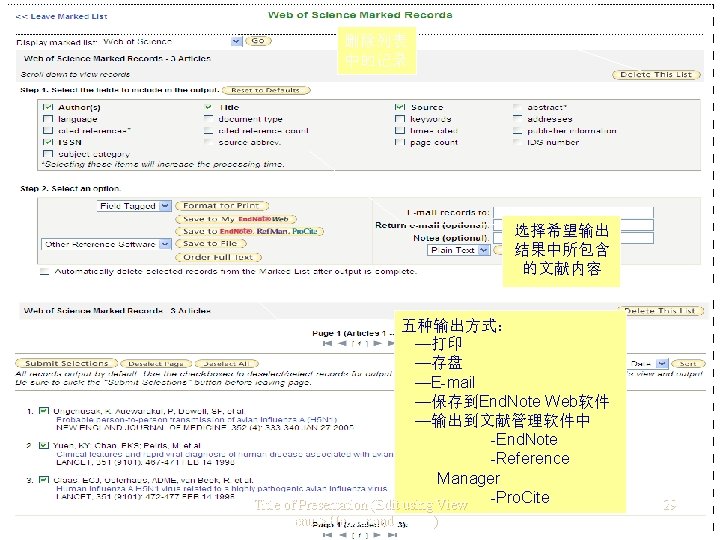
删除列表 中的记录 选择希望输出 结果中所包含 的文献内容 五种输出方式: —打印 —存盘 —E-mail —保存到End. Note Web软件 —输出到文献管理软件中 -End. Note -Reference Manager -Pro. Cite Title of Presentation (Edit using View Menu > Header and Footer) 29
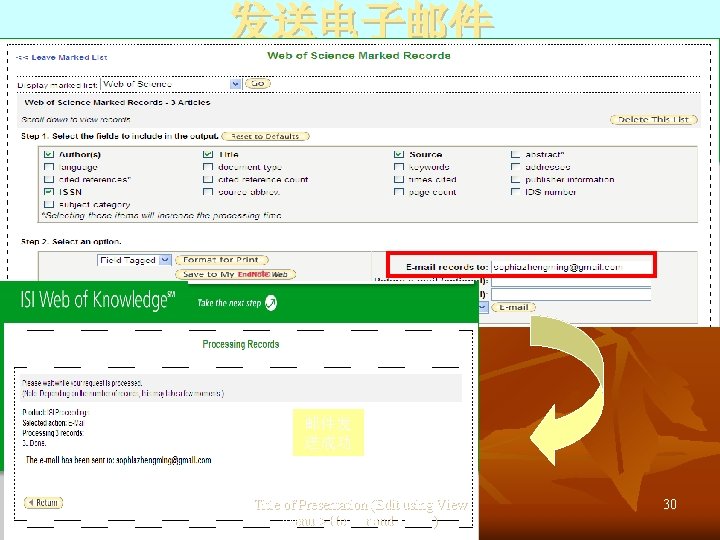
发送电子邮件 输入邮件 地址 邮件发 送成功 Title of Presentation (Edit using View Menu > Header and Footer) 30
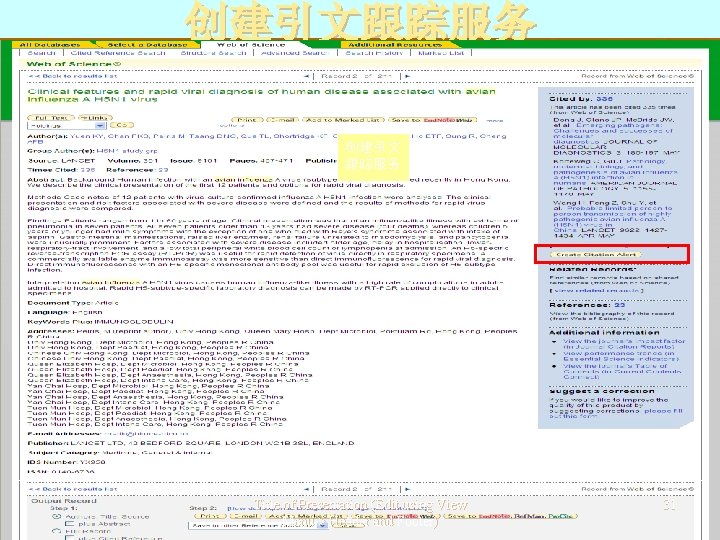
创建引文跟踪服务 创建引文 跟踪服务 Title of Presentation (Edit using View Menu > Header and Footer) 31
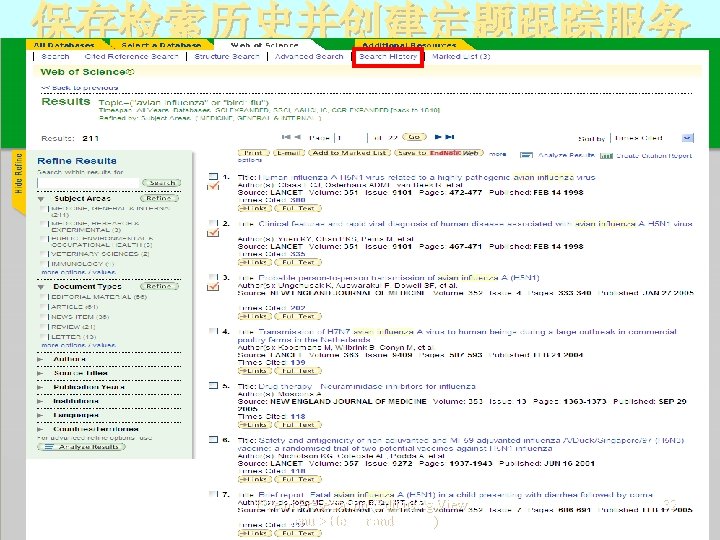
保存检索历史并创建定题跟踪服务 Title of Presentation (Edit using View Menu > Header and Footer) 32
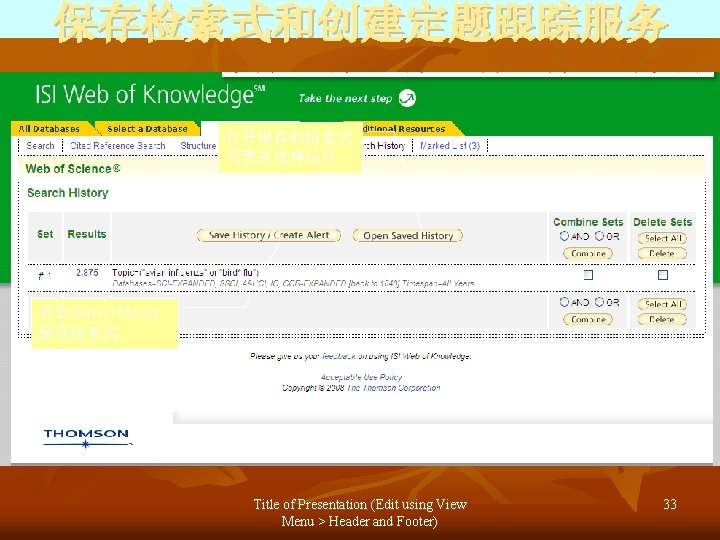
保存检索式和创建定题跟踪服务 打开保存的检索式 列表并选择运行 点击Save History 保存检索式 Title of Presentation (Edit using View Menu > Header and Footer) 33
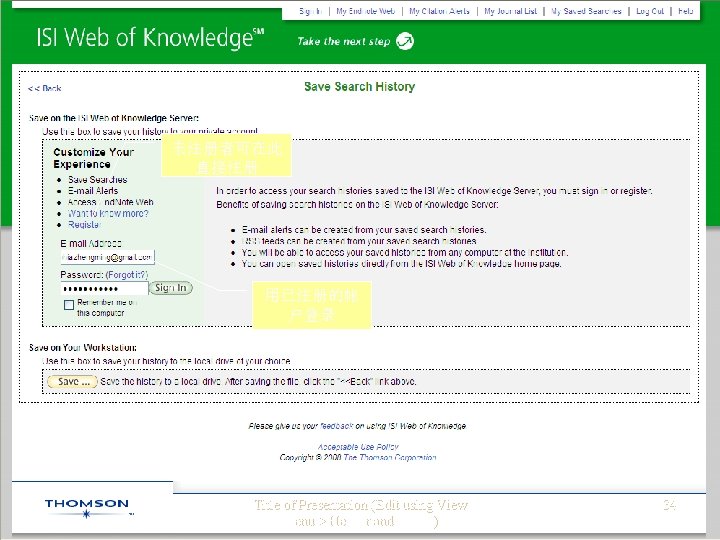
未注册者可在此 直接注册 用已注册的帐 户登录 Title of Presentation (Edit using View Menu > Header and Footer) 34
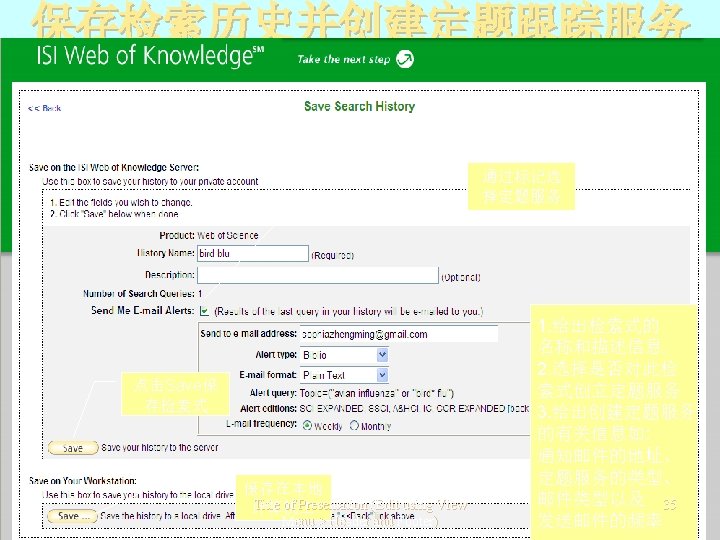

Title of Presentation (Edit using View Menu > Header and Footer) 36
谢谢! Title of Presentation (Edit using View Menu > Header and Footer) 40
- Slides: 38