
Web Graphics By Chris Harding Contents Software Vector
Web Graphics By Chris Harding
Contents Software ¡ Vector Graphics and Pixel Based ¡ Transparent Images ¡ Compression ¡ GIF vs. JPEG ¡ Animated GIF ¡
Software Fireworks (Part of Macromedia Suite) ¡ Photoshop ¡ Paint Shop Pro ¡ Microsoft Paint ¡
Web Graphics Should be kept small. Around 100 K mark ¡ Large graphics take time to download ¡ Lots of small graphics can make a sight look good ¡ But cause long page loading times ¡
Types of Web Graphics BMP ¡ PNG ¡ JPEG ¡ GIF ¡
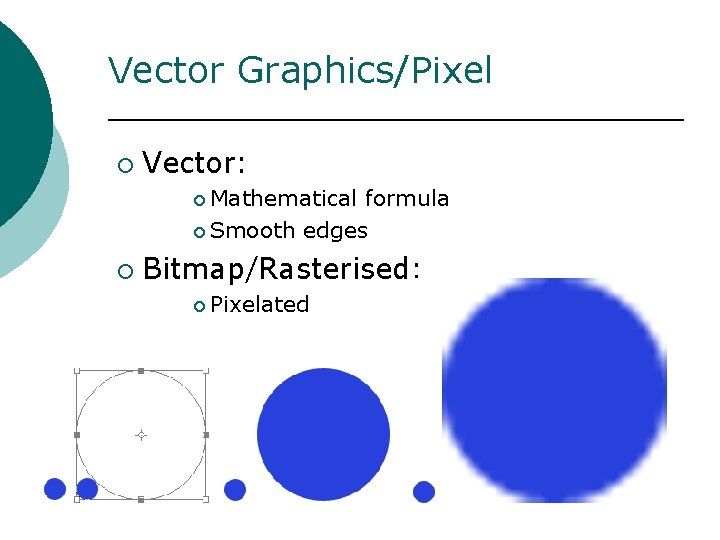
Vector Graphics/Pixel ¡ Vector: ¡ Mathematical formula ¡ Smooth edges ¡ Bitmap/Rasterised: ¡ Pixelated
Transparent Image Can be JPEG or GIF ¡ Best done with GIF ¡ Can select one colour to be transparent or background ¡ Best results make Background one colour (like pink!) ¡ Select background for transparent layer ¡
Compression ¡ Compacting information ¡ Lossless ¡ Lossy ¡ Lossless ¡ All ¡ information retained Lossy ¡ Information is lost
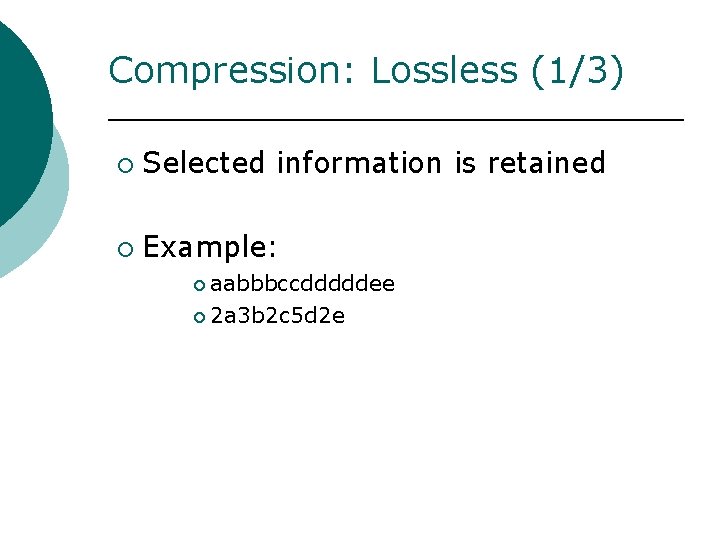
Compression: Lossless (1/3) ¡ Selected information is retained ¡ Example: ¡ aabbbccdddddee ¡ 2 a 3 b 2 c 5 d 2 e
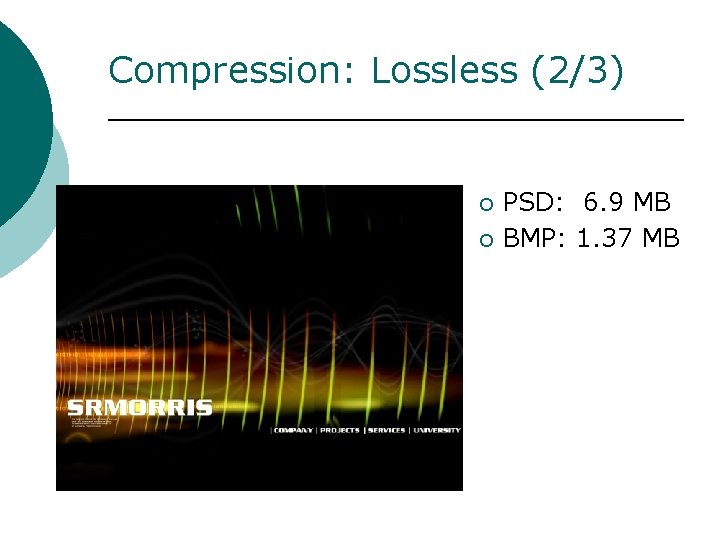
Compression: Lossless (2/3) ¡ ¡ PSD: 6. 9 MB BMP: 1. 37 MB
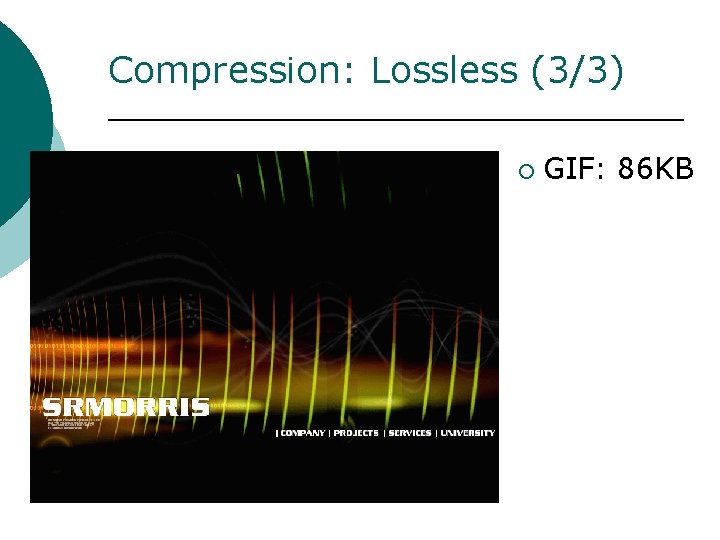
Compression: Lossless (3/3) ¡ GIF: 86 KB
Compression: Lossy (1/2) ¡ Image information ¡ Entropy – data kept ¡ Redundancy – data removed
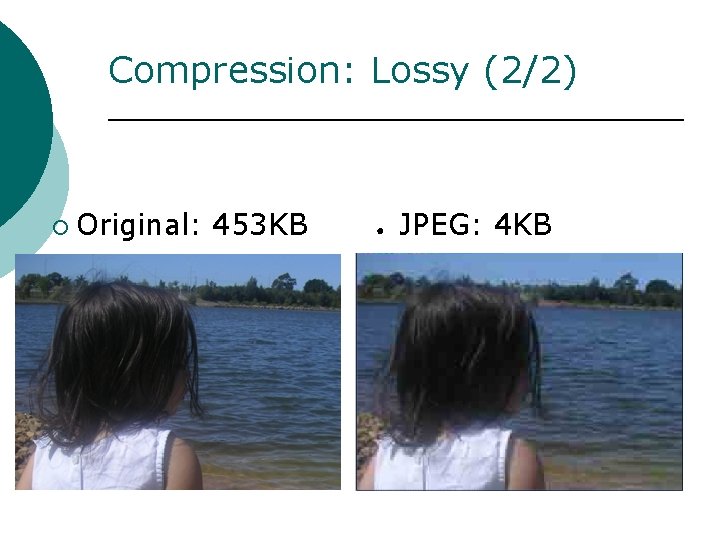
Compression: Lossy (2/2) ¡ Original: 453 KB ● JPEG: 4 KB
Compression Methods ¡ RLE (Run Length Encoding) ¡ Lossless: ¡ ¡ ¡ common Windows file formats. LZW (Lemple-Zif-Welch) ¡ Lossless: TIFF, PDF, GIF, and Post. Script. ¡ Most useful for large areas of single color. JPEG (Joint Photographic Experts Group) ¡ Lossy: JPEG, TIFF, PDF and Post. Script. ¡ Continuous-tone images ie photographs ZIP ¡ Lossless: PDF and TIFF. ¡ Most effective for large areas of single color.
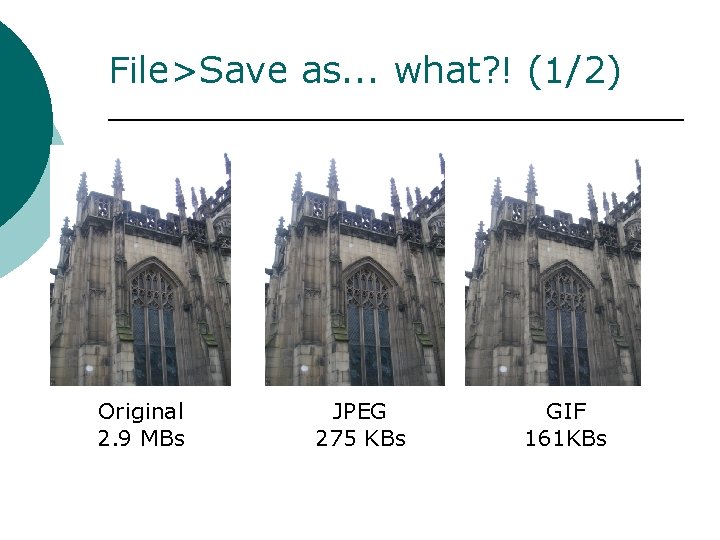
File>Save as. . . what? ! (1/2) Original 2. 9 MBs JPEG 275 KBs GIF 161 KBs
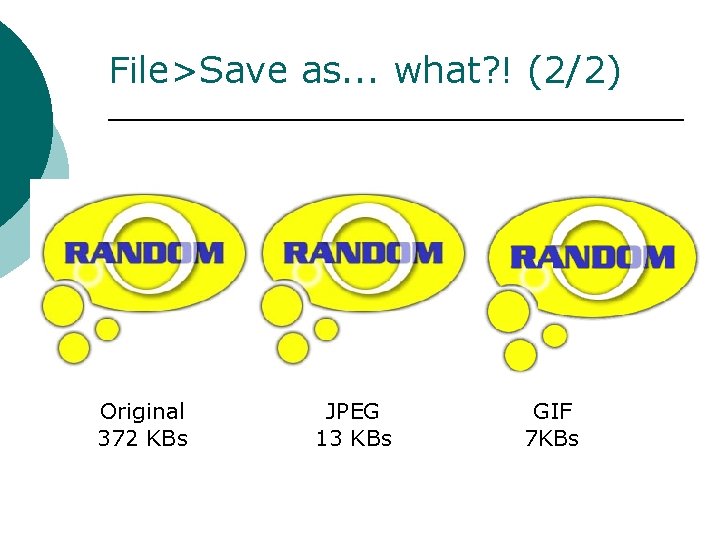
File>Save as. . . what? ! (2/2) Original 372 KBs JPEG 13 KBs GIF 7 KBs
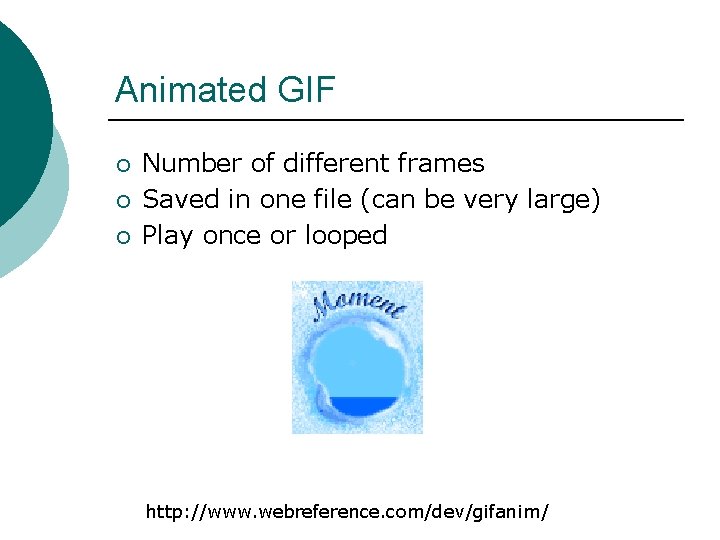
Animated GIF ¡ ¡ ¡ Number of different frames Saved in one file (can be very large) Play once or looped http: //www. webreference. com/dev/gifanim/
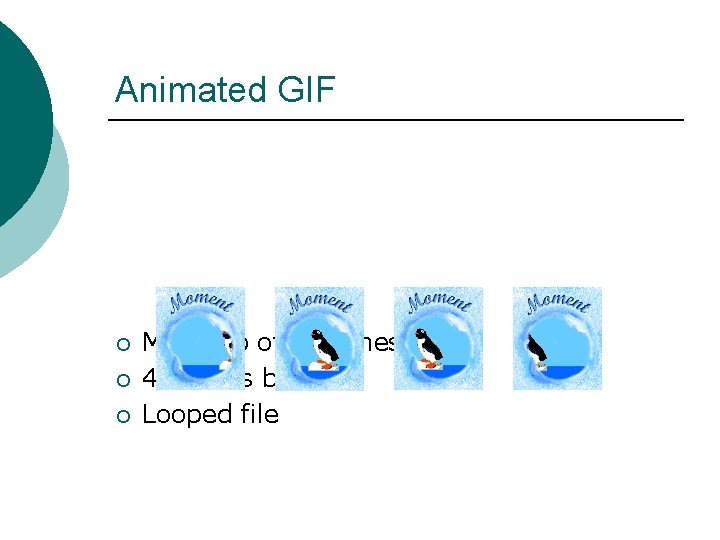
Animated GIF ¡ ¡ ¡ Made up of 7 frames 4 frames below Looped file
Web Graphics with CSS ¡ Use CSS with images to create visual effects l l l ¡ Add round border to tables Roll over images Menu items Practical tutorial on this topic next week
Summary Software ¡ Vector Graphics and Pixel Based ¡ Compression ¡ l l Lossless Lossy GIF vs. JPEG for different uses ¡ Introduce Animated GIF ¡
- Slides: 20