
Web Design Training Template Designing Part 08 Author


Web Design Training Template Designing Part 08 Author : Babak Tavatav
CSS float Property The float property sets where an image or a text will appear in another element. Note: If there is too little space on a line for the floating element, it will jump down on the next line, and continue until a line has enough space. Note: Content, background, and borders of inline elements should go in front of the float. Background and borders of a block element should go behind the float, but the content of the block element should go in front of the float. Possible Values Value. Description left : The image or text moves to the left in the parent element right : The image or text moves to the right in the parent element None : (Default) The image or the text will be displayed just where it occurs in the text
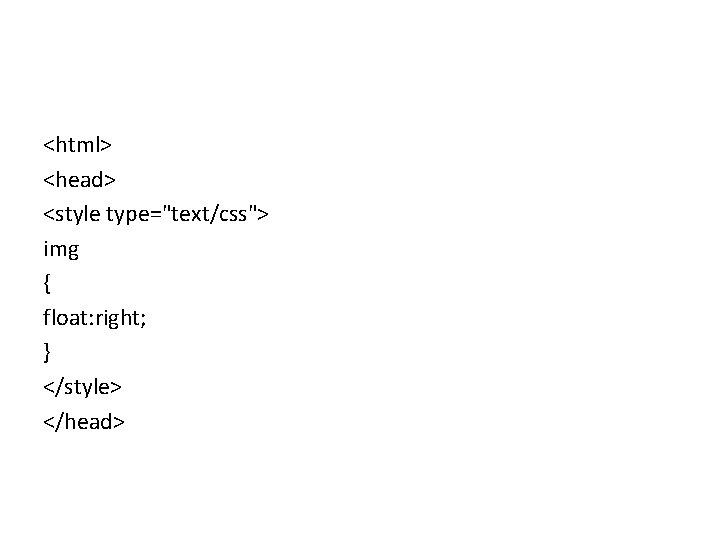
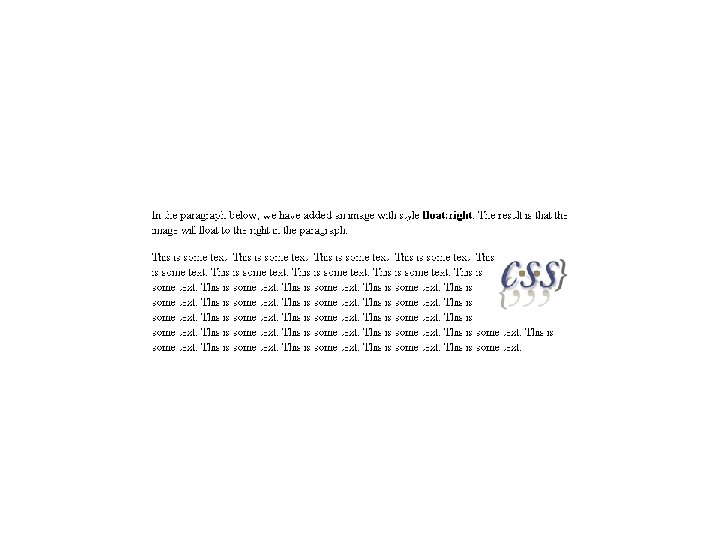
<html> <head> <style type="text/css"> img { float: right; } </style> </head>

<body> <p>In the paragraph below, we have added an image with style <b>float: right</b>. The result is that the image will float to the right in the paragraph. </p> <img src="logocss. gif" width="95" height="84" /> This is some text. . . </p> </body> </html>
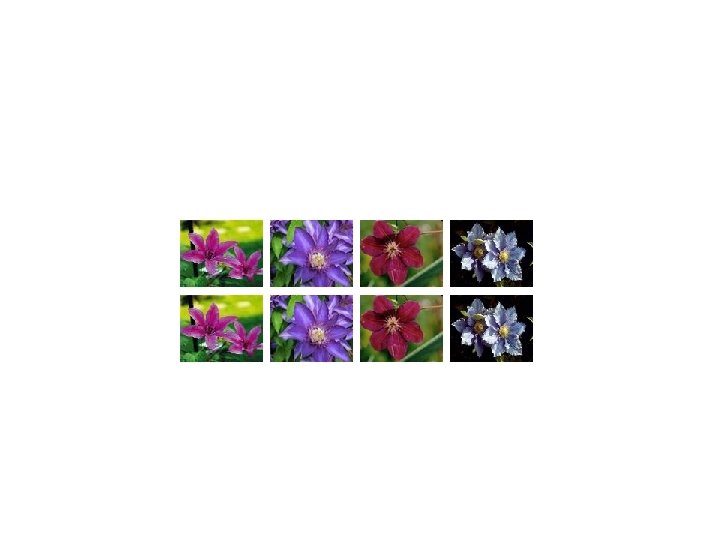
. thumbnail { float: left; width: 110 px; height: 90 px; margin: 5 px; }
<img class="thumbnail" src="klematis_small. jpg" width="107" height="90"> <img class="thumbnail" src="klematis 2_small. jpg" width="107" height="80"> <img class="thumbnail" src="klematis 3_small. jpg" width="116" height="90"> <img class="thumbnail" src="klematis 4_small. jpg" width="120" height="90">
CSS Clear Property Image and text elements that appear in another element are called floating elements. The clear property sets the sides of an element where other floating elements are not allowed. Value. Description • Left : No floating elements allowed on the left side • Right: No floating elements allowed on the right side • Both: No floating elements allowed on either the left or the right side • None : Default. Allows floating elements on both sides
. html <!DOCTYPE html PUBLIC "-//W 3 C//DTD XHTML 1. 0 Transitional//EN" "http: //www. w 3. org/TR/xhtml 1/DTD/xhtml 1 transitional. dtd"> <html xmlns="http: //www. w 3. org/1999/xhtml"> <head> <title></title> <link href="Style. Sheet. css" rel="stylesheet" type="text/css" /> </head>
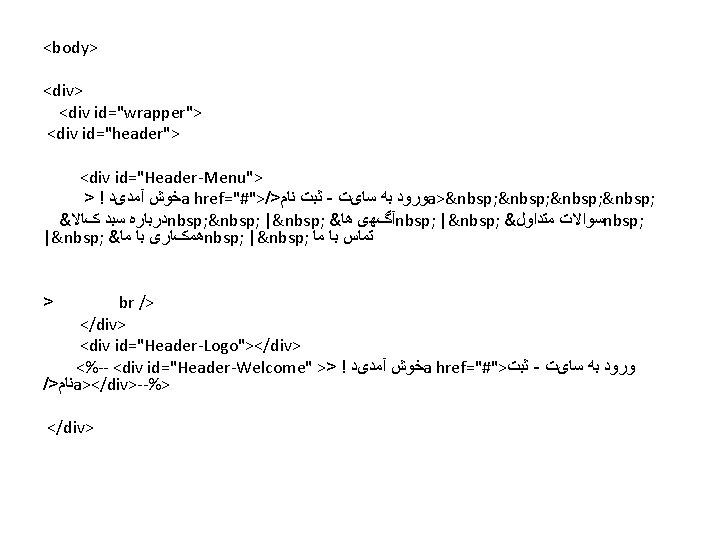
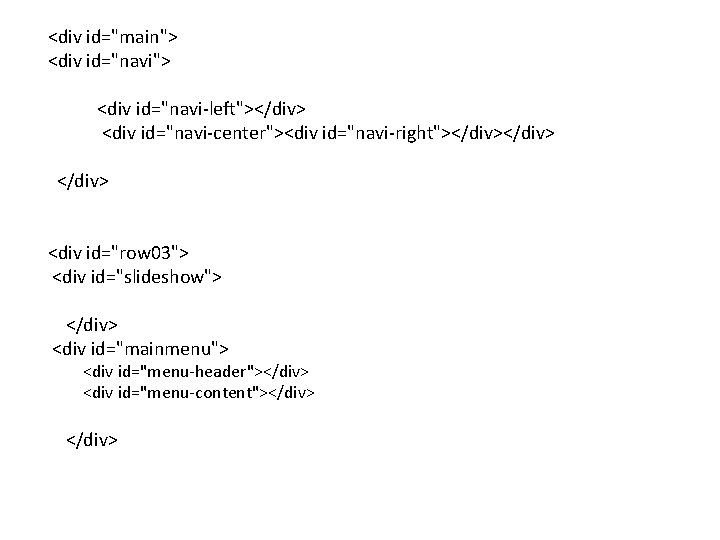
<div id="main"> <div id="navi"> <div id="navi-left"></div> <div id="navi-center"><div id="navi-right"></div> </div> <div id="row 03"> <div id="slideshow"> </div> <div id="mainmenu"> <div id="menu-header"></div> <div id="menu-content"></div> </div>

<div id="row 04"> <div id="row 04 -left" > <div id="t 1"></div> <div id="t 2"></div> <div id="t 3"></div> <div id="row 04 -right"> <div id="adv 01"></div> <div id="adv 02"></div> <div id="adv 03"></div> </div>
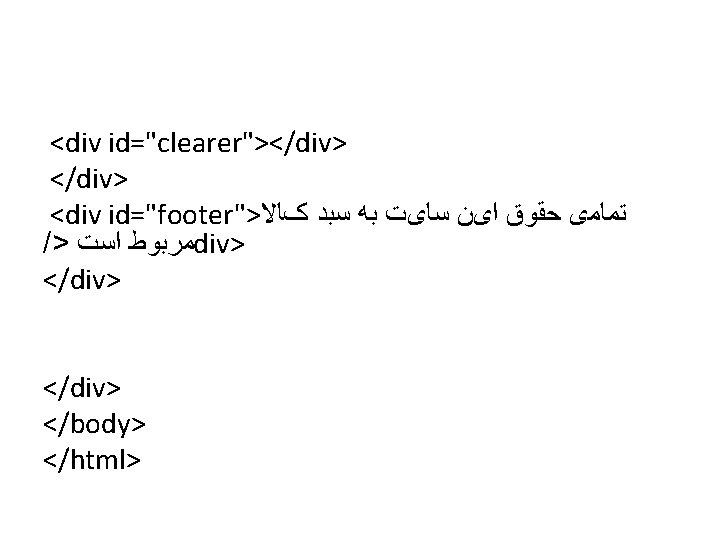
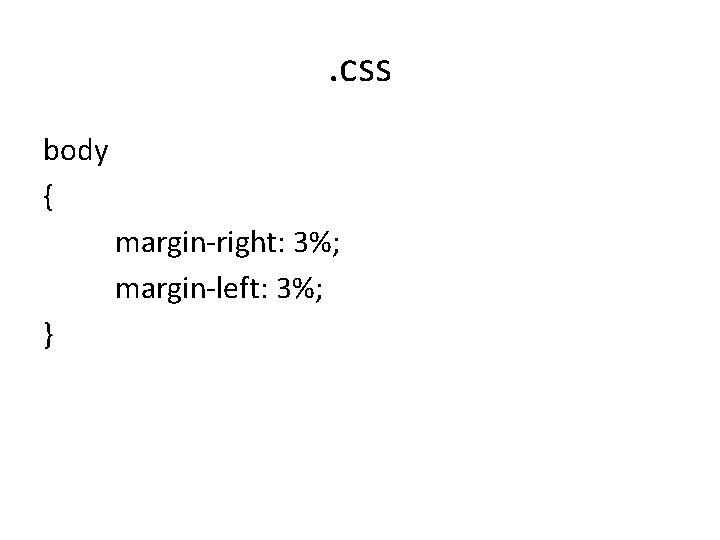
. css body { margin-right: 3%; margin-left: 3%; }
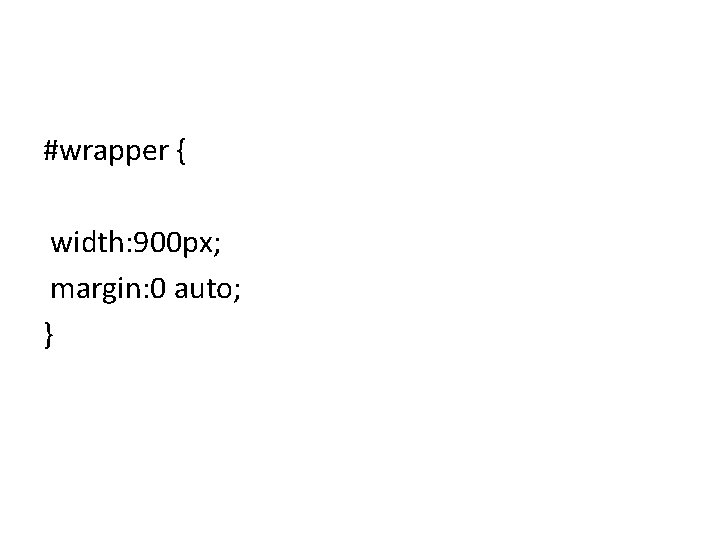
#wrapper { width: 900 px; margin: 0 auto; }
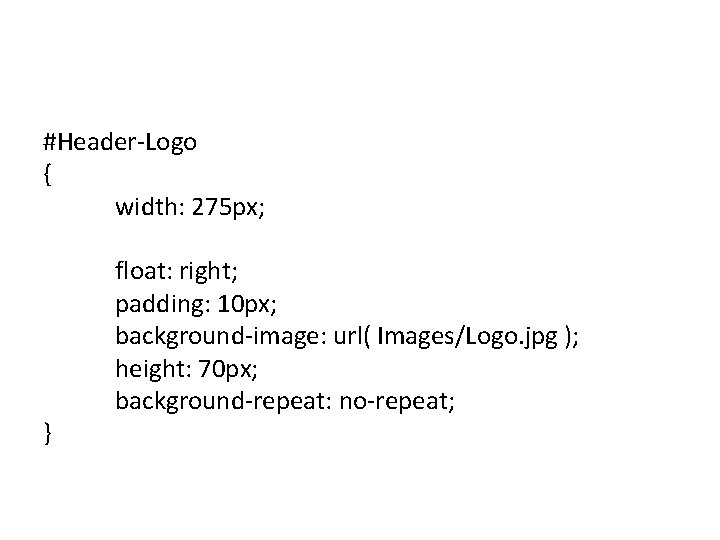
#Header-Logo { width: 275 px; float: right; padding: 10 px; background-image: url( Images/Logo. jpg ); height: 70 px; background-repeat: no-repeat; }

* { margin: 0; padding: 0; border: 0; }
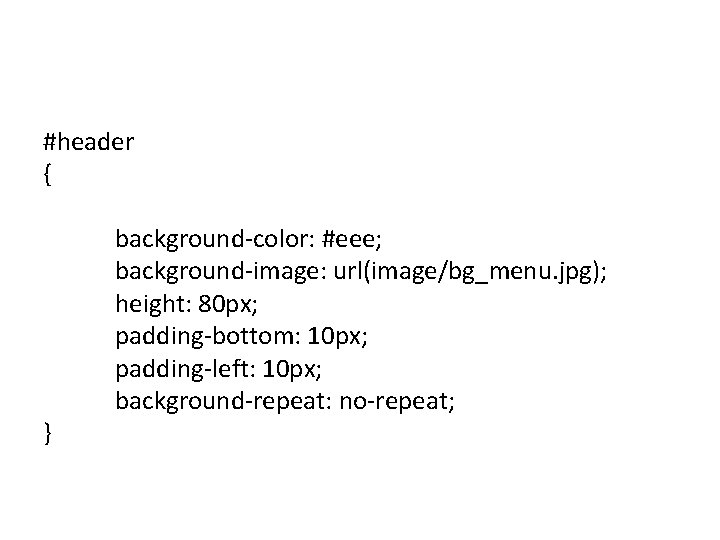
#header { } background-color: #eee; background-image: url(image/bg_menu. jpg); height: 80 px; padding-bottom: 10 px; padding-left: 10 px; background-repeat: no-repeat;
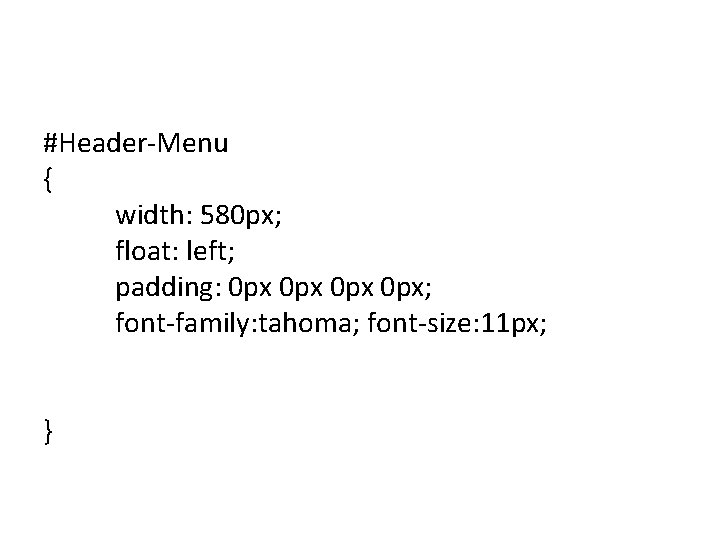
#Header-Menu { width: 580 px; float: left; padding: 0 px 0 px; font-family: tahoma; font-size: 11 px; }
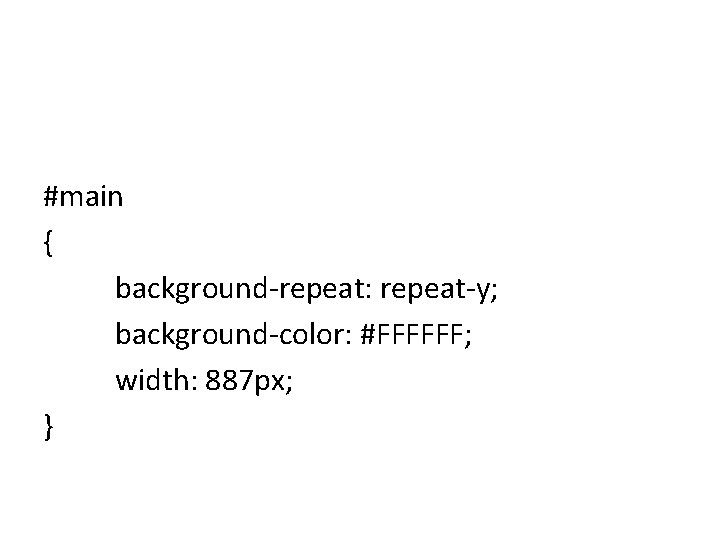
#main { background-repeat: repeat-y; background-color: #FFFFFF; width: 887 px; }
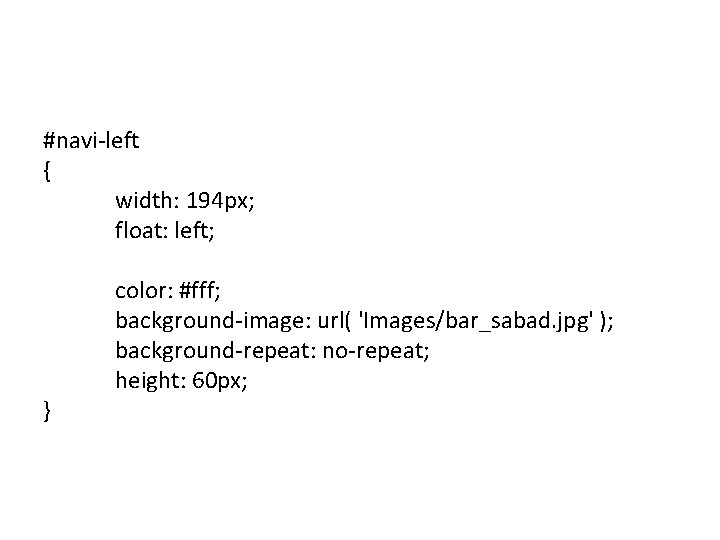
#navi-left { width: 194 px; float: left; color: #fff; background-image: url( 'Images/bar_sabad. jpg' ); background-repeat: no-repeat; height: 60 px; }
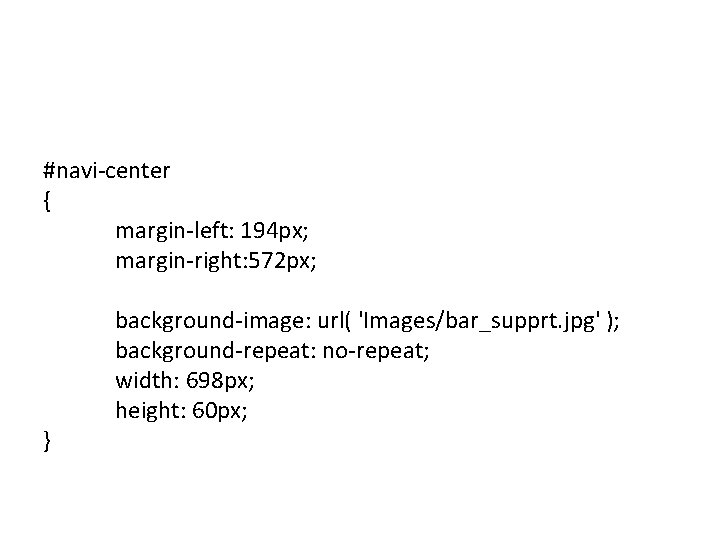
#navi-center { margin-left: 194 px; margin-right: 572 px; } background-image: url( 'Images/bar_supprt. jpg' ); background-repeat: no-repeat; width: 698 px; height: 60 px;
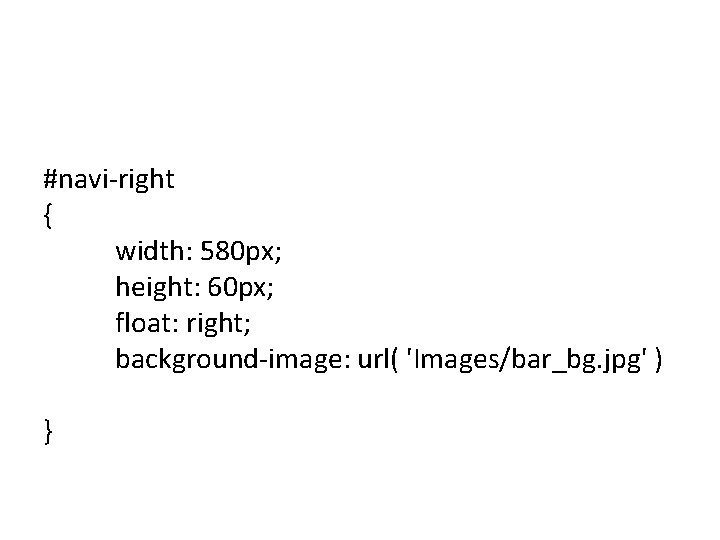
#navi-right { width: 580 px; height: 60 px; float: right; background-image: url( 'Images/bar_bg. jpg' ) }
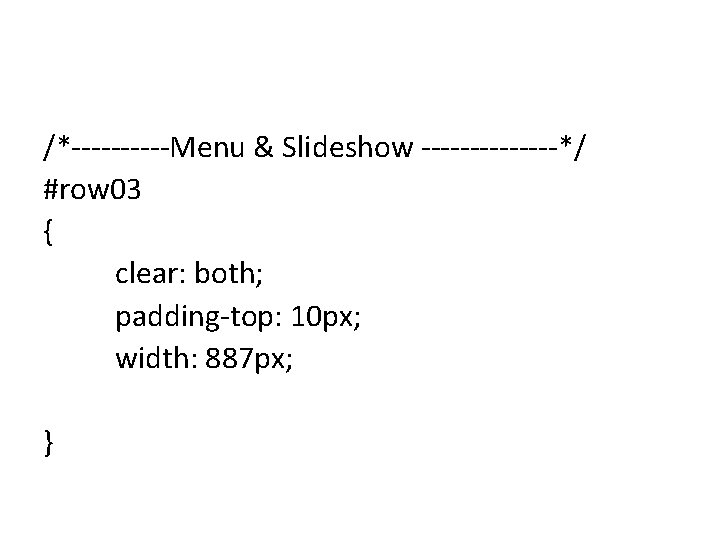
/*-----Menu & Slideshow -------*/ #row 03 { clear: both; padding-top: 10 px; width: 887 px; }
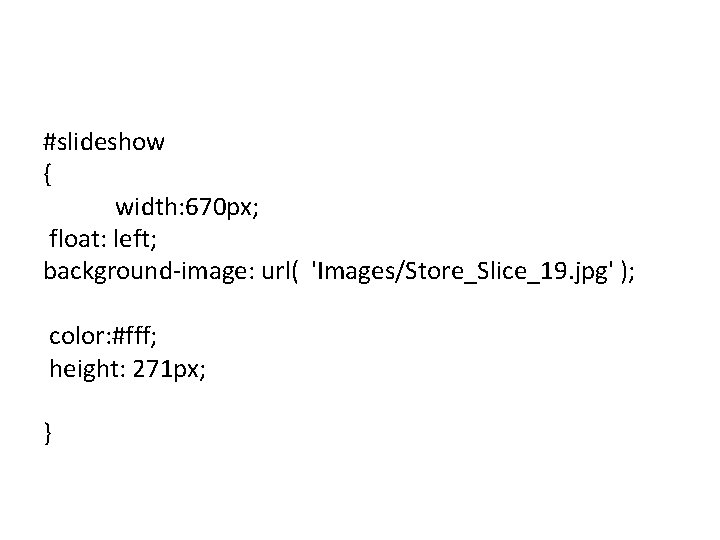
#slideshow { width: 670 px; float: left; background-image: url( 'Images/Store_Slice_19. jpg' ); color: #fff; height: 271 px; }
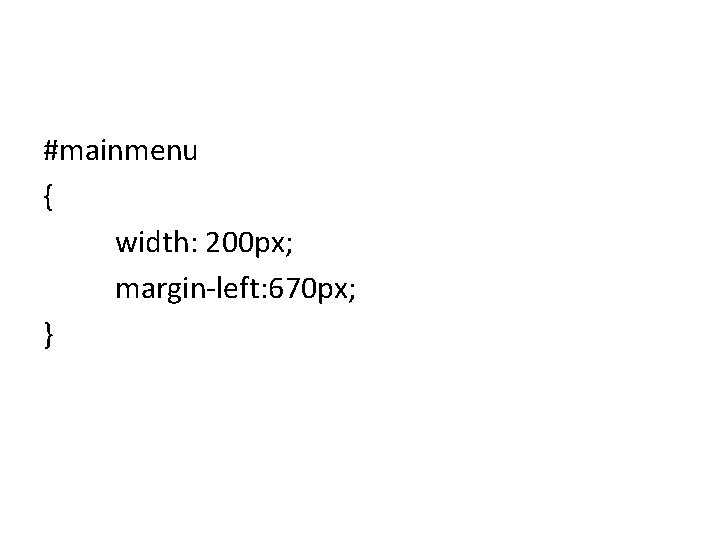
#mainmenu { width: 200 px; margin-left: 670 px; }
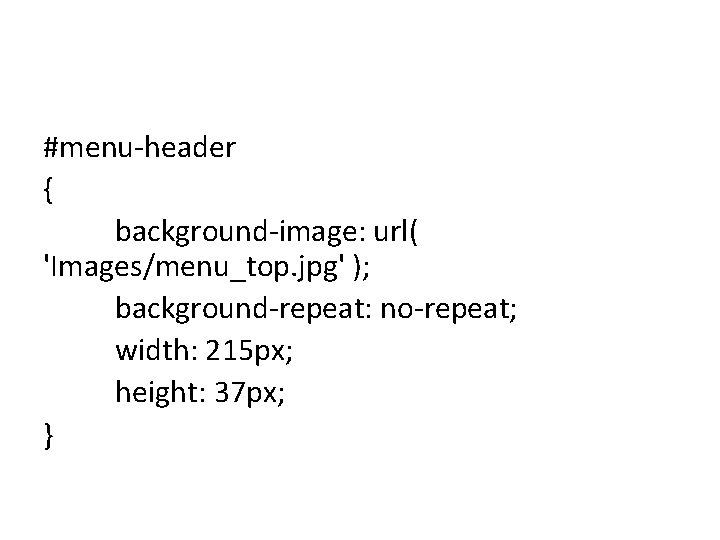
#menu-header { background-image: url( 'Images/menu_top. jpg' ); background-repeat: no-repeat; width: 215 px; height: 37 px; }
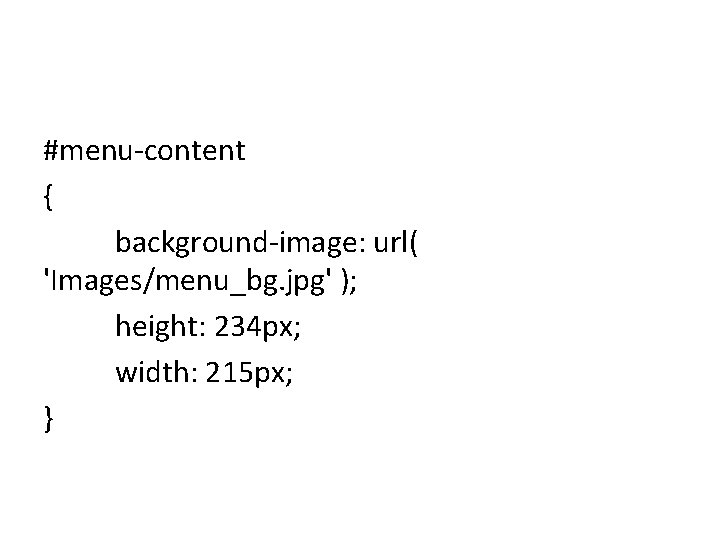
#menu-content { background-image: url( 'Images/menu_bg. jpg' ); height: 234 px; width: 215 px; }
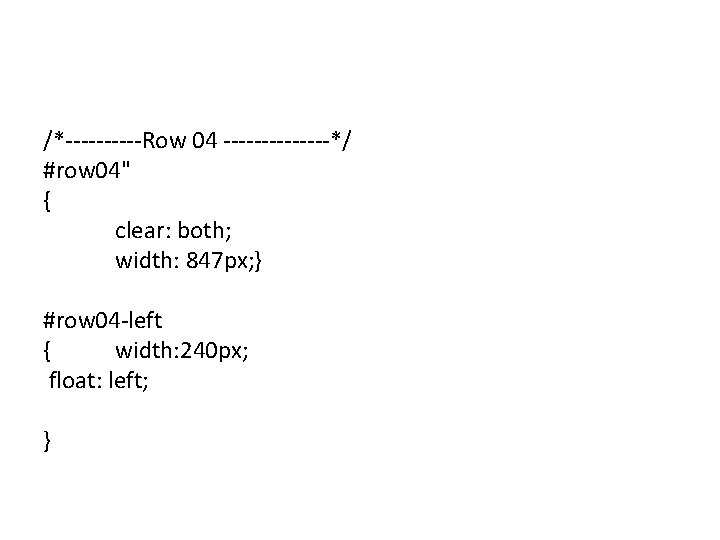
/*-----Row 04 -------*/ #row 04" { clear: both; width: 847 px; } #row 04 -left { width: 240 px; float: left; }
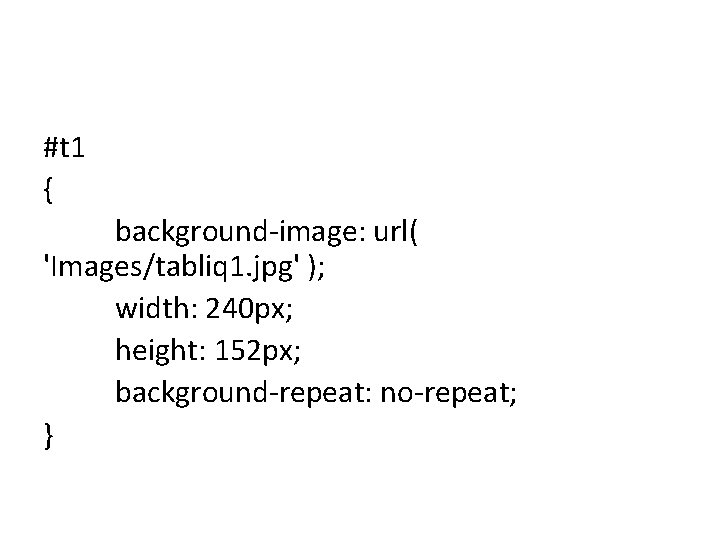
#t 1 { background-image: url( 'Images/tabliq 1. jpg' ); width: 240 px; height: 152 px; background-repeat: no-repeat; }
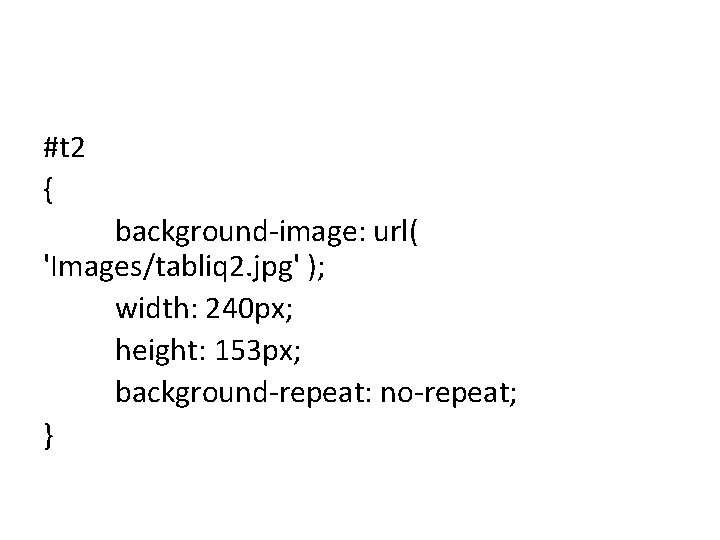
#t 2 { background-image: url( 'Images/tabliq 2. jpg' ); width: 240 px; height: 153 px; background-repeat: no-repeat; }
#t 3 { background-image: url( 'Images/tabliq 3. jpg' ); width: 240 px; height: 201 px; background-repeat: no-repeat; } #row 04 -right { width: 660 px; margin-left: 240 px; }
#adv 01 { } #adv 02 { } #adv 03 { } background-image: url( 'Images/Store_Slice_38. jpg' ); width: 650 px; height: 194 px;
# clearer { clear: both; } #footer { } padding: 10 px; font-size: 11 px; text-align: center;
The End
- Slides: 37