
Web design for neurodiverse users Claudia De Los
Web design for neurodiverse users Claudia De Los Rios Perez Ph. D. candidate, Curtin University Perth Web Accessibility Camp February 2019
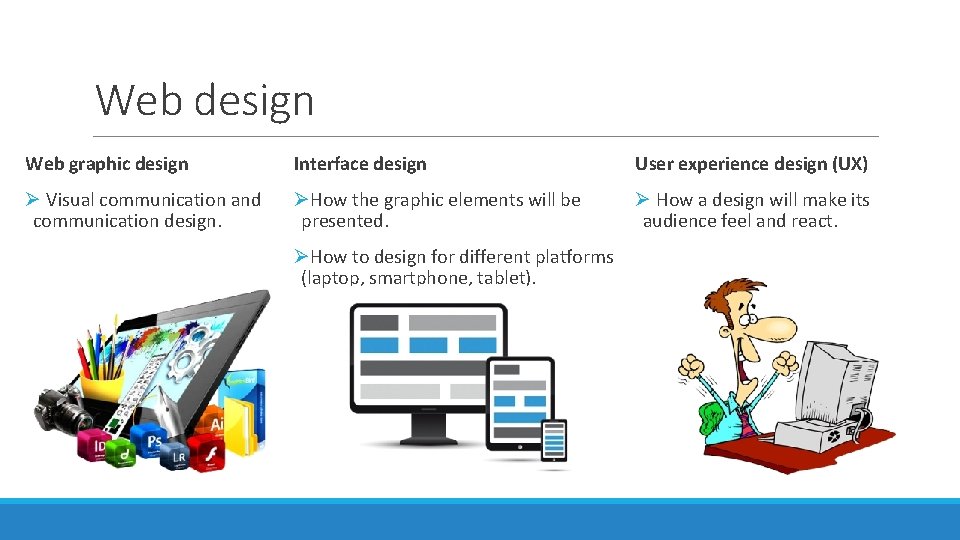
Web design Web graphic design Interface design User experience design (UX) Ø Visual communication and communication design. ØHow the graphic elements will be presented. Ø How a design will make its audience feel and react. ØHow to design for different platforms (laptop, smartphone, tablet).

Neurodiversity Neuro = brain (Neuro system) Neuro-diverse Diverse = range of different kinds Neuro-typical = Most common condition
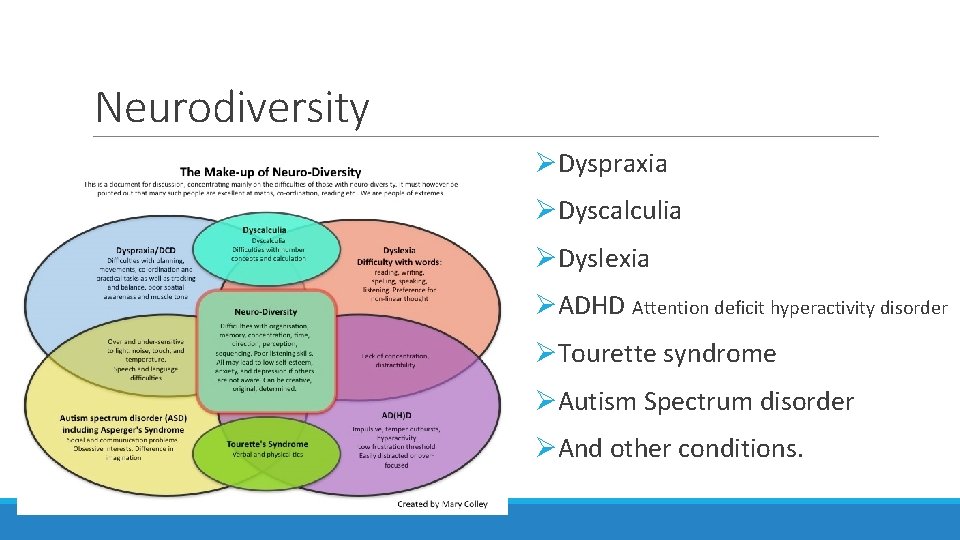
Neurodiversity ØDyspraxia ØDyscalculia ØDyslexia ØADHD Attention deficit hyperactivity disorder ØTourette syndrome ØAutism Spectrum disorder ØAnd other conditions.
Neurodiversity The neurodiverse population in the world is about _____
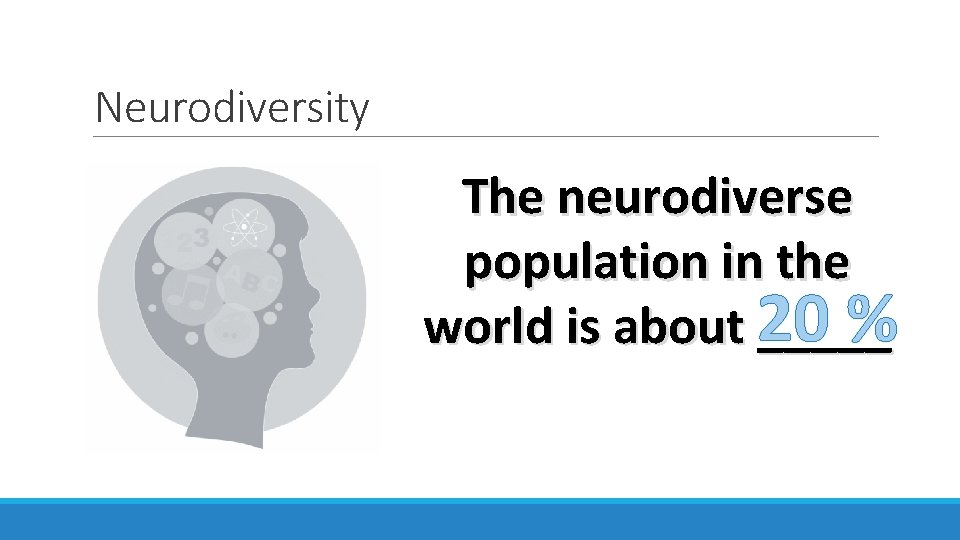
Neurodiversity The neurodiverse population in the % world is about 20 _____
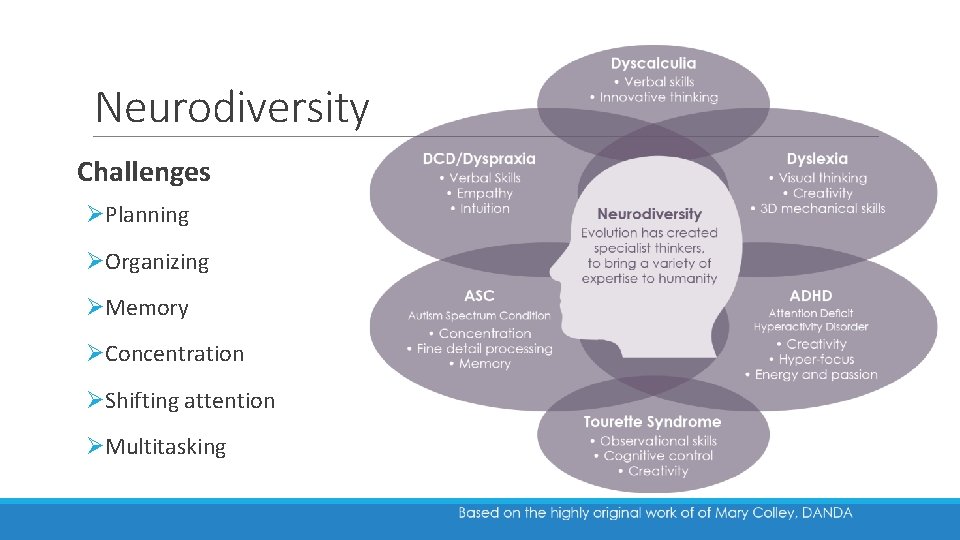
Neurodiversity Challenges ØPlanning ØOrganizing ØMemory ØConcentration ØShifting attention ØMultitasking
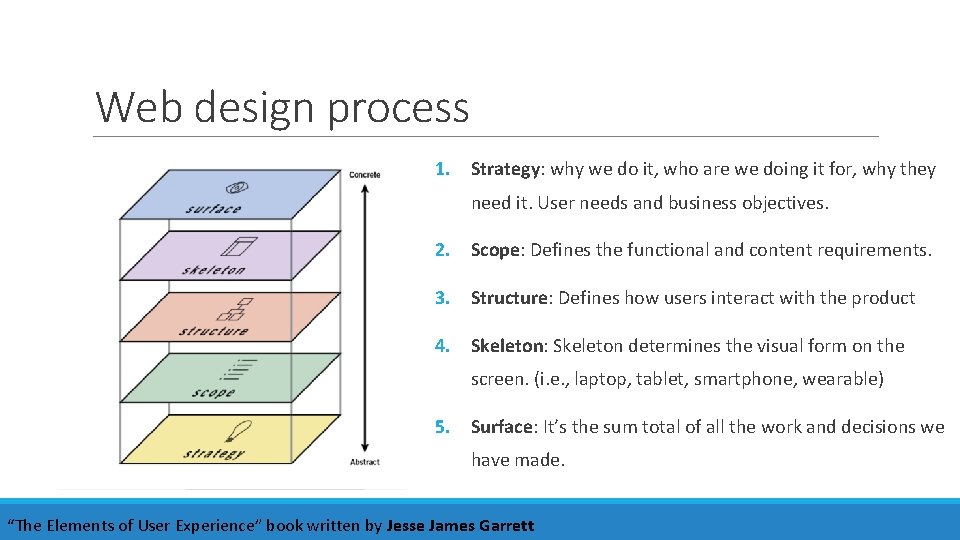
Web design process 1. Strategy: why we do it, who are we doing it for, why they need it. User needs and business objectives. 2. Scope: Defines the functional and content requirements. 3. Structure: Defines how users interact with the product 4. Skeleton: Skeleton determines the visual form on the screen. (i. e. , laptop, tablet, smartphone, wearable) 5. Surface: It’s the sum total of all the work and decisions we have made. “The Elements of User Experience” book written by Jesse James Garrett
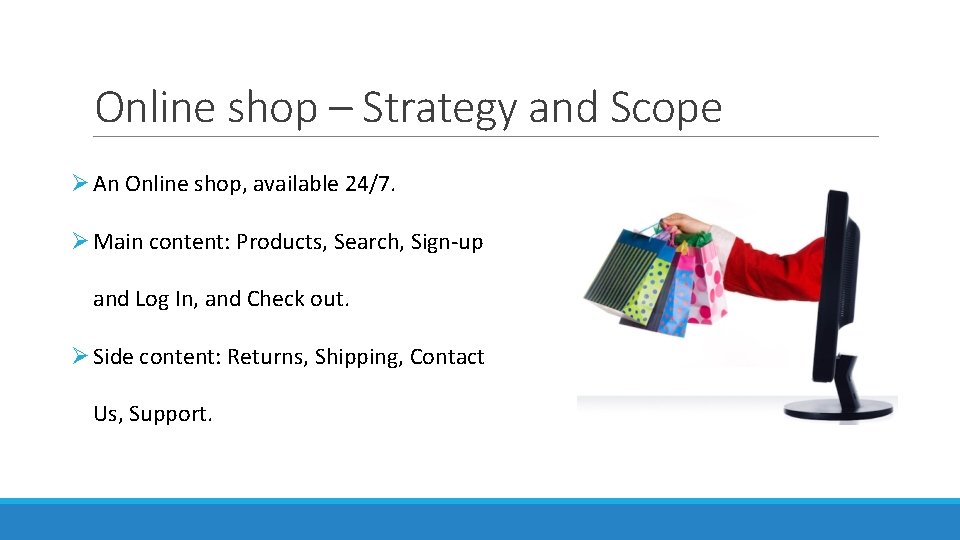
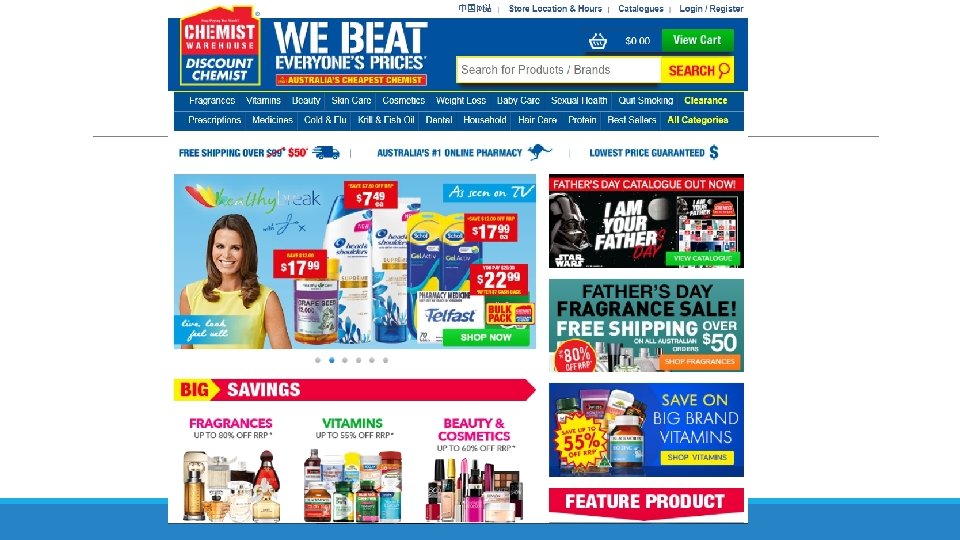
Online shop – Strategy and Scope Ø An Online shop, available 24/7. Ø Main content: Products, Search, Sign-up and Log In, and Check out. Ø Side content: Returns, Shipping, Contact Us, Support.
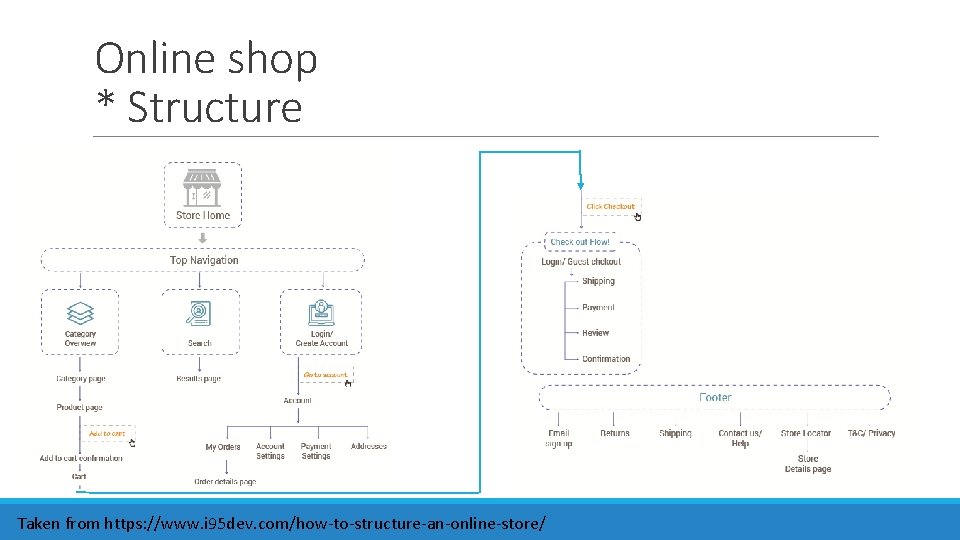
Online shop * Structure Taken from https: //www. i 95 dev. com/how-to-structure-an-online-store/
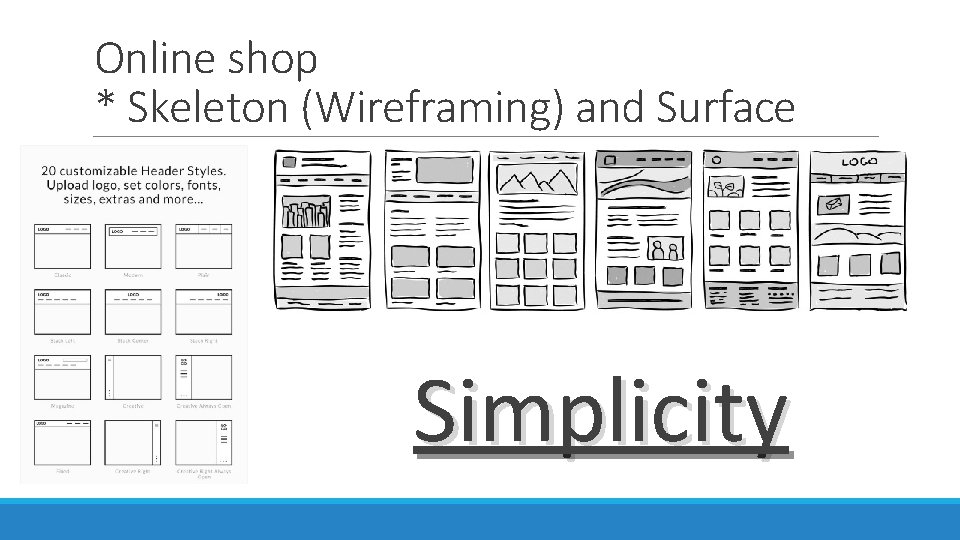
Online shop * Skeleton (Wireframing) and Surface Simplicity
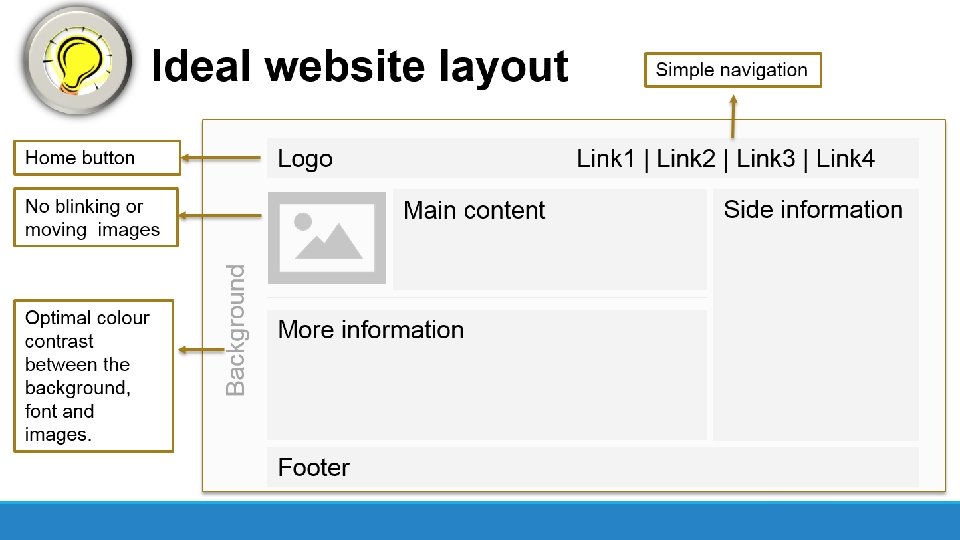
Content / Information structure ØGive one instruction at a time ØPoint out the important information ØUse clear and direct language (readability test tool) ØPrioritize by importance
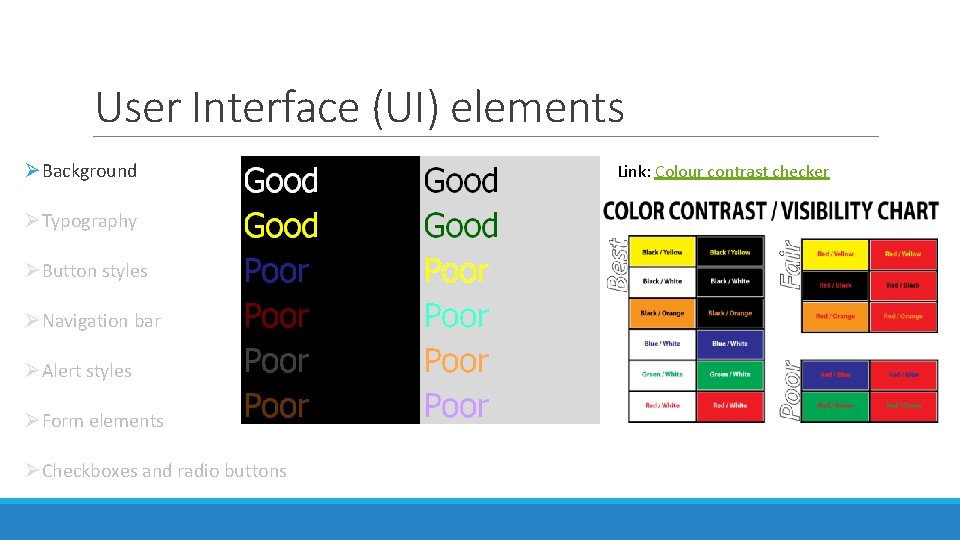
User Interface (UI) elements ØBackground ØTypography ØButton styles ØNavigation bar ØAlert styles ØForm elements ØCheckboxes and radio buttons Link: Colour contrast checker
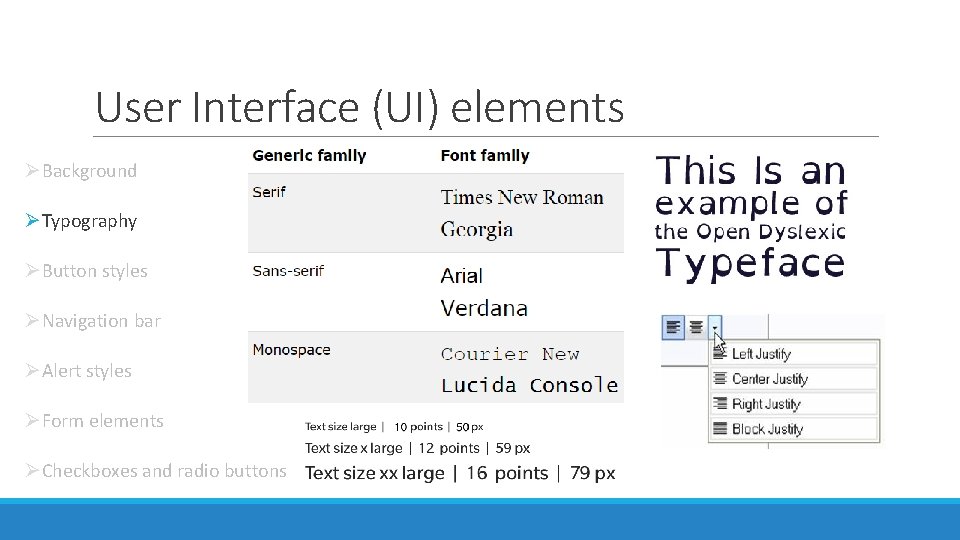
User Interface (UI) elements ØBackground ØTypography ØButton styles ØNavigation bar ØAlert styles ØForm elements ØCheckboxes and radio buttons
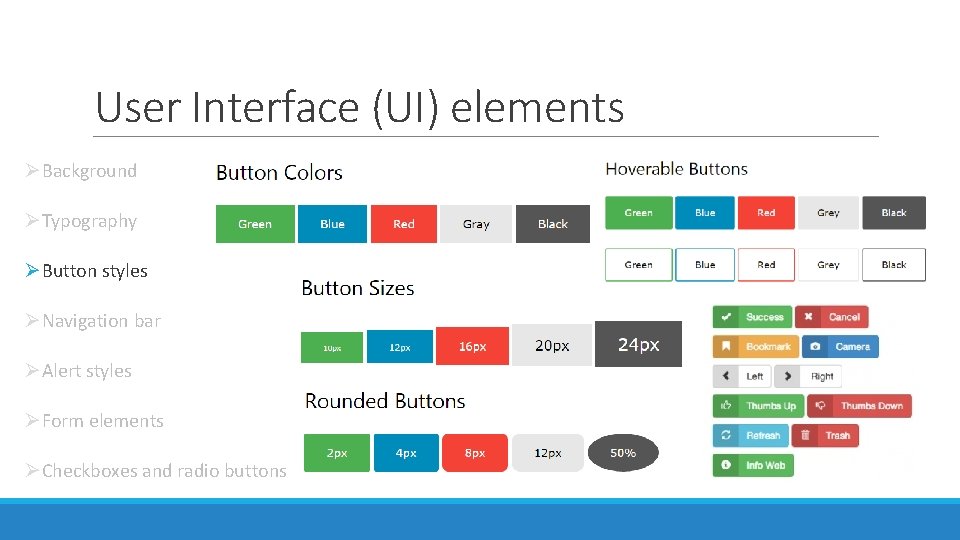
User Interface (UI) elements ØBackground ØTypography ØButton styles ØNavigation bar ØAlert styles ØForm elements ØCheckboxes and radio buttons
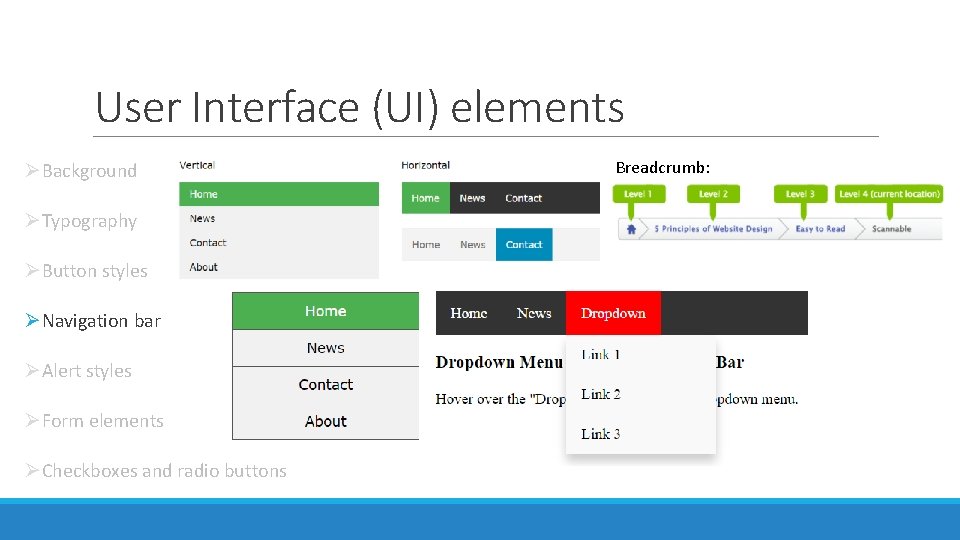
User Interface (UI) elements ØBackground ØTypography ØButton styles ØNavigation bar ØAlert styles ØForm elements ØCheckboxes and radio buttons Breadcrumb:
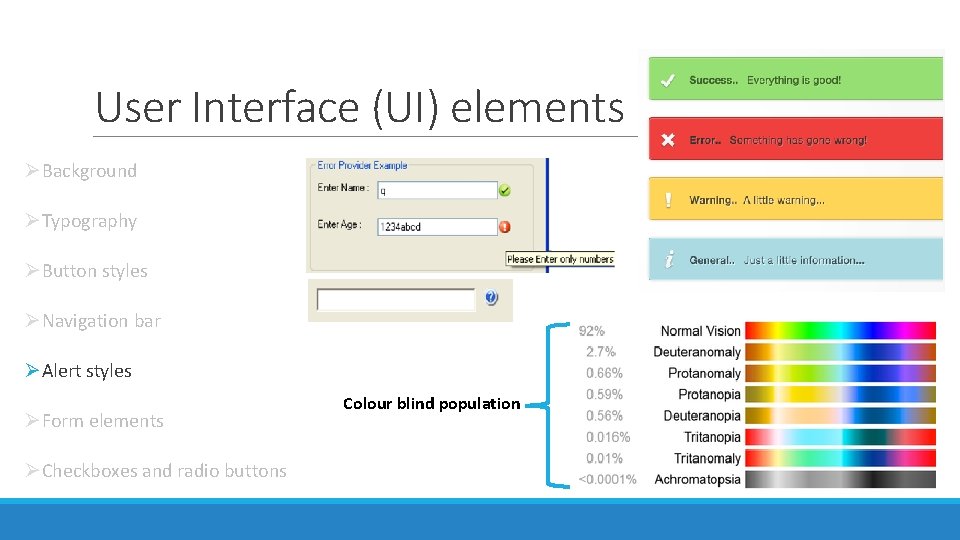
User Interface (UI) elements ØBackground ØTypography ØButton styles ØNavigation bar ØAlert styles ØForm elements ØCheckboxes and radio buttons Colour blind population
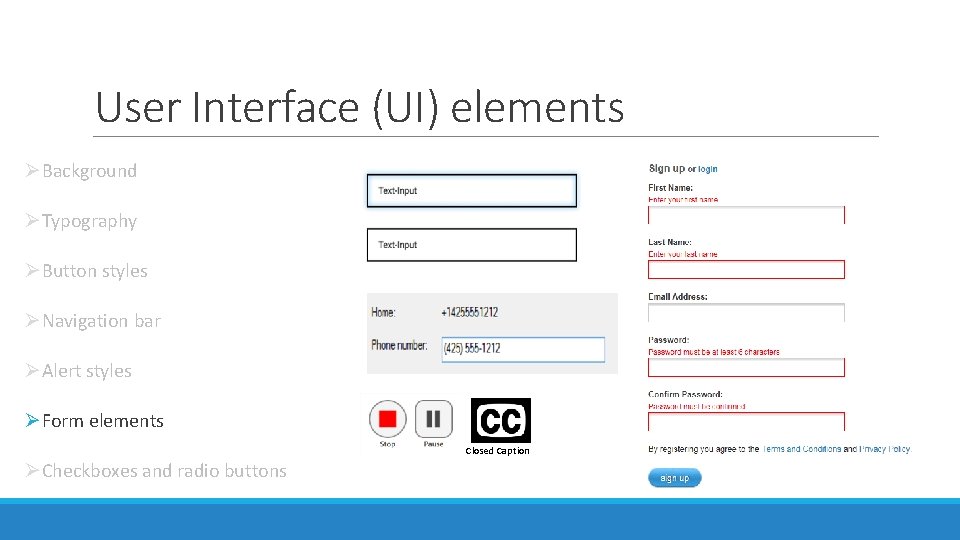
User Interface (UI) elements ØBackground ØTypography ØButton styles ØNavigation bar ØAlert styles ØForm elements Closed Caption ØCheckboxes and radio buttons
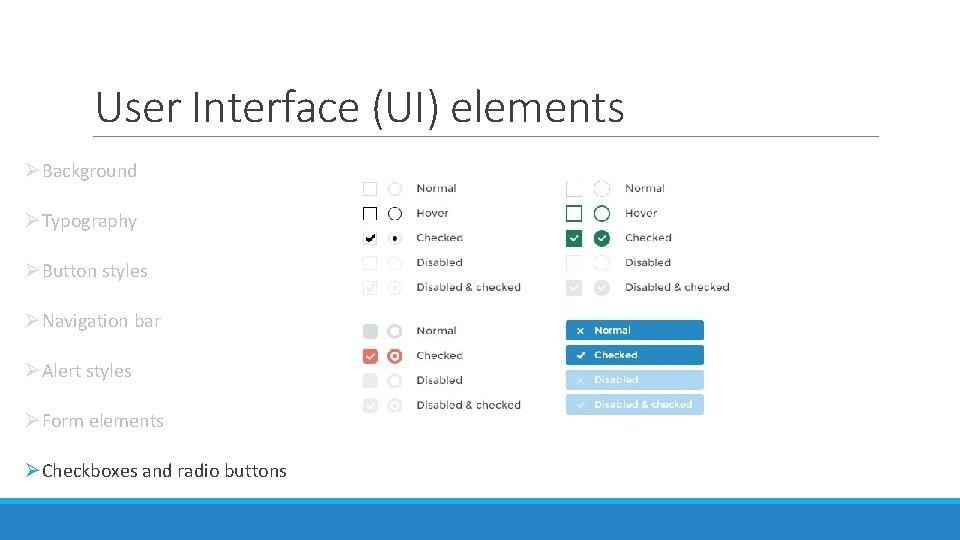
User Interface (UI) elements ØBackground ØTypography ØButton styles ØNavigation bar ØAlert styles ØForm elements ØCheckboxes and radio buttons
Please contact me for questions, comments or to know more about my research: Email: claudia. delosriosperez@curtin. edu. au Mobile phone: 0415 911 205 Twitter @cladep 1
- Slides: 25