
Web Content Training Covered in this training Writing
Web Content Training Covered in this training: Writing your text Using images Using links Accessibility Search Engine Optimization
Writing for the web is different “People rarely read Web pages word by word; instead, they scan the page, picking out individual words and sentences. ” “Users won’t read web content unless the text is clear, the words and sentences are simple, and the information is easy to understand. ” - The Norman Nielsen Group Content must be: 1. 2. 3. Concise Scannable Relevant
Be Concise You must ensure that you hand in your assignment on time. (11 words) Ensure you hand in your assignment on time. (8 words) Ensure your assignment is on time. (6 words)

Eschew Obfuscation Idaho State University provides diverse pathways to retention and graduation through educational preparation, academic and cocurricular opportunities, and extensive student support services. ISU’s retention and graduation rates are high because of its diverse academic programs, excellent instruction and student support services. Writing in a simple, informal style is best.
Tool: The Hemingway App http: //www. hemingwayapp. com/ It highlights complicated sentences and gives a grade level. The goal level for web writing is grade 6 -9.
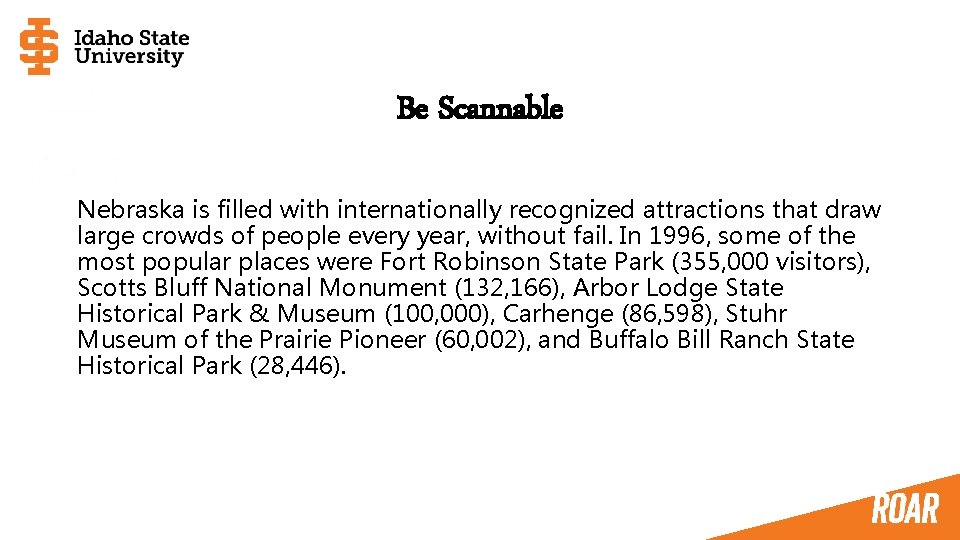
Be Scannable Nebraska is filled with internationally recognized attractions that draw large crowds of people every year, without fail. In 1996, some of the most popular places were Fort Robinson State Park (355, 000 visitors), Scotts Bluff National Monument (132, 166), Arbor Lodge State Historical Park & Museum (100, 000), Carhenge (86, 598), Stuhr Museum of the Prairie Pioneer (60, 002), and Buffalo Bill Ranch State Historical Park (28, 446).
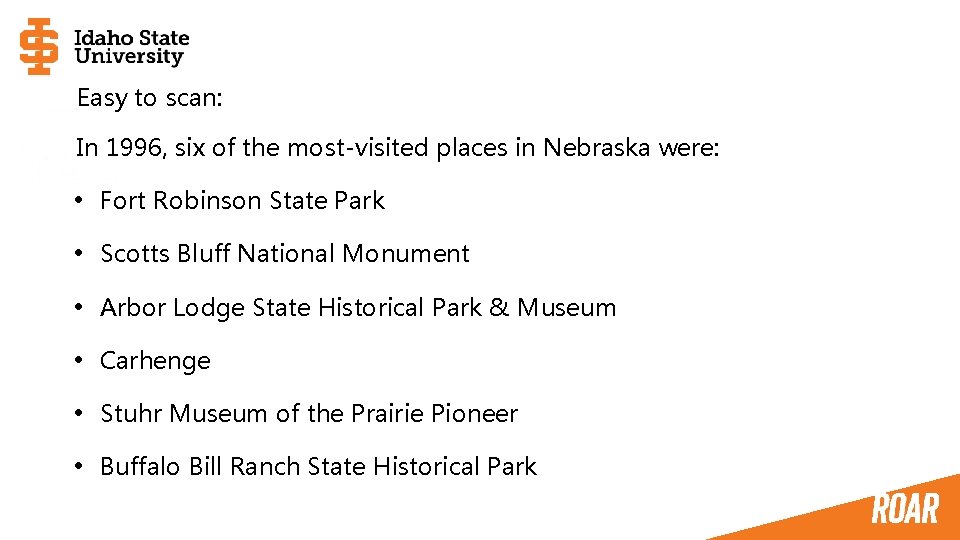
Easy to scan: In 1996, six of the most-visited places in Nebraska were: • Fort Robinson State Park • Scotts Bluff National Monument • Arbor Lodge State Historical Park & Museum • Carhenge • Stuhr Museum of the Prairie Pioneer • Buffalo Bill Ranch State Historical Park
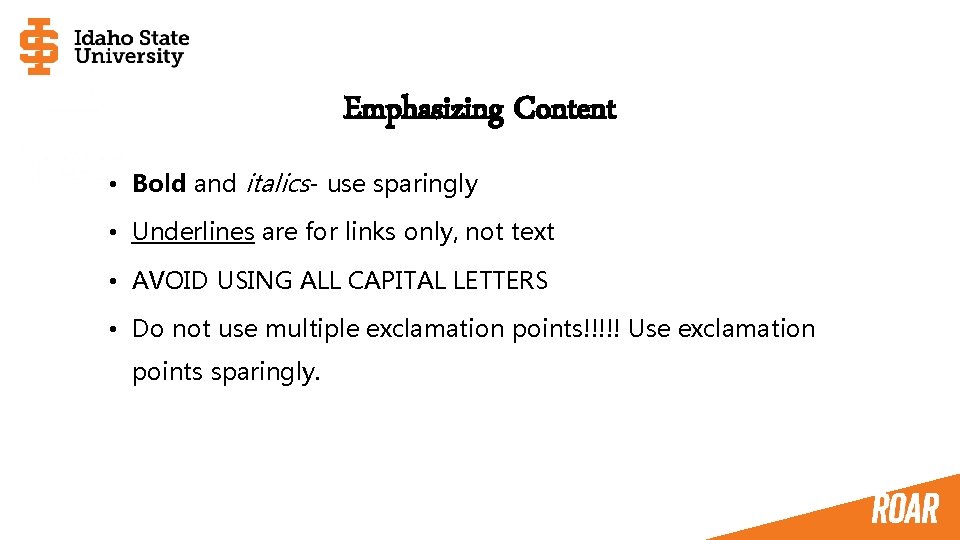
Emphasizing Content • Bold and italics- use sparingly • Underlines are for links only, not text • AVOID USING ALL CAPITAL LETTERS • Do not use multiple exclamation points!!!!! Use exclamation points sparingly.
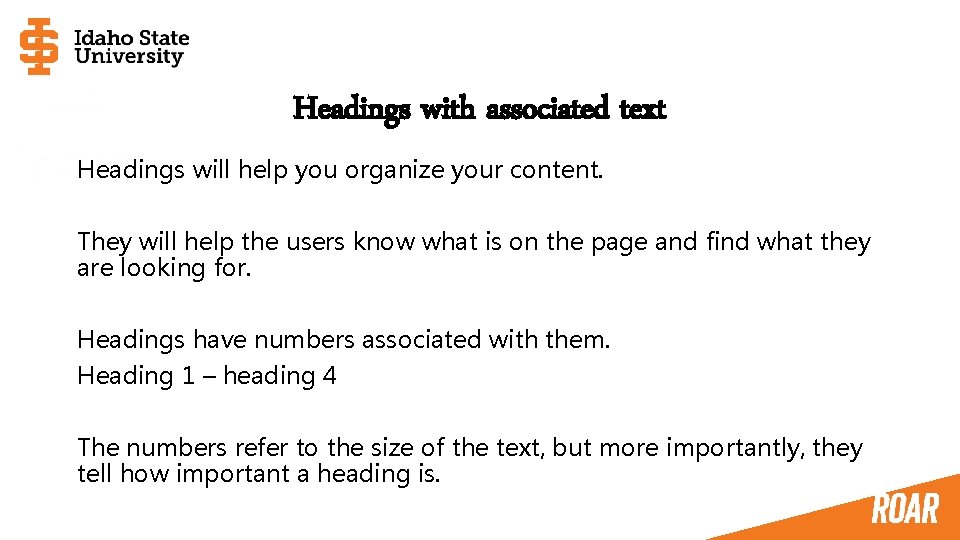
Headings with associated text Headings will help you organize your content. They will help the users know what is on the page and find what they are looking for. Headings have numbers associated with them. Heading 1 – heading 4 The numbers refer to the size of the text, but more importantly, they tell how important a heading is.
Be Relevant Ask yourself these questions: • Who is the content written for? (audience) • What is the purpose of your content? • What is the take away/message?
Audience Exercise: You are running out of parking spaces at the university, and your job is to sell the idea of riding bicycles instead of driving. You have to write two pieces of content. The first is aimed at students. The second is aimed at the student’s parents. How would these two pieces of content differ?
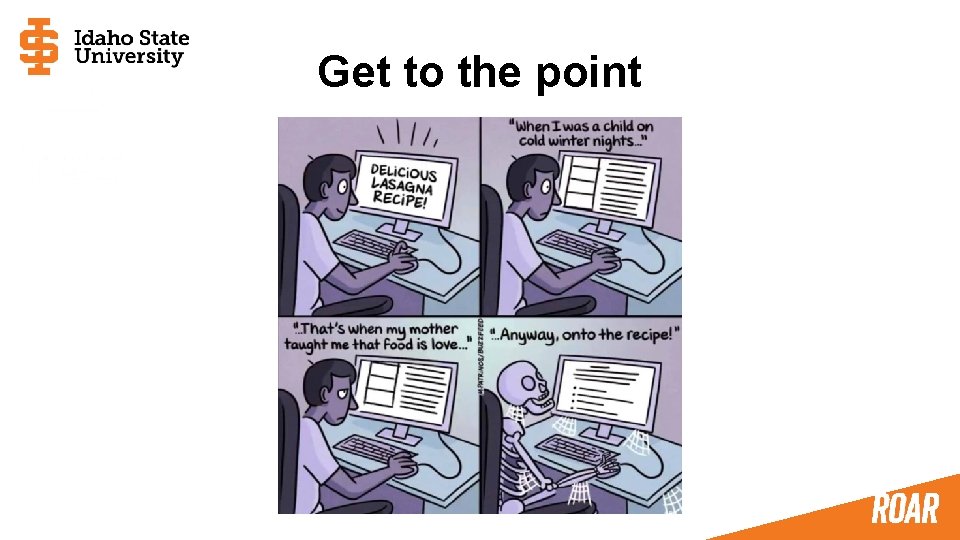
Get to the point
Content should be current Content can become stale or incorrect. Should content be checked once per month, once per semester, or some other interval?
Tool: Grammarly https: //www. grammarly. com/ Find spelling and grammatical errors. FYI, the plugin is useful but often conflicts with other plugins
Use High-quality images Using Images • Good color • Not blurry • Properly frames the subject • Avoid stock photography • Avoid clip art • Avoid animated gifs Legal Usage • Do we own it? • Images from google search may not be free to use
Tool: Smugmug isu. edu/photos idahostateu. smugmug. com Database of many images owned by the university. Download password: bengalroar 2020
Resizing Images from Smugmug are huge and should be resized before they are uploaded. Tools: Befunky Free online photo editor Squoosh Online phtoto optimizer Image size guidelines Resizing images
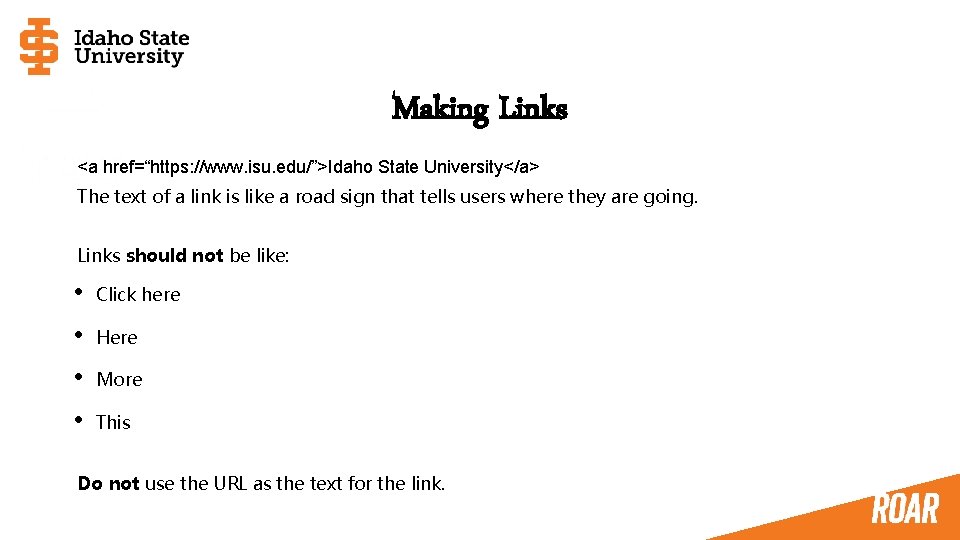
Making Links <a href=“https: //www. isu. edu/”>Idaho State University</a> The text of a link is like a road sign that tells users where they are going. Links should not be like: • Click here • Here • More • This Do not use the URL as the text for the link.
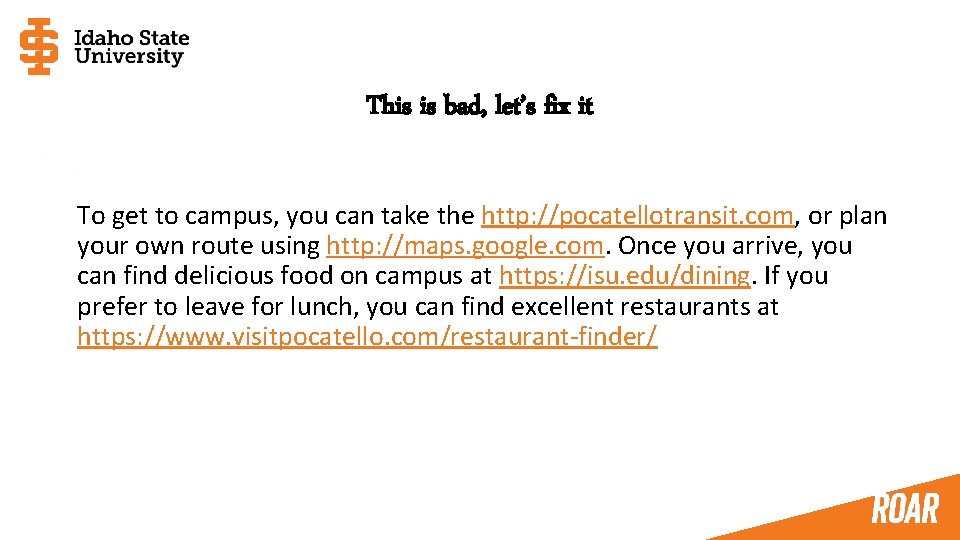
This is bad, let’s fix it To get to campus, you can take the http: //pocatellotransit. com, or plan your own route using http: //maps. google. com. Once you arrive, you can find delicious food on campus at https: //isu. edu/dining. If you prefer to leave for lunch, you can find excellent restaurants at https: //www. visitpocatello. com/restaurant-finder/
TEST Be nervous.
Accessibility We must make accommodations for users with visual or hearing impairments. It is the law, but also… Failure to comply with accessibility standards is a form of discrimination.
How to make accessible sites • Use headings • Use appropriate text for links • Provide image descriptions • Properly create documents (pdf, Word) • Provide captions for videos Web Content Accessibility Guidelines https: //www. w 3. org/TR/WCAG 20/
Image Descriptions Images need descriptive text (called alt text) This text should give context and help a visually impaired person understand why the image is there. When writing a description: • Be accurate • Be succinct • Don't use phrases like "image of. . . " or "graphic of. . . " to describe the image Examples of Image Descriptions Full explanation of alt text
Documents and Videos The ITRC has many resources to help with this: Instructional Technology Resource Center https: //www. isu. edu/itrc/accessibility-resources/ Documents should be created in a certain way. If you create a video, you need to supply captions.
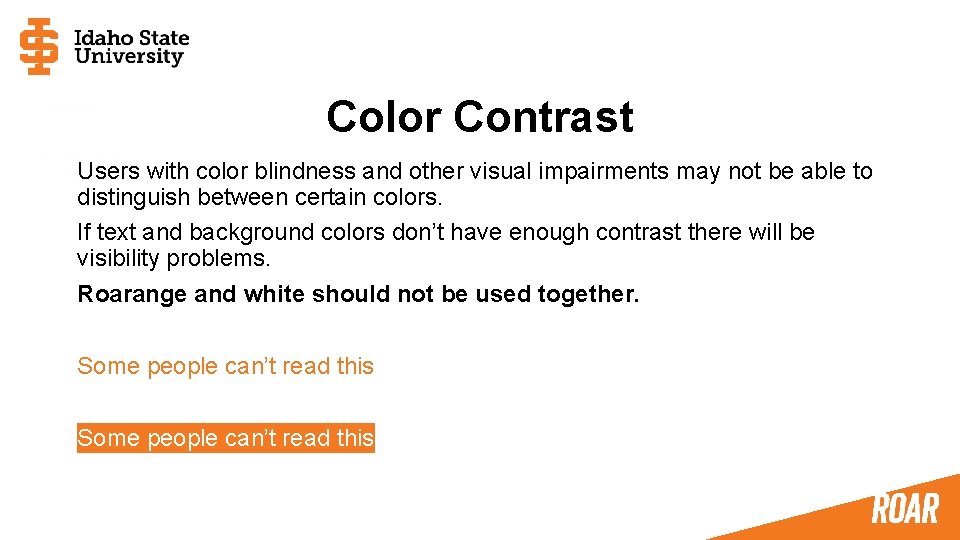
Color Contrast Users with color blindness and other visual impairments may not be able to distinguish between certain colors. If text and background colors don’t have enough contrast there will be visibility problems. Roarange and white should not be used together. Some people can’t read this
Search Engine Optimization Search engines are basically intelligent screen readers. Complying with accessibility standards means most of your search engine optimization is done.
What Search Engines Want • Headings that are relevant to the content of the page. Every page needs to have a Heading 1 as the first heading. • Appropriate link text • Content in scannable chunks • Images with descriptions, readable file names, and a small file size • URL relevant to page content • Page title relevant to page content • Page description that summarizes the page content
SEO Big 3 URL The first thing an engine looks at. You have some control over this. Page Title Tells the engine the main point of your page in 60 characters or less. Page Description Gives a summary of the page in less than 160 characters.
Images Image Description Engines compare the description text to the body text of the page to determine what the image is. This is how Google Image Search finds images. File name homecoming-parade. jpg Is better than 180929 -homecoming-parade-35. jpg File size Images should be smaller than 1 MB
Think about search terms Think about what words or phrases people may use to try to find your content. Use those terms in your content. If your website contains jargon used in your office, will anyone use that jargon in a search query?
Tool: Dub. Bot https: //dubbot. com/ Dub. Bot audits your site for things like misspellings, broken links, accessibility issues, and ways to improve your search engine results. For more information on Dub. Bot: Dave Van Etten - vanedavi@isu. edu
Questions Do you have them?
- Slides: 32