
Web Application Security By Design Guillermo Munoz Applications

Web Application Security By Design Guillermo Munoz, Applications Security Engineer
Why “Security by Design” Division of Information Technology

An Overall Picture Use to divide into sections Division of Information Technology
Introduction 1. Cybercrime to reach $6 Trillion by 2021 • “This represents the greatest transfer of economic wealth in history, risks the incentives for innovation and investment, and will be more profitable than the global trade of all major illegal drugs combined. ” (Morgan, 2017) 2. Average cost of a data breach: $3. 86 million (Mc. Carthy, 2018) 3. If not done by design, increased likelihood of vulnerabilities. 4. Beauty, Excellence, Quality… • Something that is exactly as it should be. • We all want our work to be that. Division of Information Technology
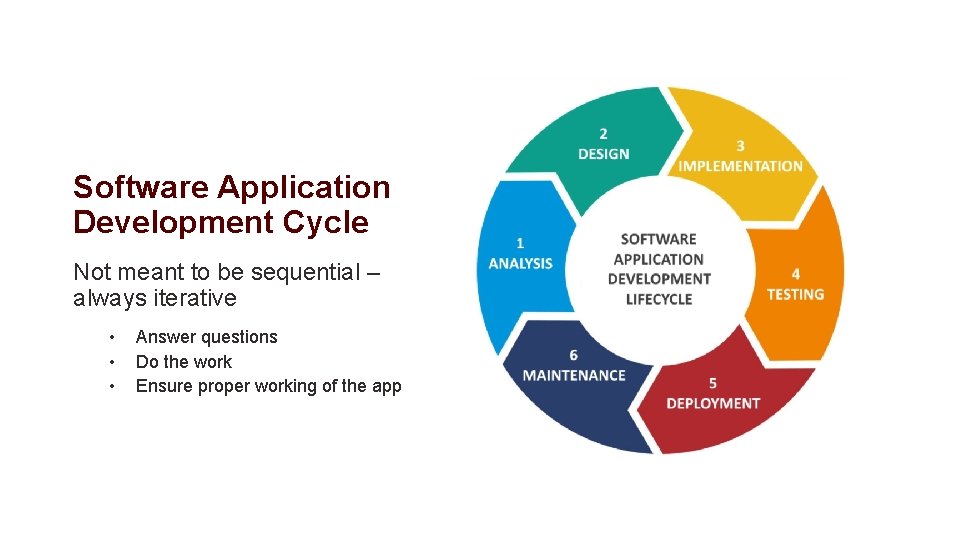
Software Application Development Cycle Not meant to be sequential – always iterative • • • Answer questions Do the work Ensure proper working of the app Division of Information Technology
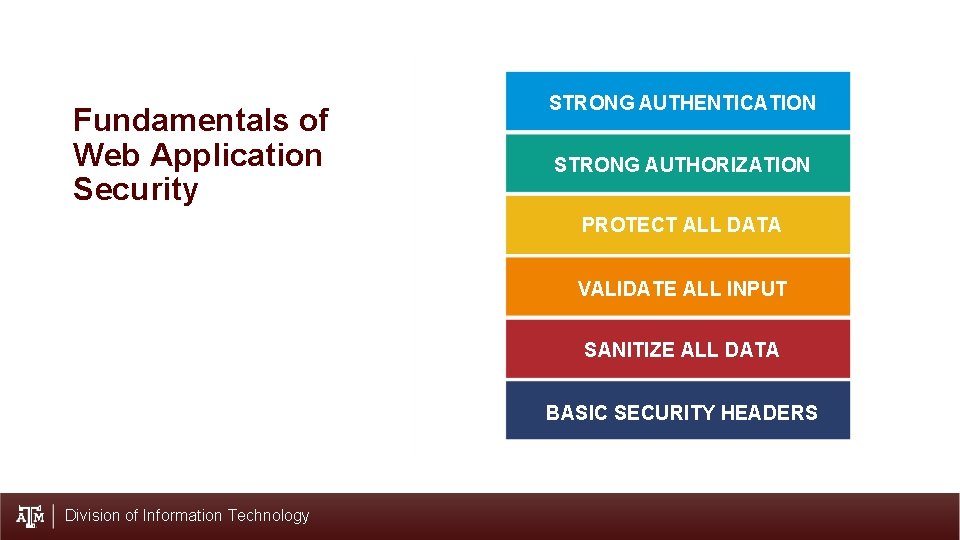
Fundamentals of Web Application Security STRONG AUTHENTICATION STRONG AUTHORIZATION PROTECT ALL DATA VALIDATE ALL INPUT SANITIZE ALL DATA BASIC SECURITY HEADERS Division of Information Technology
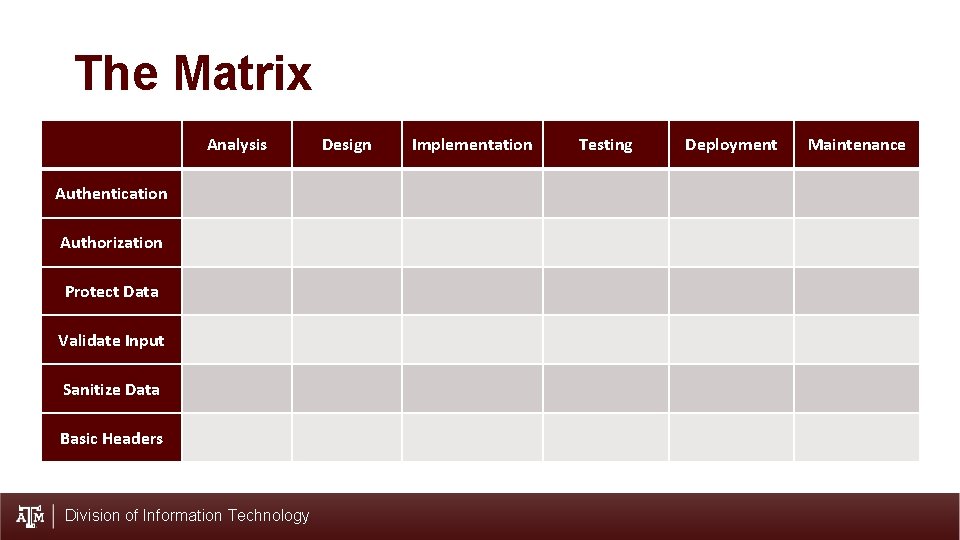
The Matrix Analysis Authentication Authorization Protect Data Validate Input Sanitize Data Basic Headers Division of Information Technology Design Implementation Testing Deployment Maintenance
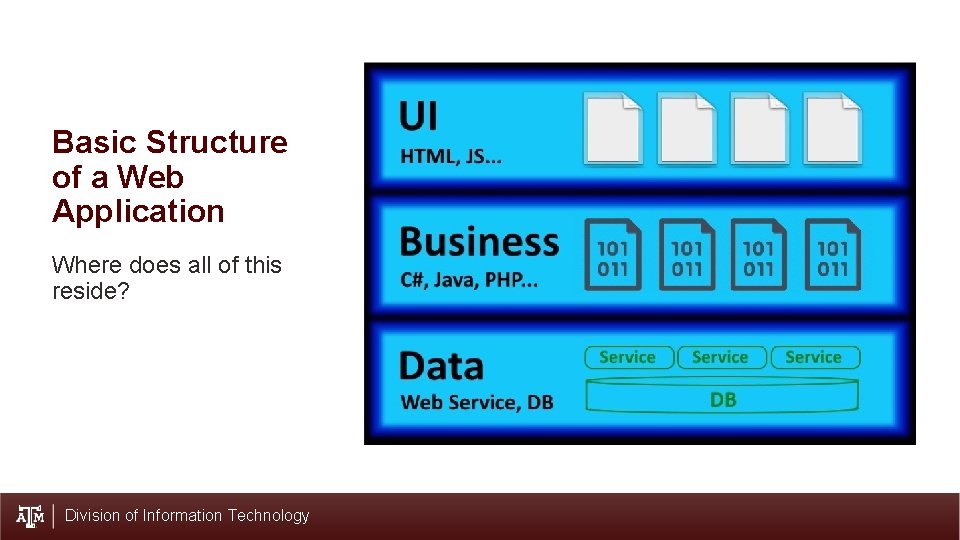
Basic Structure of a Web Application Where does all of this reside? Division of Information Technology

Analysis Division of Information Technology
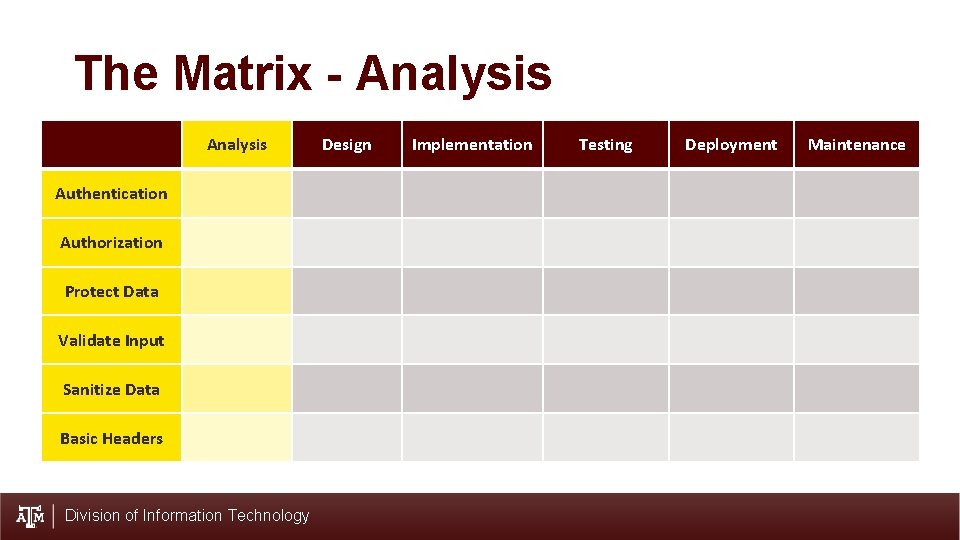
The Matrix - Analysis Authentication Authorization Protect Data Validate Input Sanitize Data Basic Headers Division of Information Technology Design Implementation Testing Deployment Maintenance
Analysis (1) 1. Answers “what are we going to do? ” 2. Stakeholder involvement • Functionality vs. Security • Training, Negotiating 3. Fundamental as requirements • What is expected in terms of security • Do not put into template Division of Information Technology

Design Division of Information Technology
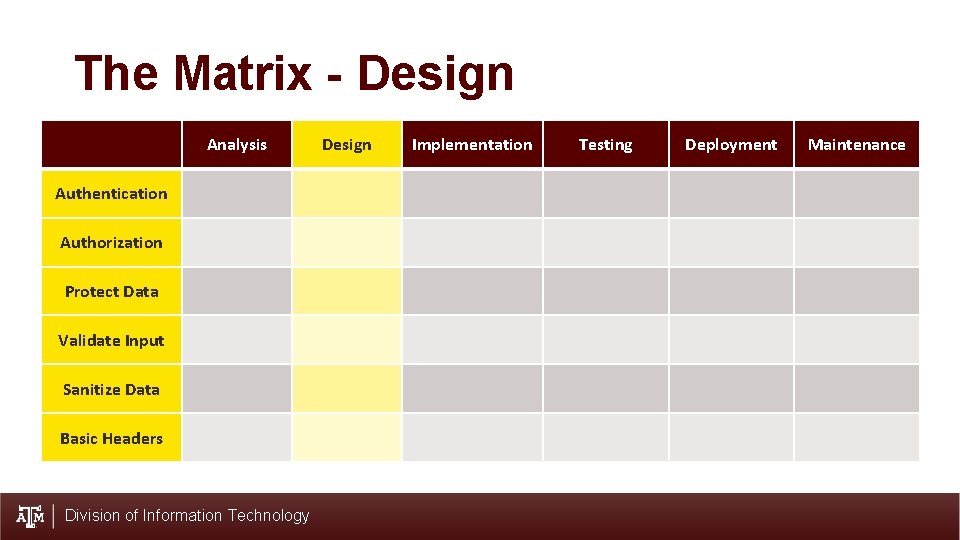
The Matrix - Design Analysis Authentication Authorization Protect Data Validate Input Sanitize Data Basic Headers Division of Information Technology Design Implementation Testing Deployment Maintenance
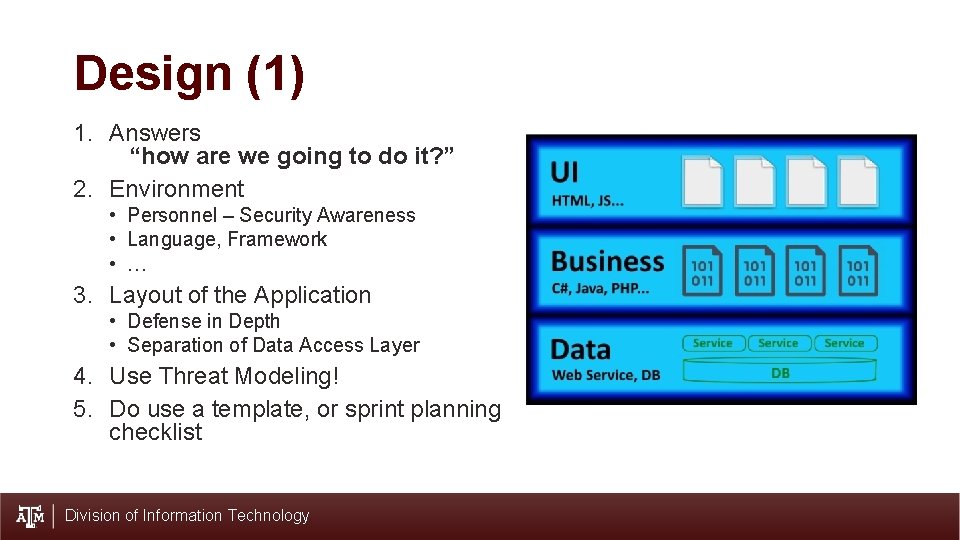
Design (1) 1. Answers “how are we going to do it? ” 2. Environment • Personnel – Security Awareness • Language, Framework • … 3. Layout of the Application • Defense in Depth • Separation of Data Access Layer 4. Use Threat Modeling! 5. Do use a template, or sprint planning checklist Division of Information Technology
Have a security prone mindset • Be a bit paranoid. • Be open to input, scrutiny. • Be a learner. Division of Information Technology
Implementation a. k. a. Defense Against the Dark Arts Division of Information Technology
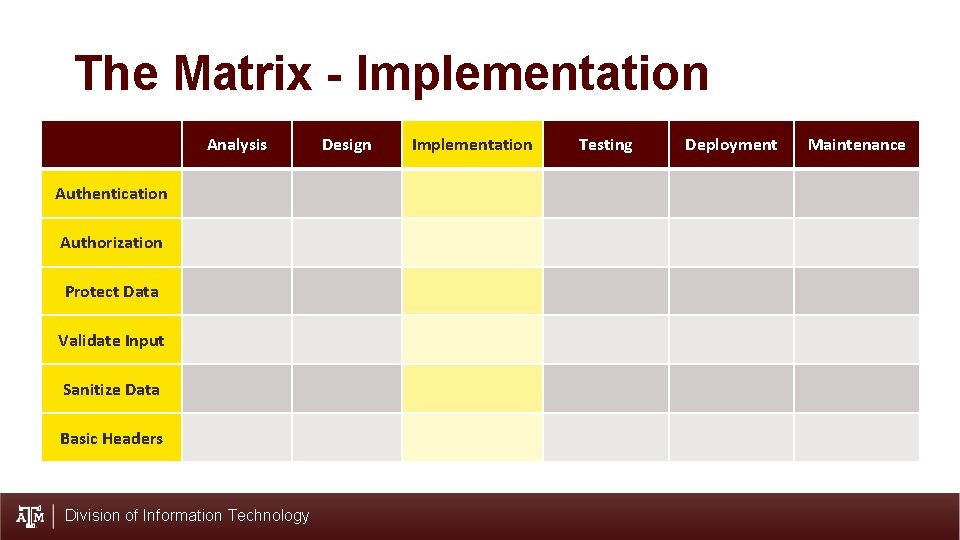
The Matrix - Implementation Analysis Authentication Authorization Protect Data Validate Input Sanitize Data Basic Headers Division of Information Technology Design Implementation Testing Deployment Maintenance
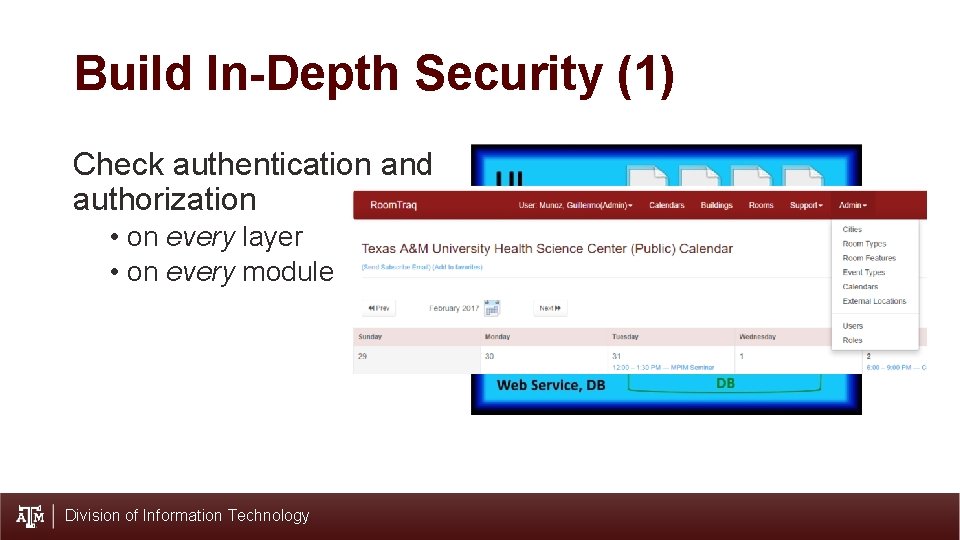
Build In-Depth Security (1) Check authentication and authorization • on every layer • on every module Division of Information Technology
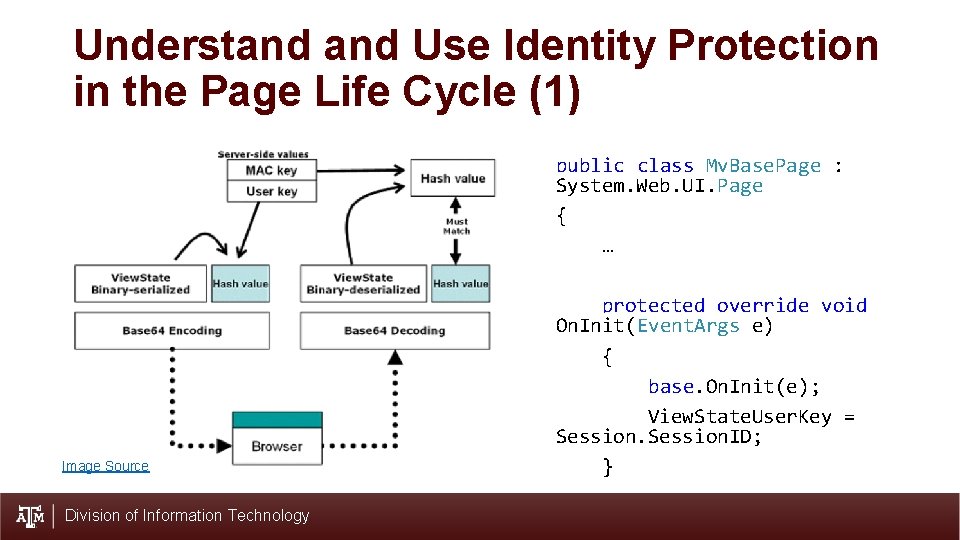
Understand Use Identity Protection in the Page Life Cycle (1) public class My. Base. Page : System. Web. UI. Page { … Image Source Division of Information Technology protected override void On. Init(Event. Args e) { base. On. Init(e); View. State. User. Key = Session. ID; }
Understand Use Identity Protection in the Page Life Cycle (2) • Set View. State. User. Key to Session. Id • Use additional user token. • Use Base Page methods to check credentials – Authentication and Authorization. Division of Information Technology
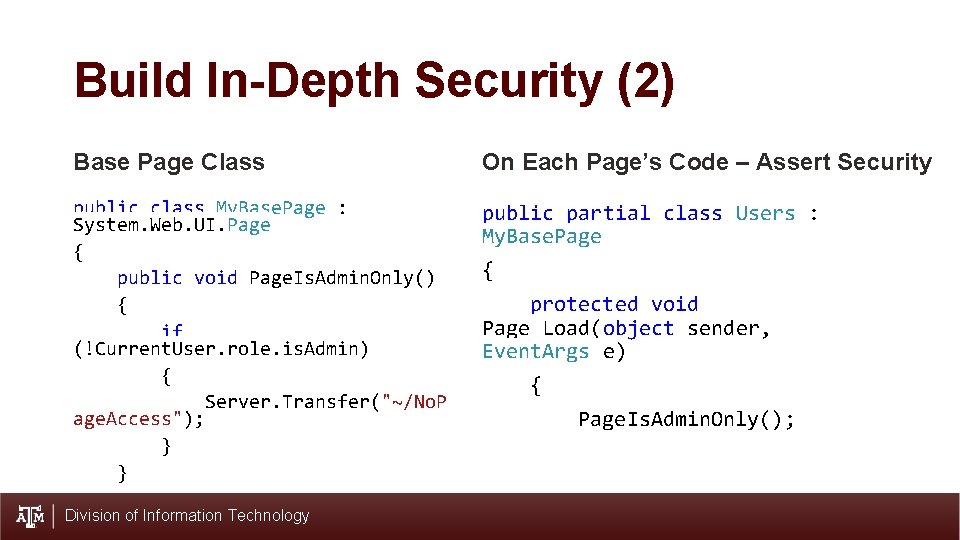
Build In-Depth Security (2) Base Page Class On Each Page’s Code – Assert Security public class My. Base. Page : System. Web. UI. Page { public void Page. Is. Admin. Only() { if (!Current. User. role. is. Admin) { Server. Transfer("~/No. P age. Access"); } } public partial class Users : My. Base. Page Division of Information Technology { protected void Page_Load(object sender, Event. Args e) { Page. Is. Admin. Only();
Protect User Credentials • “The best password is one you don’t have to store”. • Enforce strong password requirements • Store password securely • Use generic “invalid login” message • Limit login attempts – use timeout Division of Information Technology
Protect Data • Exercise Least Privilege • Encrypt all sensitive information. • Remove content rather than hiding it. • Use generic error page – no details. Division of Information Technology
Require Secure Transport (1) Set your Web Server to Require Secure Transport • IIS Manager • Features View > SSL Setting > Require SSL Division of Information Technology
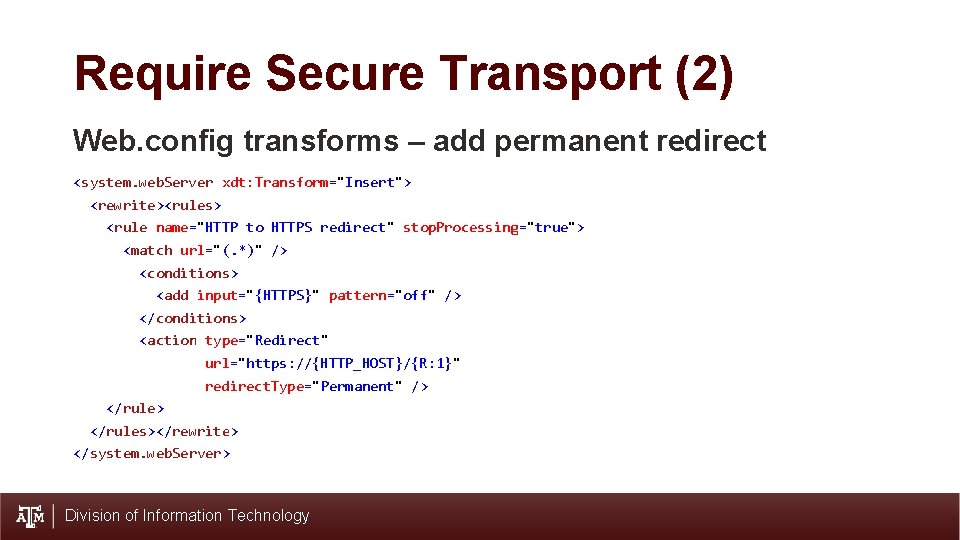
Require Secure Transport (2) Web. config transforms – add permanent redirect <system. web. Server xdt: Transform="Insert"> <rewrite><rules> <rule name="HTTP to HTTPS redirect" stop. Processing="true"> <match url="(. *)" /> <conditions> <add input="{HTTPS}" pattern="off" /> </conditions> <action type="Redirect" url="https: //{HTTP_HOST}/{R: 1}" redirect. Type="Permanent" /> </rule> </rules></rewrite> </system. web. Server> Division of Information Technology
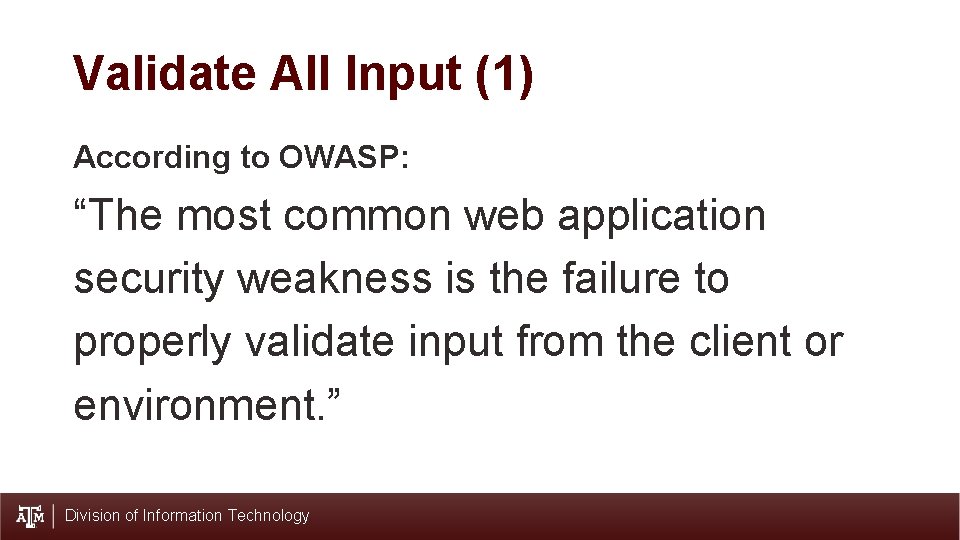
Validate All Input (1) According to OWASP: “The most common web application security weakness is the failure to properly validate input from the client or environment. ” Division of Information Technology
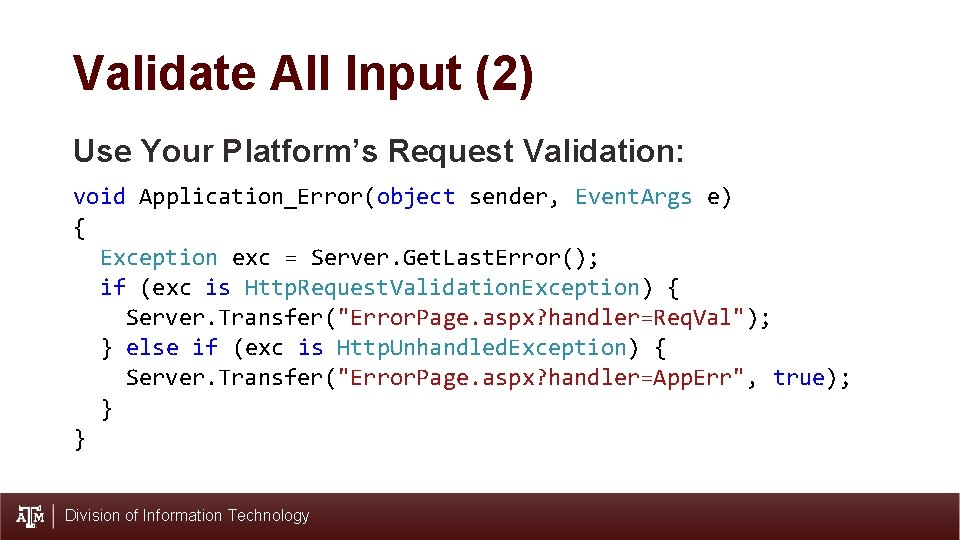
Validate All Input (2) Use Your Platform’s Request Validation: void Application_Error(object sender, Event. Args e) { Exception exc = Server. Get. Last. Error(); if (exc is Http. Request. Validation. Exception) { Server. Transfer("Error. Page. aspx? handler=Req. Val"); } else if (exc is Http. Unhandled. Exception) { Server. Transfer("Error. Page. aspx? handler=App. Err", true); } } Division of Information Technology
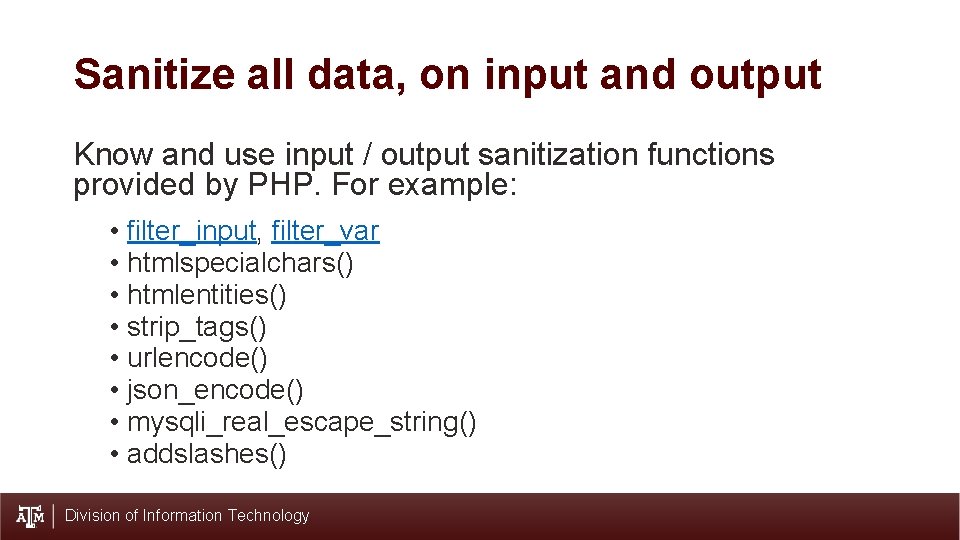
Sanitize all data, on input and output Know and use input / output sanitization functions provided by PHP. For example: • filter_input, filter_var • htmlspecialchars() • htmlentities() • strip_tags() • urlencode() • json_encode() • mysqli_real_escape_string() • addslashes() Division of Information Technology
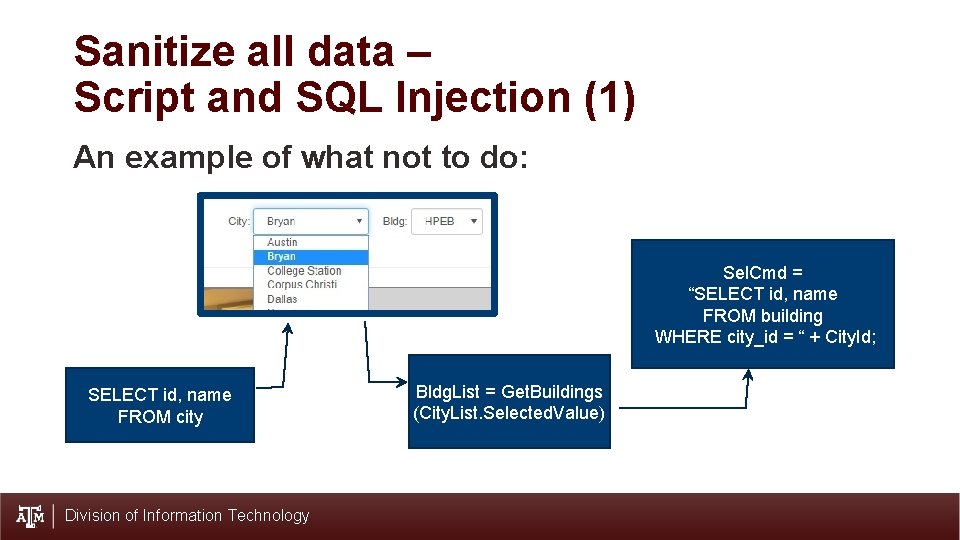
Sanitize all data – Script and SQL Injection (1) An example of what not to do: Sel. Cmd = “SELECT id, name FROM building WHERE city_id = “ + City. Id; SELECT id, name FROM city Division of Information Technology Bldg. List = Get. Buildings (City. List. Selected. Value)
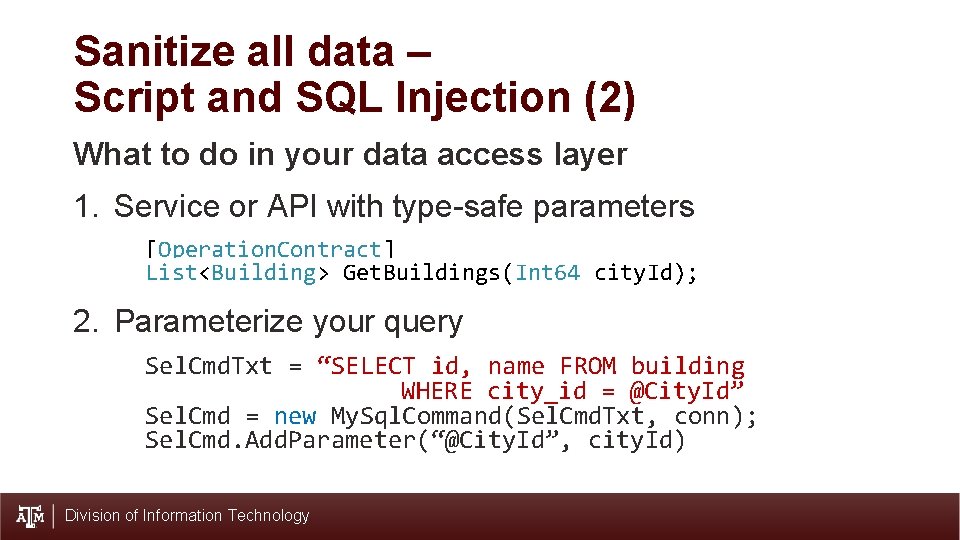
Sanitize all data – Script and SQL Injection (2) What to do in your data access layer 1. Service or API with type-safe parameters [Operation. Contract] List<Building> Get. Buildings(Int 64 city. Id); 2. Parameterize your query Sel. Cmd. Txt = “SELECT id, name FROM building WHERE city_id = @City. Id” Sel. Cmd = new My. Sql. Command(Sel. Cmd. Txt, conn); Sel. Cmd. Add. Parameter(“@City. Id”, city. Id) Division of Information Technology
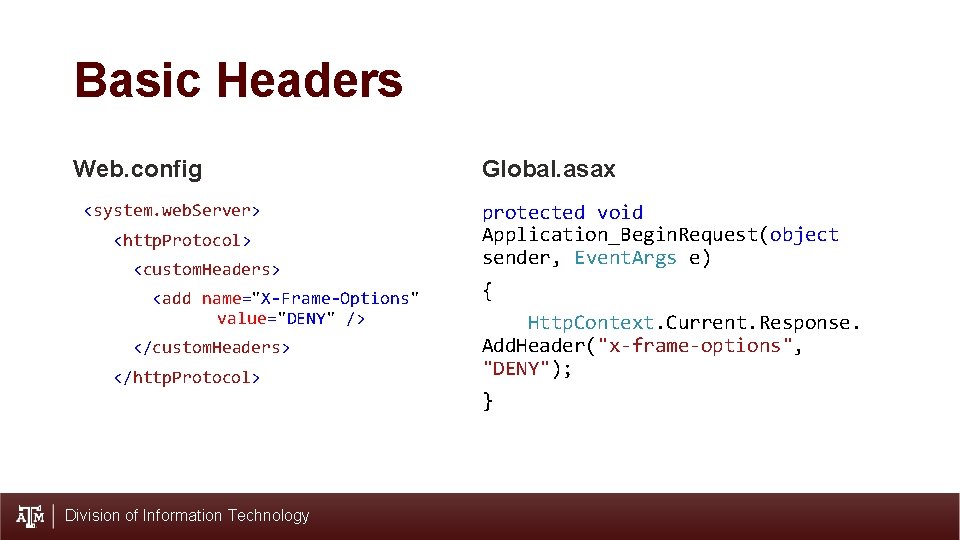
Basic Headers Web. config Global. asax <system. web. Server> protected void Application_Begin. Request(object sender, Event. Args e) <http. Protocol> <custom. Headers> <add name="X-Frame-Options" value="DENY" /> </custom. Headers> </http. Protocol> { Http. Context. Current. Response. Add. Header("x-frame-options", "DENY"); } Division of Information Technology

Testing Division of Information Technology
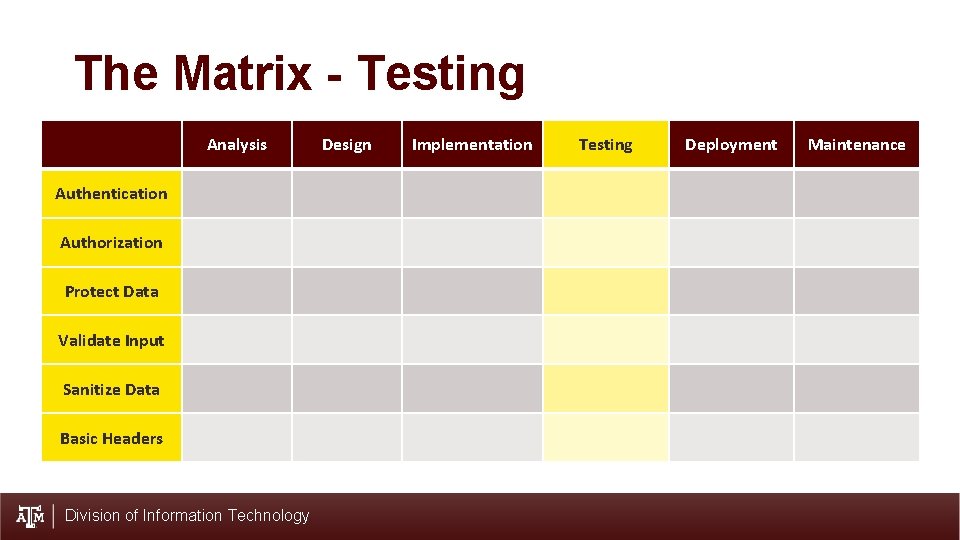
The Matrix - Testing Analysis Authentication Authorization Protect Data Validate Input Sanitize Data Basic Headers Division of Information Technology Design Implementation Testing Deployment Maintenance
Testing (1) • Define scope of testing • Make use of OWASP testing checklist. • Use best tools • Vulnerability scanner • Pen testing tools (Zap, Burp, Metasploit, etc) • Possible automated source code analysis Division of Information Technology
Testing (2) • Scan for vulnerabilities • do a credentialed scan, with a web server and web app savvy profile/policy • Potential for multiple scans with multiple tools – ZAP, Burp Suite. • Manual testing • Verify results of the scan • Do additional penetration testing – Owasp Top 10 in mind • Document all findings • Start with summary of strengths • Summarize and document score of the vulnerabilities • Process remediation Division of Information Technology

Deployment Division of Information Technology
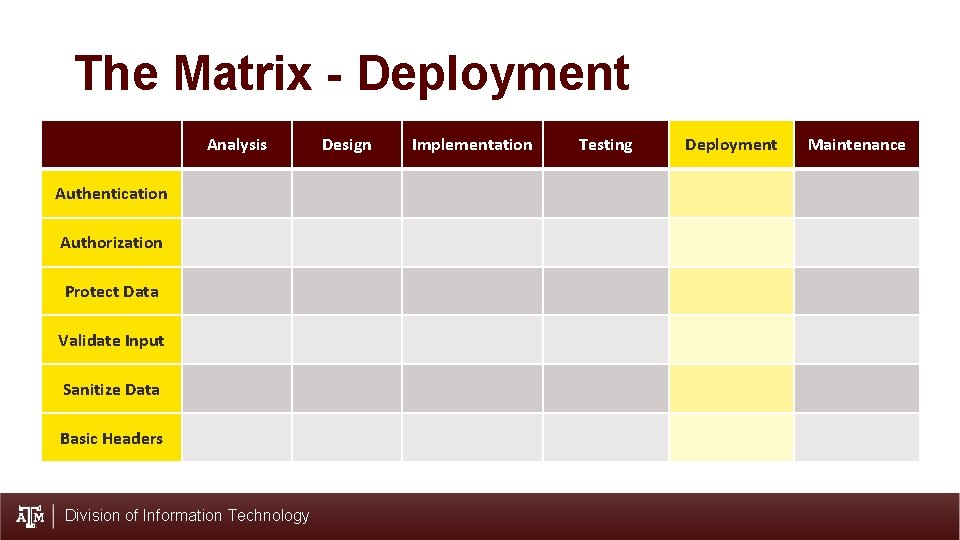
The Matrix - Deployment Analysis Authentication Authorization Protect Data Validate Input Sanitize Data Basic Headers Division of Information Technology Design Implementation Testing Deployment Maintenance
Deployment (1) • Separate TEST and PRODUCTION servers • Do not deploy test accounts to production servers • Have a security audit of the Web application before deployment • Not done by anyone involved in development • Scan with vulnerability scanner application (ex: Nexpose) • Manual penetration testing • Code review Division of Information Technology
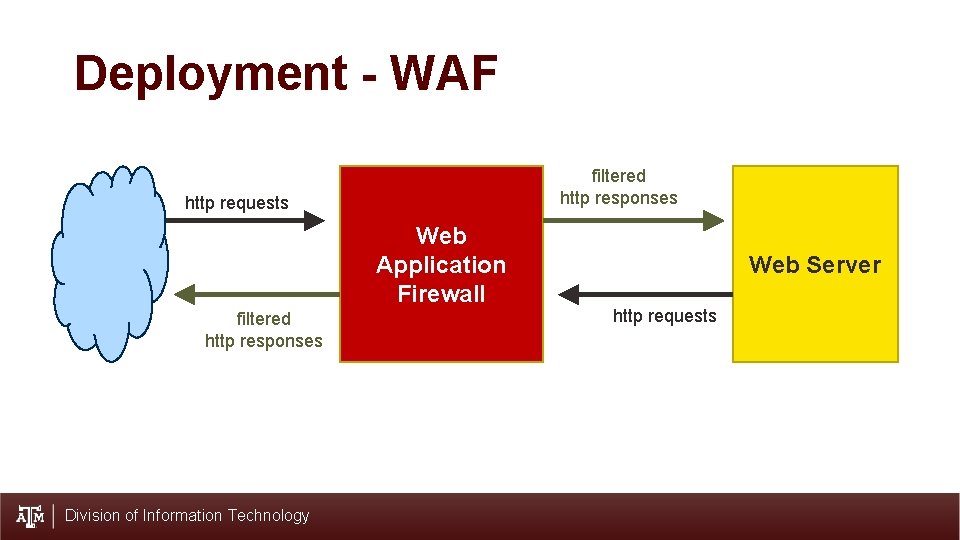
Deployment - WAF filtered http responses http requests Web Application Firewall filtered http responses Division of Information Technology Web Server http requests
Deployment (2) • Web Server hardening • Configuration hardening • Monitoring and auditing • Regular patching Division of Information Technology

Maintenance Division of Information Technology
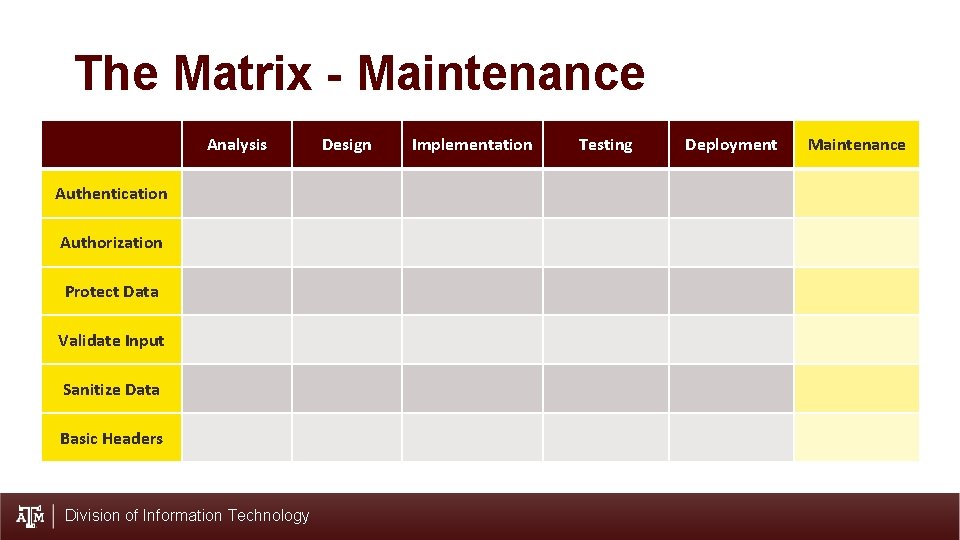
The Matrix - Maintenance Analysis Authentication Authorization Protect Data Validate Input Sanitize Data Basic Headers Division of Information Technology Design Implementation Testing Deployment Maintenance
Maintenance (1) • Iterate the software development lifecycle • On user maintenance requests • On regular basis • Regular scans and demand remediation • Regular review of software • Code • Algorithms used Division of Information Technology

Q&A and Discussion Division of Information Technology
References Attwood, J. (2015, April 23). Your Password is Too Damn Short. Retrieved from Coding Horror: https: //blog. codinghorror. com/your-password-is-too-damn-short/ Beaver, K. (2019). 5 -Step Checklist for Web Application Security Testing. Retrieved May 2019, from Search. Security. Tech. Target: https: //searchsecurity. techtarget. com/tip/5 -step-checklist-for-web-application-security -testing Kubenka, K. , & Munoz, G. (2019). Assessing You Web Server and Application's Security. Tech Summit 2019. Galveston. Mc. Carthy, N. (2018, July 13). The Average Cost Of A Data Breach Is Highest In The U. S. Retrieved May 9, 2019, from Forbes: https: //www. forbes. com/sites/niallmccarthy/2018/07/13/the-average-cost-of-a-databreach-is-highest-in-the-u-s-infographic/#3 efad 0882 f 37 Microsoft Security Development Lifecycle Resources. (2019). Resource List. Retrieved March 2019, from Microsoft - Security Engineering - Security Development Lifecycle: https: //www. microsoft. com/enus/securityengineering/sdl/resources Morgan, S. (2017, October 16). Cybercrime Damages $6 Trillion By 2021. Retrieved May 9, 2019, from Cybersecurity Ventures: https: //cybersecurityventures. com/hackerpocalypse-cybercrime-report-2016/ Munoz, G. , & Tarpley, J. (2017). Addressing Web Application Security. Tech Summit 2017. Galveston. OWASP. (2018, December 28). Clickjacking Defense Cheat Sheet. Retrieved from Github: https: //github. com/OWASP/Cheat. Sheet. Series/blob/master/cheatsheets/Clickjacking_Defense_Cheat_Sheet. md OWASP. (2019). Application Threat Modeling. Retrieved April 2019, from Open Web Application Security Project: https: //www. owasp. org/index. php/Application_Threat_Modeling OWASP. (2019). Data Validation. Retrieved May 2019, from Open Web Application Security Project: https: //www. owasp. org/index. php/Data_Validation OWASP. (2019, March 31). SQL Injection Prevention Cheat Sheet. Retrieved from Github: https: //github. com/OWASP/Cheat. Sheet. Series/blob/master/cheatsheets/SQL_Injection_Prevention_Cheat_Sheet. md OWASP. (2019). Testing Guide. Retrieved Mar 2019, from Open Web Application Security Project: https: //www. owasp. org/index. php/OWASP_Testing_Guide_v 4_Table_of_Contents Romeo, C. (2018, January 23). Secure Development Lifecycle: The essential guide to safe software pipelines. Retrieved from Tech. Beacon: https: //techbeacon. com/security/secure-development-lifecycle-essentialguide-safe-software-pipelines Sucuri. (2018). Website Hack Trend Report 2018. Retrieved May 9, 2019, from Sucuri: https: //sucuri. net/reports/2018 -hacked-website-report/ Division of Information Technology
- Slides: 45