
Web 2 0 Thinking Tools Considerations for Collaborative
Web 2. 0 Thinking Tools: Considerations for Collaborative Brainstorming, Mind-mapping, and Storyboarding Web 2. 0 Tools
Tools to Support Collaborative Thinking • Created by Liz Sikes, TWU SLIS Graduate Assistant • For Students in LS 5233: Multimedia Resources and Services, LS 5333: School Library Media Center, and LS 5443: Librarians as Instructional Partners • To support your use of these tools and to help you select the best tools for your own students • Revised by Dr. M. 2011
What’s the difference? • Brainstorming • Mind-mapping • Storyboarding From the least to the most structured format…
Brainstorming • Generates ideas or information about a topic in no particular order • Proceeds at a “fast and furious” pace • Captures all ideas, answers questions and allows for details to be added later
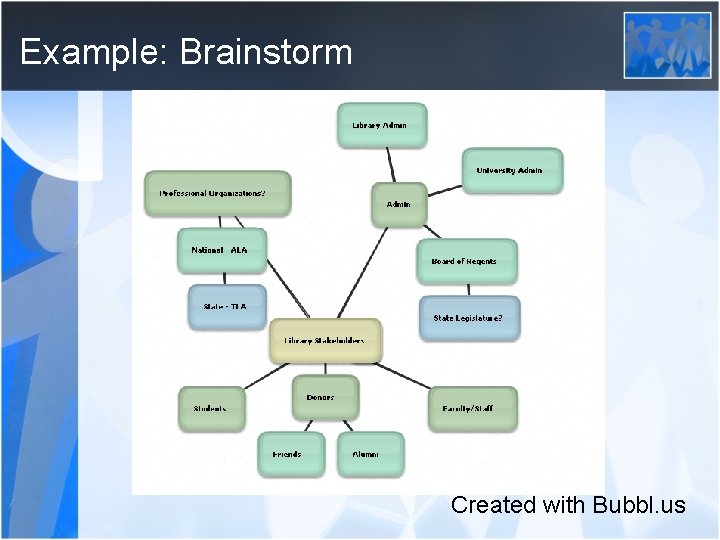
Example: Brainstorm Created with Bubbl. us

Mind-mapping • Organizes information about a single topic around central themes • Can be as simple or complex as need requires and time allows: – Show/hide multiple levels of detail – Prioritize tasks and next actions – Add images, attachments, and links
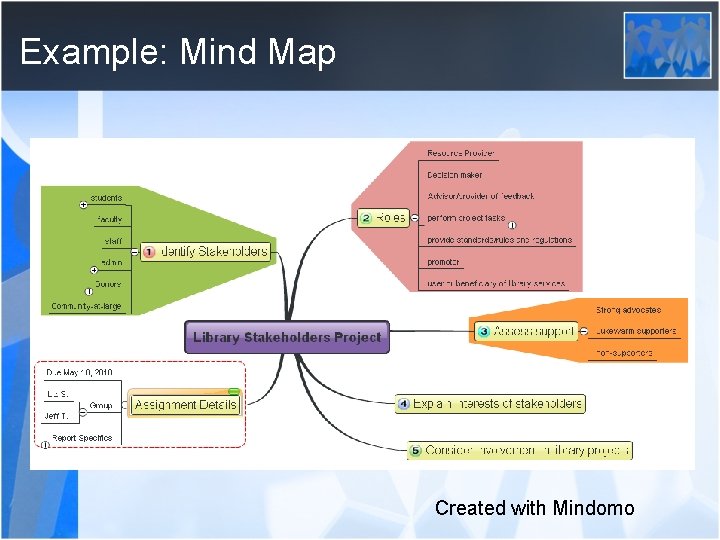
Example: Mind Map Created with Mindomo
Storyboarding • Places a series of events or main points in a linear sequence • Allows a team to rearrange the order as they add, change, or remove items in the sequence
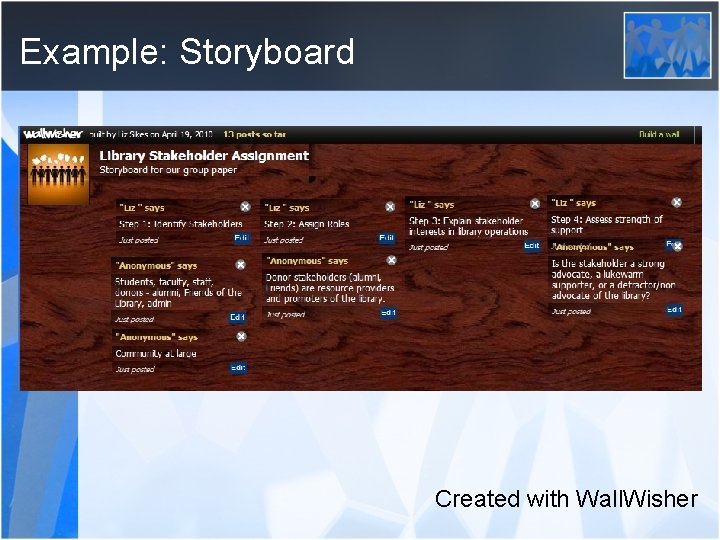
Example: Storyboard Created with Wall. Wisher
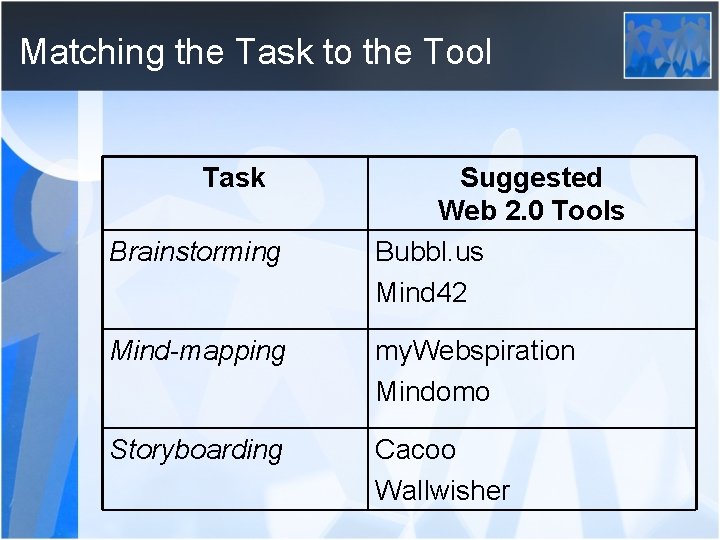
Matching the Task to the Tool Task Brainstorming Suggested Web 2. 0 Tools Bubbl. us Mind 42 Mind-mapping my. Webspiration Mindomo Storyboarding Cacoo Wallwisher
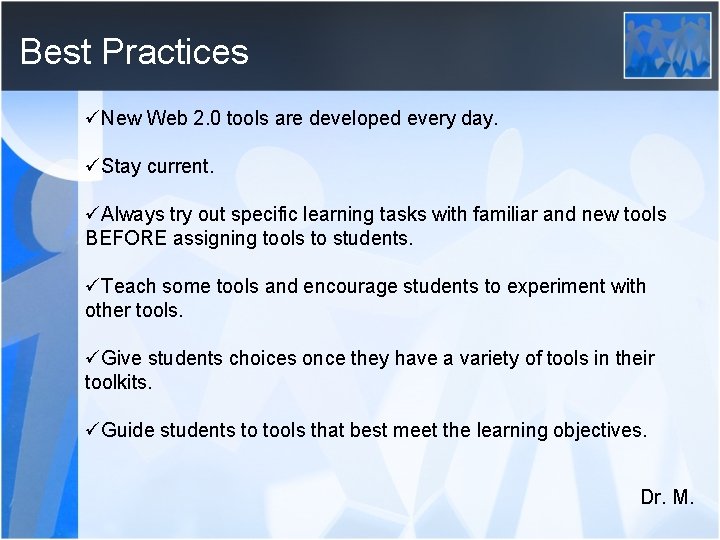
Best Practices üNew Web 2. 0 tools are developed every day. üStay current. üAlways try out specific learning tasks with familiar and new tools BEFORE assigning tools to students. üTeach some tools and encourage students to experiment with other tools. üGive students choices once they have a variety of tools in their toolkits. üGuide students to tools that best meet the learning objectives. Dr. M.
- Slides: 11