
WCACs Introduction to Video Composition Overview Shot Types

- Slides: 56
WCAC’s Introduction to Video Composition
Overview • Shot Types • Camera Angles • Composition
Shot Types
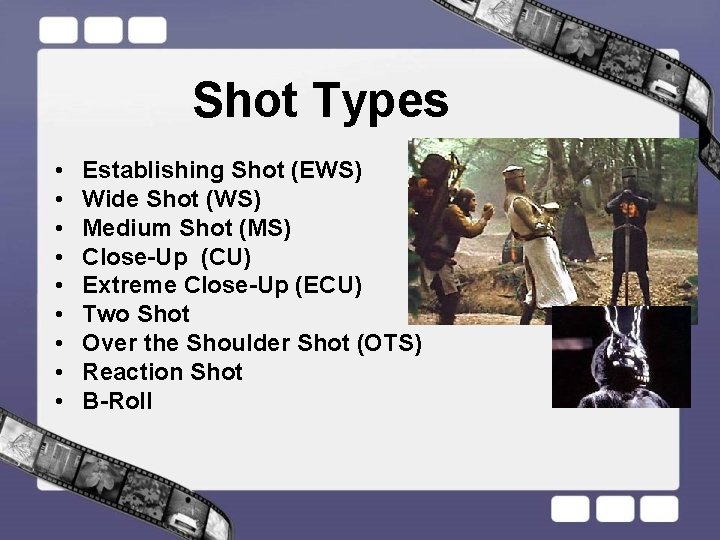
Shot Types • • • Establishing Shot (EWS) Wide Shot (WS) Medium Shot (MS) Close-Up (CU) Extreme Close-Up (ECU) Two Shot Over the Shoulder Shot (OTS) Reaction Shot B-Roll
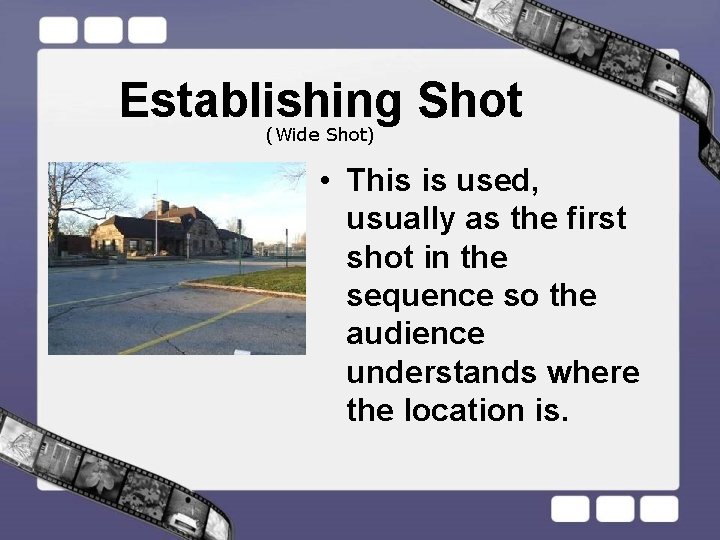
Establishing Shot (Wide Shot) • This is used, usually as the first shot in the sequence so the audience understands where the location is.
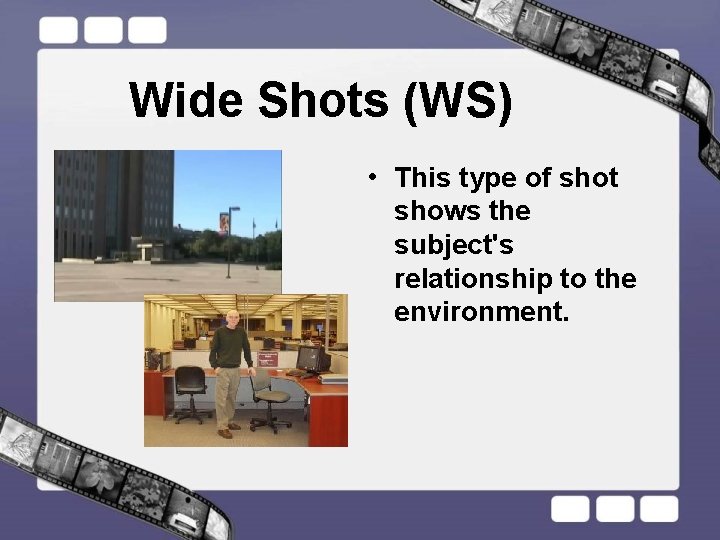
Wide Shots (WS) • This type of shot shows the subject's relationship to the environment.
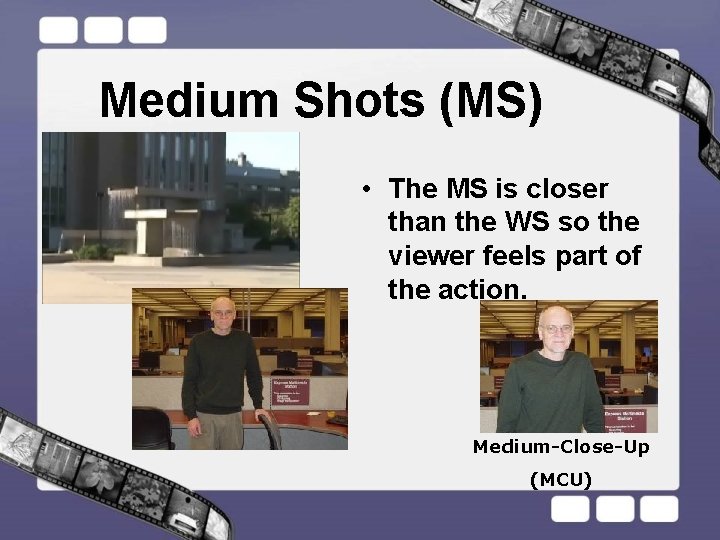
Medium Shots (MS) • The MS is closer than the WS so the viewer feels part of the action. Medium-Close-Up (MCU)
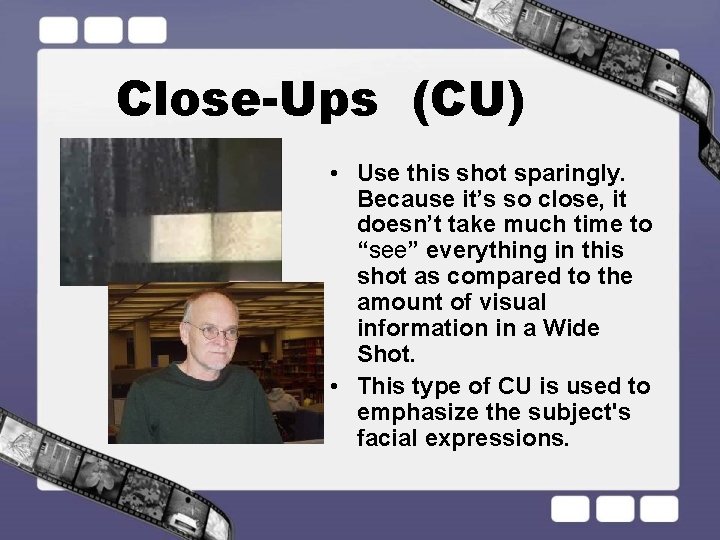
Close-Ups (CU) • Use this shot sparingly. Because it’s so close, it doesn’t take much time to “see” everything in this shot as compared to the amount of visual information in a Wide Shot. • This type of CU is used to emphasize the subject's facial expressions.
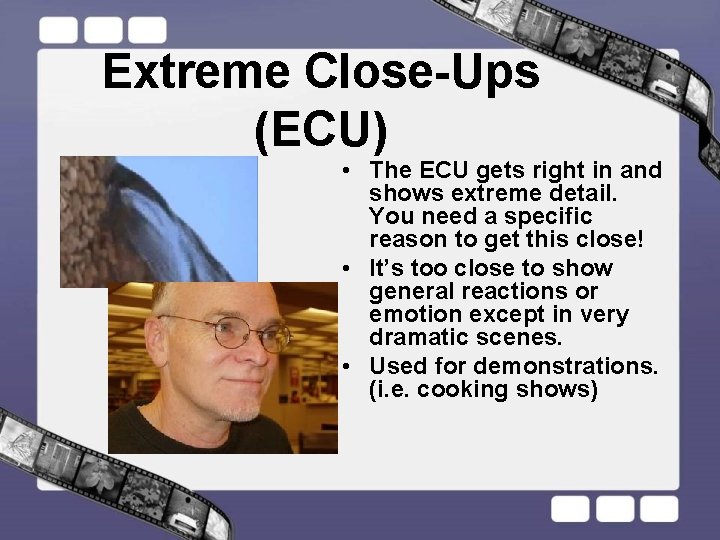
Extreme Close-Ups (ECU) • The ECU gets right in and shows extreme detail. You need a specific reason to get this close! • It’s too close to show general reactions or emotion except in very dramatic scenes. • Used for demonstrations. (i. e. cooking shows)
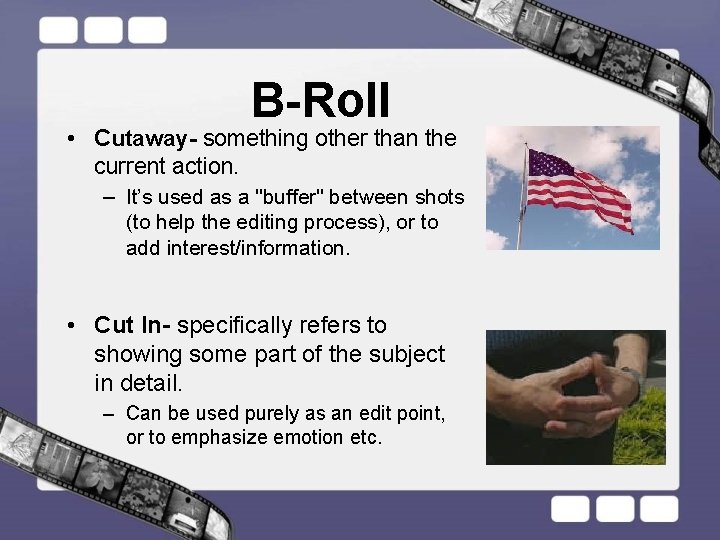
B-Roll • Cutaway- something other than the current action. – It’s used as a "buffer" between shots (to help the editing process), or to add interest/information. • Cut In- specifically refers to showing some part of the subject in detail. – Can be used purely as an edit point, or to emphasize emotion etc.
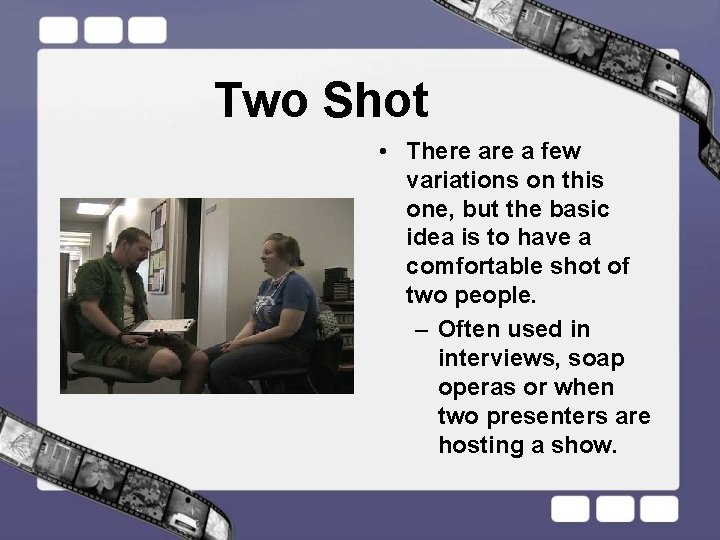
Two Shot • There a few variations on this one, but the basic idea is to have a comfortable shot of two people. – Often used in interviews, soap operas or when two presenters are hosting a show.
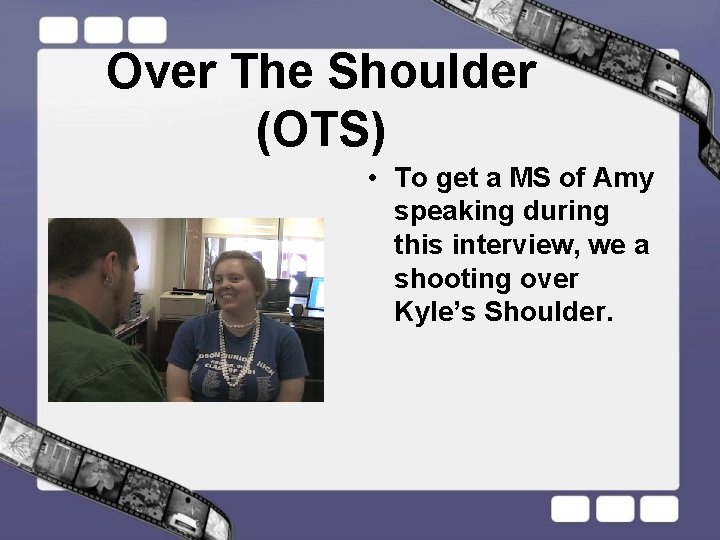
Over The Shoulder (OTS) • To get a MS of Amy speaking during this interview, we a shooting over Kyle’s Shoulder.
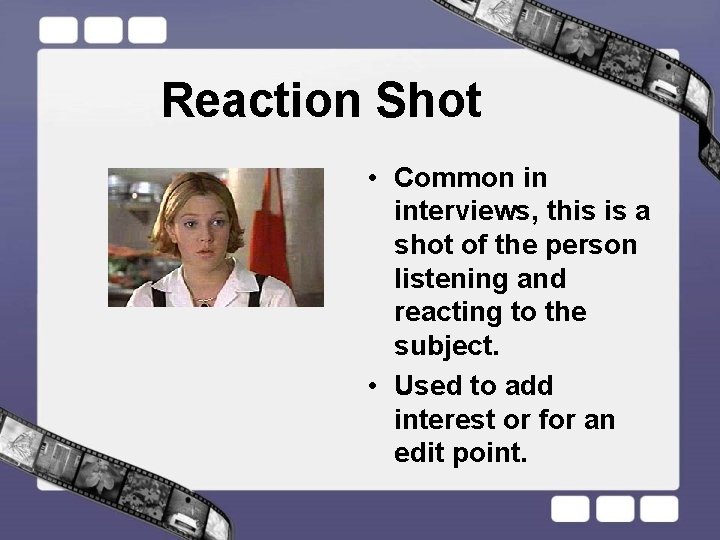
Reaction Shot • Common in interviews, this is a shot of the person listening and reacting to the subject. • Used to add interest or for an edit point.
Camera Angles
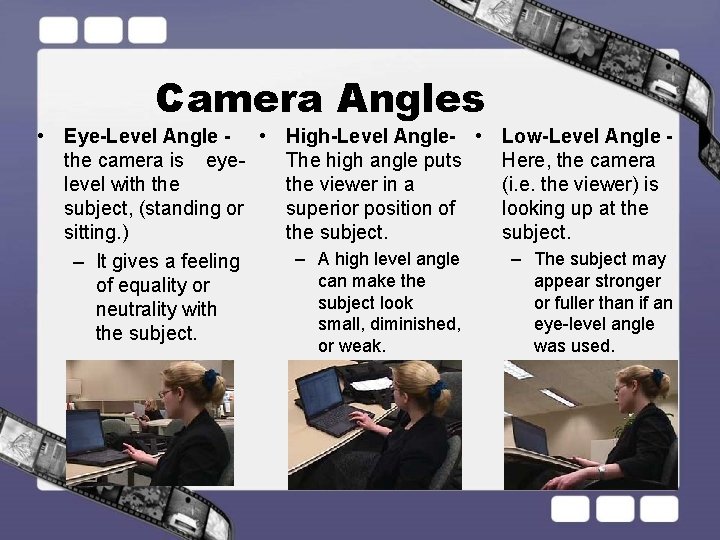
Camera Angles • Eye-Level Angle - • High-Level Angle- • Low-Level Angle the camera is eye. The high angle puts Here, the camera level with the viewer in a (i. e. the viewer) is subject, (standing or superior position of looking up at the sitting. ) the subject. – A high level angle – The subject may – It gives a feeling can make the appear stronger of equality or subject look or fuller than if an neutrality with small, diminished, eye-level angle the subject. or weak. was used.
Composition
Rules of Composition • • Rule of Thirds Directing Attention Simulating Depth Visual Organization
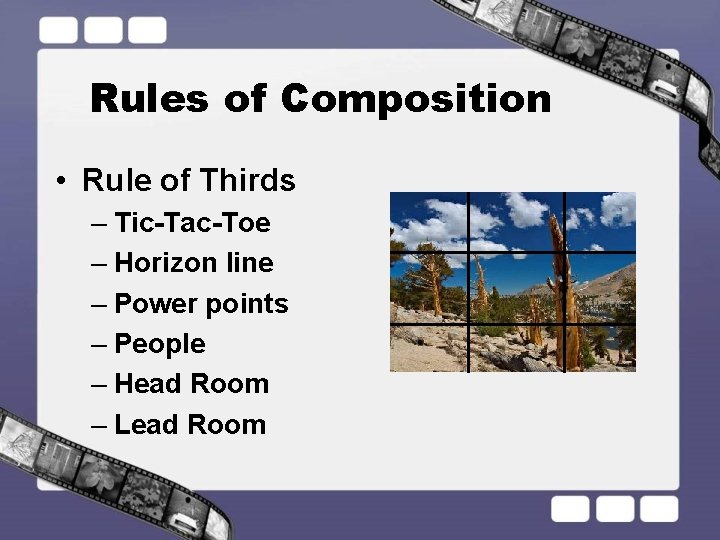
Rules of Composition • Rule of Thirds – Tic-Tac-Toe – Horizon line – Power points – People – Head Room – Lead Room
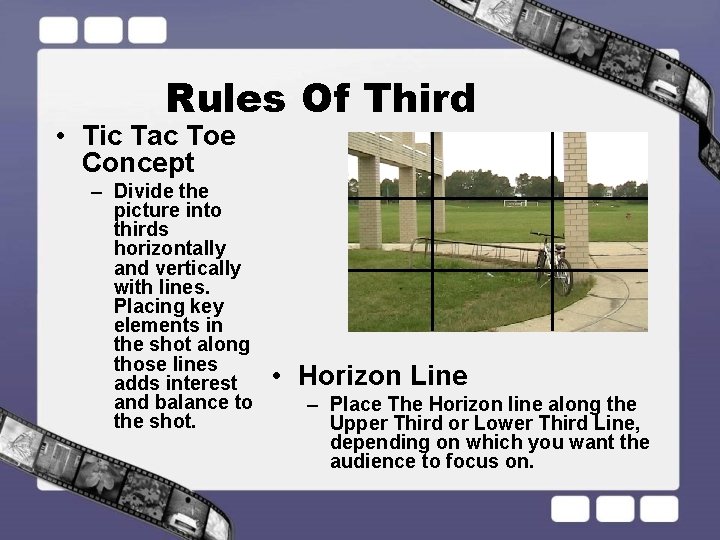
Rules Of Third • Tic Tac Toe Concept – Divide the picture into thirds horizontally and vertically with lines. Placing key elements in the shot along those lines adds interest and balance to the shot. • Horizon Line – Place The Horizon line along the Upper Third or Lower Third Line, depending on which you want the audience to focus on.
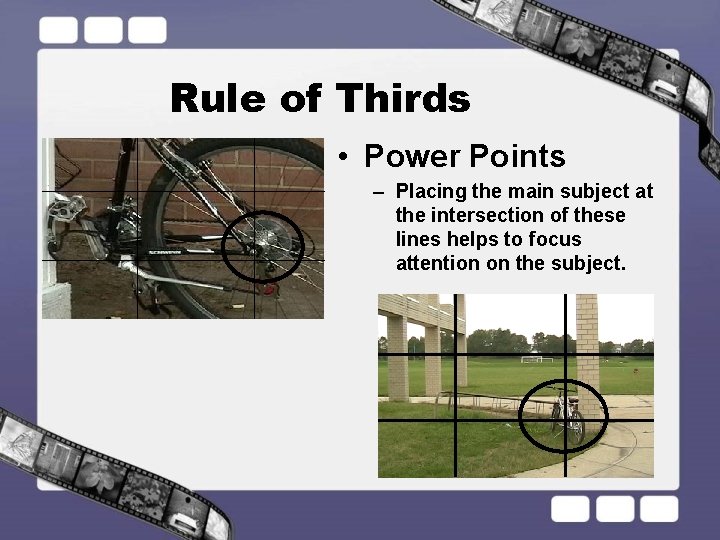
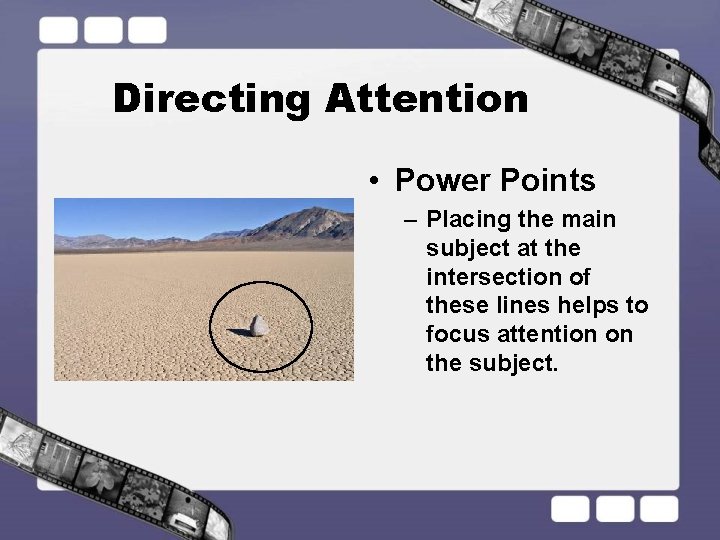
Rule of Thirds • Power Points – Placing the main subject at the intersection of these lines helps to focus attention on the subject.
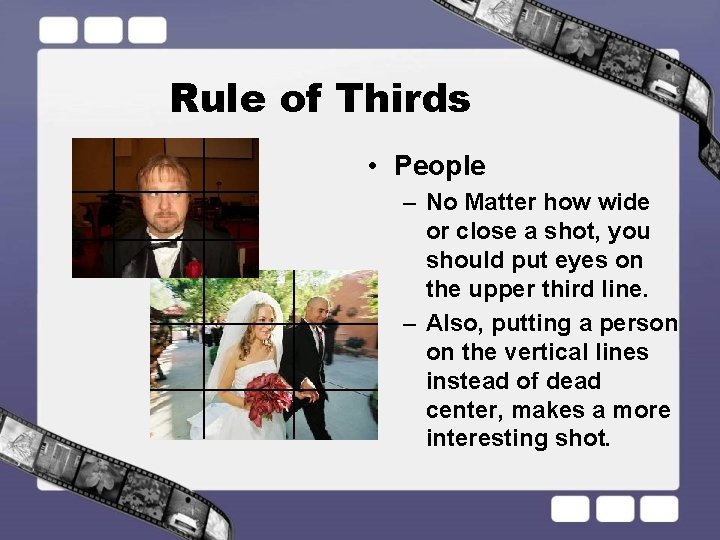
Rule of Thirds • People – No Matter how wide or close a shot, you should put eyes on the upper third line. – Also, putting a person on the vertical lines instead of dead center, makes a more interesting shot.
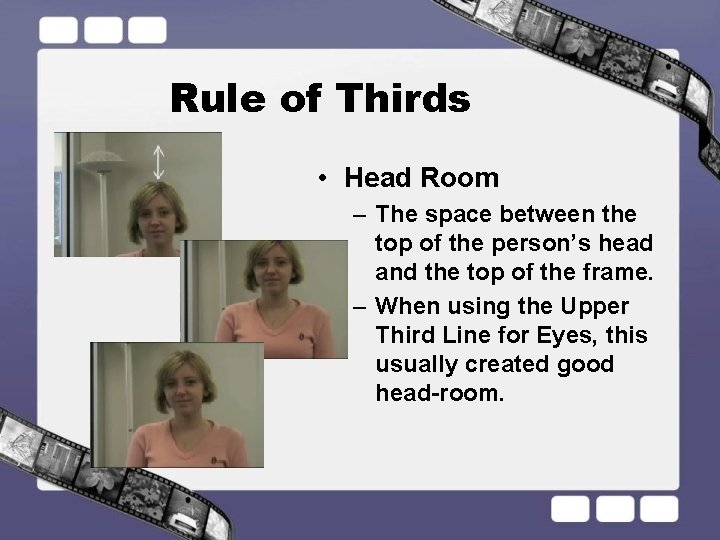
Rule of Thirds • Head Room – The space between the top of the person’s head and the top of the frame. – When using the Upper Third Line for Eyes, this usually created good head-room.
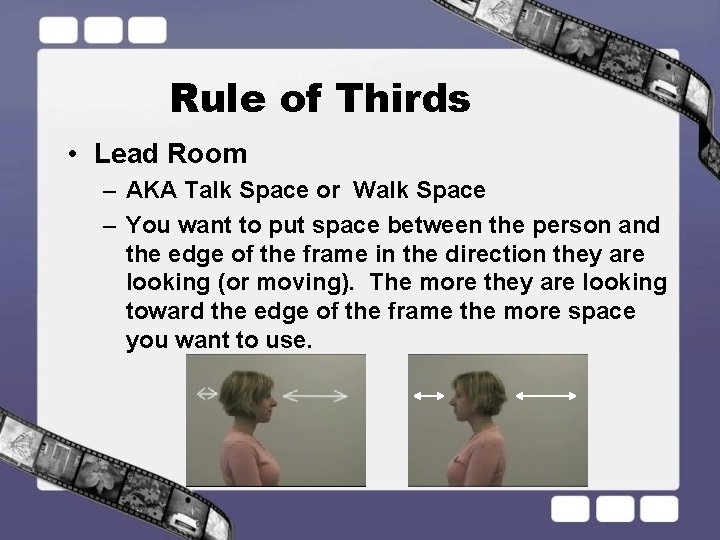
Rule of Thirds • Lead Room – AKA Talk Space or Walk Space – You want to put space between the person and the edge of the frame in the direction they are looking (or moving). The more they are looking toward the edge of the frame the more space you want to use.
Rules of Composition • Directing Attention to the subject – Color – Contrast – Size – Position – Power-points – Leading Lines – Frame-in-a-Frame – Triangular Shapes
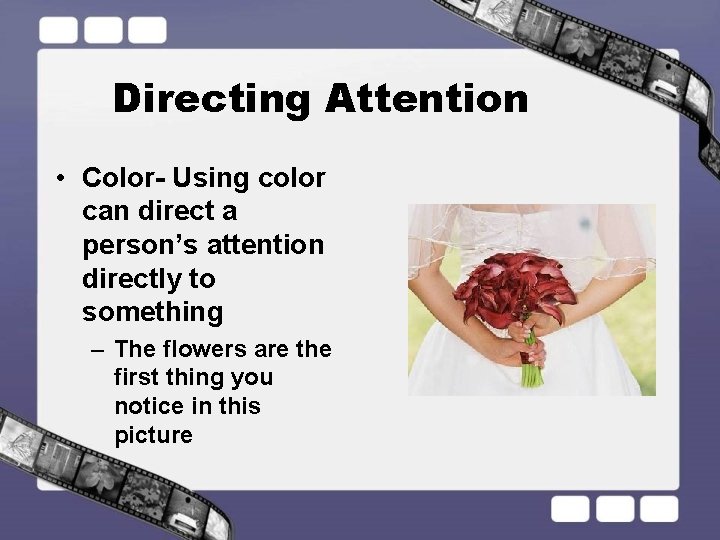
Directing Attention • Color- Using color can direct a person’s attention directly to something – The flowers are the first thing you notice in this picture
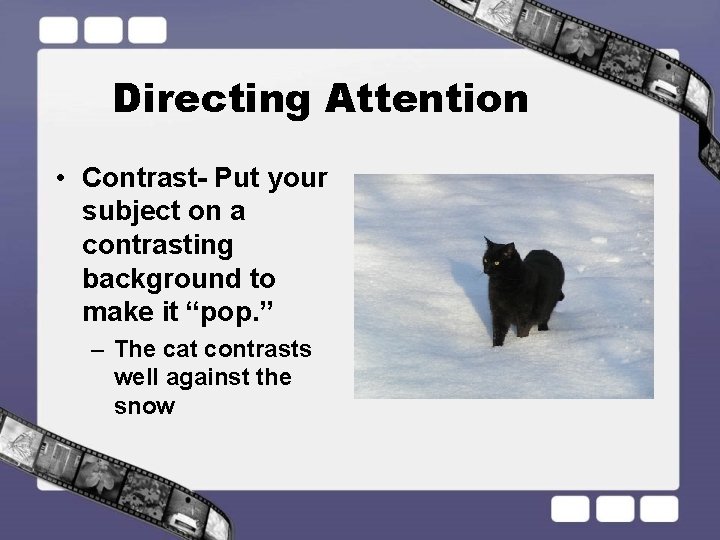
Directing Attention • Contrast- Put your subject on a contrasting background to make it “pop. ” – The cat contrasts well against the snow
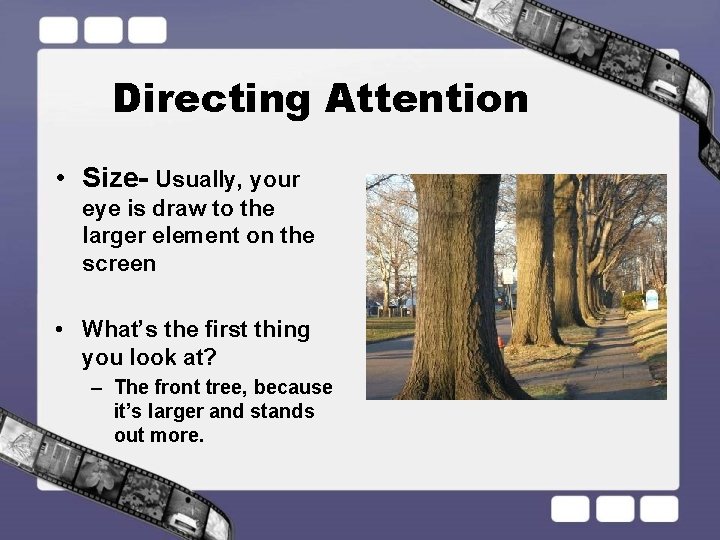
Directing Attention • Size- Usually, your eye is draw to the larger element on the screen • What’s the first thing you look at? – The front tree, because it’s larger and stands out more.
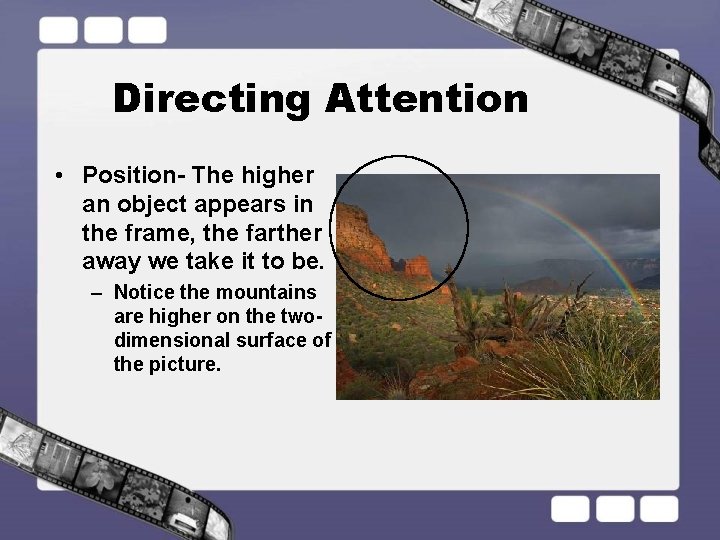
Directing Attention • Position- The higher an object appears in the frame, the farther away we take it to be. – Notice the mountains are higher on the twodimensional surface of the picture.
Directing Attention • Power Points – Placing the main subject at the intersection of these lines helps to focus attention on the subject.
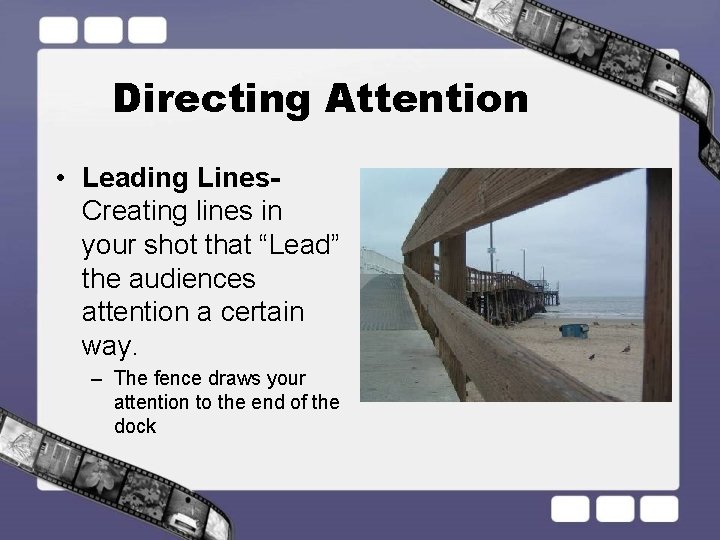
Directing Attention • Leading Lines- Creating lines in your shot that “Lead” the audiences attention a certain way. – The fence draws your attention to the end of the dock
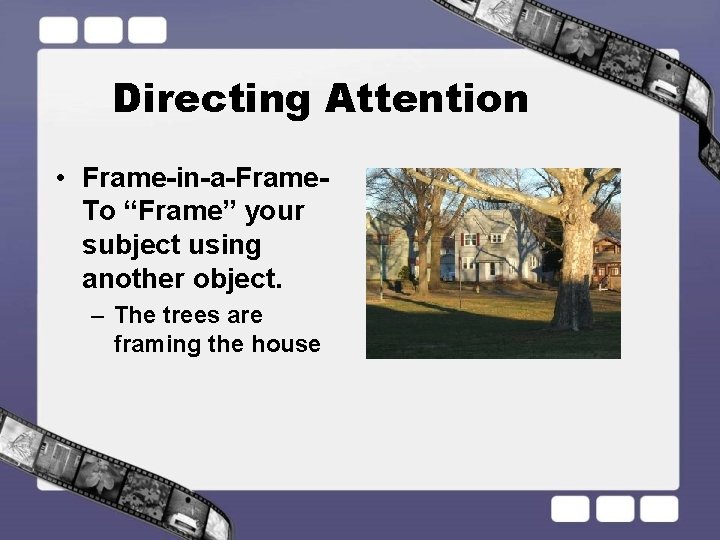
Directing Attention • Frame-in-a-Frame- To “Frame” your subject using another object. – The trees are framing the house
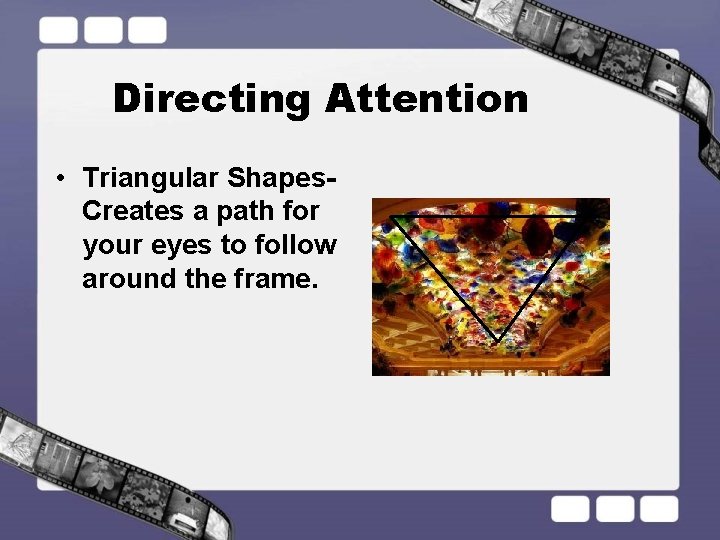
Directing Attention • Triangular Shapes- Creates a path for your eyes to follow around the frame.
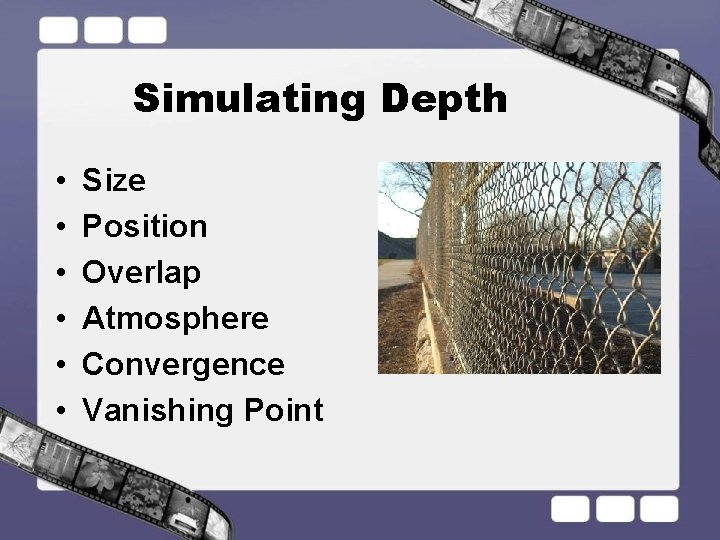
Simulating Depth • • • Size Position Overlap Atmosphere Convergence Vanishing Point
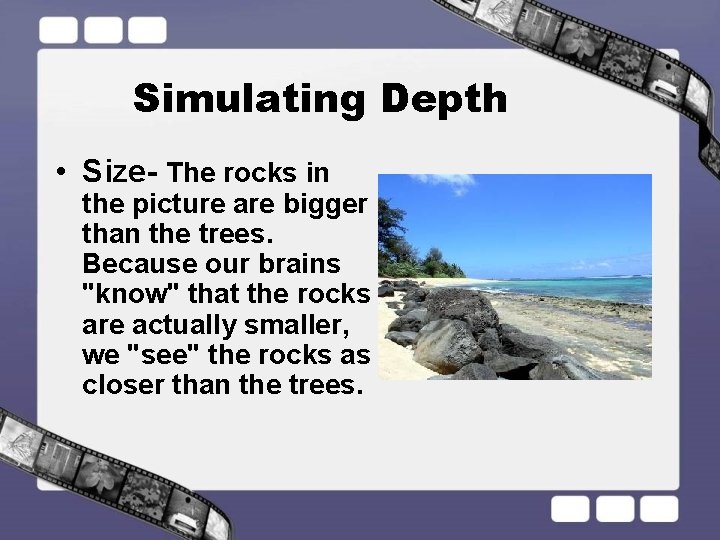
Simulating Depth • Size- The rocks in the picture are bigger than the trees. Because our brains "know" that the rocks are actually smaller, we "see" the rocks as closer than the trees.
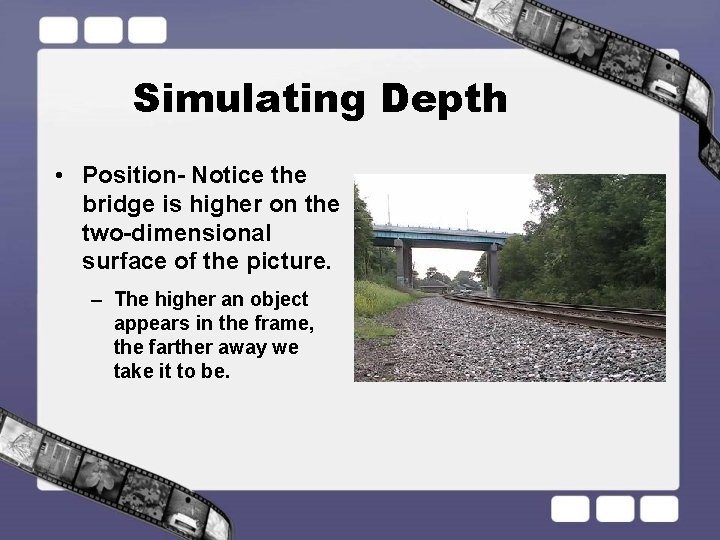
Simulating Depth • Position- Notice the bridge is higher on the two-dimensional surface of the picture. – The higher an object appears in the frame, the farther away we take it to be.
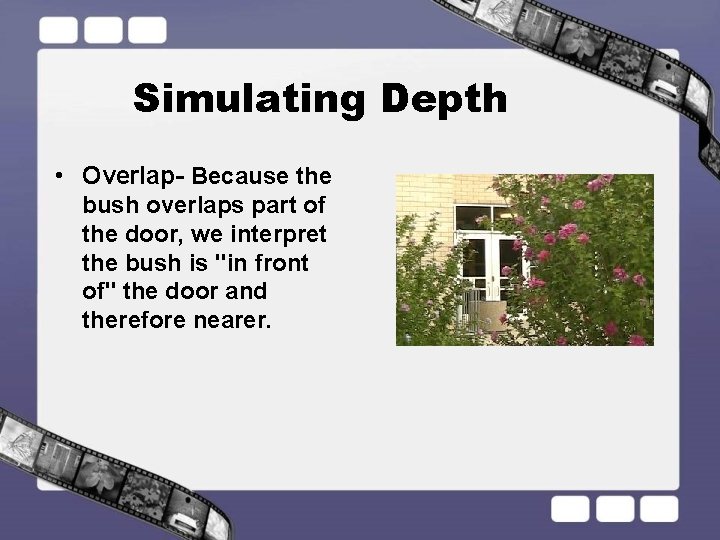
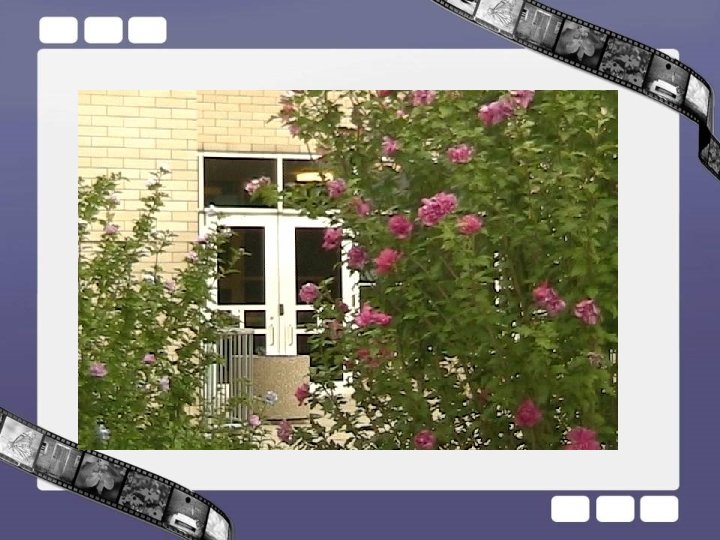
Simulating Depth • Overlap- Because the bush overlaps part of the door, we interpret the bush is "in front of" the door and therefore nearer.
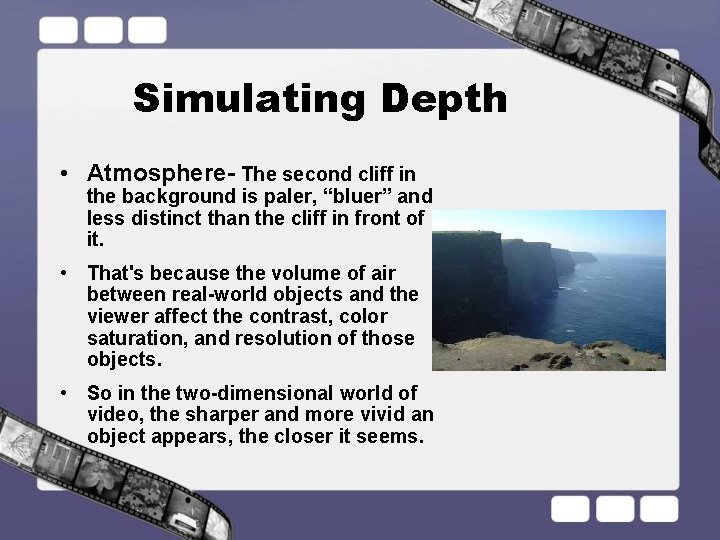
Simulating Depth • Atmosphere- The second cliff in the background is paler, “bluer” and less distinct than the cliff in front of it. • That's because the volume of air between real-world objects and the viewer affect the contrast, color saturation, and resolution of those objects. • So in the two-dimensional world of video, the sharper and more vivid an object appears, the closer it seems.
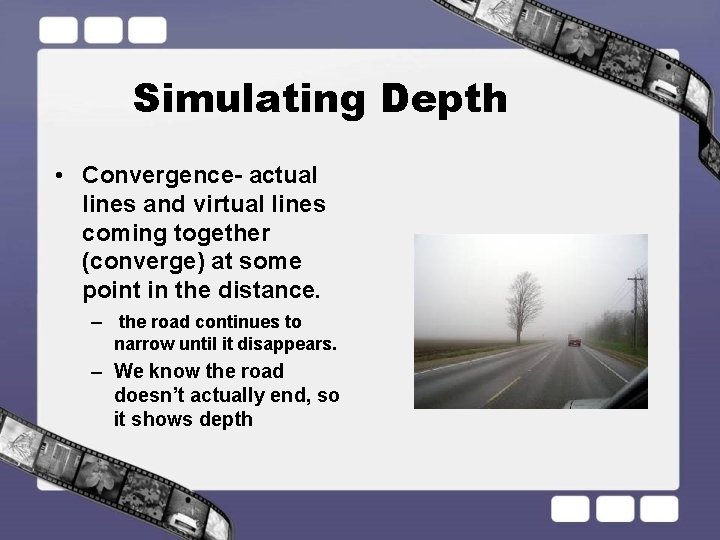
Simulating Depth • Convergence- actual lines and virtual lines coming together (converge) at some point in the distance. – the road continues to narrow until it disappears. – We know the road doesn’t actually end, so it shows depth
Good Composition • Visual Organization – Simplicity – Balance
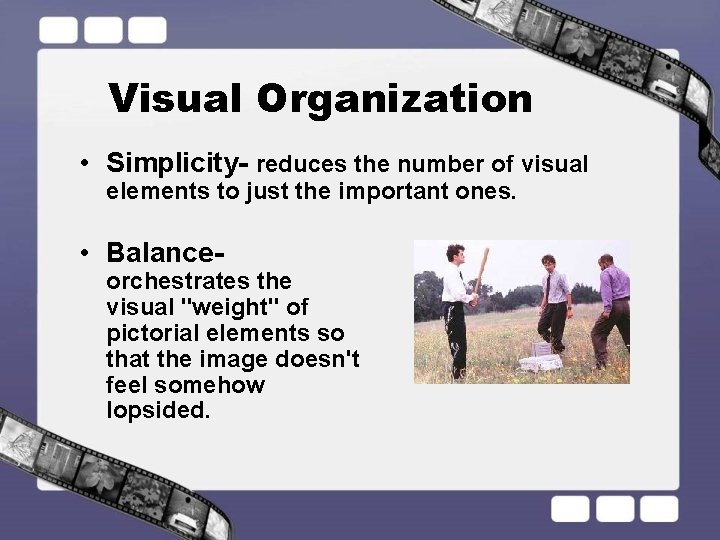
Visual Organization • Simplicity- reduces the number of visual elements to just the important ones. • Balance- orchestrates the visual "weight" of pictorial elements so that the image doesn't feel somehow lopsided.
Important Points
Recording Mode: SP vs. LP • Short Play vs Long Play • Always use SP • Why? – Better quality!!! – Some Mini DV Decks can’t read tapes in LP
Life-less Shots • No movement or life in shot. – These might make nice photos, but not good for video. • Don’t have people pose in lifeless positions. • Think: Would they do that in real life?
Dealing with Close Up Focusing • If you are having trouble focusing on an object, it’s probably because you are far away and zooming in on the subject. • Try this: – Move the camera closer to your subject and Zoom out wide. – This gives the camera more depth of field to use to focus. – It also creates a more interesting shot because of the depth of field. It’s not so static.
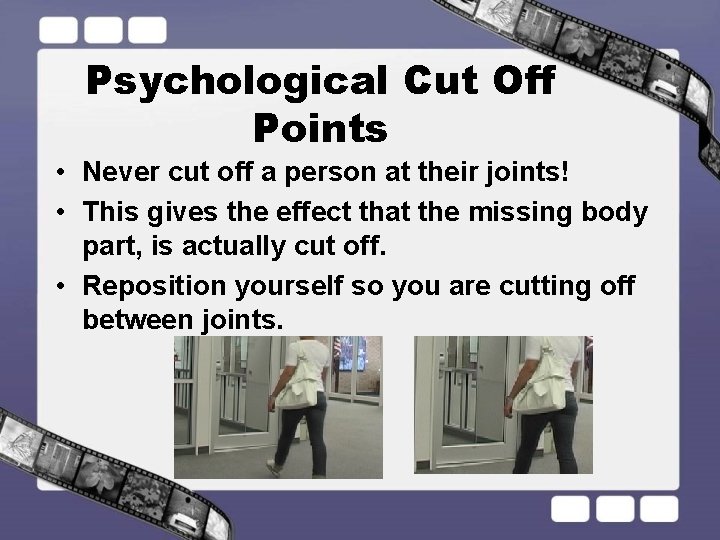
Psychological Cut Off Points • Never cut off a person at their joints! • This gives the effect that the missing body part, is actually cut off. • Reposition yourself so you are cutting off between joints.
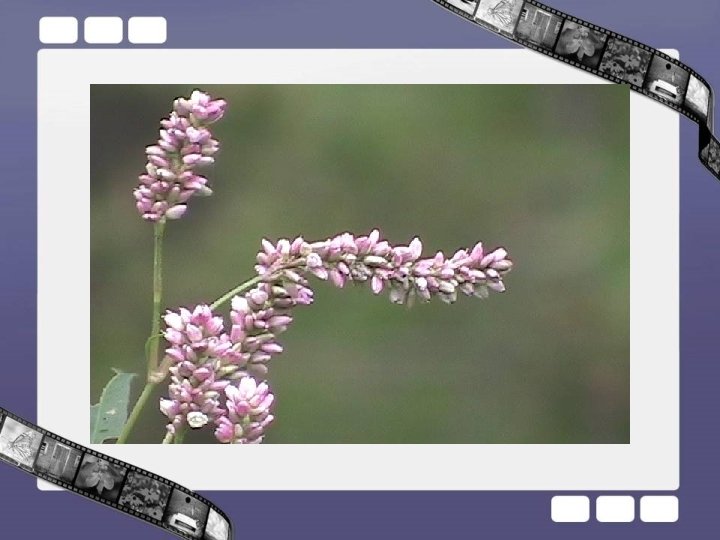
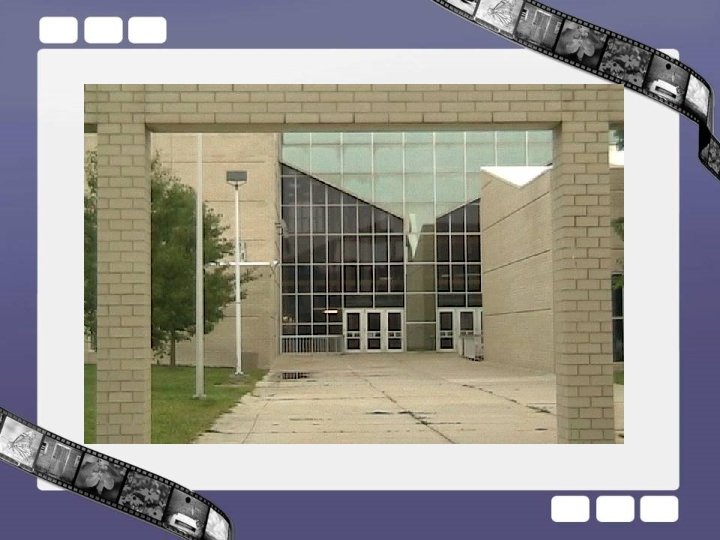
Static Zooming & Panning • To get a more interesting camera movement, trying zooming and panning together. • Panning straight across an object is good for certain uses, but panning in a diagonal action, the shot is less static. • Same with Zooms.
Examples