
Ways to use GIS 2 Producing maps with
- Slides: 14
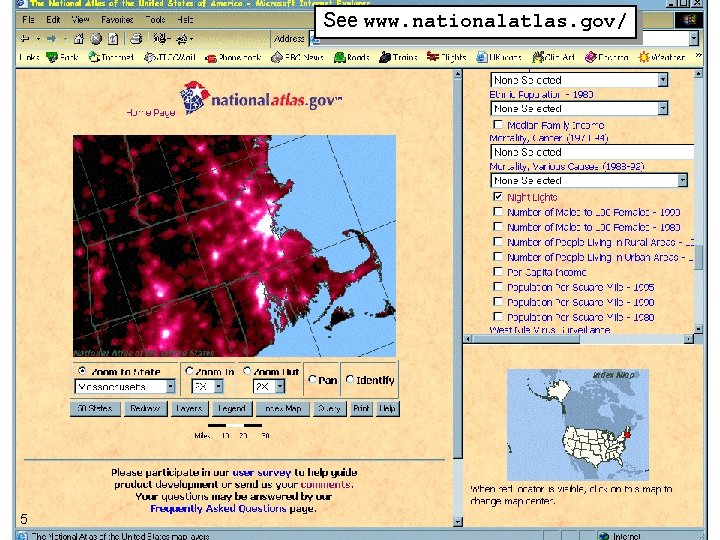
Ways to use GIS (2) Producing maps with which the user can interact A ‘real’ Web GIS, likely to require the greatest infrastructure, the most powerful hardware and software, and the most expensive licensing costs for copyrighted data. 1
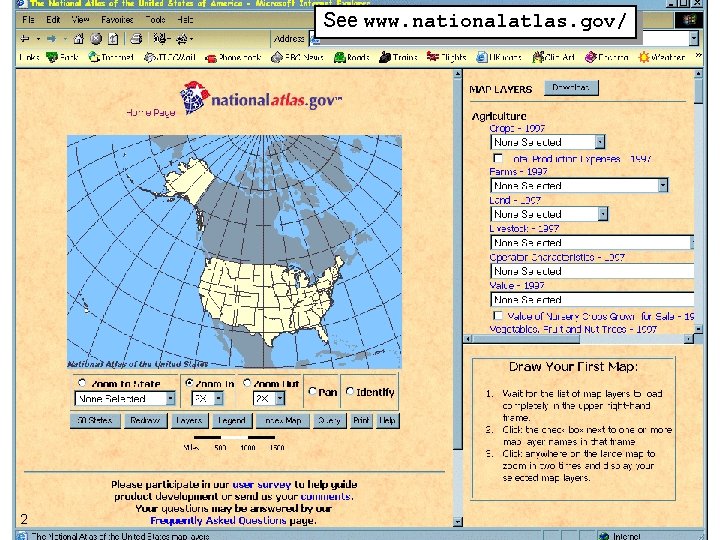
See www. nationalatlas. gov/ 2
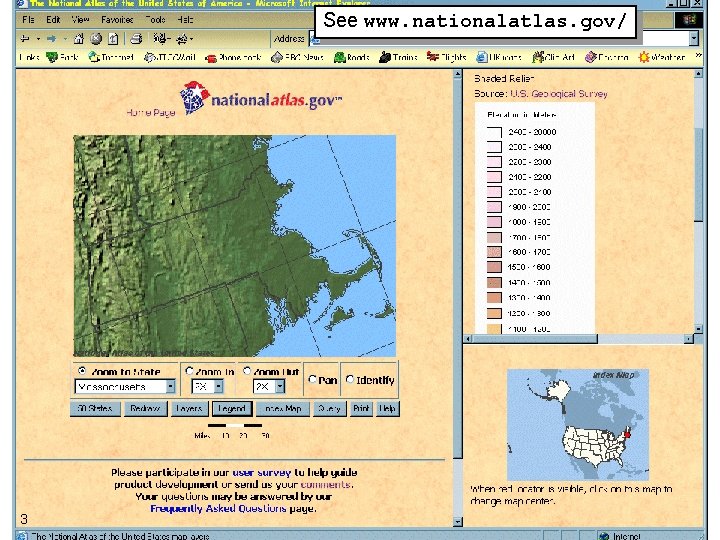
See www. nationalatlas. gov/ 3
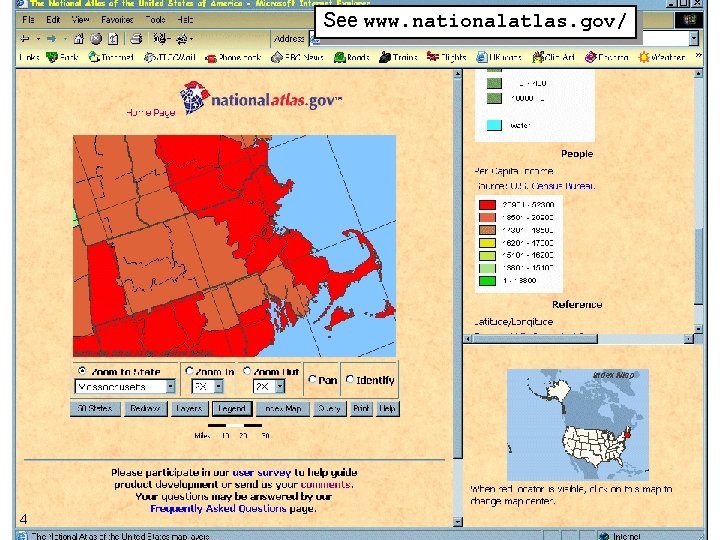
See www. nationalatlas. gov/ 4
See www. nationalatlas. gov/ 5
Issues to consider: Software • Do you already have access? • If you’re a Local Authority, try your Planning Department – But have a good idea what you want to do • If you’re in Higher Education, try the Geography Department or your Computing Service – Some GIS software is covered by a ‘CHEST deal’ • Do you have access to the skills? • Maybe visit GIS 2001, or a similar event? • 18– 20 September, Earl’s Court. See www. iebusiness-forums. com/gis/ 6
Issues to consider: Software • Look for standards compliance • NOF Technical Guidelines – www. peoplesnetwork. gov. uk/nof/ technicalstandards. html • Open GIS Consortium – www. opengis. org/techno/ specs. htm. 7
Issues to consider: Data • Do you have the data already? • And if so, does your license allow you to use it as you want to in this project? • If you don’t have the data, how are you going to get it? • Buy from Ordnance Survey, Bartholomew, Cities Revealed, etc? – But remember to negotiate a license that lets you do what you want to • Digitise from paper originals? – But remember to clear the rights for material that is still in copyright. 8
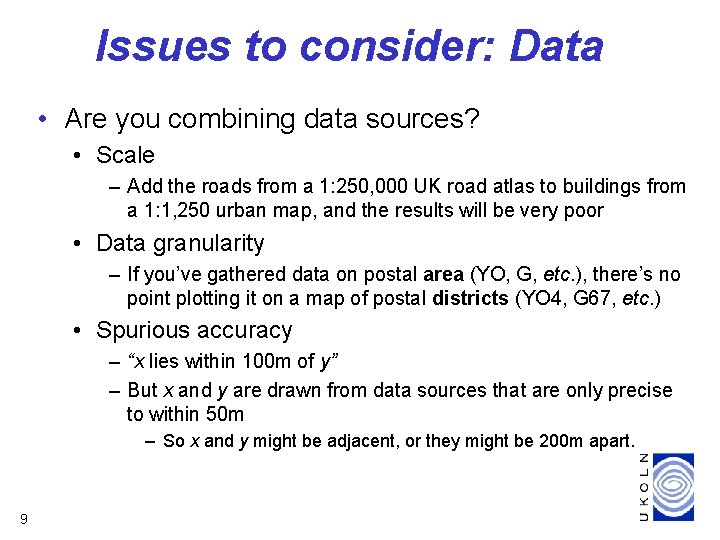
Issues to consider: Data • Are you combining data sources? • Scale – Add the roads from a 1: 250, 000 UK road atlas to buildings from a 1: 1, 250 urban map, and the results will be very poor • Data granularity – If you’ve gathered data on postal area (YO, G, etc. ), there’s no point plotting it on a map of postal districts (YO 4, G 67, etc. ) • Spurious accuracy – “x lies within 100 m of y” – But x and y are drawn from data sources that are only precise to within 50 m – So x and y might be adjacent, or they might be 200 m apart. 9
Remember… Just because you have access to “a GIS” or a map of your area… • not all software or data can do everything you want to it do • and even if it can, your license might not let you. 10
Sources of guidance… 11
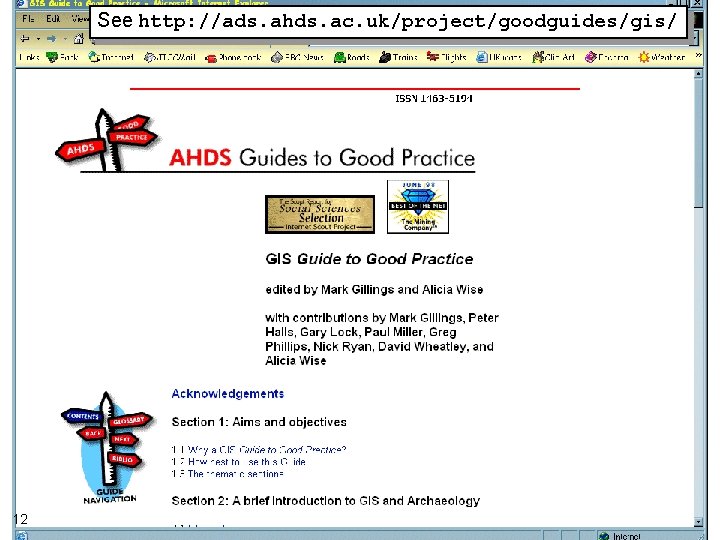
See http: //ads. ahds. ac. uk/project/goodguides/gis/ 12
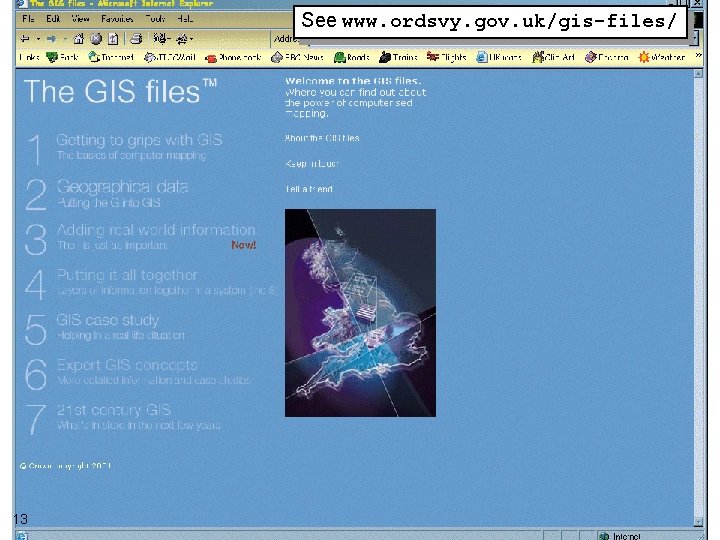
See www. ordsvy. gov. uk/gis-files/ 13
Some pointers… • ADS GIS Guide to Good Practice • ads. ahds. ac. uk/project/goodguides/gis/ • Association for Geographic Information (AGI) • www. agi. org. uk/ • National Geospatial Data Framework (NGDF) • www. ngdf. org. uk/ • Open GIS Consortium (OGC) • www. opengis. org/ • Ordnance Survey (OS) • www. ordsvy. gov. uk/ • Web–Mapper • www. web-mapper. com/ 14