
Wayfinding applying cognitive map characteristics to landscape design
- Slides: 20
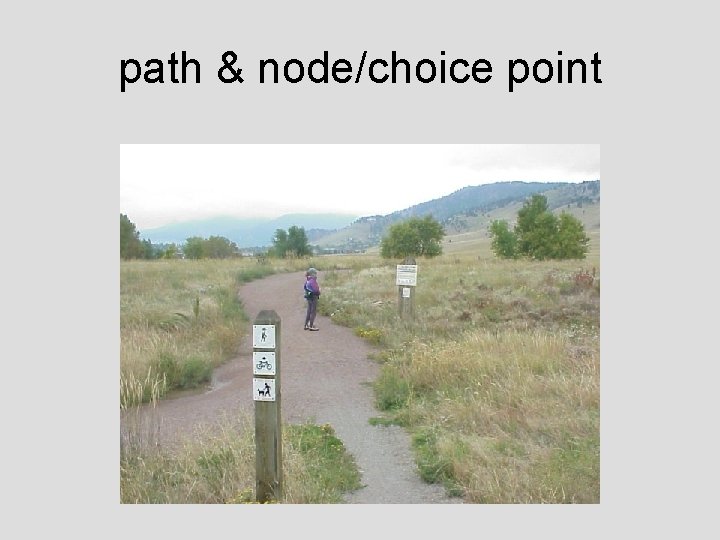
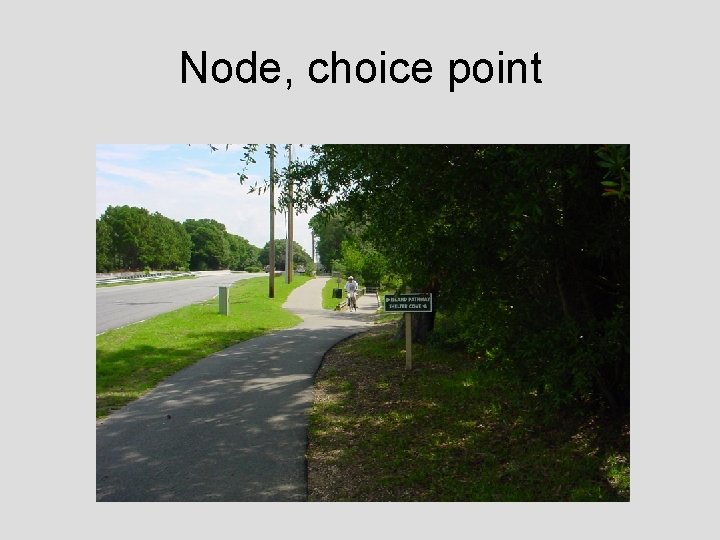
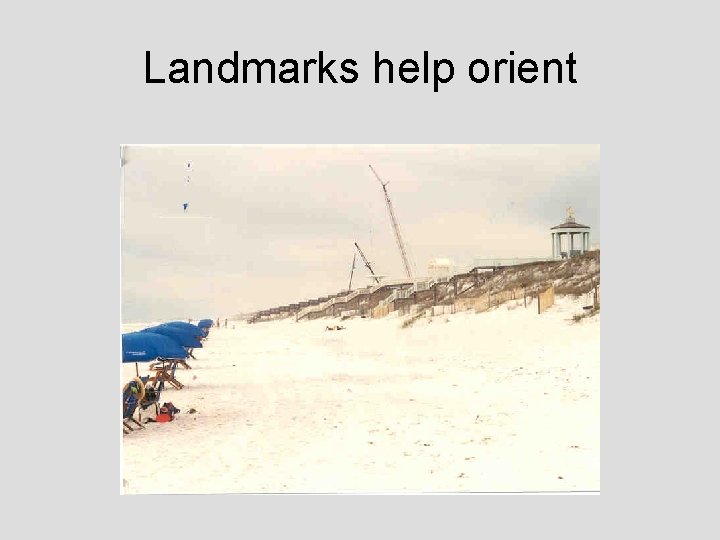
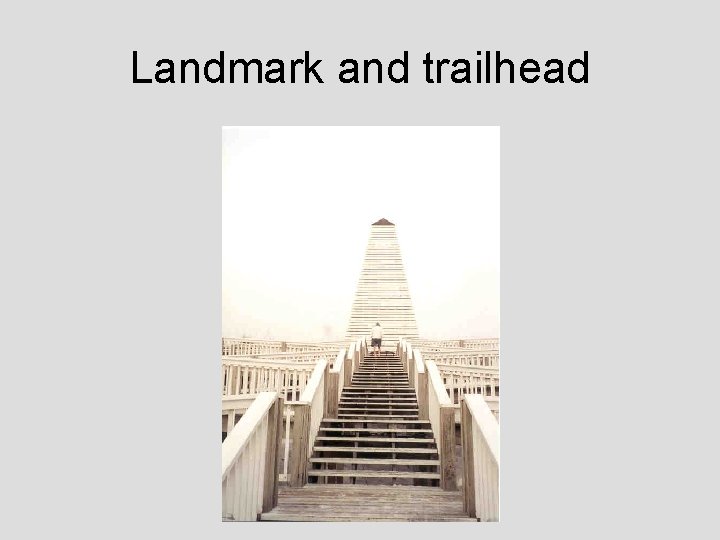
Wayfinding: applying cognitive map characteristics to landscape design • Entry points or other boundaries defined by and edge (define regions/districts, guide flow) • Pathways and choice points (nodes) easy to follow and signage useful to assist with directions • Landmarks obvious may be used to guide layout of pathways or placed at key choice points
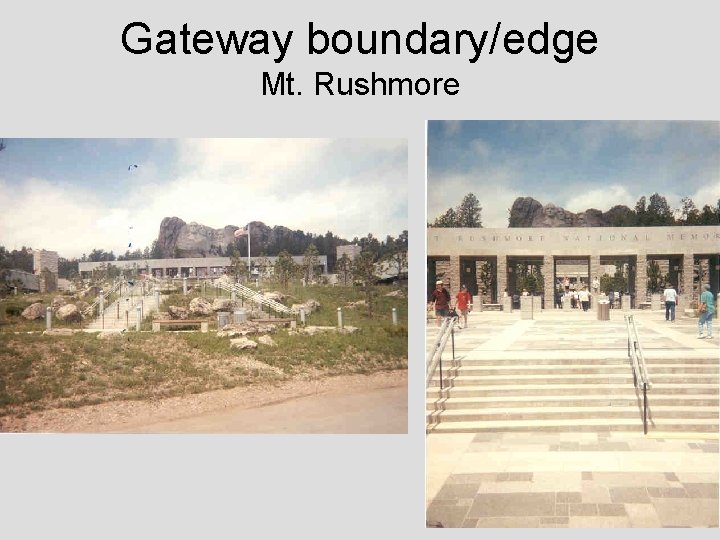
Gateway boundary/edge Mt. Rushmore
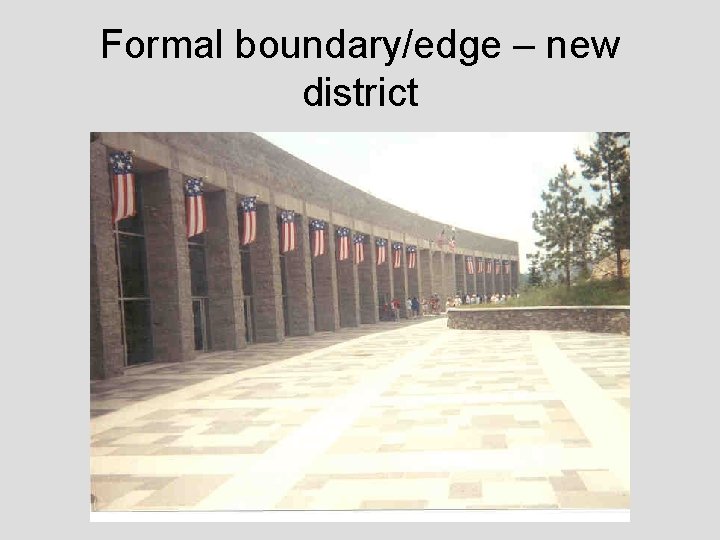
Formal boundary/edge – new district
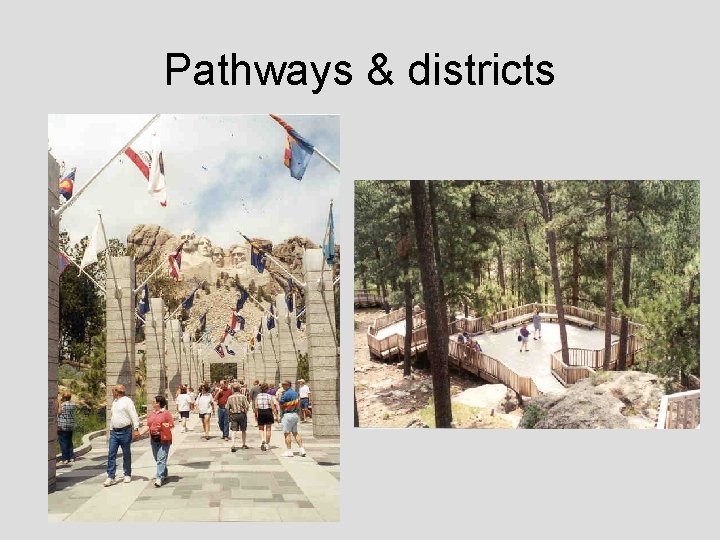
Pathways & districts
path & node/choice point
Node, choice point
Landmarks help orient
Landmark and trailhead
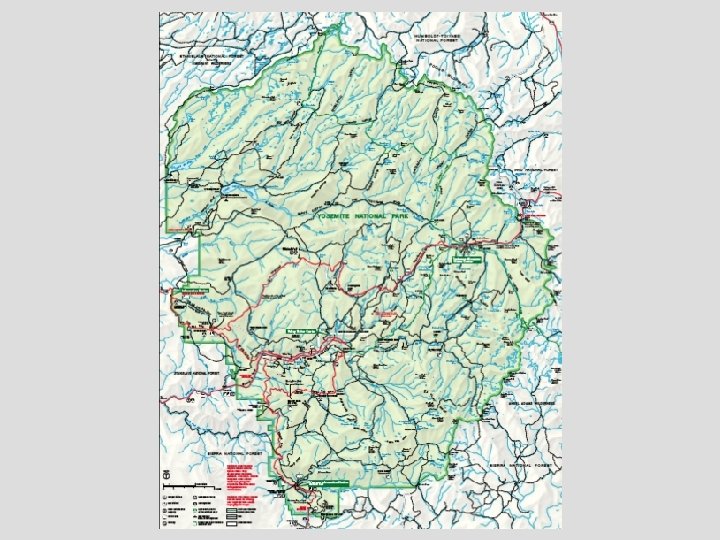
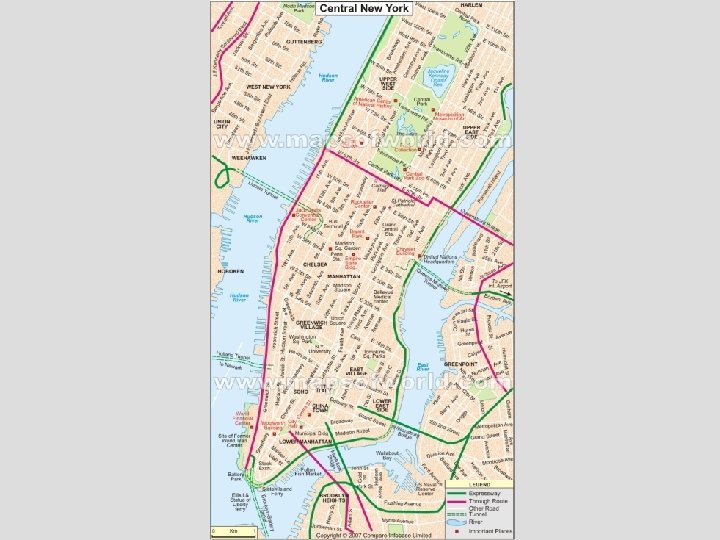
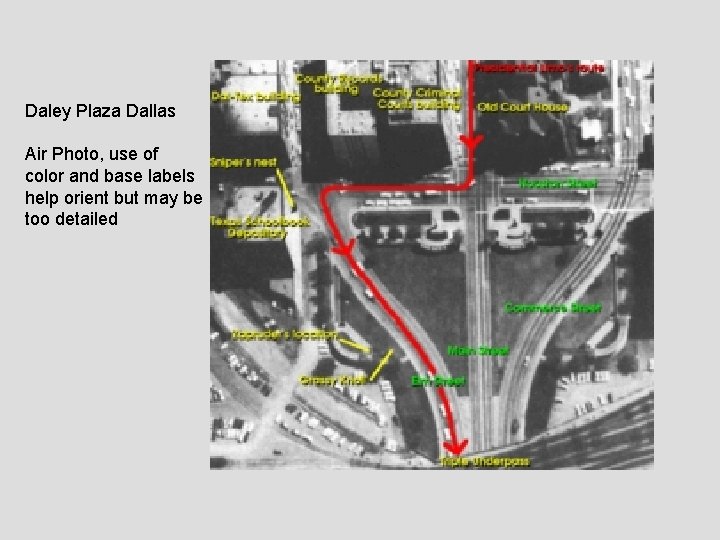
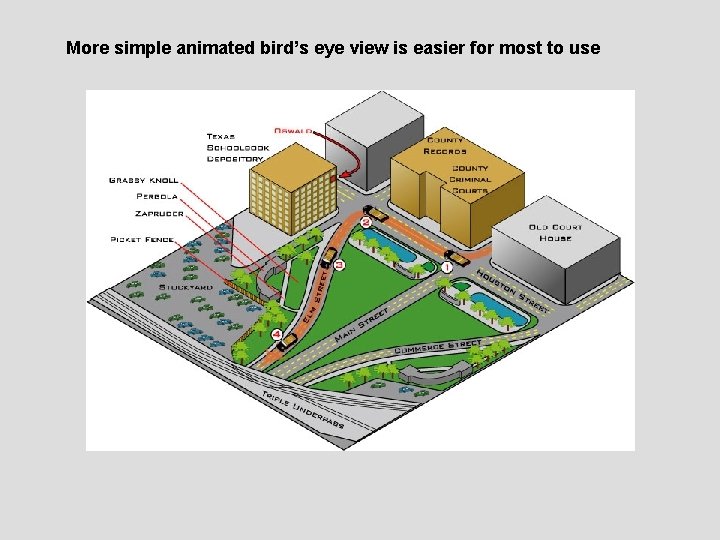
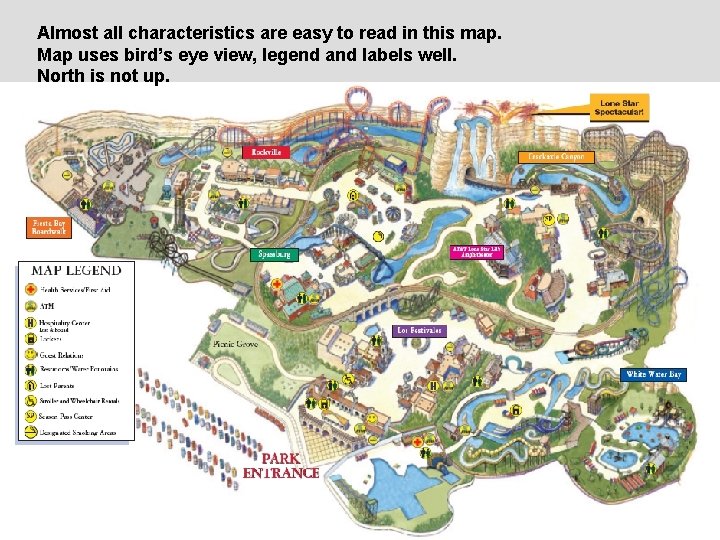
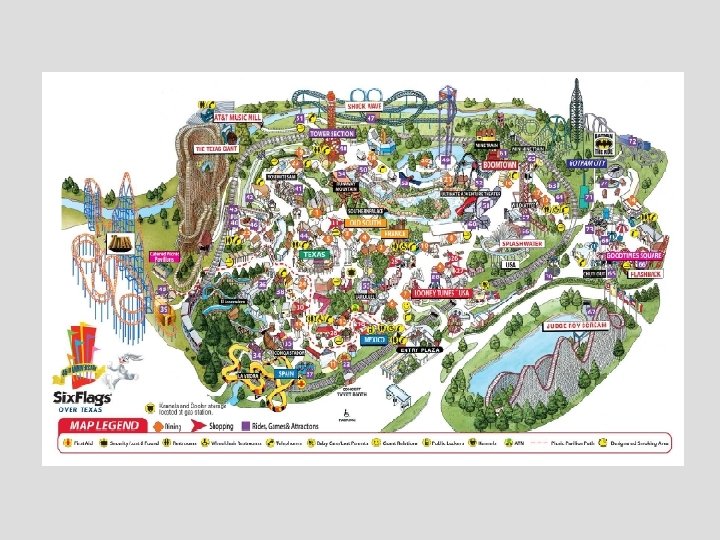
Wayfinding: applying cognitive map characteristics to visitor maps • Map for the mind’s eye – Birds eye view helps one see landmarks and relationships among elements in the landscape – Simple is better (example - showing path layout, choice points clearly) • Use of labels and symbols – Too many can confuse – Use legend if needed • North up? – If map compliments a viewpoint orient it accordingly – Direction of travel or key landmarks may also dictate a orientation for orienting the visitor to the local place
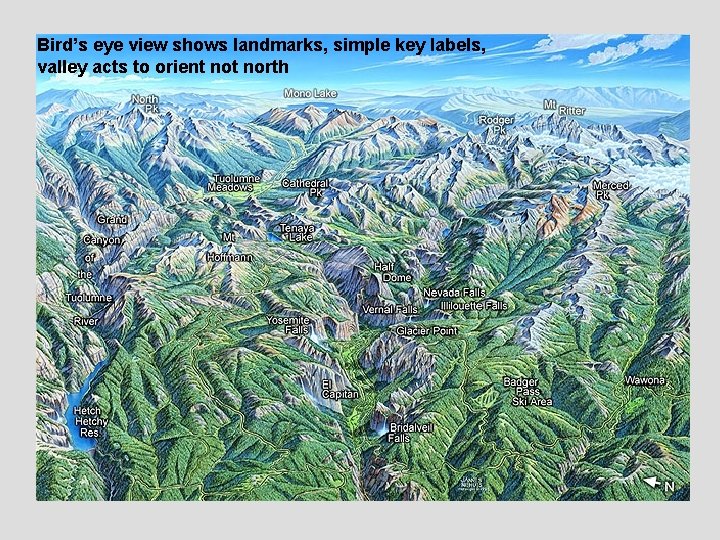
Bird’s eye view shows landmarks, simple key labels, valley acts to orient north
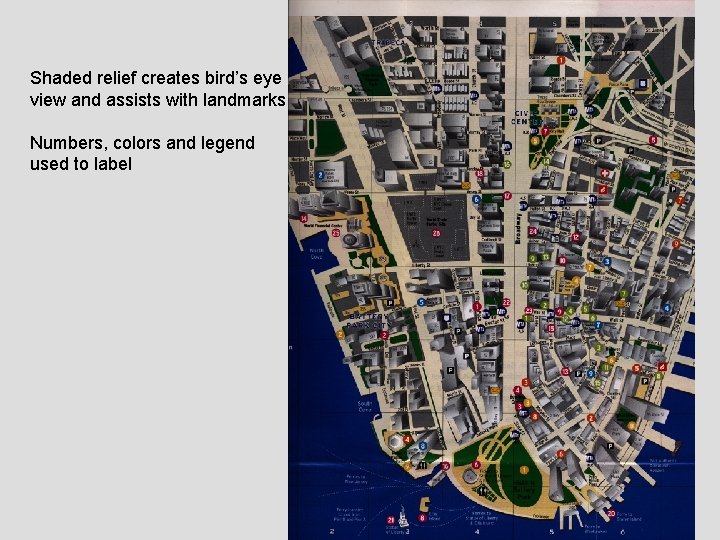
Shaded relief creates bird’s eye view and assists with landmarks Numbers, colors and legend used to label
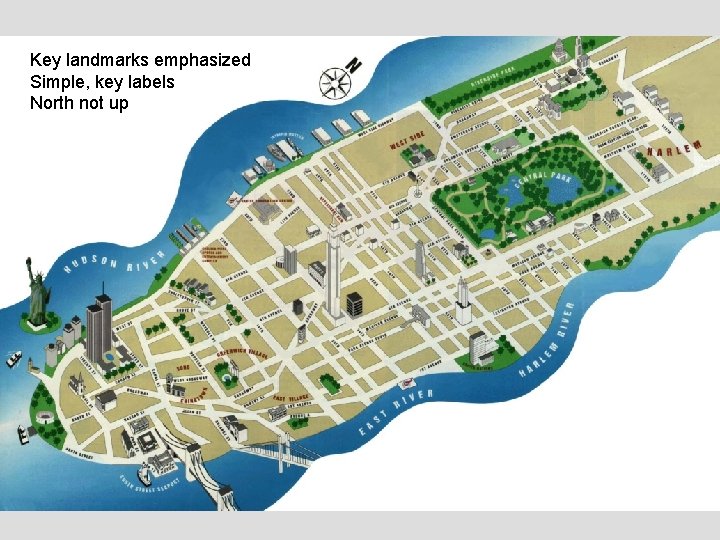
Key landmarks emphasized Simple, key labels North not up
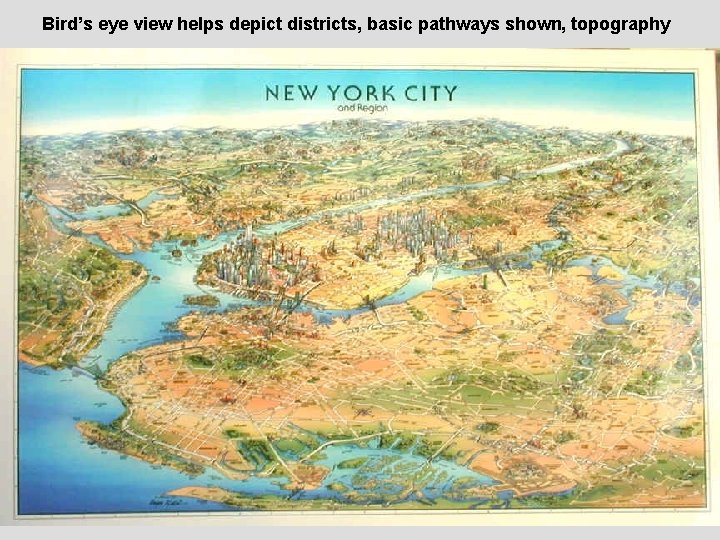
Bird’s eye view helps depict districts, basic pathways shown, topography
Daley Plaza Dallas Air Photo, use of color and base labels help orient but may be too detailed
More simple animated bird’s eye view is easier for most to use
Almost all characteristics are easy to read in this map. Map uses bird’s eye view, legend and labels well. North is not up.