
Watch students ENJOY writing Make learning FUN Comic
- Slides: 18
Watch students ENJOY writing! Make learning FUN!! Comic Life www. plasq. com By Joel Solomon Instructional Technology Coach Cherry Creek Schools
Agenda • • Introduction/Power. Point presentation Overview of Comic. Life Get to know your workspace Insert pictures (i. Photo, Capture, Finder) Create a Comic Add captions, speech bubbles, and titles Save + Export your masterpiece!
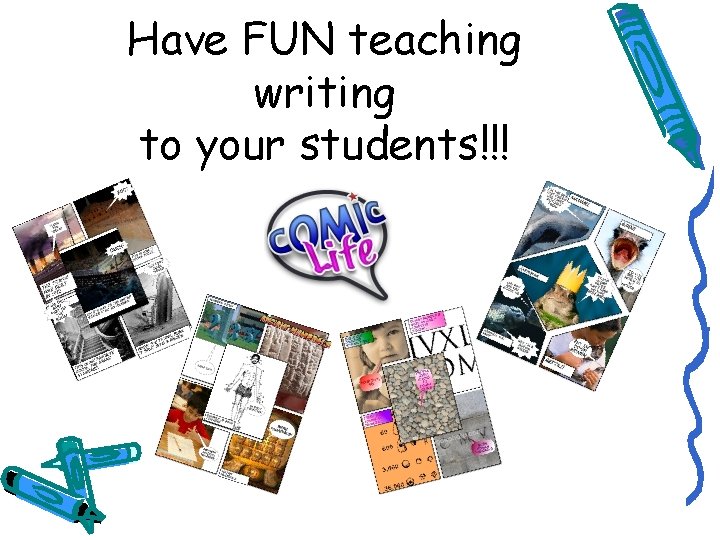
Have FUN teaching writing to your students!!!
Writing Standards Standard 2: Students write and speak for a variety of purposes and audiences. – 2 a. Generate topics and develop ideas for a variety of purposes (plays, storytelling, newsletters, writing a letter, book reports, and introducing a speaker) – 2 b. Organize writing using logical arrangement of ideas. – 2 c. Select and use clear and concise vocabulary.
6 -Trait Writing VOICE! Organization
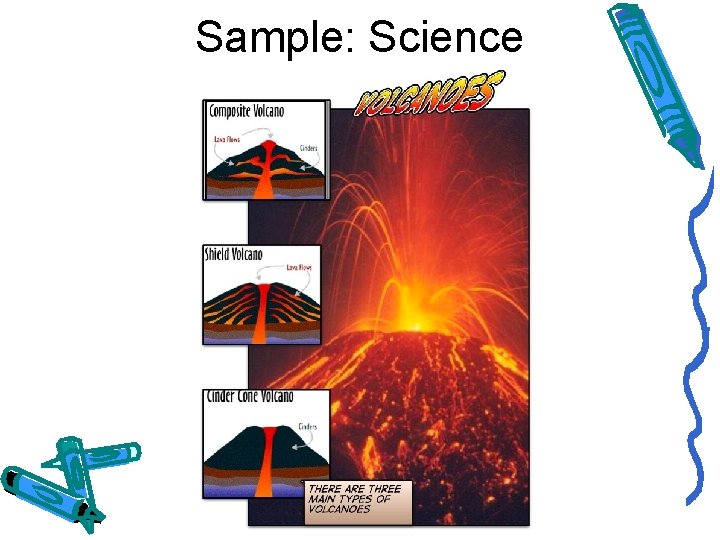
Sample: Science
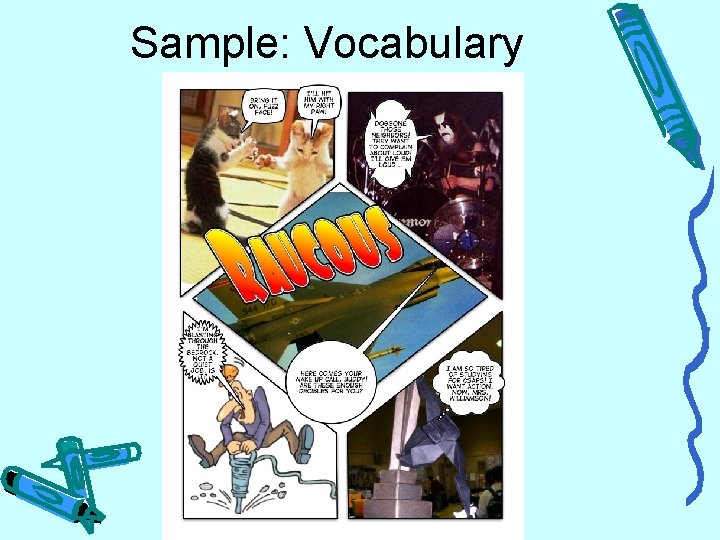
Sample: Vocabulary
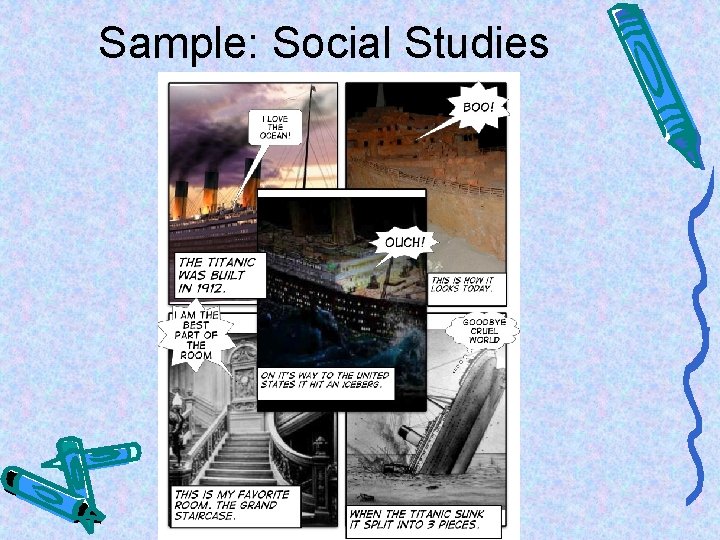
Sample: Social Studies
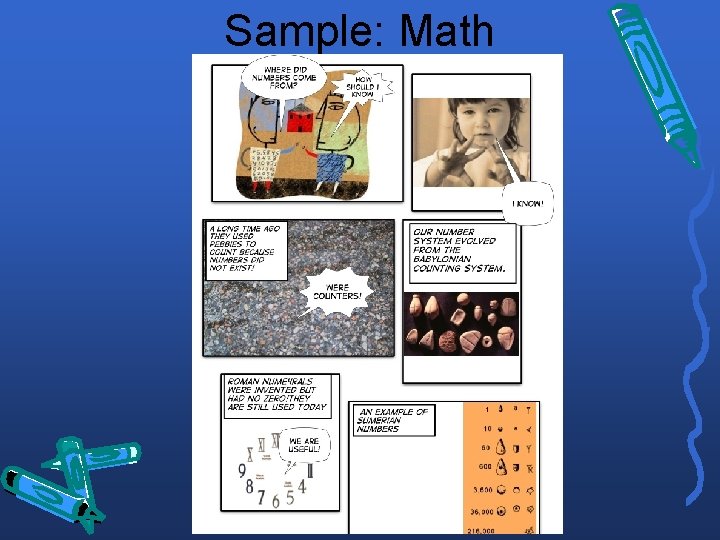
Sample: Math
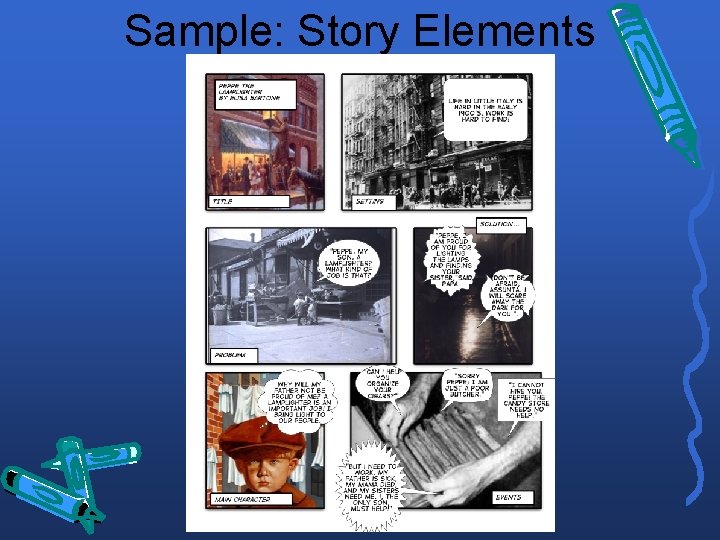
Sample: Story Elements
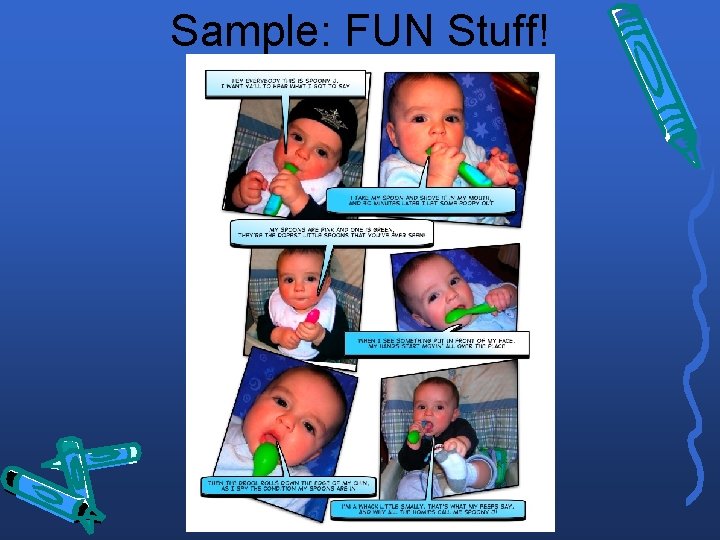
Sample: FUN Stuff!
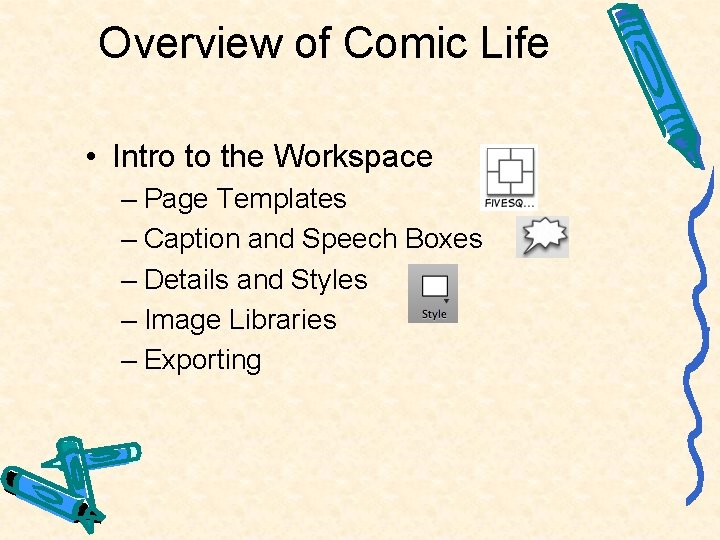
Overview of Comic Life • Intro to the Workspace – Page Templates – Caption and Speech Boxes – Details and Styles – Image Libraries – Exporting
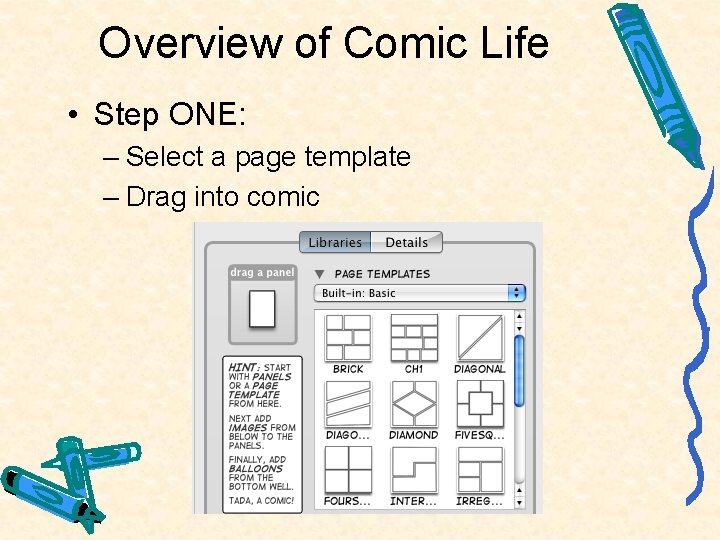
Overview of Comic Life • Step ONE: – Select a page template – Drag into comic
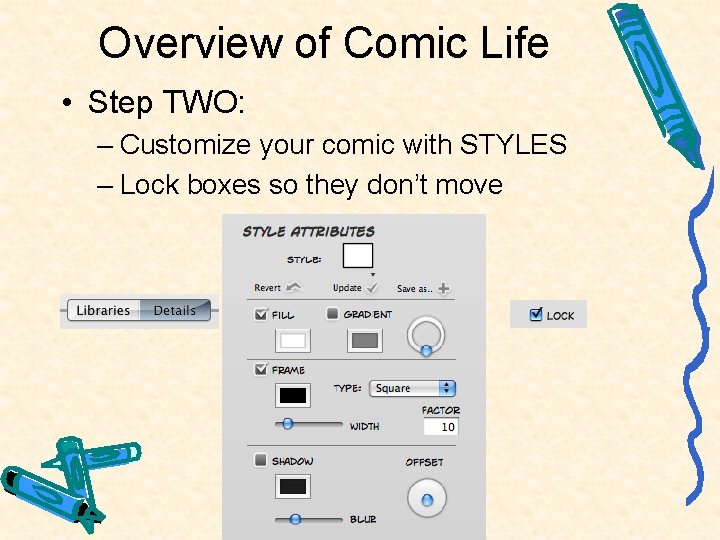
Overview of Comic Life • Step TWO: – Customize your comic with STYLES – Lock boxes so they don’t move
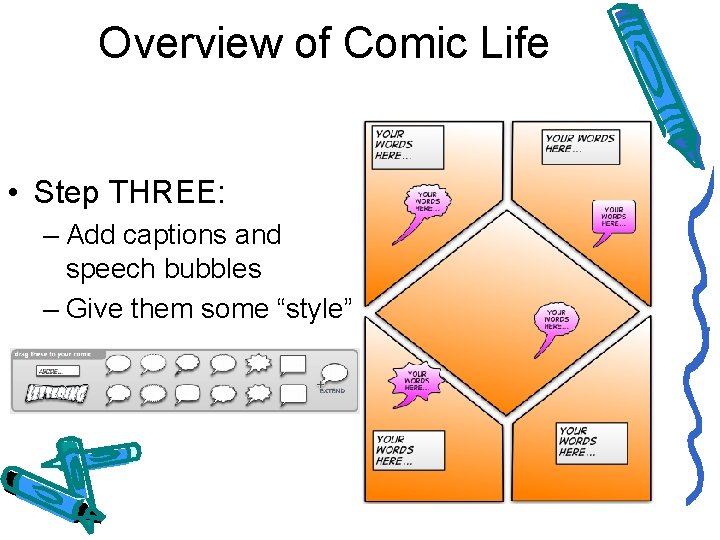
Overview of Comic Life • Step THREE: – Add captions and speech bubbles – Give them some “style”
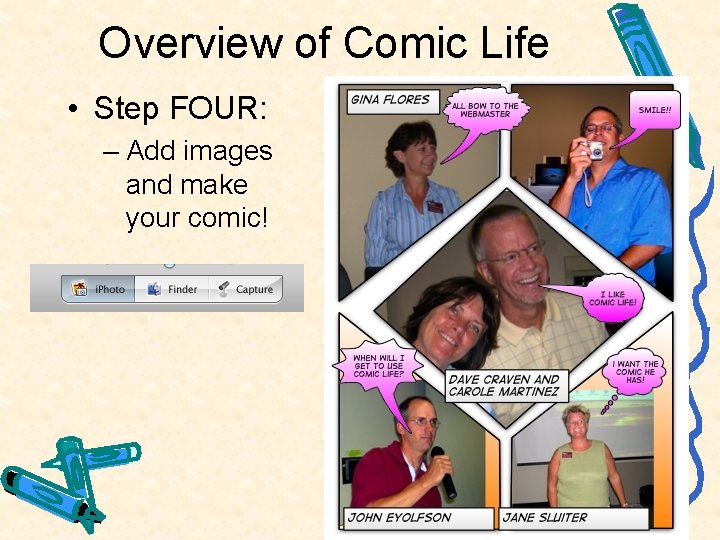
Overview of Comic Life • Step FOUR: – Add images and make your comic!
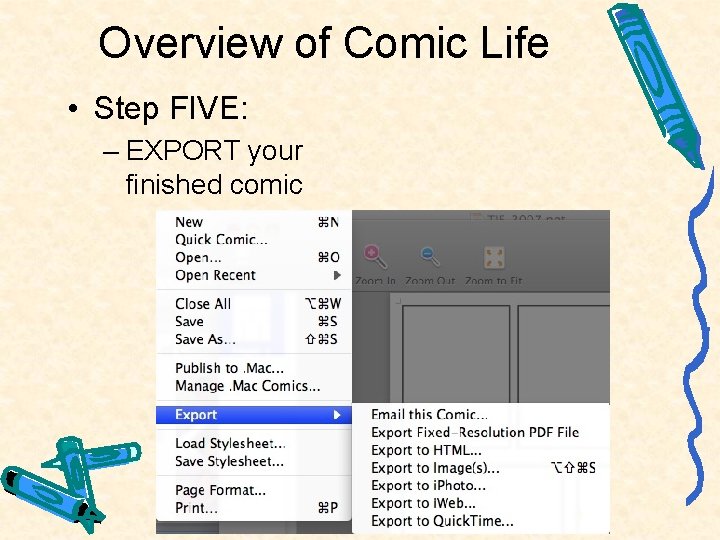
Overview of Comic Life • Step FIVE: – EXPORT your finished comic
Overview of Comic Life • Online Resources for Images – http: //www. pics 4 learning. com/ – http: //yotophoto. com/ – http: //www. zoo-m. com/flickrstorm/http: //del. icio. us/mole 555/digital_images (my del. icio. us page for images)