
Warmup Pick up an extra shift register and
- Slides: 9
Warm-up Pick up an extra shift register and an extra 7 segment display per team. If you destroyed your previous 7 -segment display circuit, begin re-wiring it.
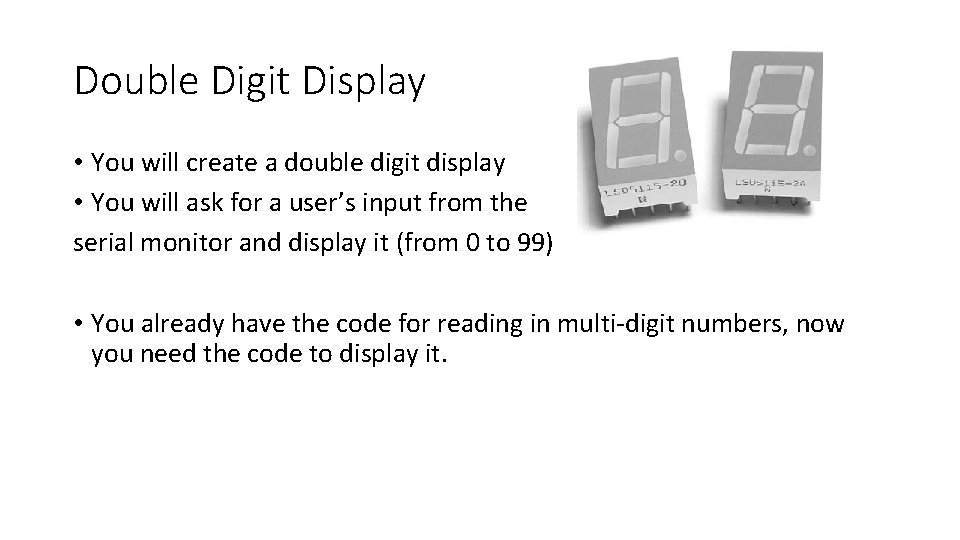
Double Digit Display • You will create a double digit display • You will ask for a user’s input from the serial monitor and display it (from 0 to 99) • You already have the code for reading in multi-digit numbers, now you need the code to display it.
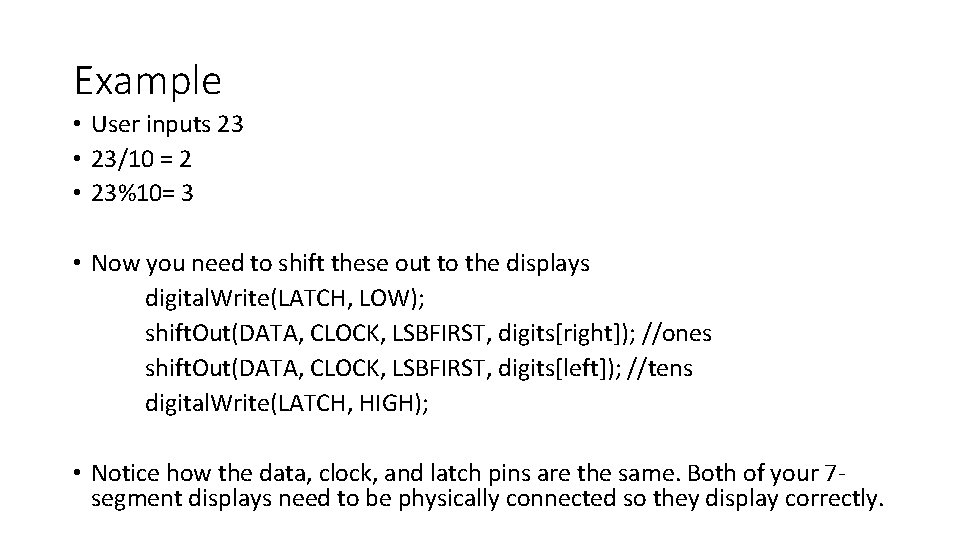
Separating the Digits • Once you read in the multi-digit number you need to separate the digits • You do this by dividing the number by 10 to get the first digit (remember that dividing does not return a fraction nor remainder) and then using mod by 10 to get the second digit
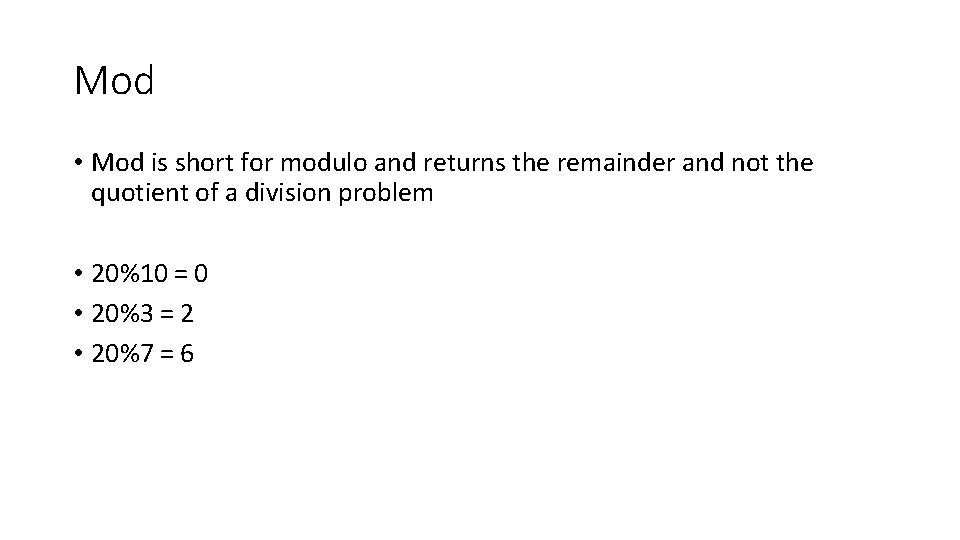
Mod • Mod is short for modulo and returns the remainder and not the quotient of a division problem • 20%10 = • 20%3 = • 20%7 =
Mod • Mod is short for modulo and returns the remainder and not the quotient of a division problem • 20%10 = 0 • 20%3 = 2 • 20%7 = 6
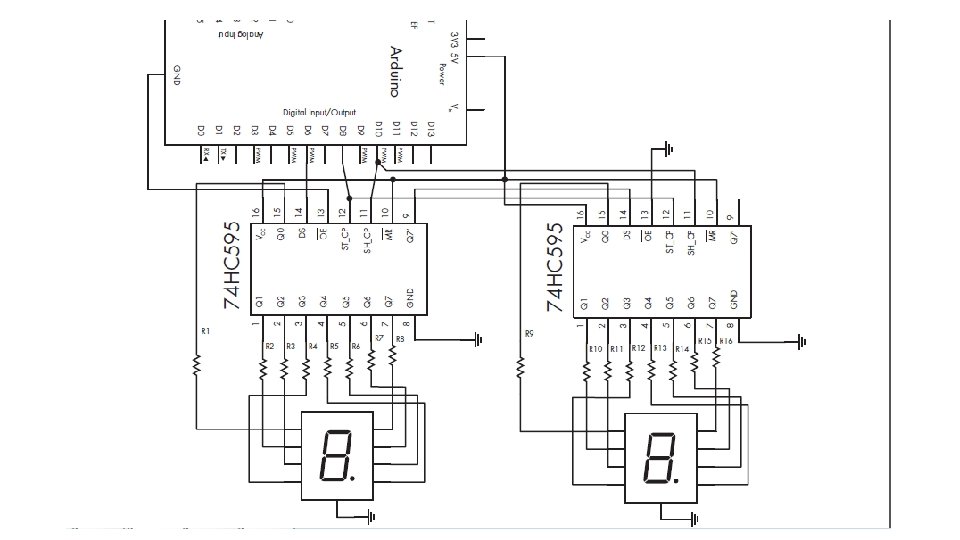
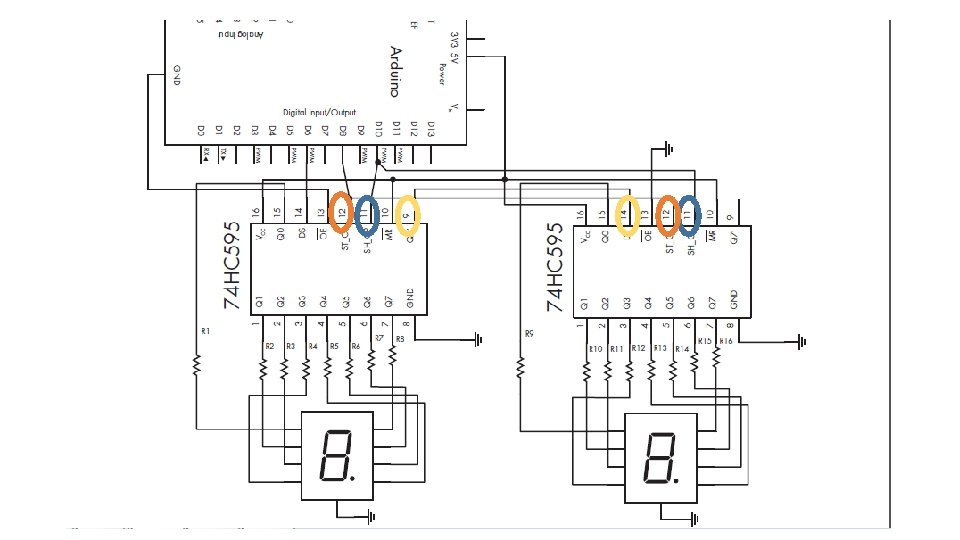
Example • User inputs 23 • 23/10 = 2 • 23%10= 3 • Now you need to shift these out to the displays digital. Write(LATCH, LOW); shift. Out(DATA, CLOCK, LSBFIRST, digits[right]); //ones shift. Out(DATA, CLOCK, LSBFIRST, digits[left]); //tens digital. Write(LATCH, HIGH); • Notice how the data, clock, and latch pins are the same. Both of your 7 segment displays need to be physically connected so they display correctly.
Functions • You should copy your “get. Answer” function from the previous lab • You should create a new function for displaying (this function should take the user’s input as a parameter) • Within this function you need to determine if the user entered a single or double digit number • If the user entered a single digit number (<10) display the number followed by a zero • If the user entered a double digit (>=10) you need to separate them using / and % • You should keep your decimal array from you previous lab as well and use the separated digits to access the array at that specified index