
WAP Notification Services Greg Bean Cybergroup Inc www
WAP Notification Services Greg Bean Cybergroup, Inc. www. cybergroup. com gbean@cybergroup. com Copyright © 2001, Cybergroup, Inc. , All rights reserved.
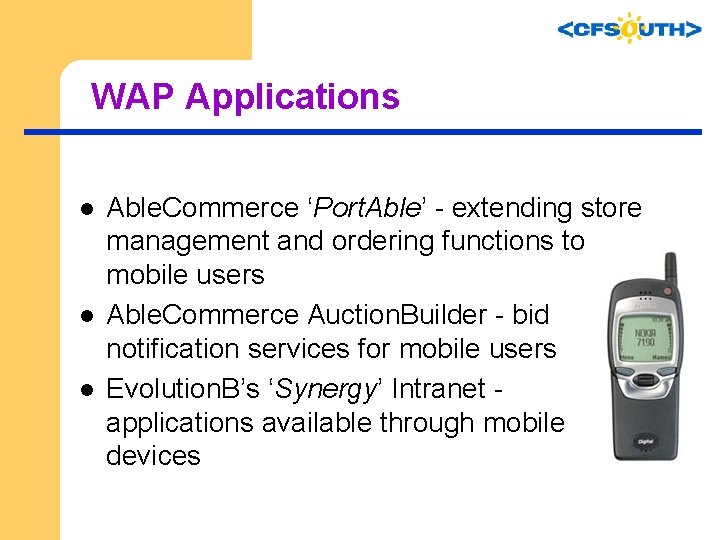
WAP Applications l l l Able. Commerce ‘Port. Able’ - extending store management and ordering functions to mobile users Able. Commerce Auction. Builder - bid notification services for mobile users Evolution. B’s ‘Synergy’ Intranet applications available through mobile devices
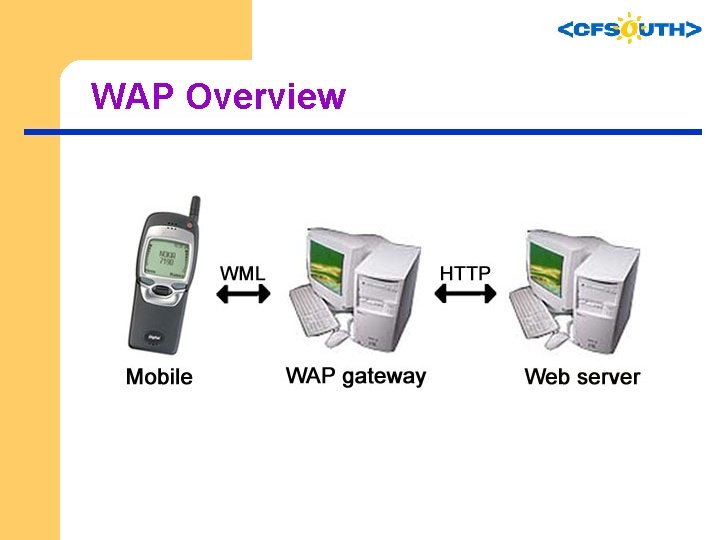
WAP Overview
Notification Services l Web model is synchronous – l client requests file; server responds WAP notification model is asynchronous – Server, without request, sends data to client
Notification Services “Push” or “Notification” Transactions include: l l Stock Alerts Auction Outbidding Notifications Traffic Reports Etc.
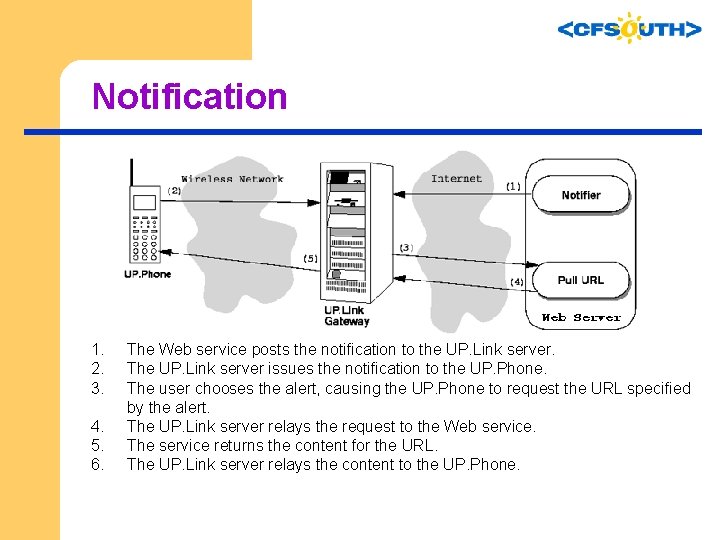
Notification 1. 2. 3. 4. 5. 6. The Web service posts the notification to the UP. Link server. The UP. Link server issues the notification to the UP. Phone. The user chooses the alert, causing the UP. Phone to request the URL specified by the alert. The UP. Link server relays the request to the Web service. The service returns the content for the URL. The UP. Link server relays the content to the UP. Phone.
Notification Example l l l Able. Commerce Auction. Builder ‘Plug-in’ A series of CF templates Alerts the mobile user to outbids and winning bids, and allows rebidding
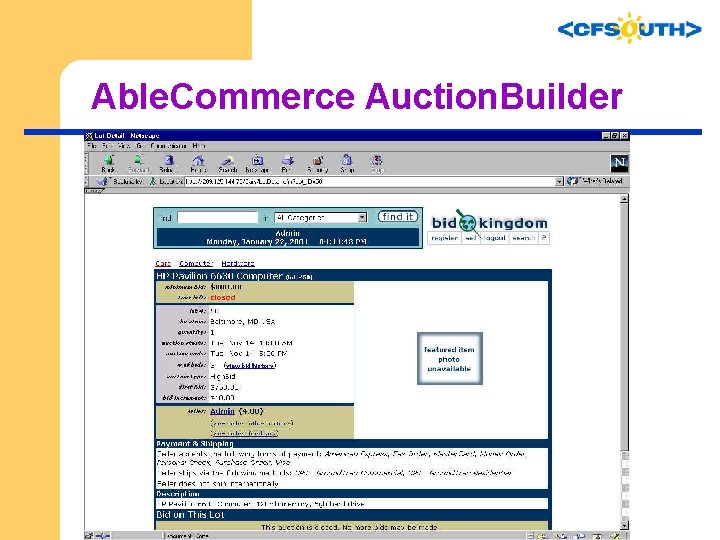
Able. Commerce Auction. Builder
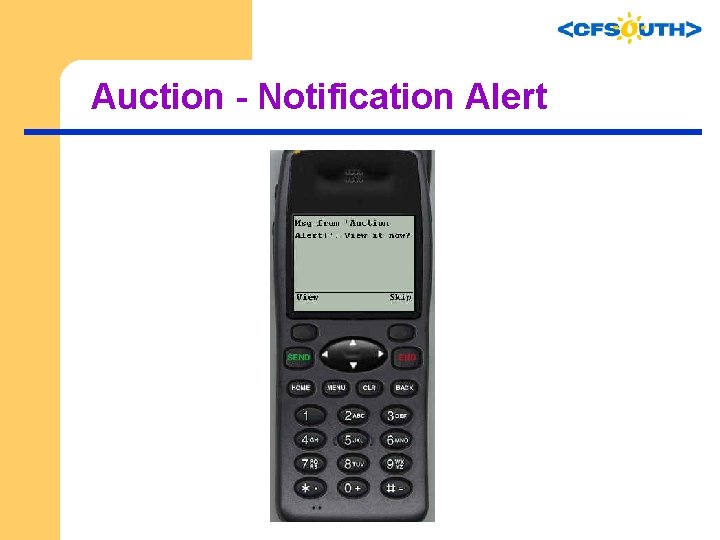
Auction - Notification Alert
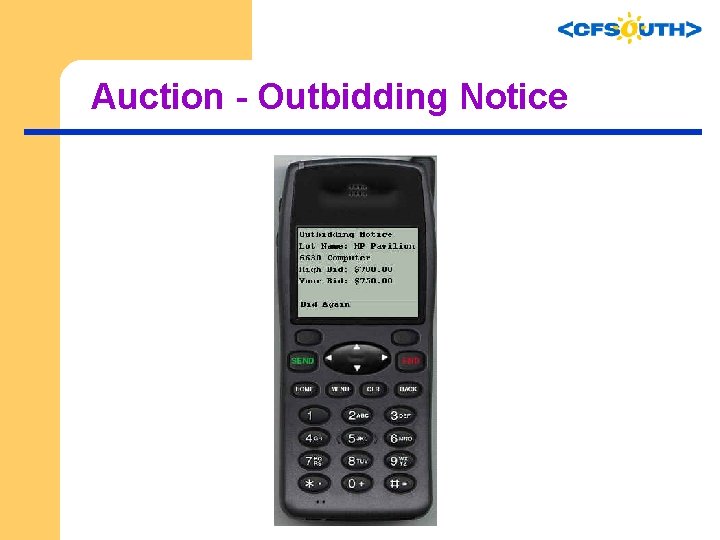
Auction - Outbidding Notice
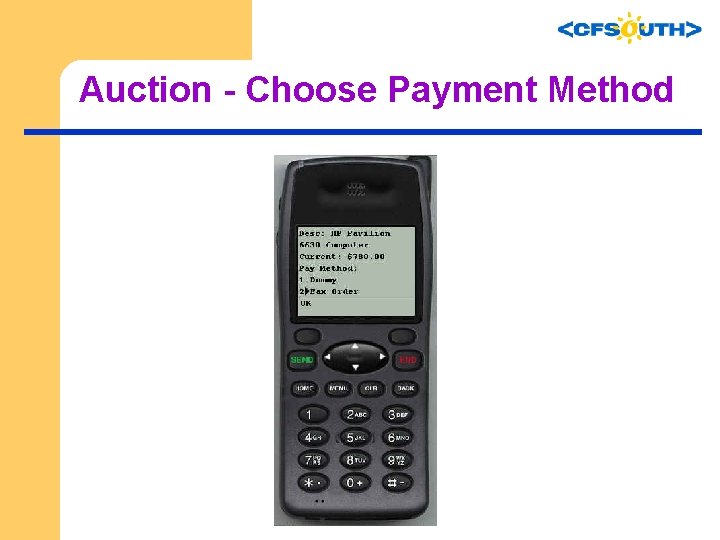
Auction - Choose Payment Method
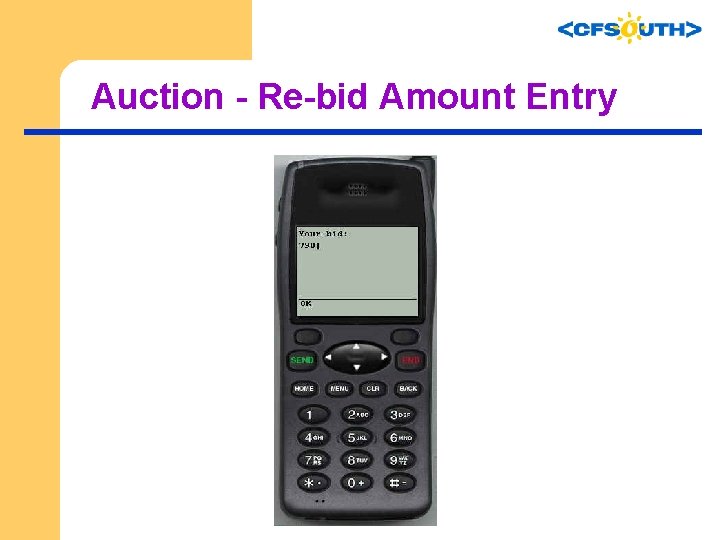
Auction - Re-bid Amount Entry
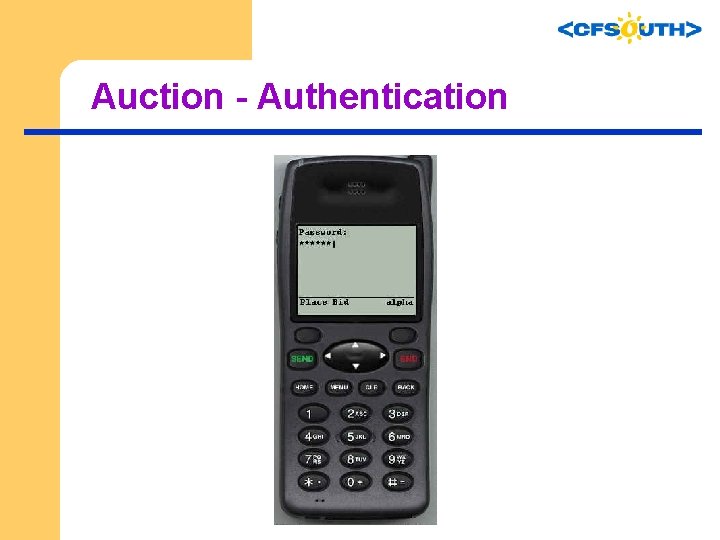
Auction - Authentication
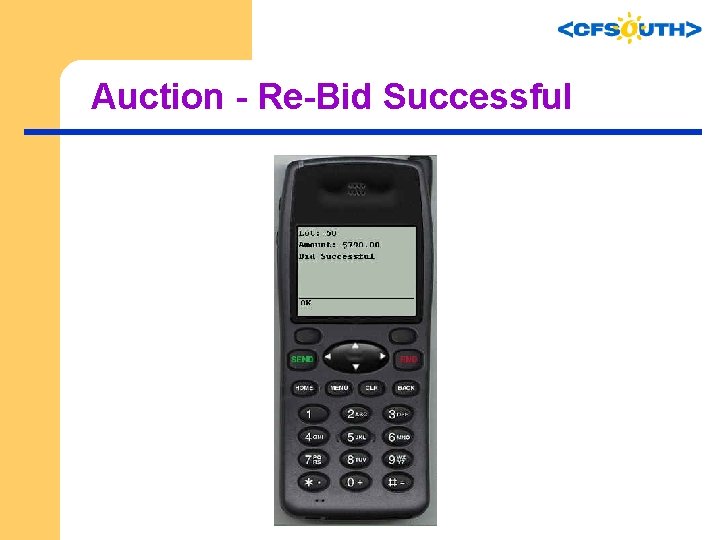
Auction - Re-Bid Successful
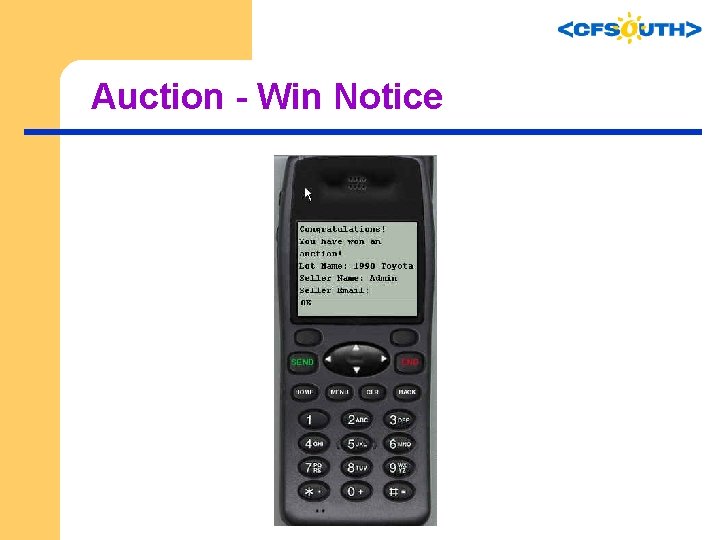
Auction - Win Notice
Developing Your First Application l l l You’ll need a set of tools We’ll assume the use of Phone. com’s platform There are differences among various vendor platforms so we’ll identify the concepts and illustrate Phone. com’s notification service
Development Environment You will need an: l Emulator (UP. SDK) or Phone l UP. Link Provisioning/Subscriber ID l UP. SDK COM Object (available if you install the SDK on the server)
Phone Simulator l l l Phone. com (now Openwave. com) Tools Simulates phone on your desktop PC UP. SDK (contains UP. Simulator) – Available at http: //developer. phone. com/dev/ts/
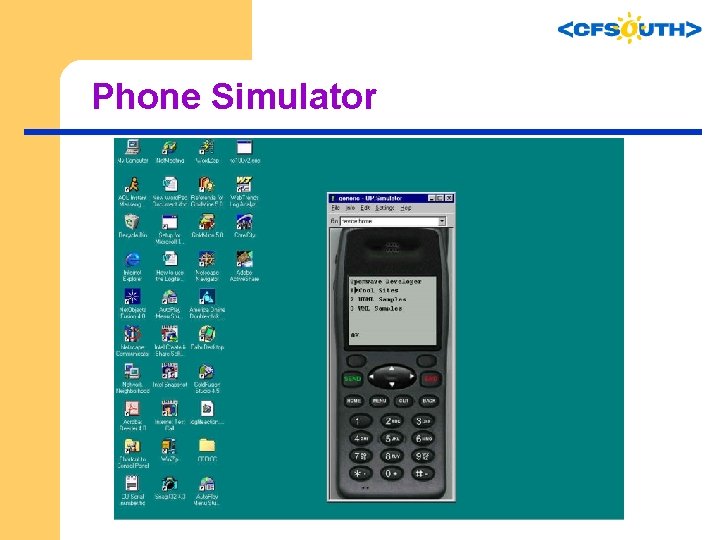
Phone Simulator
Provisioning l l Subscriber ID identifies a WAP user to the WAP gateway Each device/phone has a unique ID Your simulator needs a subscriber ID ‘Synch’ the ‘phone’ through the Provisioning Utilities
Provisioning l l l Provision Accounts - create & administrate as many as 5 subscriber accounts These subscriber accounts enable the UP. Simulator to access applications and services via a production UP. Link Server environment. UP. Link Provisioning Login – http: //developer. phone. com/dev/ts/up/provision. html
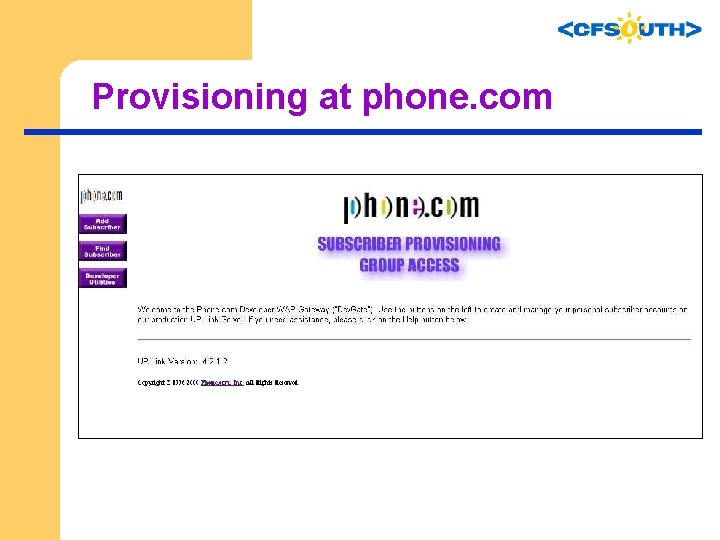
Provisioning at phone. com
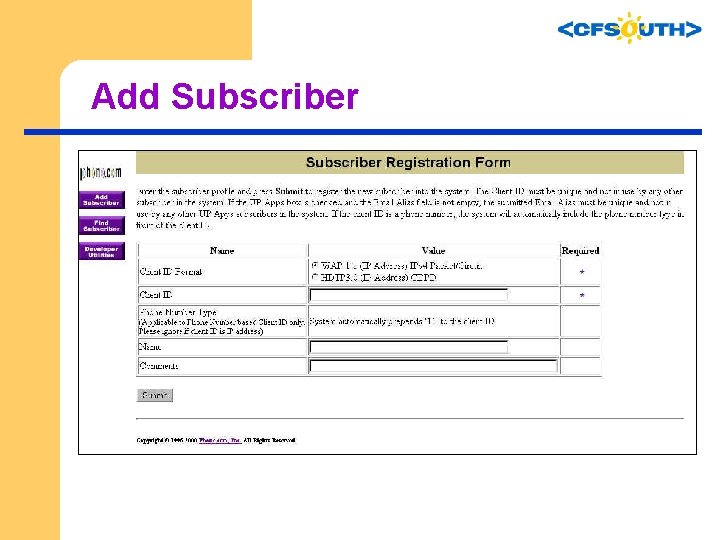
Add Subscriber
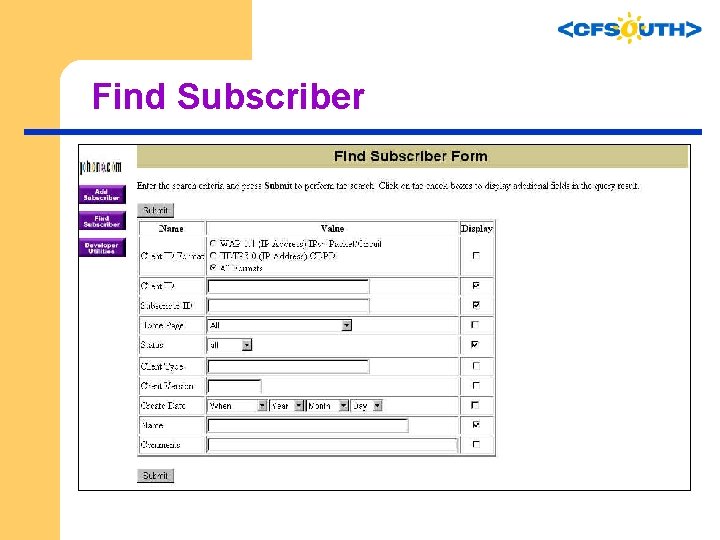
Find Subscriber
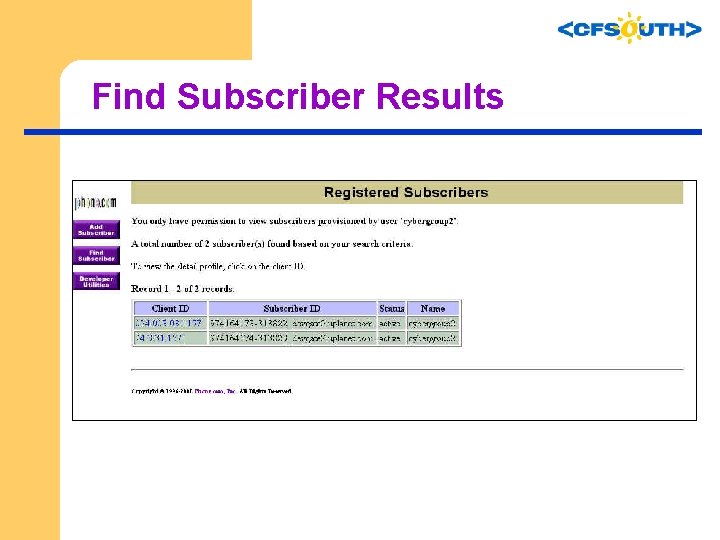
Find Subscriber Results
Sample Notification Program l l A sample program to illustrate notifications Incorporates the Phone. com COM Object A ‘Hello World’ of sorts Code is included in the conference CD
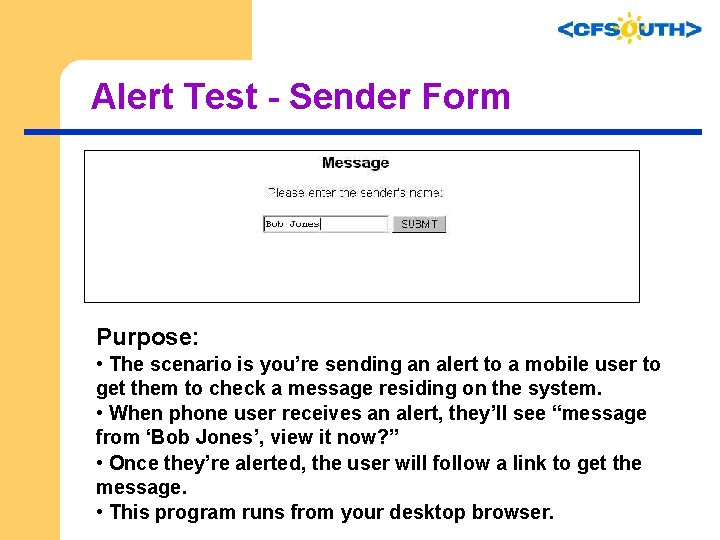
Alert Test - Sender Form Purpose: • The scenario is you’re sending an alert to a mobile user to get them to check a message residing on the system. • When phone user receives an alert, they’ll see “message from ‘Bob Jones’, view it now? ” • Once they’re alerted, the user will follow a link to get the message. • This program runs from your desktop browser.
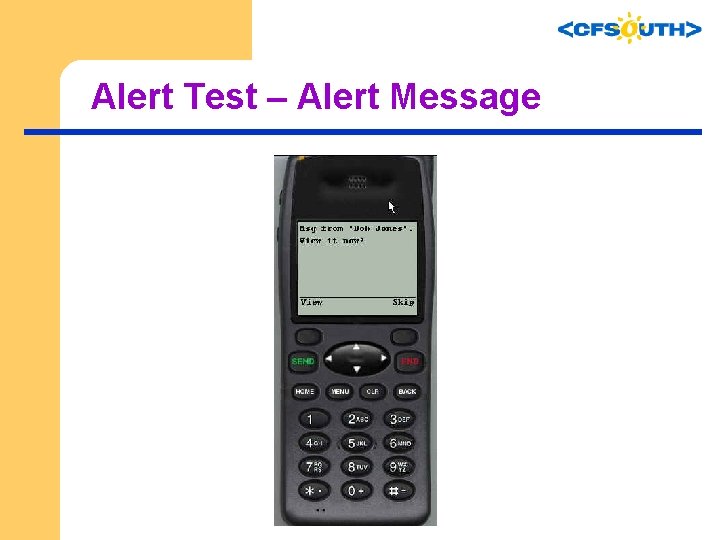
Alert Test – Alert Message
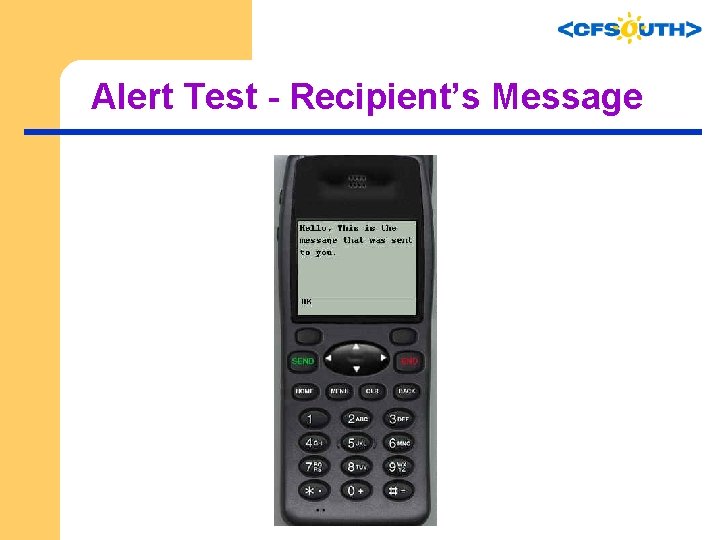
Alert Test - Recipient’s Message
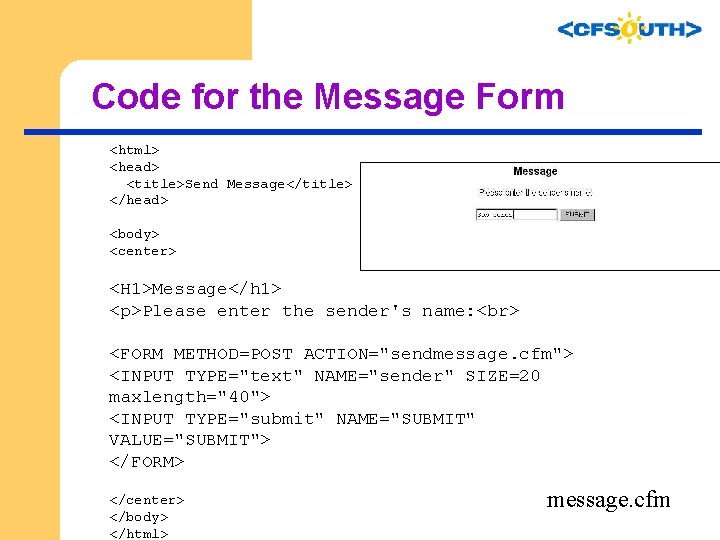
Code for the Message Form <html> <head> <title>Send Message</title> </head> <body> <center> <H 1>Message</h 1> <p>Please enter the sender's name: <FORM METHOD=POST ACTION="sendmessage. cfm"> <INPUT TYPE="text" NAME="sender" SIZE=20 maxlength="40"> <INPUT TYPE="submit" NAME="SUBMIT" VALUE="SUBMIT"> </FORM> </center> </body> </html> message. cfm
COM Object l l The UP. SDK includes a Component Object Model (COM) notification library for Windows. This library is language-independent; you can call it from code writtenin a variety of languages (such as C++, Visual Basic, J++, Perl, and, of course, Cold. Fusion). Configure your development environment so that your code can reference the library. Create a notification object instance Use the methods detailed here to implement notifications http: //developer. phone. com/dev/ts/htmldoc/31 h/devguide/output/notify 6. html
Code to Send Notification <CFOBJECT CLASS="Ntfn 3 Client. 1" TYPE="com” ACTION="create” NAME="ntfn"> <cfoutput> #ntfn. Ntfn. Set. Host("devgate 2. uplanet. com")# #ntfn. Ntfn. Post. Alert('980122756 -1676_devgate 2. uplanet. com', 'http: //209. 125. 144. 75/test/greg/cfsouth/getmessage. cfm', 10, 'D---', '#form. sender#', 10)# #ntfn. Ntfn. Get. Last. Result()# </cfoutput> <cfif ntfn. Ntfn. Get. Last. Result() is "204"> Your message was sent successfully! <cfelse> Your message failed. . . </cfif> sendmessage. cfm
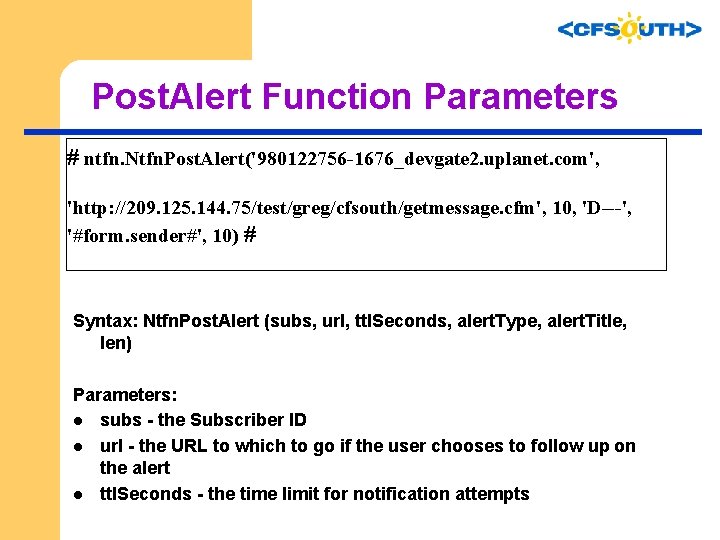
Post. Alert Function Parameters # ntfn. Ntfn. Post. Alert('980122756 -1676_devgate 2. uplanet. com', 'http: //209. 125. 144. 75/test/greg/cfsouth/getmessage. cfm', 10, 'D---', '#form. sender#', 10) # Syntax: Ntfn. Post. Alert (subs, url, ttl. Seconds, alert. Type, alert. Title, len) Parameters: l subs - the Subscriber ID l url - the URL to which to go if the user chooses to follow up on the alert l ttl. Seconds - the time limit for notification attempts
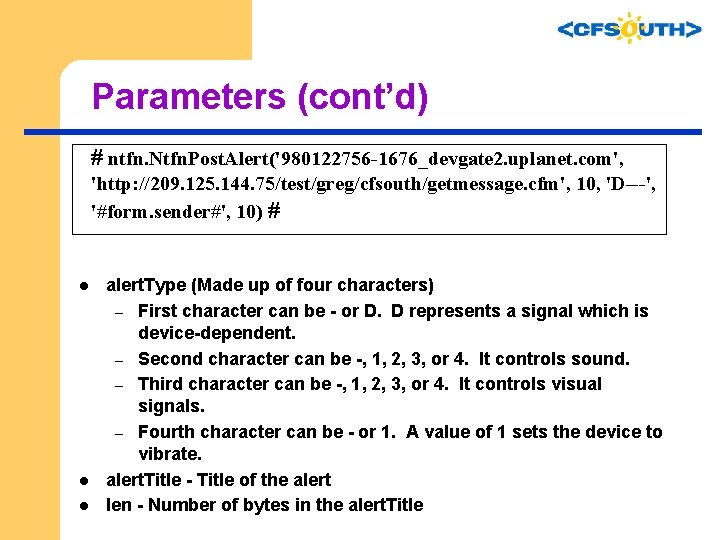
Parameters (cont’d) # ntfn. Ntfn. Post. Alert('980122756 -1676_devgate 2. uplanet. com', 'http: //209. 125. 144. 75/test/greg/cfsouth/getmessage. cfm', 10, 'D---', '#form. sender#', 10) # l l l alert. Type (Made up of four characters) – First character can be - or D. D represents a signal which is device-dependent. – Second character can be -, 1, 2, 3, or 4. It controls sound. – Third character can be -, 1, 2, 3, or 4. It controls visual signals. – Fourth character can be - or 1. A value of 1 sets the device to vibrate. alert. Title - Title of the alert len - Number of bytes in the alert. Title
Parameters (cont’d) l l alert. Title - Title of the alert len - Number of bytes in the alert. Title
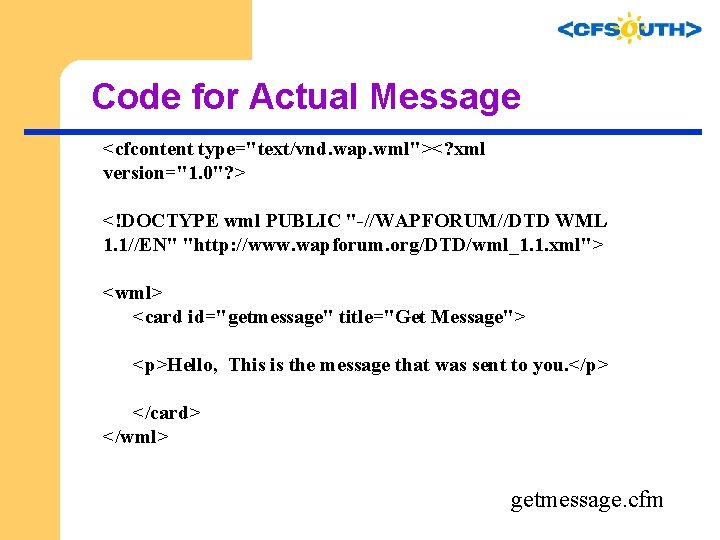
Code for Actual Message <cfcontent type="text/vnd. wap. wml"><? xml version="1. 0"? > <!DOCTYPE wml PUBLIC "-//WAPFORUM//DTD WML 1. 1//EN" "http: //www. wapforum. org/DTD/wml_1. 1. xml"> <wml> <card id="getmessage" title="Get Message"> <p>Hello, This is the message that was sent to you. </p> </card> </wml> getmessage. cfm
Obtaining the Subscriber ID l l l To alert users we’ll need their subscriber ID To get the ID, we’ll need them to ‘sign up’ for the service The subscriber ID resides in a CGI variable
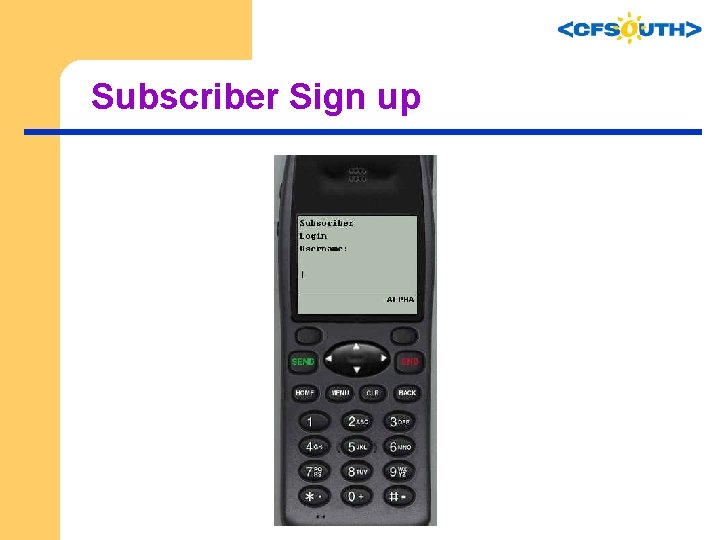
Subscriber Sign up
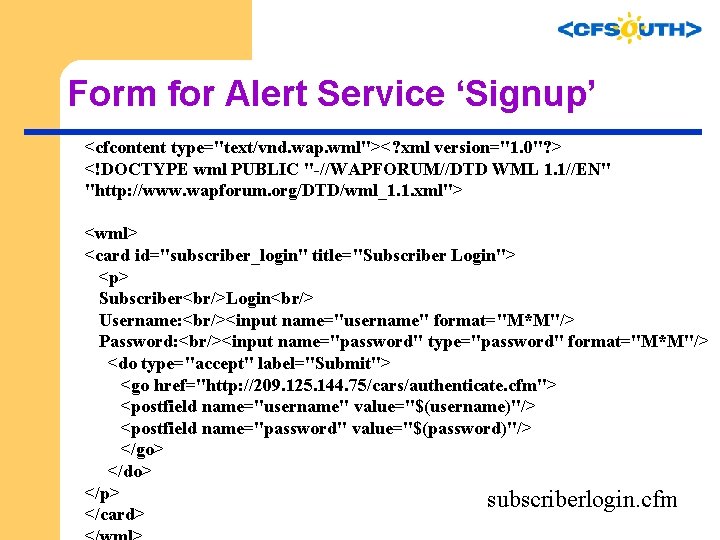
Form for Alert Service ‘Signup’ <cfcontent type="text/vnd. wap. wml"><? xml version="1. 0"? > <!DOCTYPE wml PUBLIC "-//WAPFORUM//DTD WML 1. 1//EN" "http: //www. wapforum. org/DTD/wml_1. 1. xml"> <wml> <card id="subscriber_login" title="Subscriber Login"> <p> Subscriber<br/>Login<br/> Username: <br/><input name="username" format="M*M"/> Password: <br/><input name="password" type="password" format="M*M"/> <do type="accept" label="Submit"> <go href="http: //209. 125. 144. 75/cars/authenticate. cfm"> <postfield name="username" value="$(username)"/> <postfield name="password" value="$(password)"/> </go> </do> </p> subscriberlogin. cfm </card>
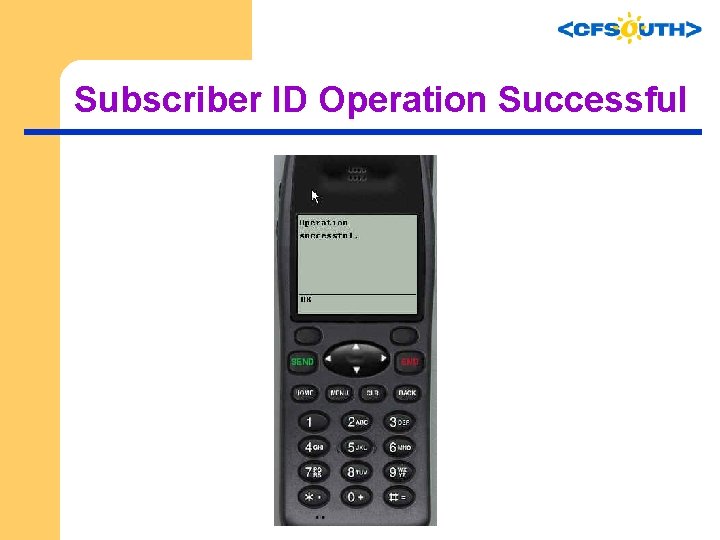
Subscriber ID Operation Successful
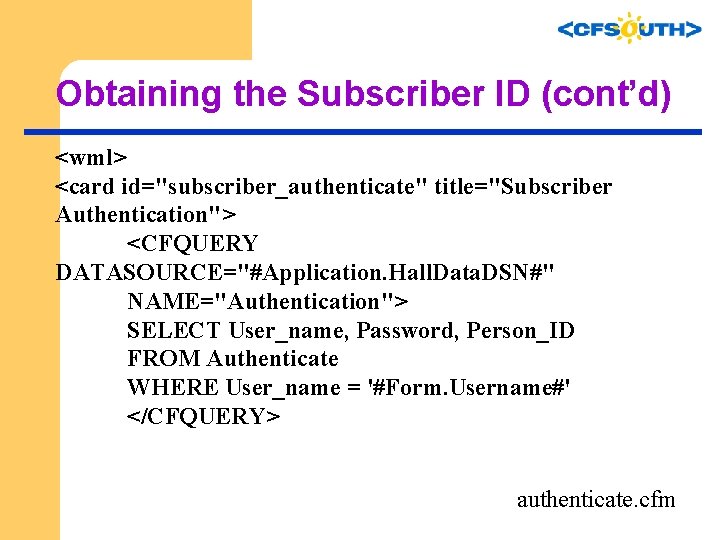
Obtaining the Subscriber ID (cont’d) <wml> <card id="subscriber_authenticate" title="Subscriber Authentication"> <CFQUERY DATASOURCE="#Application. Hall. Data. DSN#" NAME="Authentication"> SELECT User_name, Password, Person_ID FROM Authenticate WHERE User_name = '#Form. Username#' </CFQUERY> authenticate. cfm
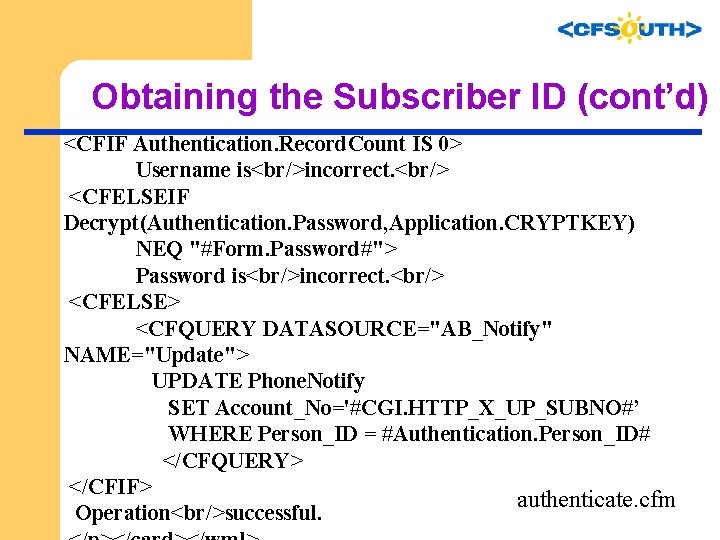
Obtaining the Subscriber ID (cont’d) <CFIF Authentication. Record. Count IS 0> Username is<br/>incorrect. <br/> <CFELSEIF Decrypt(Authentication. Password, Application. CRYPTKEY) NEQ "#Form. Password#"> Password is<br/>incorrect. <br/> <CFELSE> <CFQUERY DATASOURCE="AB_Notify" NAME="Update"> UPDATE Phone. Notify SET Account_No='#CGI. HTTP_X_UP_SUBNO#’ WHERE Person_ID = #Authentication. Person_ID# </CFQUERY> </CFIF> authenticate. cfm Operation<br/>successful.
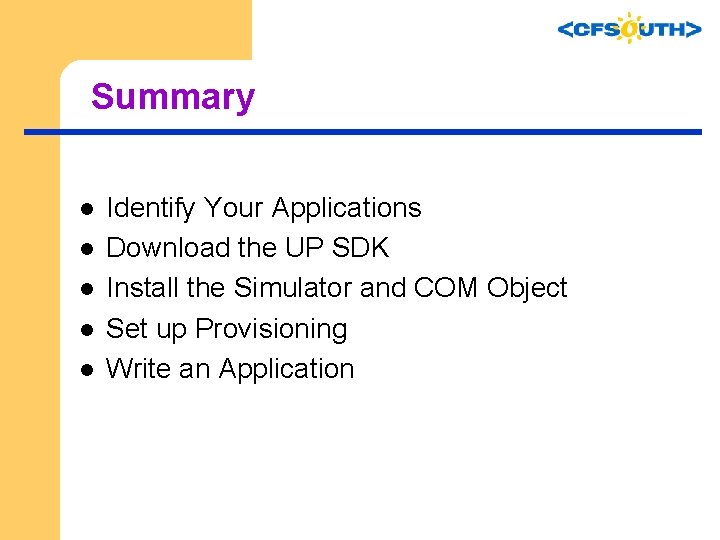
Summary l l l Identify Your Applications Download the UP SDK Install the Simulator and COM Object Set up Provisioning Write an Application
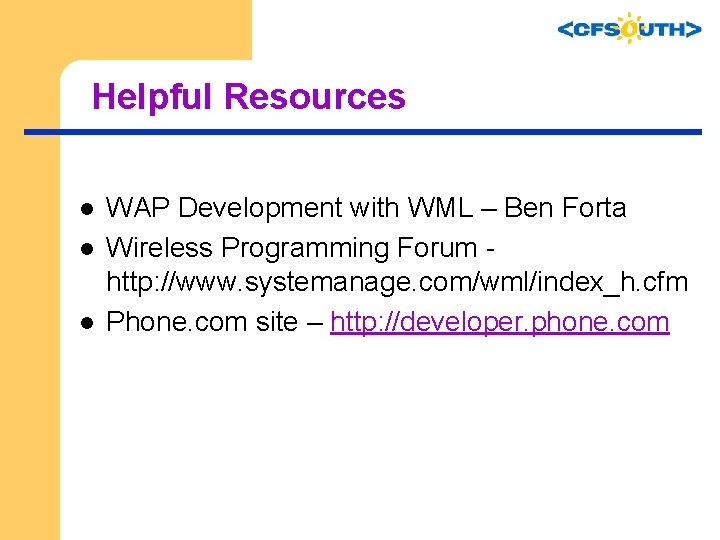
Helpful Resources l l l WAP Development with WML – Ben Forta Wireless Programming Forum http: //www. systemanage. com/wml/index_h. cfm Phone. com site – http: //developer. phone. com
Thanks!
- Slides: 45