
VTK Para View Ray Gasser raygbu edu SCV
VTK & Para. View Ray Gasser rayg@bu. edu SCV Visualization Workshop – Fall 2008
VTK Visualization Toolkit – Set of object oriented class libraries for visualization – Several language interfaces • • • – – – Python Tcl C++ Java Visual Basic Open source Standards based Portable Active developer community Good documentation available Professional support services available from Kitware SCV Visualization Workshop – Fall 2008
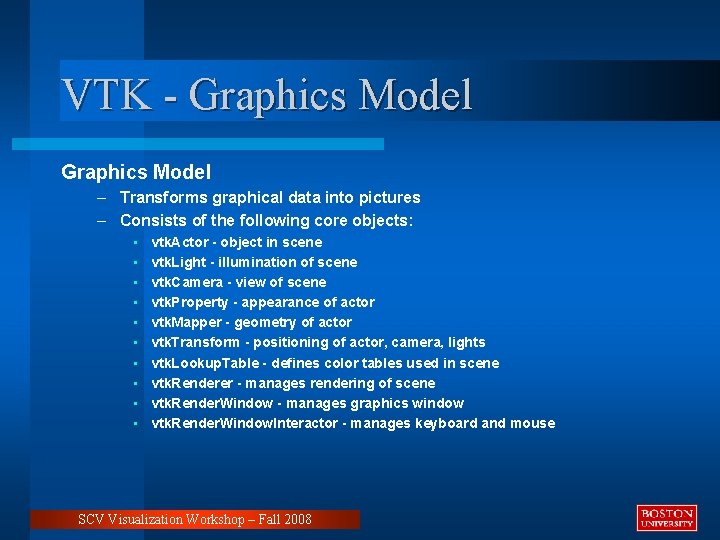
VTK - Graphics Model – Transforms graphical data into pictures – Consists of the following core objects: • • • vtk. Actor - object in scene vtk. Light - illumination of scene vtk. Camera - view of scene vtk. Property - appearance of actor vtk. Mapper - geometry of actor vtk. Transform - positioning of actor, camera, lights vtk. Lookup. Table - defines color tables used in scene vtk. Renderer - manages rendering of scene vtk. Render. Window - manages graphics window vtk. Render. Window. Interactor - manages keyboard and mouse SCV Visualization Workshop – Fall 2008
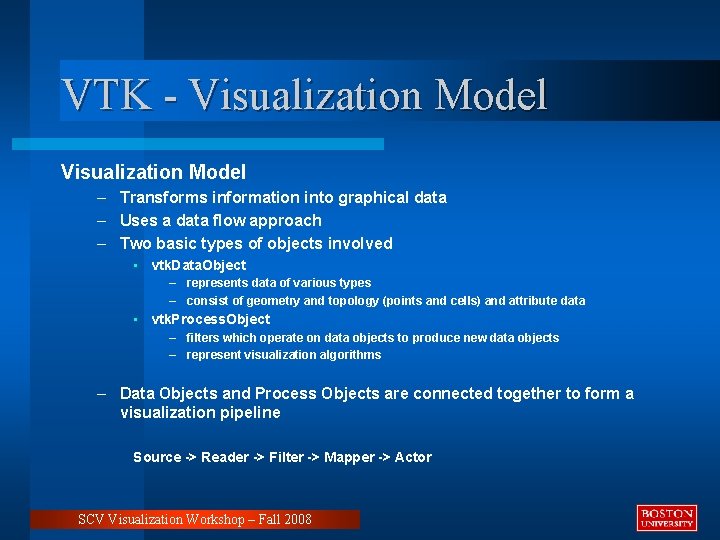
VTK - Visualization Model – Transforms information into graphical data – Uses a data flow approach – Two basic types of objects involved • vtk. Data. Object – represents data of various types – consist of geometry and topology (points and cells) and attribute data • vtk. Process. Object – filters which operate on data objects to produce new data objects – represent visualization algorithms – Data Objects and Process Objects are connected together to form a visualization pipeline Source -> Reader -> Filter -> Mapper -> Actor SCV Visualization Workshop – Fall 2008
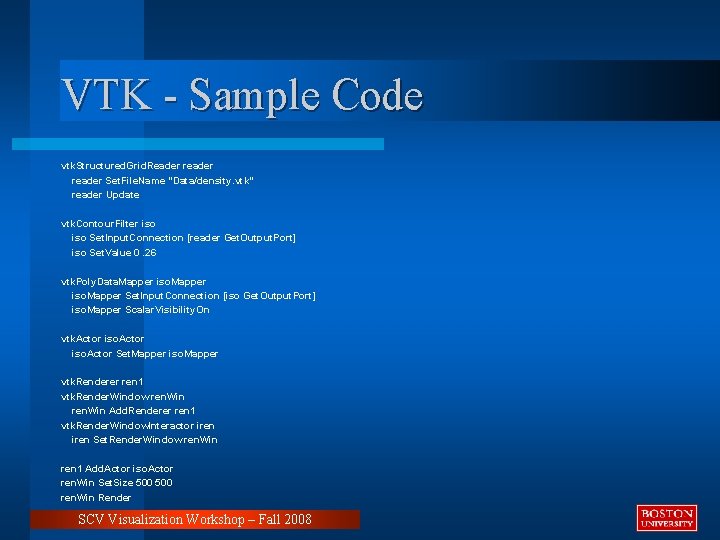
VTK - Sample Code vtk. Structured. Grid. Reader reader Set. File. Name "Data/density. vtk" reader Update vtk. Contour. Filter iso Set. Input. Connection [reader Get. Output. Port] iso Set. Value 0. 26 vtk. Poly. Data. Mapper iso. Mapper Set. Input. Connection [iso Get. Output. Port] iso. Mapper Scalar. Visibility. On vtk. Actor iso. Actor Set. Mapper iso. Mapper vtk. Renderer ren 1 vtk. Render. Window ren. Win Add. Renderer ren 1 vtk. Render. Window. Interactor iren Set. Render. Window ren. Win ren 1 Add. Actor iso. Actor ren. Win Set. Size 500 ren. Win Render SCV Visualization Workshop – Fall 2008
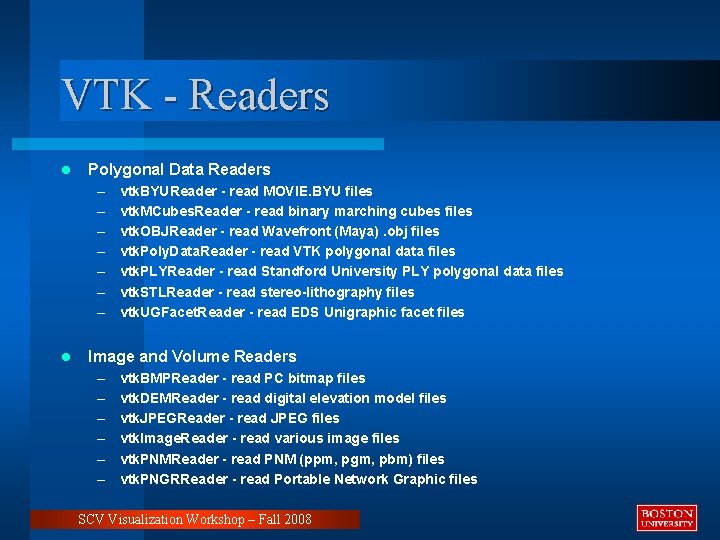
VTK - Readers l Polygonal Data Readers – – – – l vtk. BYUReader - read MOVIE. BYU files vtk. MCubes. Reader - read binary marching cubes files vtk. OBJReader - read Wavefront (Maya). obj files vtk. Poly. Data. Reader - read VTK polygonal data files vtk. PLYReader - read Standford University PLY polygonal data files vtk. STLReader - read stereo-lithography files vtk. UGFacet. Reader - read EDS Unigraphic facet files Image and Volume Readers – – – vtk. BMPReader - read PC bitmap files vtk. DEMReader - read digital elevation model files vtk. JPEGReader - read JPEG files vtk. Image. Reader - read various image files vtk. PNMReader - read PNM (ppm, pgm, pbm) files vtk. PNGRReader - read Portable Network Graphic files SCV Visualization Workshop – Fall 2008
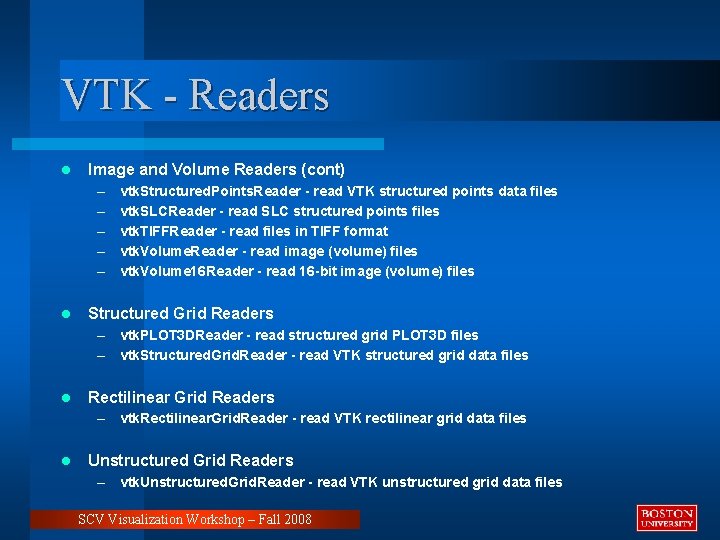
VTK - Readers l Image and Volume Readers (cont) – – – l vtk. Structured. Points. Reader - read VTK structured points data files vtk. SLCReader - read SLC structured points files vtk. TIFFReader - read files in TIFF format vtk. Volume. Reader - read image (volume) files vtk. Volume 16 Reader - read 16 -bit image (volume) files Structured Grid Readers – vtk. PLOT 3 DReader - read structured grid PLOT 3 D files – vtk. Structured. Grid. Reader - read VTK structured grid data files l Rectilinear Grid Readers – vtk. Rectilinear. Grid. Reader - read VTK rectilinear grid data files l Unstructured Grid Readers – vtk. Unstructured. Grid. Reader - read VTK unstructured grid data files SCV Visualization Workshop – Fall 2008
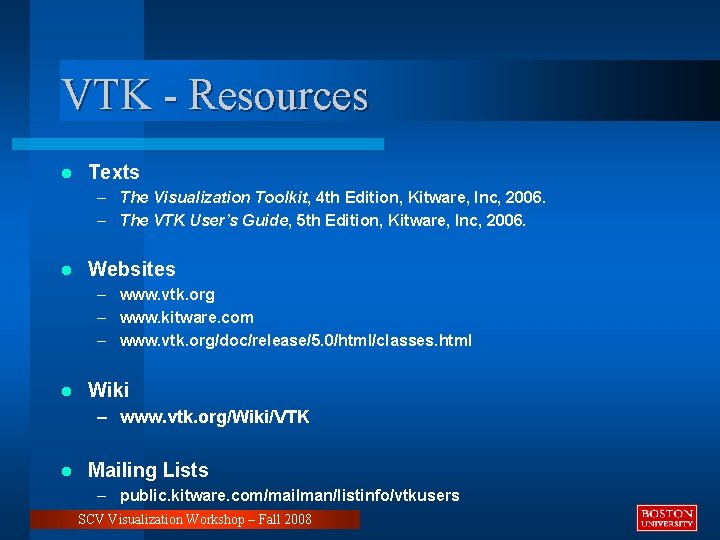
VTK - Resources l Texts – The Visualization Toolkit, 4 th Edition, Kitware, Inc, 2006. – The VTK User’s Guide, 5 th Edition, Kitware, Inc, 2006. l Websites – www. vtk. org – www. kitware. com – www. vtk. org/doc/release/5. 0/html/classes. html l Wiki – www. vtk. org/Wiki/VTK l Mailing Lists – public. kitware. com/mailman/listinfo/vtkusers SCV Visualization Workshop – Fall 2008
Para. View Parallel Visualization Application – Multi-platform visualization application • • built on top of VTK extensible architecture via plugins rich scripting support through Python binaries available for Window, OSX, and Linux – Supports distributed computation of large datasets • runs on distributed and shared memory parallel systems • also runs on single processor system • Client/Server model – – Open source Standards based Active developer community Professional support services available from Kitware SCV Visualization Workshop – Fall 2008
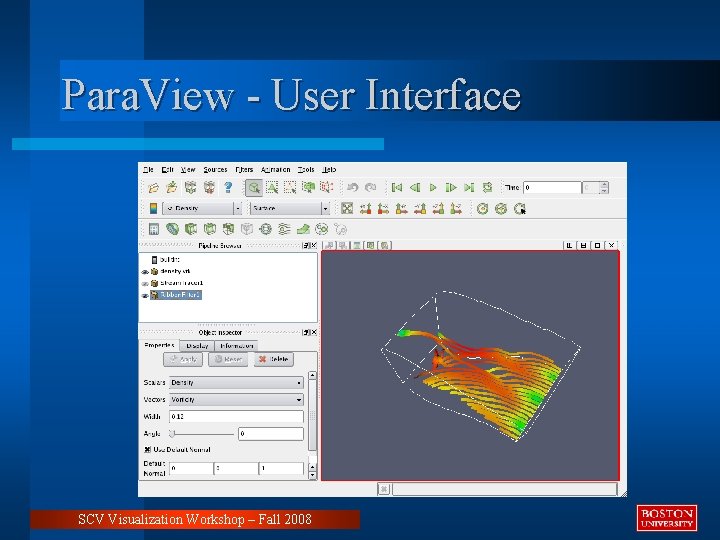
Para. View - User Interface SCV Visualization Workshop – Fall 2008
Para. View - Models Visualization Model – Same as VTK • Uses a data flow approach • Data Objects and Process Objects (filters) connected to form a visualization pipeline – Pipeline • Visible in the Pipeline Browser • Built by loading data and attaching filters from menu Graphics Model – Same as VTK • Transforms graphical data into pictures • core objects: Actors, Lights, Camera, Transforms, Lookup tables, Renderer – Controlled via object inspector and GUI SCV Visualization Workshop – Fall 2008
Para. View - Resources l Text – The Para. View Guide, v 3 Edition, Kitware, Inc, 2006. l Websites – www. paraview. org – www. kitware. com l Wiki – www. paraview. org/Wiki/Para. View l Mailing Lists – public. kitware. com/mailman/listinfo/paraview SCV Visualization Workshop – Fall 2008
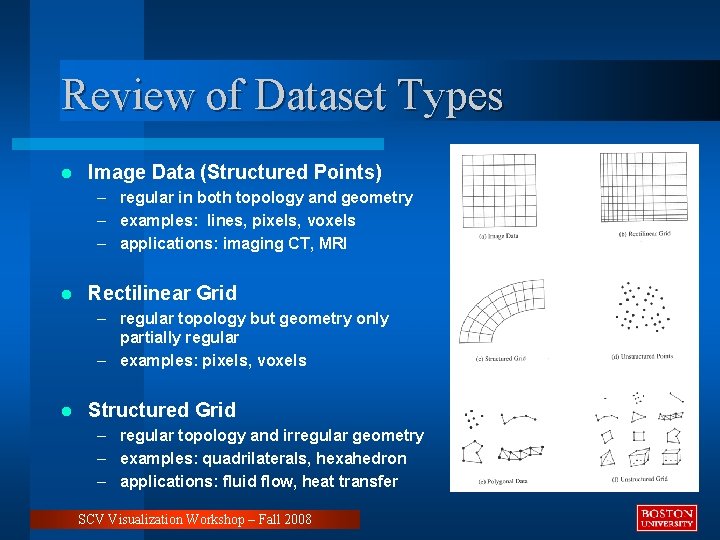
Review of Dataset Types l Image Data (Structured Points) – regular in both topology and geometry – examples: lines, pixels, voxels – applications: imaging CT, MRI l Rectilinear Grid – regular topology but geometry only partially regular – examples: pixels, voxels l Structured Grid – regular topology and irregular geometry – examples: quadrilaterals, hexahedron – applications: fluid flow, heat transfer SCV Visualization Workshop – Fall 2008
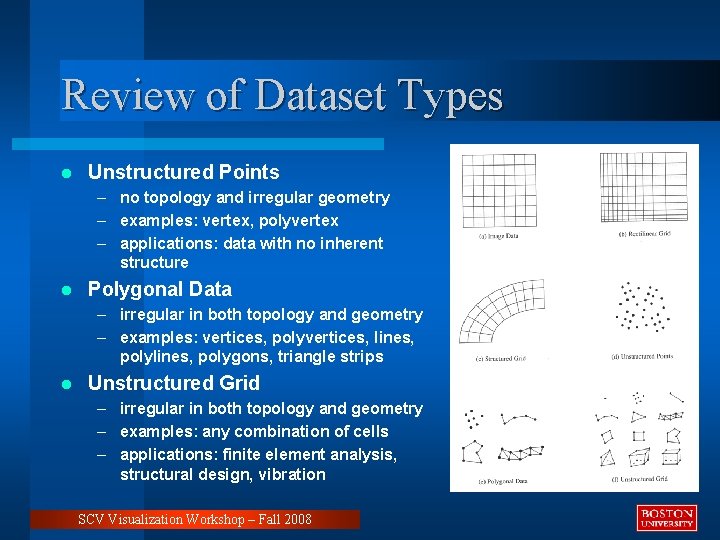
Review of Dataset Types l Unstructured Points – no topology and irregular geometry – examples: vertex, polyvertex – applications: data with no inherent structure l Polygonal Data – irregular in both topology and geometry – examples: vertices, polyvertices, lines, polygons, triangle strips l Unstructured Grid – irregular in both topology and geometry – examples: any combination of cells – applications: finite element analysis, structural design, vibration SCV Visualization Workshop – Fall 2008
Review of Data Attributes l Data attributes associated with the organizing structure – Scalars • single valued • examples: temperature, pressure, density, elevation – Vectors • magnitude and direction • examples: velocity, momentum – Normals • direction vectors (magnitude of 1) used for shading – Texture Coordinates • used to map a point in Cartesian space into 1, 2, or 3 D texture space • used for texture mapping – Tensors (generalizations of scalars, vectors and matrices) • rank 0 ( scalar), rank 1 (vector), rank 2 (matrix), rank 3 (3 D rectangular array) • examples: stress, strain SCV Visualization Workshop – Fall 2008
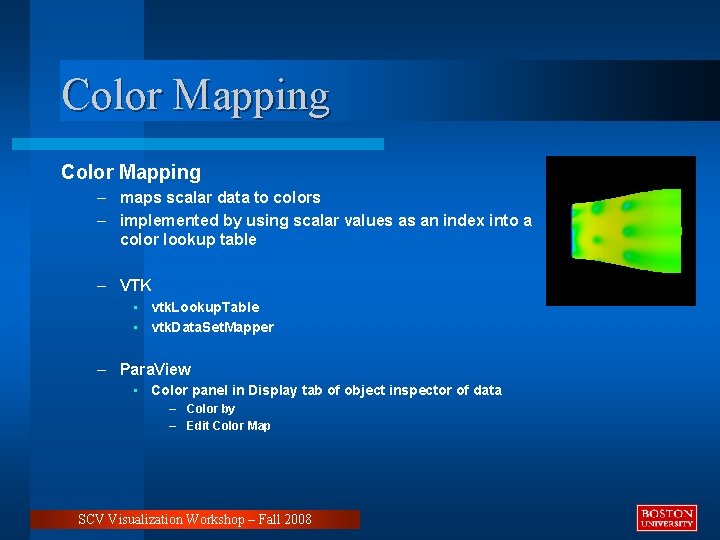
Color Mapping – maps scalar data to colors – implemented by using scalar values as an index into a color lookup table – VTK • vtk. Lookup. Table • vtk. Data. Set. Mapper – Para. View • Color panel in Display tab of object inspector of data – Color by – Edit Color Map SCV Visualization Workshop – Fall 2008
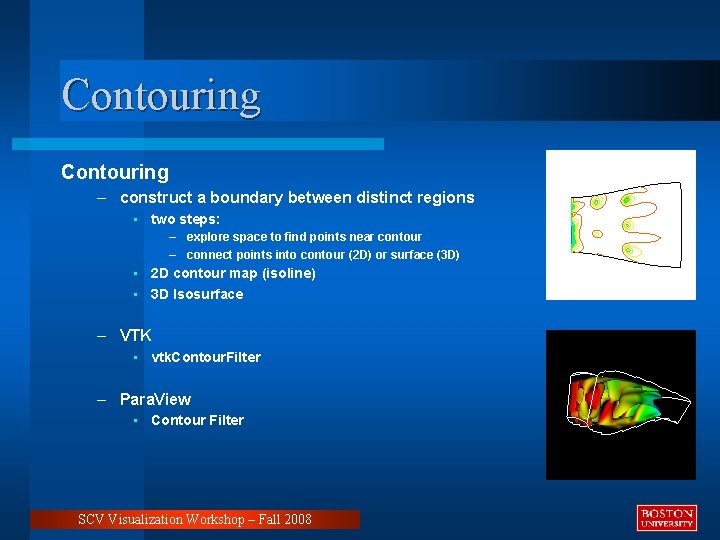
Contouring – construct a boundary between distinct regions • two steps: – explore space to find points near contour – connect points into contour (2 D) or surface (3 D) • 2 D contour map (isoline) • 3 D Isosurface – VTK • vtk. Contour. Filter – Para. View • Contour Filter SCV Visualization Workshop – Fall 2008
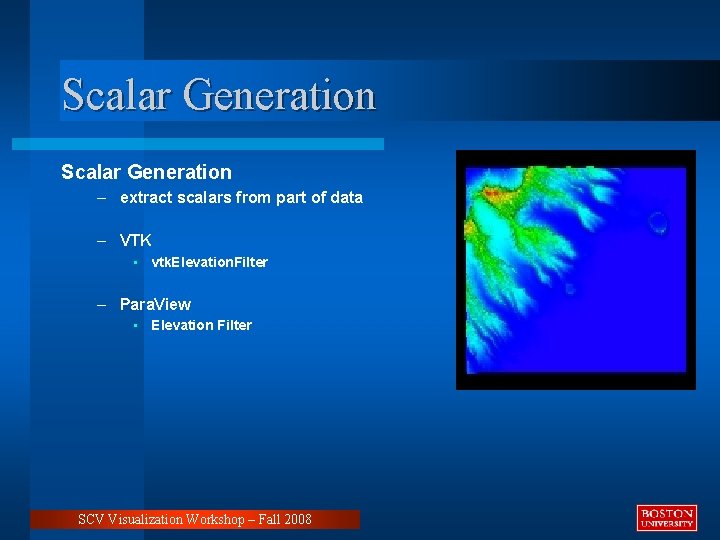
Scalar Generation – extract scalars from part of data – VTK • vtk. Elevation. Filter – Para. View • Elevation Filter SCV Visualization Workshop – Fall 2008
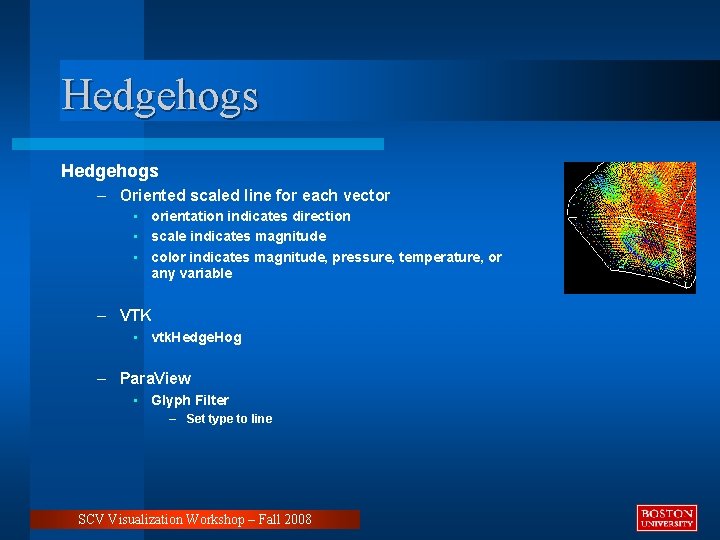
Hedgehogs – Oriented scaled line for each vector • orientation indicates direction • scale indicates magnitude • color indicates magnitude, pressure, temperature, or any variable – VTK • vtk. Hedge. Hog – Para. View • Glyph Filter – Set type to line SCV Visualization Workshop – Fall 2008
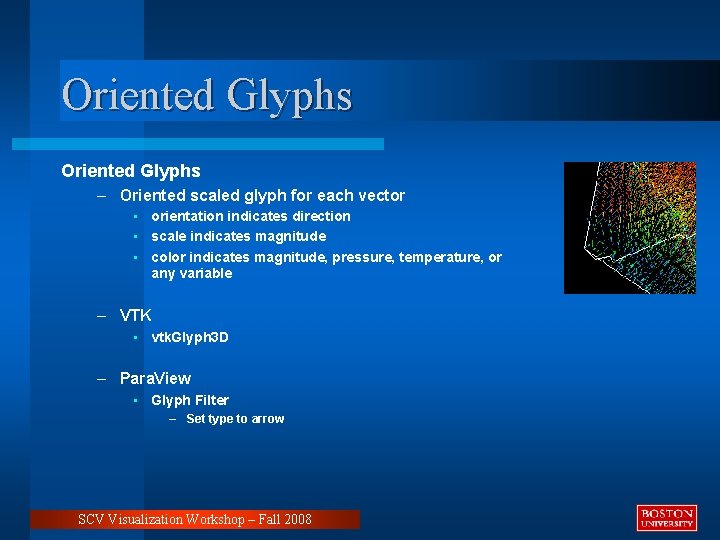
Oriented Glyphs – Oriented scaled glyph for each vector • orientation indicates direction • scale indicates magnitude • color indicates magnitude, pressure, temperature, or any variable – VTK • vtk. Glyph 3 D – Para. View • Glyph Filter – Set type to arrow SCV Visualization Workshop – Fall 2008
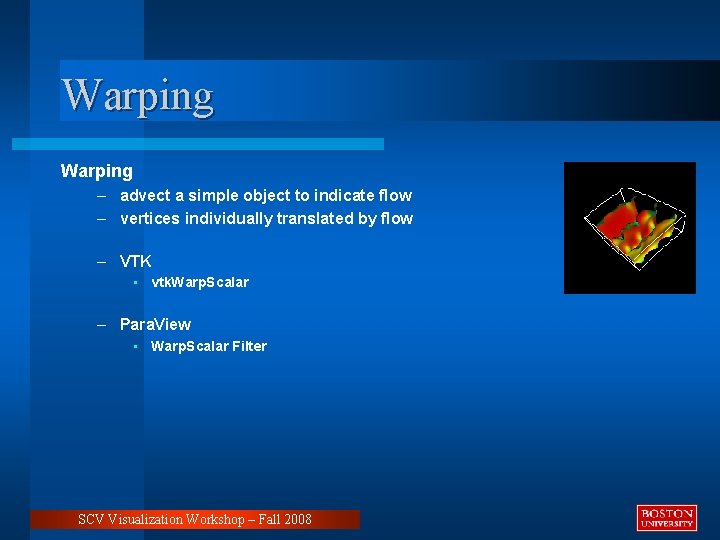
Warping – advect a simple object to indicate flow – vertices individually translated by flow – VTK • vtk. Warp. Scalar – Para. View • Warp. Scalar Filter SCV Visualization Workshop – Fall 2008
Field Lines • Fluid flow is described by a vector field in three dimensions for steady (fixed time) flows or four dimensions for unsteady (time varying) flows • Three techniques for determining flow – Pathline (Trace) • tracks particle through unsteady (time-varying) flow • shows particle trajectories over time • rake releases particles from multiple positions at the same time instant • reveals compression, vorticity – Streamline • tracks particle through steady (fixed-time) flow • holds flow steady at a fixed time • snapshot of flow at a given time instant – Streakline • particles released from the same position over a time interval (time-varying) • snapshot of the variation of flow over time • example: dye steadily injected into fluid at a fixed point SCV Visualization Workshop – Fall 2008
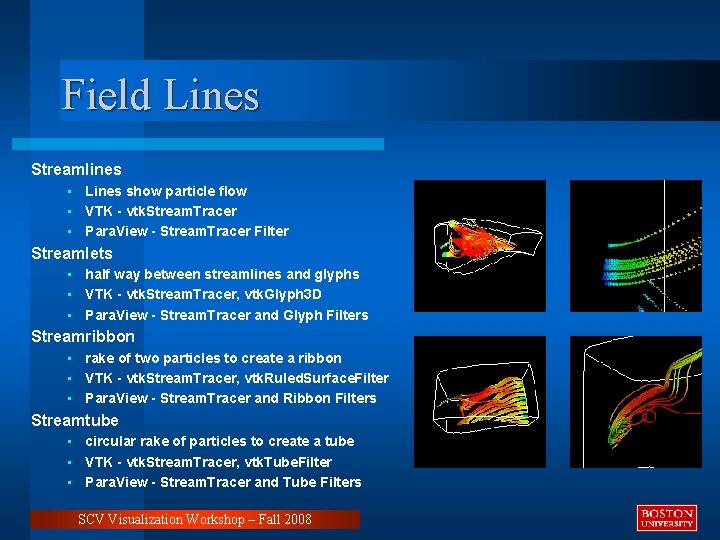
Field Lines Streamlines • Lines show particle flow • VTK - vtk. Stream. Tracer • Para. View - Stream. Tracer Filter Streamlets • half way between streamlines and glyphs • VTK - vtk. Stream. Tracer, vtk. Glyph 3 D • Para. View - Stream. Tracer and Glyph Filters Streamribbon • rake of two particles to create a ribbon • VTK - vtk. Stream. Tracer, vtk. Ruled. Surface. Filter • Para. View - Stream. Tracer and Ribbon Filters Streamtube • circular rake of particles to create a tube • VTK - vtk. Stream. Tracer, vtk. Tube. Filter • Para. View - Stream. Tracer and Tube Filters SCV Visualization Workshop – Fall 2008
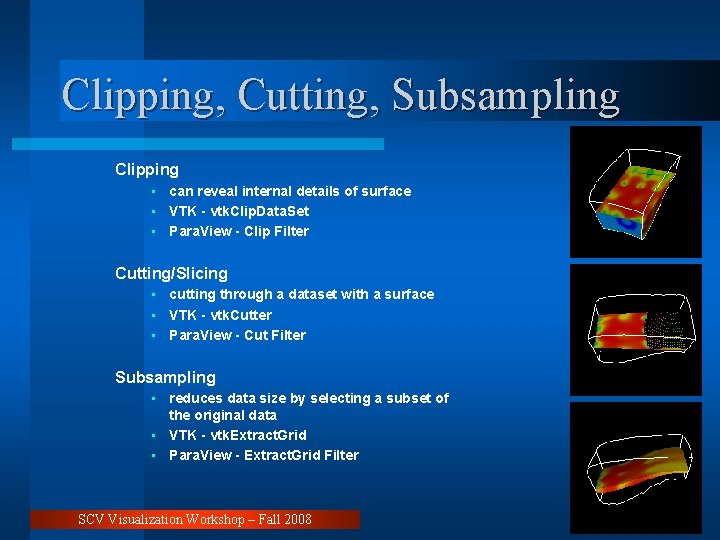
Clipping, Cutting, Subsampling Clipping • can reveal internal details of surface • VTK - vtk. Clip. Data. Set • Para. View - Clip Filter Cutting/Slicing • cutting through a dataset with a surface • VTK - vtk. Cutter • Para. View - Cut Filter Subsampling • reduces data size by selecting a subset of the original data • VTK - vtk. Extract. Grid • Para. View - Extract. Grid Filter SCV Visualization Workshop – Fall 2008
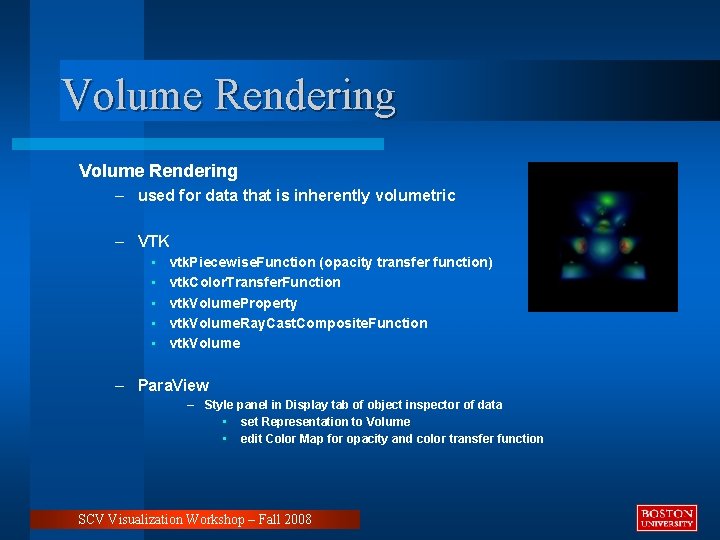
Volume Rendering – used for data that is inherently volumetric – VTK • • • vtk. Piecewise. Function (opacity transfer function) vtk. Color. Transfer. Function vtk. Volume. Property vtk. Volume. Ray. Cast. Composite. Function vtk. Volume – Para. View – Style panel in Display tab of object inspector of data • set Representation to Volume • edit Color Map for opacity and color transfer function SCV Visualization Workshop – Fall 2008
Annotation – used for annotating visualization – VTK • vtk. Scalar. Bar. Actor • vtk. Text. Mapper • vtk. Scaled. Text. Actor – Para. View • Text Source • Color panel in Display tab of object inspector of data • • edit Color Map color legend tab in Color Scale Editor • Menu: Edit -> View Settings SCV Visualization Workshop – Fall 2008
Sources l The Visualization Toolkit, 3 rd Edition, Will Schroeder, Pearson Education, Inc, 2002. l The VTK User’s Guide, 4. 2 Edition, Kitware, 2003. l The Para. View Guide, v 3 Edition, Kitware, 2006. l Kitware: www. vtk. org l Kitware: www. paraview. org SCV Visualization Workshop – Fall 2008
- Slides: 27