
VTK Graphs Cmake Git Todays Class Highlights from










- Slides: 59
VTK Graphs Cmake & Git
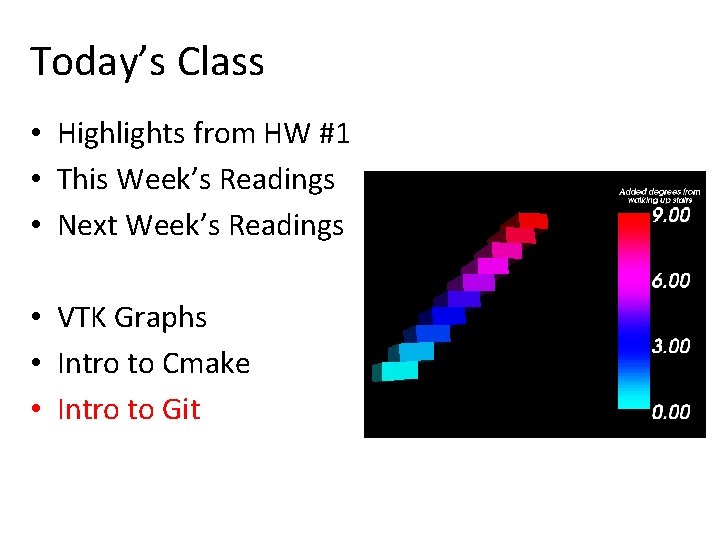
Today’s Class • Highlights from HW #1 • This Week’s Readings • Next Week’s Readings • VTK Graphs • Intro to Cmake • Intro to Git
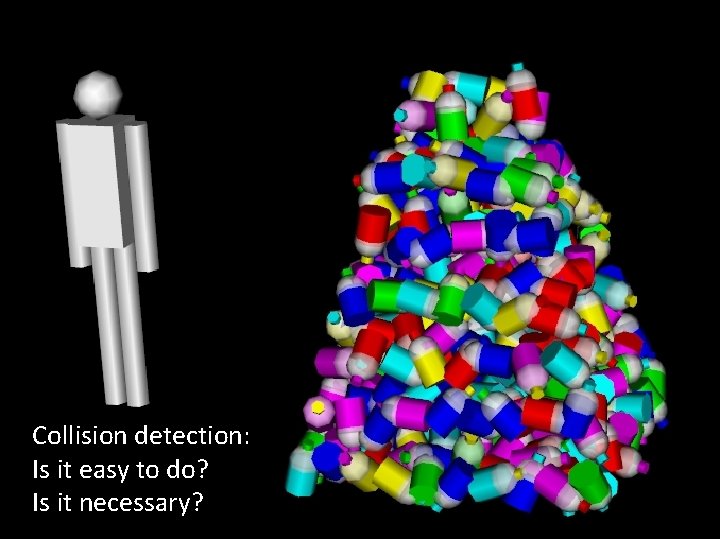
Collision detection: Is it easy to do? Is it necessary?
Do you like VTK’s automatic camera placement? What else does make easy?
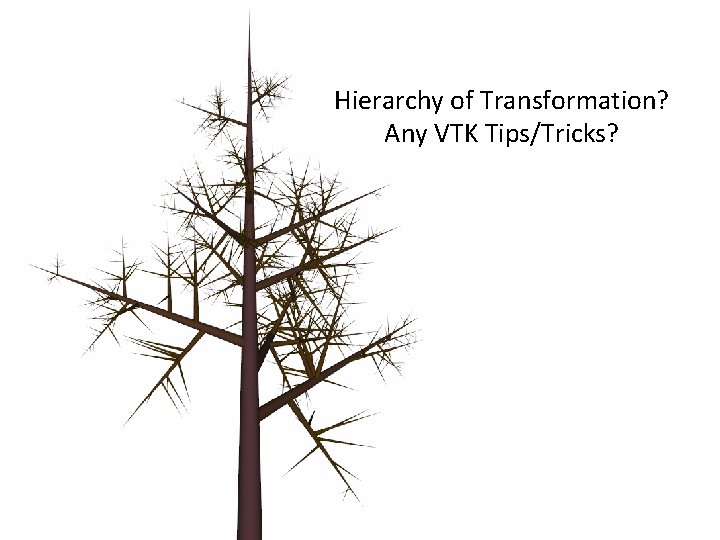
Hierarchy of Transformation? Any VTK Tips/Tricks?
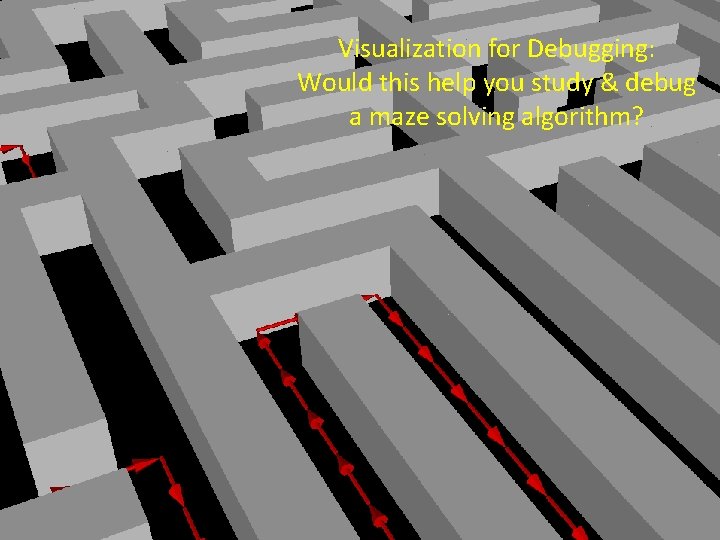
Visualization for Debugging: Would this help you study & debug a maze solving algorithm?
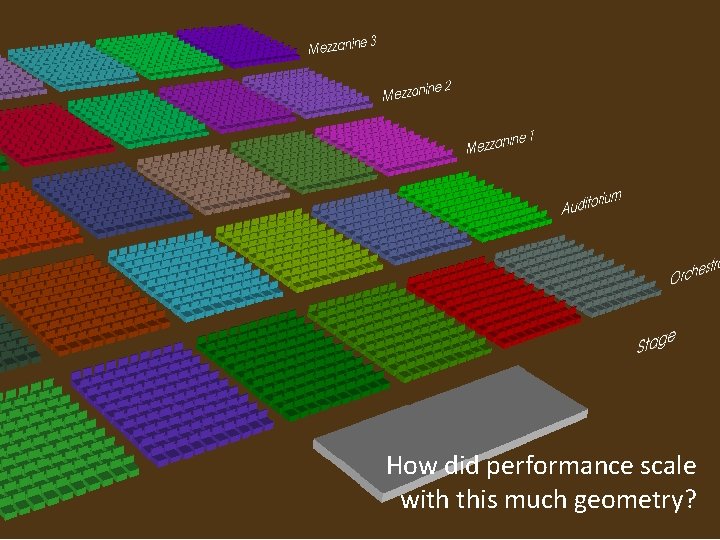
How did performance scale with this much geometry?
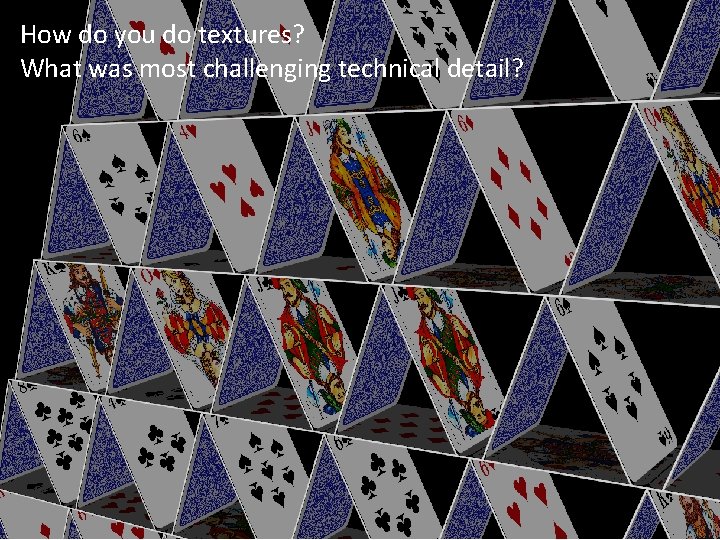
How do you do textures? What was most challenging technical detail?
Today’s Class • Highlights from HW #1 • This Week’s Readings • Next Week’s Readings • VTK Graphs • Intro to Cmake • Intro to Git
Readings for This Week: • "Eenie, Meenie, Minie, Moe: Selecting the Right Graph for Your Message" Stephen Few, 2004
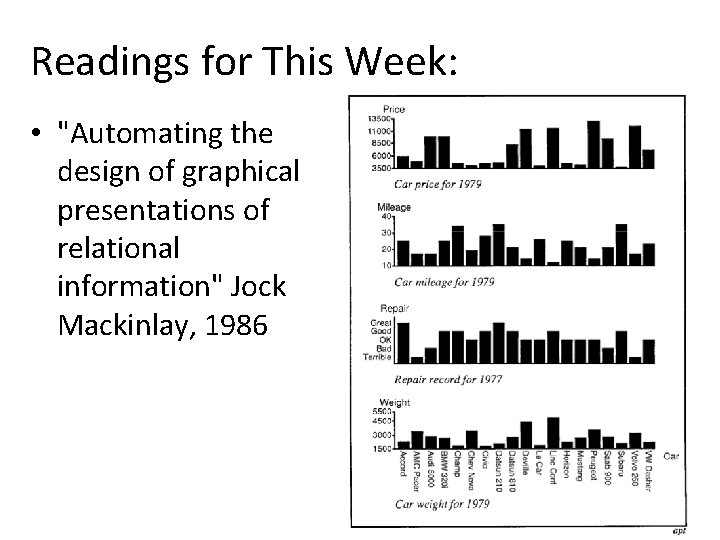
Readings for This Week: • "Automating the design of graphical presentations of relational information" Jock Mackinlay, 1986
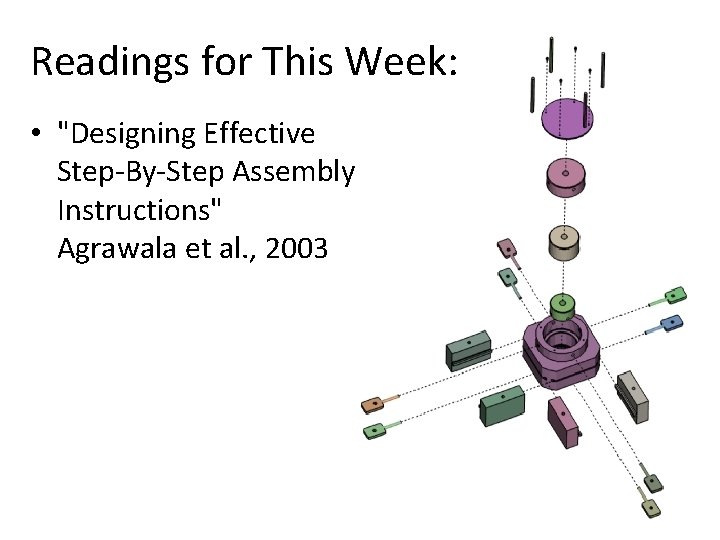
Readings for This Week: • "Designing Effective Step-By-Step Assembly Instructions" Agrawala et al. , 2003
Today’s Class • Highlights from HW #1 • This Week’s Readings • Next Week’s Readings • VTK Graphs • Intro to Cmake • Intro to Git
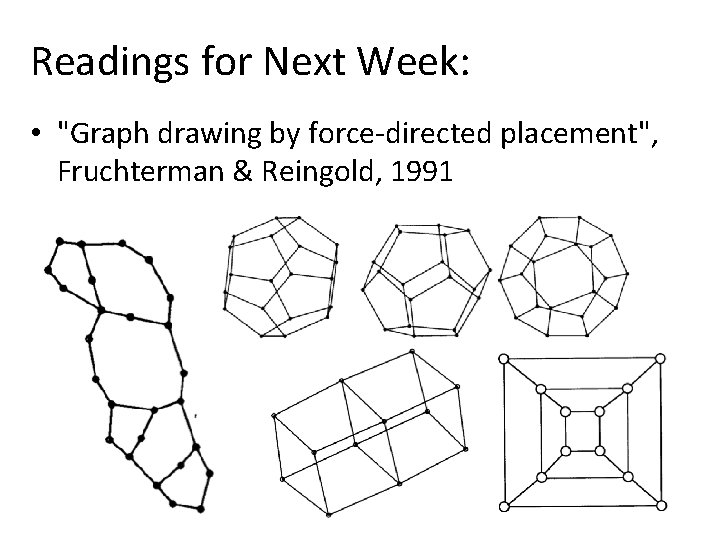
Readings for Next Week: • "Graph drawing by force-directed placement", Fruchterman & Reingold, 1991
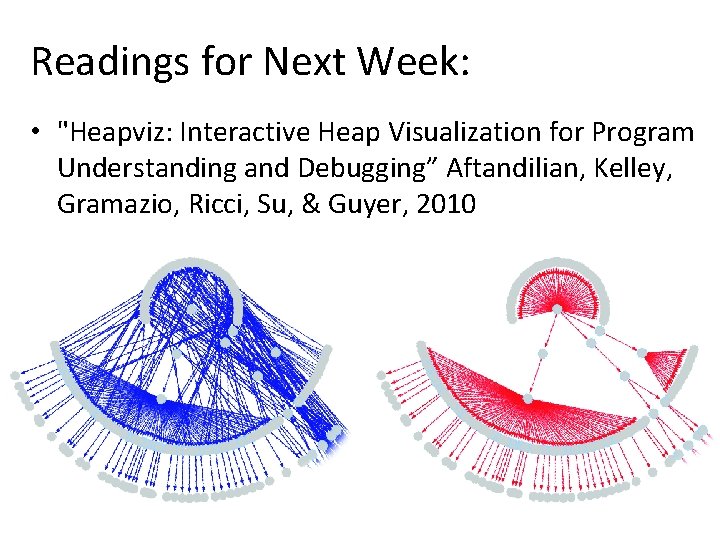
Readings for Next Week: • "Heapviz: Interactive Heap Visualization for Program Understanding and Debugging” Aftandilian, Kelley, Gramazio, Ricci, Su, & Guyer, 2010
Today’s Class • Highlights from HW #1 • This Week’s Readings • Next Week’s Readings • VTK Graphs • Intro to Cmake • Intro to Git
Introduction to VTK: Graphs
Graph Theory 101 • A graph consists of: o Edges – the “points” o Vertices – the “lines”
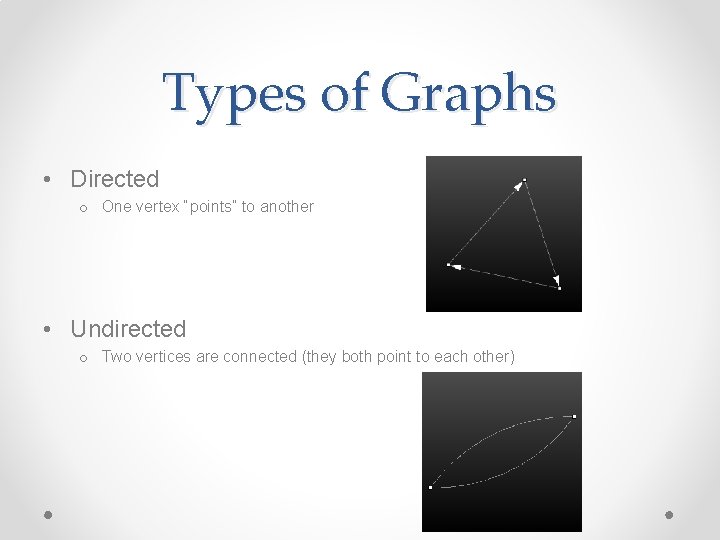
Types of Graphs • Directed o One vertex “points” to another • Undirected o Two vertices are connected (they both point to each other)
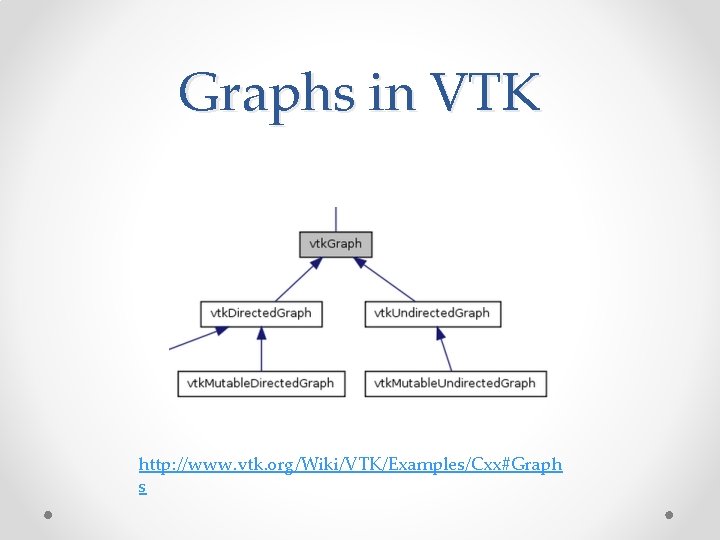
Graphs in VTK http: //www. vtk. org/Wiki/VTK/Examples/Cxx#Graph s
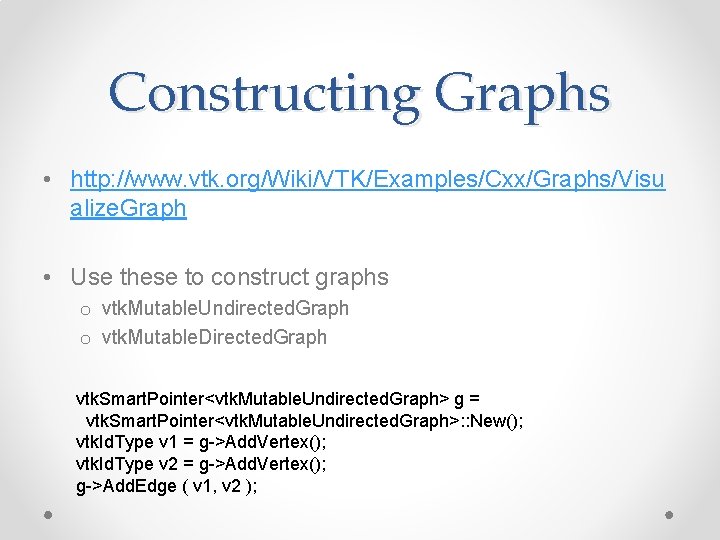
Constructing Graphs • http: //www. vtk. org/Wiki/VTK/Examples/Cxx/Graphs/Visu alize. Graph • Use these to construct graphs o vtk. Mutable. Undirected. Graph o vtk. Mutable. Directed. Graph vtk. Smart. Pointer<vtk. Mutable. Undirected. Graph> g = vtk. Smart. Pointer<vtk. Mutable. Undirected. Graph>: : New(); vtk. Id. Type v 1 = g->Add. Vertex(); vtk. Id. Type v 2 = g->Add. Vertex(); g->Add. Edge ( v 1, v 2 );
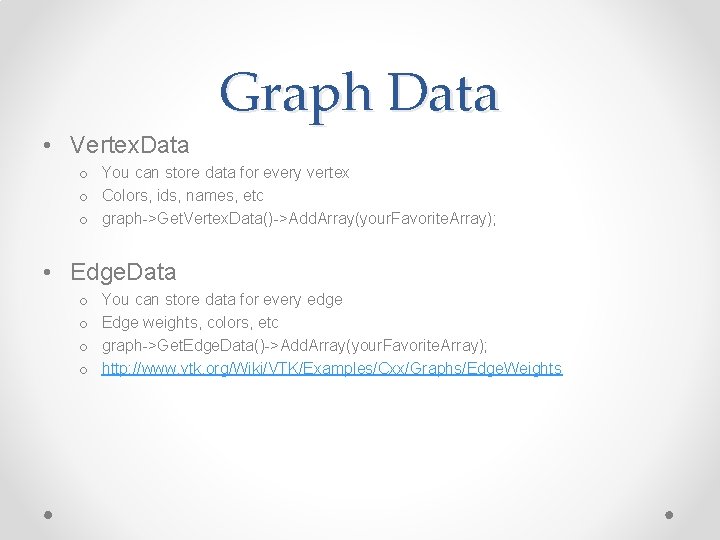
Graph Data • Vertex. Data o You can store data for every vertex o Colors, ids, names, etc o graph->Get. Vertex. Data()->Add. Array(your. Favorite. Array); • Edge. Data o o You can store data for every edge Edge weights, colors, etc graph->Get. Edge. Data()->Add. Array(your. Favorite. Array); http: //www. vtk. org/Wiki/VTK/Examples/Cxx/Graphs/Edge. Weights
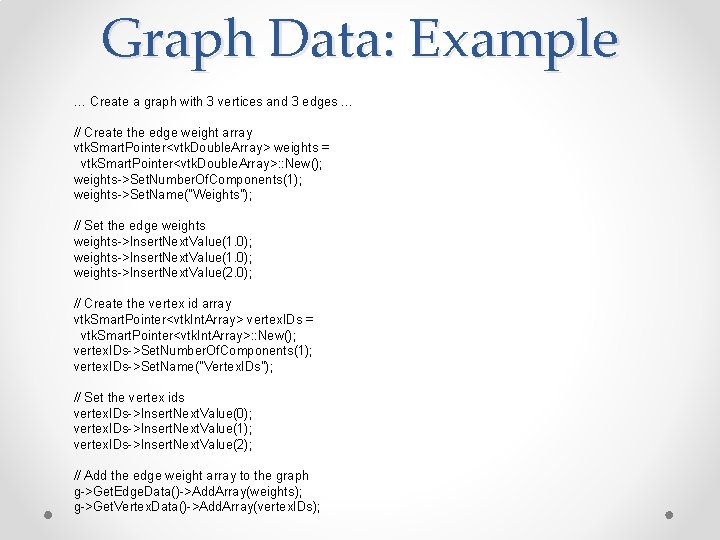
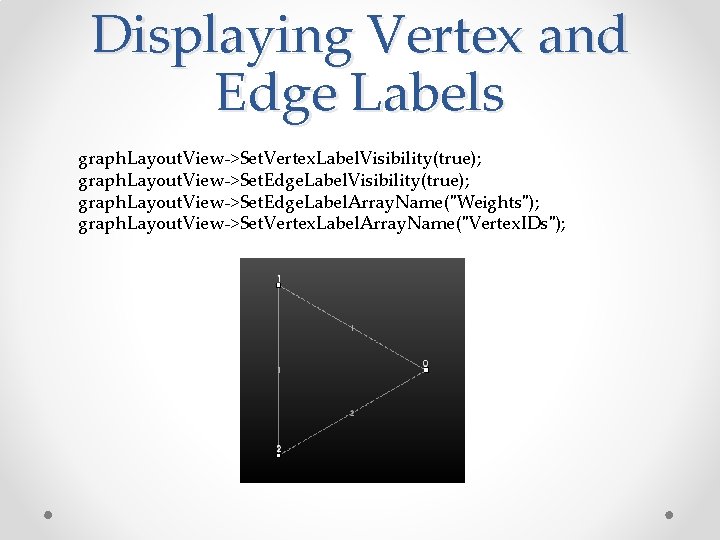
Graph Data: Example … Create a graph with 3 vertices and 3 edges … // Create the edge weight array vtk. Smart. Pointer<vtk. Double. Array> weights = vtk. Smart. Pointer<vtk. Double. Array>: : New(); weights->Set. Number. Of. Components(1); weights->Set. Name("Weights"); // Set the edge weights->Insert. Next. Value(1. 0); weights->Insert. Next. Value(2. 0); // Create the vertex id array vtk. Smart. Pointer<vtk. Int. Array> vertex. IDs = vtk. Smart. Pointer<vtk. Int. Array>: : New(); vertex. IDs->Set. Number. Of. Components(1); vertex. IDs->Set. Name("Vertex. IDs"); // Set the vertex ids vertex. IDs->Insert. Next. Value(0); vertex. IDs->Insert. Next. Value(1); vertex. IDs->Insert. Next. Value(2); // Add the edge weight array to the graph g->Get. Edge. Data()->Add. Array(weights); g->Get. Vertex. Data()->Add. Array(vertex. IDs);
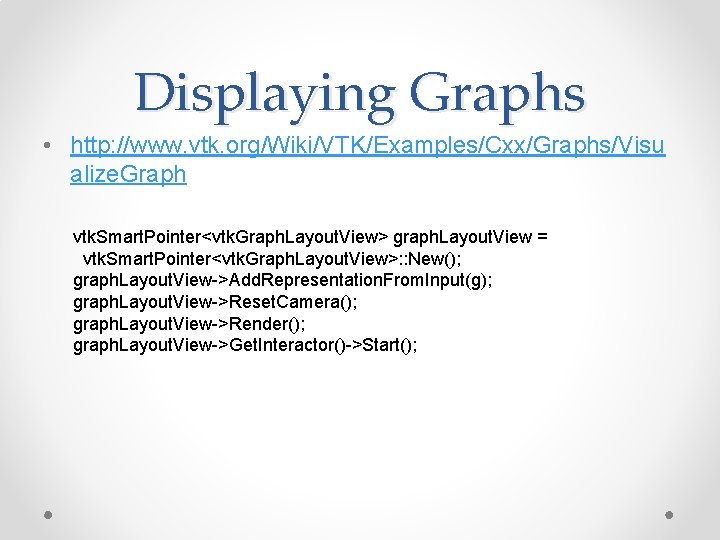
Displaying Graphs • http: //www. vtk. org/Wiki/VTK/Examples/Cxx/Graphs/Visu alize. Graph vtk. Smart. Pointer<vtk. Graph. Layout. View> graph. Layout. View = vtk. Smart. Pointer<vtk. Graph. Layout. View>: : New(); graph. Layout. View->Add. Representation. From. Input(g); graph. Layout. View->Reset. Camera(); graph. Layout. View->Render(); graph. Layout. View->Get. Interactor()->Start();
Displaying Vertex and Edge Labels graph. Layout. View->Set. Vertex. Label. Visibility(true); graph. Layout. View->Set. Edge. Label. Array. Name("Weights"); graph. Layout. View->Set. Vertex. Label. Array. Name("Vertex. IDs");
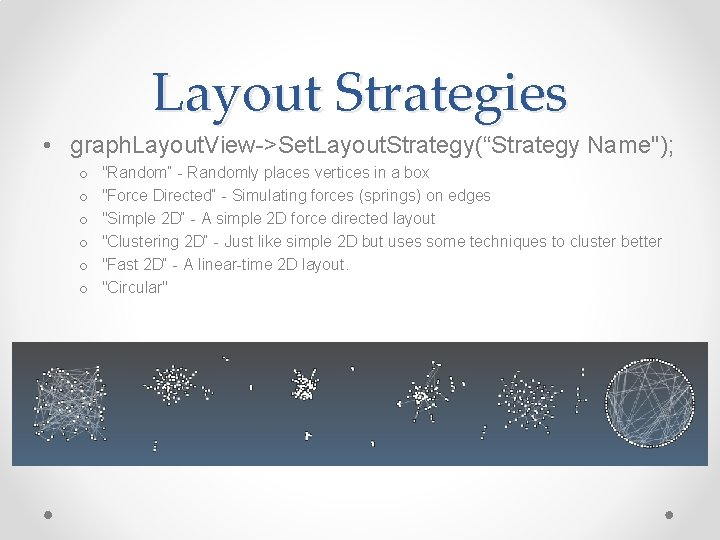
Layout Strategies • graph. Layout. View->Set. Layout. Strategy(“Strategy Name"); o o o "Random“ - Randomly places vertices in a box "Force Directed“ - Simulating forces (springs) on edges "Simple 2 D“ - A simple 2 D force directed layout "Clustering 2 D“ - Just like simple 2 D but uses some techniques to cluster better "Fast 2 D“ - A linear-time 2 D layout. "Circular"
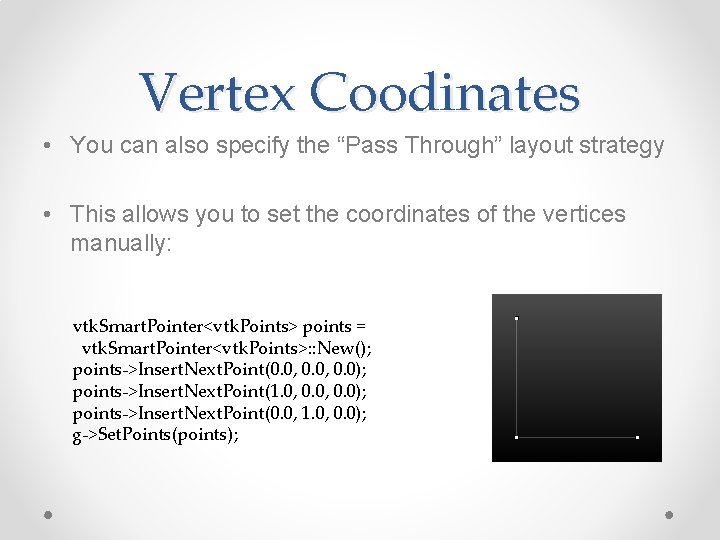
Vertex Coodinates • You can also specify the “Pass Through” layout strategy • This allows you to set the coordinates of the vertices manually: vtk. Smart. Pointer<vtk. Points> points = vtk. Smart. Pointer<vtk. Points>: : New(); points->Insert. Next. Point(0. 0, 0. 0); points->Insert. Next. Point(1. 0, 0. 0); points->Insert. Next. Point(0. 0, 1. 0, 0. 0); g->Set. Points(points);
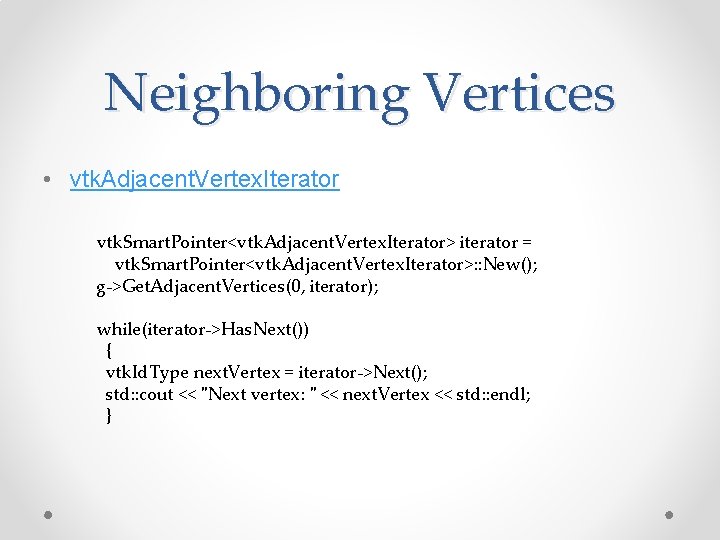
Neighboring Vertices • vtk. Adjacent. Vertex. Iterator vtk. Smart. Pointer<vtk. Adjacent. Vertex. Iterator> iterator = vtk. Smart. Pointer<vtk. Adjacent. Vertex. Iterator>: : New(); g->Get. Adjacent. Vertices(0, iterator); while(iterator->Has. Next()) { vtk. Id. Type next. Vertex = iterator->Next(); std: : cout << "Next vertex: " << next. Vertex << std: : endl; }
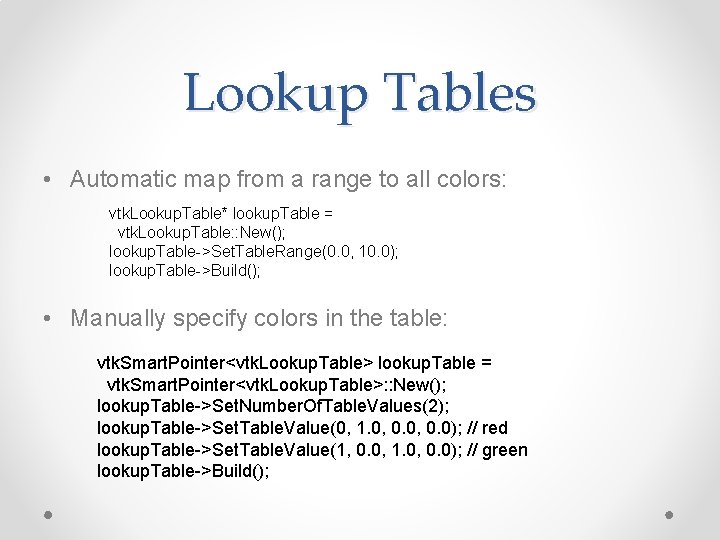
Lookup Tables • Automatic map from a range to all colors: vtk. Lookup. Table* lookup. Table = vtk. Lookup. Table: : New(); lookup. Table->Set. Table. Range(0. 0, 10. 0); lookup. Table->Build(); • Manually specify colors in the table: vtk. Smart. Pointer<vtk. Lookup. Table> lookup. Table = vtk. Smart. Pointer<vtk. Lookup. Table>: : New(); lookup. Table->Set. Number. Of. Table. Values(2); lookup. Table->Set. Table. Value(0, 1. 0, 0. 0); // red lookup. Table->Set. Table. Value(1, 0. 0, 1. 0, 0. 0); // green lookup. Table->Build();
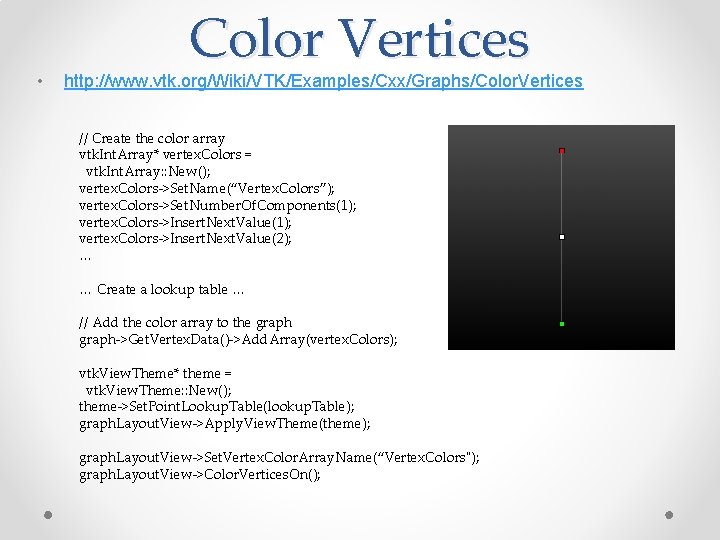
• Color Vertices http: //www. vtk. org/Wiki/VTK/Examples/Cxx/Graphs/Color. Vertices // Create the color array vtk. Int. Array* vertex. Colors = vtk. Int. Array: : New(); vertex. Colors->Set. Name(“Vertex. Colors”); vertex. Colors->Set. Number. Of. Components(1); vertex. Colors->Insert. Next. Value(2); … … Create a lookup table … // Add the color array to the graph->Get. Vertex. Data()->Add. Array(vertex. Colors); vtk. View. Theme* theme = vtk. View. Theme: : New(); theme->Set. Point. Lookup. Table(lookup. Table); graph. Layout. View->Apply. View. Theme(theme); graph. Layout. View->Set. Vertex. Color. Array. Name(“Vertex. Colors"); graph. Layout. View->Color. Vertices. On();
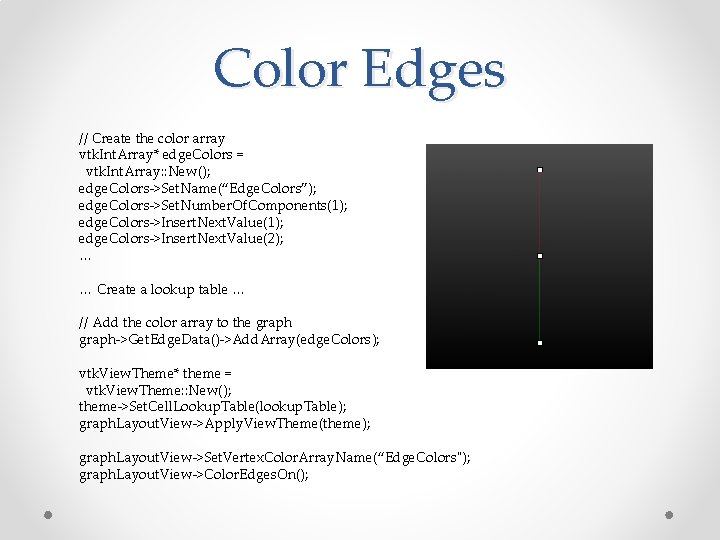
Color Edges // Create the color array vtk. Int. Array* edge. Colors = vtk. Int. Array: : New(); edge. Colors->Set. Name(“Edge. Colors”); edge. Colors->Set. Number. Of. Components(1); edge. Colors->Insert. Next. Value(2); … … Create a lookup table … // Add the color array to the graph->Get. Edge. Data()->Add. Array(edge. Colors); vtk. View. Theme* theme = vtk. View. Theme: : New(); theme->Set. Cell. Lookup. Table(lookup. Table); graph. Layout. View->Apply. View. Theme(theme); graph. Layout. View->Set. Vertex. Color. Array. Name(“Edge. Colors"); graph. Layout. View->Color. Edges. On();
Today’s Class • Highlights from HW #1 • This Week’s Readings • Next Week’s Readings • VTK Graphs • Intro to Cmake • Intro to Git
Introduction to VTK: CMake
What is CMake? • Cross platform Make • Allows the same source code to be compiled on many different operating systems and IDEs (Integrated Development Environment) o o o Visual Studio Code Blocks KDevelop Eclipse Traditional Unix Makefile Etc.
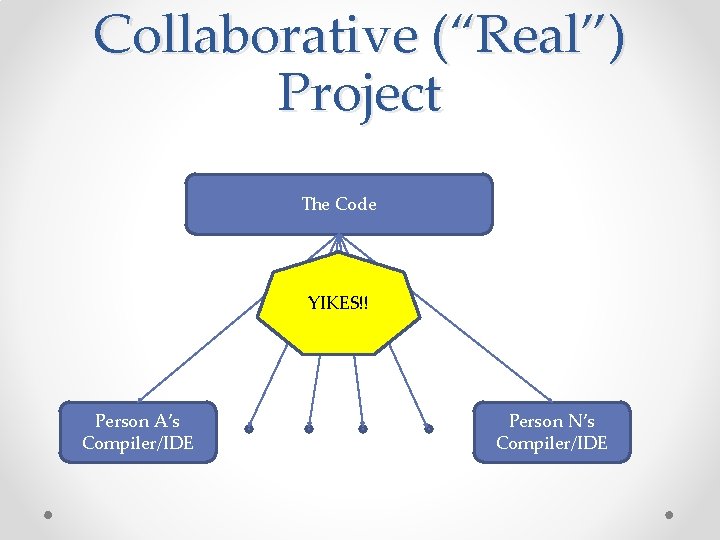
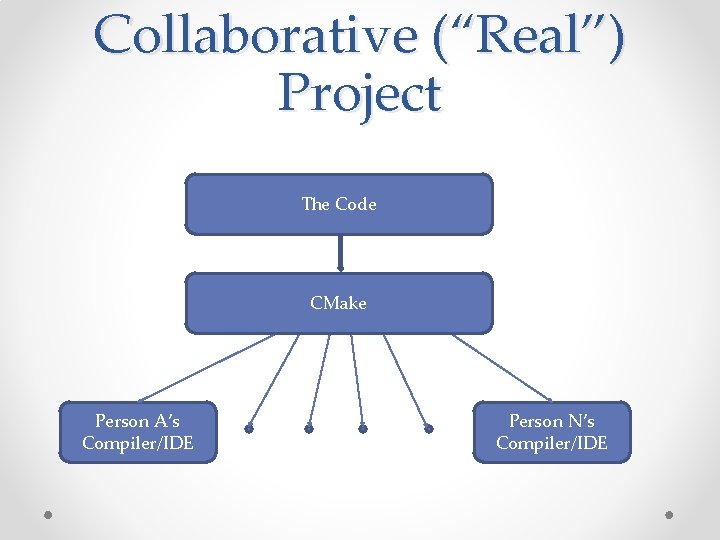
The Idea • Software used to ship with a Makefile • The settings for library paths, which options you wanted to use for the compilation and installation were hard coded into the Makefile • Autoconf and similar packages attempted to make this a little easier • CMake makes it VERY easy
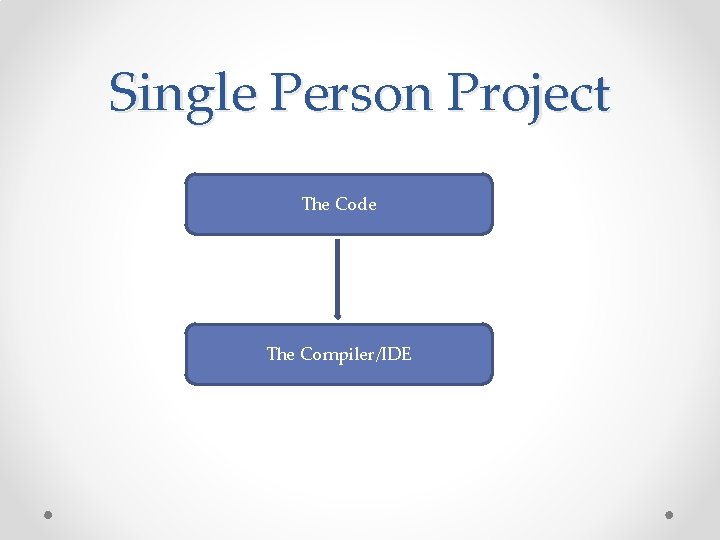
Single Person Project The Code The Compiler/IDE
Collaborative (“Real”) Project The Code YIKES!! Person A’s Compiler/IDE Person N’s Compiler/IDE
Collaborative (“Real”) Project The Code CMake Person A’s Compiler/IDE Person N’s Compiler/IDE
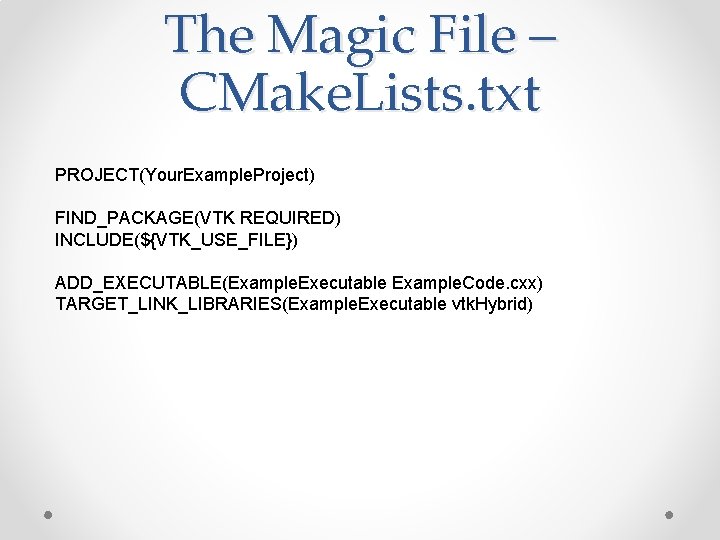
The Magic File – CMake. Lists. txt PROJECT(Your. Example. Project) FIND_PACKAGE(VTK REQUIRED) INCLUDE(${VTK_USE_FILE}) ADD_EXECUTABLE(Example. Executable Example. Code. cxx) TARGET_LINK_LIBRARIES(Example. Executable vtk. Hybrid)
Line-by-line • PROJECT(Your. Example. Project) • Tell CMake you are starting a new project
Line-by-line • FIND_PACKAGE(VTK REQUIRED) • INCLUDE(${VTK_USE_FILE}) • Tell CMake you want to use VTK in your new project • If you have the environment variable VTK_BIN set, CMake will find VTK automatically • If not, when you configure your project using CMake it will ask you where you have VTK installed
Line-by-line • ADD_EXECUTABLE(Example. Executable Example. Code. cxx) • Tell CMake you want to create an executable called Example. Executable from Example. Code. cxx • TARGET_LINK_LIBRARIES(Example. Executable vtk. Hybrid) • Tell CMake that Example. Code. cxx uses functions defined in the library vtk. Hybrid. You can list as many libraries as you need. • TARGET_LINK_LIBRARIES(Example. Executable vtk. Hybrid vtk. Infovis Other. Library)
Windows Interface • Download from here: http: //www. cmake. org/cmake/resources/software. html • You will use a GUI interface
Windows Process • • • Run CMake Point it to your source directory Point it the build directory of your choice Set an options that you would like Click “configure” (you may have to do this twice (until the “generate” button is not greyed out) ) • Choose your generator (which IDE you are going to use to build the project) • Click “Generate”
Linux • Should already have CMake installed • Test by typing ‘cmake’ in a terminal • If you don’t get “command not found”, you’re in good shape • If you do, most distributions have a CMake package o sudo yum install cmake o sudo apt-get install cmake o Or equivalent
Linux Interface • ccmake – Curses Cmake (http: //en. wikipedia. org/wiki/Curses_(programming_librar y) ) • Allows you to set many options before generating a project
Linux Process • Linux - Makefile o Create a build directory (wherever you want) o From the build directory, run ‘ccmake’ on the source directory o Example: • Your source code is in ~/src/VTK • Create a build directory: mkdir ~/bin/VTK • cd ~/bin/VTK • ccmake ~/src/VTK o Set any options you would like o Hit ‘c’ for ‘configure’. You may have to do this twice o Hit ‘g’ for generate
Linux Process • Linux – Other IDE o ccmake ~/src/VTK –G Your. Generator o More info at http: //www. vtk. org/Wiki/CMake_Generator_Specific_Information o Generators include • Eclipse • KDevelop 3 • Code. Blocks • NMake
First Time VTK Programming • Step 1 – Download the VTK source code • Step 2 – Use CMake to create a project for the IDE you want to use to compile VTK • Step 3 – Use the IDE you selected in Step 2 to build VTK • Step 4 – Obtain an example program and associated CMake. Lists. txt file from the Examples Wiki • Step 5 – Use CMake to create a project for the IDE you want to use to compile the example program • Step 6 – Use the IDE you selected in Step 5 to build the example program
Today’s Class • Highlights from HW #1 • This Week’s Readings • Next Week’s Readings • VTK Graphs • Intro to Cmake • Intro to Git
Introduction to VTK: Git
What is Git? • The latest and greatest version control system • Makes large projects easier to manage • Written by Linus Torvalds (the Linux guy) to help with the massive Linux project
Version Control Systems – A Brief History • Patches • CVS/SVN • Git
The Olden Days • In the “olden days”, people would send patches back and forth to each other via email • This was terribly inefficient • The patch would only work with the exact file that it was created for • No version control
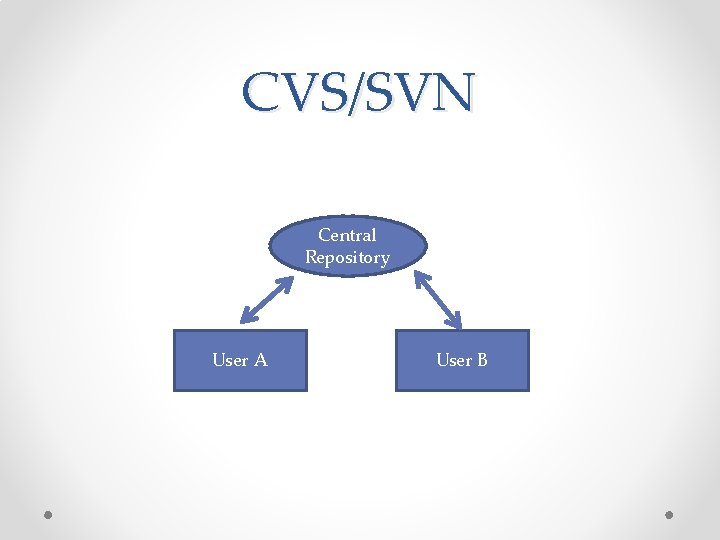
CVS/SVN • CVS: Concurrent Versions System • SVN: Subversion – a re-write of CVS • Users can “publish” code to a central repository • Users can get the code from the central repository
CVS/SVN Central Repository User A User B
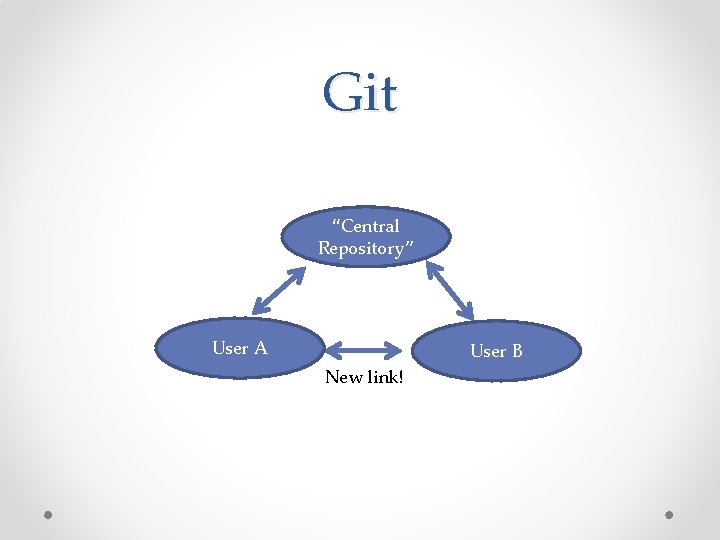
Git • There is no “central repository” to speak of • Typically one computer is designated as the “official” computer, but it is no different than any other user
Git “Central Repository” User A User B New link!
Branches • Work on different “projects” without affecting other “projects” in the works • Submit a branch for easy code review • Github. com gitorious. com, etc.