
VRAY FOR 3 DS MAX VRay Sub Surface

V-RAY FOR 3 DS MAX V-Ray Sub Surface Scattering Materials
LESSON INTRODUCTION Orientation • This presentation covers the two commonly used sub-surface shaders in VRay for 3 ds Max - V-Ray Skin Material and the V-Ray Fast. SSS 2 Material • This lesson topic is approximately 40 minutes in length • This presentation covers all three learning cycles: Lecture, Demonstration and Activity
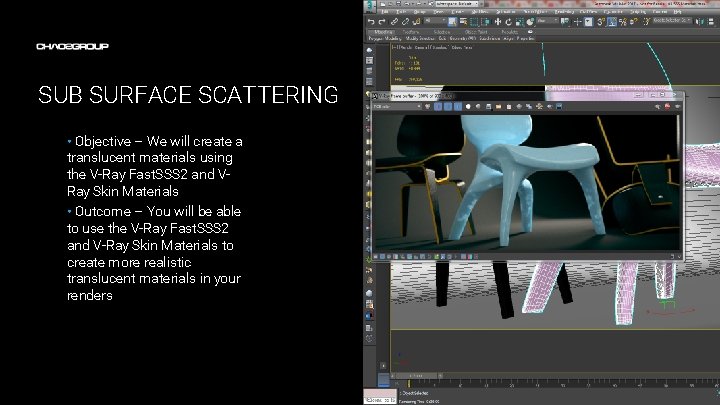
SUB SURFACE SCATTERING • Objective – We will create a translucent materials using the V-Ray Fast. SSS 2 and VRay Skin Materials • Outcome – You will be able to use the V-Ray Fast. SSS 2 and V-Ray Skin Materials to create more realistic translucent materials in your renders Artwork by Name
TERMINOLOGY • These are some of the terms to be aware of when thinking about Sub-Surface Scattering – – – Translucency – the effect of light scattering inside a semi-transparent substance like milk, skin or wax Sub-surface scattering – a method for simulating translucent materials in CG Scattering radius – a way to control how deep a ray of light can travel into a material Scale – the size of a translucent object greatly affects how it looks. In CG we use scale to increase or decrease the size of an object just for shading purposes. This directly translates to making the object look less or more translucent respectively. Reflection layers – most translucent materials exhibit a level of Fresnel reflectivity on the surface. We use reflection layers to simulate that reflectivity
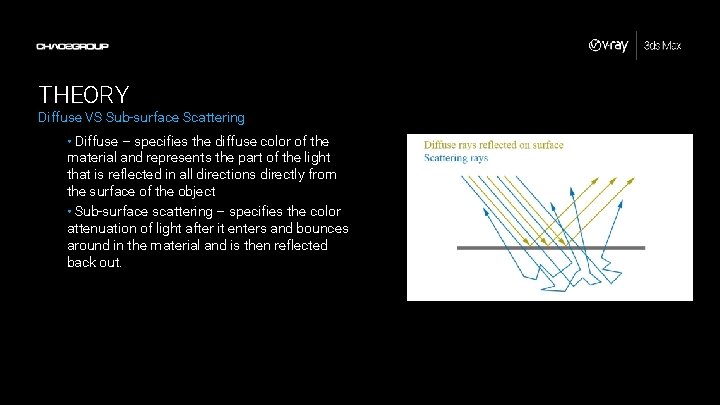
THEORY Diffuse VS Sub-surface Scattering • Diffuse – specifies the diffuse color of the material and represents the part of the light that is reflected in all directions directly from the surface of the object • Sub-surface scattering – specifies the color attenuation of light after it enters and bounces around in the material and is then reflected back out.
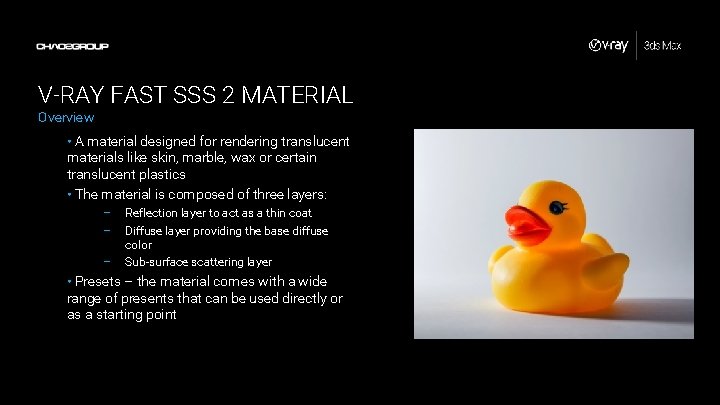
V-RAY FAST SSS 2 MATERIAL Overview • A material designed for rendering translucent materials like skin, marble, wax or certain translucent plastics • The material is composed of three layers: – – – Reflection layer to act as a thin coat Diffuse layer providing the base diffuse color Sub-surface scattering layer • Presets – the material comes with a wide range of presents that can be used directly or as a starting point
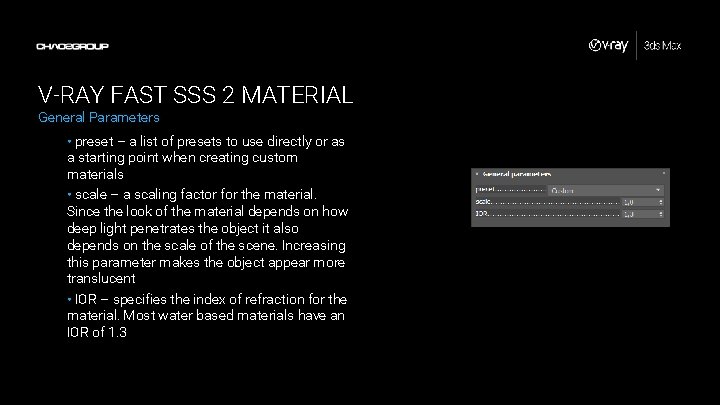
V-RAY FAST SSS 2 MATERIAL General Parameters • preset – a list of presets to use directly or as a starting point when creating custom materials • scale – a scaling factor for the material. Since the look of the material depends on how deep light penetrates the object it also depends on the scale of the scene. Increasing this parameter makes the object appear more translucent • IOR – specifies the index of refraction for the material. Most water based materials have an IOR of 1. 3
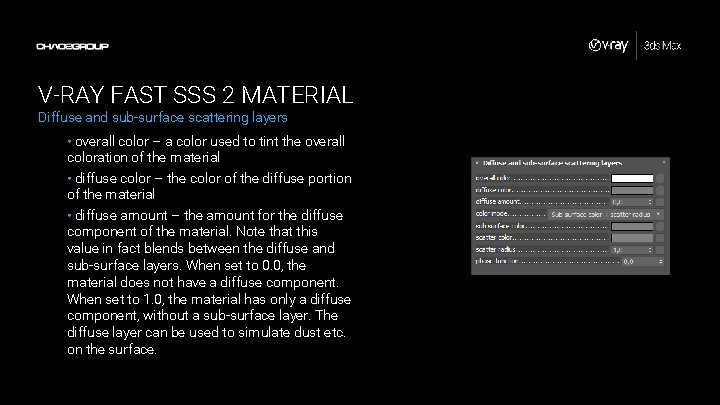
V-RAY FAST SSS 2 MATERIAL Diffuse and sub-surface scattering layers • overall color – a color used to tint the overall coloration of the material • diffuse color – the color of the diffuse portion of the material • diffuse amount – the amount for the diffuse component of the material. Note that this value in fact blends between the diffuse and sub-surface layers. When set to 0. 0, the material does not have a diffuse component. When set to 1. 0, the material has only a diffuse component, without a sub-surface layer. The diffuse layer can be used to simulate dust etc. on the surface.
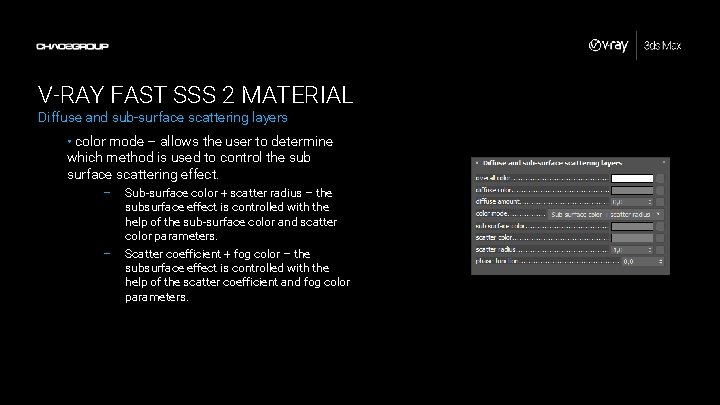
V-RAY FAST SSS 2 MATERIAL Diffuse and sub-surface scattering layers • color mode – allows the user to determine which method is used to control the sub surface scattering effect. – – Sub-surface color + scatter radius – the subsurface effect is controlled with the help of the sub-surface color and scatter color parameters. Scatter coefficient + fog color – the subsurface effect is controlled with the help of the scatter coefficient and fog color parameters.
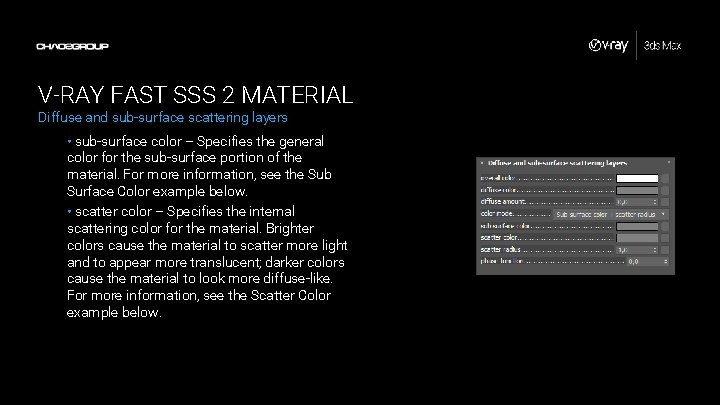
V-RAY FAST SSS 2 MATERIAL Diffuse and sub-surface scattering layers • sub-surface color – Specifies the general color for the sub-surface portion of the material. For more information, see the Sub Surface Color example below. • scatter color – Specifies the internal scattering color for the material. Brighter colors cause the material to scatter more light and to appear more translucent; darker colors cause the material to look more diffuse-like. For more information, see the Scatter Color example below.
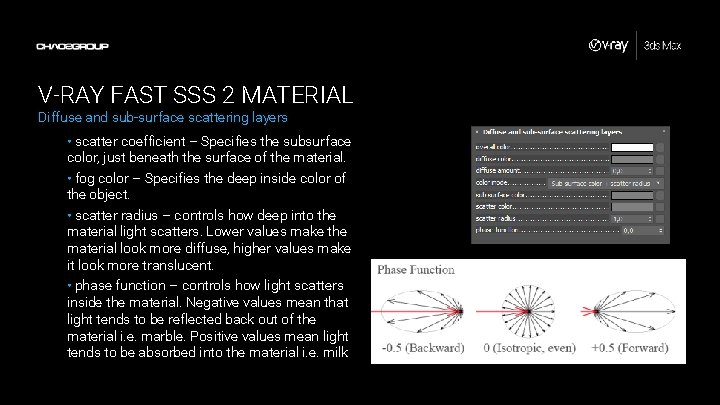
V-RAY FAST SSS 2 MATERIAL Diffuse and sub-surface scattering layers • scatter coefficient – Specifies the subsurface color, just beneath the surface of the material. • fog color – Specifies the deep inside color of the object. • scatter radius – controls how deep into the material light scatters. Lower values make the material look more diffuse, higher values make it look more translucent. • phase function – controls how light scatters inside the material. Negative values mean that light tends to be reflected back out of the material i. e. marble. Positive values mean light tends to be absorbed into the material i. e. milk
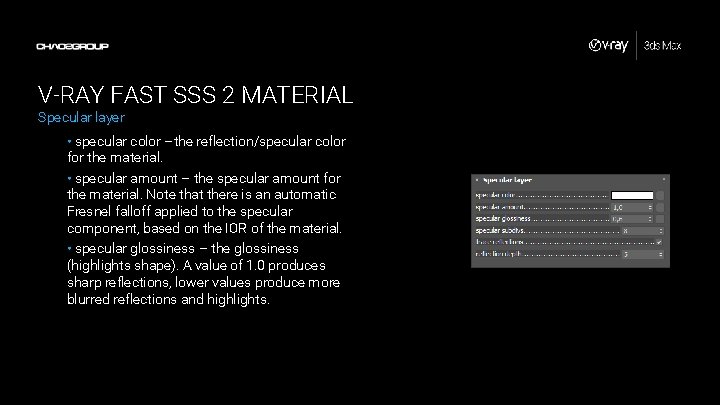
V-RAY FAST SSS 2 MATERIAL Specular layer • specular color –the reflection/specular color for the material. • specular amount – the specular amount for the material. Note that there is an automatic Fresnel falloff applied to the specular component, based on the IOR of the material. • specular glossiness – the glossiness (highlights shape). A value of 1. 0 produces sharp reflections, lower values produce more blurred reflections and highlights.
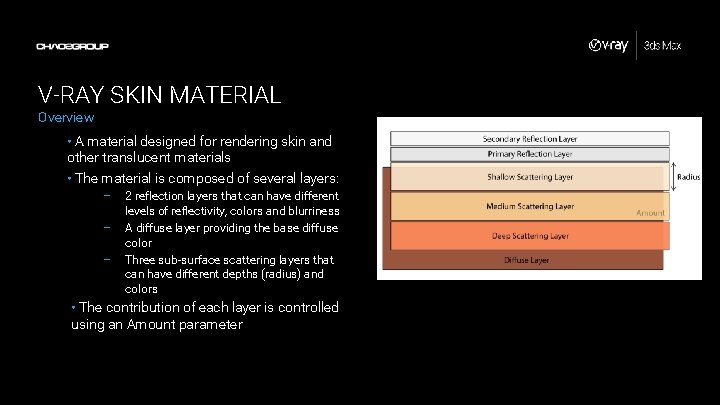
V-RAY SKIN MATERIAL Overview • A material designed for rendering skin and other translucent materials • The material is composed of several layers: – – – 2 reflection layers that can have different levels of reflectivity, colors and blurriness A diffuse layer providing the base diffuse color Three sub-surface scattering layers that can have different depths (radius) and colors • The contribution of each layer is controlled using an Amount parameter
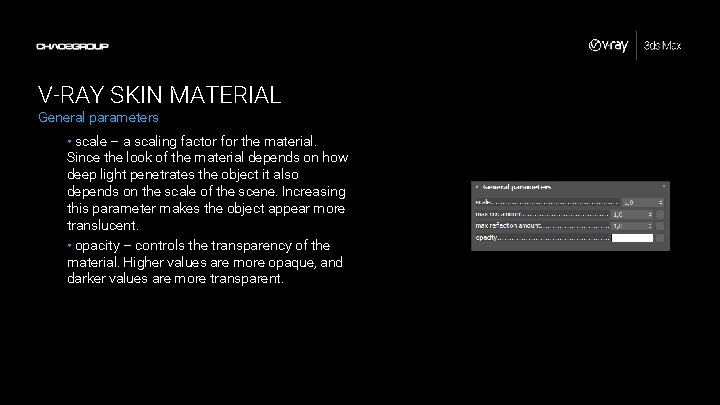
V-RAY SKIN MATERIAL General parameters • scale – a scaling factor for the material. Since the look of the material depends on how deep light penetrates the object it also depends on the scale of the scene. Increasing this parameter makes the object appear more translucent. • opacity – controls the transparency of the material. Higher values are more opaque, and darker values are more transparent.
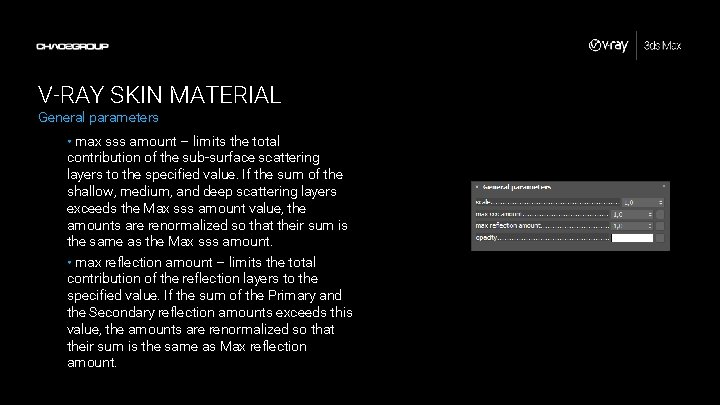
V-RAY SKIN MATERIAL General parameters • max sss amount – limits the total contribution of the sub-surface scattering layers to the specified value. If the sum of the shallow, medium, and deep scattering layers exceeds the Max sss amount value, the amounts are renormalized so that their sum is the same as the Max sss amount. • max reflection amount – limits the total contribution of the reflection layers to the specified value. If the sum of the Primary and the Secondary reflection amounts exceeds this value, the amounts are renormalized so that their sum is the same as Max reflection amount.
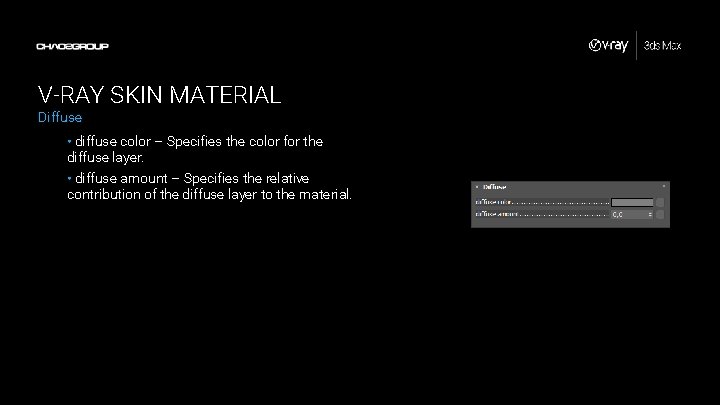
V-RAY SKIN MATERIAL Diffuse • diffuse color – Specifies the color for the diffuse layer. • diffuse amount – Specifies the relative contribution of the diffuse layer to the material.
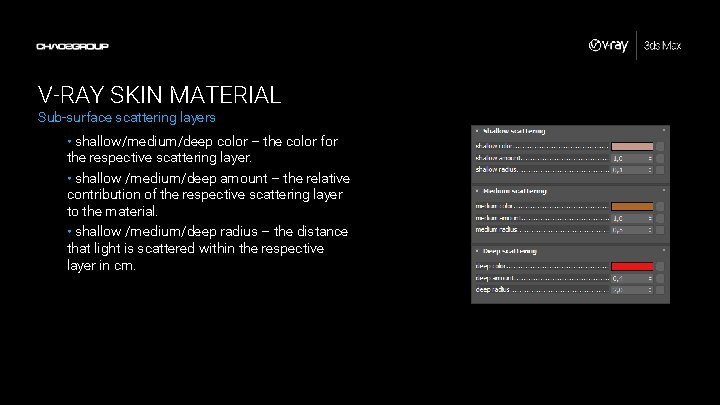
V-RAY SKIN MATERIAL Sub-surface scattering layers • shallow/medium/deep color – the color for the respective scattering layer. • shallow /medium/deep amount – the relative contribution of the respective scattering layer to the material. • shallow /medium/deep radius – the distance that light is scattered within the respective layer in cm.
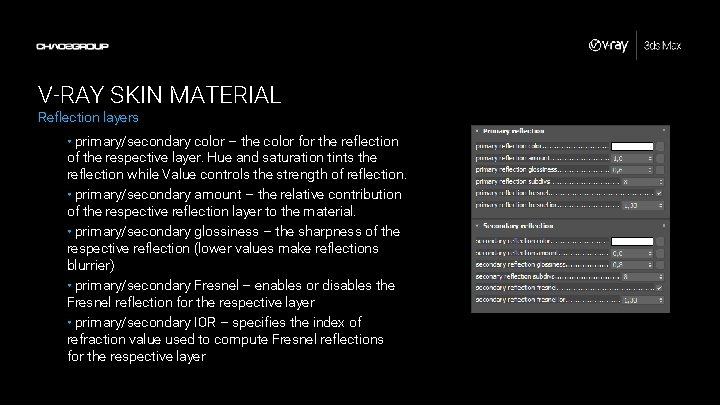
V-RAY SKIN MATERIAL Reflection layers • primary/secondary color – the color for the reflection of the respective layer. Hue and saturation tints the reflection while Value controls the strength of reflection. • primary/secondary amount – the relative contribution of the respective reflection layer to the material. • primary/secondary glossiness – the sharpness of the respective reflection (lower values make reflections blurrier) • primary/secondary Fresnel – enables or disables the Fresnel reflection for the respective layer • primary/secondary IOR – specifies the index of refraction value used to compute Fresnel reflections for the respective layer
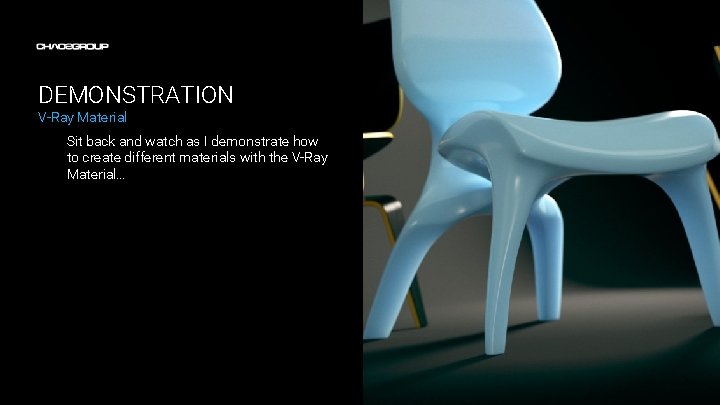
DEMONSTRATION V-Ray Material Sit back and watch as I demonstrate how to create different materials with the V-Ray Material…
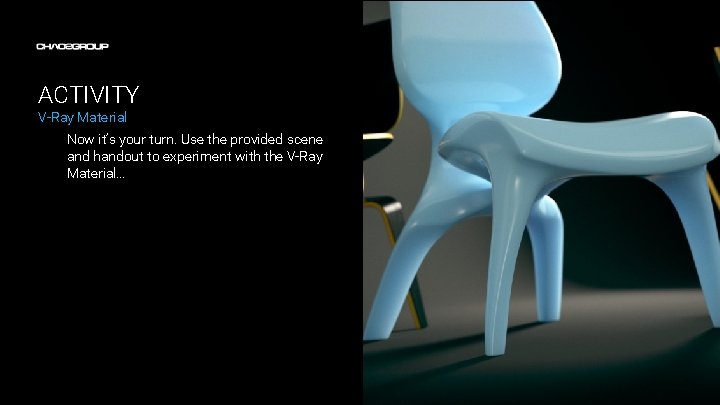
ACTIVITY V-Ray Material Now it’s your turn. Use the provided scene and handout to experiment with the V-Ray Material…

- Slides: 23