
VRAY FOR 3 DS MAX VRay Dome Light
- Slides: 19
V-RAY FOR 3 DS MAX V-Ray Dome Light
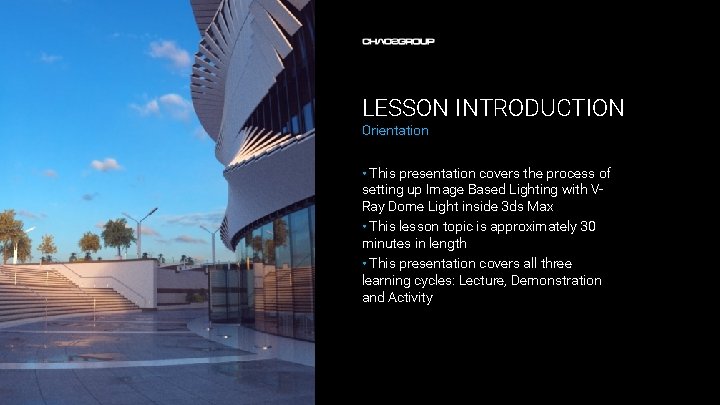
LESSON INTRODUCTION Orientation • This presentation covers the process of setting up Image Based Lighting with VRay Dome Light inside 3 ds Max • This lesson topic is approximately 30 minutes in length • This presentation covers all three learning cycles: Lecture, Demonstration and Activity
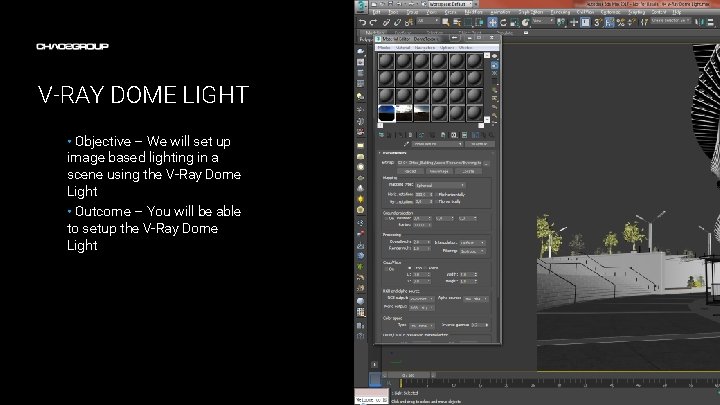
V-RAY DOME LIGHT • Objective – We will set up image based lighting in a scene using the V-Ray Dome Light • Outcome – You will be able to setup the V-Ray Dome Light Artwork by Name
TERMINOLOGY • These are some of the terms to be aware of when thinking about Light – – Image Based Lighting – a technique in CG to illuminate a scene using a high dynamic range image Indirect Illumination – a method for gathering light that comes indirectly to the scene. This may be bounced light or light coming from the environment. Direct light – is light emitted from a light source that hits a surface and is then reflected directly to the camera. Calculating the illumination from direct lights is much easier and faster then calculating indirect illumination HDRi – a high dynamic range image is made by taking several photo of the same scene, each photo is taken at a different exposure in order to have detailed information about the brightest and darkest parts of the scene. The photos are later combined in a software which creates an image that contains all the color and brightness information.
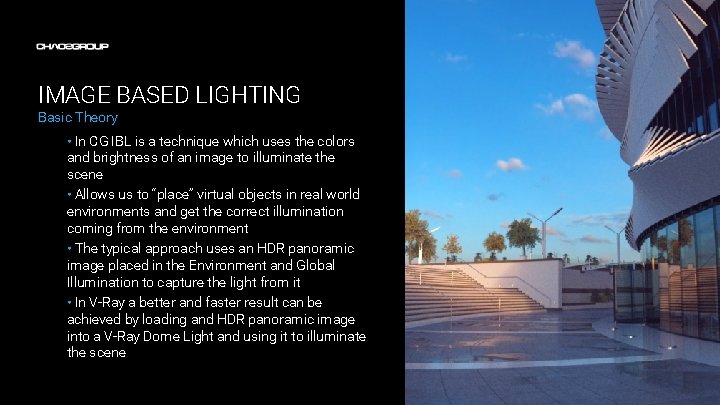
IMAGE BASED LIGHTING Basic Theory • In CG IBL is a technique which uses the colors and brightness of an image to illuminate the scene • Allows us to “place” virtual objects in real world environments and get the correct illumination coming from the environment • The typical approach uses an HDR panoramic image placed in the Environment and Global Illumination to capture the light from it • In V-Ray a better and faster result can be achieved by loading and HDR panoramic image into a V-Ray Dome Light and using it to illuminate the scene
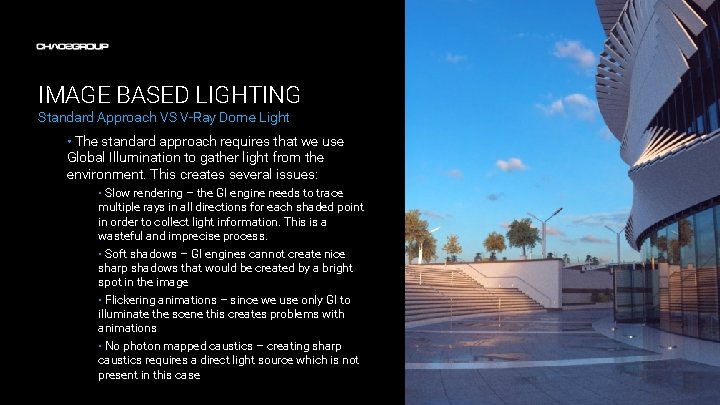
IMAGE BASED LIGHTING Standard Approach VS V-Ray Dome Light • The standard approach requires that we use Global Illumination to gather light from the environment. This creates several issues: • Slow rendering – the GI engine needs to trace multiple rays in all directions for each shaded point in order to collect light information. This is a wasteful and imprecise process. • Soft shadows – GI engines cannot create nice sharp shadows that would be created by a bright spot in the image • Flickering animations – since we use only GI to illuminate the scene this creates problems with animations • No photon mapped caustics – creating sharp caustics requires a direct light source which is not present in this case
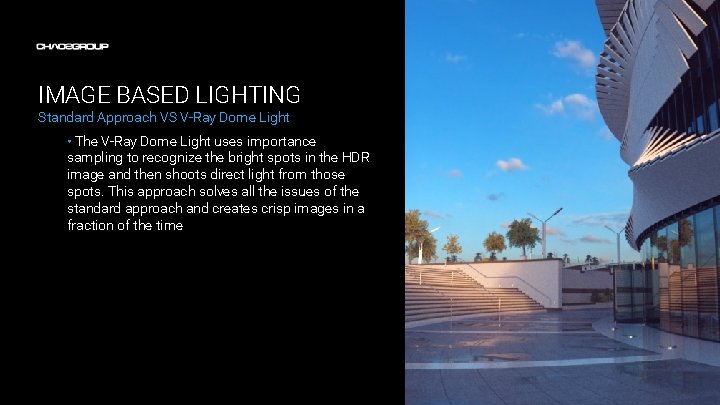
IMAGE BASED LIGHTING Standard Approach VS V-Ray Dome Light • The V-Ray Dome Light uses importance sampling to recognize the bright spots in the HDR image and then shoots direct light from those spots. This approach solves all the issues of the standard approach and creates crisp images in a fraction of the time
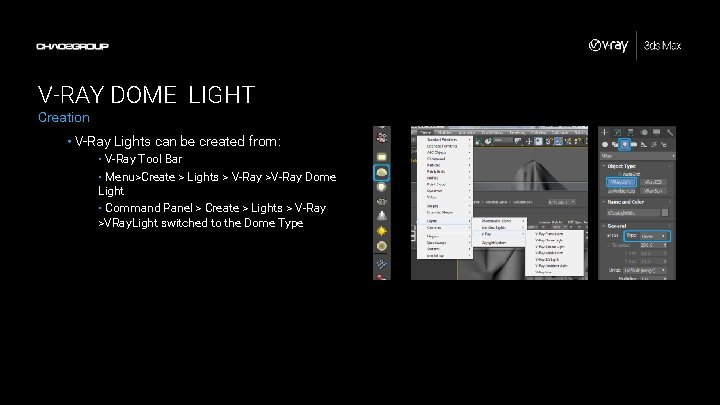
V-RAY DOME LIGHT Creation • V-Ray Lights can be created from: • V-Ray Tool Bar • Menu>Create > Lights > V-Ray >V-Ray Dome Light • Command Panel > Create > Lights > V-Ray >VRay. Light switched to the Dome Type
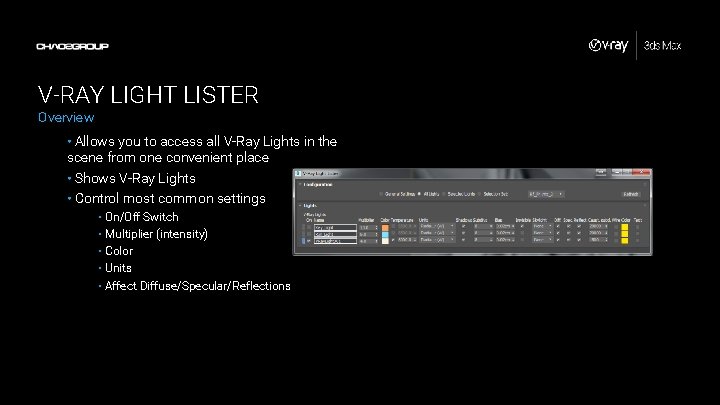
V-RAY LIGHT LISTER Overview • Allows you to access all V-Ray Lights in the scene from one convenient place • Shows V-Ray Lights • Control most common settings • On/Off Switch • Multiplier (intensity) • Color • Units • Affect Diffuse/Specular/Reflections
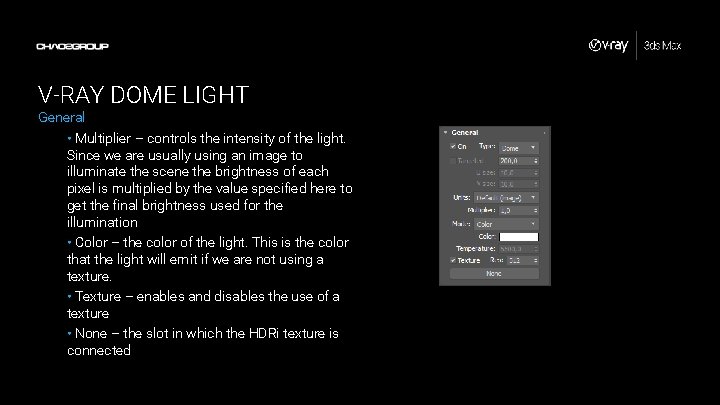
V-RAY DOME LIGHT General • Multiplier – controls the intensity of the light. Since we are usually using an image to illuminate the scene the brightness of each pixel is multiplied by the value specified here to get the final brightness used for the illumination • Color – the color of the light. This is the color that the light will emit if we are not using a texture. • Texture – enables and disables the use of a texture • None – the slot in which the HDRi texture is connected
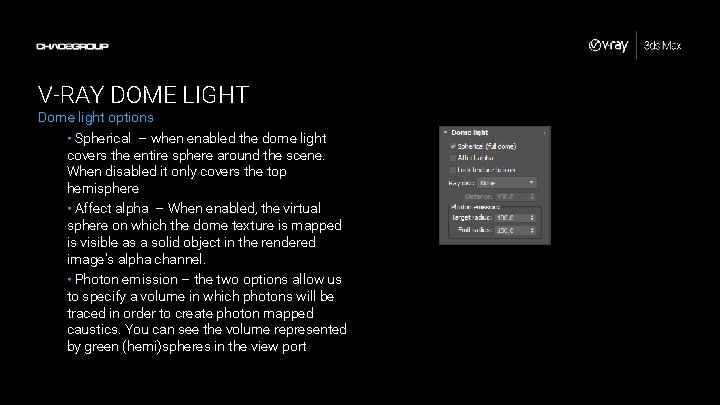
V-RAY DOME LIGHT Dome light options • Spherical – when enabled the dome light covers the entire sphere around the scene. When disabled it only covers the top hemisphere • Affect alpha – When enabled, the virtual sphere on which the dome texture is mapped is visible as a solid object in the rendered image's alpha channel. • Photon emission – the two options allow us to specify a volume in which photons will be traced in order to create photon mapped caustics. You can see the volume represented by green (hemi)spheres in the view port
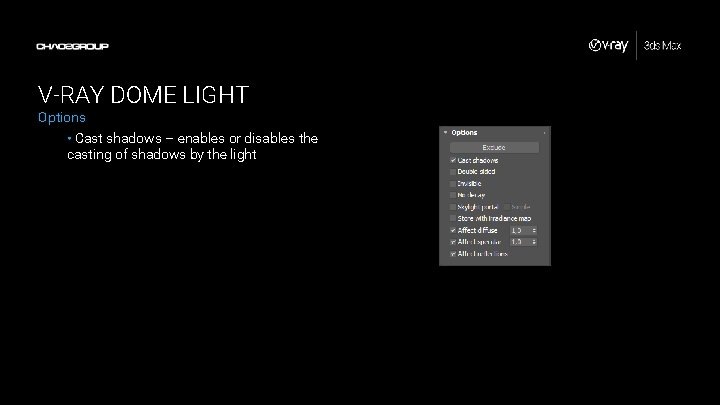
V-RAY DOME LIGHT Options • Cast shadows – enables or disables the casting of shadows by the light
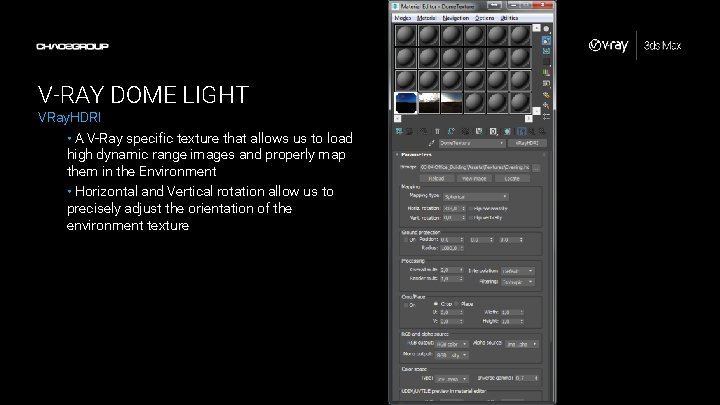
V-RAY DOME LIGHT VRay. HDRI • A V-Ray specific texture that allows us to load high dynamic range images and properly map them in the Environment • Horizontal and Vertical rotation allow us to precisely adjust the orientation of the environment texture
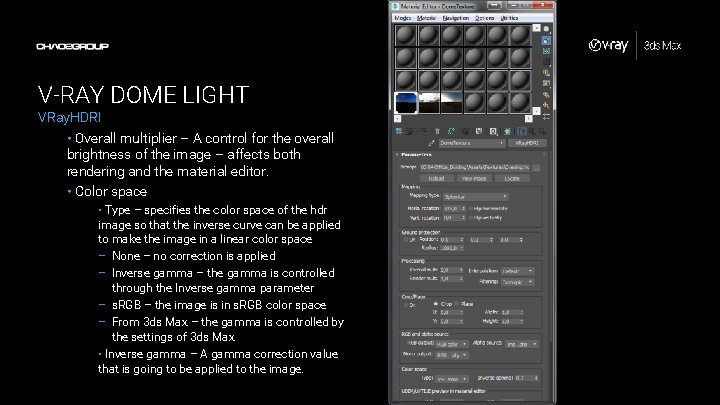
V-RAY DOME LIGHT VRay. HDRI • Overall multiplier – A control for the overall brightness of the image – affects both rendering and the material editor. • Color space • Type – specifies the color space of the hdr image so that the inverse curve can be applied to make the image in a linear color space – None – no correction is applied – Inverse gamma – the gamma is controlled through the Inverse gamma parameter – s. RGB – the image is in s. RGB color space – From 3 ds Max – the gamma is controlled by the settings of 3 ds Max • Inverse gamma – A gamma correction value that is going to be applied to the image.
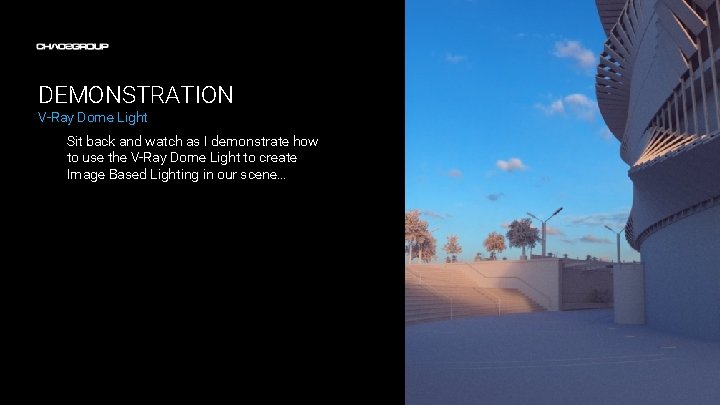
DEMONSTRATION V-Ray Dome Light Sit back and watch as I demonstrate how to use the V-Ray Dome Light to create Image Based Lighting in our scene…
ACTIVITY V-Ray Dome Light Now it’s your turn. Use the provided scene and handout to experiment with the V-Ray Dome Light…