
Voice Administration Monitoring for Microsoft Office Communications Server










- Slides: 62
Voice Administration & Monitoring for Microsoft Office Communications Server 2007 R 2 Paul Duffy Director Angorva Session Code: UNC 303
Agenda Architectural Review Routine Voice Administration Monitoring & Qo. E Complementary Monitoring tools Integrating with System Center Q&A
Architectural Review
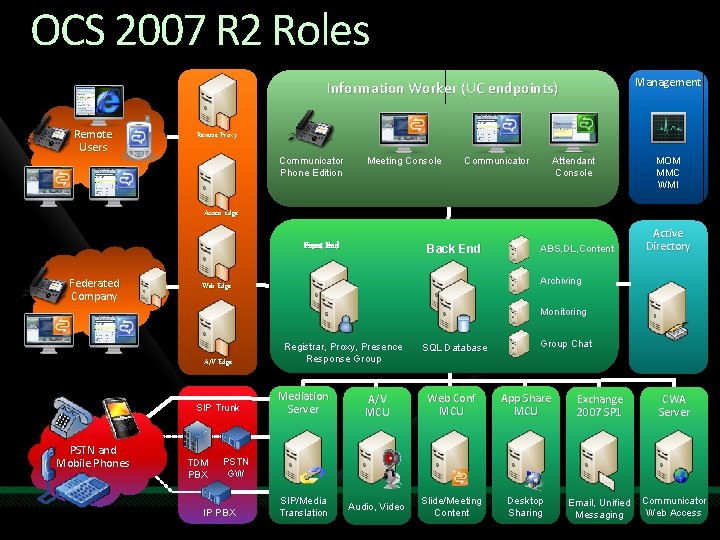
OCS 2007 R 2 Roles Management Information Worker (UC endpoints) Remote Users Reverse Proxy Communicator Phone Edition Meeting Console Communicator Attendant Console MOM MMC WMI Access Edge Front End Federated Company Back End ABS, DL, Content Active Directory Archiving Web Edge Monitoring A/V Edge SIP Trunk PSTN and Mobile Phones TDM PBX Registrar, Proxy, Presence Response Group SQL Database Group Chat Mediation Server A/V MCU Web Conf MCU App Share MCU Exchange 2007 SP 1 CWA Server SIP/Media Translation Audio, Video Slide/Meeting Content Desktop Sharing Email, Unified Messaging Communicator Web Access PSTN GW IP PBX
Routine Voice Administration
Routine Administrative Tasks Provisioning/de-provisioning users Authorisation changes Routing changes Dialling behaviour maintenance
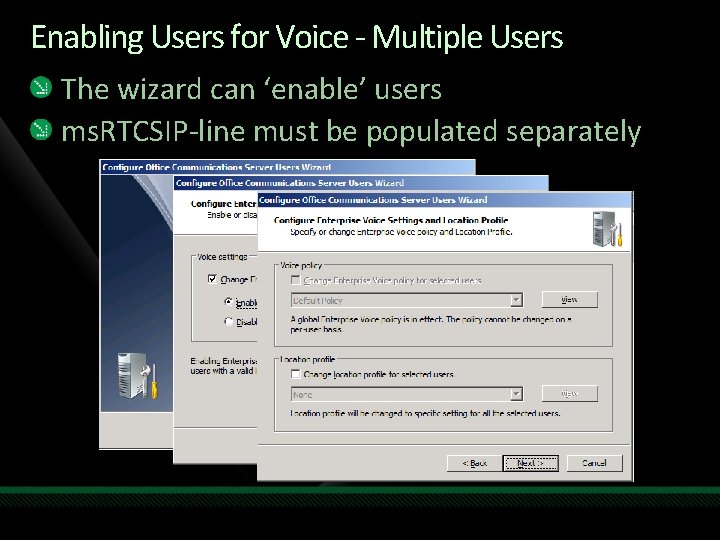
Enabling Users for Voice - Multiple Users The wizard can ‘enable’ users ms. RTCSIP-line must be populated separately
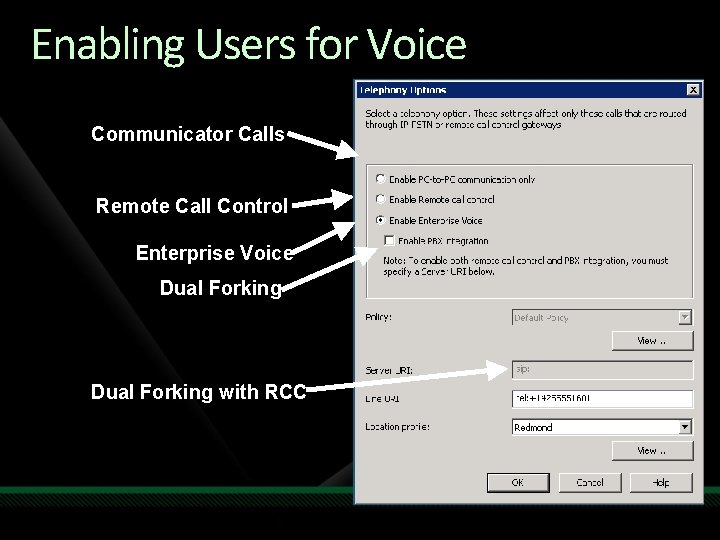
Enabling Users for Voice Communicator Calls Remote Call Control Enterprise Voice Dual Forking with RCC
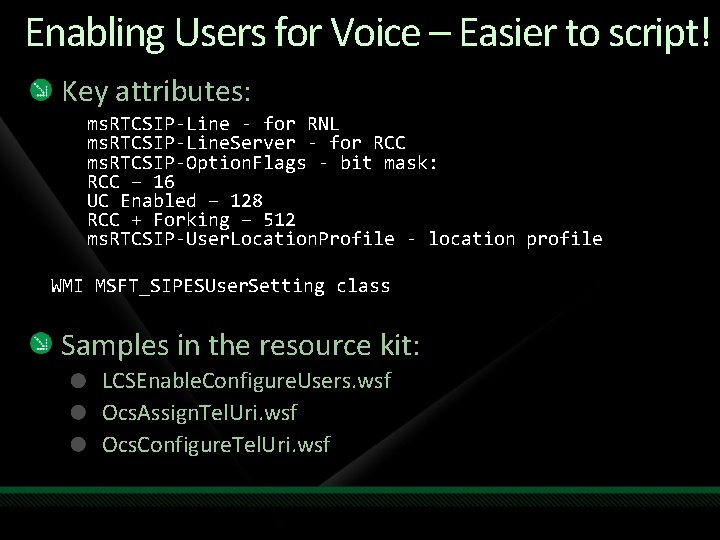
Enabling Users for Voice – Easier to script! Key attributes: ms. RTCSIP-Line - for RNL ms. RTCSIP-Line. Server - for RCC ms. RTCSIP-Option. Flags - bit mask: RCC – 16 UC Enabled – 128 RCC + Forking – 512 ms. RTCSIP-User. Location. Profile - location profile WMI MSFT_SIPESUser. Setting class Samples in the resource kit: LCSEnable. Configure. Users. wsf Ocs. Assign. Tel. Uri. wsf Ocs. Configure. Tel. Uri. wsf
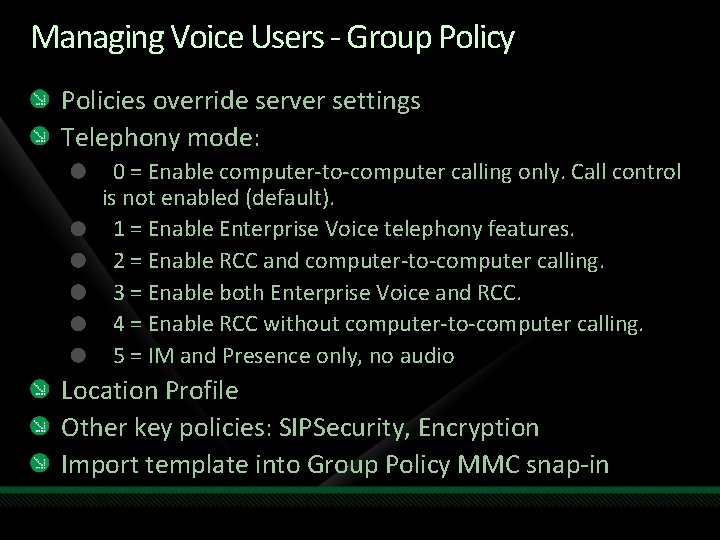
Managing Voice Users - Group Policy Policies override server settings Telephony mode: 0 = Enable computer-to-computer calling only. Call control is not enabled (default). 1 = Enable Enterprise Voice telephony features. 2 = Enable RCC and computer-to-computer calling. 3 = Enable both Enterprise Voice and RCC. 4 = Enable RCC without computer-to-computer calling. 5 = IM and Presence only, no audio Location Profile Other key policies: SIPSecurity, Encryption Import template into Group Policy MMC snap-in
Demo Provisioning users
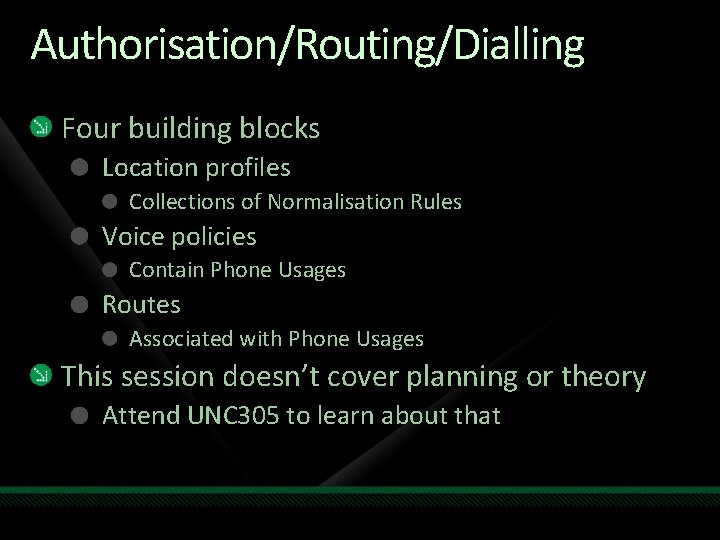
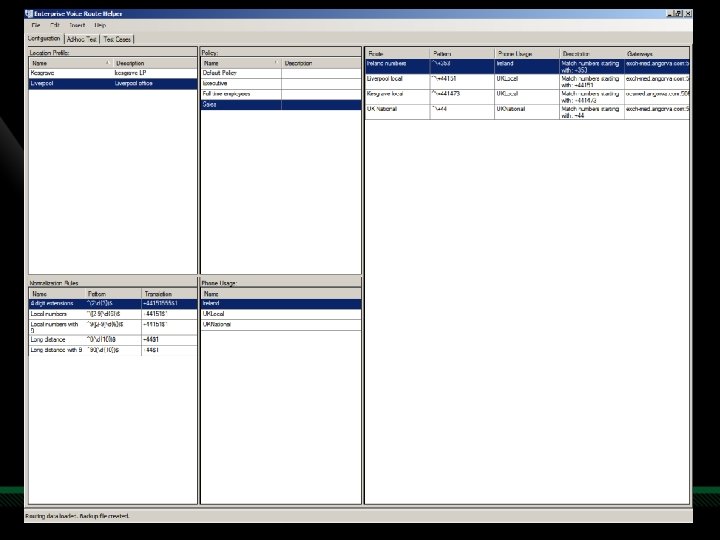
Authorisation/Routing/Dialling Four building blocks Location profiles Collections of Normalisation Rules Voice policies Contain Phone Usages Routes Associated with Phone Usages This session doesn’t cover planning or theory Attend UNC 305 to learn about that
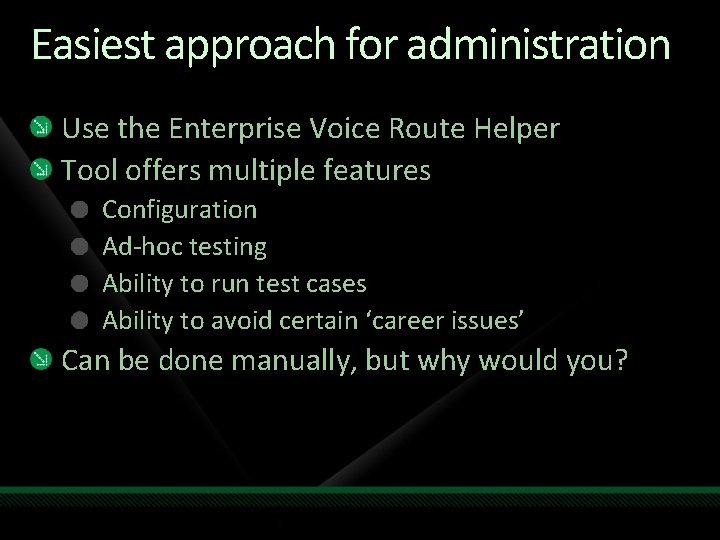
Easiest approach for administration Use the Enterprise Voice Route Helper Tool offers multiple features Configuration Ad-hoc testing Ability to run test cases Ability to avoid certain ‘career issues’ Can be done manually, but why would you?
Demo Enterprise Voice Route Helper
Monitoring
Why is monitoring so important? Because we all want to stay employed OCS is a distributed system There are many environmental dependencies New ‘software’ model brings new challenges Users may be more sensitive than usual
Which tools can help me? OCS 2007 R 2 Monitoring Server (Qo. E) OCS 2007 Deployment Verification Tool Agents Answering agent Vo. IP Test Set Pre-call Network Diagnostic Tool
Quality of Experience Recap
Quality of Experience Considers all factors influencing user perception, such as: Hardware Application Psychological Physical parameters Media stack monitoring and optimizing in real-time Intelligent end points Inferior UC devices can cause disproportionate problems Qo. E is about network AND payload content
Quality of Experience Summary Right-provision networks Use Diff. Serv / SLA where appropriate Intelligent endpoints adapt to network conditions Use OCS 2007 & OCS 2007 R 2 logo devices Qo. E focuses on the network and payload Monitoring Server aggregates Qo. E data
Monitoring Server: Collection Integrated component of OCS 2007 R 2 Receives a ‘Qo. E’ CDR after every voice call Each CDR contains important quality metrics Reports come from endpoints and servers All reports are stored in a database
What might you use Qo. E Data for ? L Helpdesk troubleshooting Network engineering Nearly real-time monitoring Early warnings Validation of plans Future planning And many more uses. . . T R E D I S N O C T O D O N S I H A N O I T P O
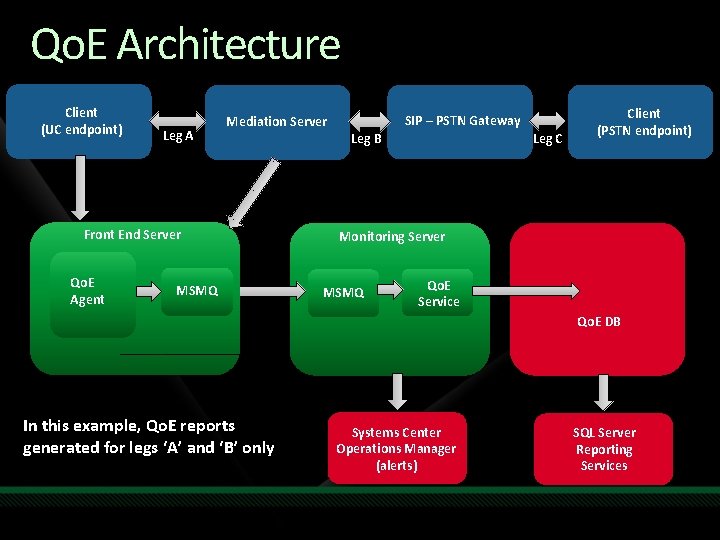
Qo. E Architecture Client (UC endpoint) Leg A Front End Server Qo. E Agent SIP – PSTN Gateway Mediation Server MSMQ Leg B Leg C Client (PSTN endpoint) Monitoring Server MSMQ Qo. E Service Qo. E DB In this example, Qo. E reports generated for legs ‘A’ and ‘B’ only Systems Center Operations Manager (alerts) SQL Server Reporting Services
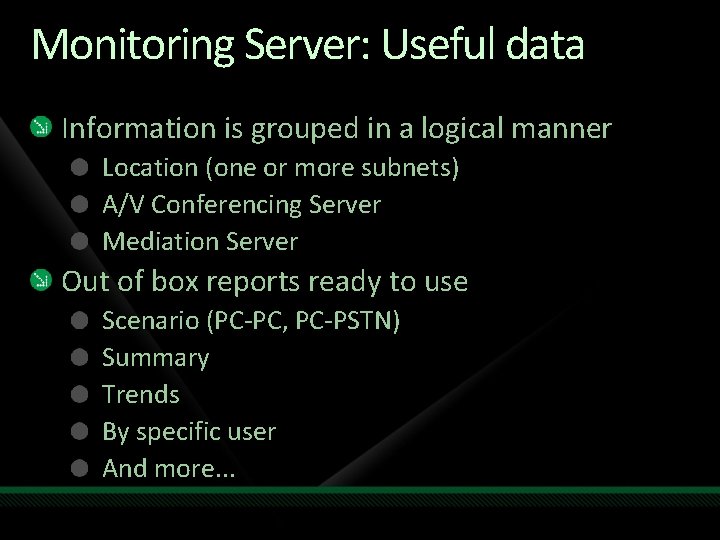
Monitoring Server: Useful data Information is grouped in a logical manner Location (one or more subnets) A/V Conferencing Server Mediation Server Out of box reports ready to use Scenario (PC-PC, PC-PSTN) Summary Trends By specific user And more. . .
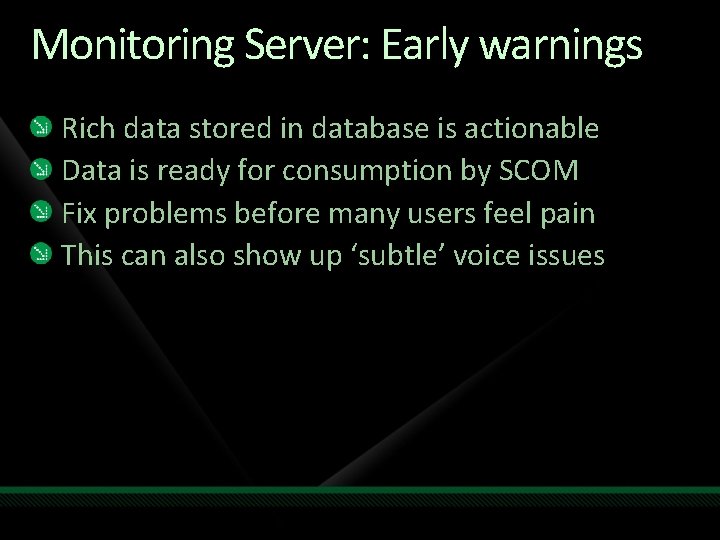
Monitoring Server: Early warnings Rich data stored in database is actionable Data is ready for consumption by SCOM Fix problems before many users feel pain This can also show up ‘subtle’ voice issues
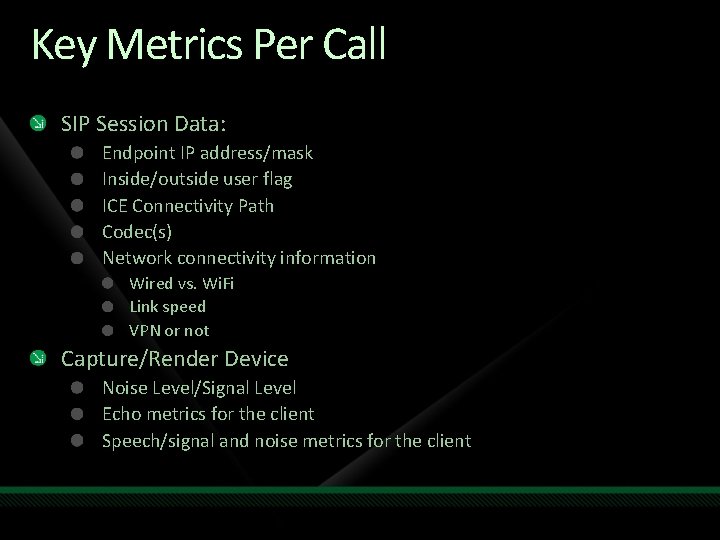
Key Metrics Per Call SIP Session Data: Endpoint IP address/mask Inside/outside user flag ICE Connectivity Path Codec(s) Network connectivity information Wired vs. Wi. Fi Link speed VPN or not Capture/Render Device Noise Level/Signal Level Echo metrics for the client Speech/signal and noise metrics for the client
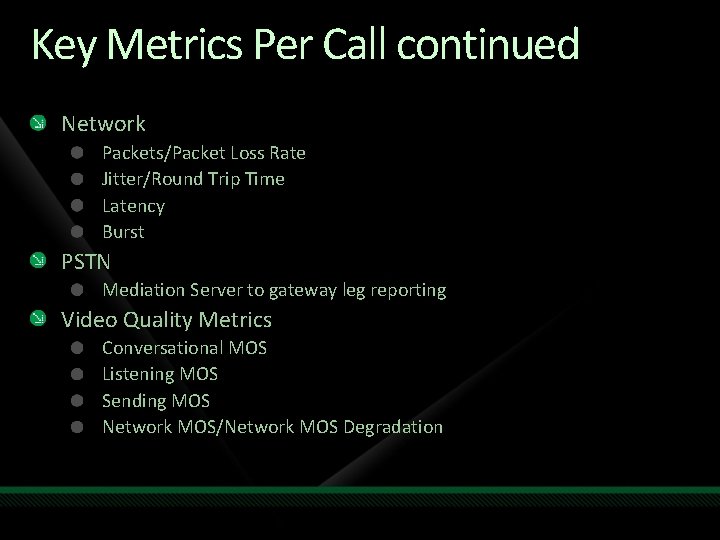
Key Metrics Per Call continued Network Packets/Packet Loss Rate Jitter/Round Trip Time Latency Burst PSTN Mediation Server to gateway leg reporting Video Quality Metrics Conversational MOS Listening MOS Sending MOS Network MOS/Network MOS Degradation
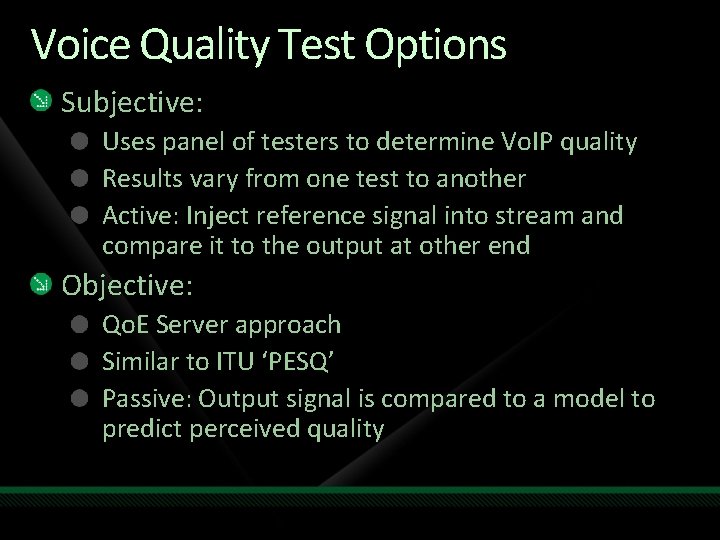
Voice Quality Test Options Subjective: Uses panel of testers to determine Vo. IP quality Results vary from one test to another Active: Inject reference signal into stream and compare it to the output at other end Objective: Qo. E Server approach Similar to ITU ‘PESQ’ Passive: Output signal is compared to a model to predict perceived quality
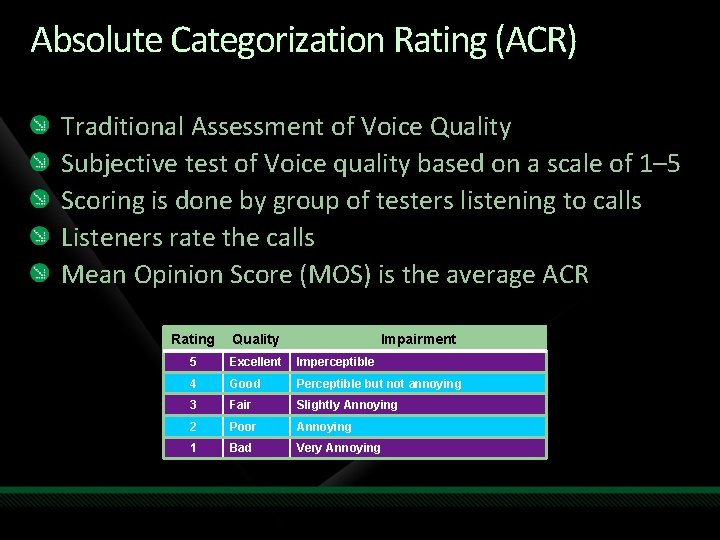
Absolute Categorization Rating (ACR) Traditional Assessment of Voice Quality Subjective test of Voice quality based on a scale of 1– 5 Scoring is done by group of testers listening to calls Listeners rate the calls Mean Opinion Score (MOS) is the average ACR Rating Quality Impairment 5 Excellent Imperceptible 4 Good Perceptible but not annoying 3 Fair Slightly Annoying 2 Poor Annoying 1 Bad Very Annoying
Be careful when interpreting data All MOS scores are not created equal It’s important to understand OCS MOS usage: OCS MOS scores useful to compare with OCS Not useful for comparing with other systems The important thing is quality in YOUR deployment
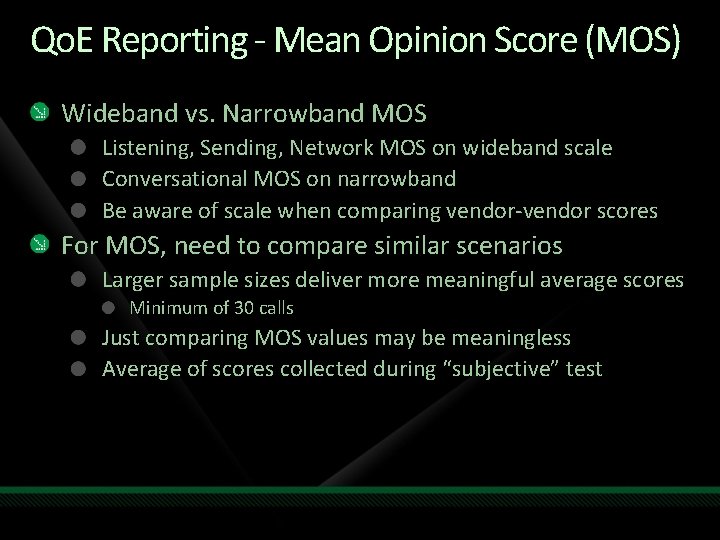
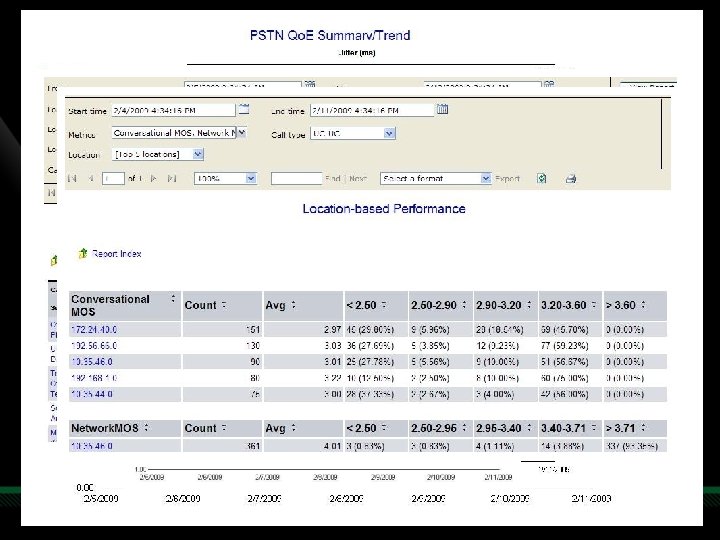
Qo. E Reporting - Mean Opinion Score (MOS) Wideband vs. Narrowband MOS Listening, Sending, Network MOS on wideband scale Conversational MOS on narrowband Be aware of scale when comparing vendor-vendor scores For MOS, need to compare similar scenarios Larger sample sizes deliver more meaningful average scores Minimum of 30 calls Just comparing MOS values may be meaningless Average of scores collected during “subjective” test
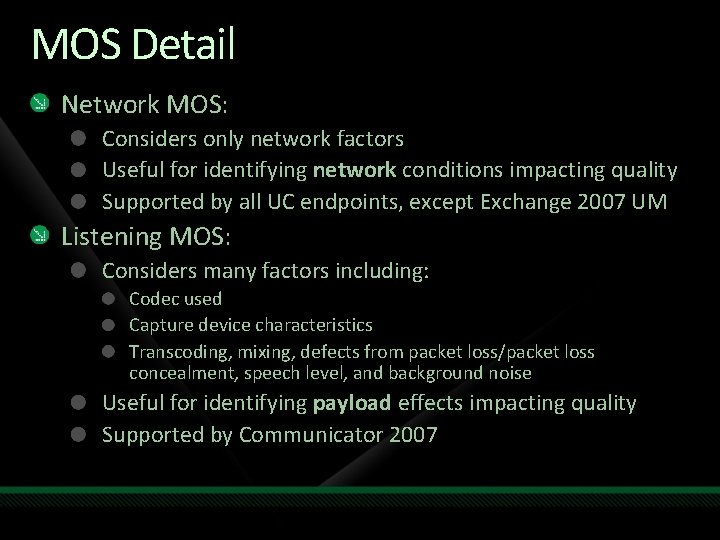
MOS Detail Network MOS: Considers only network factors Useful for identifying network conditions impacting quality Supported by all UC endpoints, except Exchange 2007 UM Listening MOS: Considers many factors including: Codec used Capture device characteristics Transcoding, mixing, defects from packet loss/packet loss concealment, speech level, and background noise Useful for identifying payload effects impacting quality Supported by Communicator 2007
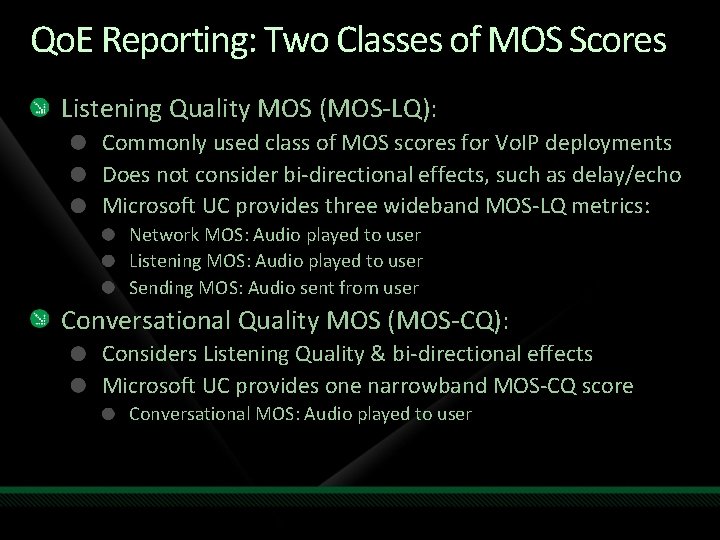
Qo. E Reporting: Two Classes of MOS Scores Listening Quality MOS (MOS-LQ): Commonly used class of MOS scores for Vo. IP deployments Does not consider bi-directional effects, such as delay/echo Microsoft UC provides three wideband MOS-LQ metrics: Network MOS: Audio played to user Listening MOS: Audio played to user Sending MOS: Audio sent from user Conversational Quality MOS (MOS-CQ): Considers Listening Quality & bi-directional effects Microsoft UC provides one narrowband MOS-CQ score Conversational MOS: Audio played to user
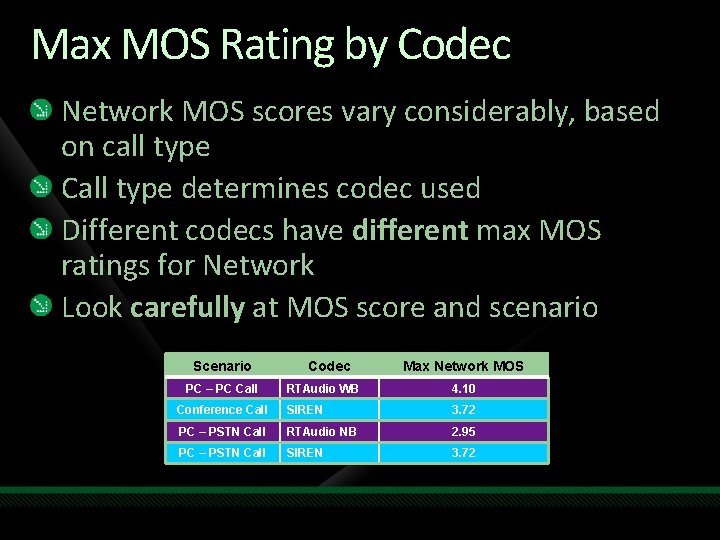
Max MOS Rating by Codec Network MOS scores vary considerably, based on call type Call type determines codec used Different codecs have different max MOS ratings for Network Look carefully at MOS score and scenario Scenario PC – PC Call Codec Max Network MOS RTAudio WB 4. 10 Conference Call SIREN 3. 72 PC – PSTN Call RTAudio NB 2. 95 PC – PSTN Call SIREN 3. 72
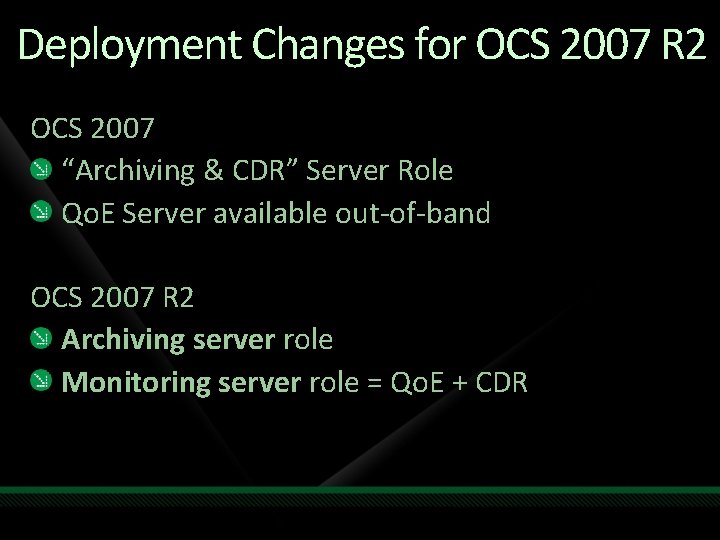
Deployment Changes for OCS 2007 R 2 OCS 2007 “Archiving & CDR” Server Role Qo. E Server available out-of-band OCS 2007 R 2 Archiving server role Monitoring server role = Qo. E + CDR
Basic Topology Options Everything can be collocated with SE server! Clearly not recommended for large deployments Requires full version of SQL Server Monitoring and archiving roles can be collocated Databases can be clustered Each role can be collocated with its database Databases can be collocated with the BE database SE: Standard Edition BE: Back-end
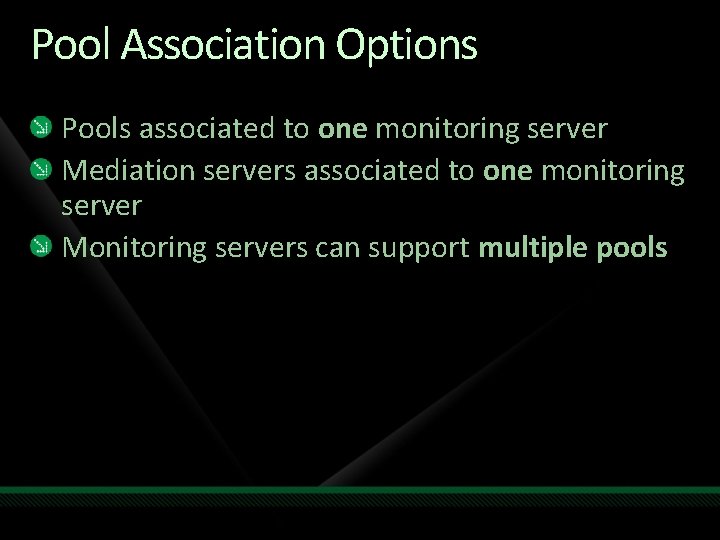
Pool Association Options Pools associated to one monitoring server Mediation servers associated to one monitoring server Monitoring servers can support multiple pools
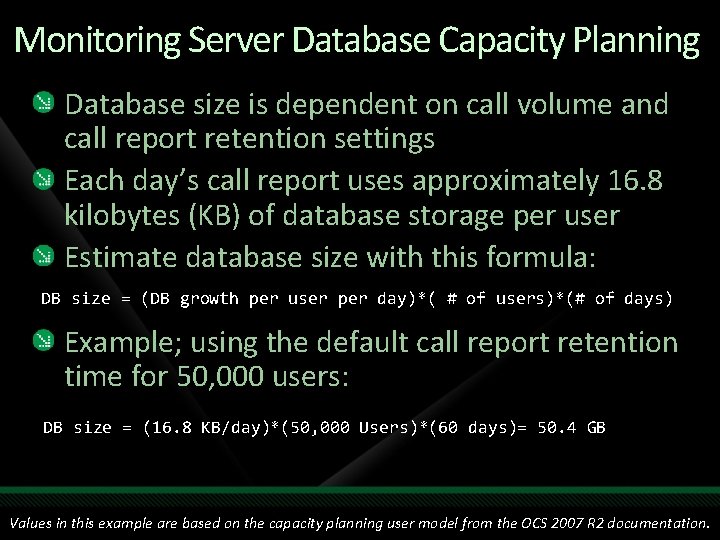
Monitoring Server Database Capacity Planning Database size is dependent on call volume and call report retention settings Each day’s call report uses approximately 16. 8 kilobytes (KB) of database storage per user Estimate database size with this formula: DB size = (DB growth per user per day)*( # of users)*(# of days) Example; using the default call report retention time for 50, 000 users: DB size = (16. 8 KB/day)*(50, 000 Users)*(60 days)= 50. 4 GB Values in this example are based on the capacity planning user model from the OCS 2007 R 2 documentation.
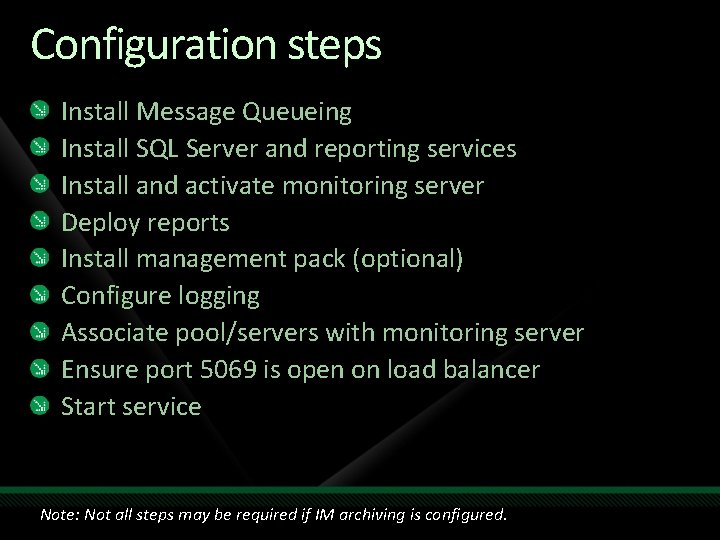
Configuration steps Install Message Queueing Install SQL Server and reporting services Install and activate monitoring server Deploy reports Install management pack (optional) Configure logging Associate pool/servers with monitoring server Ensure port 5069 is open on load balancer Start service Note: Not all steps may be required if IM archiving is configured.
Demo OCS 2007 R 2 Monitoring Server
Monitoring Server Reporting Summary Report Samples
Other monitoring tools
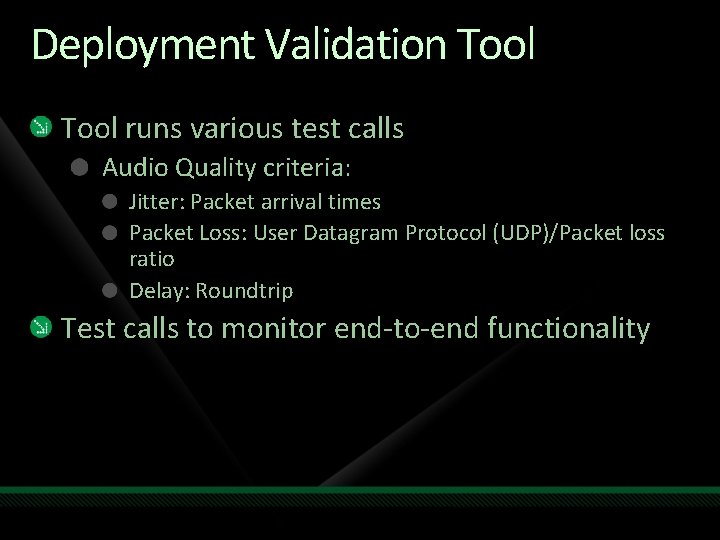
Deployment Validation Tool runs various test calls Audio Quality criteria: Jitter: Packet arrival times Packet Loss: User Datagram Protocol (UDP)/Packet loss ratio Delay: Roundtrip Test calls to monitor end-to-end functionality
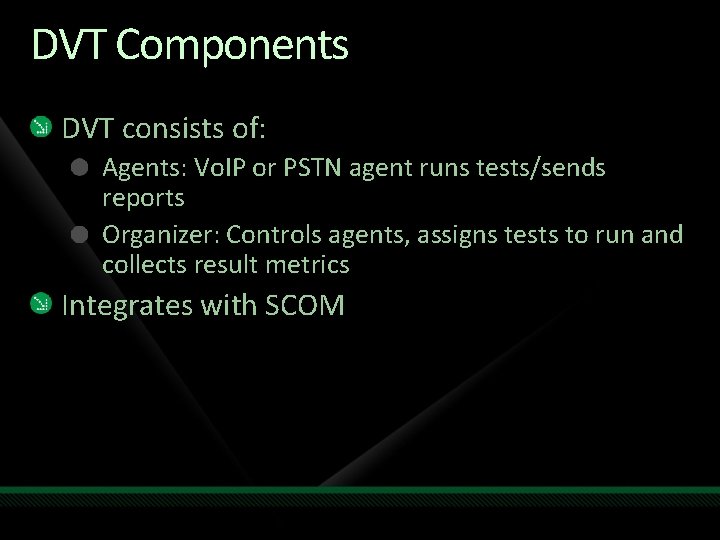
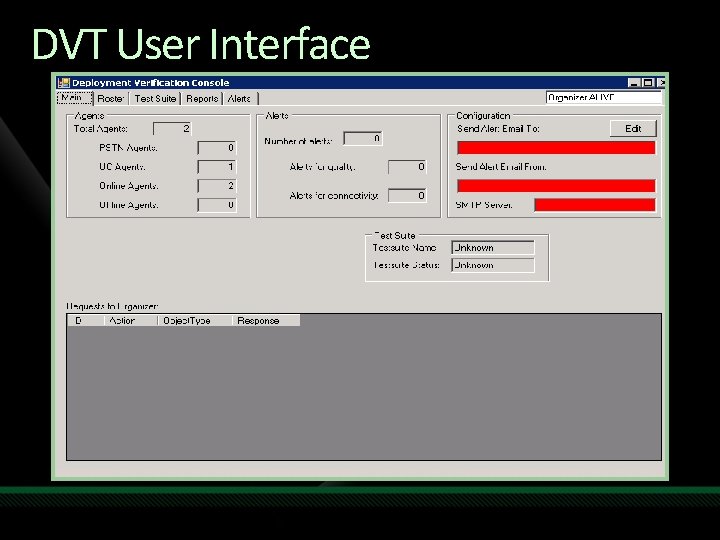
DVT Components DVT consists of: Agents: Vo. IP or PSTN agent runs tests/sends reports Organizer: Controls agents, assigns tests to run and collects result metrics Integrates with SCOM
DVT User Interface
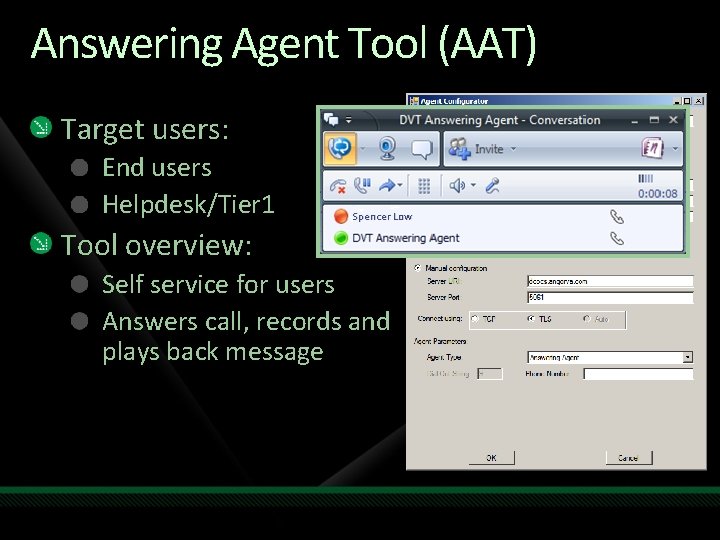
Answering Agent Tool (AAT) Target users: End users Helpdesk/Tier 1 Spencer Low Tool overview: Self service for users Answers call, records and plays back message
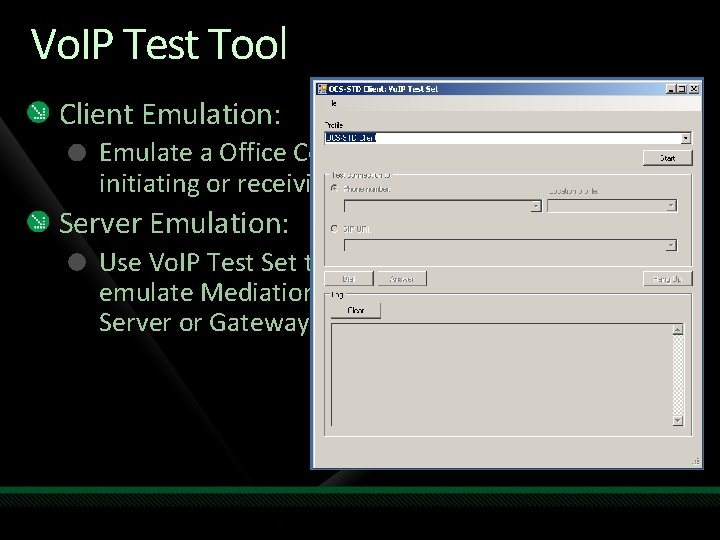
Vo. IP Test Tool Client Emulation: Emulate a Office Communicator 2007 client for initiating or receiving Enterprise Voice calls Server Emulation: Use Vo. IP Test Set to emulate Mediation Server or Gateway
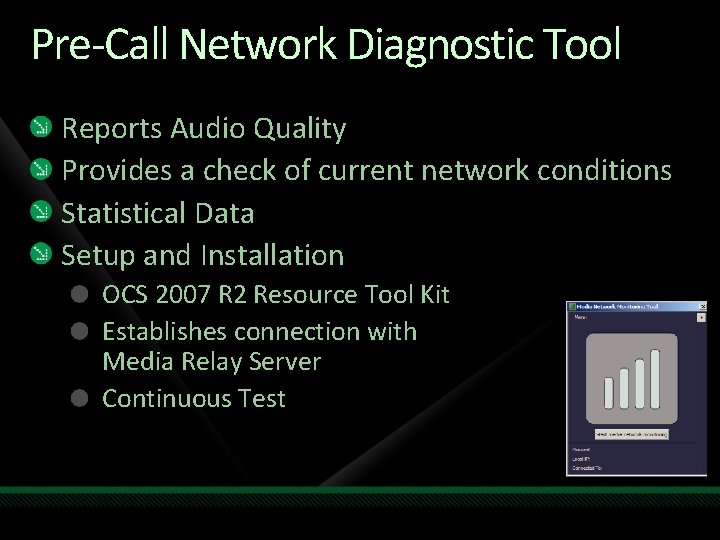
Pre-Call Network Diagnostic Tool Reports Audio Quality Provides a check of current network conditions Statistical Data Setup and Installation OCS 2007 R 2 Resource Tool Kit Establishes connection with Media Relay Server Continuous Test
OCS 2007 R 2 Roles Management Information Worker (UC endpoints) Remote Users Reverse Proxy Communicator Phone Edition Meeting Console Communicator Attendant Console MOM MMC WMI Access Edge Front End Federated Company Back End ABS, DL, Content Active Directory Archiving Web Edge Monitoring A/V Edge SIP Trunk PSTN and Mobile Phones TDM PBX Registrar, Proxy, Presence Response Group SQL Database Group Chat Mediation Server A/V MCU Web Conf MCU App Share MCU Exchange 2007 SP 1 CWA Server SIP/Media Translation Audio, Video Slide/Meeting Content Desktop Sharing Email, Unified Messaging Communicator Web Access PSTN GW IP PBX
Integrating with System Center
Deploy Management Packs! Management packs available for OCS 2007 R 2 These are ready-made to monitor OCS health Be alerted to problems before they impact users
Integration in action
Summary Architectural Review Routine Voice Administration Monitoring & Qo. E Complementary Monitoring tools Integrating with System Center
Incorporate this in your deployment Incorporate sample provisioning scripts Deploy Monitoring Server early! Leverage tools such as AAT If you use Systems Center – integrate with OCS!
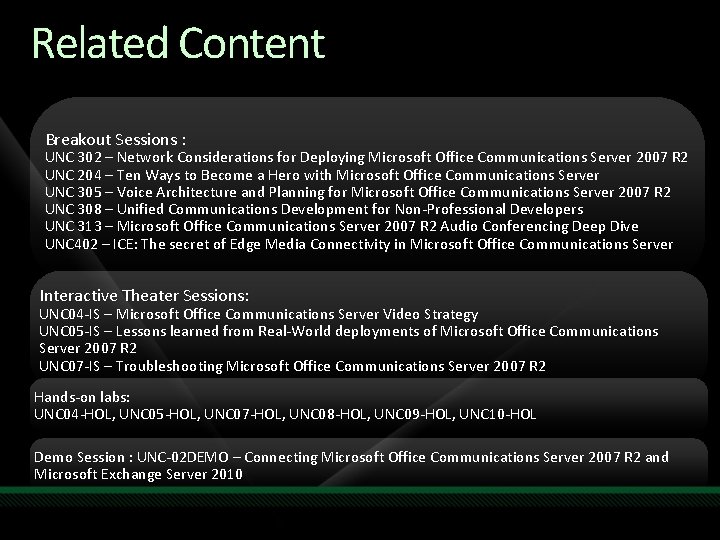
Related Content Breakout Sessions : UNC 302 – Network Considerations for Deploying Microsoft Office Communications Server 2007 R 2 UNC 204 – Ten Ways to Become a Hero with Microsoft Office Communications Server UNC 305 – Voice Architecture and Planning for Microsoft Office Communications Server 2007 R 2 UNC 308 – Unified Communications Development for Non-Professional Developers UNC 313 – Microsoft Office Communications Server 2007 R 2 Audio Conferencing Deep Dive UNC 402 – ICE: The secret of Edge Media Connectivity in Microsoft Office Communications Server Interactive Theater Sessions: UNC 04 -IS – Microsoft Office Communications Server Video Strategy UNC 05 -IS – Lessons learned from Real-World deployments of Microsoft Office Communications Server 2007 R 2 UNC 07 -IS – Troubleshooting Microsoft Office Communications Server 2007 R 2 Hands-on labs: UNC 04 -HOL, UNC 05 -HOL, UNC 07 -HOL, UNC 08 -HOL, UNC 09 -HOL, UNC 10 -HOL Demo Session : UNC-02 DEMO – Connecting Microsoft Office Communications Server 2007 R 2 and Microsoft Exchange Server 2010
UNC Track Call to Action! Learn More! Related Content at Tech. Ed on “Related Content” Slide Attend in-person or consume post-event at Tech. Ed Online Check out learning/training resources at Microsoft Tech. Net Exchange Server and Office Communications Server Check out Exchange Server 2010 at Virtual Launch Experience (VLE) at thenewefficiency. com Try It Out! Download the Exchange Server 2010 Trial Take a simple Web-based test drive of UC solutions through the 60 -Day Virtual Experience
Resources www. microsoft. com/teched www. microsoft. com/learning Sessions On-Demand & Community Microsoft Certification & Training Resources http: //microsoft. com/technet http: //microsoft. com/msdn Resources for IT Professionals Resources for Developers
Complete an evaluation on Comm. Net and enter to win an Xbox 360 Elite!
questions & answers
© 2009 Microsoft Corporation. All rights reserved. Microsoft, Windows Vista and other product names are or may be registered trademarks and/or trademarks in the U. S. and/or other countries. The information herein is for informational purposes only and represents the current view of Microsoft Corporation as of the date of this presentation. Because Microsoft must respond to changing market conditions, it should not be interpreted to be a commitment on the part of Microsoft, and Microsoft cannot guarantee the accuracy of any information provided after the date of this presentation. MICROSOFT MAKES NO WARRANTIES, EXPRESS, IMPLIED OR STATUTORY, AS TO THE INFORMATION IN THIS PRESENTATION.