
VMWARE WORKSTATION 10 VMware Workstation 10 2 WindowsVMware


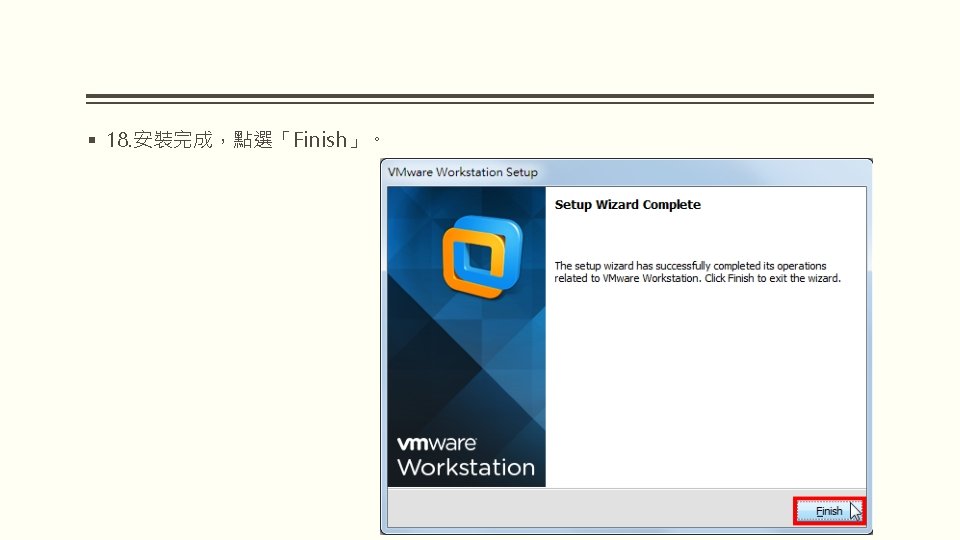
- Slides: 25
VMWARE WORKSTATION 10 安裝與配置
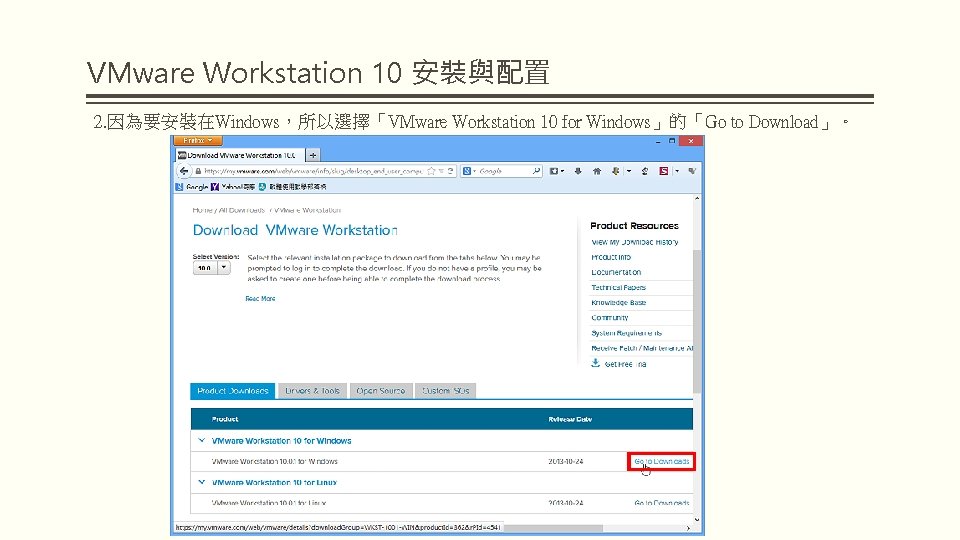
VMware Workstation 10 安裝與配置 2. 因為要安裝在Windows,所以選擇「VMware Workstation 10 for Windows」的「Go to Download」。
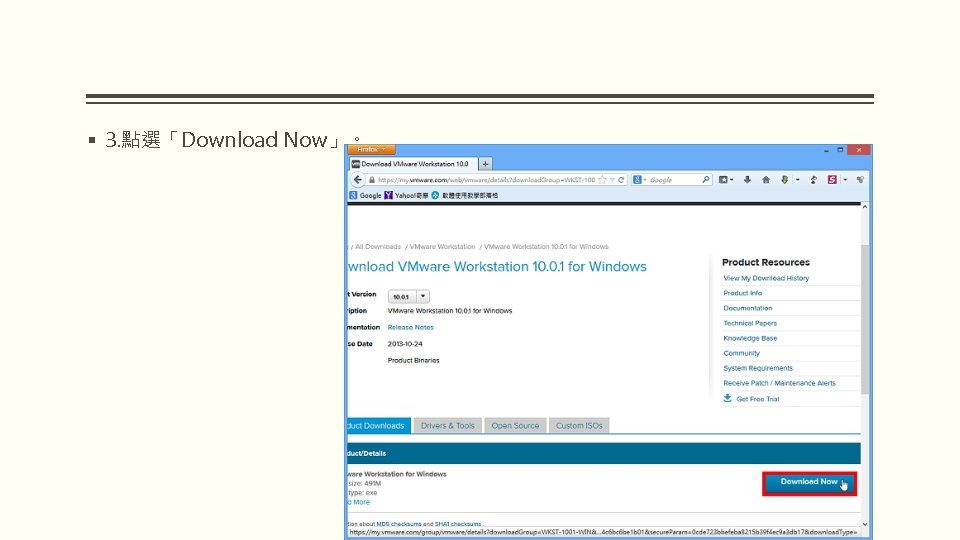
§ 3. 點選「Download Now」。
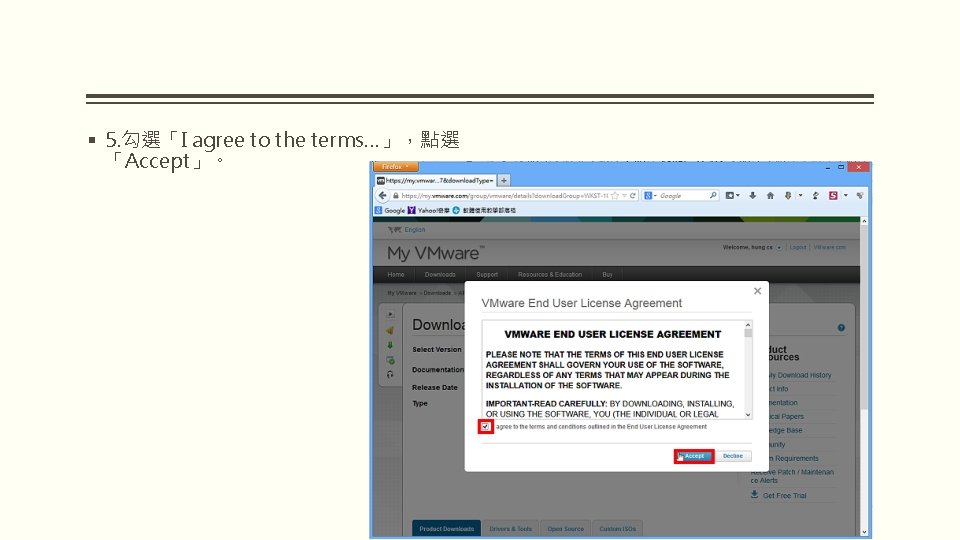
§ 5. 勾選「I agree to the terms…」,點選 「Accept」。
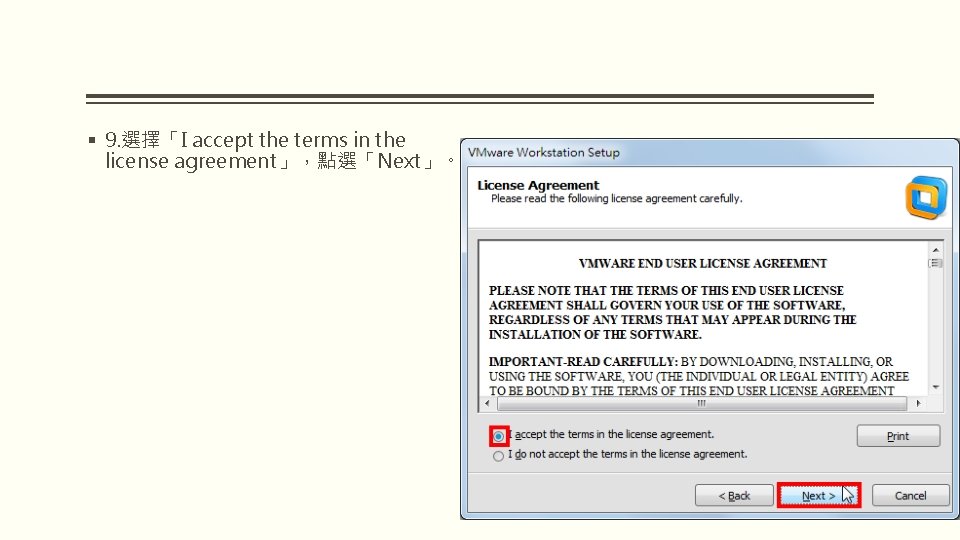
§ 9. 選擇「I accept the terms in the license agreement」,點選「Next」。
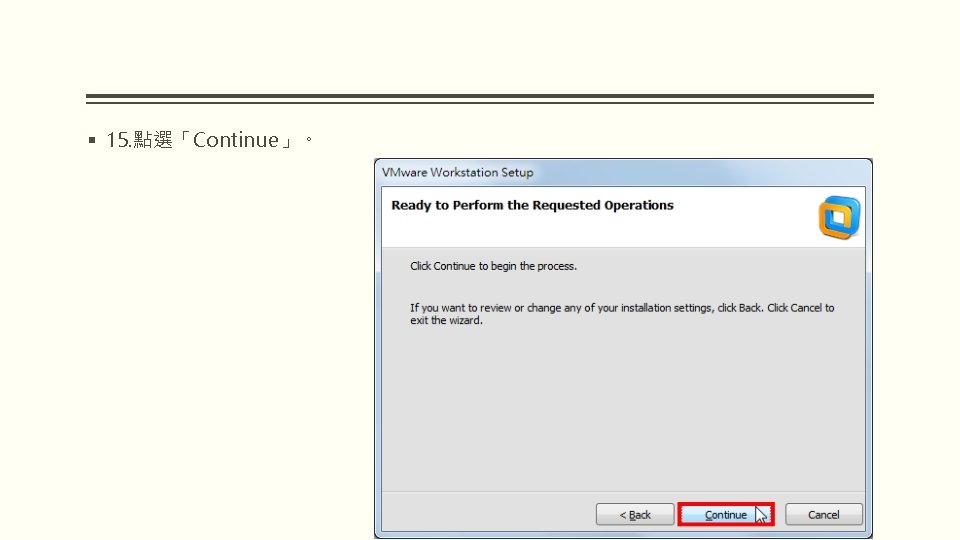
§ 15. 點選「Continue」。
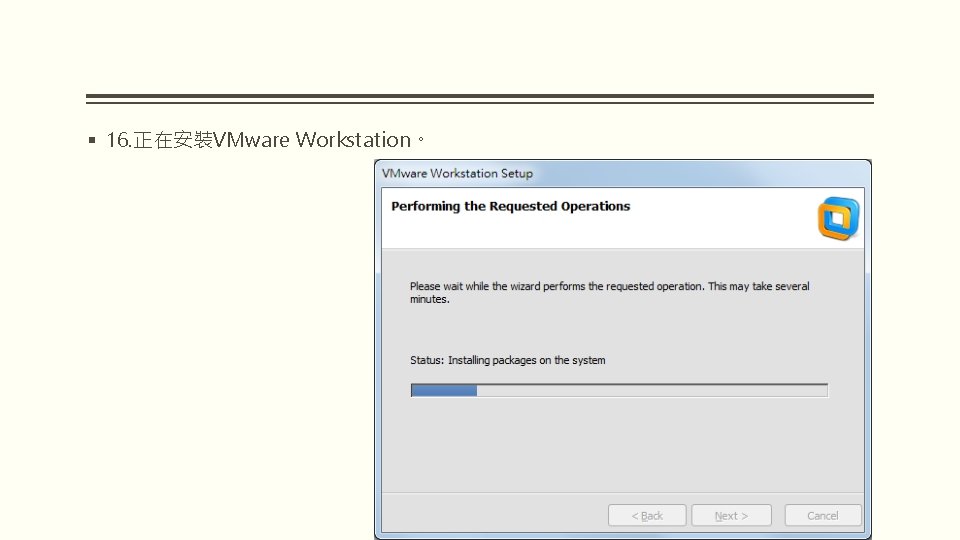
§ 16. 正在安裝VMware Workstation。
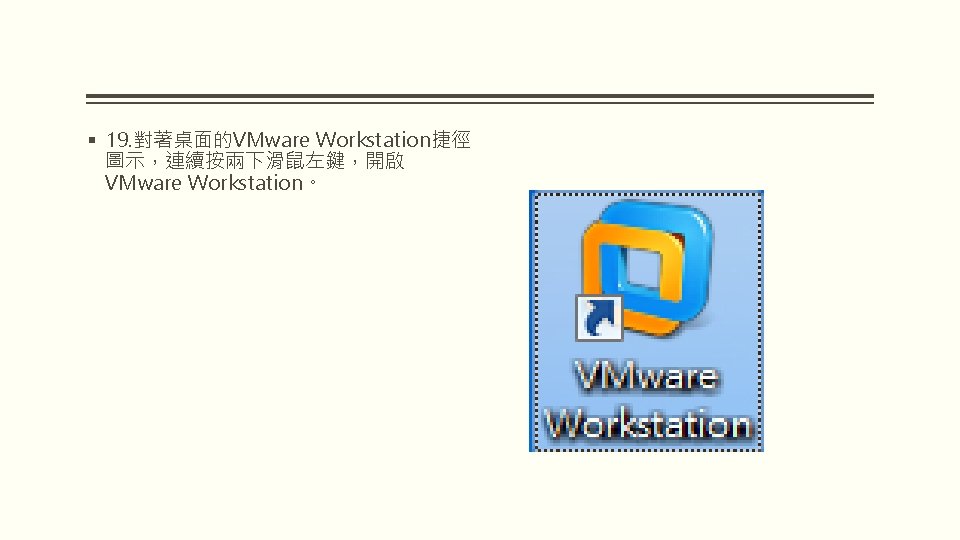
§ 19. 對著桌面的VMware Workstation捷徑 圖示,連續按兩下滑鼠左鍵,開啟 VMware Workstation。
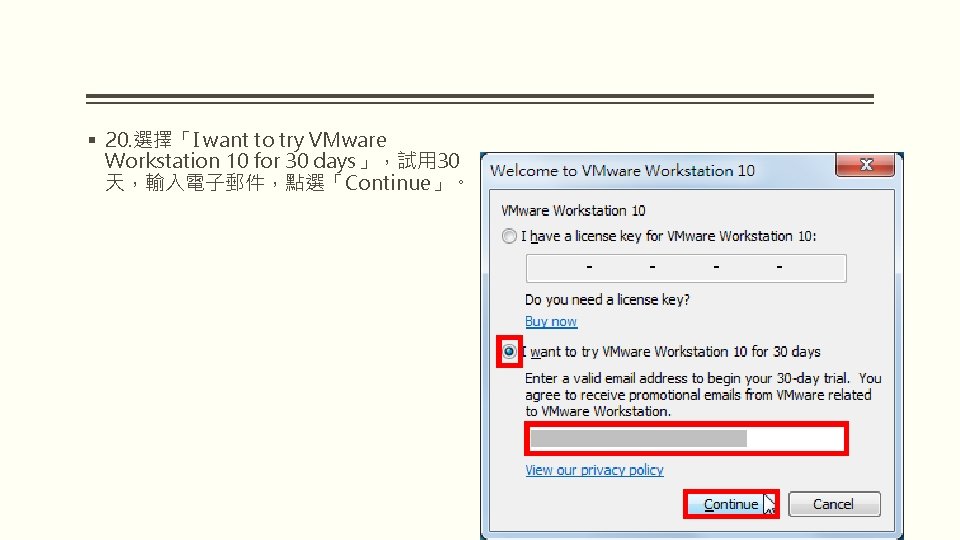
§ 20. 選擇「I want to try VMware Workstation 10 for 30 days」,試用 30 天,輸入電子郵件,點選「Continue」。