
VMWare Virtualization Recovery with the Net App Store


- Slides: 20
VMWare Virtualization Recovery with the Net. App Store. Vault S 500 1 Net. App Confidential
Store. Vault Replication Flexible Configurations • Supports virtually any replication configuration, including Store. Vault to Net. App FAS systems. 2 Net. App Confidential
Simple & Affordable DR Store. Vault Replication block-level replication: Easy, affordable DR for ESX Server Store. Vault S 500 Store. Vault Replication can replicate asynchronously between different Store. Vault S 500 s in 1: 1, 1: M, M: 1, and round robin configurations! 3 Net. App Confidential
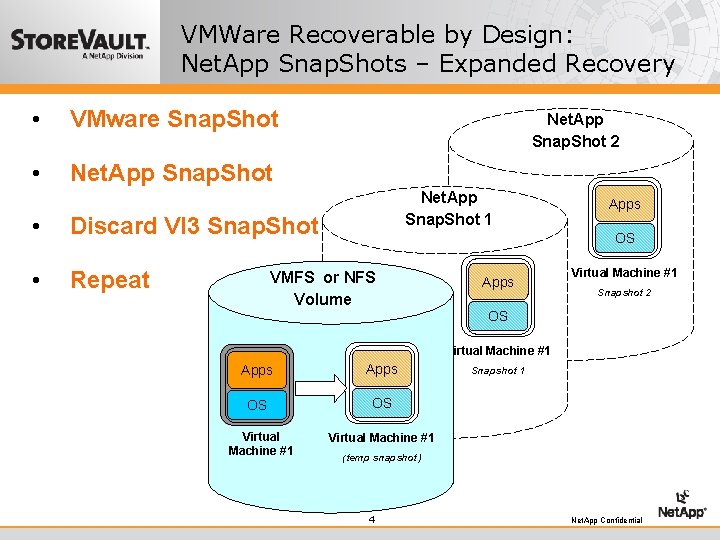
VMWare Recoverable by Design: Net. App Snap. Shots – Expanded Recovery • VMware Snap. Shot • Net. App Snap. Shot • Discard VI 3 Snap. Shot • Repeat Net. App Snap. Shot 2 Net. App Snap. Shot 1 Apps OS VMFS or NFS Volume Apps Virtual Machine #1 Snapshot 2 OS Virtual Machine #1 Apps OS OS Virtual Machine #1 Snapshot 1 Virtual Machine #1 (temp snapshot) 4 Net. App Confidential
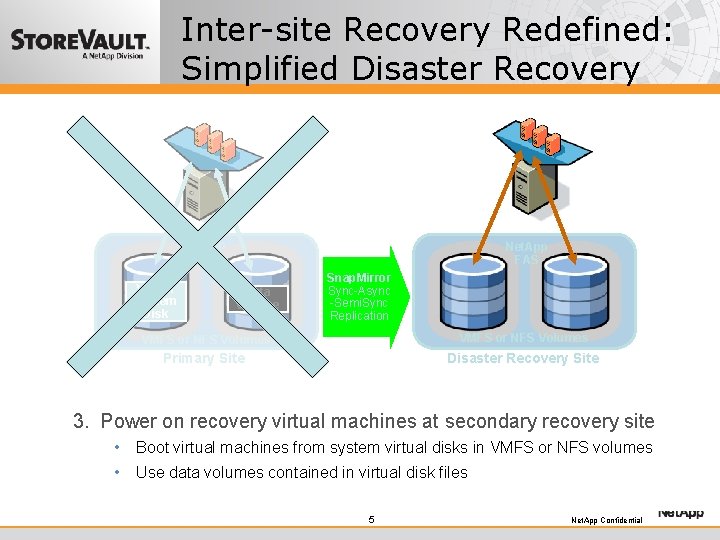
Inter-site Recovery Redefined: Simplified Disaster Recovery Net. App FAS Virtual System Disk Net. App FAS Data Volume Snap. Mirror Sync-Async -Semi. Sync Replication VMFS or NFS Volumes Primary Site Disaster Recovery Site 13. VMFS or NFS volumes system and Power oncopy recovery virtual machines at containing secondary VM recovery site 2. Regularly Disaster strikes! data disks to disaster site • Boot virtual machinesrecovery from system virtual disks in VMFS or NFS volumes • • Use to replicate system anddisk datafiles volumes to secondary site. Use. Snap. Mirror data volumes contained in virtual • Import VM configuration files to prepare secondary site for recovery. 5 Net. App Confidential
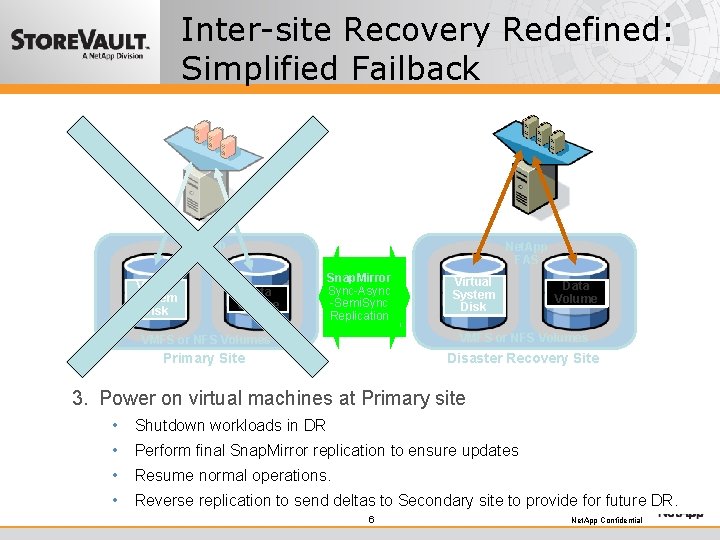
Inter-site Recovery Redefined: Simplified Failback Net. App FAS Virtual System Disk Net. App FAS Data Volume Snap. Mirror Sync-Async-Semi. Sync Replication Virtual System Disk Data Volume VMFS or NFS Volumes Primary Site Disaster Recovery Site 3. on machines at Primary 1. 2. Power Repair Resynchronize thevirtual Primary data site changes following from disaster. DRsite back to Primary Site. • Shutdown workloads in DR system and data volumes to Primary Site. Use Snap. Mirror to replicate • Perform replication to ensure updates Schedulefinal and. Snap. Mirror plan failback of workloads • Resume normal operations. • Reverse replication to send deltas to Secondary site to provide for future DR. 6 Net. App Confidential
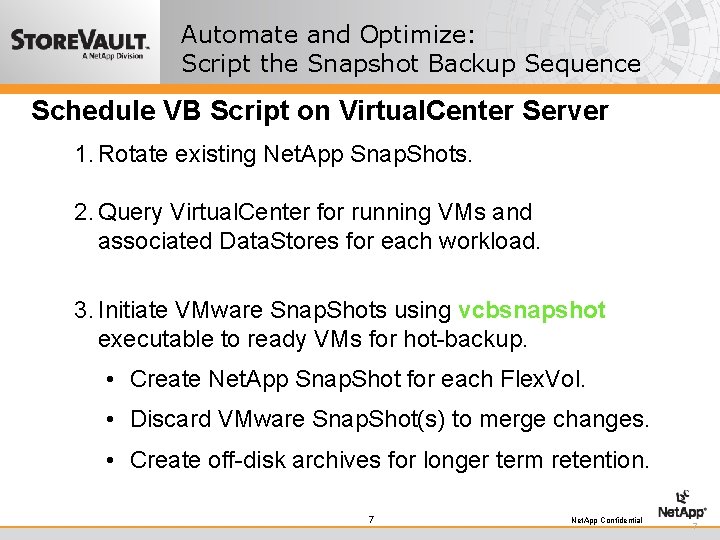
Automate and Optimize: Script the Snapshot Backup Sequence Schedule VB Script on Virtual. Center Server 1. Rotate existing Net. App Snap. Shots. 2. Query Virtual. Center for running VMs and associated Data. Stores for each workload. 3. Initiate VMware Snap. Shots using vcbsnapshot executable to ready VMs for hot-backup. • Create Net. App Snap. Shot for each Flex. Vol. • Discard VMware Snap. Shot(s) to merge changes. • Create off-disk archives for longer term retention. 7 Net. App Confidential 7
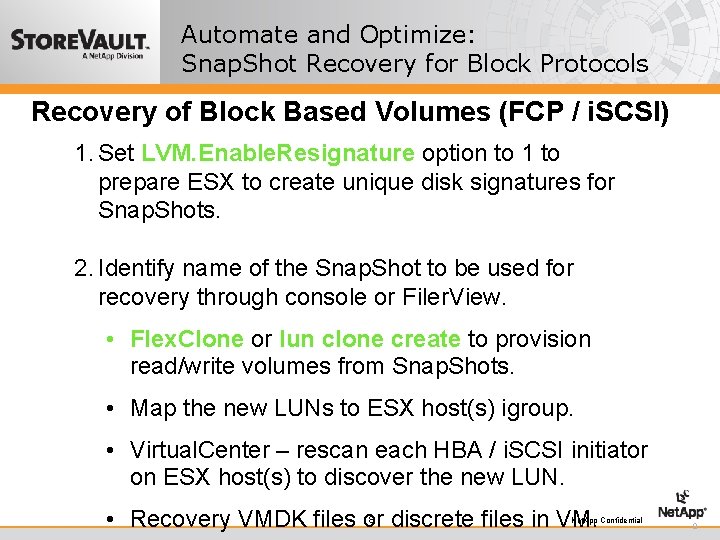
Automate and Optimize: Snap. Shot Recovery for Block Protocols Recovery of Block Based Volumes (FCP / i. SCSI) 1. Set LVM. Enable. Resignature option to 1 to prepare ESX to create unique disk signatures for Snap. Shots. 2. Identify name of the Snap. Shot to be used for recovery through console or Filer. View. • Flex. Clone or lun clone create to provision read/write volumes from Snap. Shots. • Map the new LUNs to ESX host(s) igroup. • Virtual. Center – rescan each HBA / i. SCSI initiator on ESX host(s) to discover the new LUN. 8 • Recovery VMDK files or discrete files in VM. Net. App Confidential 8
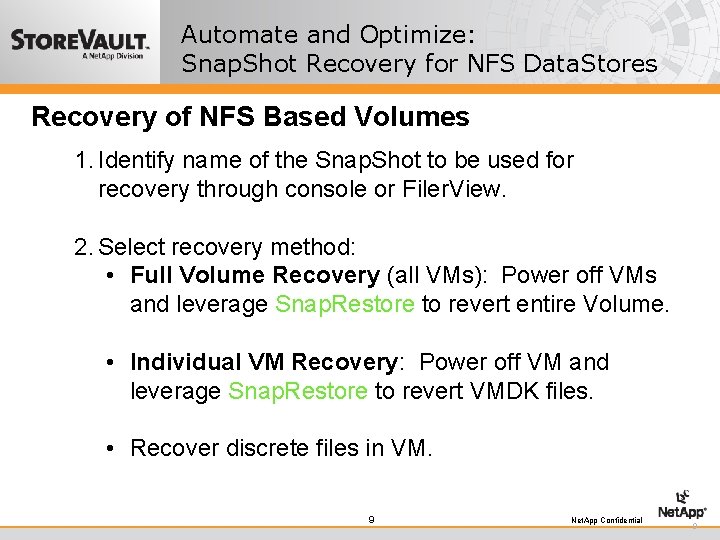
Automate and Optimize: Snap. Shot Recovery for NFS Data. Stores Recovery of NFS Based Volumes 1. Identify name of the Snap. Shot to be used for recovery through console or Filer. View. 2. Select recovery method: • Full Volume Recovery (all VMs): Power off VMs and leverage Snap. Restore to revert entire Volume. • Individual VM Recovery: Power off VM and leverage Snap. Restore to revert VMDK files. • Recover discrete files in VM. 9 Net. App Confidential 9
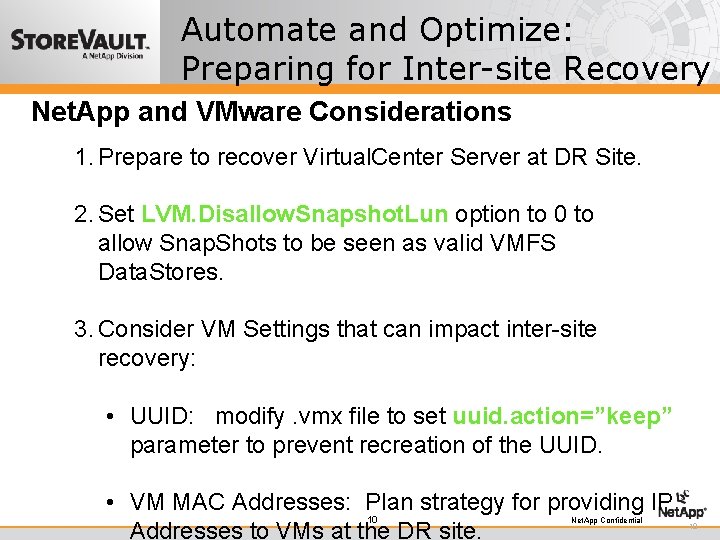
Automate and Optimize: Preparing for Inter-site Recovery Net. App and VMware Considerations 1. Prepare to recover Virtual. Center Server at DR Site. 2. Set LVM. Disallow. Snapshot. Lun option to 0 to allow Snap. Shots to be seen as valid VMFS Data. Stores. 3. Consider VM Settings that can impact inter-site recovery: • UUID: modify. vmx file to set uuid. action=”keep” parameter to prevent recreation of the UUID. • VM MAC Addresses: Plan strategy for providing IP 10 Addresses to VMs at the DR site. Net. App Confidential 10
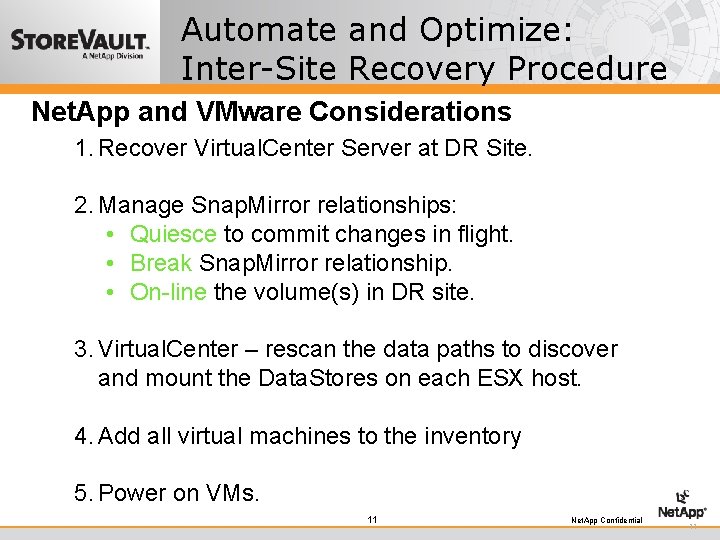
Automate and Optimize: Inter-Site Recovery Procedure Net. App and VMware Considerations 1. Recover Virtual. Center Server at DR Site. 2. Manage Snap. Mirror relationships: • Quiesce to commit changes in flight. • Break Snap. Mirror relationship. • On-line the volume(s) in DR site. 3. Virtual. Center – rescan the data paths to discover and mount the Data. Stores on each ESX host. 4. Add all virtual machines to the inventory 5. Power on VMs. 11 Net. App Confidential 11
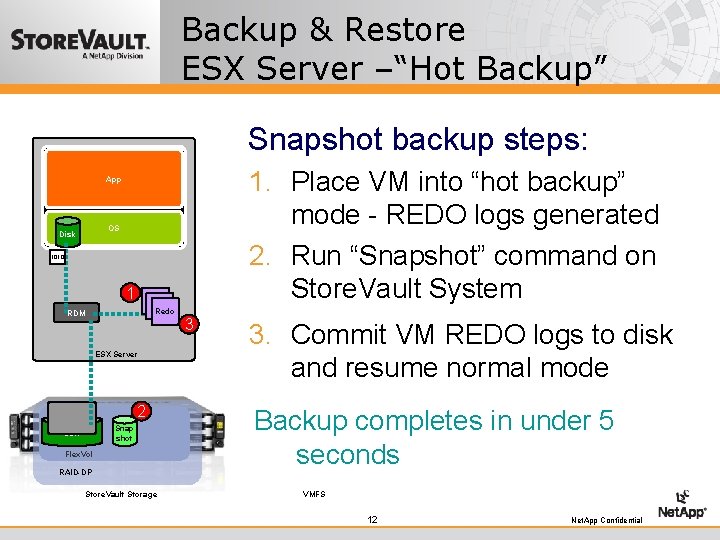
Backup & Restore ESX Server –“Hot Backup” Snapshot backup steps: 1. Place VM into “hot backup” mode - REDO logs generated 2. Run “Snapshot” command on Store. Vault System App OS Disk 1010 1 Redo RDM ESX Server 2 Snap shot LUN Flex. Vol RAID-DP Store. Vault Storage 3 3. Commit VM REDO logs to disk and resume normal mode Backup completes in under 5 seconds VMFS 12 Net. App Confidential
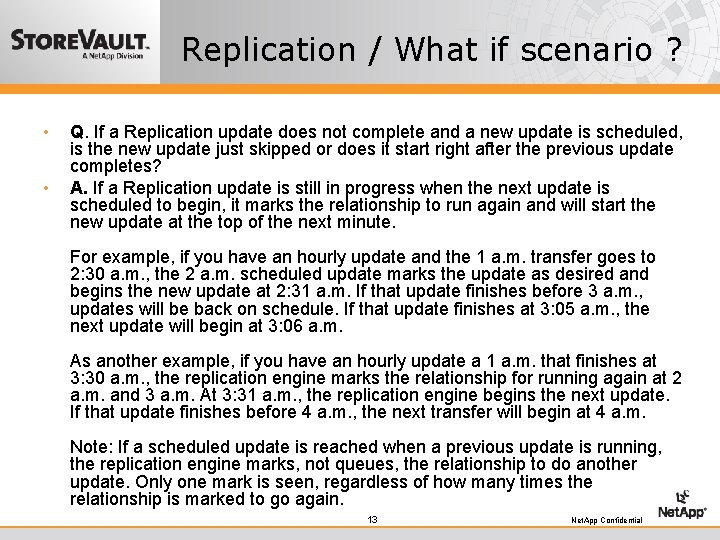
Replication / What if scenario ? • • Q. If a Replication update does not complete and a new update is scheduled, is the new update just skipped or does it start right after the previous update completes? A. If a Replication update is still in progress when the next update is scheduled to begin, it marks the relationship to run again and will start the new update at the top of the next minute. For example, if you have an hourly update and the 1 a. m. transfer goes to 2: 30 a. m. , the 2 a. m. scheduled update marks the update as desired and begins the new update at 2: 31 a. m. If that update finishes before 3 a. m. , updates will be back on schedule. If that update finishes at 3: 05 a. m. , the next update will begin at 3: 06 a. m. As another example, if you have an hourly update a 1 a. m. that finishes at 3: 30 a. m. , the replication engine marks the relationship for running again at 2 a. m. and 3 a. m. At 3: 31 a. m. , the replication engine begins the next update. If that update finishes before 4 a. m. , the next transfer will begin at 4 a. m. Note: If a scheduled update is reached when a previous update is running, the replication engine marks, not queues, the relationship to do another update. Only one mark is seen, regardless of how many times the relationship is marked to go again. 13 Net. App Confidential
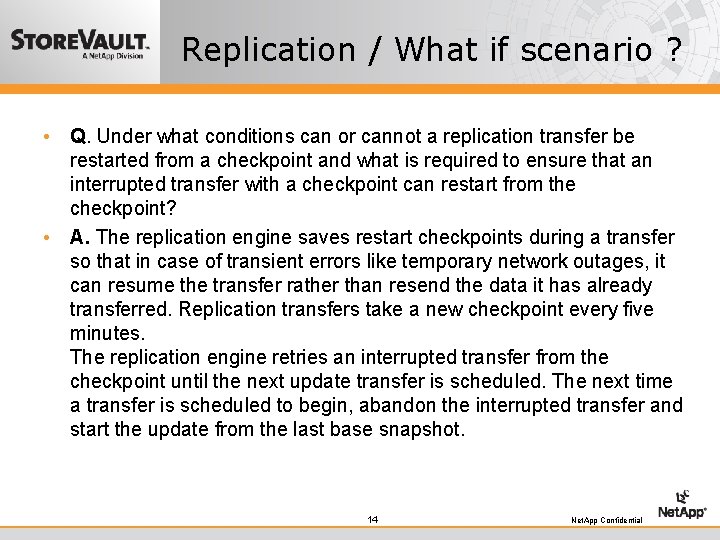
Replication / What if scenario ? • Q. Under what conditions can or cannot a replication transfer be restarted from a checkpoint and what is required to ensure that an interrupted transfer with a checkpoint can restart from the checkpoint? • A. The replication engine saves restart checkpoints during a transfer so that in case of transient errors like temporary network outages, it can resume the transfer rather than resend the data it has already transferred. Replication transfers take a new checkpoint every five minutes. The replication engine retries an interrupted transfer from the checkpoint until the next update transfer is scheduled. The next time a transfer is scheduled to begin, abandon the interrupted transfer and start the update from the last base snapshot. 14 Net. App Confidential
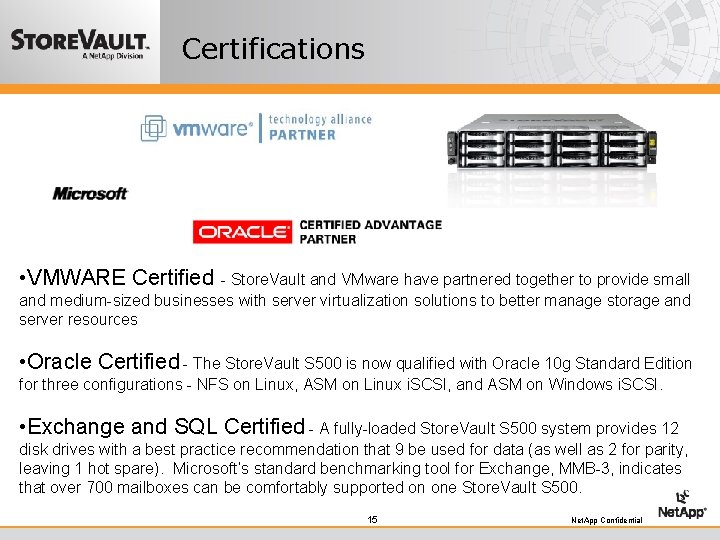
Certifications • VMWARE Certified - Store. Vault and VMware have partnered together to provide small and medium-sized businesses with server virtualization solutions to better manage storage and server resources • Oracle Certified - The Store. Vault S 500 is now qualified with Oracle 10 g Standard Edition for three configurations - NFS on Linux, ASM on Linux i. SCSI, and ASM on Windows i. SCSI. • Exchange and SQL Certified - A fully-loaded Store. Vault S 500 system provides 12 disk drives with a best practice recommendation that 9 be used for data (as well as 2 for parity, leaving 1 hot spare). Microsoft’s standard benchmarking tool for Exchange, MMB-3, indicates that over 700 mailboxes can be comfortably supported on one Store. Vault S 500. 15 Net. App Confidential
Automate and Optimize: The Future of VMware / Net. App Recovery • Net. App Snap. Manager for VMware: This tool will eliminate the majority of the scripting required to coordinate VMware and Net. App Snapshots. • VMware Site Recovery Manager: This integration tool will allow for automation of failover and failback for virtual workloads between sites using VMware and Net. App technologies. 16 Net. App Confidential 16
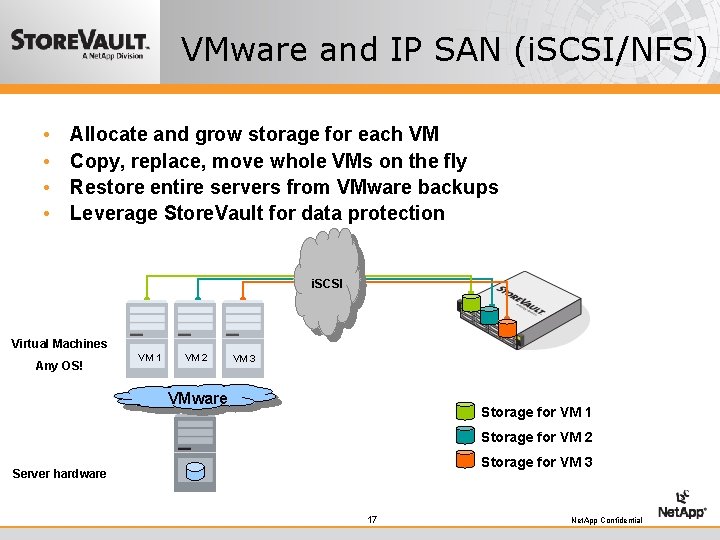
VMware and IP SAN (i. SCSI/NFS) • • Allocate and grow storage for each VM Copy, replace, move whole VMs on the fly Restore entire servers from VMware backups Leverage Store. Vault for data protection i. SCSI Virtual Machines Any OS! VM 1 VM 2 VM 3 VMware Storage for VM 1 Storage for VM 2 Storage for VM 3 Server hardware 17 Net. App Confidential
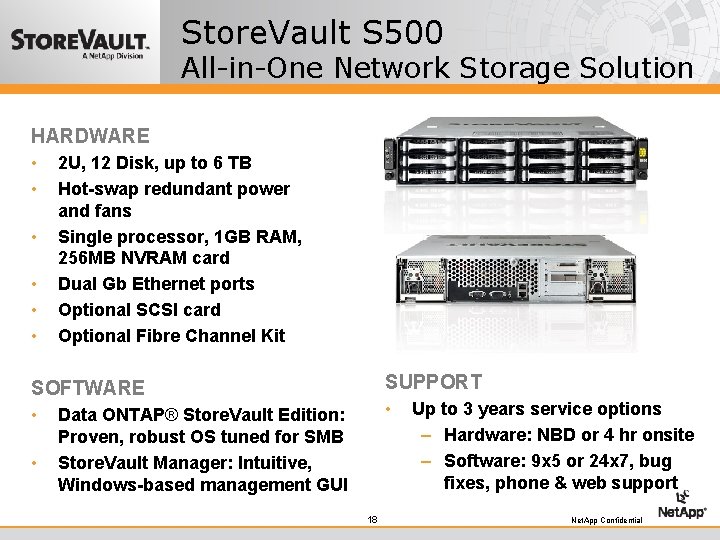
Store. Vault S 500 All-in-One Network Storage Solution HARDWARE • • • 2 U, 12 Disk, up to 6 TB Hot-swap redundant power and fans Single processor, 1 GB RAM, 256 MB NVRAM card Dual Gb Ethernet ports Optional SCSI card Optional Fibre Channel Kit SUPPORT SOFTWARE • • • Data ONTAP® Store. Vault Edition: Proven, robust OS tuned for SMB Store. Vault Manager: Intuitive, Windows-based management GUI 18 Up to 3 years service options – Hardware: NBD or 4 hr onsite – Software: 9 x 5 or 24 x 7, bug fixes, phone & web support Net. App Confidential
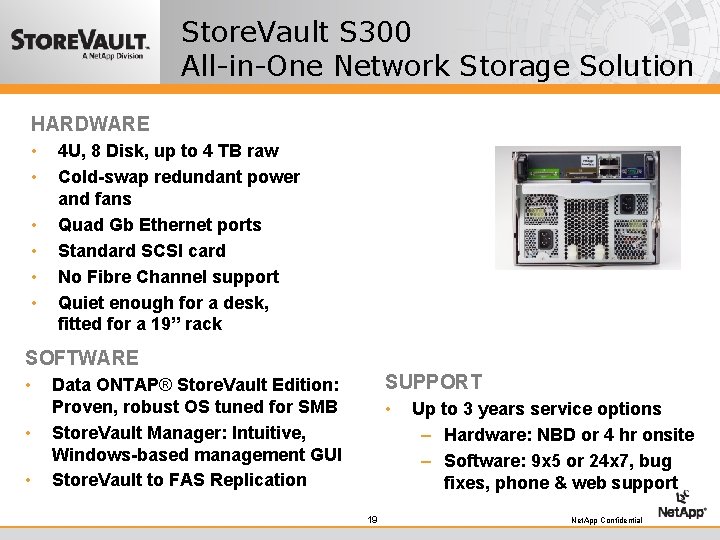
Store. Vault S 300 All-in-One Network Storage Solution HARDWARE • • • 4 U, 8 Disk, up to 4 TB raw Cold-swap redundant power and fans Quad Gb Ethernet ports Standard SCSI card No Fibre Channel support Quiet enough for a desk, fitted for a 19” rack SOFTWARE • • • SUPPORT Data ONTAP® Store. Vault Edition: Proven, robust OS tuned for SMB Store. Vault Manager: Intuitive, Windows-based management GUI Store. Vault to FAS Replication • 19 Up to 3 years service options – Hardware: NBD or 4 hr onsite – Software: 9 x 5 or 24 x 7, bug fixes, phone & web support Net. App Confidential
3330 Cumberland Blvd. Suite 500 Atlanta, GA 3039 770 -933 -6912 20 Net. App Confidential