
VMWare Disaster Recovery and Offsite Replication An Open
- Slides: 14
VMWare: Disaster Recovery and Offsite Replication An Open Source approach to replication and recovery.
Current Challenges: �Miniscule IT Budgets. �Backup Tapes don’t meet capacity needs or are costly. �Most RAIDs don’t protect from certain data loss. �Quick recovery of virtual disks and OS. �Stuck with same vendor for offsite storage.
Vendor Specific Solutions �Costly; upwards of $60, 000 for infrastructure. �Offers features only available to like systems. �Choose Two out of Three: Fast, Reliable, Cheap. �Yearly support costs can damper most IT budgets. �Typical useable storage capacity: 2. 8 TB with a single shelf, the rest for snapshots and filesystem overhead.
An Open Source Solution �Open Solaris with ZFS and iscsitarget software. �Relatively inexpensive compared to 3 rd party vendors �Can mix and match hardware. �ZFS: Virtually unlimited capacity! �Technical creativity when building scripts.
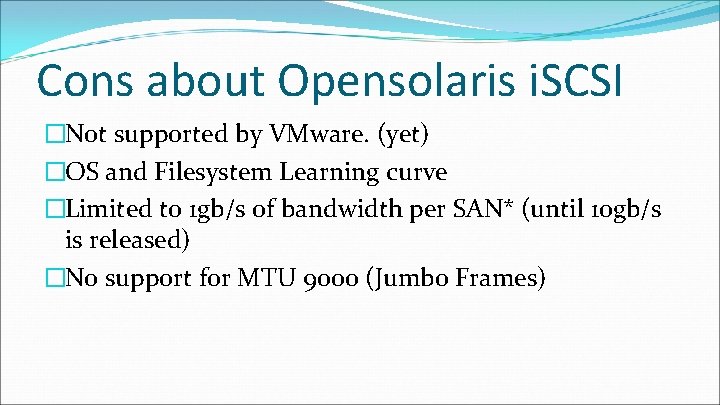
Cons about Opensolaris i. SCSI �Not supported by VMware. (yet) �OS and Filesystem Learning curve �Limited to 1 gb/s of bandwidth per SAN* (until 10 gb/s is released) �No support for MTU 9000 (Jumbo Frames)
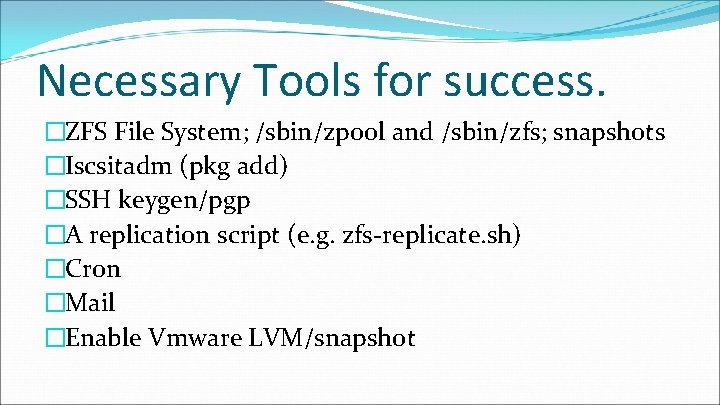
Necessary Tools for success. �ZFS File System; /sbin/zpool and /sbin/zfs; snapshots �Iscsitadm (pkg add) �SSH keygen/pgp �A replication script (e. g. zfs-replicate. sh) �Cron �Mail �Enable Vmware LVM/snapshot
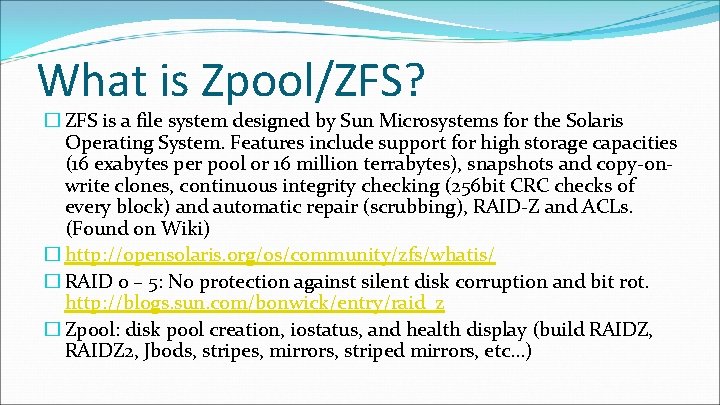
What is Zpool/ZFS? � ZFS is a file system designed by Sun Microsystems for the Solaris Operating System. Features include support for high storage capacities (16 exabytes per pool or 16 million terrabytes), snapshots and copy-onwrite clones, continuous integrity checking (256 bit CRC checks of every block) and automatic repair (scrubbing), RAID-Z and ACLs. (Found on Wiki) � http: //opensolaris. org/os/community/zfs/whatis/ � RAID 0 – 5: No protection against silent disk corruption and bit rot. http: //blogs. sun. com/bonwick/entry/raid_z � Zpool: disk pool creation, iostatus, and health display (build RAIDZ, RAIDZ 2, Jbods, stripes, mirrors, striped mirrors, etc…)
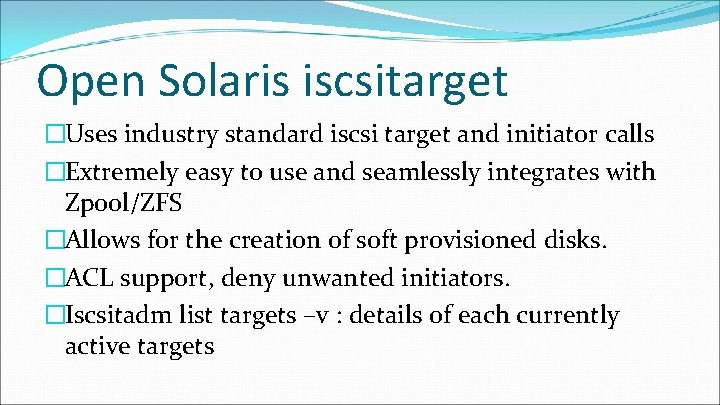
Open Solaris iscsitarget �Uses industry standard iscsi target and initiator calls �Extremely easy to use and seamlessly integrates with Zpool/ZFS �Allows for the creation of soft provisioned disks. �ACL support, deny unwanted initiators. �Iscsitadm list targets –v : details of each currently active targets
Replication Script; Mail; Cron �Many available on the internet �Modified a script from the web (author unknown) to work according to my requirements. Still in progress but works. (zfs-replicate. sh) �Use Cron to execute zfs-replicate on a schedule. �Mail the results to your disk admins.
Vmware Enterprise �Configure VMWare for i. SCSI support �Add targets to Vmware host adapters. �Enable LVM snapshot support: GUI far more simpler than console.
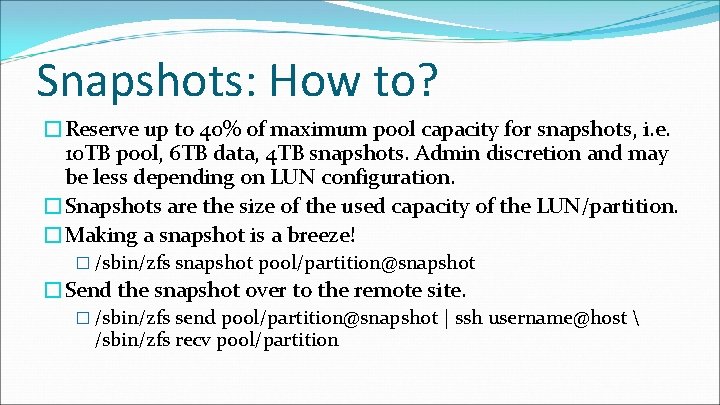
Snapshots: How to? �Reserve up to 40% of maximum pool capacity for snapshots, i. e. 10 TB pool, 6 TB data, 4 TB snapshots. Admin discretion and may be less depending on LUN configuration. �Snapshots are the size of the used capacity of the LUN/partition. �Making a snapshot is a breeze! � /sbin/zfs snapshot pool/partition@snapshot �Send the snapshot over to the remote site. � /sbin/zfs send pool/partition@snapshot | ssh username@host /sbin/zfs recv pool/partition
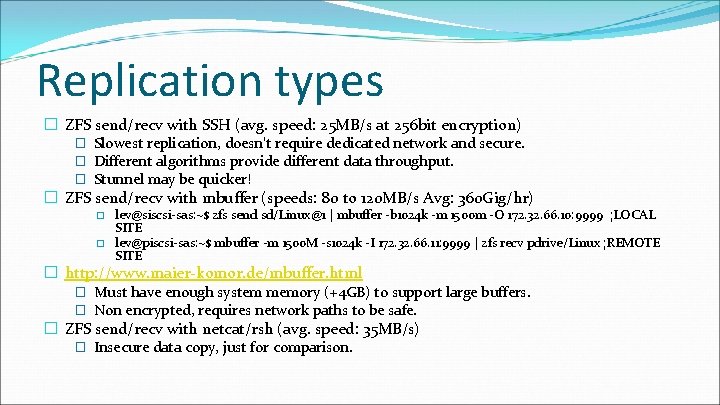
Replication types � ZFS send/recv with SSH (avg. speed: 25 MB/s at 256 bit encryption) � Slowest replication, doesn’t require dedicated network and secure. � Different algorithms provide different data throughput. � Stunnel may be quicker! � ZFS send/recv with mbuffer (speeds: 80 to 120 MB/s Avg: 360 Gig/hr) � � lev@siscsi-sas: ~$ zfs send sd/Linux@1 | mbuffer -b 1024 k -m 1500 m -O 172. 32. 66. 10: 9999 ; LOCAL SITE lev@piscsi-sas: ~$ mbuffer -m 1500 M -s 1024 k -I 172. 32. 66. 11: 9999 | zfs recv pdrive/Linux ; REMOTE SITE � http: //www. maier-komor. de/mbuffer. html � Must have enough system memory (+4 GB) to support large buffers. � Non encrypted, requires network paths to be safe. � ZFS send/recv with netcat/rsh (avg. speed: 35 MB/s) � Insecure data copy, just for comparison.
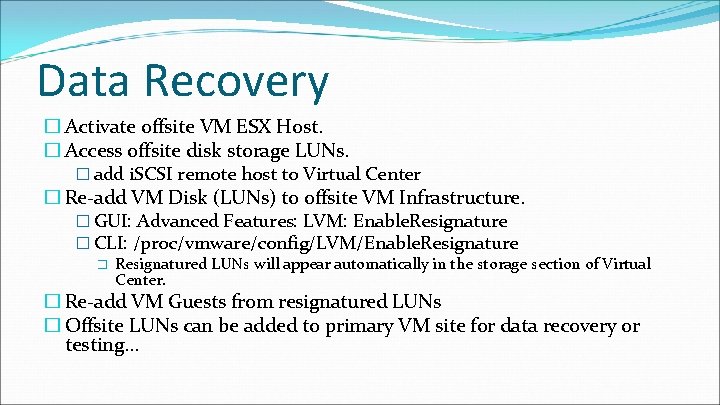
Data Recovery � Activate offsite VM ESX Host. � Access offsite disk storage LUNs. � add i. SCSI remote host to Virtual Center � Re-add VM Disk (LUNs) to offsite VM Infrastructure. � GUI: Advanced Features: LVM: Enable. Resignature � CLI: /proc/vmware/config/LVM/Enable. Resignature � Resignatured LUNs will appear automatically in the storage section of Virtual Center. � Re-add VM Guests from resignatured LUNs � Offsite LUNs can be added to primary VM site for data recovery or testing. . .
Questions? Tano Simonian Email: tanniel@ucla. edu (ofc) 310 794 9669