
VLANs Securing Your Guest Network and Other Helpful










- Slides: 39
VLANs: Securing Your Guest Network and Other Helpful VLAN Tips Jared Edwards Ryan Harter Director Technical Sales Training Technical Sales & Training
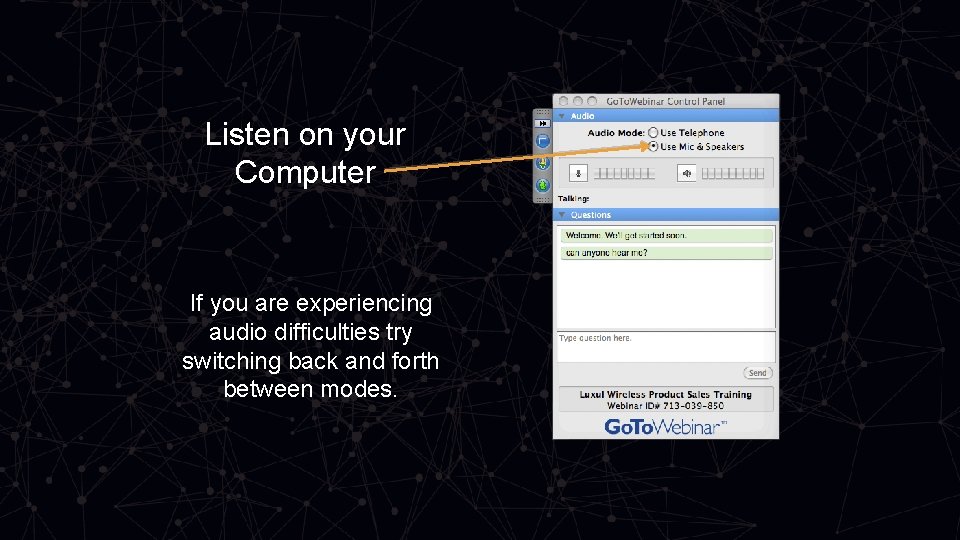
Listen on your Computer If you are experiencing audio difficulties try switching back and forth between modes.
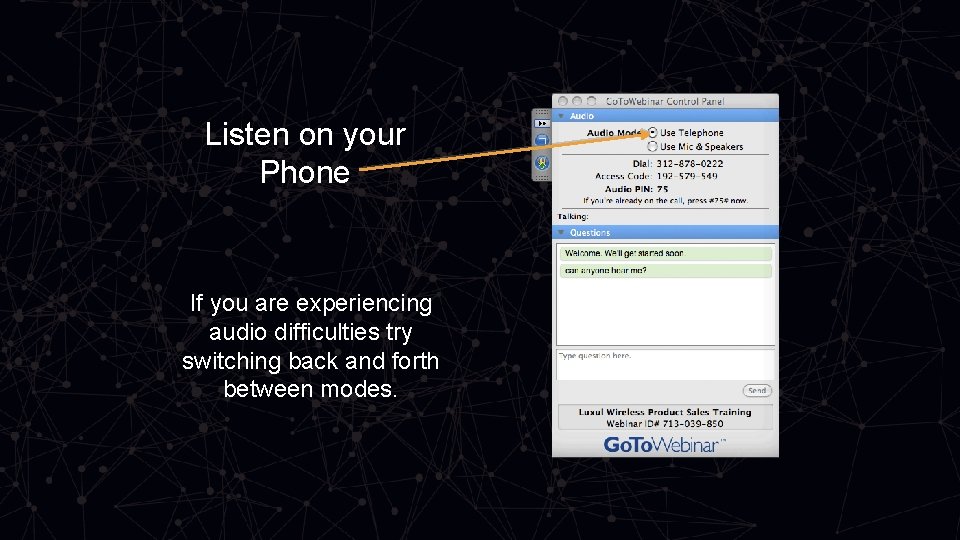
Listen on your Phone If you are experiencing audio difficulties try switching back and forth between modes.
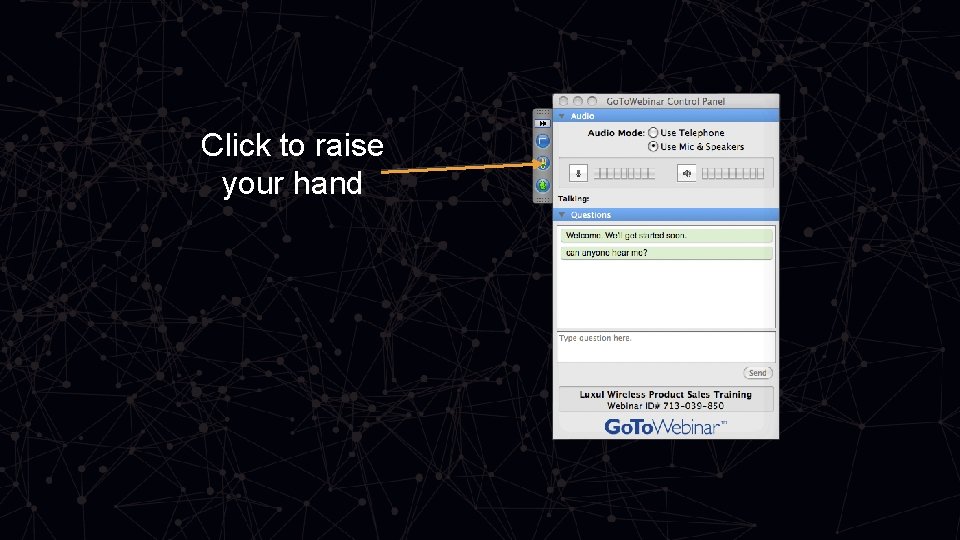
Click to raise your hand
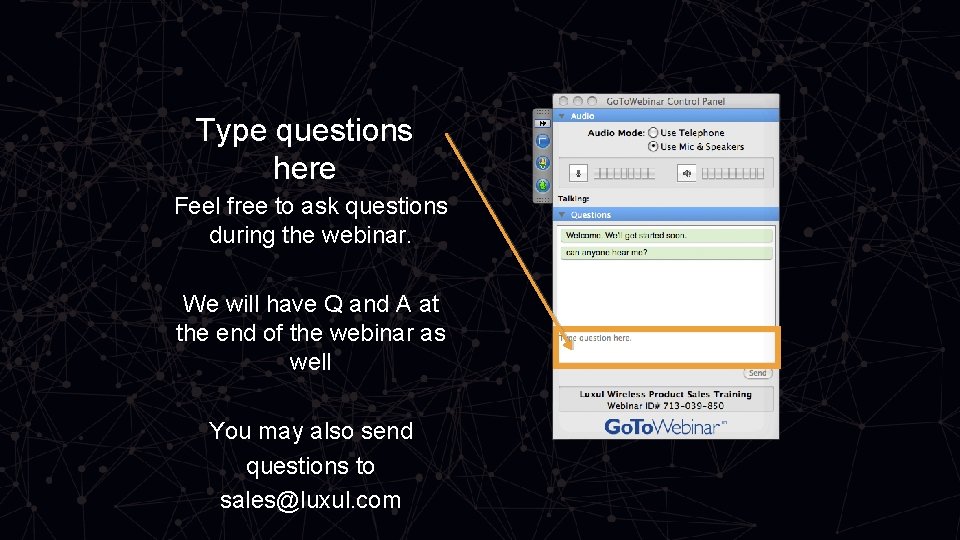
Type questions here Feel free to ask questions during the webinar. We will have Q and A at the end of the webinar as well You may also send questions to sales@luxul. com
Agenda • What is an 802. 1 Q VLAN? • Why and When To Use VLANs • How VLANs Work • What VLANs Will & Wont Allow • VLAN Tips • VLAN Examples
802. 1 Q VLANs
What Is A VLAN? • Virtual Local Area Network • A virtual LAN (VLAN) is any broadcast domain (subnet) that is partitioned and isolated in a computer network. • VLANs work by applying tags to network packets and handling these tags in networking systems - creating the appearance and functionality of network traffic that is physically on a single network but acts as if it is split between separate networks. In this way, VLANs can keep network applications separate despite being connected to the same physical network, and without requiring multiple sets of cabling and networking devices to be deployed. • VLANs build fences between devices and the flow of data. A “gate” can sometimes be put in the fence to allow certain devices to talk to each other.
Why and When To Use A VLAN • To increase security • Secure guest network • To separate or isolate network traffic • To control the amount of data traffic on a subnet • Camera surveillance systems • To meet compliance with Point of Sale systems • Credit Card machines • Specific Application – Just Add Power AV over IP
How VLANs Work
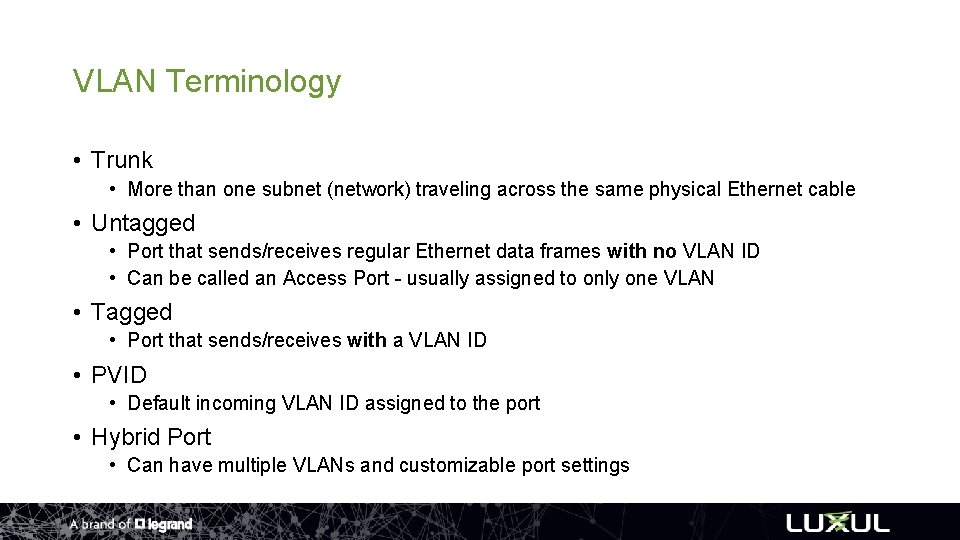
VLAN Terminology • Trunk • More than one subnet (network) traveling across the same physical Ethernet cable • Untagged • Port that sends/receives regular Ethernet data frames with no VLAN ID • Can be called an Access Port - usually assigned to only one VLAN • Tagged • Port that sends/receives with a VLAN ID • PVID • Default incoming VLAN ID assigned to the port • Hybrid Port • Can have multiple VLANs and customizable port settings
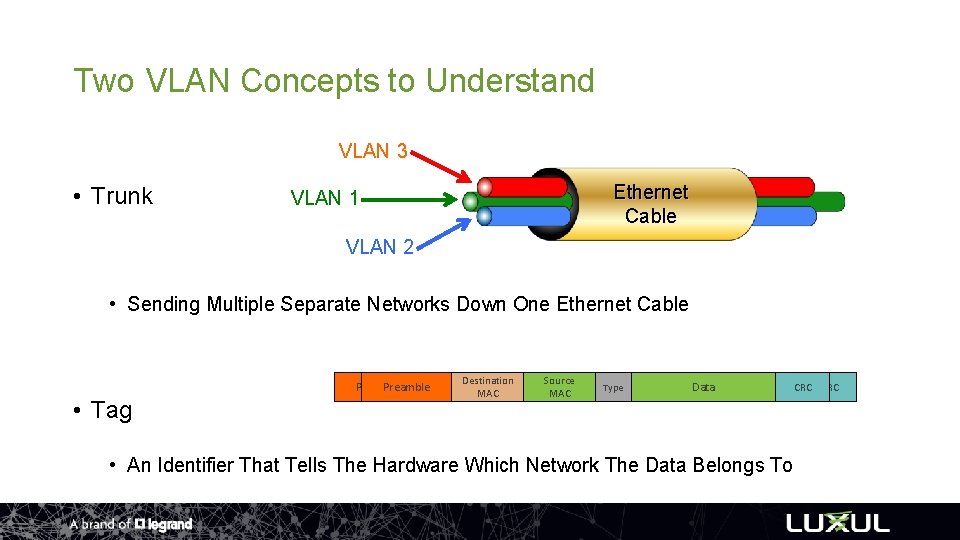
Two VLAN Concepts to Understand VLAN 3 • Trunk VLAN 1 Ethernet Cable VLAN 2 • Sending Multiple Separate Networks Down One Ethernet Cable Preamble • Tag Destination Source VLAN Type MAC MAC Tag Data • An Identifier That Tells The Hardware Which Network The Data Belongs To CRC
Trunking and Tagging • VLAN trunking and tagging generally occur within your network infrastructure: routers/switches/access points • It does not generally occur within end devices
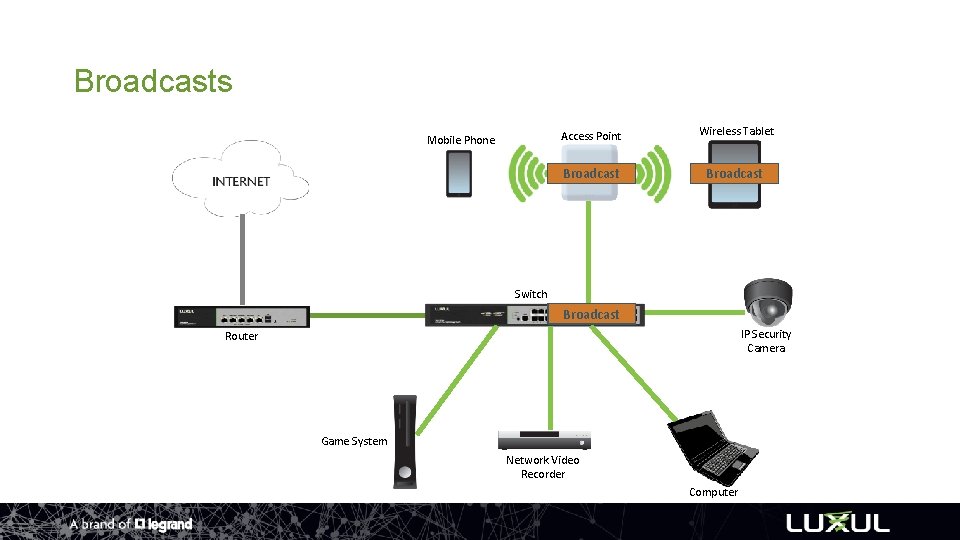
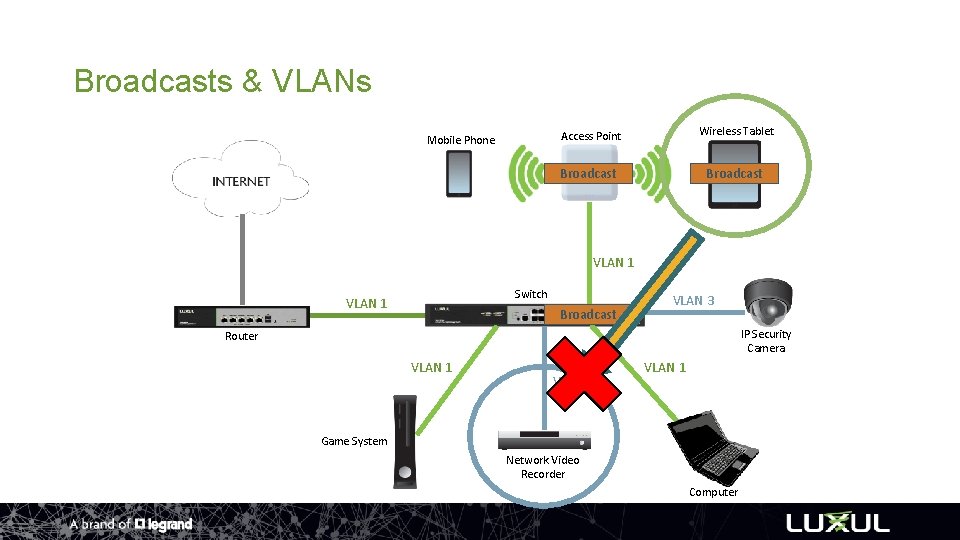
What VLANs Will And Won’t Allow • Won’t • Broadcasts - Message goes to every device on the network – each device decides “do I do something with this message, or do I do nothing with this message” • Examples include Airplay and Auto Discovery • Stay within their subnet • Will • Direct IP Routing • Example – Surveillance Network
How VLAN Tagging Works
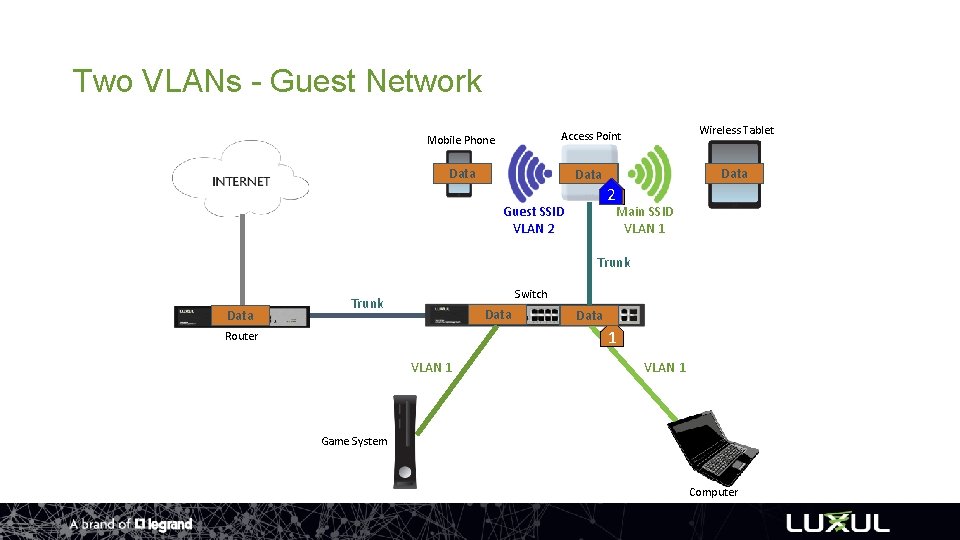
Two VLANs - Guest Network Mobile Phone Access Point Wireless Tablet Data 21 Guest SSID VLAN 2 Main SSID VLAN 1 Trunk Data Switch Trunk Data 1 Router VLAN 1 Game System Computer
IP Address Routing Across VLANs
Broadcasts Mobile Phone Access Point Wireless Tablet Broadcast Switch Broadcast IP Security Camera Router Game System Network Video Recorder Computer
Broadcasts & VLANs Mobile Phone Access Point Wireless Tablet Broadcast VLAN 1 Switch VLAN 1 Broadcast VLAN 3 IP Security Camera Router VLAN 1 VLAN 3 VLAN 1 Game System Network Video Recorder Computer
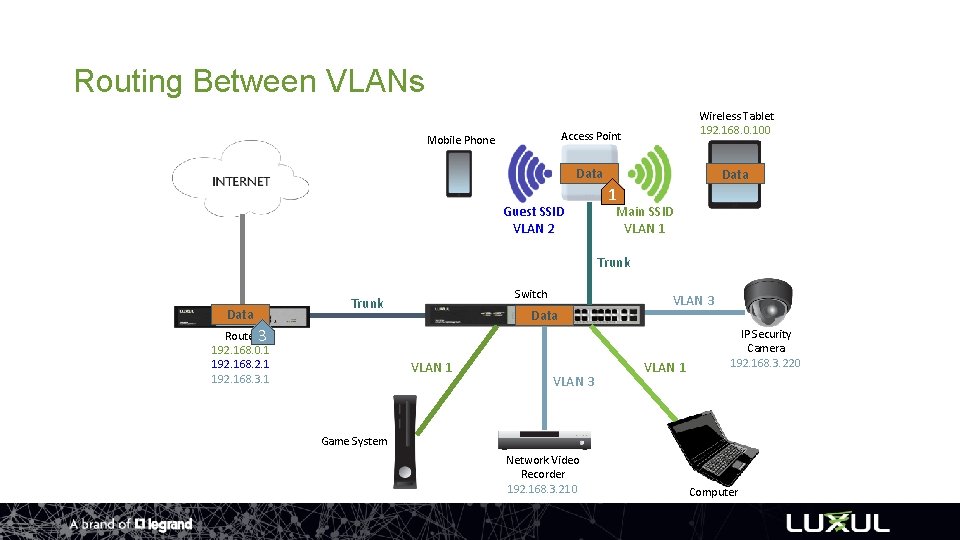
Routing Between VLANs Mobile Phone Access Point Wireless Tablet 192. 168. 0. 100 Data Guest SSID VLAN 2 1 Main SSID VLAN 1 Trunk Data Switch Trunk Router 3 192. 168. 0. 1 192. 168. 2. 1 192. 168. 3. 1 Data VLAN 1 VLAN 3 VLAN 1 IP Security Camera 192. 168. 3. 220 Game System Network Video Recorder 192. 168. 3. 210 Computer
VLAN Step by Step Setup
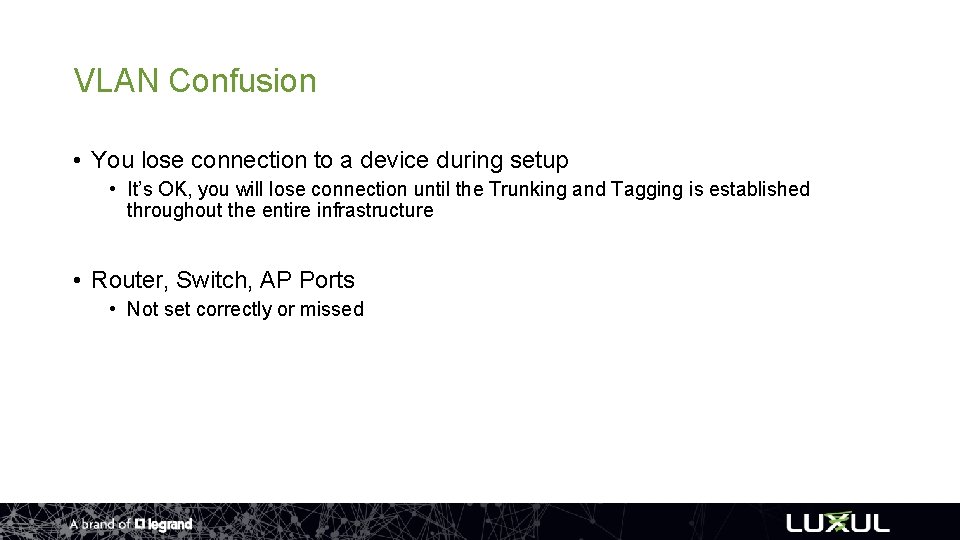
VLAN Confusion • You lose connection to a device during setup • It’s OK, you will lose connection until the Trunking and Tagging is established throughout the entire infrastructure • Router, Switch, AP Ports • Not set correctly or missed
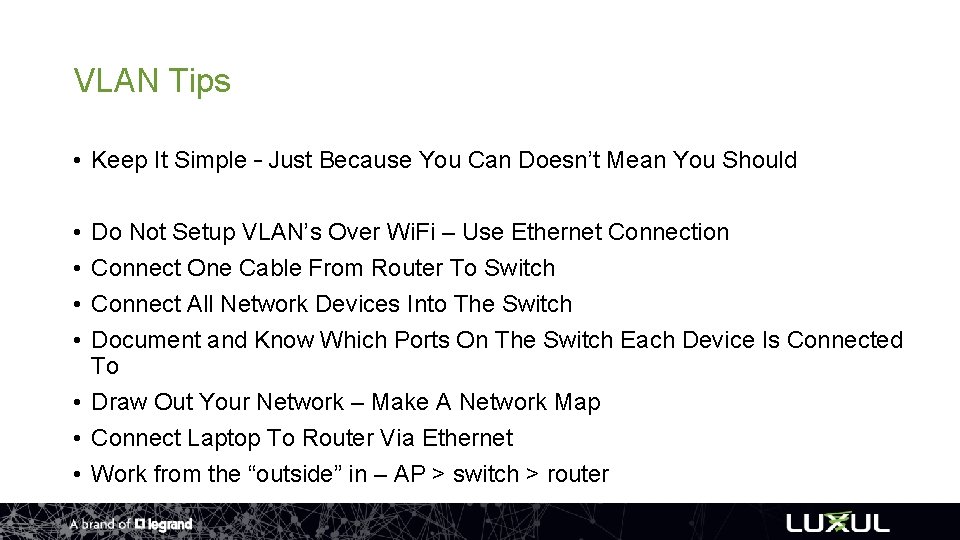
VLAN Tips • Keep It Simple – Just Because You Can Doesn’t Mean You Should • • Do Not Setup VLAN’s Over Wi. Fi – Use Ethernet Connection Connect One Cable From Router To Switch Connect All Network Devices Into The Switch Document and Know Which Ports On The Switch Each Device Is Connected To • Draw Out Your Network – Make A Network Map • Connect Laptop To Router Via Ethernet • Work from the “outside” in – AP > switch > router
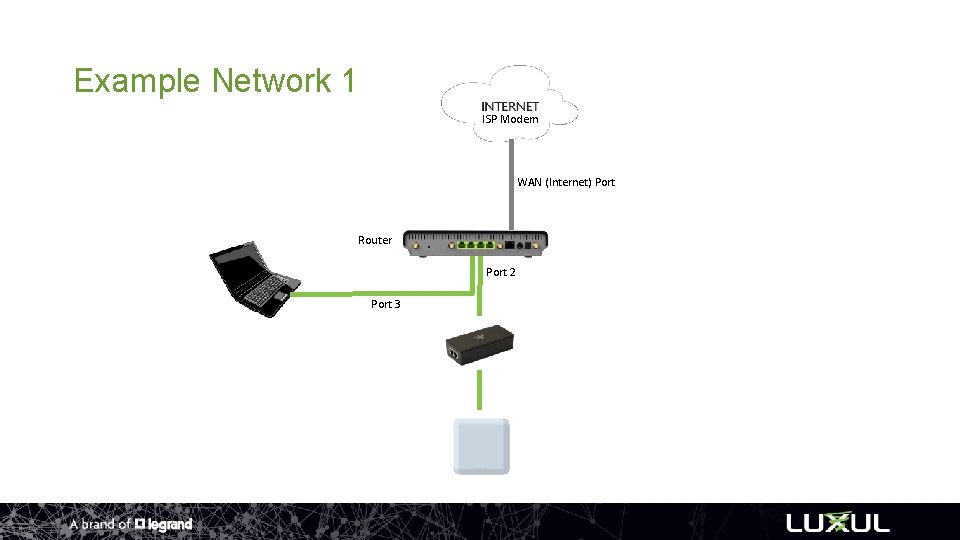
Example Network 1 ISP Modem WAN (Internet) Port Router Port 2 Port 3
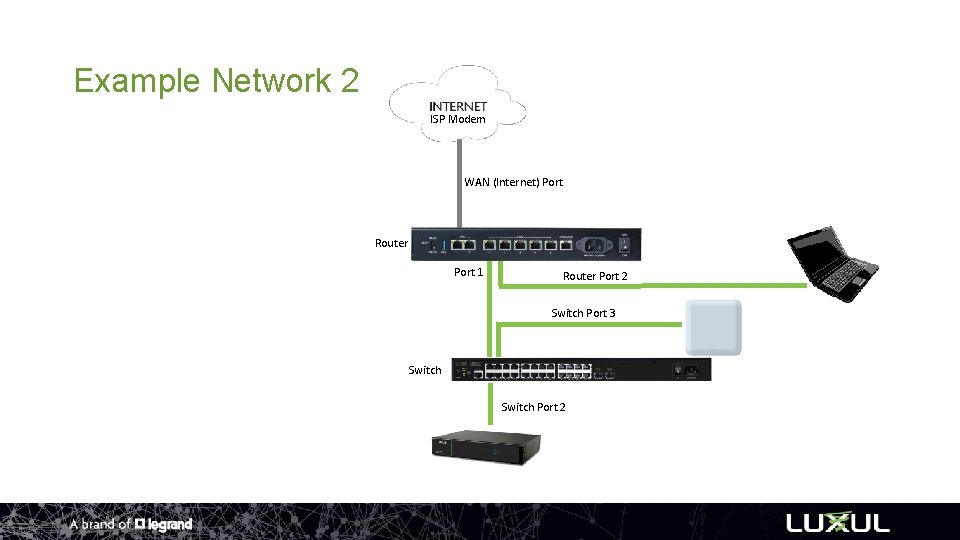
Example Network 2 ISP Modem WAN (Internet) Port Router Port 1 Router Port 2 Switch Port 3 Switch Port 2
VLAN Recommendations • 3 or 4 VLANs Max – Keep It Simple • Great for applications that just need Internet like Guest Networks, Credit Card Machines, Vo. IP • Create a Network Diagram & Document • Practice, Practice • Let us be a resource to you…call us!
Luxul Advantages
Customer Assurance Program
Customer Assurance Program • • • Not a network design guru? That’s ok, we got your back. Register and send in your plans Answer some questions Get a design from us Install and configure per the design If the design does not perform (wired or wireless) we’ll make it right by providing any additional network equipment, at no cost to you. • It’s Free! • luxul. com/assurance-program
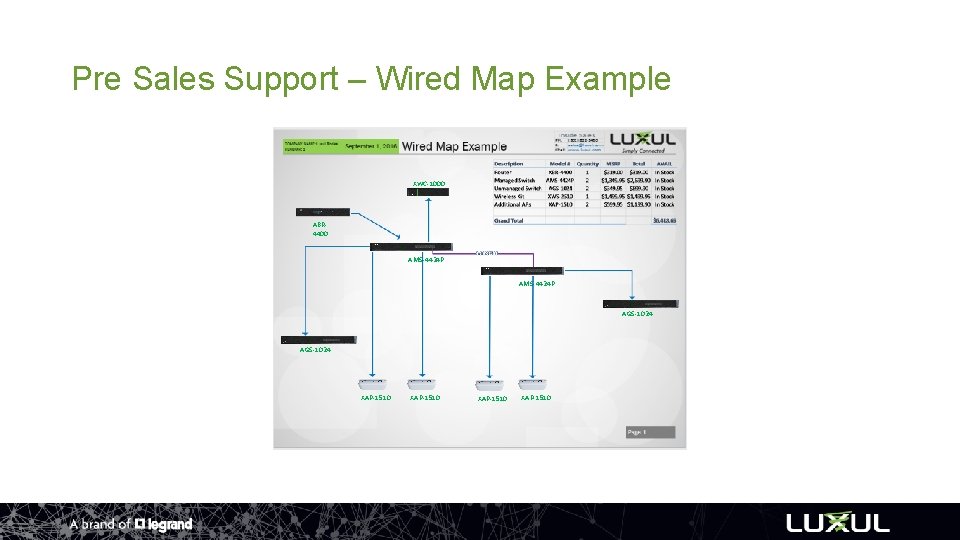
Pre Sales Support – Wired Map Example XWC-1000 ABR 4400 AMS-4424 P AGS-1024 XAP-1510
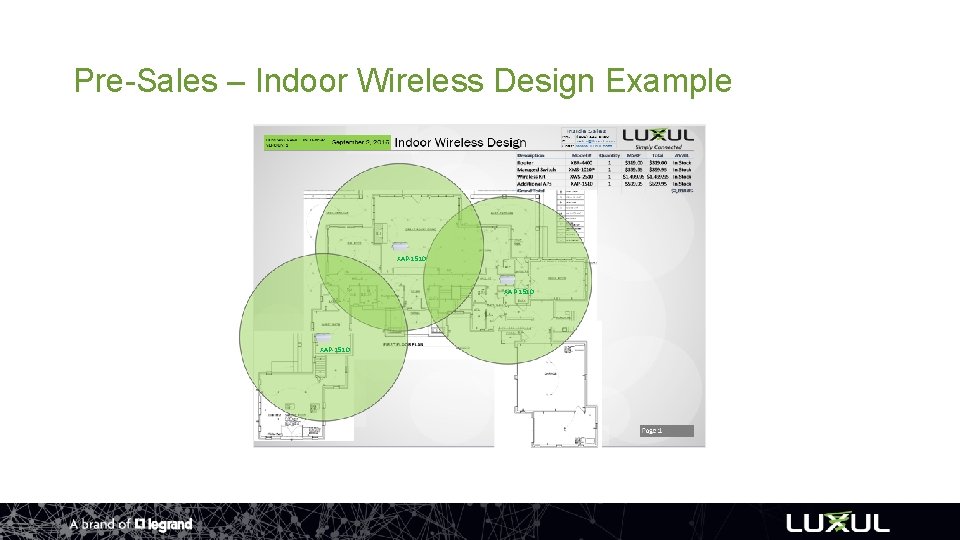
Pre-Sales – Indoor Wireless Design Example XAP-1510
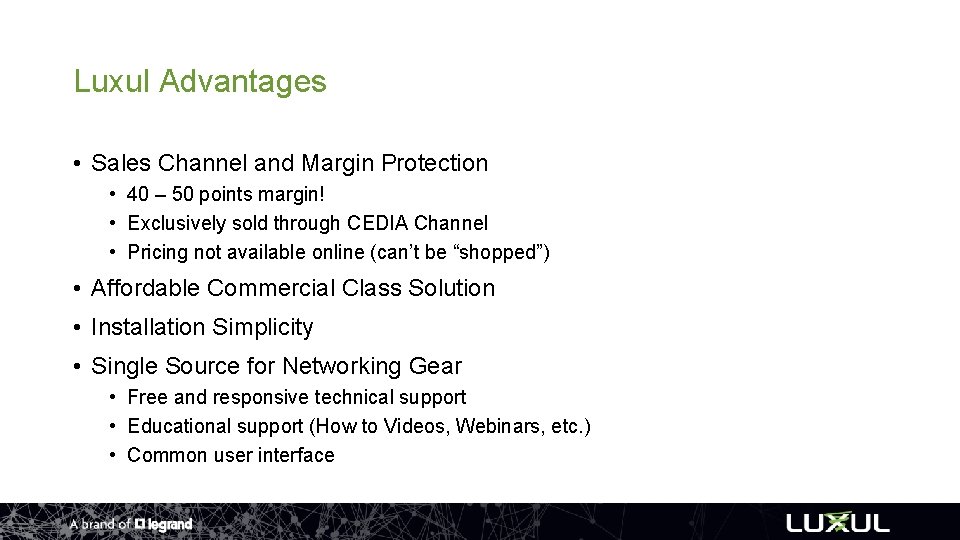
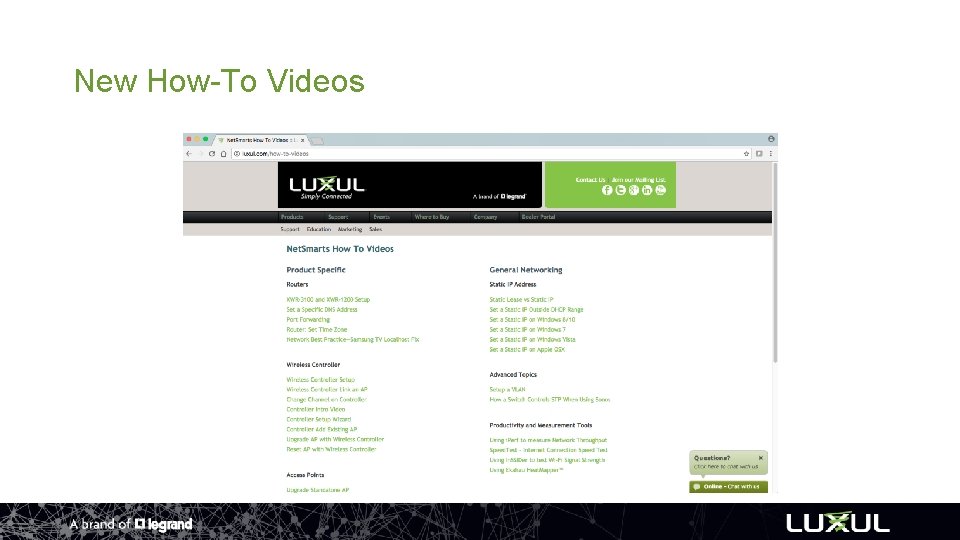
Luxul Advantages • Sales Channel and Margin Protection • 40 – 50 points margin! • Exclusively sold through CEDIA Channel • Pricing not available online (can’t be “shopped”) • Affordable Commercial Class Solution • Installation Simplicity • Single Source for Networking Gear • Free and responsive technical support • Educational support (How to Videos, Webinars, etc. ) • Common user interface
3 Year Warranty! • Includes All Products • Applicable to Products Purchased • On/After January 1 st 2015
Luxul Web Store • Accessories • • Rack Ears Power Supplies Mounting Brackets General Replacement Parts • Clearance Sales • Discontinued Product • Personal Purchase Program • Visit store. luxul. com
Personal Use Program (PUP) • • • 50% Dealer Discount Personal/Business Use Demo Product Testing or Site Surveys Only Offered Direct Visit luxul. com/personal-use Contact sales@luxul. com or Your Local Rep for More Info!
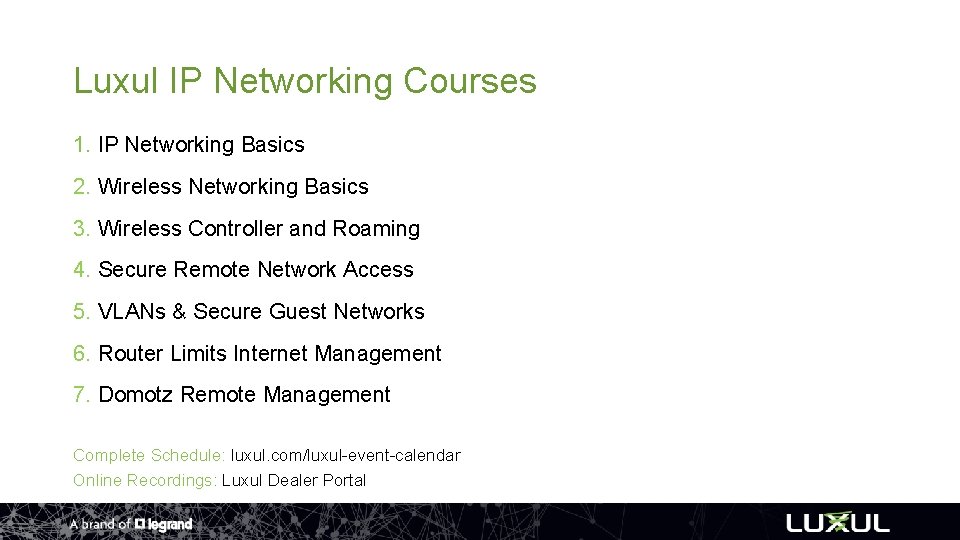
Luxul IP Networking Courses 1. IP Networking Basics 2. Wireless Networking Basics 3. Wireless Controller and Roaming 4. Secure Remote Network Access 5. VLANs & Secure Guest Networks 6. Router Limits Internet Management 7. Domotz Remote Management Complete Schedule: luxul. com/luxul-event-calendar Online Recordings: Luxul Dealer Portal
New How-To Videos
? Q and A
Thanks for Attending! Questions, System Designs, or More Information Needed? Sales sales@luxul. com 801 -822 -5450 option 1 Technical Support support@luxul. com 801 -822 -5450 option 3 Chat luxul. com Follow us on social media facebook. com/luxulcorp @luxulcorp linkedin. com/company/luxul