
Visualizing ENCODE Data in the UCSC Genome Browser
Visualizing ENCODE Data in the UCSC Genome Browser Pauline Fujita, Ph. D. UCSC Genome Bioinformatics Group
Training Resources genome@soe. ucsc. edu • Genomewiki: genomewiki. ucsc. edu • Mailing list archives: genome. ucsc. edu/FAQ/ • Training page: genome. ucsc. edu/training. html • Twitter @Genome. Browser • Tutorial videos: You. Tube channel • Open Helix: openhelix. com/ucsc
Genome Browser In A Box • • “Virtual machine” of UCSC GB Run the GB on a protected network Visualize sensitive/protected data Work offline
Outline • • • Browser Basics Tools for finding ENCODE data Annotating a BED file: RNAseq example Annotating a VCF file Track Hubs: What are they? How do I make one? • Exercises
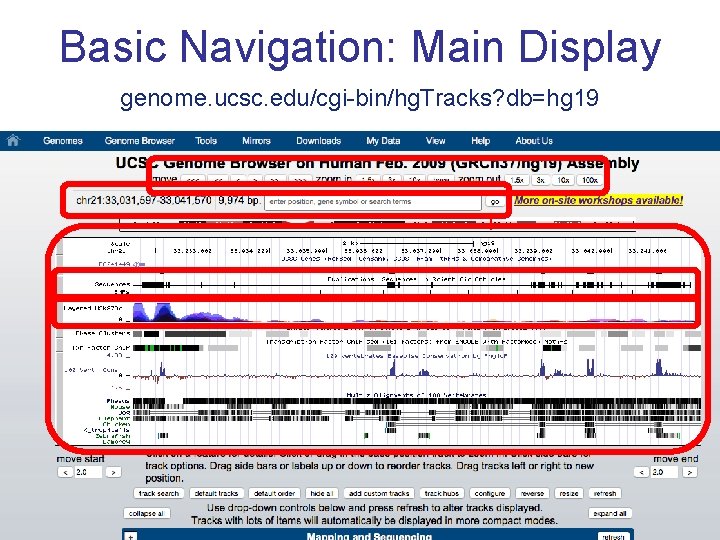
Basic Navigation: Main Display genome. ucsc. edu/cgi-bin/hg. Tracks? db=hg 19
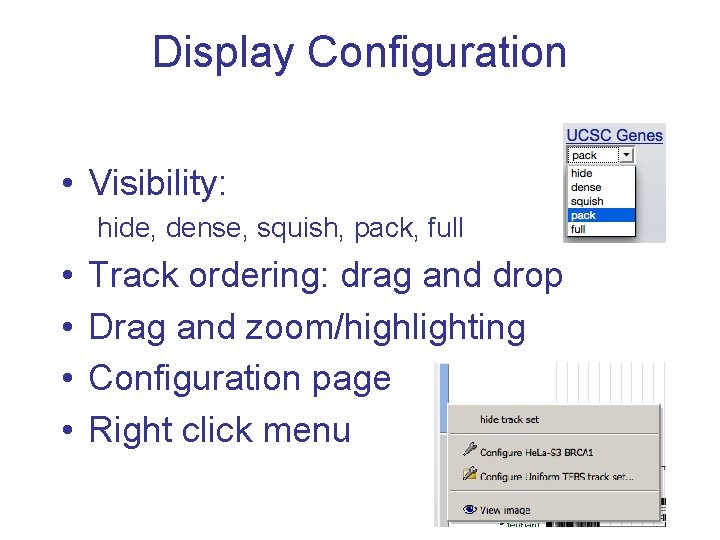
Display Configuration • Visibility: hide, dense, squish, pack, full • • Track ordering: drag and drop Drag and zoom/highlighting Configuration page Right click menu
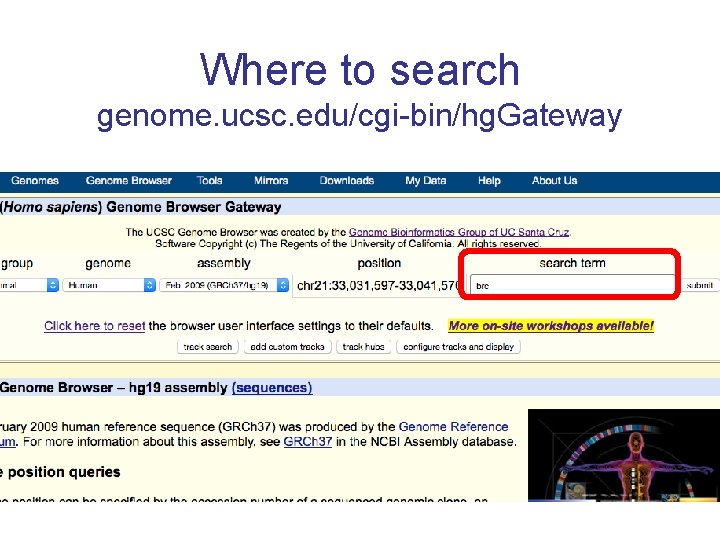
Where to search genome. ucsc. edu/cgi-bin/hg. Gateway
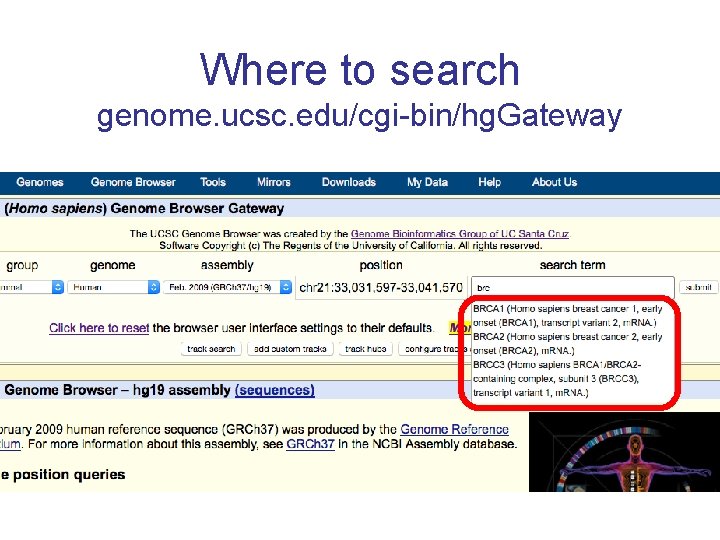
Where to search genome. ucsc. edu/cgi-bin/hg. Gateway
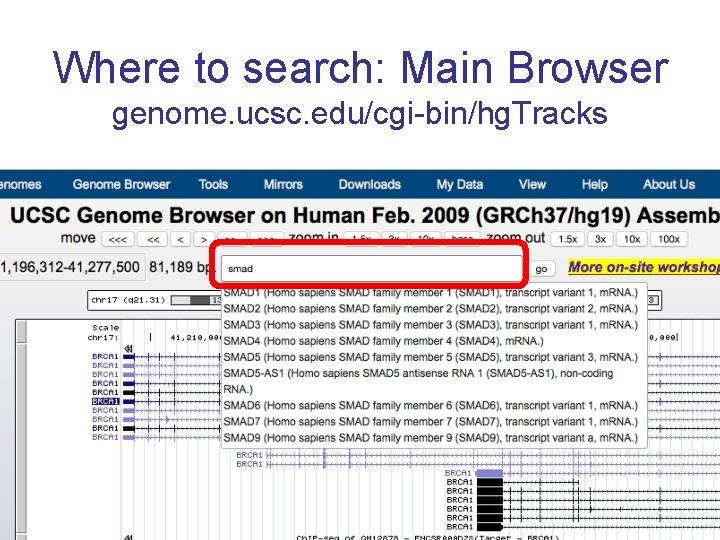
Where to search: Main Browser genome. ucsc. edu/cgi-bin/hg. Tracks
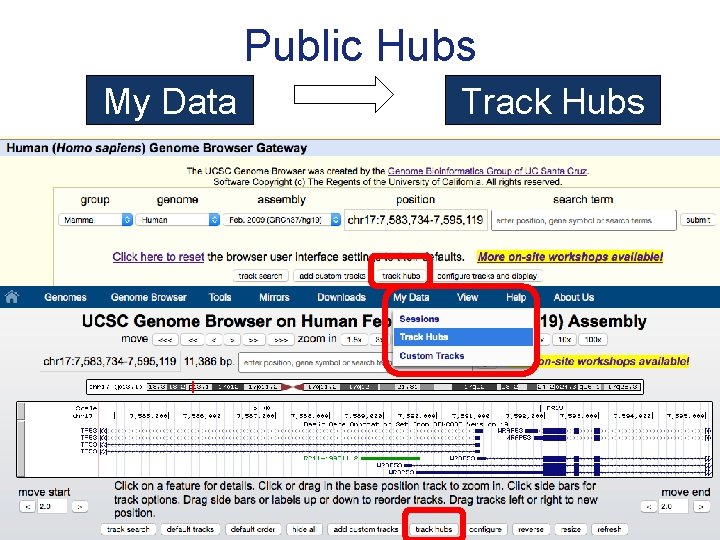
Public Hubs My Data Track Hubs
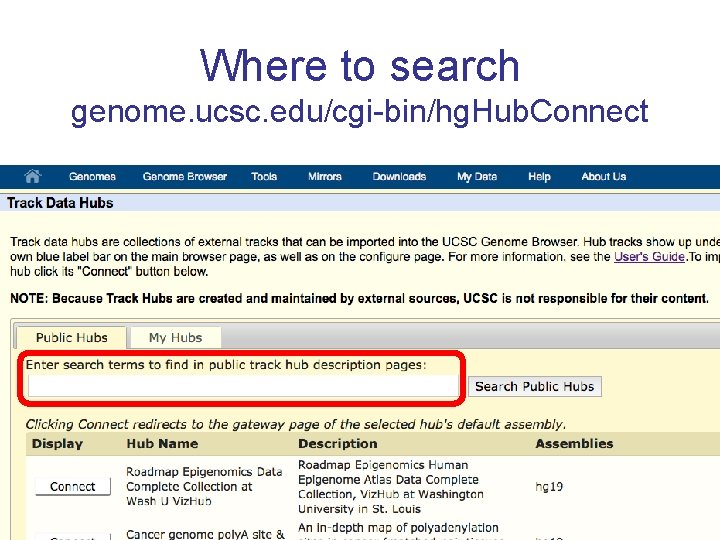
Where to search genome. ucsc. edu/cgi-bin/hg. Hub. Connect
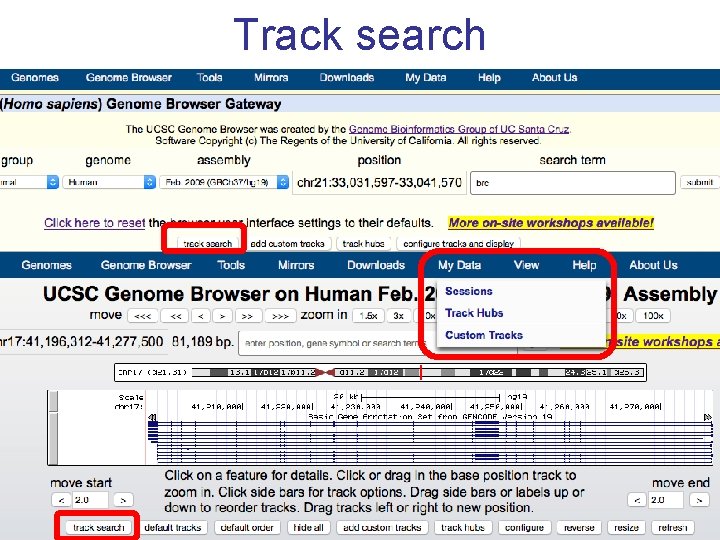
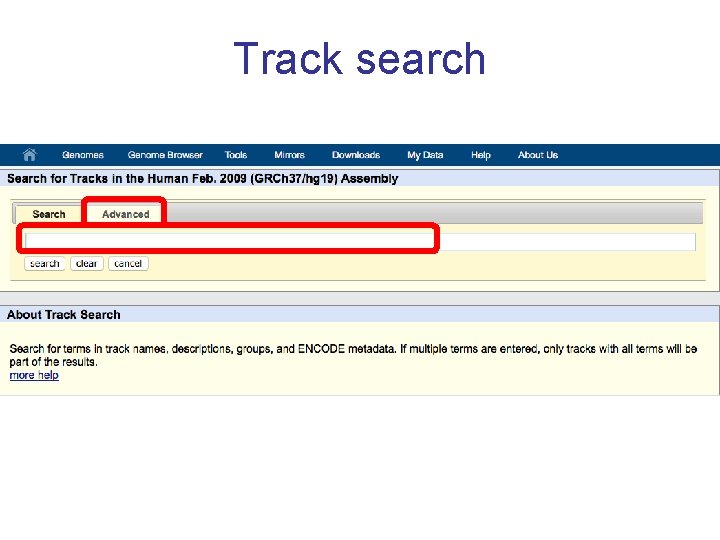
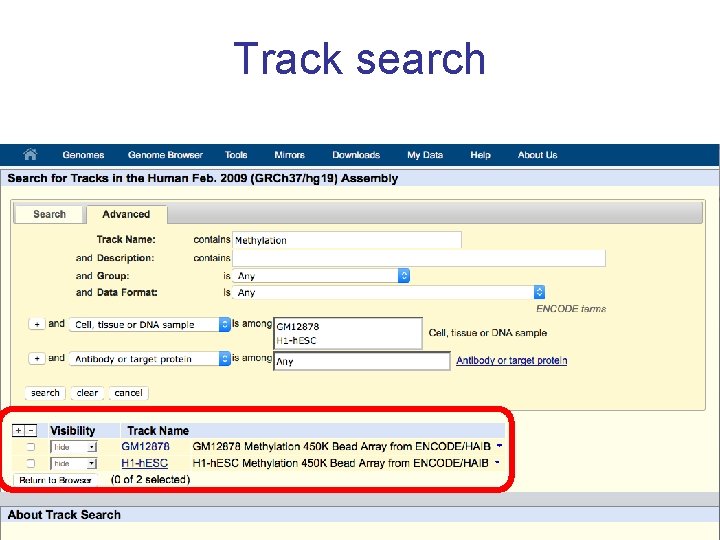
Track search
Track search
Track search
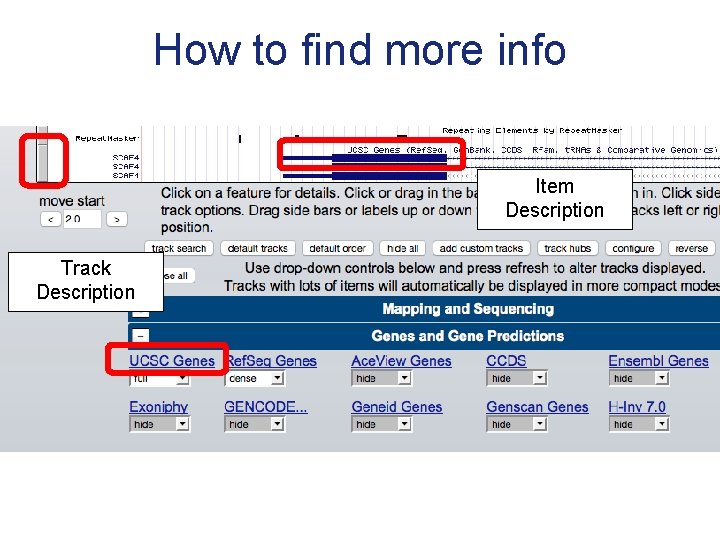
How to find more info Item Description Track Description
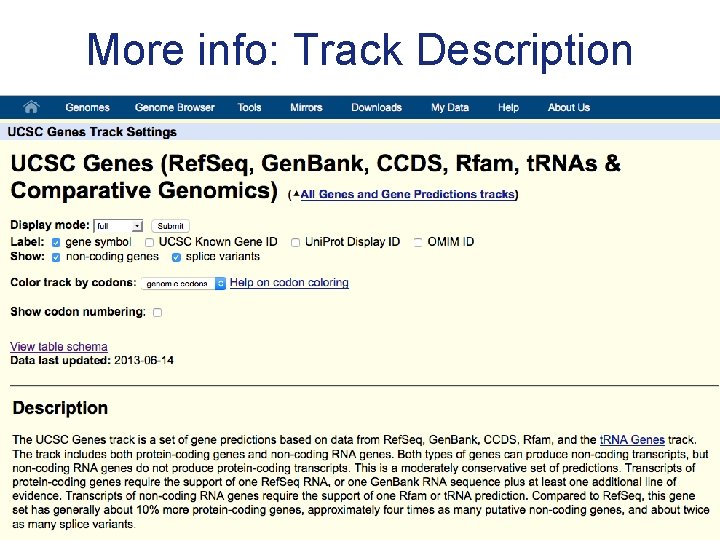
More info: Track Description
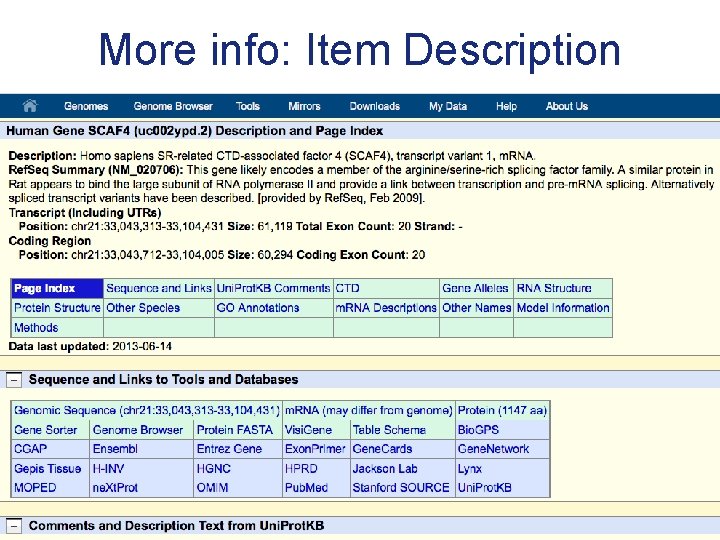
More info: Item Description
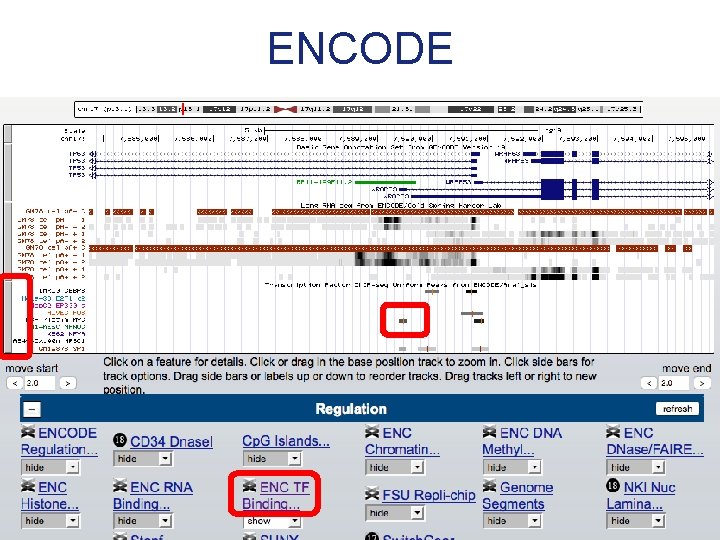
ENCODE
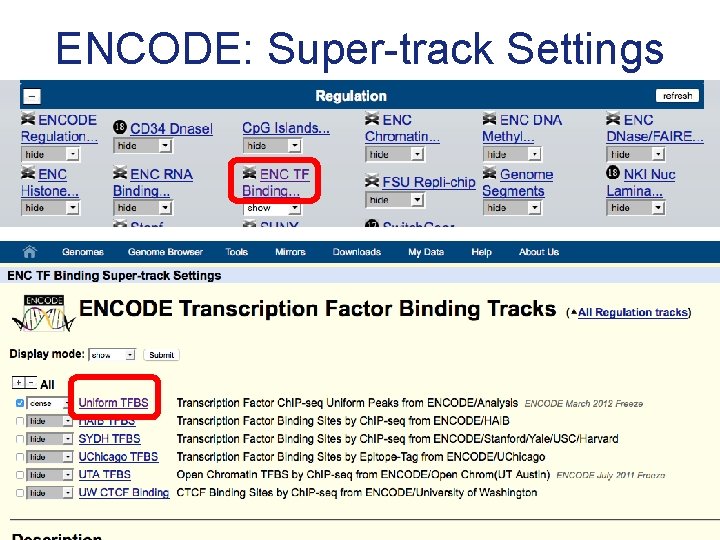
ENCODE: Super-track Settings
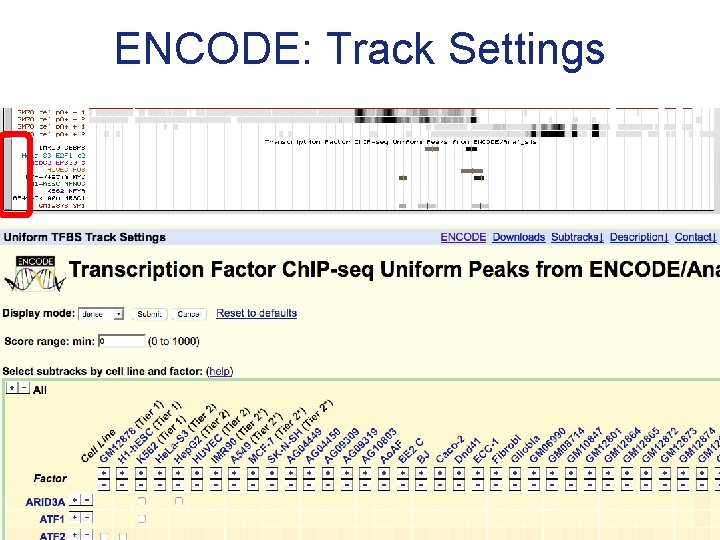
ENCODE: Track Settings
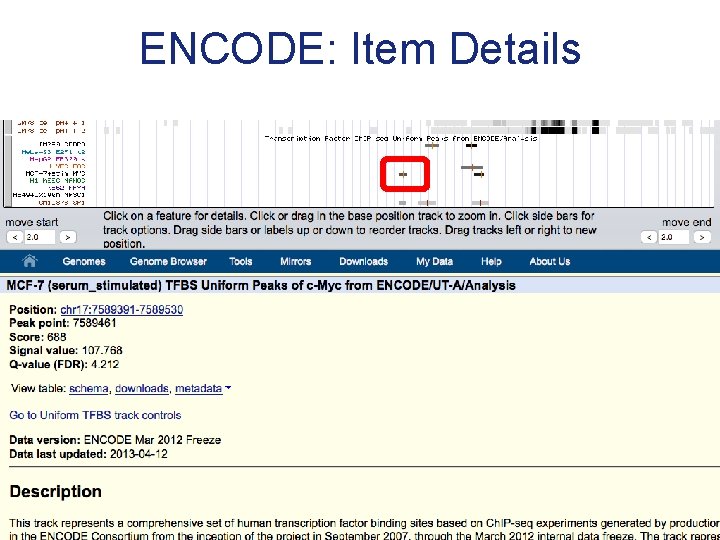
ENCODE: Item Details
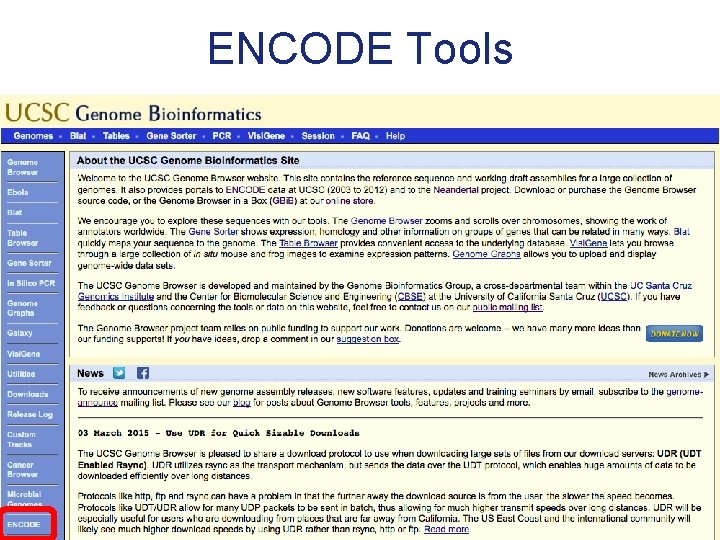
ENCODE Tools
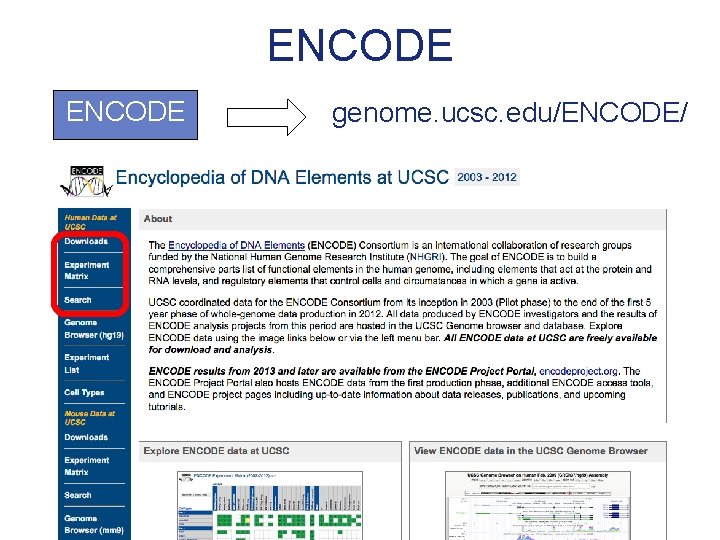
ENCODE genome. ucsc. edu/ENCODE/
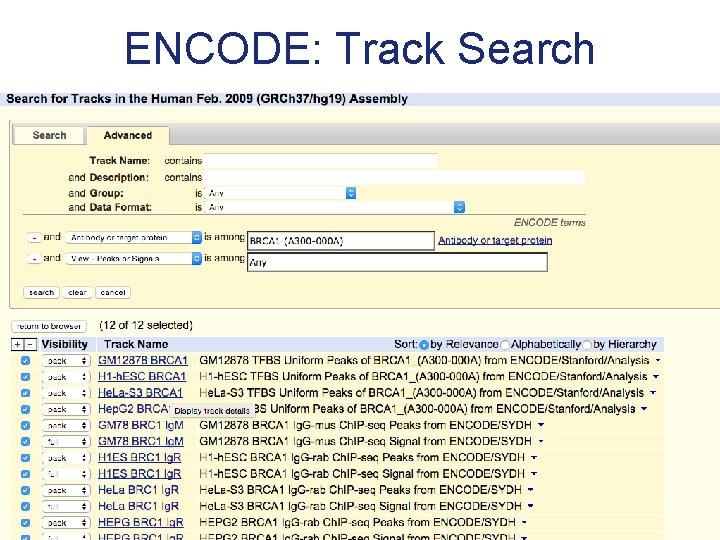
ENCODE: Track Search
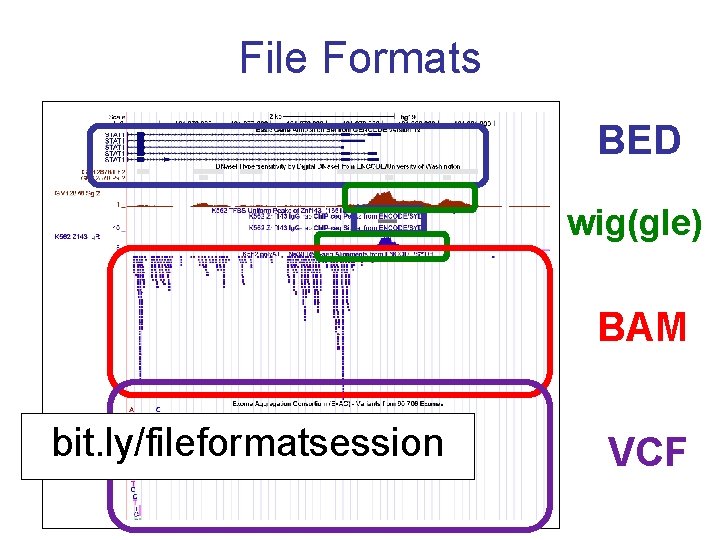
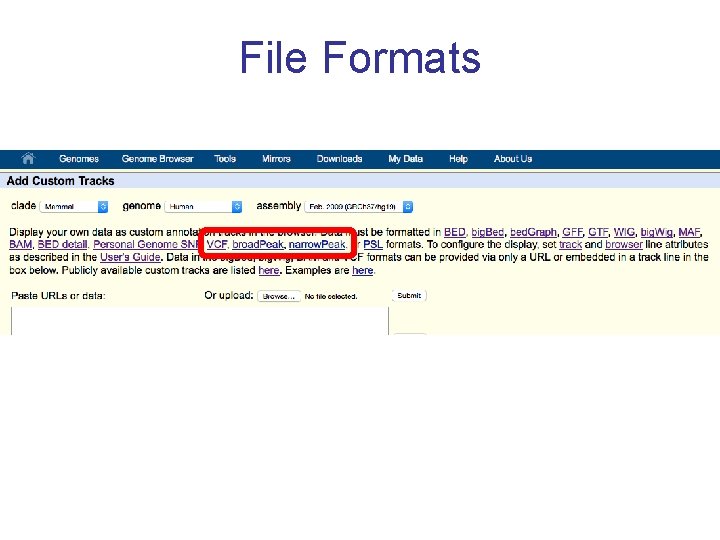
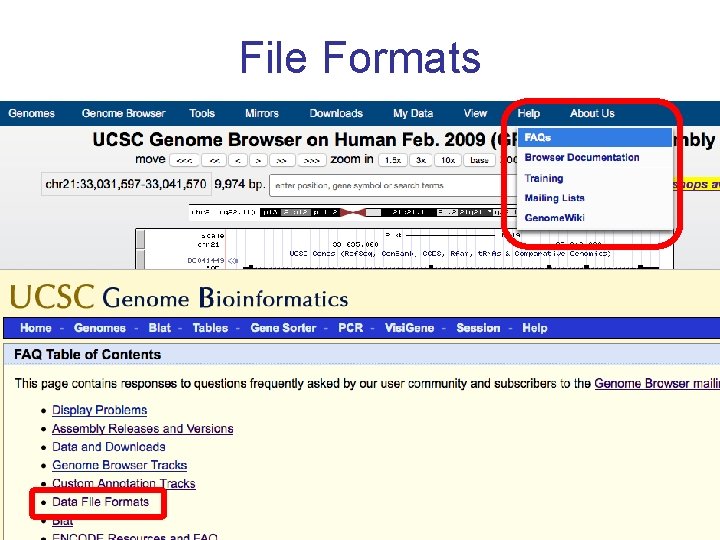
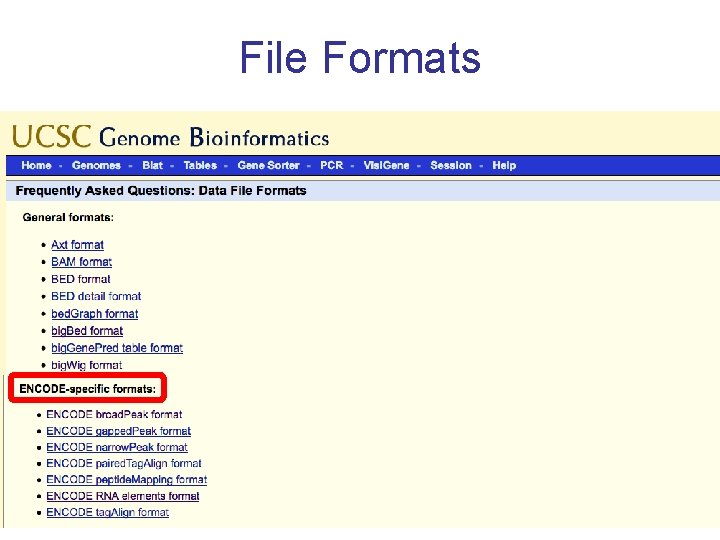
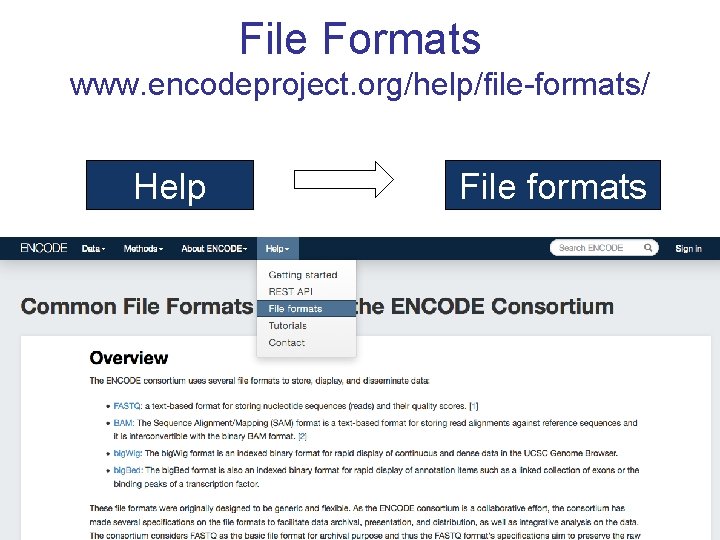
File Formats BED wig(gle) BAM bit. ly/fileformatsession VCF
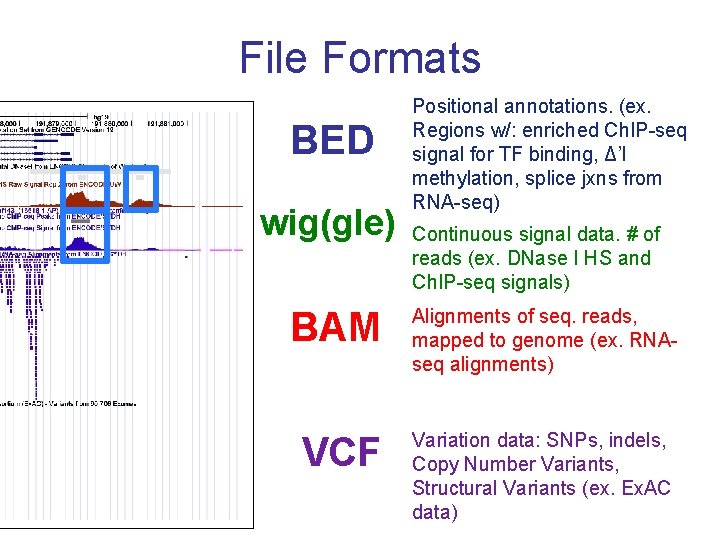
File Formats BED wig(gle) Positional annotations. (ex. Regions w/: enriched Ch. IP-seq signal for TF binding, Δ’l methylation, splice jxns from RNA-seq) Continuous signal data. # of reads (ex. DNase I HS and Ch. IP-seq signals) BAM Alignments of seq. reads, mapped to genome (ex. RNAseq alignments) VCF Variation data: SNPs, indels, Copy Number Variants, Structural Variants (ex. Ex. AC data)
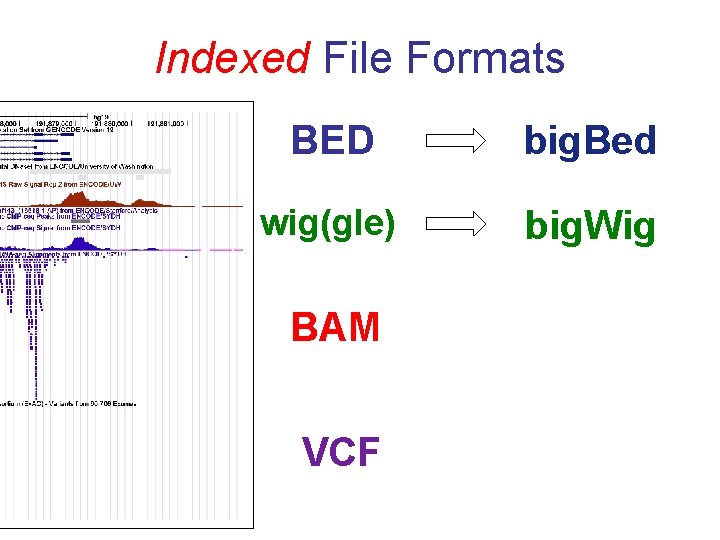
Indexed File Formats BED big. Bed wig(gle) big. Wig BAM VCF
Indexed File Formats • Only displayed portions of files transferred to UCSC • Display large files (would time out) • File + index on your web-accessible server (http, https, or ftp) • Faster display • More user control
File Formats
File Formats
File Formats
File Formats www. encodeproject. org/help/file-formats/ Help File formats
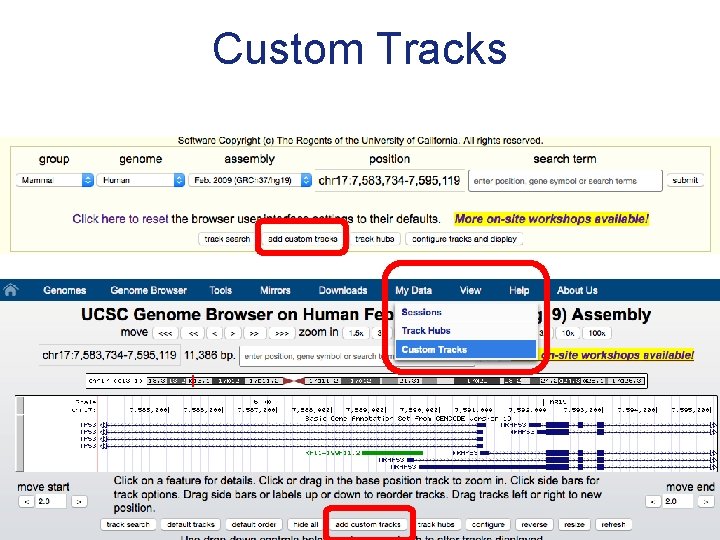
Custom Tracks
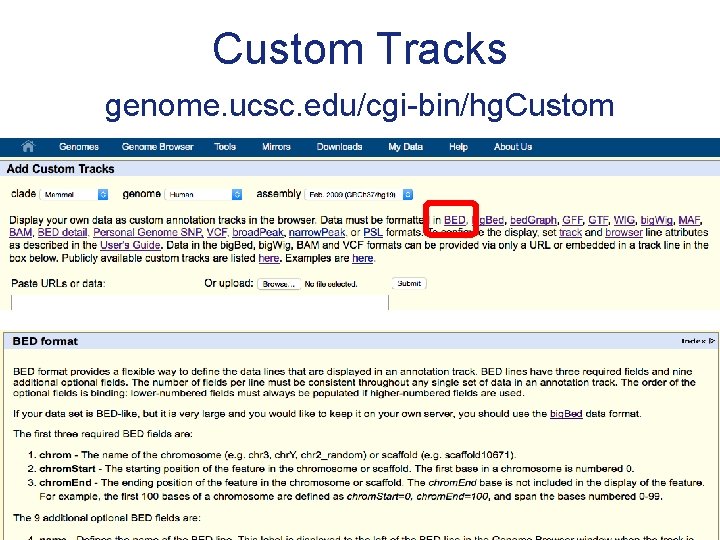
Custom Tracks genome. ucsc. edu/cgi-bin/hg. Custom
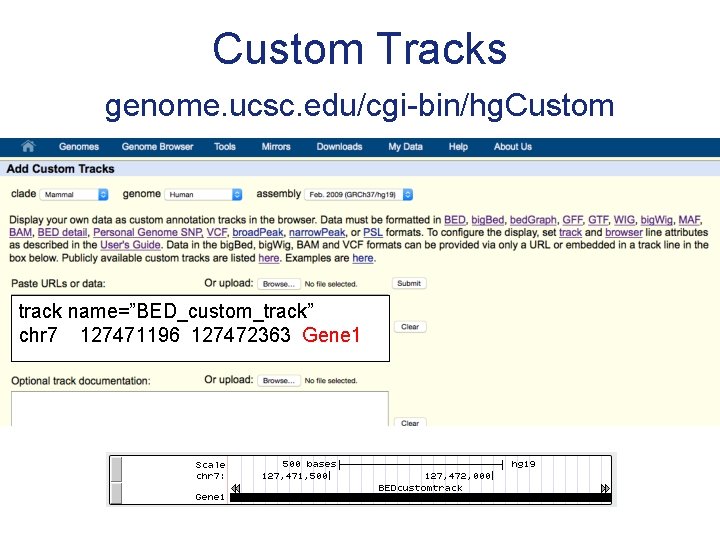
Custom Tracks genome. ucsc. edu/cgi-bin/hg. Custom track name=”BED_custom_track” chr 7 127471196 127472363 Gene 1
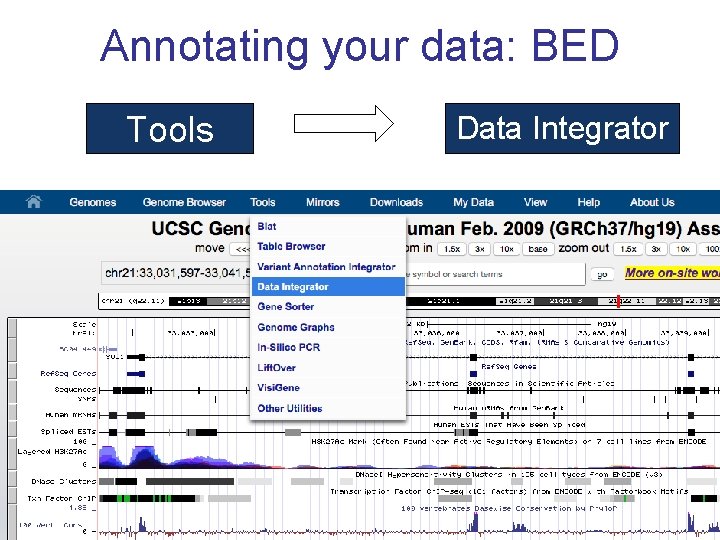
Annotating your data: BED Tools Data Integrator
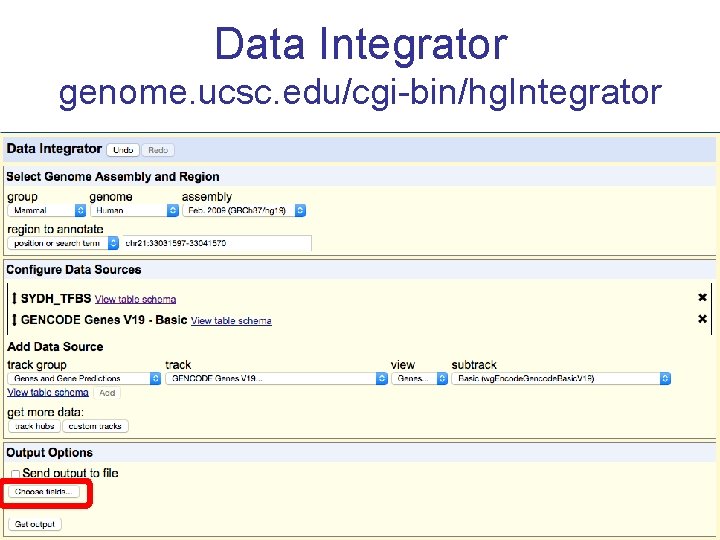
Data Integrator genome. ucsc. edu/cgi-bin/hg. Integrator
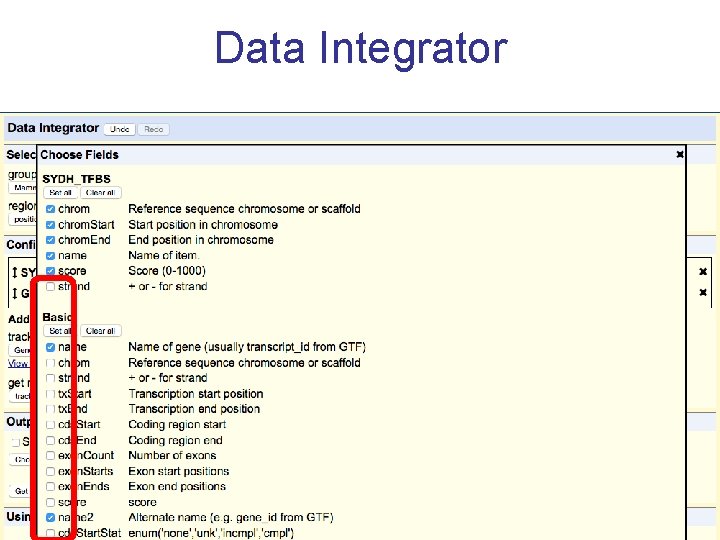
Data Integrator
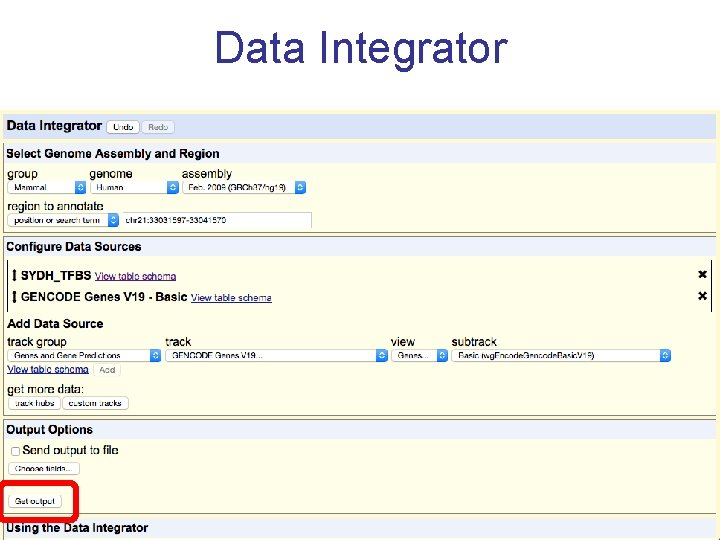
Data Integrator
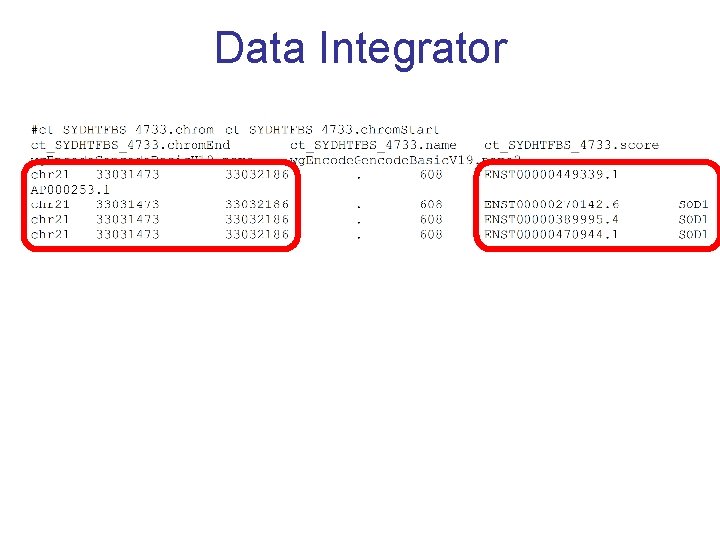
Data Integrator
Annotating your VCF file 1. 2. 3. 4. Make a VCF custom track Go to the Variant Annotation Integrator Choose your track Add annotations
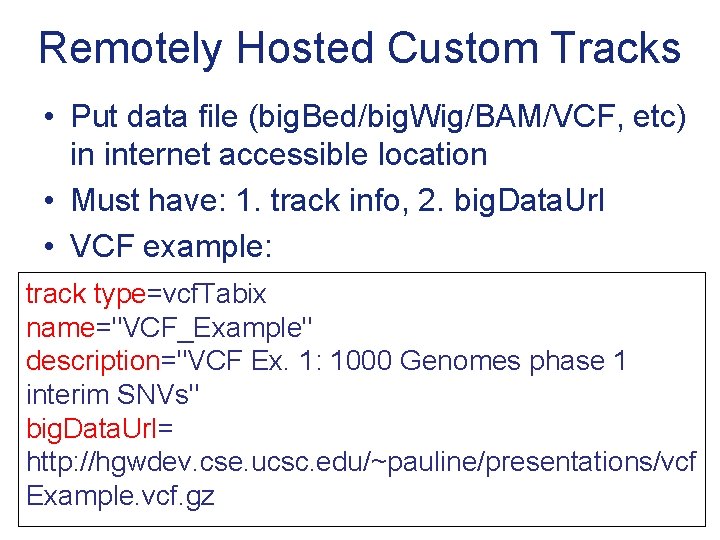
Remotely Hosted Custom Tracks • Put data file (big. Bed/big. Wig/BAM/VCF, etc) in internet accessible location • Must have: 1. track info, 2. big. Data. Url • VCF example: track type=vcf. Tabix name="VCF_Example" description="VCF Ex. 1: 1000 Genomes phase 1 interim SNVs" big. Data. Url= http: //hgwdev. cse. ucsc. edu/~pauline/presentations/vcf Example. vcf. gz
Variant Annotation Integrator • Upload pg. Snp or VCF custom track • Associate UCSC annotations with your uploaded variant calls • Add db. SNP info if db. SNP identifier found • Select custom track and VAI options 43
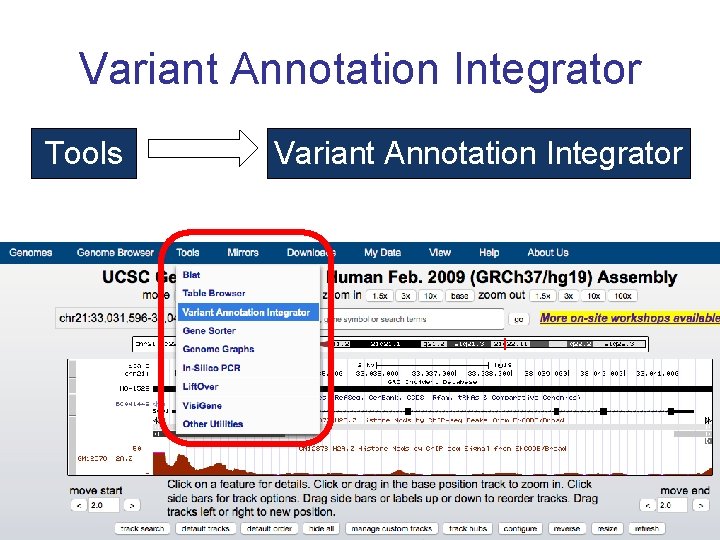
Variant Annotation Integrator Tools Variant Annotation Integrator
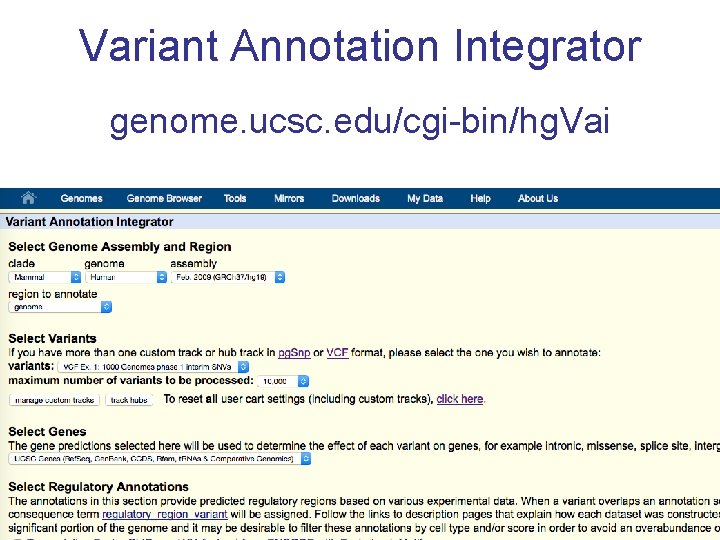
Variant Annotation Integrator genome. ucsc. edu/cgi-bin/hg. Vai
Track Data Hubs • Remotely hosted • Data persistence • File formats: big. BED, big. Wig, BAM, VCF • Track organization: groups, supertracks • multi. Wigs • Assembly hubs
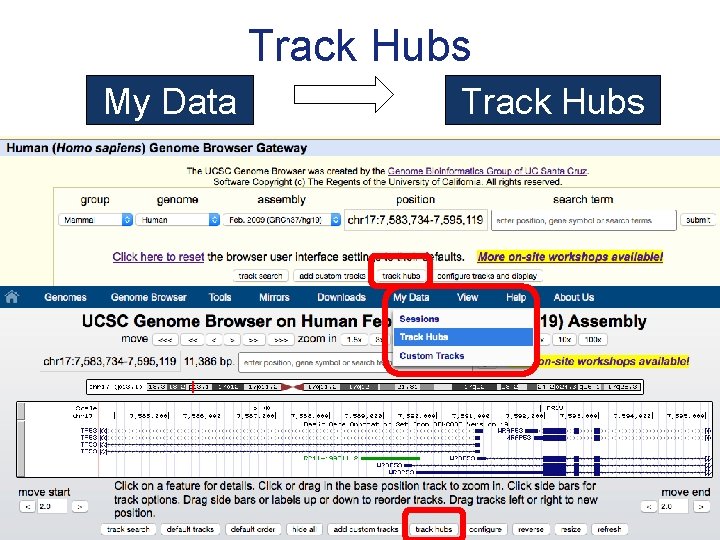
Track Hubs My Data Track Hubs
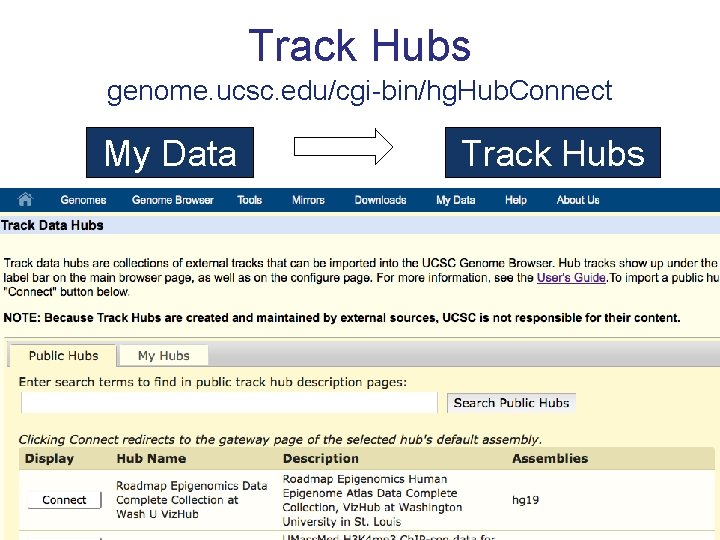
Track Hubs genome. ucsc. edu/cgi-bin/hg. Hub. Connect My Data Track Hubs
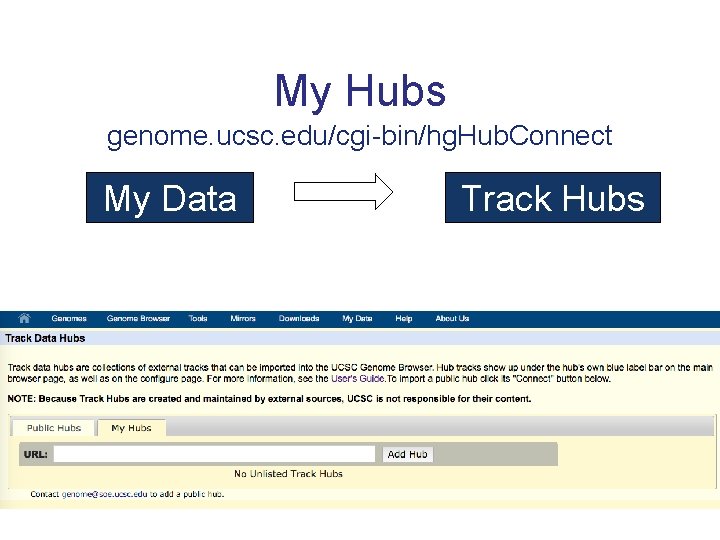
My Hubs genome. ucsc. edu/cgi-bin/hg. Hub. Connect My Data Track Hubs
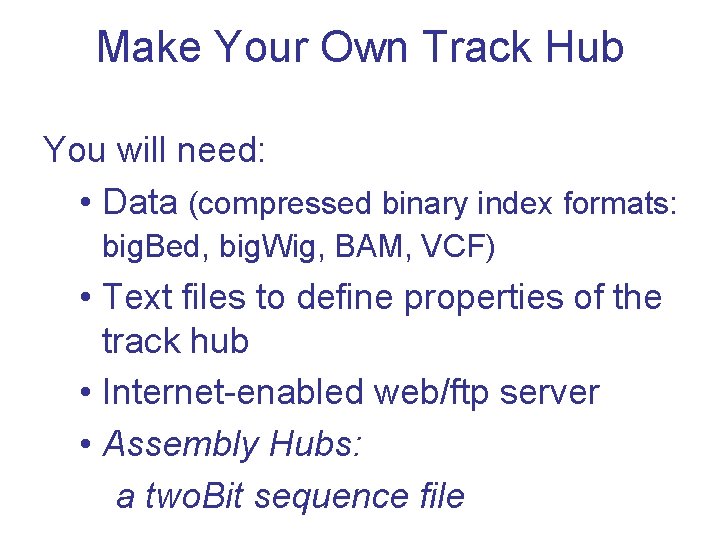
Make Your Own Track Hub You will need: • Data (compressed binary index formats: big. Bed, big. Wig, BAM, VCF) • Text files to define properties of the track hub • Internet-enabled web/ftp server • Assembly Hubs: a two. Bit sequence file
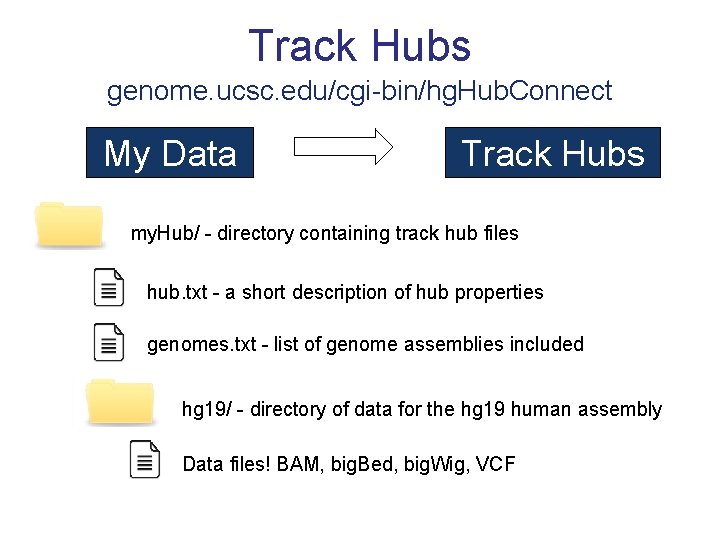
Track Hubs genome. ucsc. edu/cgi-bin/hg. Hub. Connect My Data Track Hubs my. Hub/ - directory containing track hub files hub. txt - a short description of hub properties genomes. txt - list of genome assemblies included hg 19/ - directory of data for the hg 19 human assembly Data files! BAM, big. Bed, big. Wig, VCF
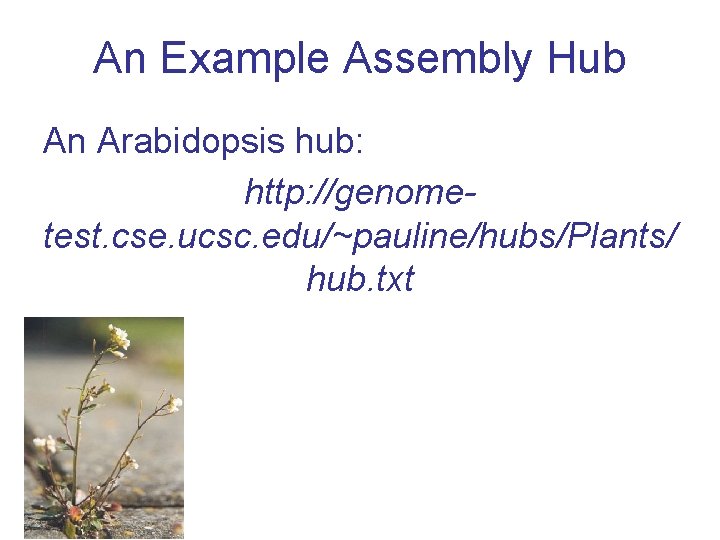
An Example Assembly Hub An Arabidopsis hub: http: //genometest. cse. ucsc. edu/~pauline/hubs/Plants/ hub. txt
Acknowledgements UCSC Genome Browser team – – David Haussler – co-PI Jim Kent – Browser Concept, BLAT, Team Leader, PI Bob Kuhn – Associate Director, Outreach – co-PI Donna Karolchik, Ann Zweig – Project Management Engineering QA, Docs, Support Sys-admins Angie Hinrichs Kate Rosenbloom Hiram Clawson Galt Barber Brian Raney Max Haeussler Katrina Learned Pauline Fujita Luvina Guruvadoo Steve Heitner Brian Lee Jonathan Caspar Matt Speir Jorge Garcia Erich Weiler Gary Moro
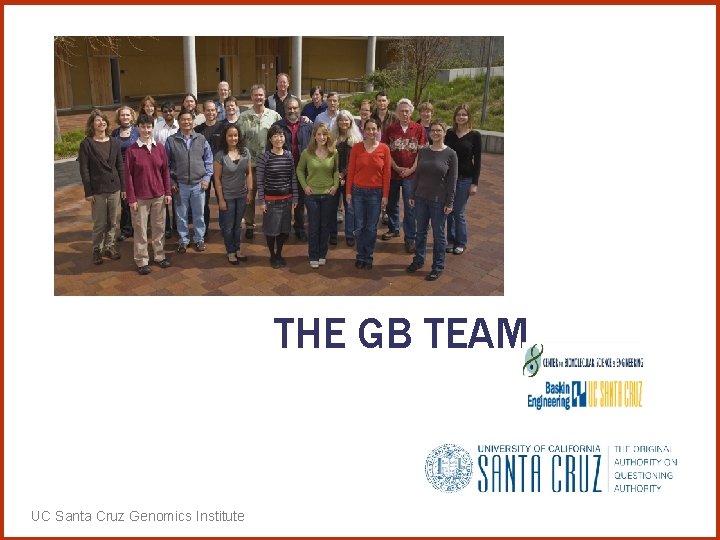
THE GB TEAM UC Santa Cruz Genomics Institute
Funding Sources National Human Genome Research Institute (NHGRI) National Cancer Institute (NCI) QB 3 (UCBerkeley, UCSF, UCSC) California Institute for Regenerative Medicine (CIRM) Genotype-Tissue Expression Project (GTex) UC Santa Cruz Genomics Institute
genome. ucsc. edu http: //bit. ly/encodeworkshop THANK YOU! UC Santa Cruz Genomics Institute
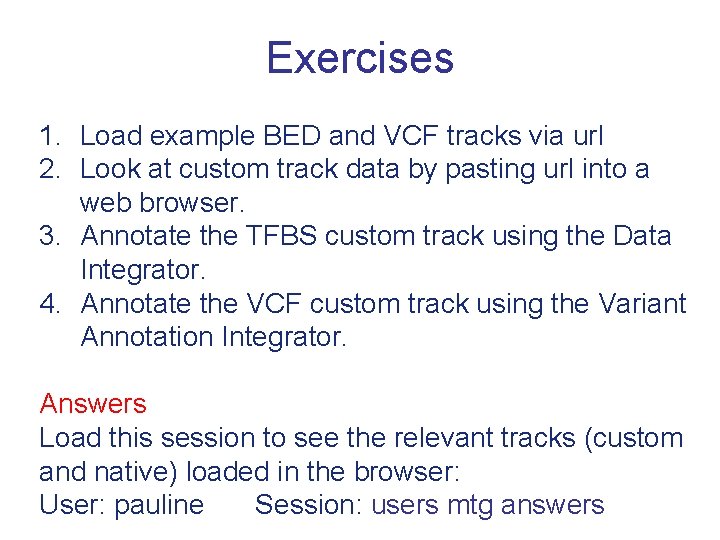
Exercises 1. Load example BED and VCF tracks via url 2. Look at custom track data by pasting url into a web browser. 3. Annotate the TFBS custom track using the Data Integrator. 4. Annotate the VCF custom track using the Variant Annotation Integrator. Answers Load this session to see the relevant tracks (custom and native) loaded in the browser: User: pauline Session: users mtg answers
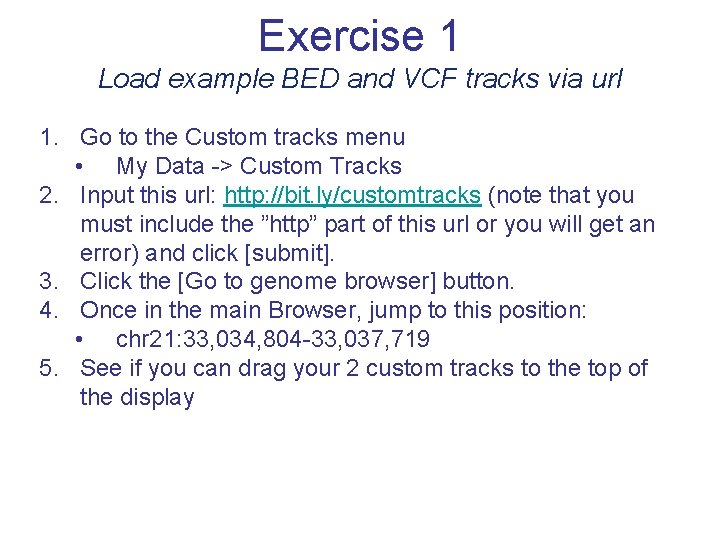
Exercise 1 Load example BED and VCF tracks via url 1. Go to the Custom tracks menu • My Data -> Custom Tracks 2. Input this url: http: //bit. ly/customtracks (note that you must include the ”http” part of this url or you will get an error) and click [submit]. 3. Click the [Go to genome browser] button. 4. Once in the main Browser, jump to this position: • chr 21: 33, 034, 804 -33, 037, 719 5. See if you can drag your 2 custom tracks to the top of the display
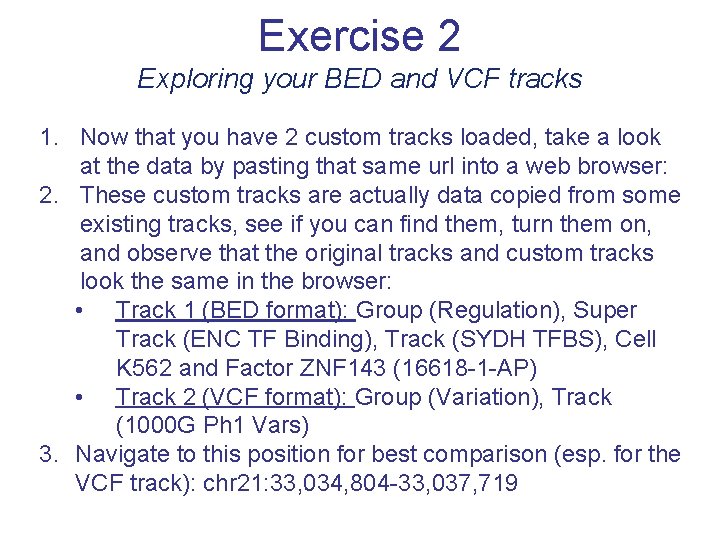
Exercise 2 Exploring your BED and VCF tracks 1. Now that you have 2 custom tracks loaded, take a look at the data by pasting that same url into a web browser: 2. These custom tracks are actually data copied from some existing tracks, see if you can find them, turn them on, and observe that the original tracks and custom tracks look the same in the browser: • Track 1 (BED format): Group (Regulation), Super Track (ENC TF Binding), Track (SYDH TFBS), Cell K 562 and Factor ZNF 143 (16618 -1 -AP) • Track 2 (VCF format): Group (Variation), Track (1000 G Ph 1 Vars) 3. Navigate to this position for best comparison (esp. for the VCF track): chr 21: 33, 034, 804 -33, 037, 719
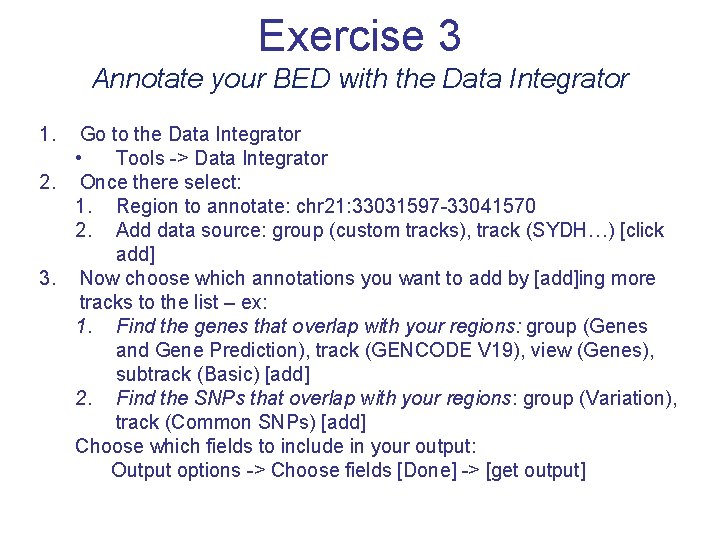
Exercise 3 Annotate your BED with the Data Integrator 1. Go to the Data Integrator • Tools -> Data Integrator 2. Once there select: 1. Region to annotate: chr 21: 33031597 -33041570 2. Add data source: group (custom tracks), track (SYDH…) [click add] 3. Now choose which annotations you want to add by [add]ing more tracks to the list – ex: 1. Find the genes that overlap with your regions: group (Genes and Gene Prediction), track (GENCODE V 19), view (Genes), subtrack (Basic) [add] 2. Find the SNPs that overlap with your regions: group (Variation), track (Common SNPs) [add] Choose which fields to include in your output: Output options -> Choose fields [Done] -> [get output]
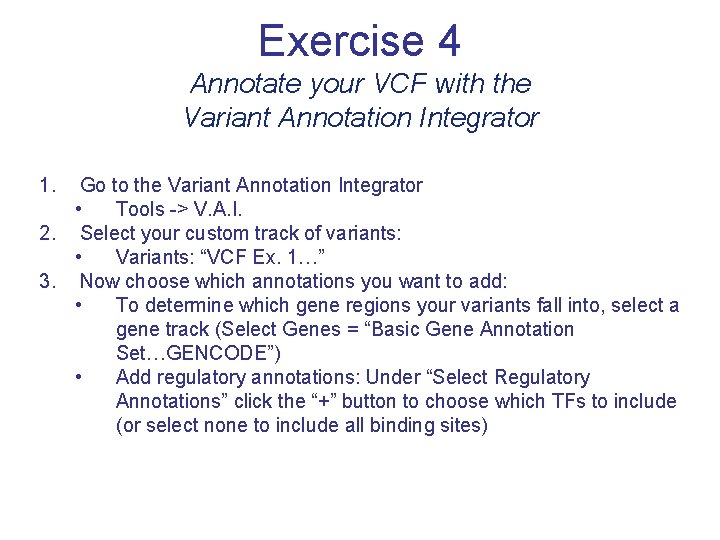
Exercise 4 Annotate your VCF with the Variant Annotation Integrator 1. Go to the Variant Annotation Integrator • Tools -> V. A. I. 2. Select your custom track of variants: • Variants: “VCF Ex. 1…” 3. Now choose which annotations you want to add: • To determine which gene regions your variants fall into, select a gene track (Select Genes = “Basic Gene Annotation Set…GENCODE”) • Add regulatory annotations: Under “Select Regulatory Annotations” click the “+” button to choose which TFs to include (or select none to include all binding sites)
- Slides: 61