
Visualization with help from SCV Erik Brisson Boston
Visualization with help from SCV Erik Brisson Boston University Scientific Computing and Visualization
How can we help? What software / viz tools to use Managing data Understanding problems Use of color, scale, etc Making animations Programming Data transfer Data conversion Custom / specialized tools BU Scientific Computing and Visualization 2
Packages we support Mathematics and Data Analysis Mathematica MATLAB IDL Scientific Visualization VTK (Paraview) Modeling, Rendering, and Animation Maya Open. GL (Open. Scene. Graph) Image Tools Image. Magick BU Scientific Computing and Visualization 3
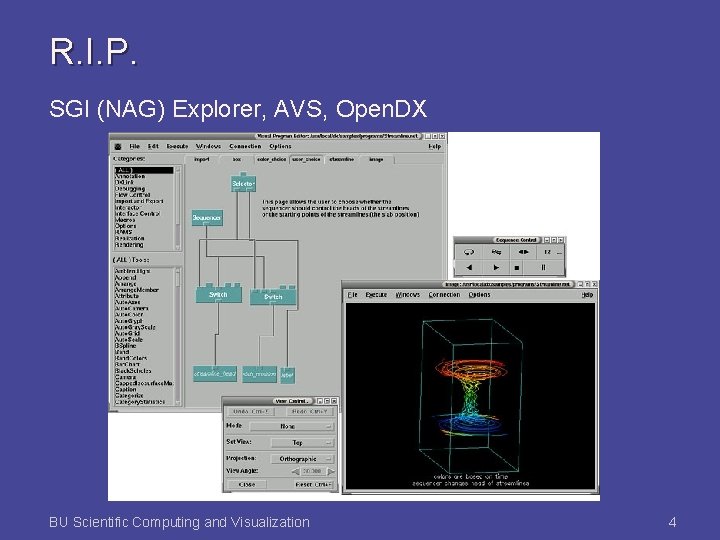
R. I. P. SGI (NAG) Explorer, AVS, Open. DX BU Scientific Computing and Visualization 4
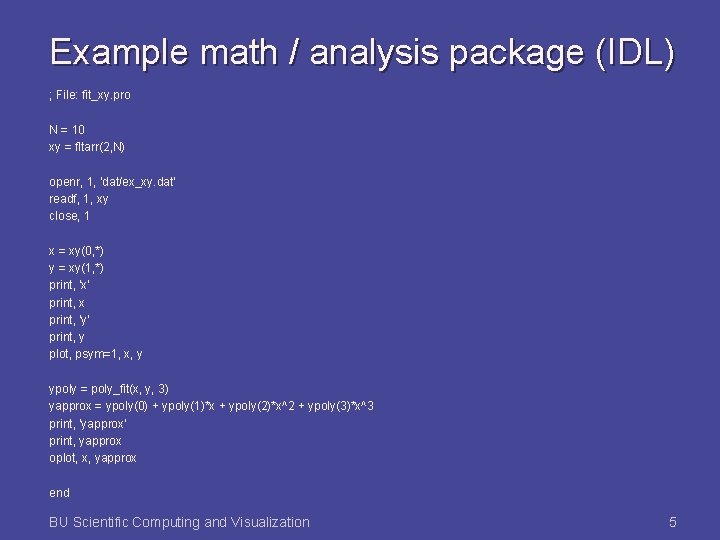
Example math / analysis package (IDL) ; File: fit_xy. pro N = 10 xy = fltarr(2, N) openr, 1, 'dat/ex_xy. dat' readf, 1, xy close, 1 x = xy(0, *) y = xy(1, *) print, 'x' print, x print, 'y' print, y plot, psym=1, x, y ypoly = poly_fit(x, y, 3) yapprox = ypoly(0) + ypoly(1)*x + ypoly(2)*x^2 + ypoly(3)*x^3 print, 'yapprox' print, yapprox oplot, x, yapprox end BU Scientific Computing and Visualization 5
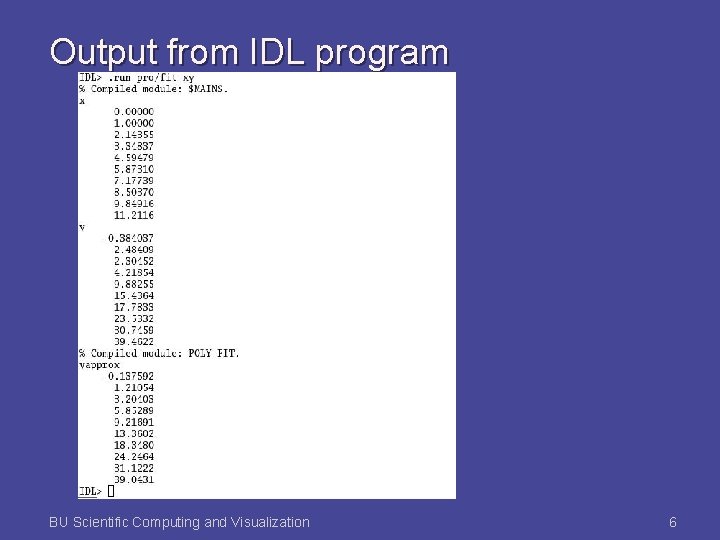
Output from IDL program BU Scientific Computing and Visualization 6
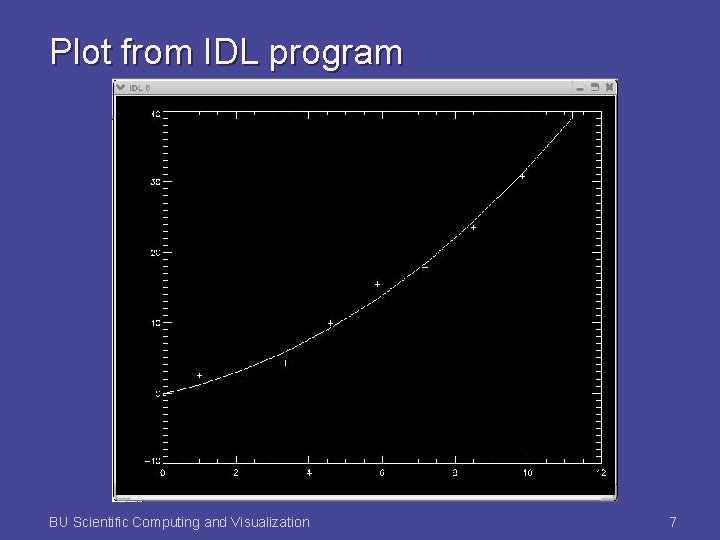
Plot from IDL program BU Scientific Computing and Visualization 7
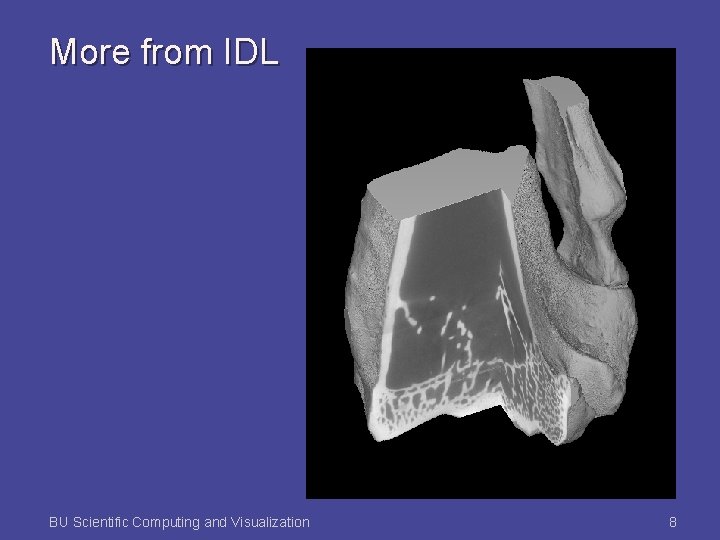
More from IDL BU Scientific Computing and Visualization 8

VTK (Visualization Tool Kit) Open source software C++ class libraries Tcl/Tk, Java, Python interface layers Supports scalars, vectors, tensors Supports specialized modeling and visualization techniques BU Scientific Computing and Visualization 9
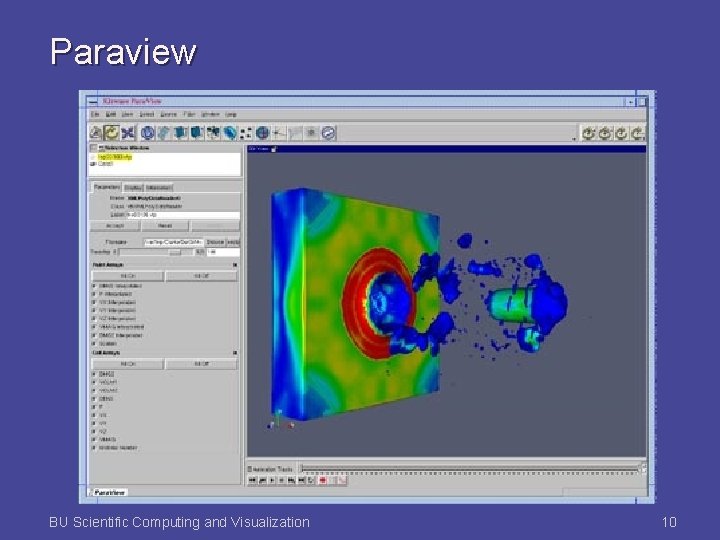
Paraview BU Scientific Computing and Visualization 10
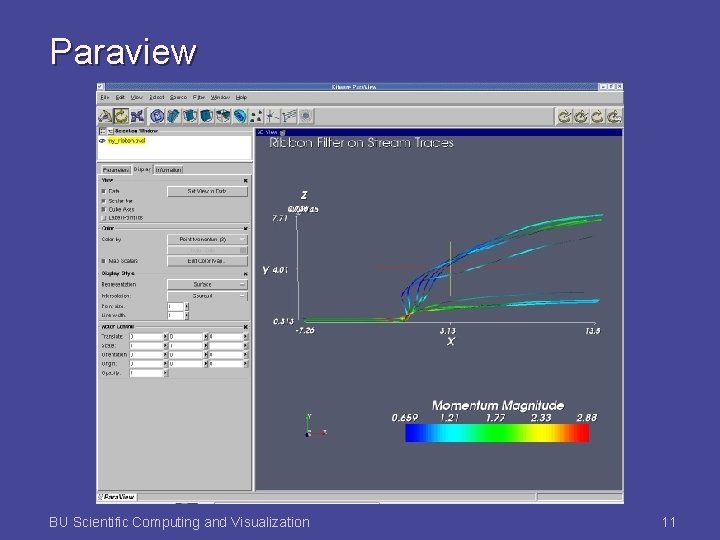
Paraview BU Scientific Computing and Visualization 11
More general graphics software Maya Open. GL Open. Scene. Graph BU Scientific Computing and Visualization 12
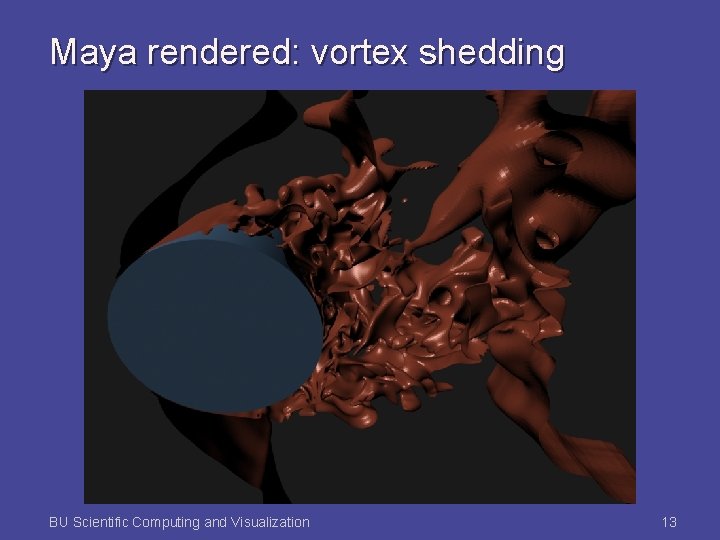
Maya rendered: vortex shedding BU Scientific Computing and Visualization 13
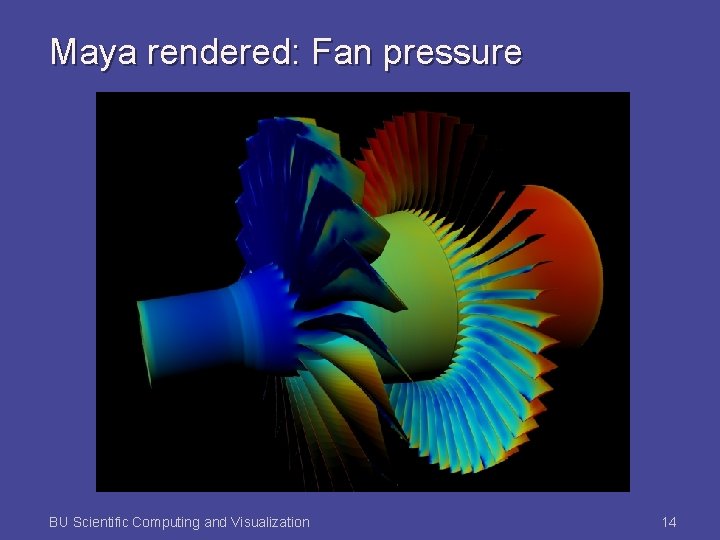
Maya rendered: Fan pressure BU Scientific Computing and Visualization 14
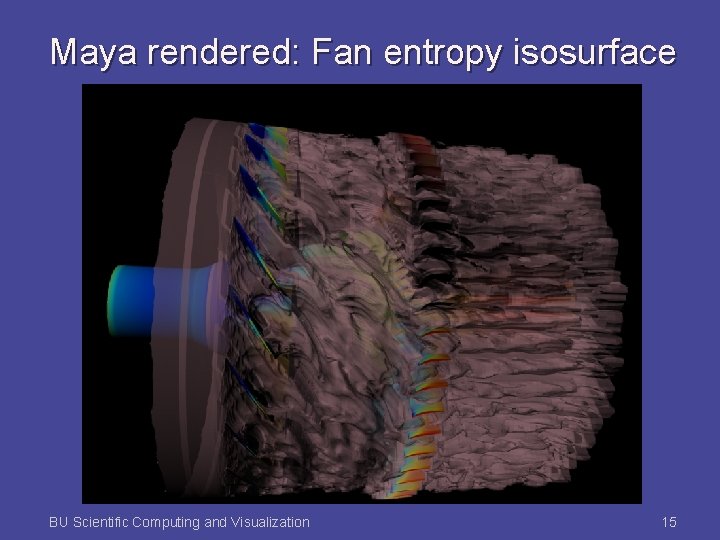
Maya rendered: Fan entropy isosurface BU Scientific Computing and Visualization 15

Virtual Environments BU Scientific Computing and Visualization 16
What's in a virtual world? An environment Representations of physical objects Visual models Auditory elements Interactions with objects Representations of people - avatars Communication Gesturing Typing / chatting Telephony Video BU Scientific Computing and Visualization 17
Our goal with DAFFIE Distributed, interactive virtual environment Distributed Interactive Visually and aurally rich Input (models, images and sounds) from variety of available tools Simple import method Script driven Accessible to non-expert users Extensible by programmers BU Scientific Computing and Visualization 18

The DAFFIE event system Communication between agents BU Scientific Computing and Visualization 19
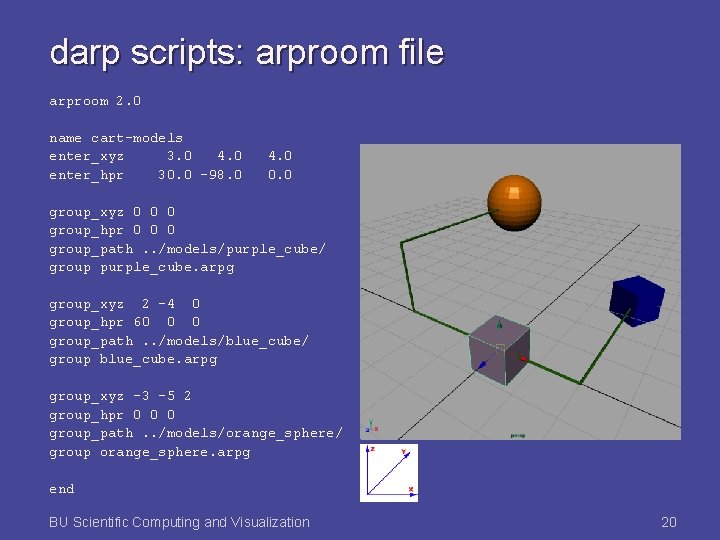
darp scripts: arproom file arproom 2. 0 name cart-models enter_xyz 3. 0 4. 0 enter_hpr 30. 0 -98. 0 4. 0 0. 0 group_xyz 0 0 0 group_hpr 0 0 0 group_path. . /models/purple_cube/ group purple_cube. arpg group_xyz 2 -4 0 group_hpr 60 0 0 group_path. . /models/blue_cube/ group blue_cube. arpg group_xyz -3 -5 2 group_hpr 0 0 0 group_path. . /models/orange_sphere/ group orange_sphere. arpg end BU Scientific Computing and Visualization 20

The DVD Wall Tiled, rear projected, passive stereo display system Based on commodity components BU Scientific Computing and Visualization 21
- Slides: 21