
Visualisation of Astronomical Data In a Stereoscopic Dome
- Slides: 18
Visualisation of Astronomical Data In a Stereoscopic Dome O. R. Williams, CIT 11/03/2018
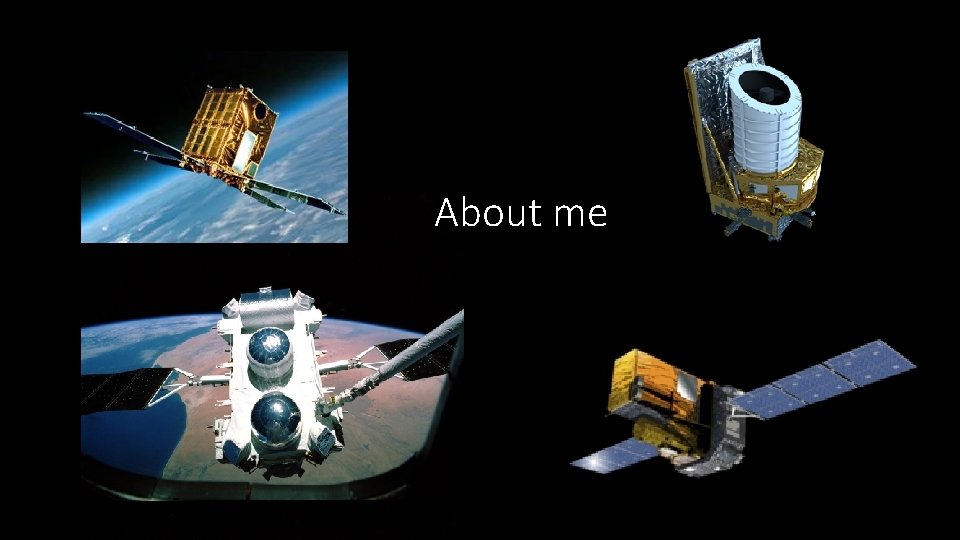
About me
Visualisation of Data in a Dome: Contents • Why use 3 D & Immersive Visualisation • Principles of Immersive Visualisation • • Projecting in a dome Projection systems & limitation Software system available Stereoscopic Devices: Passive stereo & Active stereo • Data sources used in a dome • Astronomical data sets (catalogues) • Images and videos • 3 D data models • Simulations
3 D & Immersive Visualisation in Astronomy: I • Mainly used for data discovery & outreach • Not yet used for analysis (as far as the speaker knows) • Three most active fields for progress in data discovery are • Large-N particle data • Spectral data cubes • Stellar and galaxy catalogues
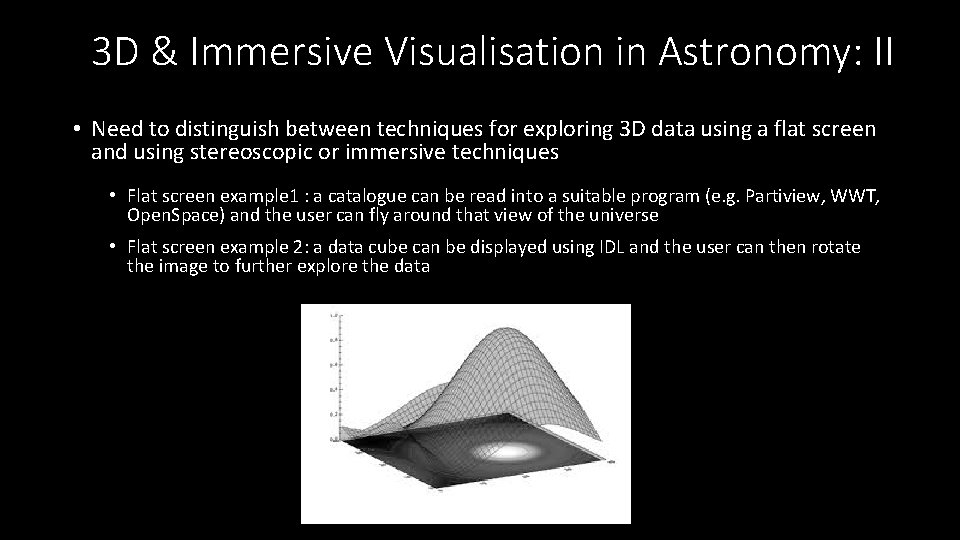
3 D & Immersive Visualisation in Astronomy: II • Need to distinguish between techniques for exploring 3 D data using a flat screen and using stereoscopic or immersive techniques • Flat screen example 1 : a catalogue can be read into a suitable program (e. g. Partiview, WWT, Open. Space) and the user can fly around that view of the universe • Flat screen example 2: a data cube can be displayed using IDL and the user can then rotate the image to further explore the data
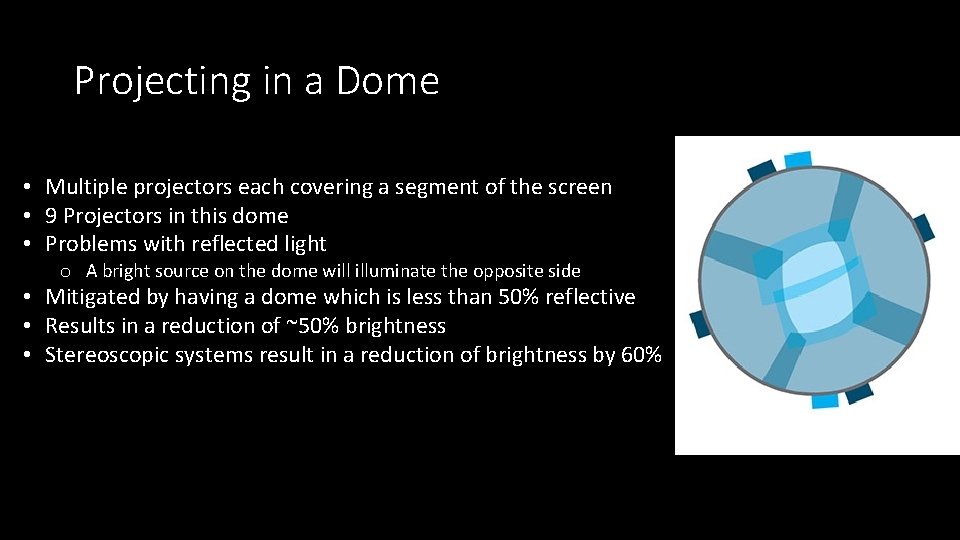
Projecting in a Dome • Multiple projectors each covering a segment of the screen • 9 Projectors in this dome • Problems with reflected light o A bright source on the dome will illuminate the opposite side • Mitigated by having a dome which is less than 50% reflective • Results in a reduction of ~50% brightness • Stereoscopic systems result in a reduction of brightness by 60%
Stereoscopic Visualisation: Display Devices • 3 D Televisions (now increasingly rare) • Single projector and screen • Multiple projectors and screen (e. g. VR Theater in CIT) • Cave Automatic Virtual Environments (CAVE) • Domes (e. g. DOT)
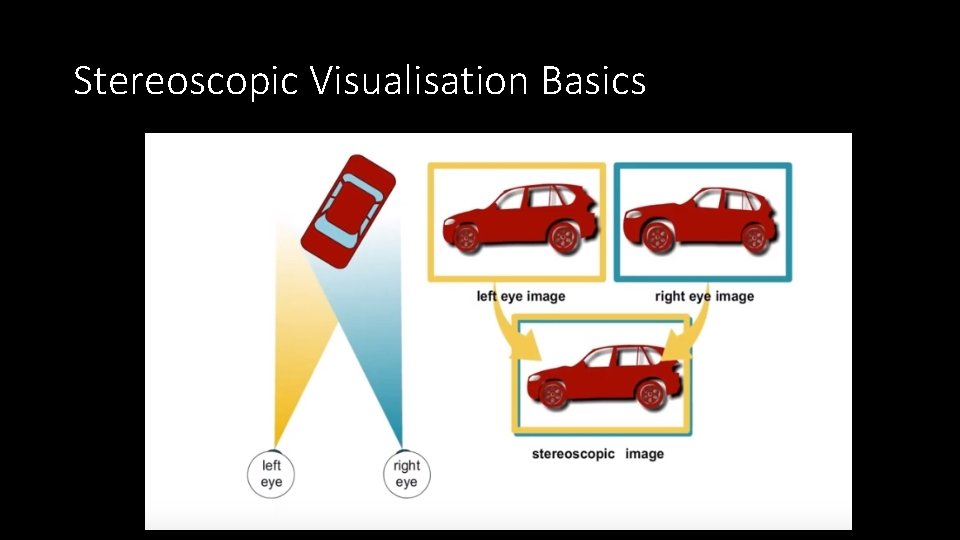
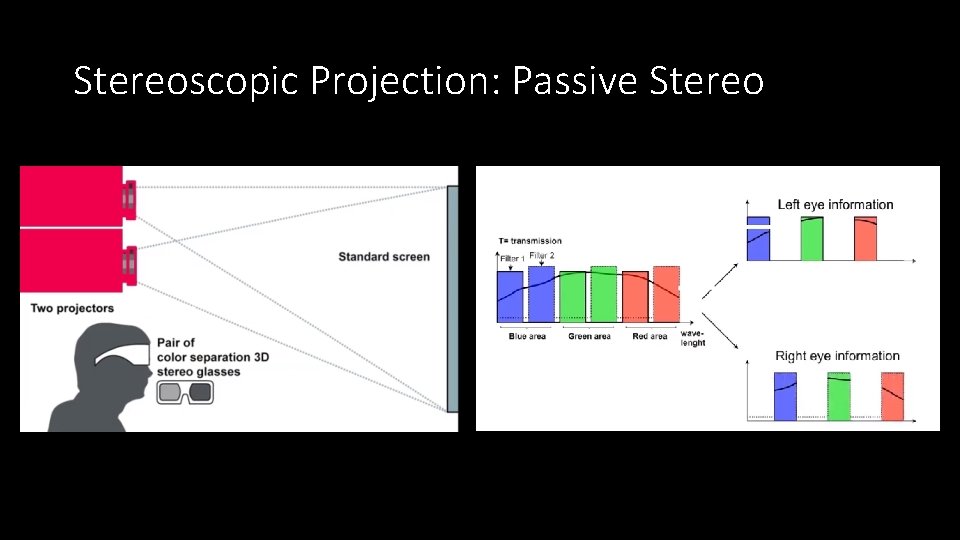
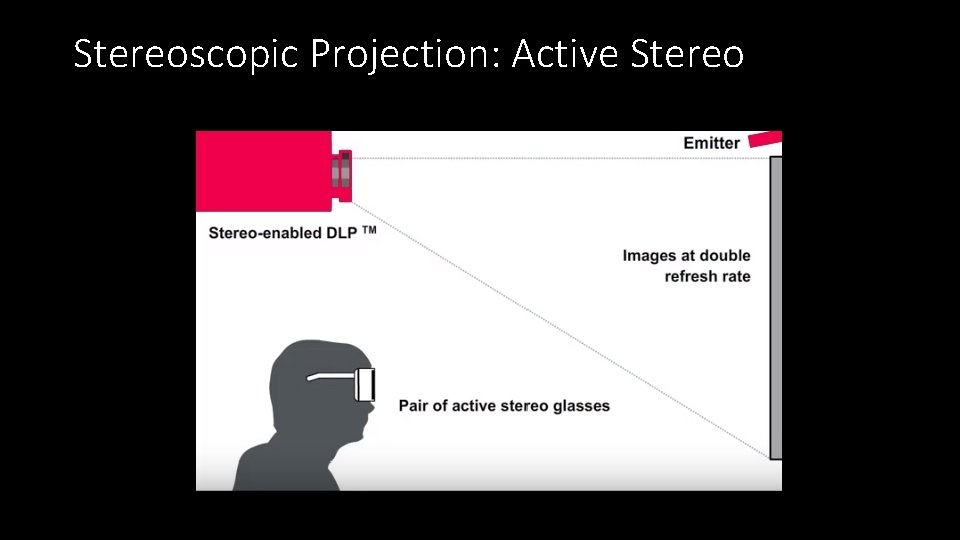
Stereoscopic Visualisation Basics
Stereoscopic Projection: Passive Stereo
Stereoscopic Projection: Active Stereo
Advanced Visualisation Systems The following can all be used on systems varying from Domes to a simple laptop. All are stereo capable • Uniview – The earliest system. A commercial product based on a system developed by Norkopping Visualisation Centre. • Sky. Skan – Commercial product (used in this Dome and will be demonstrated shortly) • Digi. STAR – Commercial product mainly used in domes. • Open. Space – Open source visualisation programme. Collaboration including NASA, Norkopping and Hayden Planetarium
Data types in the Dome I • Astronomical catalogues. A large number of astronomical catalogues are available in the Sky. Skan system. New catalogues can be imported Options exist to view and fly through these catalogues Different type of source characteristics can be programmed to determine the source colour. • Various different file formats depending software o Partiview (Ascii files one line per sources starting with position in X, Y, Z o FITS o Octtree • •
Data types in the Dome II • 3 D Models Can be used to show planets and satellites such as the ISS or Euclid Useful for outreach The CIT visualization group in RUG works with the 3 dsmax software. This software allows for 3 D models to be built from scratch but it can also import up to 60 different graphics formats. o The final 3 D model should always be in. x or. obj format as these are the only two formats supported by the current dome software. o o
Data types in the dome III • Geographical Information Systems (GIS) Some systems (e. g. Open. Space) include a large amount of planetary data Unfortunately Open. Space does not yet work in this dome (installation underway) The Sky. Skan system in this dome does not contain a library of such data. Custom made planetary maps an be wrapped on a sphere when imported into the Sky. Skan software system. o The only requirement is that the map you use is of a high enough resolution (min 4 kx 2 k) and is created in equirectangular map projection. o o
Data types in the dome IV • Fisheye images and videos o Circular fisheye photos or images can be added to the Sky. Skan system. o If the resolution is 4 k x 4 k or higher, the image can cover the entire dome. o Photographers should point the camera with the fisheye lens upwards (between 45 and 90 deg) when shooting to create an image in the dome displaying objects correctly at the horizon.
Data Types in the Dome V • Simulations o Many scientific simulations work with cube datasets. o There are several ways to bring such visualizations into the dome either taking a 2 D cross section of the cube to be displayed on the dome, or creating a flythrough effect. o As an example we have earlier translated cubemaps to dome videos for several dark matter simulations
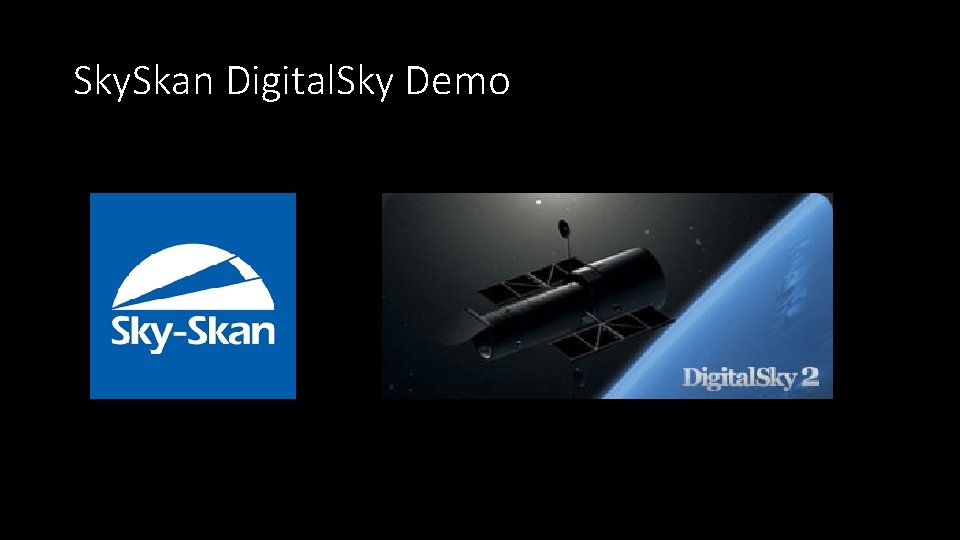
Sky. Skan Digital. Sky Demo
Demo visualisations • Simulations (one of): o Millenium o Aquarius o Illustrius • 3 D Models o Hubble • Catalogue datasets In stereo o SDSS o Tully