
Visual Templates NOVA Scribes Thursday March 21 7
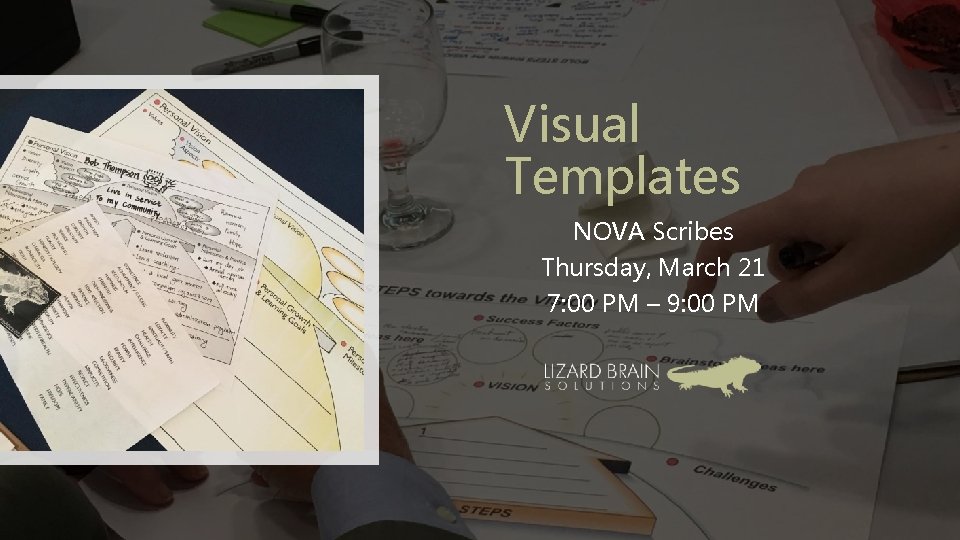
Visual Templates NOVA Scribes Thursday, March 21 7: 00 PM – 9: 00 PM
NOVA Scribes
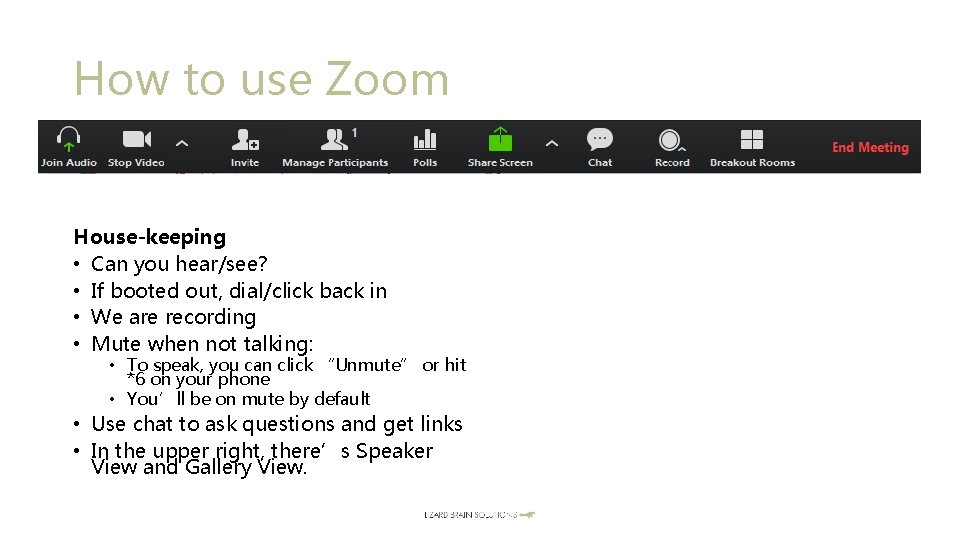
How to use Zoom House-keeping • Can you hear/see? • If booted out, dial/click back in • We are recording • Mute when not talking: • To speak, you can click “Unmute” or hit *6 on your phone • You’ll be on mute by default • Use chat to ask questions and get links • In the upper right, there’s Speaker View and Gallery View.
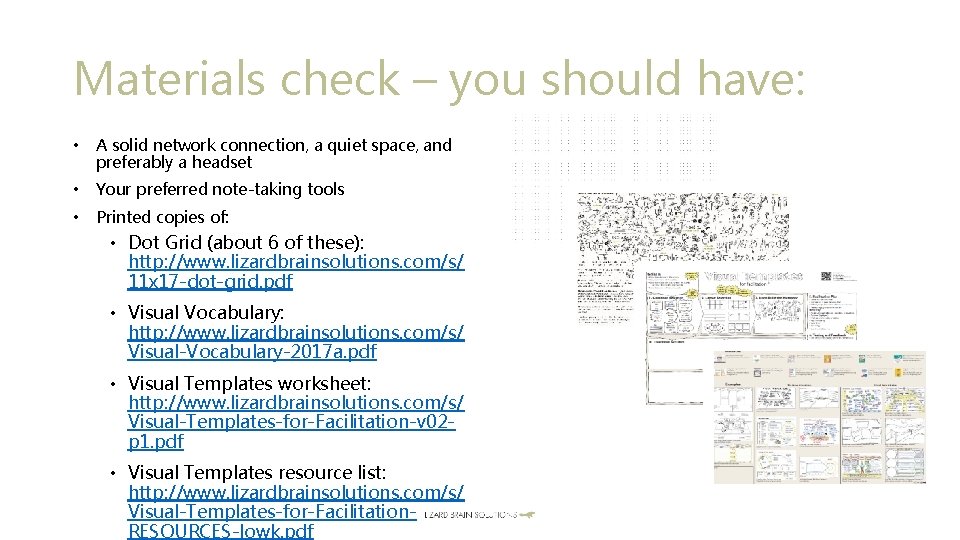
Materials check – you should have: • A solid network connection, a quiet space, and preferably a headset • Your preferred note-taking tools • Printed copies of: • Dot Grid (about 6 of these): http: //www. lizardbrainsolutions. com/s/ 11 x 17 -dot-grid. pdf • Visual Vocabulary: http: //www. lizardbrainsolutions. com/s/ Visual-Vocabulary-2017 a. pdf • Visual Templates worksheet: http: //www. lizardbrainsolutions. com/s/ Visual-Templates-for-Facilitation-v 02 p 1. pdf • Visual Templates resource list: http: //www. lizardbrainsolutions. com/s/ Visual-Templates-for-Facilitation. RESOURCES-lowk. pdf
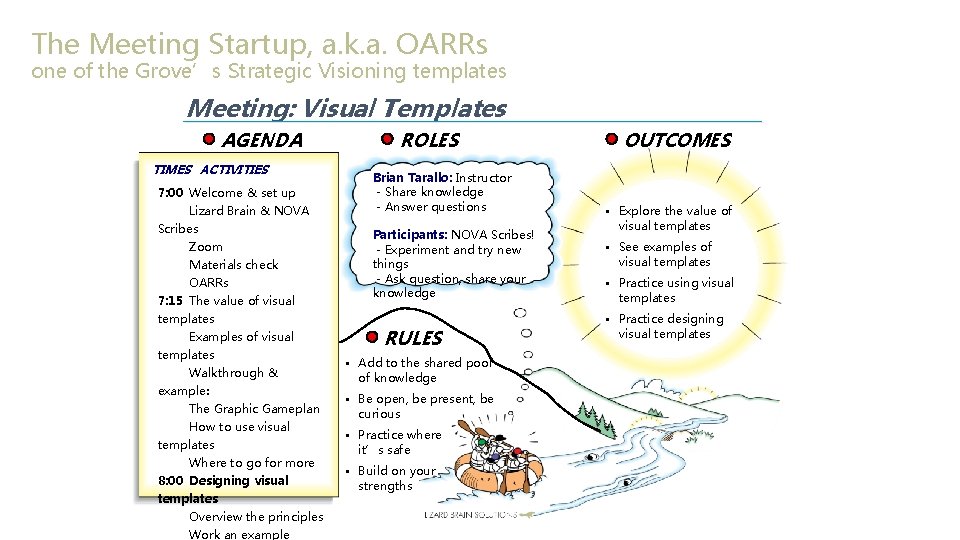
The Meeting Startup, a. k. a. OARRs one of the Grove’s Strategic Visioning templates Meeting: Visual Templates AGENDA TIMES ACTIVITIES 7: 00 Welcome & set up Lizard Brain & NOVA Scribes Zoom Materials check OARRs 7: 15 The value of visual templates Examples of visual templates Walkthrough & example: The Graphic Gameplan How to use visual templates Where to go for more 8: 00 Designing visual templates Overview the principles Work an example ROLES Brian Tarallo: Instructor - Share knowledge - Answer questions Participants: NOVA Scribes! - Experiment and try new things - Ask question, share your knowledge RULES • Add to the shared pool of knowledge • Be open, be present, be curious • Practice where it’s safe • Build on your strengths OUTCOMES • Explore the value of visual templates • See examples of visual templates • Practice using visual templates • Practice designing visual templates
The value of visual templates How have you used visual templates yourself? How have you seen visual templates used by others? Why might you want to use a visual template? • • • Abc Abc Abc

Four examples: these and more appear on your printed Visual Templates resource list What examples have YOU seen? • • • The Business Model Canvas, Alex Osterwalder Strategy and Business Planning Snapshot of the Big Picture, Patti Dobrowolski The Cover Story Vision, The Grove Consultants Future Visioning Visual Change Planner, Lane Change Consulting Abc Abc
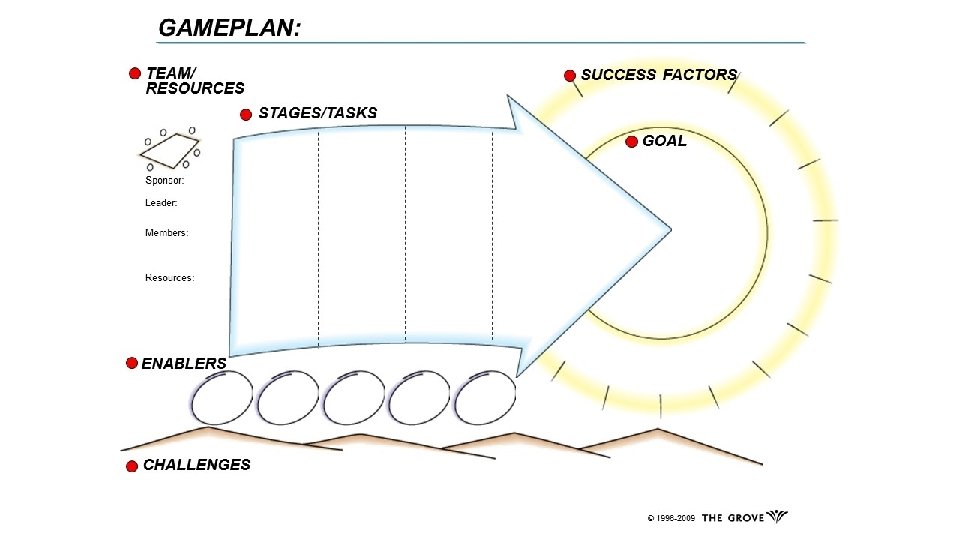
The Graphic Gameplan: A project plan in a box An example and walkthrough

How to use visual templates
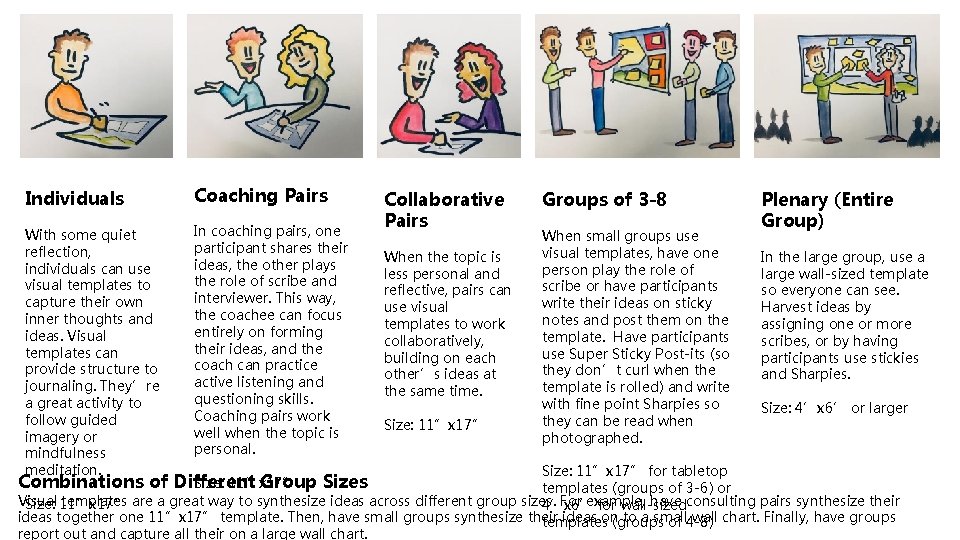
Individuals Coaching Pairs With some quiet reflection, individuals can use visual templates to capture their own inner thoughts and ideas. Visual templates can provide structure to journaling. They’re a great activity to follow guided imagery or mindfulness meditation. In coaching pairs, one participant shares their ideas, the other plays the role of scribe and interviewer. This way, the coachee can focus entirely on forming their ideas, and the coach can practice active listening and questioning skills. Coaching pairs work well when the topic is personal. Collaborative Pairs When the topic is less personal and reflective, pairs can use visual templates to work collaboratively, building on each other’s ideas at the same time. Size: 11”x 17” Groups of 3 -8 When small groups use visual templates, have one person play the role of scribe or have participants write their ideas on sticky notes and post them on the template. Have participants use Super Sticky Post-its (so they don’t curl when the template is rolled) and write with fine point Sharpies so they can be read when photographed. Plenary (Entire Group) In the large group, use a large wall-sized template so everyone can see. Harvest ideas by assigning one or more scribes, or by having participants use stickies and Sharpies. Size: 4’x 6’ or larger Size: 11”x 17” for tabletop templates (groups of 3 -6) or Visual templates are a great way to synthesize ideas across different group sizes. For example, have consulting pairs synthesize their Size: 11”x 17” 4’x 6’ for wall-sized ideas together one 11”x 17” template. Then, have small groups synthesize their ideas on to a small wall chart. Finally, have groups templates (groups of 4 -8) report out and capture all their on a large wall chart. Combinations of Different Group Sizes Size: 11”x 17”
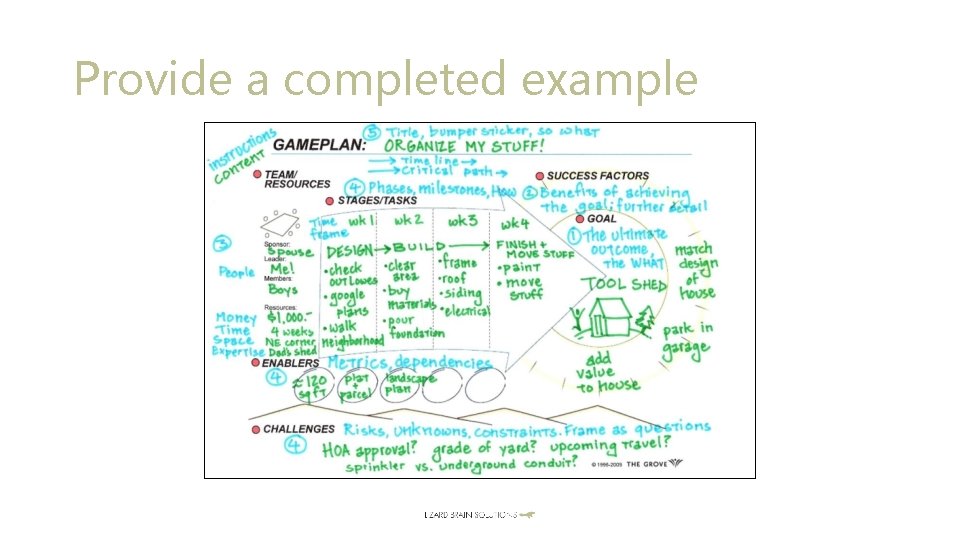
Provide a completed example
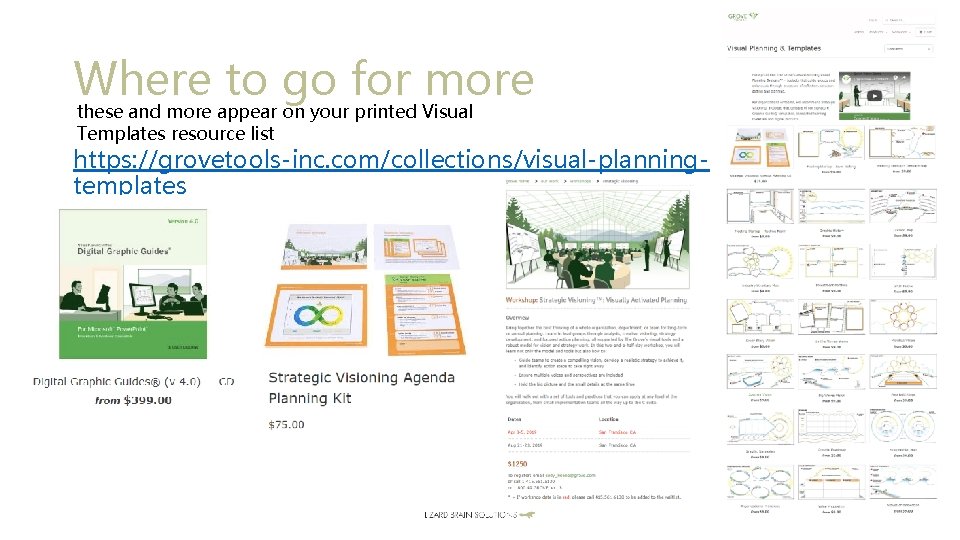
Where to go for more these and more appear on your printed Visual Templates resource list https: //grovetools-inc. com/collections/visual-planningtemplates
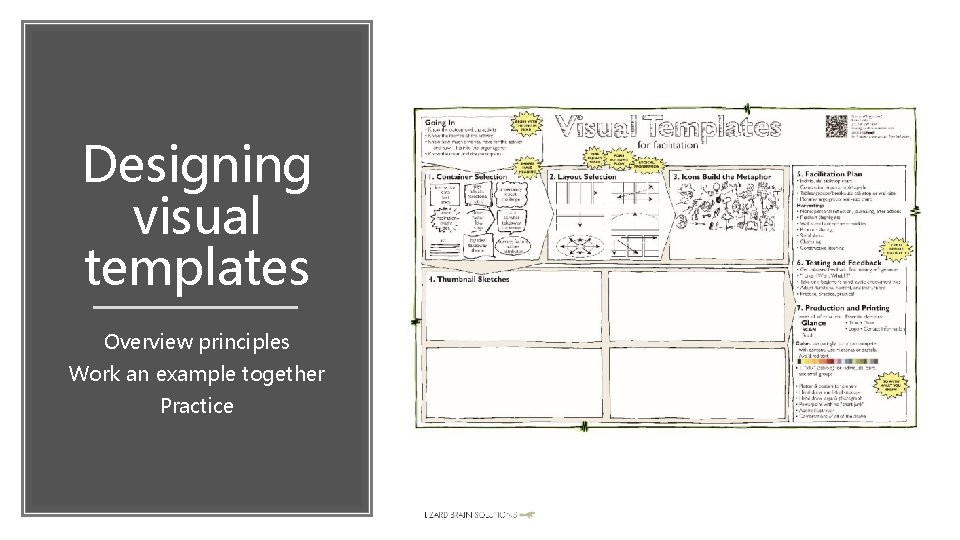
Designing visual templates Overview principles Work an example together Practice
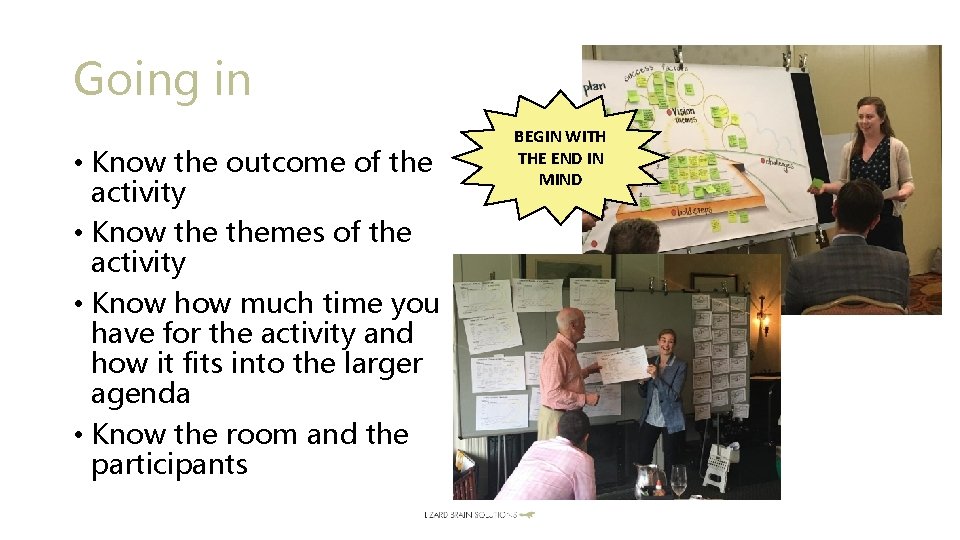
Going in • Know the outcome of the activity • Know themes of the activity • Know how much time you have for the activity and how it fits into the larger agenda • Know the room and the participants BEGIN WITH THE END IN MIND
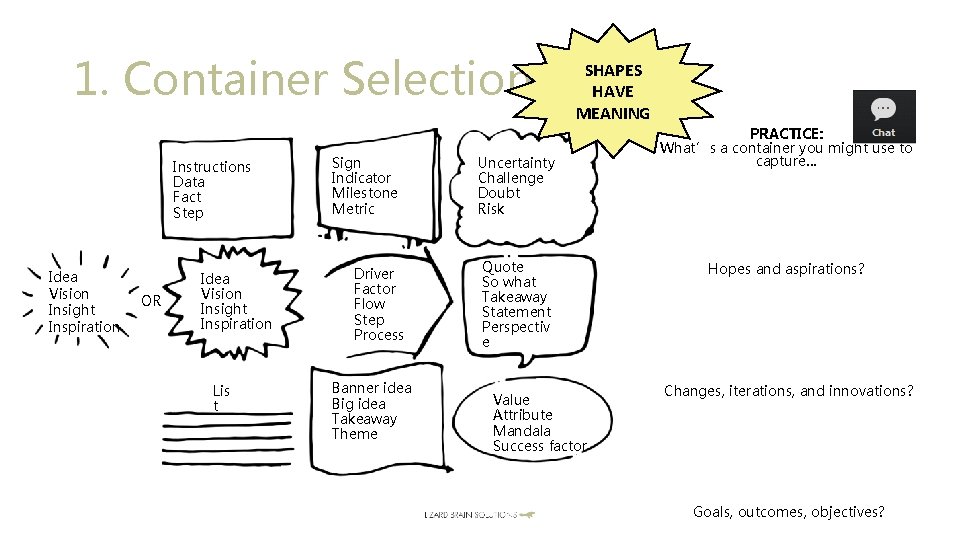
1. Container Selection Instructions Data Fact Step Idea Vision Insight Inspiration OR Idea Vision Insight Inspiration Lis t Sign Indicator Milestone Metric Driver Factor Flow Step Process Banner idea Big idea Takeaway Theme SHAPES HAVE MEANING Uncertainty Challenge Doubt Risk Quote So what Takeaway Statement Perspectiv e Value Attribute Mandala Success factor PRACTICE: What’s a container you might use to capture… Hopes and aspirations? Changes, iterations, and innovations? Goals, outcomes, objectives?
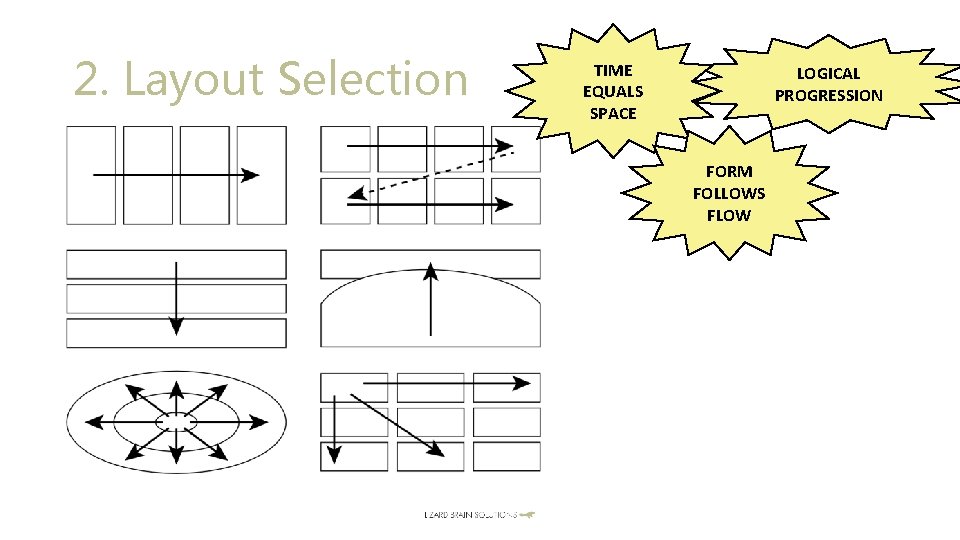
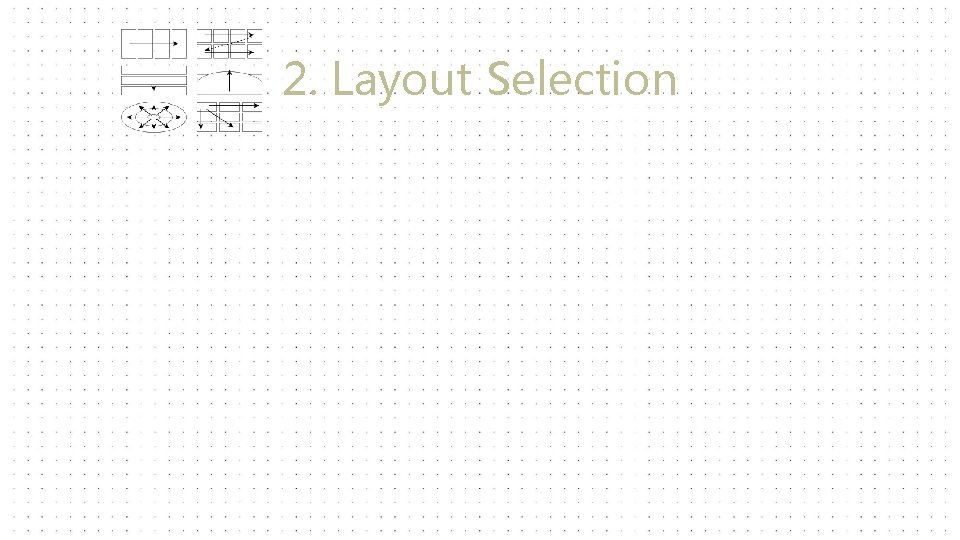
2. Layout Selection TIME EQUALS SPACE LOGICAL PROGRESSION FORM FOLLOWS FLOW
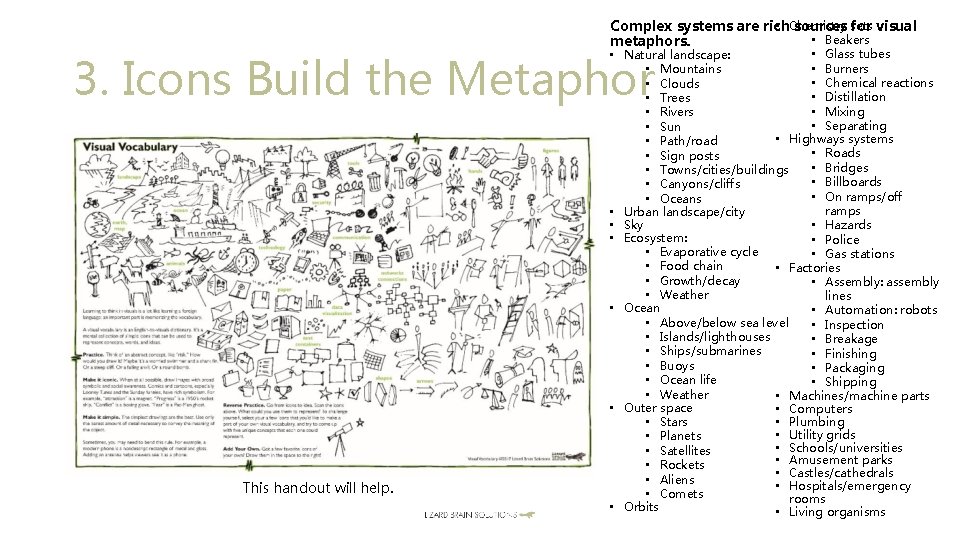
• Chemistry sets Complex systems are rich sources for visual • Beakers metaphors. • Glass tubes • Natural landscape: • Burners • Mountains • Chemical reactions • Clouds • Distillation • Trees • Mixing • Rivers • Separating • Sun • Highways systems • Path/road • Roads • Sign posts • Bridges • Towns/cities/buildings • Billboards • Canyons/cliffs • On ramps/off • Oceans ramps • Urban landscape/city • Sky • Hazards • Ecosystem: • Police • Evaporative cycle • Gas stations • Food chain • Factories • Growth/decay • Assembly: assembly • Weather lines • Ocean • Automation: robots • Above/below sea level • Inspection • Islands/lighthouses • Breakage • Ships/submarines • Finishing • Buoys • Packaging • Ocean life • Shipping • Weather • Machines/machine parts • Outer space • Computers • Plumbing • Stars • Utility grids • Planets • Schools/universities • Satellites • Amusement parks • Rockets • Castles/cathedrals • Aliens • Hospitals/emergency • Comets rooms • Orbits • Living organisms 3. Icons Build the Metaphor This handout will help.

4. Thumbnail Sketches
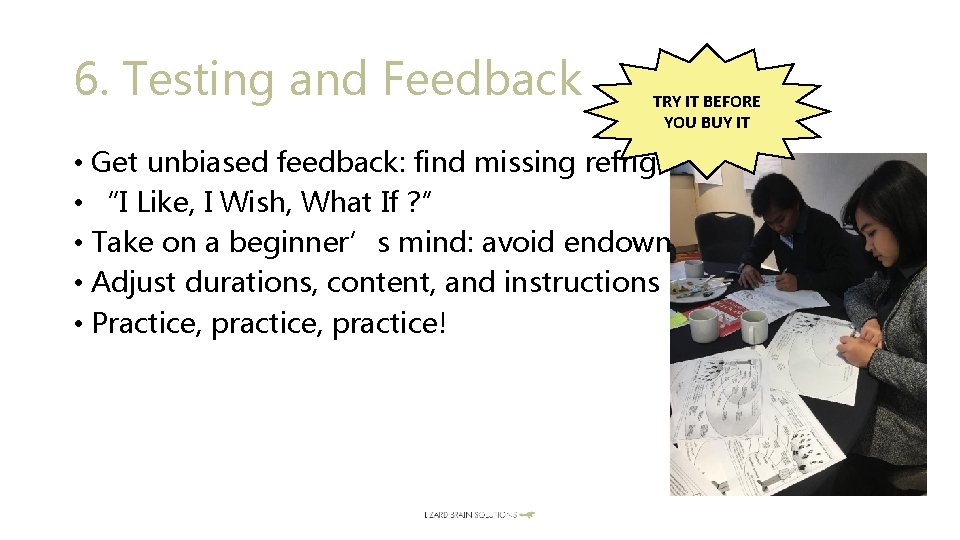
6. Testing and Feedback TRY IT BEFORE YOU BUY IT • Get unbiased feedback: find missing refrigerators • “I Like, I Wish, What If ? ” • Take on a beginner’s mind: avoid endowment bias • Adjust durations, content, and instructions • Practice, practice!
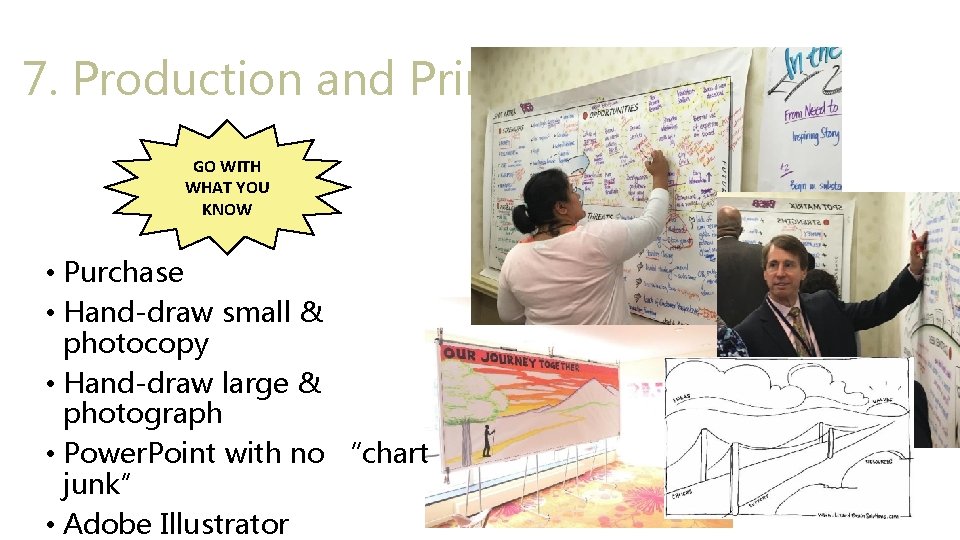
7. Production and Printing GO WITH WHAT YOU KNOW • Purchase • Hand-draw small & photocopy • Hand-draw large & photograph • Power. Point with no “chart junk” • Adobe Illustrator
We’re going to work an example together • Going In: • The outcome: a SWOT analysis (strengths, weaknesses, opportunities, threats) • The themes: strengths and weaknesses look at an organization internally, opportunities and treats look externally at the industry or environment • Time: 1 hour • How it fits into the larger agenda: the entire agenda is a strategic planning effort. The SWOT is part of agreeing on current realities, which will be completed before moving on to envisioning possible futures • The room and the participants: 16 participants at 4 round tables of 4 participants each; plenty of wall space for large charts
1. Container Selection Strengths Threats Weaknesses Opportunities
2. Layout Selection
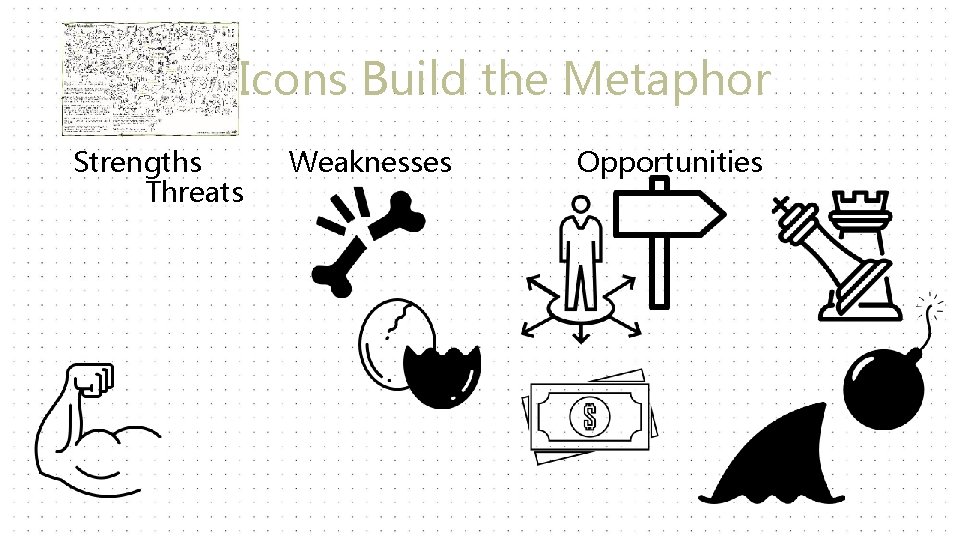
3. Icons Build the Metaphor Strengths Threats Weaknesses Opportunities
4. Thumbnail Sketches
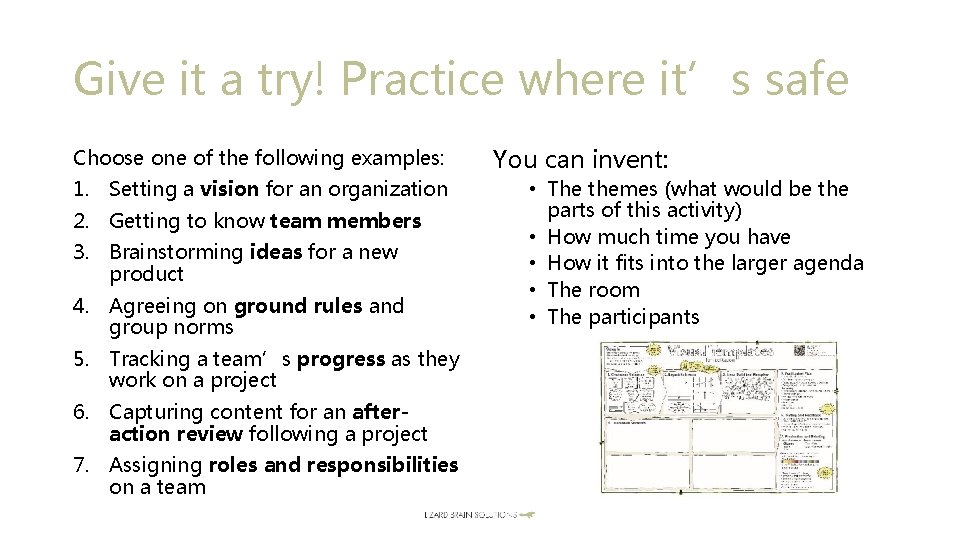
Give it a try! Practice where it’s safe Choose one of the following examples: 1. Setting a vision for an organization 2. Getting to know team members 3. Brainstorming ideas for a new product 4. Agreeing on ground rules and group norms 5. Tracking a team’s progress as they work on a project 6. Capturing content for an afteraction review following a project 7. Assigning roles and responsibilities on a team You can invent: • The themes (what would be the parts of this activity) • How much time you have • How it fits into the larger agenda • The room • The participants
Design tips. 25 pt line width Go easy on printer ink: lots of white space, 15% gray, pastels Pastels: fade to the background Watch alignment and spacing Use systems fonts (not downloaded fonts) so your templates can be emailed and shared. • Use fonts that look good both on screen and printed (sans serif. ) • • • I like Futura and Gill Sans. • Include a horizon line: landscape as metaphor, panoramic visualization • Layout: clear sections, space between, flow from top left to bottom right




Q&A

- Slides: 36