
Visual Basic NET Comprehensive Concepts and Techniques Chapter
Visual Basic. NET Comprehensive Concepts and Techniques Chapter 1 Quiz Review An Introduction to Visual Basic. NET and Program Design
Chapter One Review • Step-by-step series of instructions telling the computer what to do. –A Program • The process of writing these instructions is called what? –Programming 2
Chapter One Review • People who design and write programs – Programmers or software developers • A collection of one or more programs – Applications • The process of writing applications – Program Development 3
Common Programming Languages • Back-end/Server-side Programmer: Usually uses one of the following: Python, Ruby, PHP, Java or VB. Net. Has database knowledge. Possibly has some system admin knowledge. • Front-end/Client-side Programmer: HTML, CSS, Java. Script. Possibly has design skill. • Mobile Programmer: Objective-C or Java (for Android). HTML/CSS for mobile websites. Potentially has serverside knowledge. • 3 D Programmer/Game Programmer: C/C++, Open. GL, Animation. Possibly has good artistic skill. • High-Performance Programmer: C/C++, Java. May have background in mathematics or quantitative analysis. 4
What is Microsoft Visual Basic. NET? • A programming environment that allows you to build programs for the Windows operating system or any system that supports Microsoft’s. NET architecture. – VB. NET • VB. NET is based on the what programming langauge? – Visual Basic which evolved from BASIC • The process of writing a program using a programming language is called what? – Coding 5
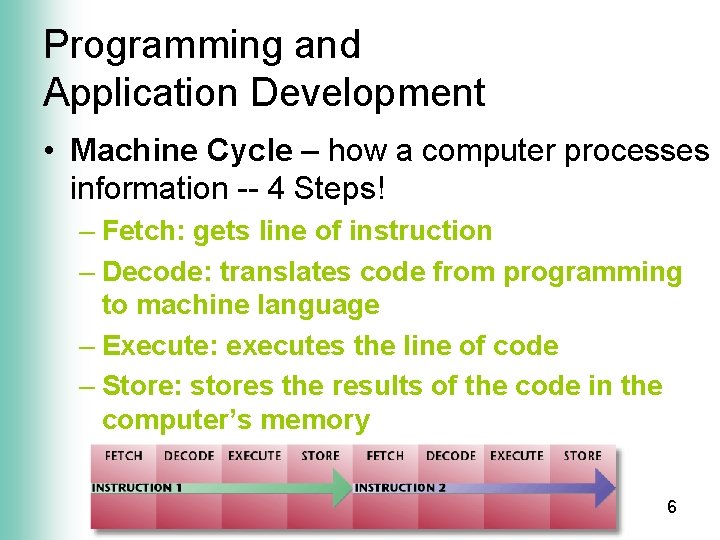
Programming and Application Development • Machine Cycle – how a computer processes information -- 4 Steps! – Fetch: gets line of instruction – Decode: translates code from programming to machine language – Execute: executes the line of code – Store: stores the results of the code in the computer’s memory 6
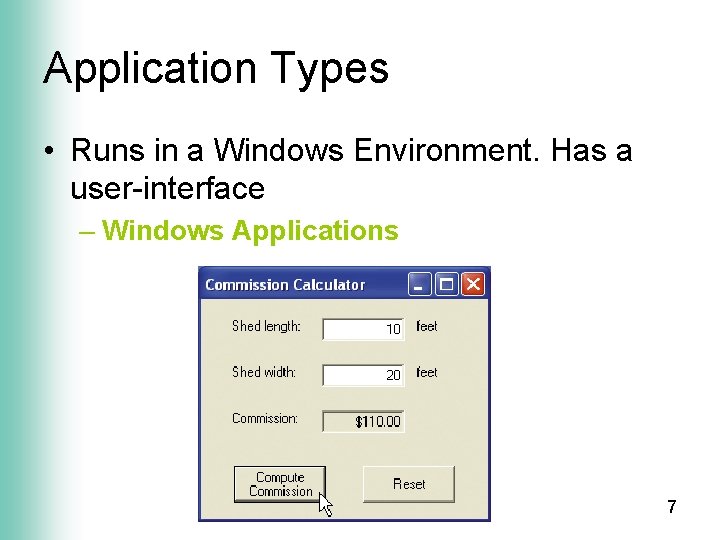
Application Types • Runs in a Windows Environment. Has a user-interface – Windows Applications 7
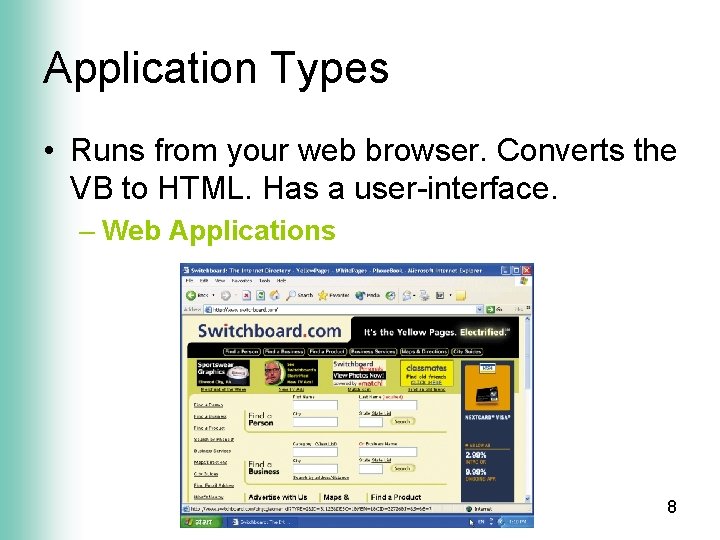
Application Types • Runs from your web browser. Converts the VB to HTML. Has a user-interface. – Web Applications 8
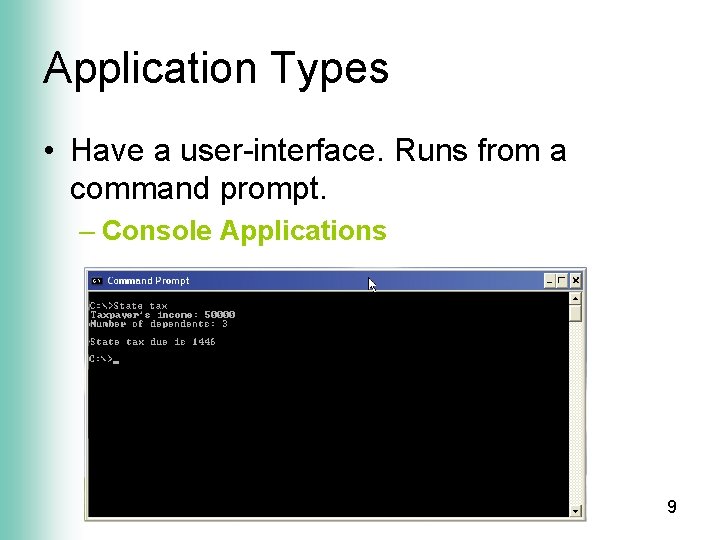
Application Types • Have a user-interface. Runs from a command prompt. – Console Applications 9
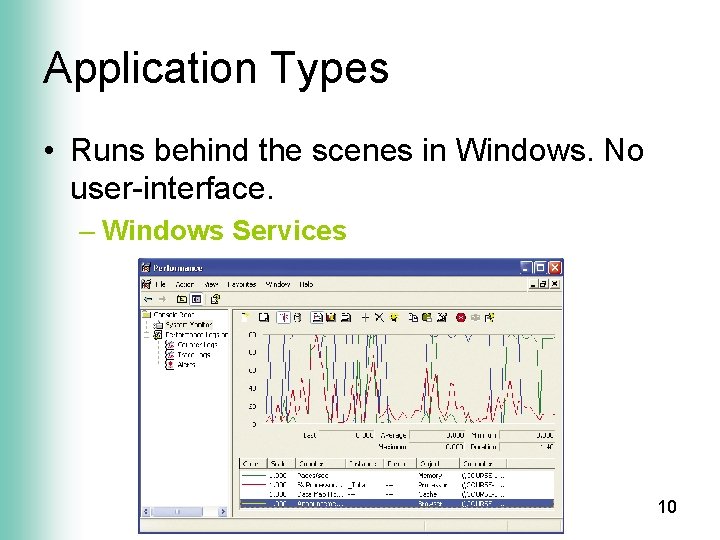
Application Types • Runs behind the scenes in Windows. No user-interface. – Windows Services 10
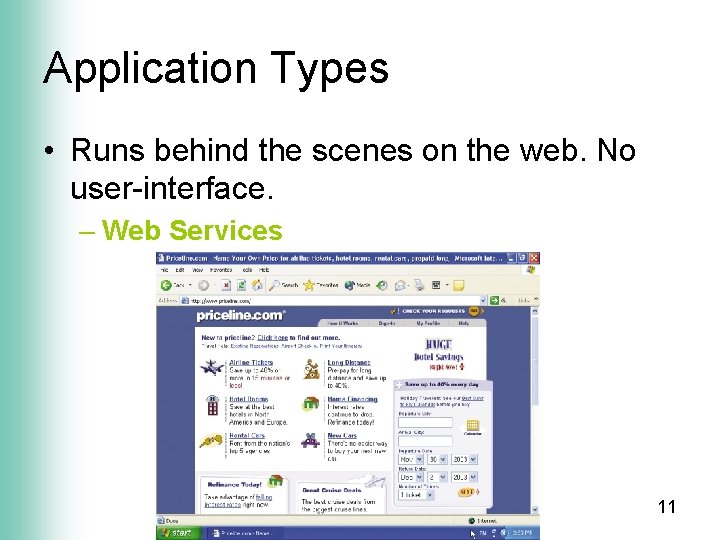
Application Types • Runs behind the scenes on the web. No user-interface. – Web Services 11
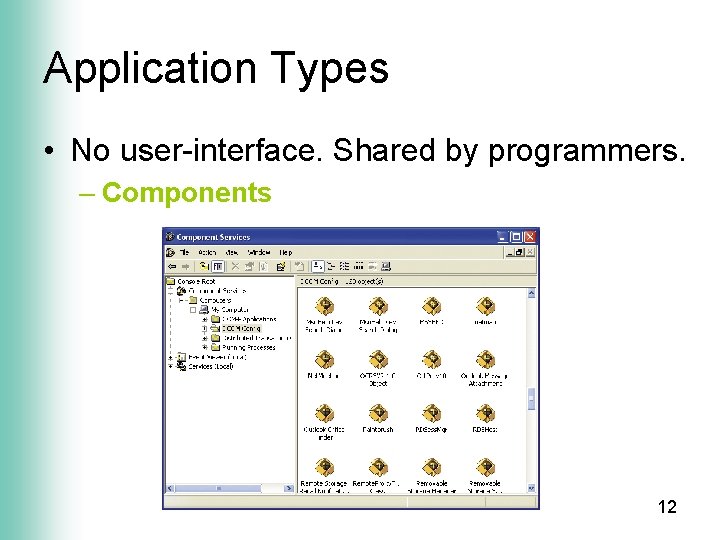
Application Types • No user-interface. Shared by programmers. – Components 12
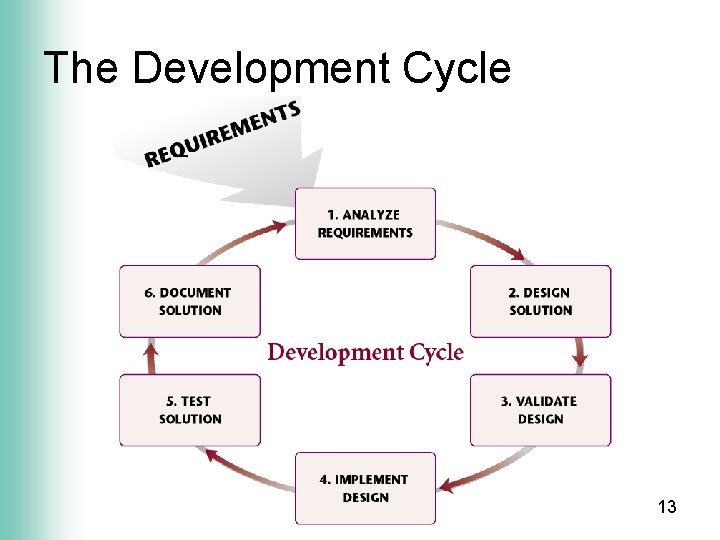
The Development Cycle 13
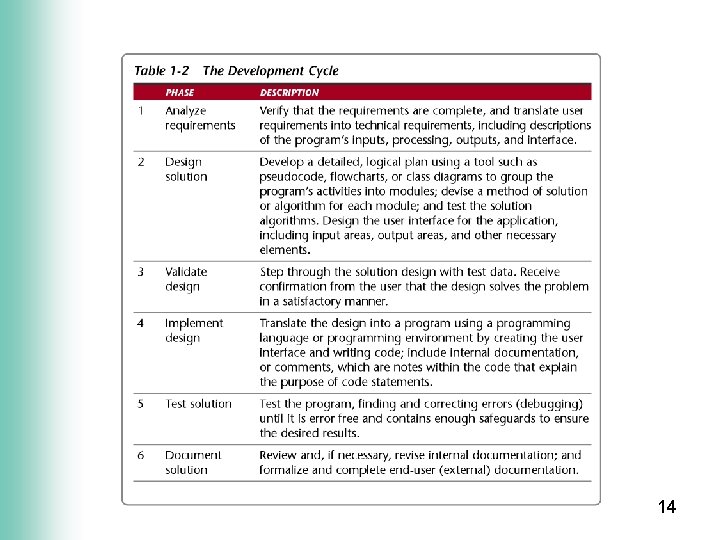
14
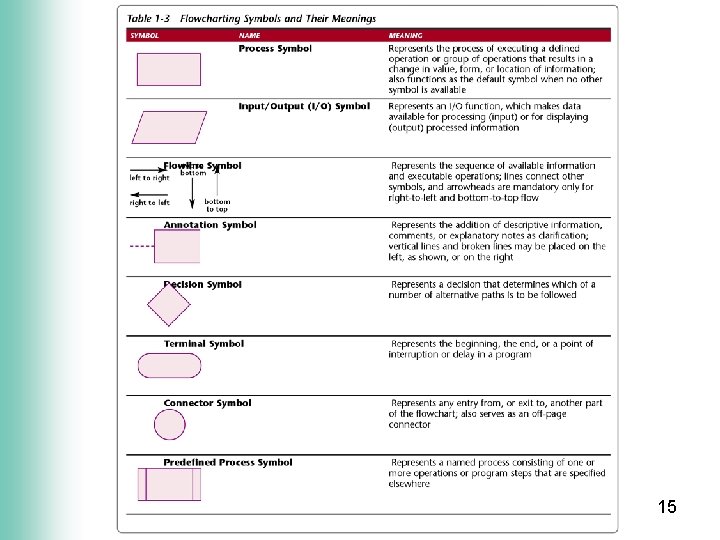
15
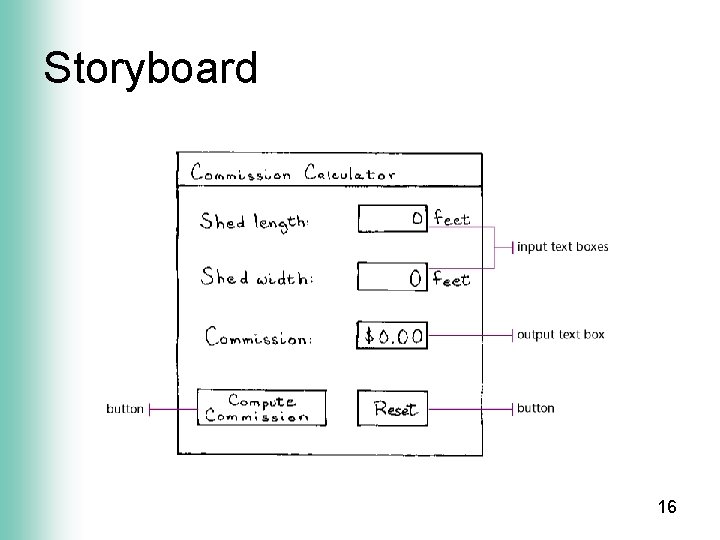
Storyboard 16
Flowchart Practice You work at a color copy center. Your boss would like a new windows application for the sales staff. The basic requirements are as follows: • User’s should be able to input the number of copies and the paper type. • Copies usually cost $1. 00 each. If the customers purchase 50 or more copies, they get a discounted price of $0. 80 each. • The total price is calculated by multiplying copies x price. • The program should display the number of copies, paper type, and total price. • Please draw a flowchart and a storyboard for the following application. 17
- Slides: 17