
Virus Analysis Techniques Tools and Research Issues Part
- Slides: 28
Virus Analysis Techniques, Tools, and Research Issues Part III: Malware Analysis Techniques - Basic Michael Venable Arun Lakhotia University of Louisiana at Lafayette, USA
Malware Analysis Techniques Basic Demonstrate by Example Analyze Beagle. J Prepare the Lab Malware Analysis Process Static Analysis Process Observation Network observation
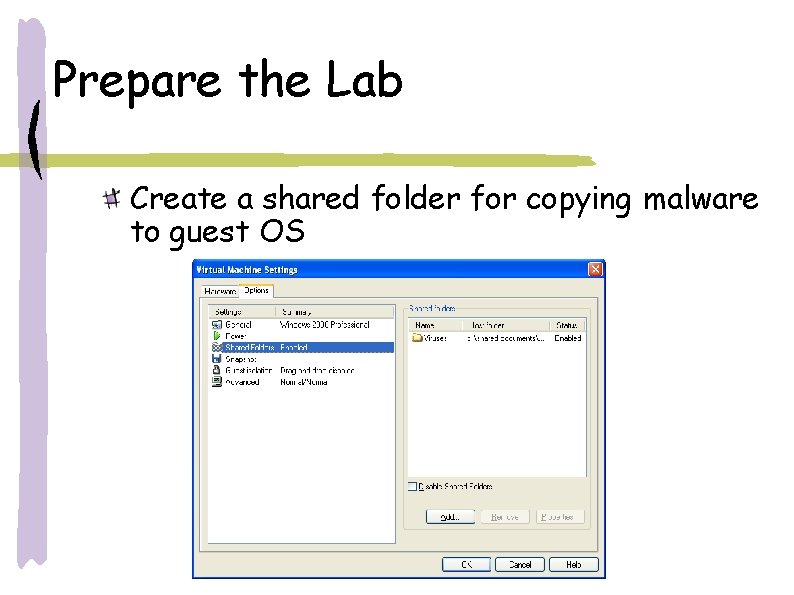
Prepare the Lab Create a shared folder for copying malware to guest OS
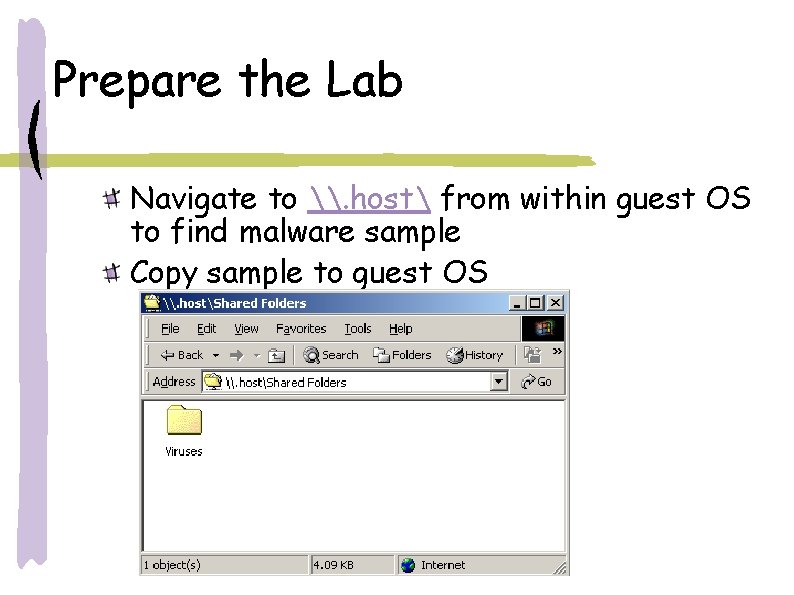
Prepare the Lab Navigate to \. host from within guest OS to find malware sample Copy sample to guest OS
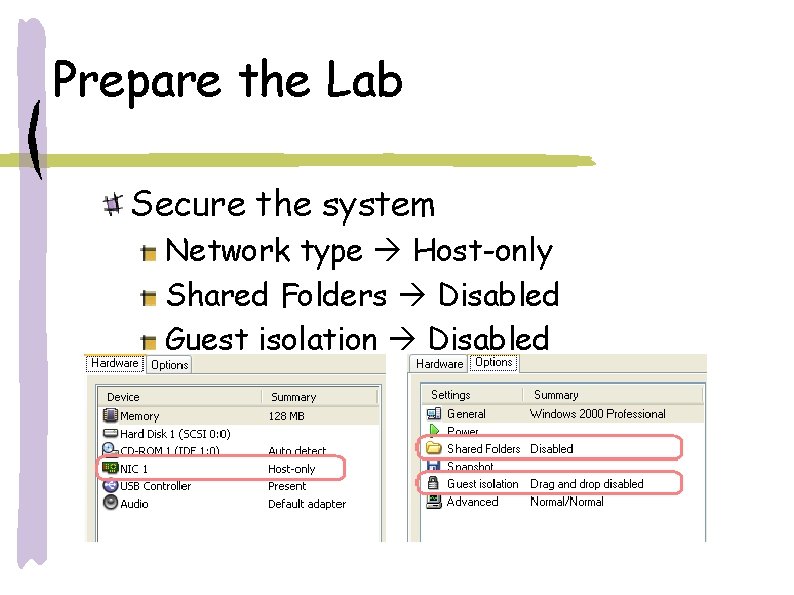
Prepare the Lab Secure the system Network type Host-only Shared Folders Disabled Guest isolation Disabled
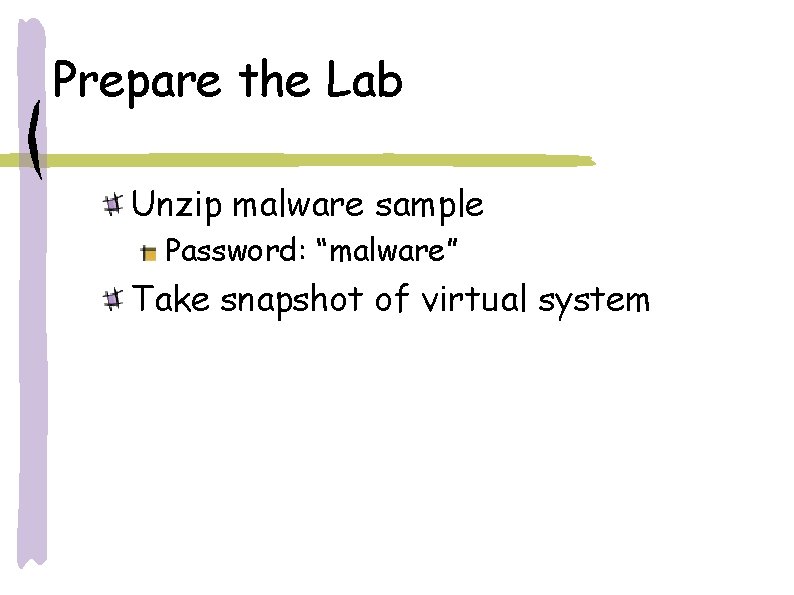
Prepare the Lab Unzip malware sample Password: “malware” Take snapshot of virtual system
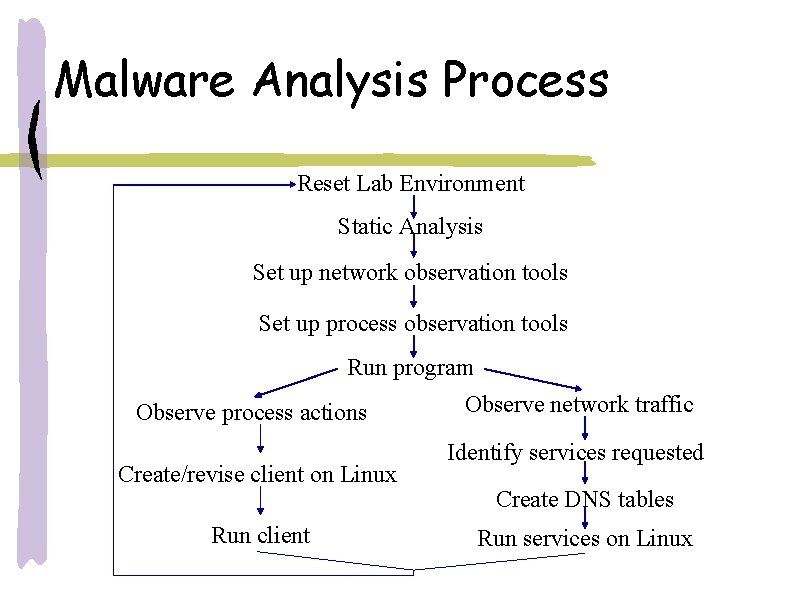
Malware Analysis Process Reset Lab Environment Static Analysis Set up network observation tools Set up process observation tools Run program Observe process actions Create/revise client on Linux Run client Observe network traffic Identify services requested Create DNS tables Run services on Linux
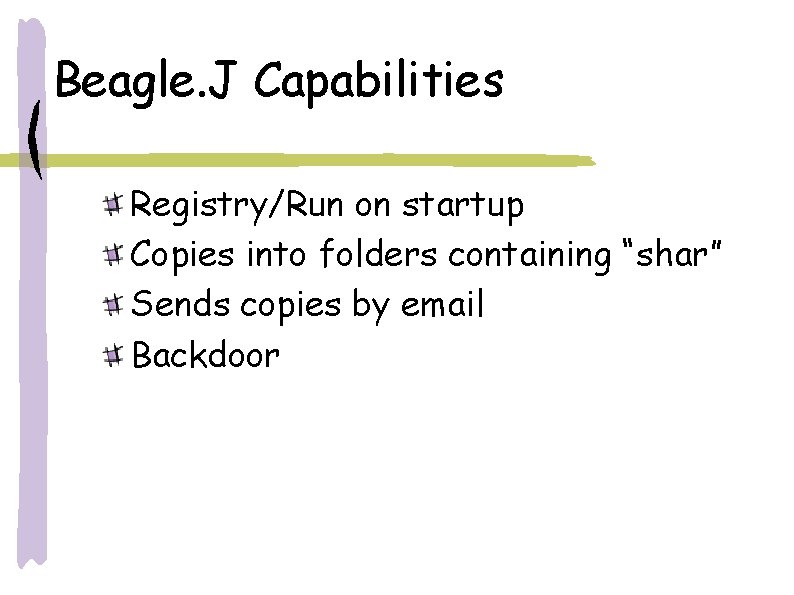
Beagle. J Capabilities Registry/Run on startup Copies into folders containing “shar” Sends copies by email Backdoor
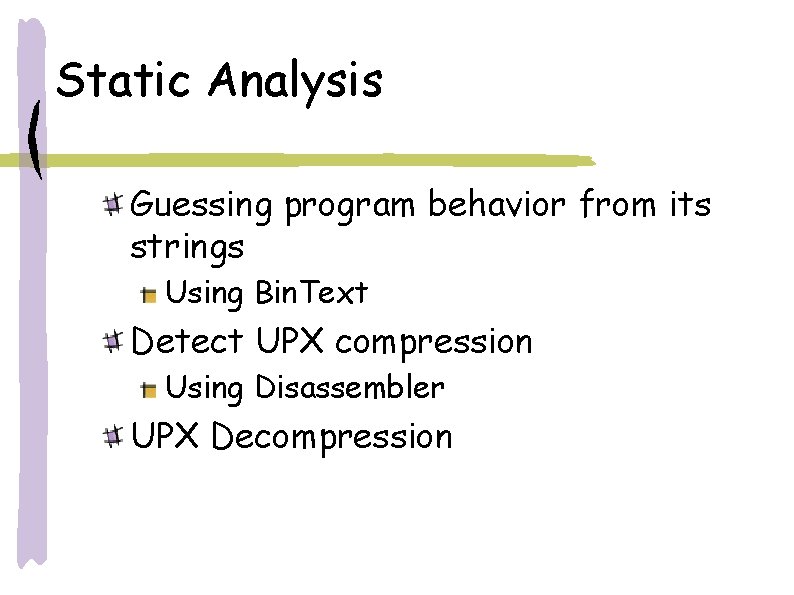
Static Analysis Guessing program behavior from its strings Using Bin. Text Detect UPX compression Using Disassembler UPX Decompression
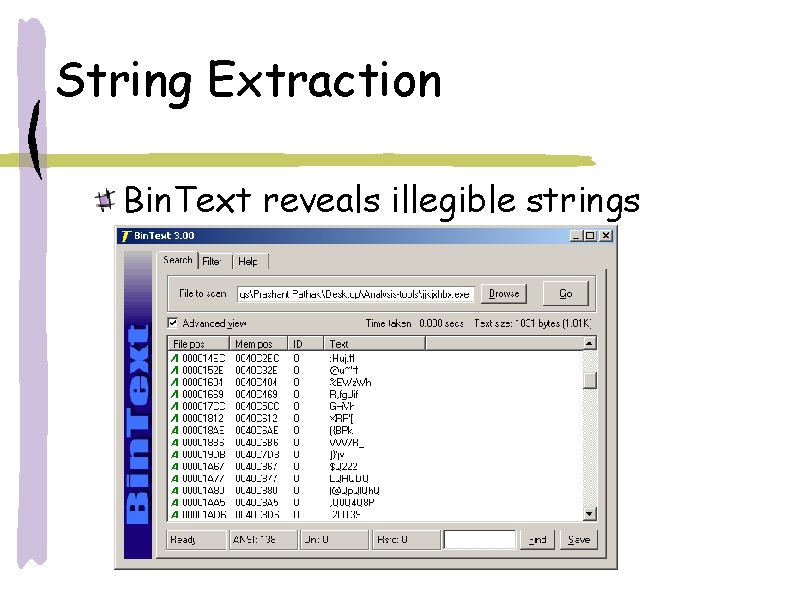
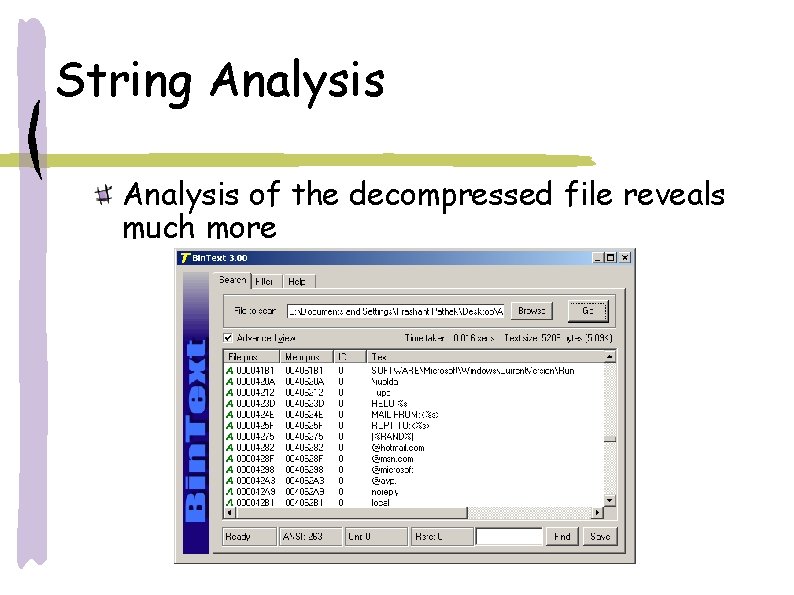
String Extraction Bin. Text reveals illegible strings
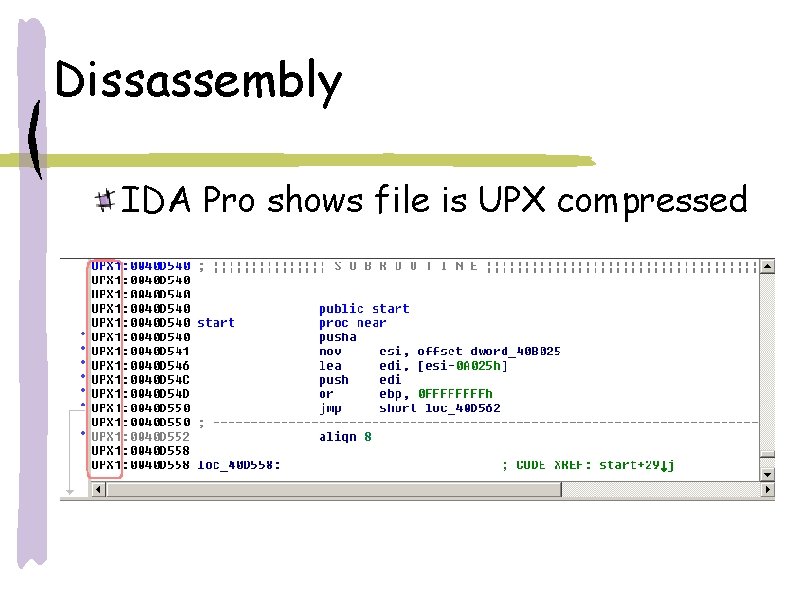
Dissassembly IDA Pro shows file is UPX compressed
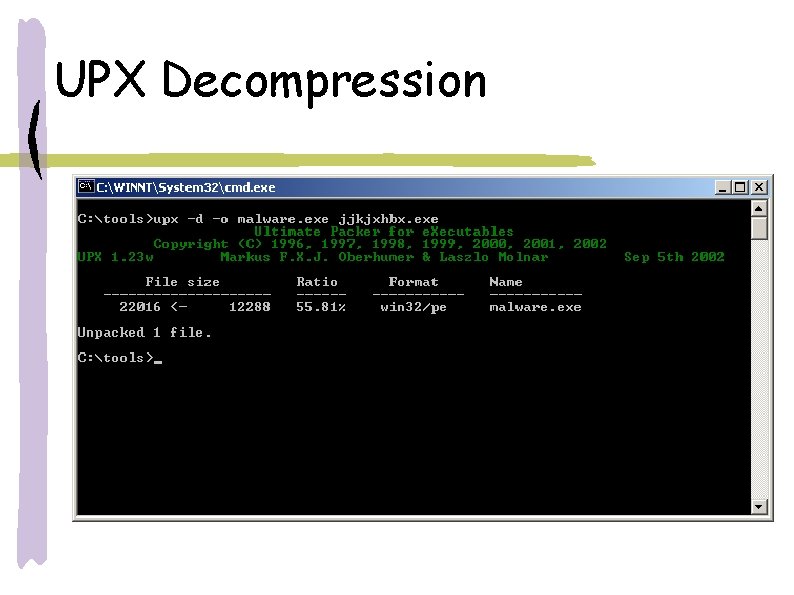
UPX Decompression
String Analysis of the decompressed file reveals much more
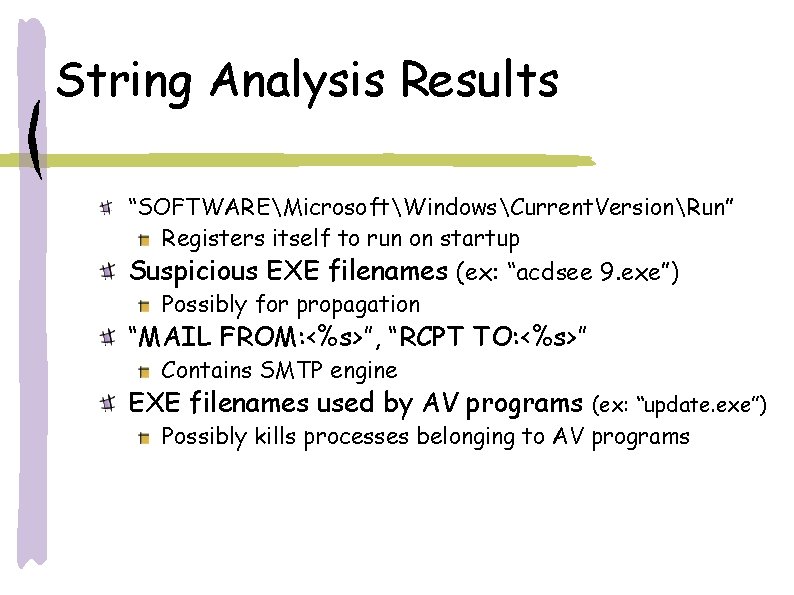
String Analysis Results “SOFTWAREMicrosoftWindowsCurrent. VersionRun” Registers itself to run on startup Suspicious EXE filenames (ex: “acdsee 9. exe”) Possibly for propagation “MAIL FROM: <%s>”, “RCPT TO: <%s>” Contains SMTP engine EXE filenames used by AV programs (ex: “update. exe”) Possibly kills processes belonging to AV programs
Dynamic Analysis: Host Side Prepare process observation tools Processes spawned by malware Registry changes File system changes Prepare network observation tools Open ports Network traffic
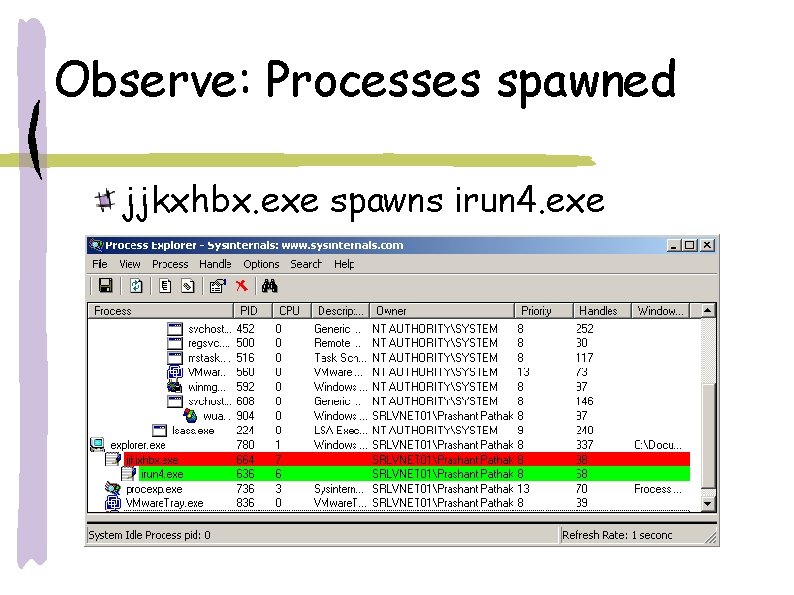
Observe: Processes spawned jjkxhbx. exe spawns irun 4. exe
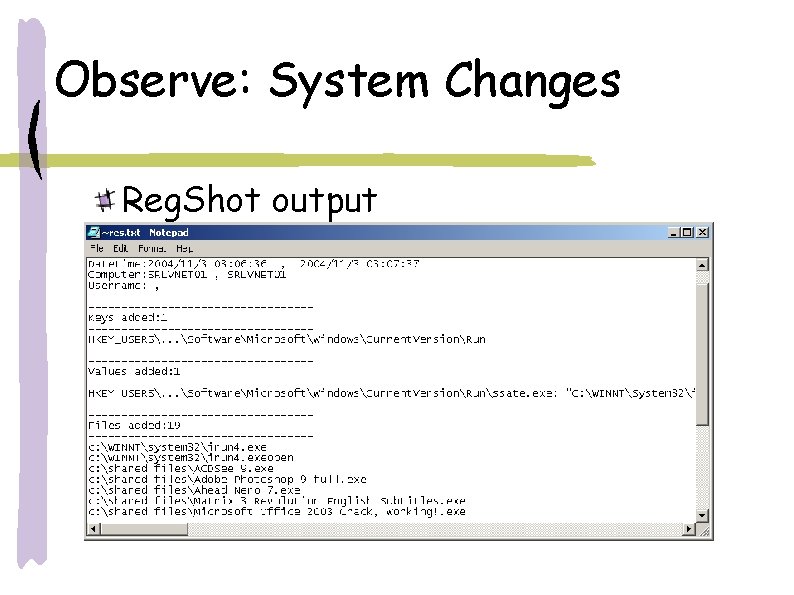
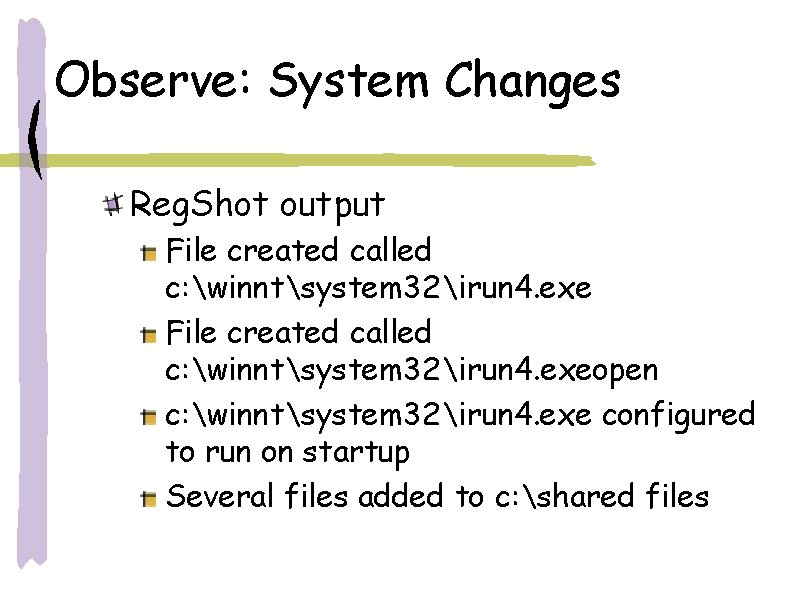
Observe: System Changes Reg. Shot output
Observe: System Changes Reg. Shot output File created called c: winntsystem 32irun 4. exeopen c: winntsystem 32irun 4. exe configured to run on startup Several files added to c: shared files
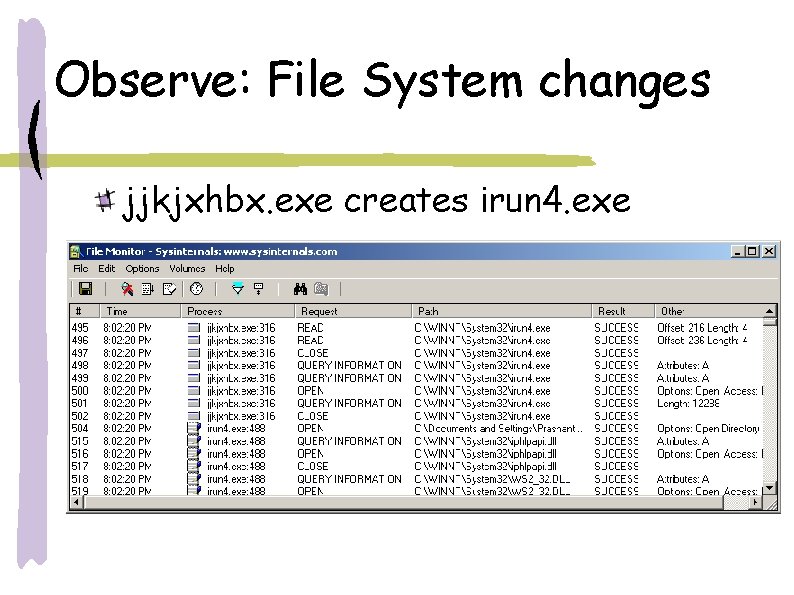
Observe: File System changes jjkjxhbx. exe creates irun 4. exe
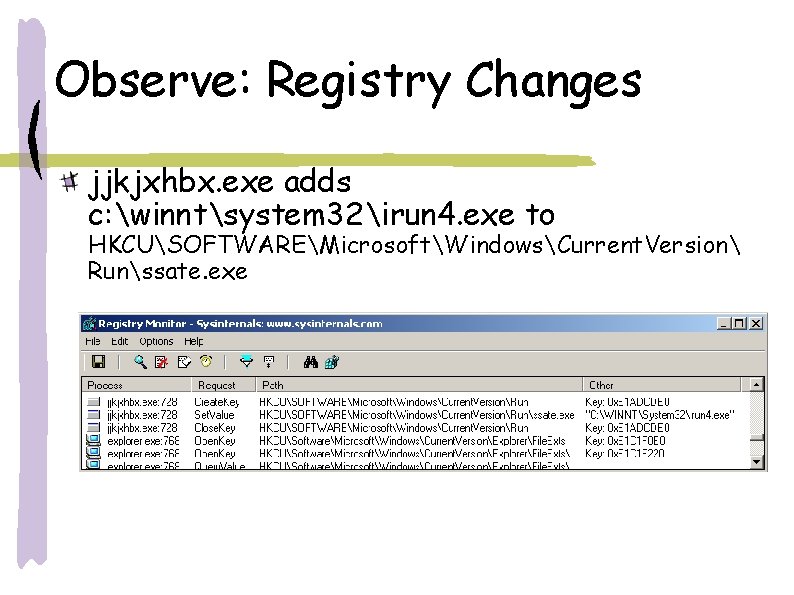
Observe: Registry Changes jjkjxhbx. exe adds c: winntsystem 32irun 4. exe to HKCUSOFTWAREMicrosoftWindowsCurrent. Version Runssate. exe
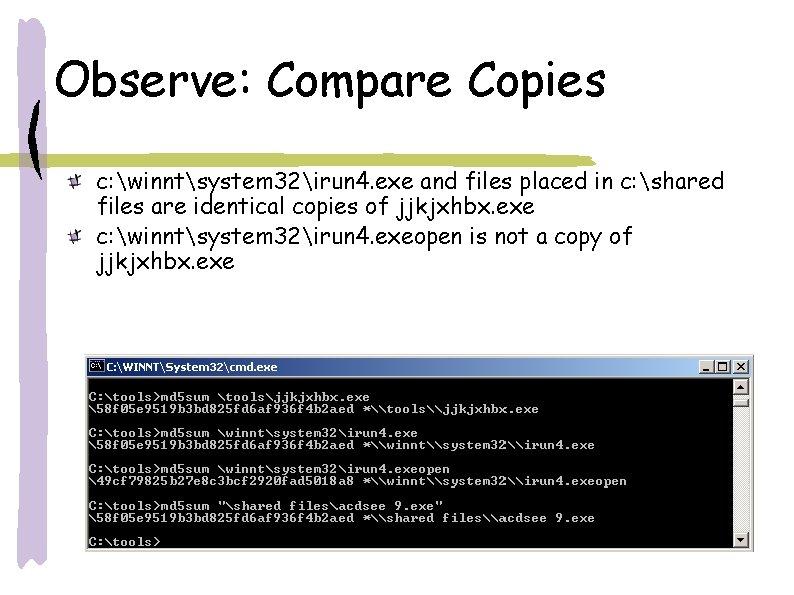
Observe: Compare Copies c: winntsystem 32irun 4. exe and files placed in c: shared files are identical copies of jjkjxhbx. exe c: winntsystem 32irun 4. exeopen is not a copy of jjkjxhbx. exe
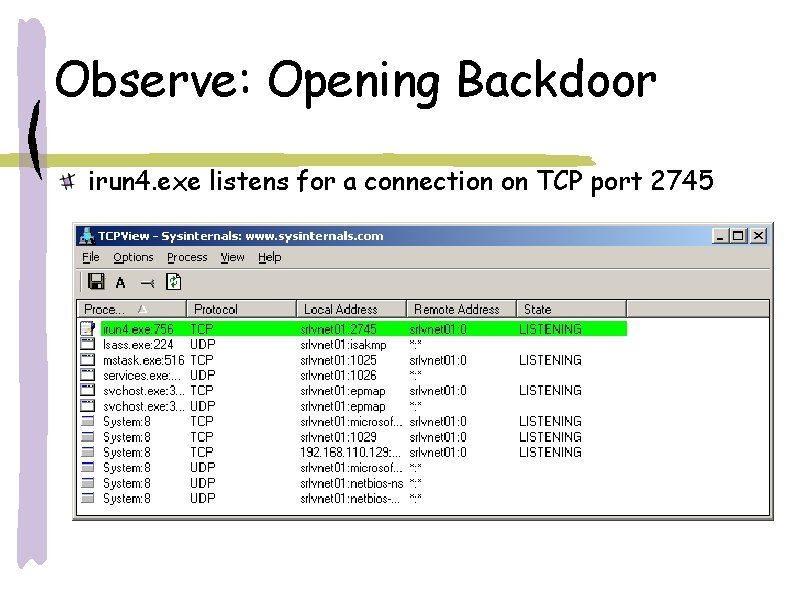
Observe: Opening Backdoor irun 4. exe listens for a connection on TCP port 2745
Dynamic Analysis: Network Detect email propagation
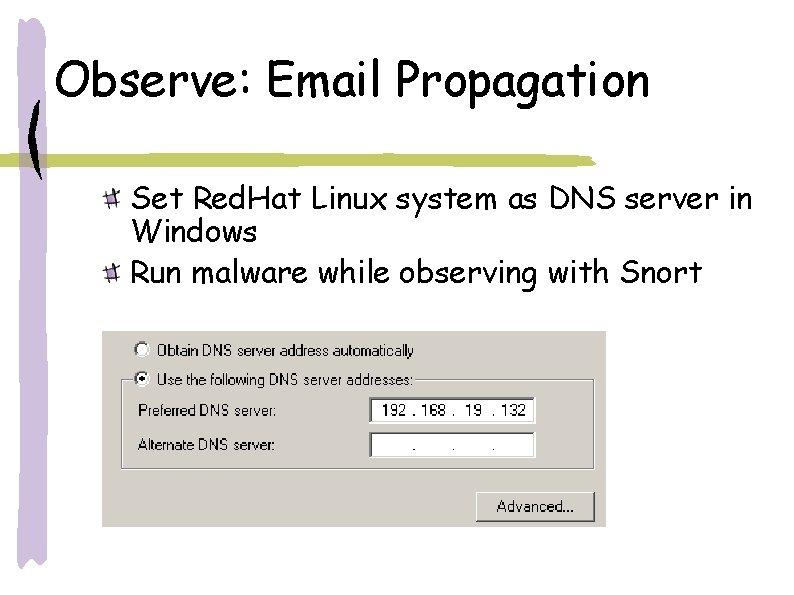
Observe: Email Propagation Set Red. Hat Linux system as DNS server in Windows Run malware while observing with Snort
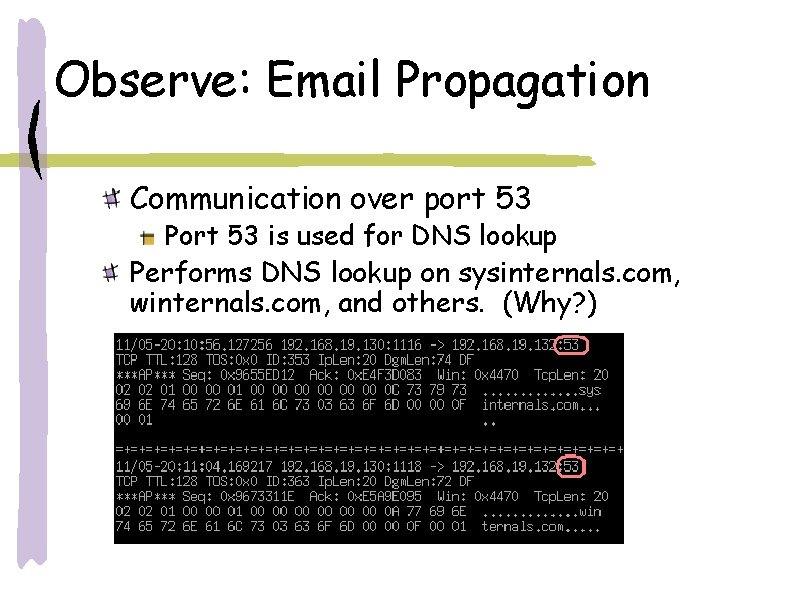
Observe: Email Propagation Communication over port 53 Port 53 is used for DNS lookup Performs DNS lookup on sysinternals. com, winternals. com, and others. (Why? )
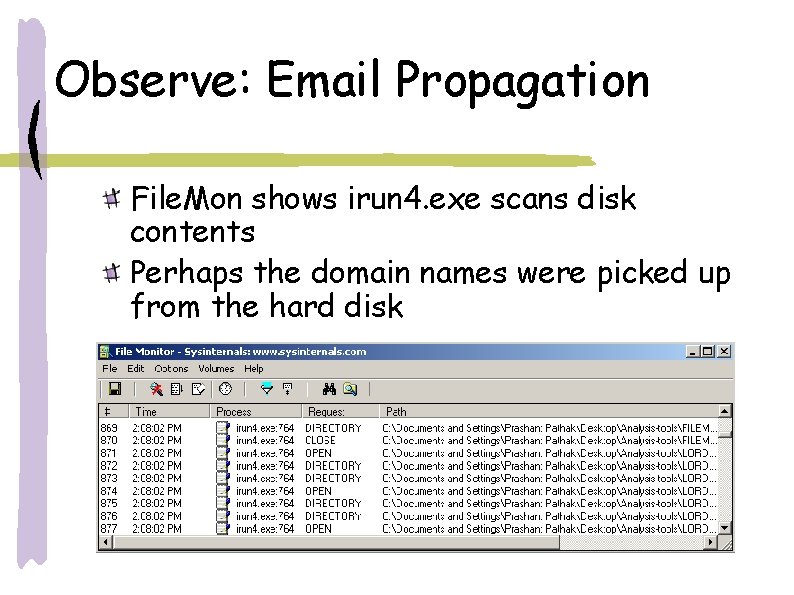
Observe: Email Propagation File. Mon shows irun 4. exe scans disk contents Perhaps the domain names were picked up from the hard disk
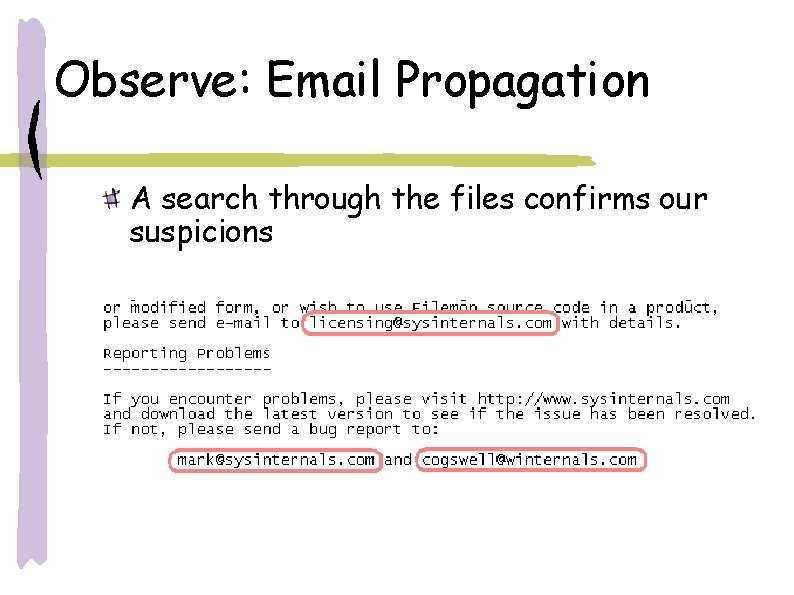
Observe: Email Propagation A search through the files confirms our suspicions
Summary Lab Setup Virtual environments Security procedures Analysis Process Guess behavior from strings Host side observations files and registry changes, processes spawned, backdoors Network side observations Services requested