
Virtual Workforce Assessment Leader Tools 1 Virtual Workforce
- Slides: 4
Virtual Workforce Assessment Leader Tools 1
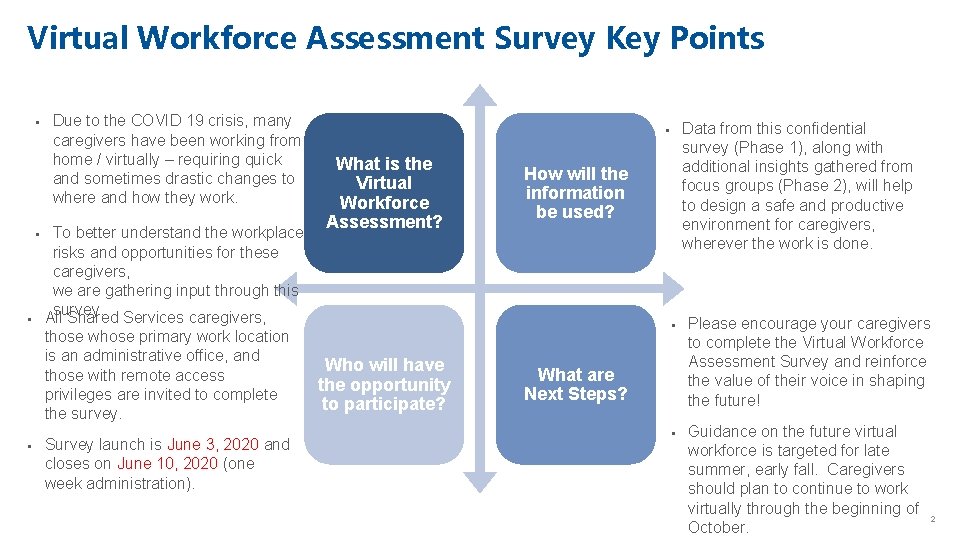
Virtual Workforce Assessment Survey Key Points § § § Due to the COVID 19 crisis, many caregivers have been working from home / virtually – requiring quick and sometimes drastic changes to where and how they work. To better understand the workplace risks and opportunities for these caregivers, we are gathering input through this survey. All Shared Services caregivers, those whose primary work location is an administrative office, and those with remote access privileges are invited to complete the survey. § Survey launch is June 3, 2020 and closes on June 10, 2020 (one week administration). Data from this confidential survey (Phase 1), along with additional insights gathered from focus groups (Phase 2), will help to design a safe and productive environment for caregivers, wherever the work is done. § What is the Virtual Workforce Assessment? How will the information be used? § Who will have the opportunity to participate? What are Next Steps? § Please encourage your caregivers to complete the Virtual Workforce Assessment Survey and reinforce the value of their voice in shaping the future! Guidance on the future virtual workforce is targeted for late summer, early fall. Caregivers should plan to continue to work virtually through the beginning of October. 2
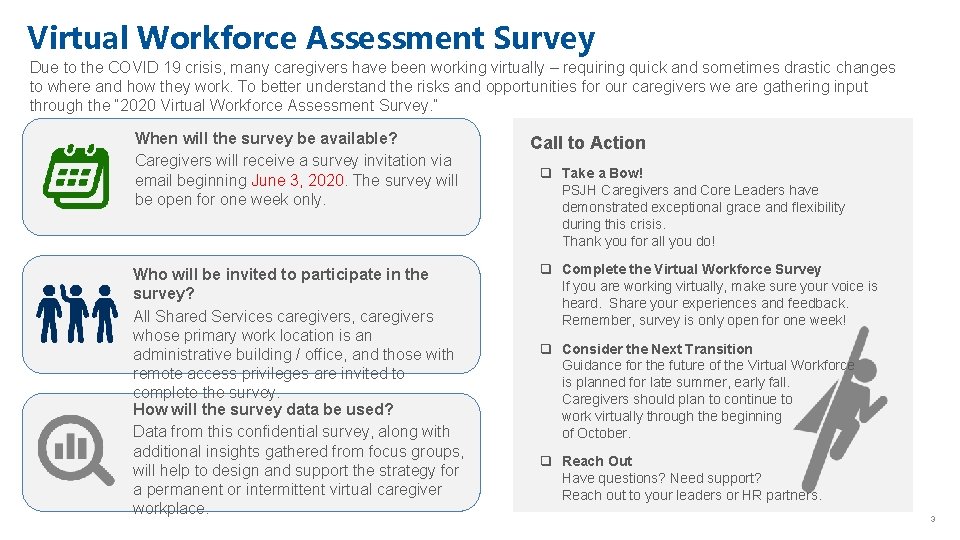
Virtual Workforce Assessment Survey Due to the COVID 19 crisis, many caregivers have been working virtually – requiring quick and sometimes drastic changes to where and how they work. To better understand the risks and opportunities for our caregivers we are gathering input through the “ 2020 Virtual Workforce Assessment Survey. ” When will the survey be available? Caregivers will receive a survey invitation via email beginning June 3, 2020. The survey will be open for one week only. Who will be invited to participate in the survey? All Shared Services caregivers, caregivers whose primary work location is an administrative building / office, and those with remote access privileges are invited to complete the survey. How will the survey data be used? Data from this confidential survey, along with additional insights gathered from focus groups, will help to design and support the strategy for a permanent or intermittent virtual caregiver workplace. Call to Action q Take a Bow! PSJH Caregivers and Core Leaders have demonstrated exceptional grace and flexibility during this crisis. Thank you for all you do! q Complete the Virtual Workforce Survey If you are working virtually, make sure your voice is heard. Share your experiences and feedback. Remember, survey is only open for one week! q Consider the Next Transition Guidance for the future of the Virtual Workforce is planned for late summer, early fall. Caregivers should plan to continue to work virtually through the beginning of October. q Reach Out Have questions? Need support? Reach out to your leaders or HR partners. 3
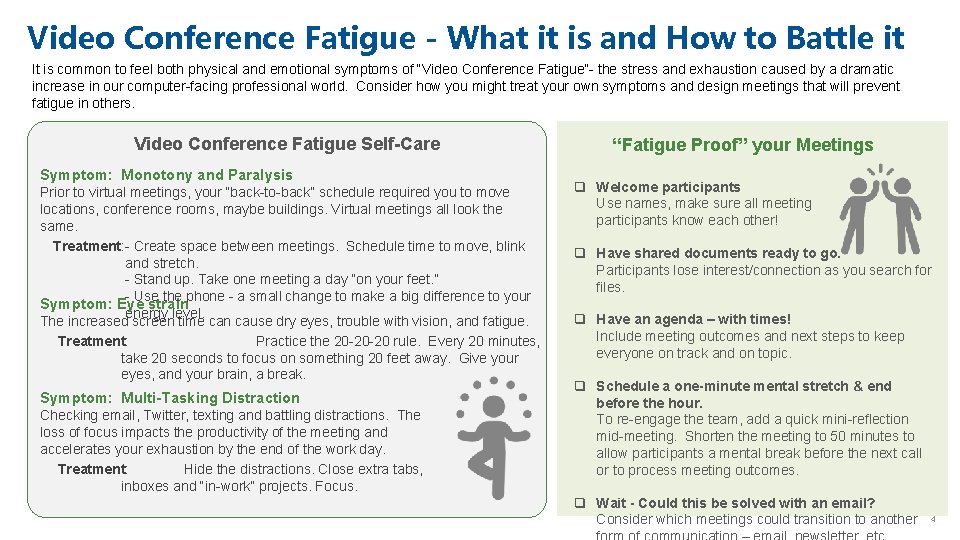
Video Conference Fatigue - What it is and How to Battle it It is common to feel both physical and emotional symptoms of “Video Conference Fatigue”- the stress and exhaustion caused by a dramatic increase in our computer-facing professional world. Consider how you might treat your own symptoms and design meetings that will prevent fatigue in others. Video Conference Fatigue Self-Care Symptom: Monotony and Paralysis Prior to virtual meetings, your “back-to-back” schedule required you to move locations, conference rooms, maybe buildings. Virtual meetings all look the same. Treatment: - Create space between meetings. Schedule time to move, blink and stretch. - Stand up. Take one meeting a day “on your feet. ” - Use the phone - a small change to make a big difference to your Symptom: Eye strain energy level. The increased screen time can cause dry eyes, trouble with vision, and fatigue. Treatment: Practice the 20 -20 -20 rule. Every 20 minutes, take 20 seconds to focus on something 20 feet away. Give your eyes, and your brain, a break. Symptom: Multi-Tasking Distraction Checking email, Twitter, texting and battling distractions. The loss of focus impacts the productivity of the meeting and accelerates your exhaustion by the end of the work day. Treatment: Hide the distractions. Close extra tabs, inboxes and “in-work” projects. Focus. “Fatigue Proof” your Meetings q Welcome participants Use names, make sure all meeting participants know each other! q Have shared documents ready to go. Participants lose interest/connection as you search for files. q Have an agenda – with times! Include meeting outcomes and next steps to keep everyone on track and on topic. q Schedule a one-minute mental stretch & end before the hour. To re-engage the team, add a quick mini-reflection mid-meeting. Shorten the meeting to 50 minutes to allow participants a mental break before the next call or to process meeting outcomes. q Wait - Could this be solved with an email? Consider which meetings could transition to another 4