
Virtual Wind Tunnel Simulating Air Computational Fluid Dynamics

- Slides: 6
Virtual Wind Tunnel
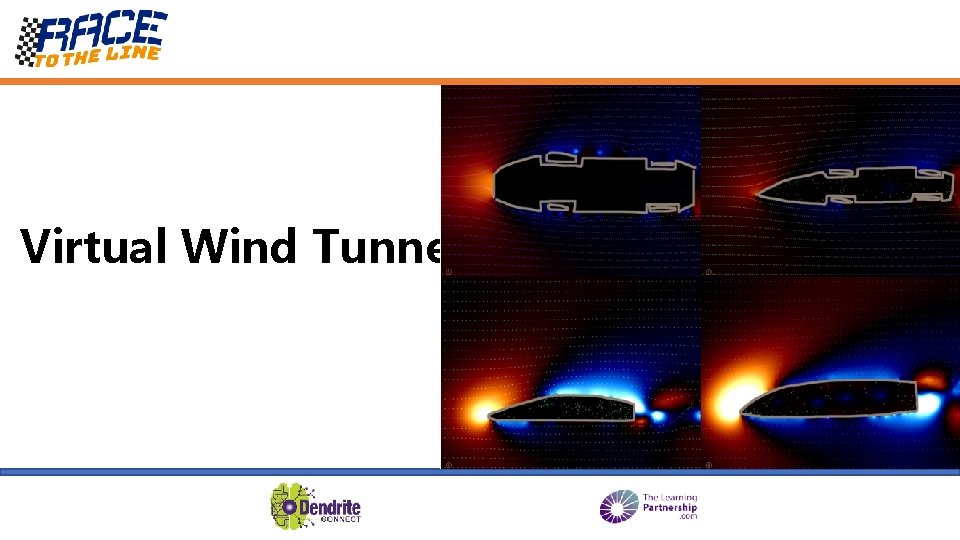
Simulating Air: Computational Fluid Dynamics A virtual wind tunnel simulates how air moves around objects We can’t see air with our eyes but it can be really useful to understand how air moves if we are designing things that move through it. Special simulation programs can calculate how air molecules move and then produce a picture or animation. Architects designing tall buildings or bridges, aircraft engineers making faster planes and land speed record breakers will all make use of simulators. These airflow simulator programs are called Computational Fluid Dynamics (CFD) programs. The Wind Tunnel App is a very simple CFD program that works on an i. Pad.
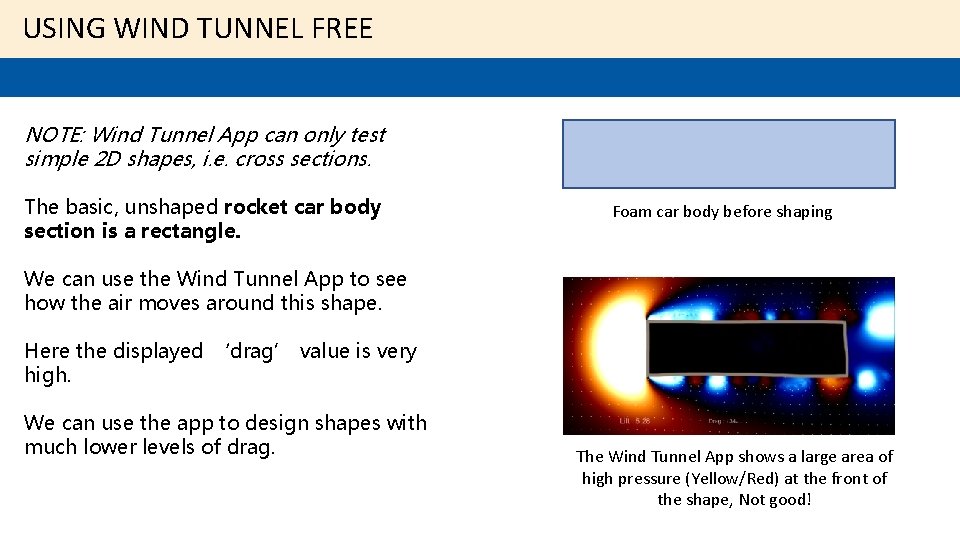
USING WIND TUNNEL FREE NOTE: Wind Tunnel App can only test simple 2 D shapes, i. e. cross sections. The basic, unshaped rocket car body section is a rectangle. Foam car body before shaping We can use the Wind Tunnel App to see how the air moves around this shape. Here the displayed ‘drag’ value is very high. We can use the app to design shapes with much lower levels of drag. The Wind Tunnel App shows a large area of high pressure (Yellow/Red) at the front of the shape, Not good!
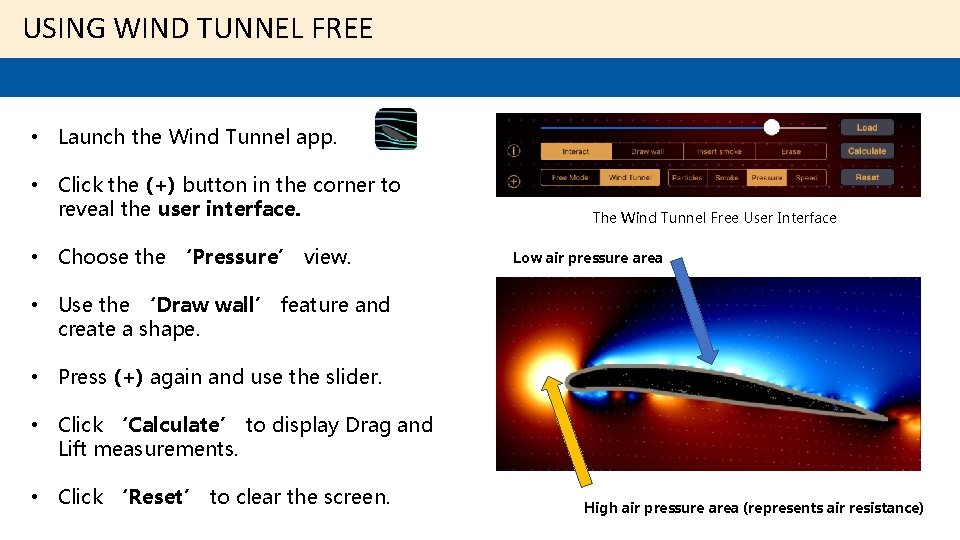
USING WIND TUNNEL FREE • Launch the Wind Tunnel app. • Click the (+) button in the corner to reveal the user interface. • Choose the ‘Pressure’ view. The Wind Tunnel Free User Interface Low air pressure area • Use the ‘Draw wall’ feature and create a shape. • Press (+) again and use the slider. • Click ‘Calculate’ to display Drag and Lift measurements. • Click ‘Reset’ to clear the screen. High air pressure area (represents air resistance)
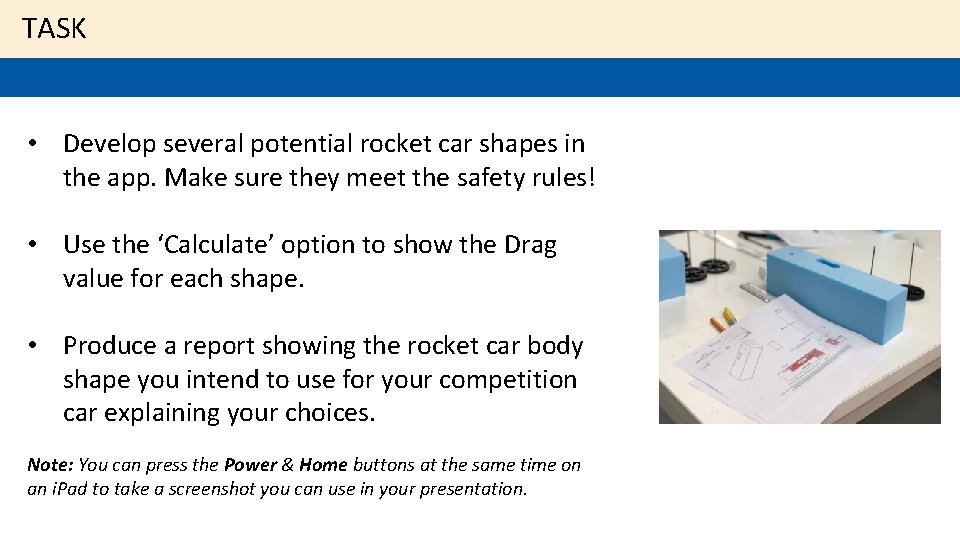
TASK • Develop several potential rocket car shapes in the app. Make sure they meet the safety rules! • Use the ‘Calculate’ option to show the Drag value for each shape. • Produce a report showing the rocket car body shape you intend to use for your competition car explaining your choices. Note: You can press the Power & Home buttons at the same time on an i. Pad to take a screenshot you can use in your presentation.
SUMMARY: • The shape of the rocket car body is linked to the amount of drag it creates. • Reducing the drag of the body allows the rocket motor to accelerate the rocket car quicker = faster times! • You can use a CFD program to simulate airflow and calculate drag values and display how air (or other fluids) move.