
Virtual URLity Because being lost in cyberspace isnt
Virtual URLity Because being lost in cyberspace isn’t fun Chris Hirt Hekman Library August, 2007
Virtual URLity 1 Part Because being lost in cyberspace isn’t fun Anatomy of a URL Diving into the Web’s Information Location System Chris Hirt Hekman Library August, 2007
Introduction �URL stands for Uniform Resource Locator �"yü-(")är-'el, '&r(-&)l �A simple answer: A URL is a unique address that describes a location on the web (ex. a document or website) �Knowing how URLs work will help you know where you are on the Internet.
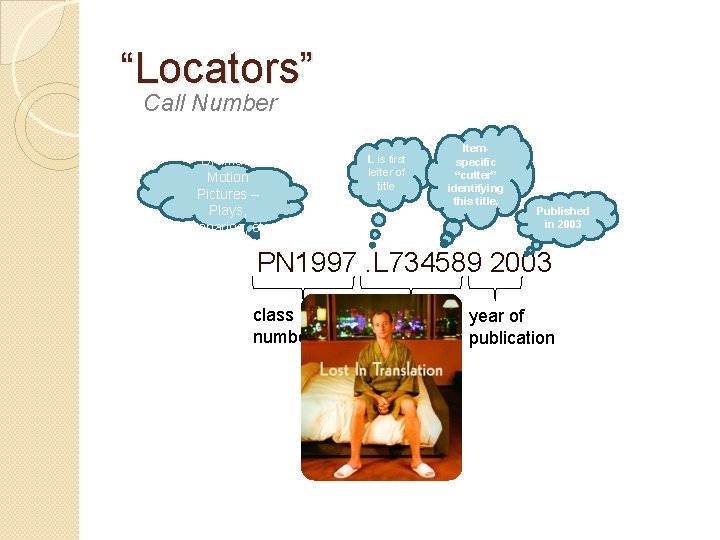
“Locators” Call Number Drama – Motion Pictures – Plays, Scenarios, etc. L is first letter of title Itemspecific “cutter” identifying this title. Published in 2003 PN 1997. L 734589 2003 class number cutter year of publication
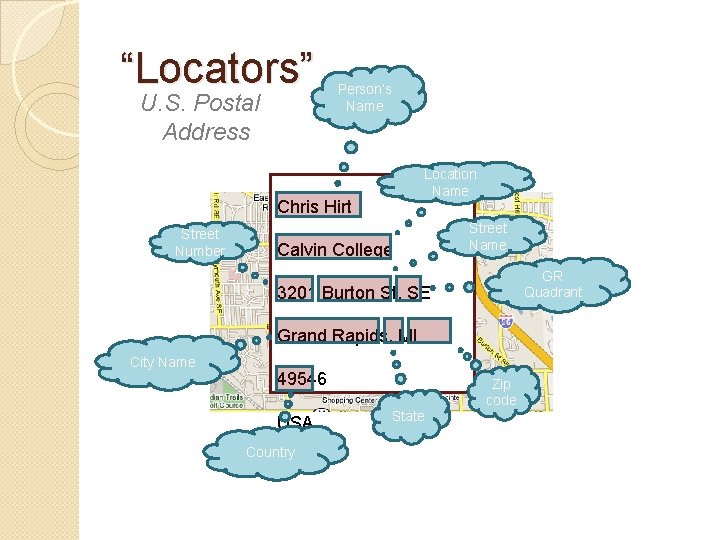
“Locators” U. S. Postal Address Person’s Name Location Name Street Number Chris Hirt Chris Calvin. Hirt College 3201 Burton St. SE Calvin Grand College Rapids, MI 49546 3201 USA Burton St. SE Street Name GR Quadrant Grand Rapids, MI City Name 49546 USA Country State Zip code

“Locators” Chinese Postal Address
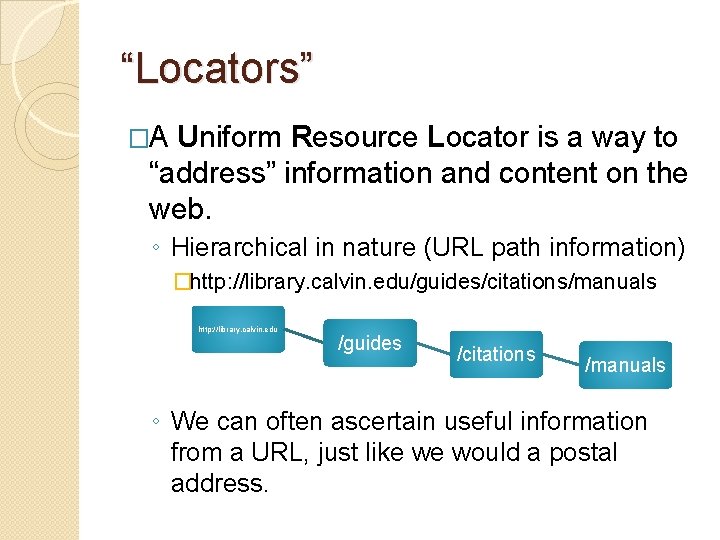
“Locators” �A Uniform Resource Locator is a way to “address” information and content on the web. ◦ Hierarchical in nature (URL path information) �http: //library. calvin. edu/guides/citations/manuals http: //library. calvin. edu /guides /citations /manuals ◦ We can often ascertain useful information from a URL, just like we would a postal address.
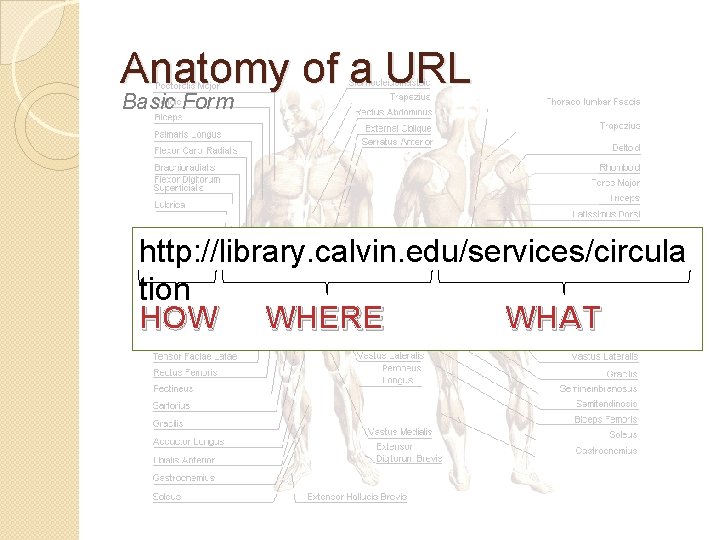
Anatomy of a URL Basic Form http: //library. calvin. edu/services/circula tion HOW WHERE WHAT
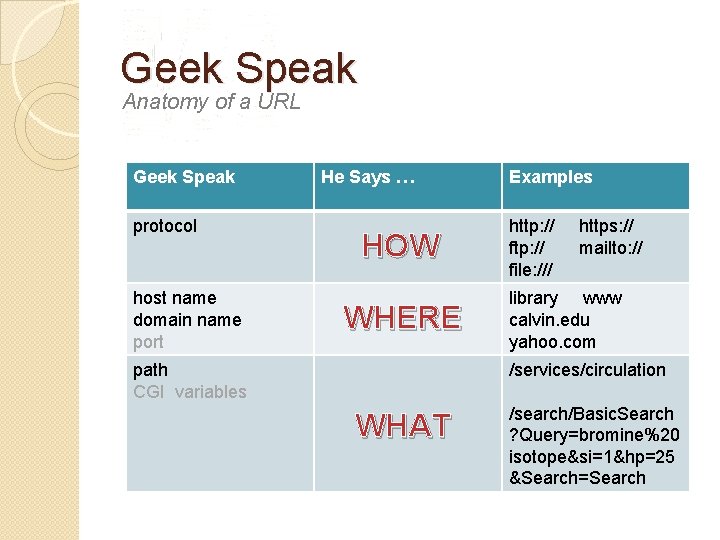
Geek Speak Anatomy of a URL Geek Speak protocol host name domain name port He Says … HOW WHERE path CGI variables Examples http: // file: /// https: // mailto: // library www calvin. edu yahoo. com /services/circulation WHAT /search/Basic. Search ? Query=bromine%20 isotope&si=1&hp=25 &Search=Search
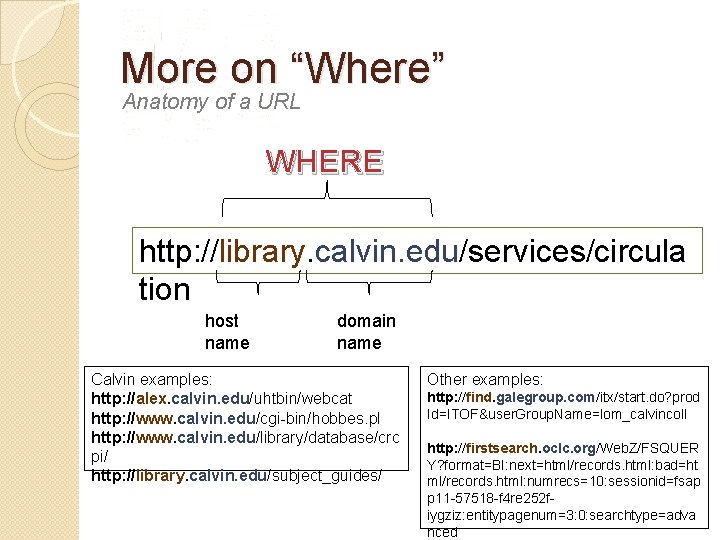
More on “Where” Anatomy of a URL WHERE http: //library. calvin. edu/services/circula tion host name domain name Calvin examples: http: //alex. calvin. edu/uhtbin/webcat http: //www. calvin. edu/cgi-bin/hobbes. pl http: //www. calvin. edu/library/database/crc pi/ http: //library. calvin. edu/subject_guides/ Other examples: http: //find. galegroup. com/itx/start. do? prod Id=ITOF&user. Group. Name=lom_calvincoll http: //firstsearch. oclc. org/Web. Z/FSQUER Y? format=BI: next=html/records. html: bad=ht ml/records. html: numrecs=10: sessionid=fsap p 11 -57518 -f 4 re 252 fiygziz: entitypagenum=3: 0: searchtype=adva nced
Redefining URL Beyond the “Locator” role of a URL �What if a URL could be more than just a “locator” or address? �But could also be a means to send information to the server? ◦ A method of sending information to the site ◦ A method of controlling the website �Searching �Submitting feedback �Navigating a database
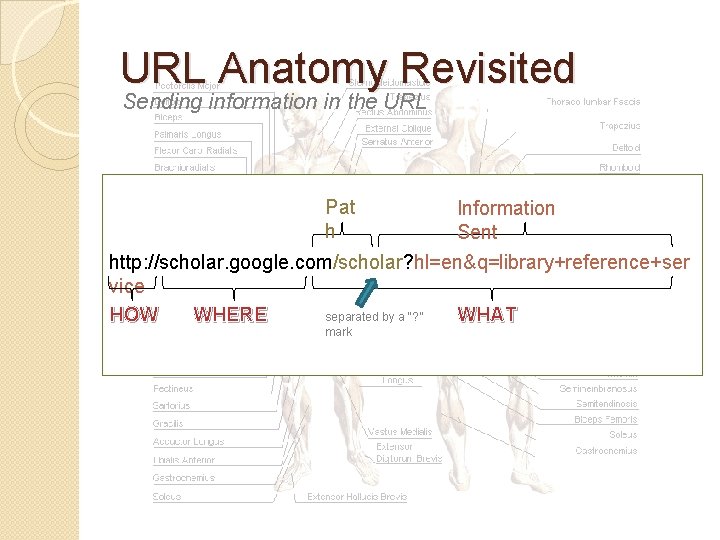
URL Anatomy Revisited Sending information in the URL Pat h Information Sent http: //scholar. google. com/scholar? hl=en&q=library+reference+ser vice separated by a “? ” HOW WHERE WHAT mark
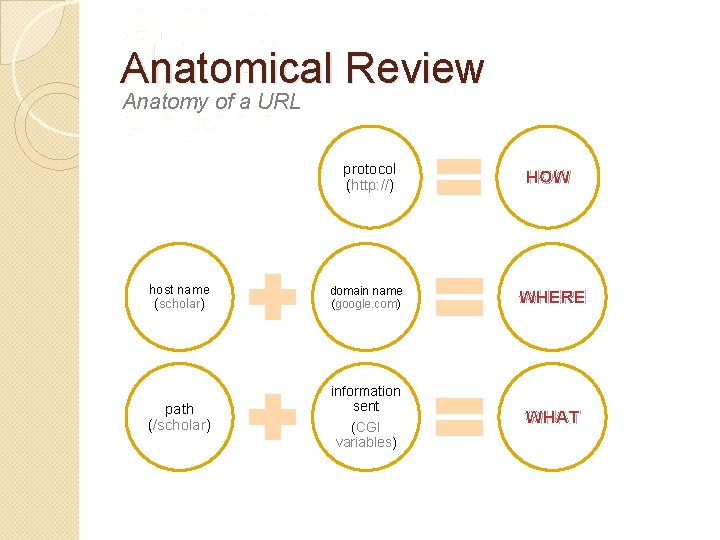
Anatomical Review Anatomy of a URL protocol (http: //) HOW host name (scholar) domain name (google. com) WHERE path (/scholar) information sent (CGI variables) WHAT
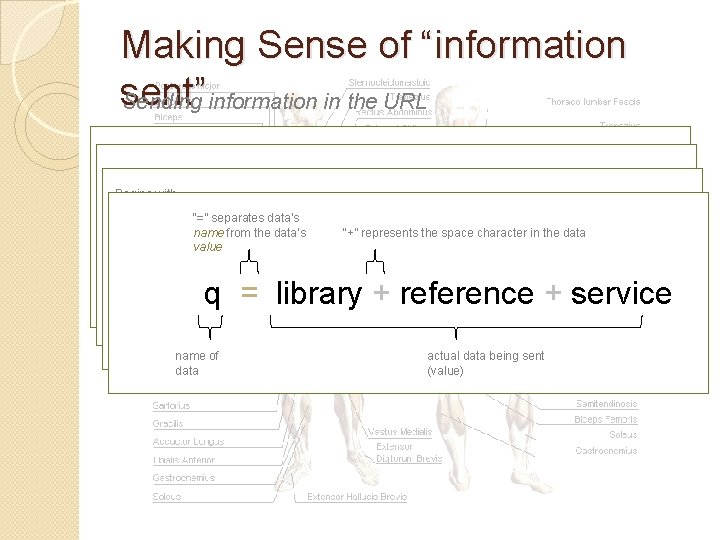
Making Sense of “information sent” Sending information in the URL Pat h Information Sent Begins with “&” separates pieces of a “? ” mark information sent http: //scholar. google. com/scholar? hl=en&q=library+reference+ser “=” separates data’s “+” represents the space character in the data name from the data’s vice value HOW WHERE WHAT ? hl=en&q=library+reference+service ? hl=en & q=library+reference+service q = library + reference + service data sent name of data sent actual data being sent (value)
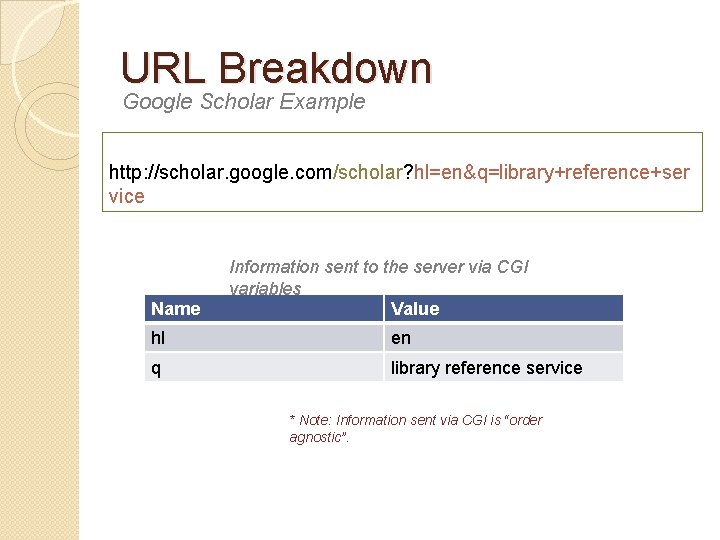
URL Breakdown Google Scholar Example http: //scholar. google. com/scholar? hl=en&q=library+reference+ser vice Name Information sent to the server via CGI variables Value hl en q library reference service * Note: Information sent via CGI is “order agnostic”.
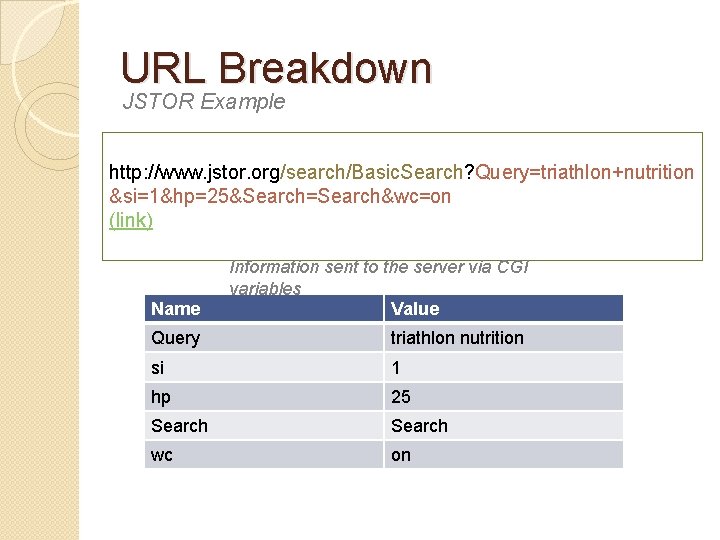
URL Breakdown JSTOR Example http: //www. jstor. org/search/Basic. Search? Query=triathlon+nutrition &si=1&hp=25&Search=Search&wc=on (link) Name Information sent to the server via CGI variables Value Query triathlon nutrition si 1 hp 25 Search wc on
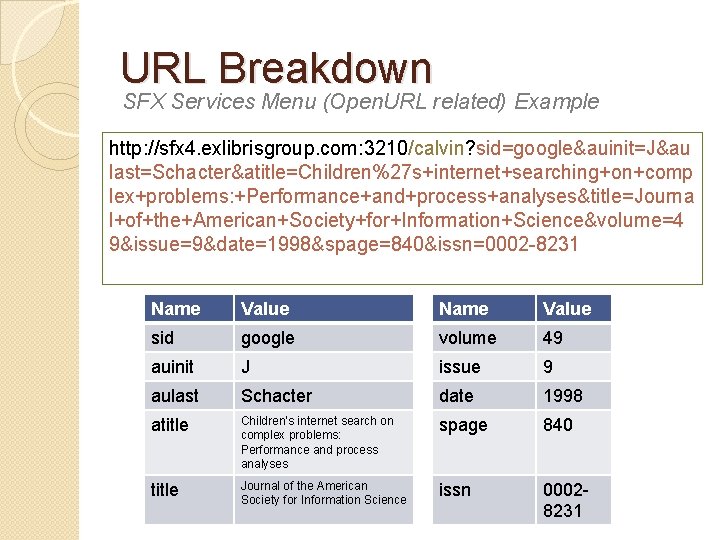
URL Breakdown SFX Services Menu (Open. URL related) Example http: //sfx 4. exlibrisgroup. com: 3210/calvin? sid=google&auinit=J&au last=Schacter&atitle=Children%27 s+internet+searching+on+comp lex+problems: +Performance+and+process+analyses&title=Journa l+of+the+American+Society+for+Information+Science&volume=4 9&issue=9&date=1998&spage=840&issn=0002 -8231 Name Value sid google volume 49 auinit J issue 9 aulast Schacter date 1998 atitle Children’s internet search on complex problems: Performance and process analyses spage 840 title Journal of the American Society for Information Science issn 00028231
Apendix A: Why It’s Good to Know W h e r e Y o u A r e �Credibility and authority of information �Security and safety on the Internet �Reliability and “durability” of URLs �Troubleshoot common errors ◦ 404 Not Found ◦ Access Denied ◦ “Something happened that we didn’t anticipate” �Knowing the difference between my problem and their problem
Information Credibility and Authority �If you’re not sure you’ve arrived at a trusted information source, how can you guarantee information authority? �Examples: ◦ http: //www. calvin. edu/library/cnn/ �Website Spoofing ◦ http: //www. americanlibraryassociation. co m ◦ http: //www. whitehouse. org
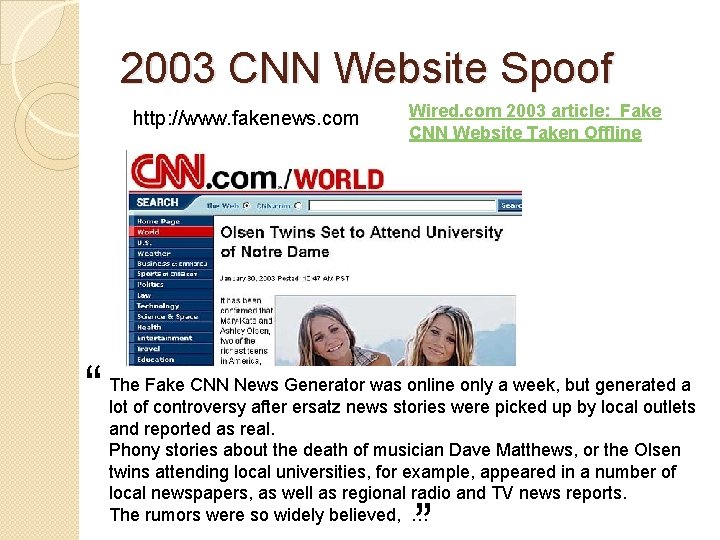
2003 CNN Website Spoof http: //www. fakenews. com “ Wired. com 2003 article: Fake CNN Website Taken Offline The Fake CNN News Generator was online only a week, but generated a lot of controversy after ersatz news stories were picked up by local outlets and reported as real. Phony stories about the death of musician Dave Matthews, or the Olsen twins attending local universities, for example, appeared in a number of local newspapers, as well as regional radio and TV news reports. The rumors were so widely believed, …
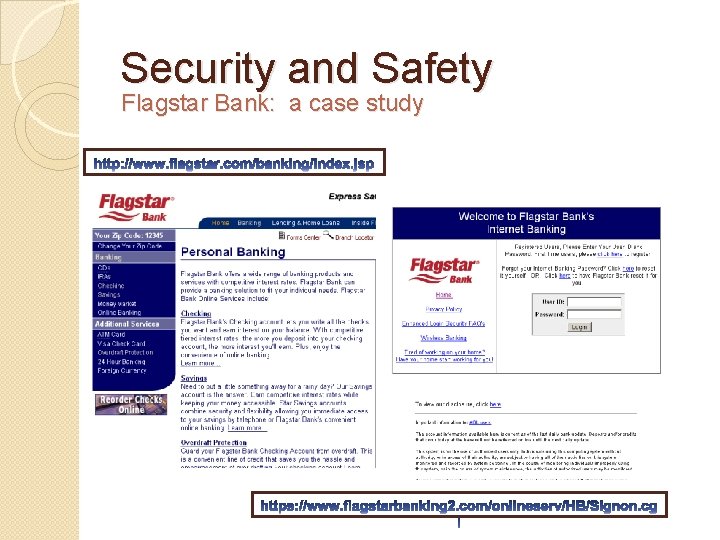
Security and Safety Flagstar Bank: a case study
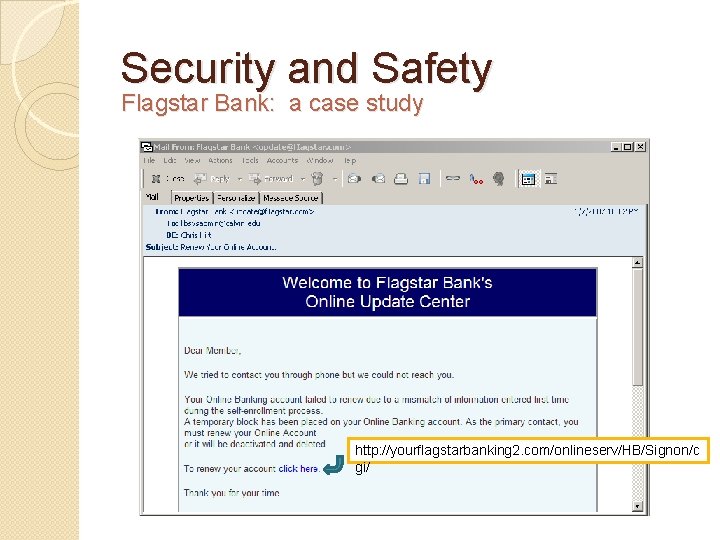
Security and Safety Flagstar Bank: a case study http: //yourflagstarbanking 2. com/onlineserv/HB/Signon/c gi/
Durable/Stable/Permalink URLs �What is a Permalink? ◦ A commitment by the content publisher to provide a permanent (durable, stable) URL to specific content, giving confidence to others who link to that content that the link will continue to function. ◦ It represents a best-effort commitment to retain access despite site redesigns, service retirements, etc. ◦ Permalinks are unique addresses/locators to specific content �Examples ◦ http: //www. calvin. edu/cgi-bin/lib/permcat. pl? searchdata 1=0001 -9909 ◦ http: //library. calvin. edu/getpage/58 ◦ http: //theologyreference. blogspot. com/2007/07/papalpronouncements. html
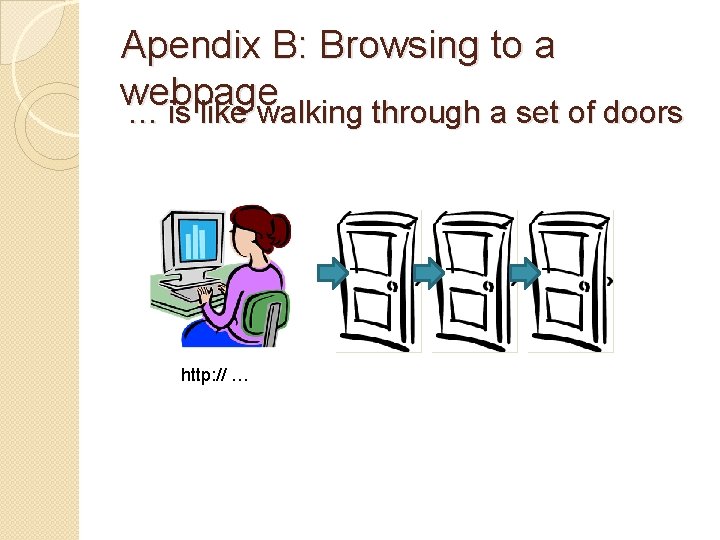
Apendix B: Browsing to a webpage … is like walking through a set of doors http: // …
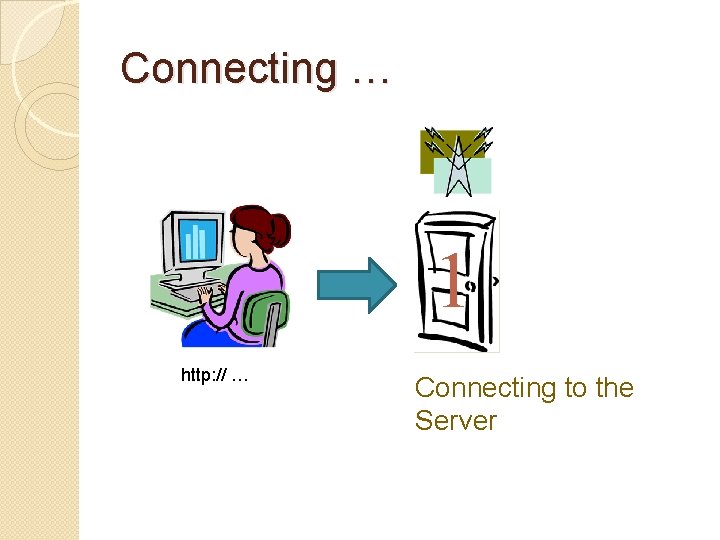
Connecting … 1 http: // … Connecting to the Server
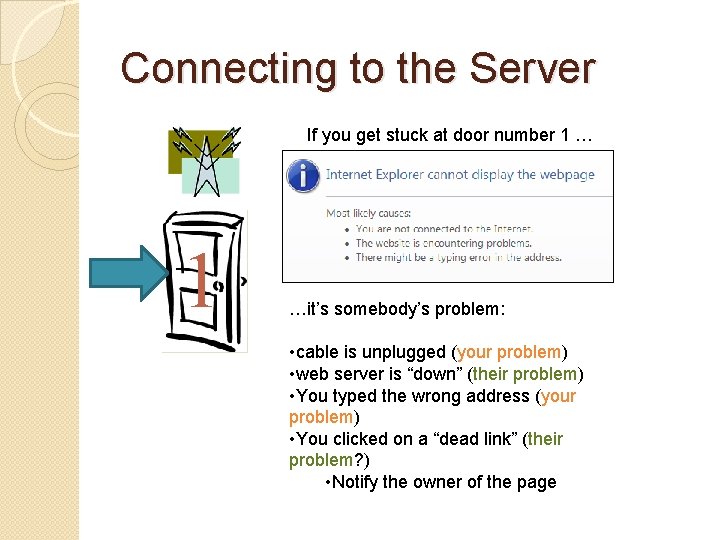
Connecting to the Server If you get stuck at door number 1 …it’s somebody’s problem: • cable is unplugged (your problem) • web server is “down” (their problem) • You typed the wrong address (your problem) • You clicked on a “dead link” (their problem? ) • Notify the owner of the page
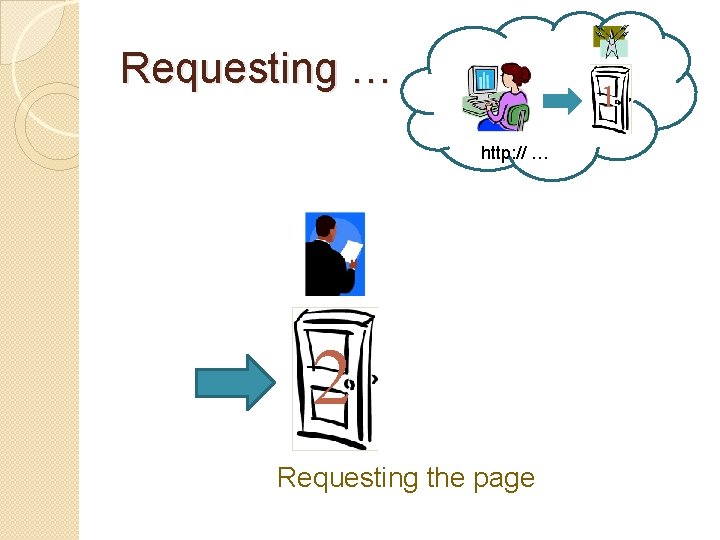
Requesting … 1 http: // … 2 Requesting the page
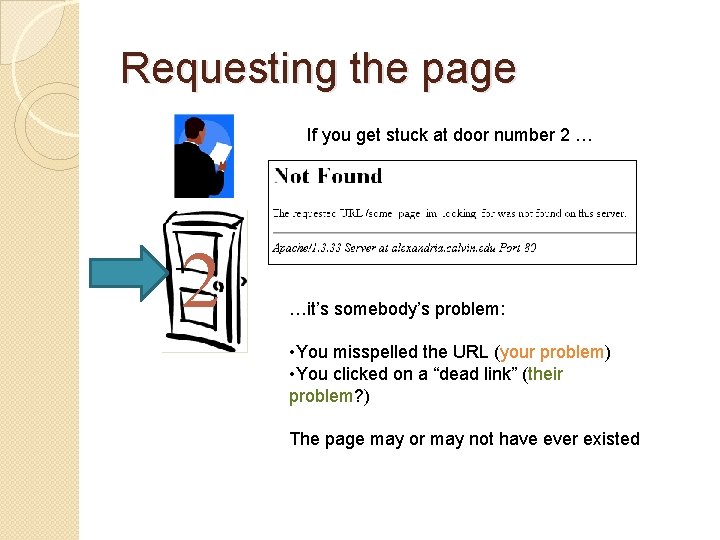
Requesting the page If you get stuck at door number 2 …it’s somebody’s problem: • You misspelled the URL (your problem) • You clicked on a “dead link” (their problem? ) The page may or may not have ever existed
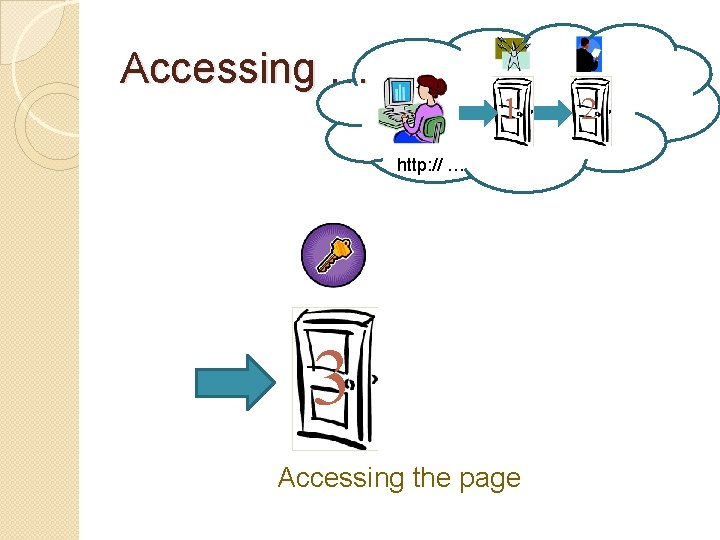
Accessing … 1 http: // … 3 Accessing the page 2
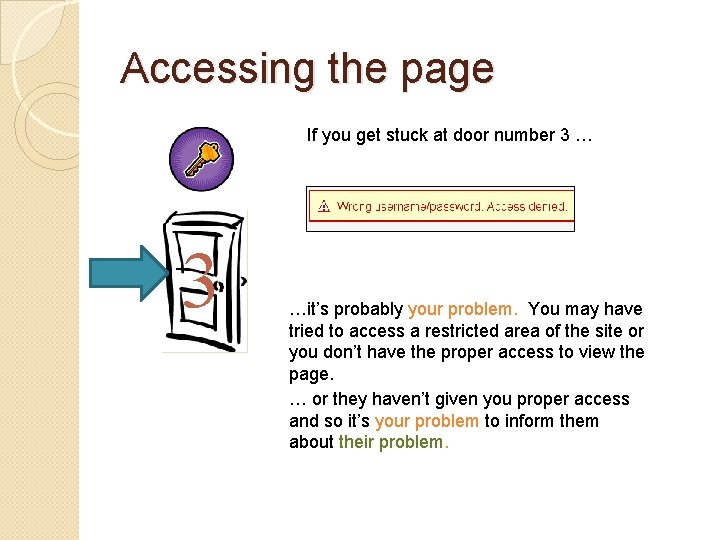
Accessing the page If you get stuck at door number 3 …it’s probably your problem. You may have tried to access a restricted area of the site or you don’t have the proper access to view the page. … or they haven’t given you proper access and so it’s your problem to inform them about their problem.
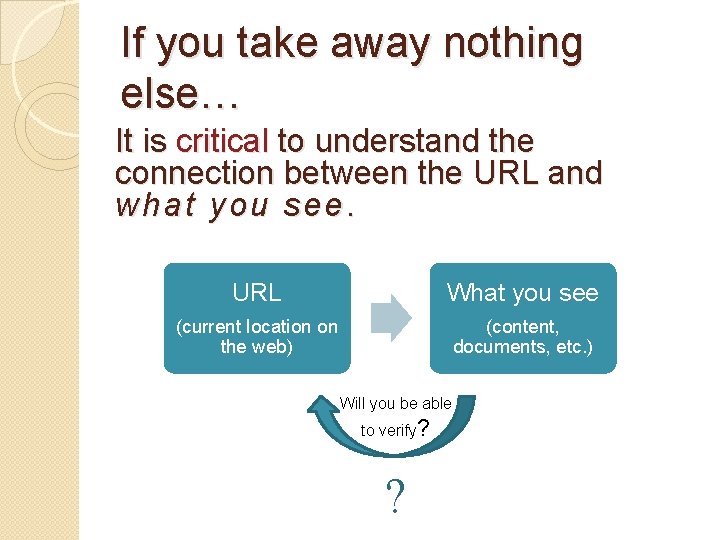
If you take away nothing else… It is critical to understand the connection between the URL and what you see. URL What you see (current location on the web) (content, documents, etc. ) Will you be able to verify? ?
Virtual URLity 1 Part 2 Part Because being lost in cyberspace isn’t fun Anatomy of a URL Diving into the Web’s Information Location System My Name is URL 259 Tips and Tools For Mastering URLs Chris Hirt Hekman Library August, 2007
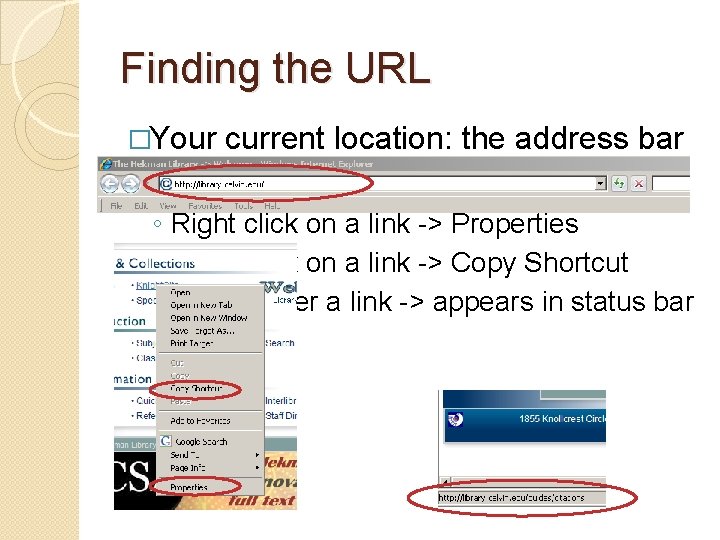
Finding the URL �Your current location: the address bar �Destinations: ◦ Right click on a link -> Properties ◦ Right click on a link -> Copy Shortcut ◦ Mouse-over a link -> appears in status bar
THE END
- Slides: 34