
Virtual Memory What is virtual memory Each process

- Slides: 16
Virtual Memory
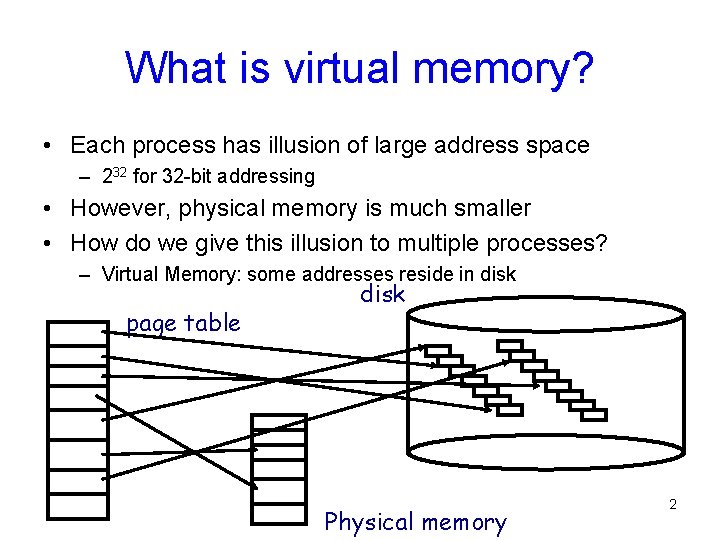
What is virtual memory? • Each process has illusion of large address space – 232 for 32 -bit addressing • However, physical memory is much smaller • How do we give this illusion to multiple processes? – Virtual Memory: some addresses reside in disk page table disk Physical memory 2
Virtual Memory • Load entire process in memory (swapping), run it, exit – Is slow (for big processes) – Wasteful (might not require everything) • Solutions: partial residency – Paging: only bring in pages, not all pages of process – Demand paging: bring only pages that are required • Where to fetch page from? – Have a contiguous space in disk: swap file (pagefile. sys) 3
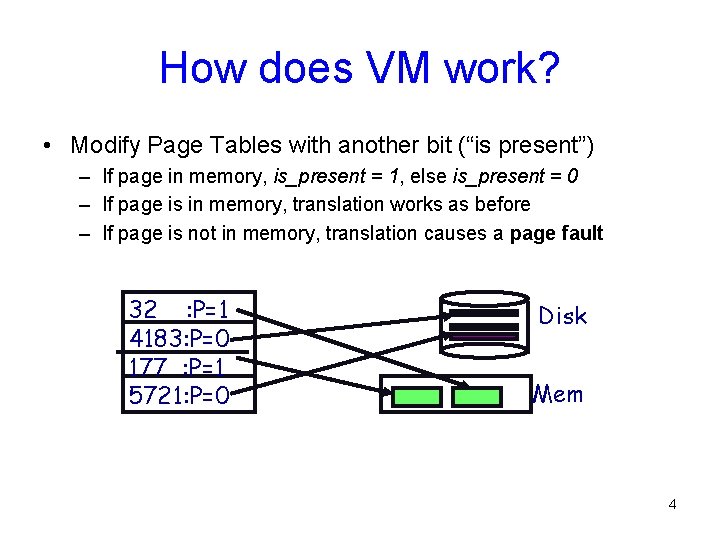
How does VM work? • Modify Page Tables with another bit (“is present”) – If page in memory, is_present = 1, else is_present = 0 – If page is in memory, translation works as before – If page is not in memory, translation causes a page fault 32 : P=1 4183: P=0 177 : P=1 5721: P=0 Disk Mem 4
Page Faults • On a page fault: – OS finds a free frame, or evicts one from memory (which one? ) • Want knowledge of the future? – Issues disk request to fetch data for page (what to fetch? ) • Just the requested page, or more? – Block current process, context switch to new process (how? ) • Process might be executing an instruction – When disk completes, set present bit to 1, and current process in ready queue 5
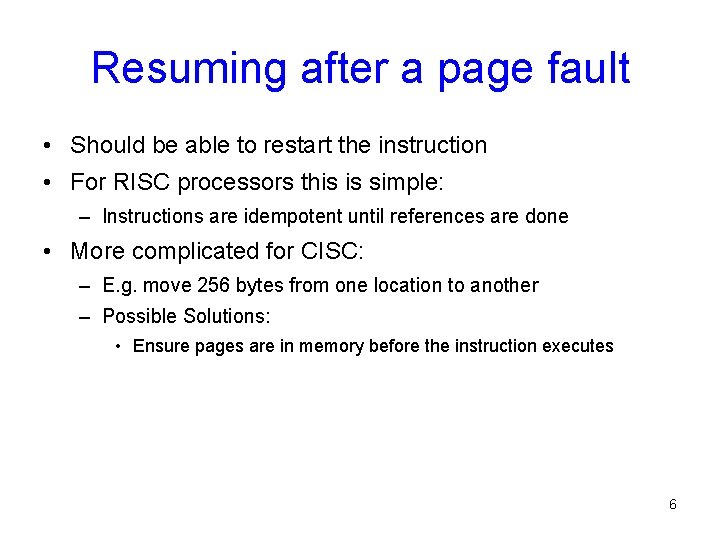
Resuming after a page fault • Should be able to restart the instruction • For RISC processors this is simple: – Instructions are idempotent until references are done • More complicated for CISC: – E. g. move 256 bytes from one location to another – Possible Solutions: • Ensure pages are in memory before the instruction executes 6
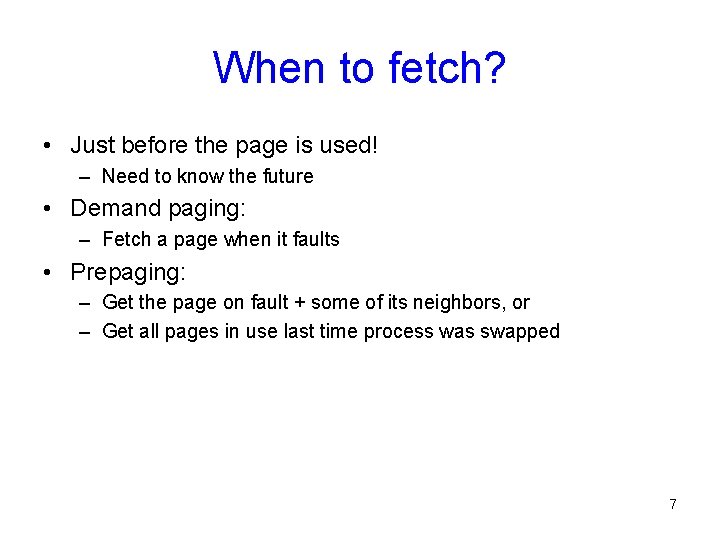
When to fetch? • Just before the page is used! – Need to know the future • Demand paging: – Fetch a page when it faults • Prepaging: – Get the page on fault + some of its neighbors, or – Get all pages in use last time process was swapped 7
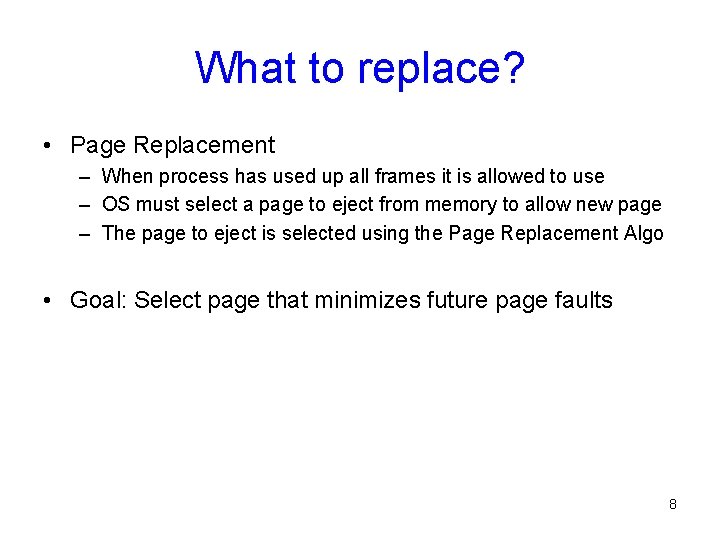
What to replace? • Page Replacement – When process has used up all frames it is allowed to use – OS must select a page to eject from memory to allow new page – The page to eject is selected using the Page Replacement Algo • Goal: Select page that minimizes future page faults 8
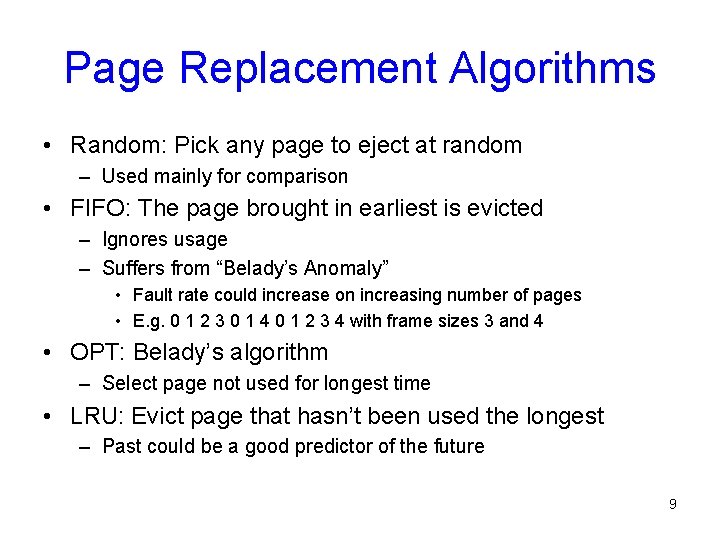
Page Replacement Algorithms • Random: Pick any page to eject at random – Used mainly for comparison • FIFO: The page brought in earliest is evicted – Ignores usage – Suffers from “Belady’s Anomaly” • Fault rate could increase on increasing number of pages • E. g. 0 1 2 3 0 1 4 0 1 2 3 4 with frame sizes 3 and 4 • OPT: Belady’s algorithm – Select page not used for longest time • LRU: Evict page that hasn’t been used the longest – Past could be a good predictor of the future 9
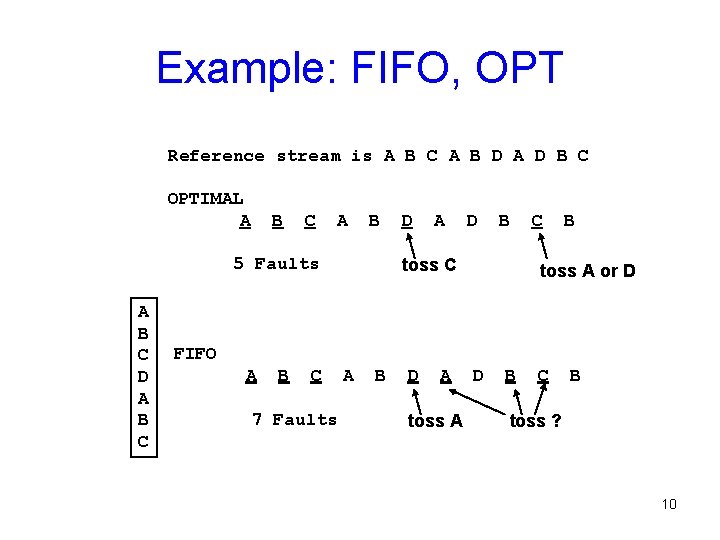
Example: FIFO, OPT Reference stream is A B C A B D A D B C OPTIMAL A B C A B 5 Faults A B C D A D B toss C C B toss A or D FIFO A B C 7 Faults A B D A toss A D B C B toss ? 10
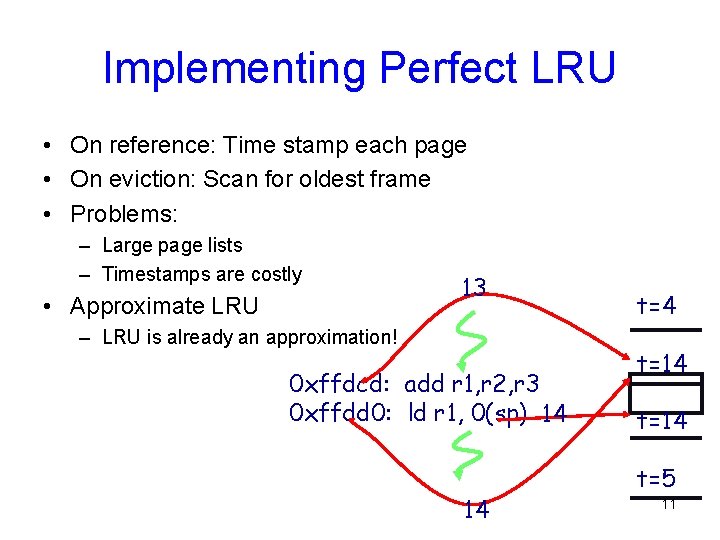
Implementing Perfect LRU • On reference: Time stamp each page • On eviction: Scan for oldest frame • Problems: – Large page lists – Timestamps are costly • Approximate LRU 13 – LRU is already an approximation! 0 xffdcd: add r 1, r 2, r 3 0 xffdd 0: ld r 1, 0(sp) 14 14 t=14 t=5 11
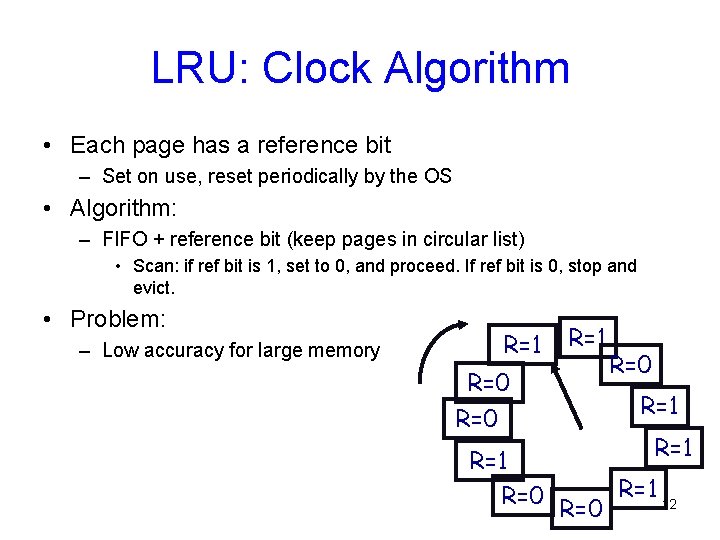
LRU: Clock Algorithm • Each page has a reference bit – Set on use, reset periodically by the OS • Algorithm: – FIFO + reference bit (keep pages in circular list) • Scan: if ref bit is 1, set to 0, and proceed. If ref bit is 0, stop and evict. • Problem: – Low accuracy for large memory R=1 R=0 R=0 R=1 R=1 R=0 R=1 12
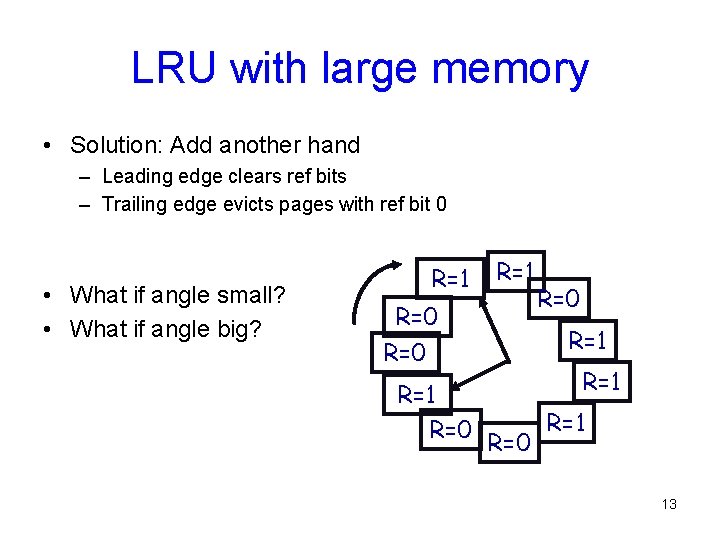
LRU with large memory • Solution: Add another hand – Leading edge clears ref bits – Trailing edge evicts pages with ref bit 0 • What if angle small? • What if angle big? R=1 R=0 R=0 R=1 R=1 R=0 R=1 13
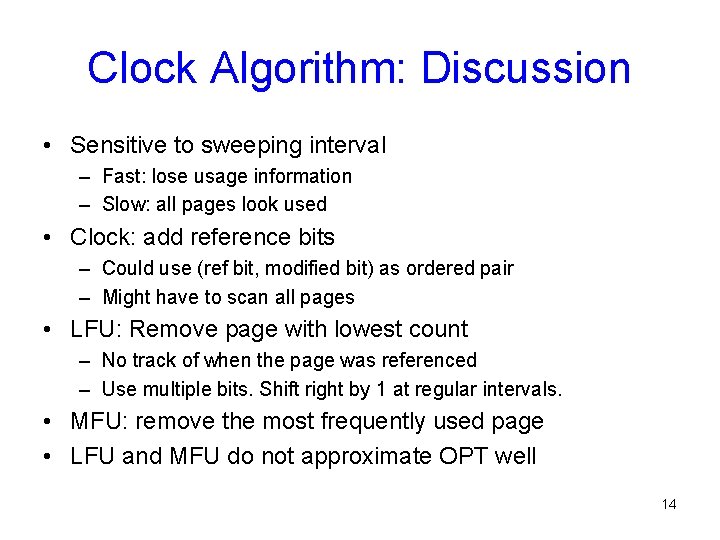
Clock Algorithm: Discussion • Sensitive to sweeping interval – Fast: lose usage information – Slow: all pages look used • Clock: add reference bits – Could use (ref bit, modified bit) as ordered pair – Might have to scan all pages • LFU: Remove page with lowest count – No track of when the page was referenced – Use multiple bits. Shift right by 1 at regular intervals. • MFU: remove the most frequently used page • LFU and MFU do not approximate OPT well 14
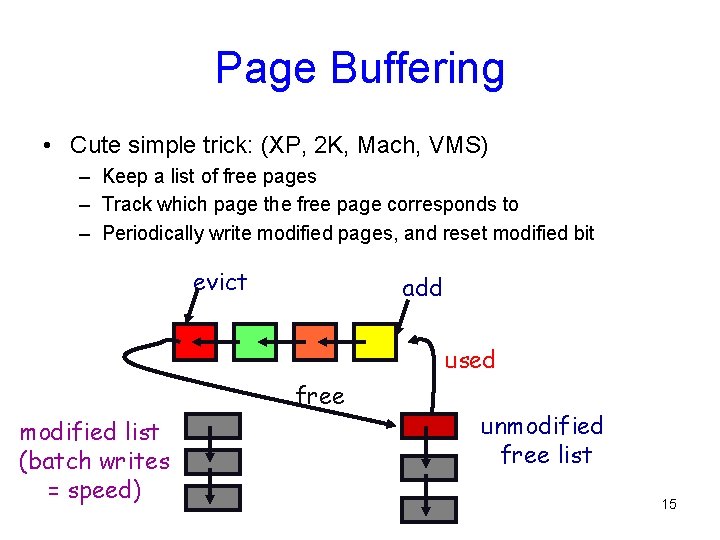
Page Buffering • Cute simple trick: (XP, 2 K, Mach, VMS) – Keep a list of free pages – Track which page the free page corresponds to – Periodically write modified pages, and reset modified bit evict add used free modified list (batch writes = speed) unmodified free list 15
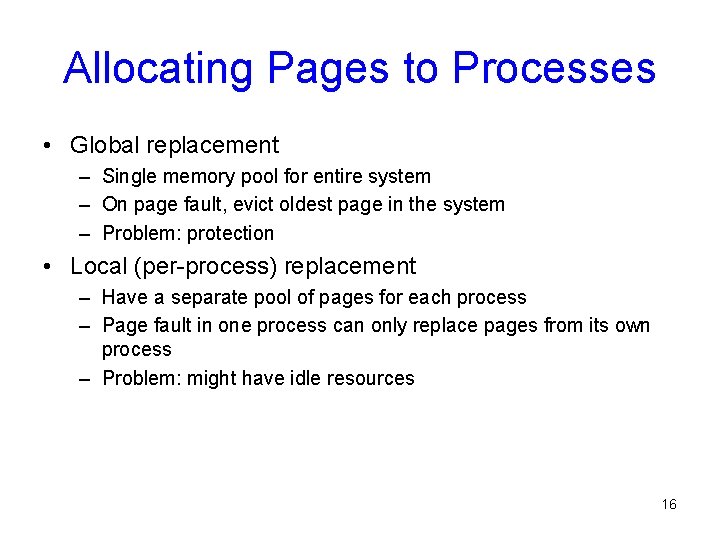
Allocating Pages to Processes • Global replacement – Single memory pool for entire system – On page fault, evict oldest page in the system – Problem: protection • Local (per-process) replacement – Have a separate pool of pages for each process – Page fault in one process can only replace pages from its own process – Problem: might have idle resources 16