
Virtual Instruction for Blind and Low Vision Students
Virtual Instruction for Blind and Low Vision Students: Considerations and Strategies https: //bit. ly/scaer-2020 -siu SC-AER: November 12, 2020 Ting Siu, TVI/O&M, Ph. D Twitter: @TVI_ting https: //tplus. education @TVI_ting #a 11 y
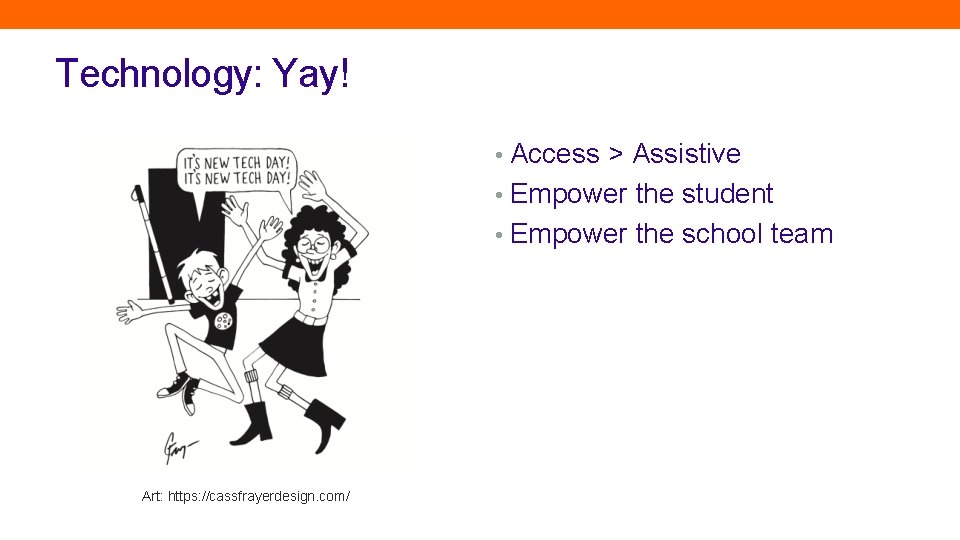
Technology: Yay! • Access > Assistive • Empower the student • Empower the school team Art: https: //cassfrayerdesign. com/
Our work boils down to 2 things… Accessible learning media Student skills for engagement
Resources Alert! CSMT Webinar: Intro to Multimedia Accessibility • You. Tube channel: VI Program SFSU Described and Captioned Media Program (DCMP) • https: //dcmp. org/ Veronica with Four Eyes • https: //veroniiiica. com/ Perkins Paths to Technology • Student Section
Scaling Up Students’ Digital Literacy
Questions for YOU: • How many devices have you touched from the time you woke up today? • When do you use a device to access information? • Education • Employment • Entertainment!
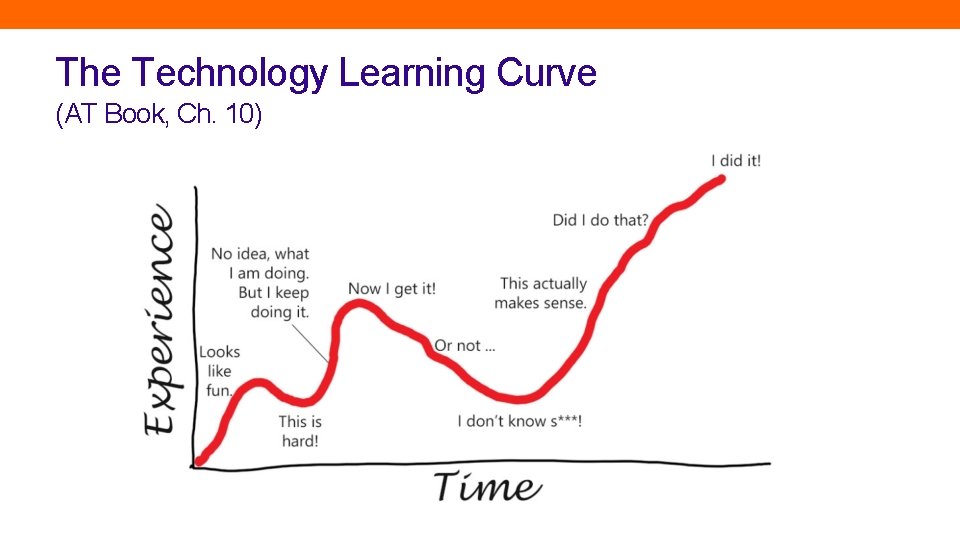
The Technology Learning Curve (AT Book, Ch. 10)
A 3 -Year Plan (How & when do we start teaching students technology? ) Book from APH: Access Technology for Blind and Low Vision Accessibility (Ch. 10, Siu and Presley, 2020)
Step #1: Introduce technology as soon as possible…but only incidentally and only for fun • Model how (access) technology is used within tasks • Know how to use basic built-in accessibility features on mainstream tech • Enrich students’ incidental access to information • Connect to community mentors ASAP • Embed a sufficient number of incidental learning experiences into the student’s natural environment
Step #2: Develop sensory learning channels while playing with tech • Play! • Develop students’ sensory efficiency skills • Visual, auditory, tactile sensory learning channels • Remember that students are multimodal learners • Prepare for on-demand use of different senses
Step #3: Use diagnostic teaching to determine instruction in related skills • Observe and understand the students’ natural strengths • Relate conceptual understanding of virtual spaces to physical spaces • Evaluate needs for additional intervention • Fine motor skills? • Listening skills? • Orientation skills?
Step #4: Introduce work-like tasks with fun-focused content • Shift from learning the technology Using technology for learning • Learn how to use tech within a workflow • Connect how different tools might be use to accomplish a task • Develop fluency in using tech to accomplish a task

Breakout Groups: Let’s Talk About Tsunamis
Takeaway: Recall the Purpose of Technology • Access to information • Engagement with information • Dissemination of information Goal: Focus on the task • Support technology so that it is one of several tools
Concept Development in Virtual Spaces
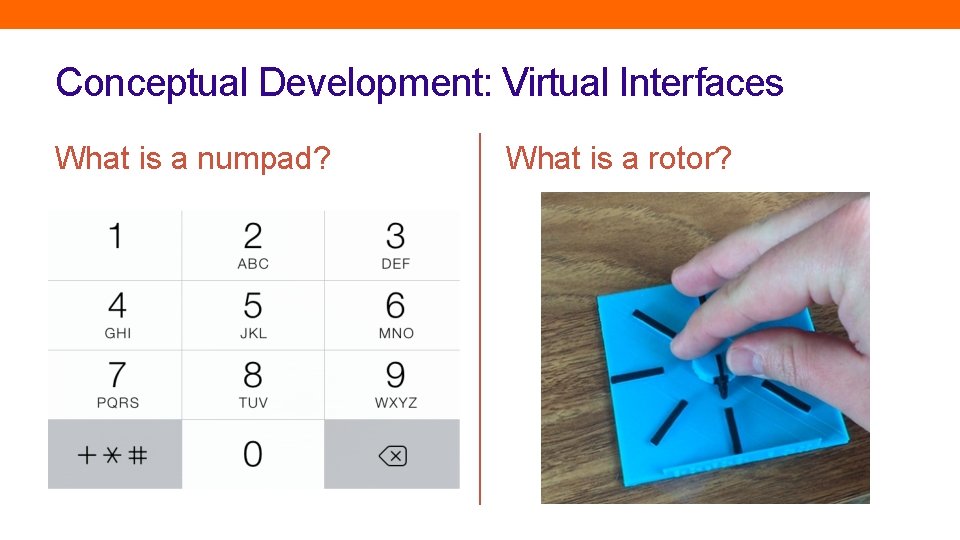
Conceptual Development: Virtual Interfaces What is a numpad? What is a rotor?
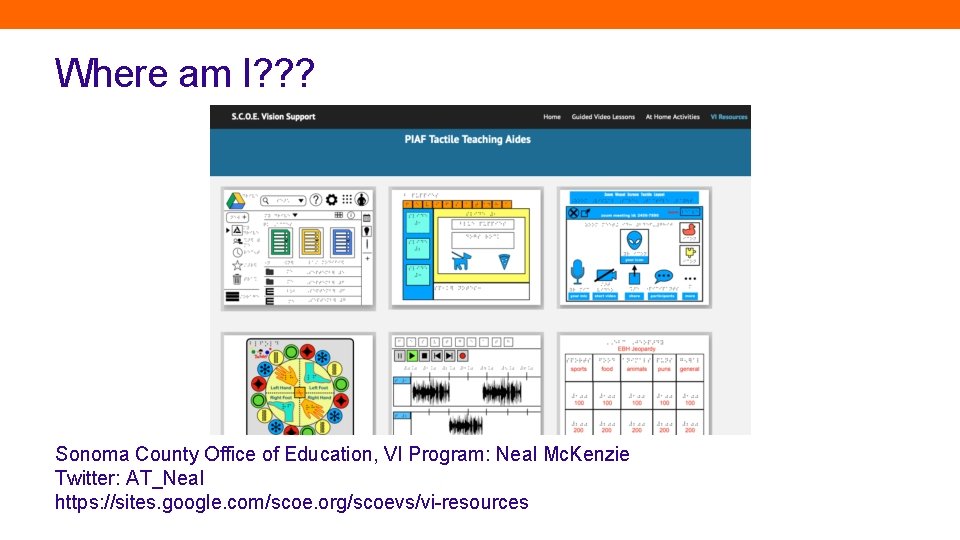
Where am I? ? ? Sonoma County Office of Education, VI Program: Neal Mc. Kenzie Twitter: AT_Neal https: //sites. google. com/scoe. org/scoevs/vi-resources
Back-to-School Resources • Veronica with Four Eyes • https: //veroniiiica. com/ • Described and Captioned Media Program (DCMP) • https: //dcmp. org/ • Perkins Paths to Technology • Apps to Teach Voice. Over Gestures, https: //www. perkinselearning. org/technology/blog/apps-teach -voiceover-gestures
Advocacy • Accessibility in procurement policies • Alternate media support
- Slides: 19