
Virtual Exercises in California A DFWOSPR Perspective Presented
- Slides: 26
Virtual Exercises in California – A DFW-OSPR Perspective Presented by: Chris Thixton, CDFW-OSPR Preparedness Branch, Drills & Exercises Unit
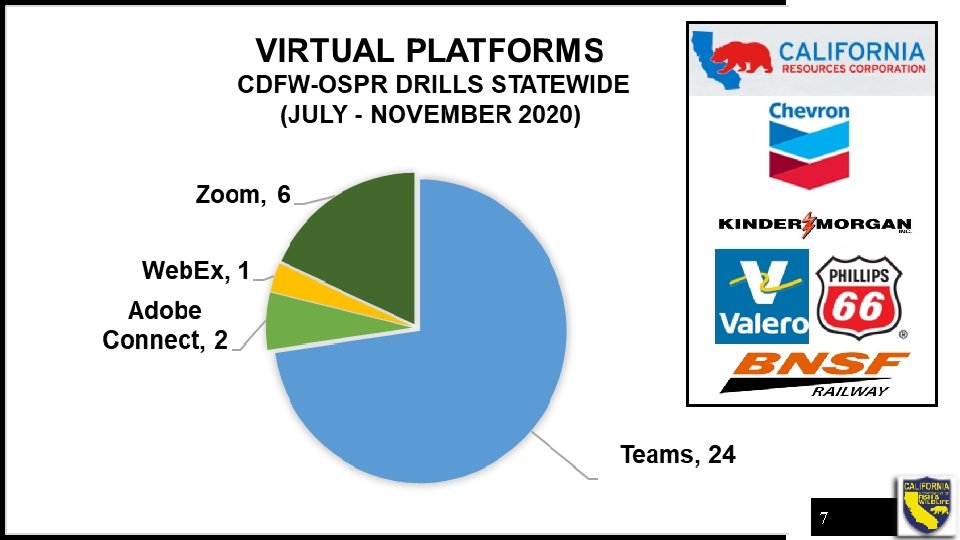
Overview • OSPR Actions in 2020 • Crawl / Walk / Run to a virtual exercise • OSPR D&E Unit virtual lessons learned • Cross-section of industry virtual lessons learned • Virtual platform exercises July – November 2020 • Tour of our encounters with virtual exercises 2
OSPR Actions in 2020 • Complete stand down of all exercises on March 13, 2020 • No exercises from mid-March through early June • Committed to exercising all plans as required in 2020 • How do we exercise all plans? Ø Virtual platforms Ø Remote (old fashion emails, phones, texts) 3
Crawl / Walk / Run to a Virtual Exercise • OSPR migrates to MS Teams in 2019 • Spring 2020, D&E Unit (D&E) staff observe MS Teams exercise with Marathon refinery and Washington State Department of Ecology • OSPR participates in first MS Teams exercise in July with P 66 4
OSPR D&E Virtual Lessons Learned • Virtual exercises require more of everything: Ø Design, evaluators, training, and behind the scenes management • Policies may limit file sharing capability • Preparation and practice with the technology is critical to the success of the exercise 5
Industry Lessons Learned • Virtual platform is only as useful as the user's knowledge of the tool. Players must be ready to operate in the platform and know their ICS roles • Utilizing contractors who have expertise in virtual platforms greatly improves the success of the exercise • Virtual platforms will be utilized during real-world responses to brief traveling away teams (SMT), regulators, and stakeholders 6
7
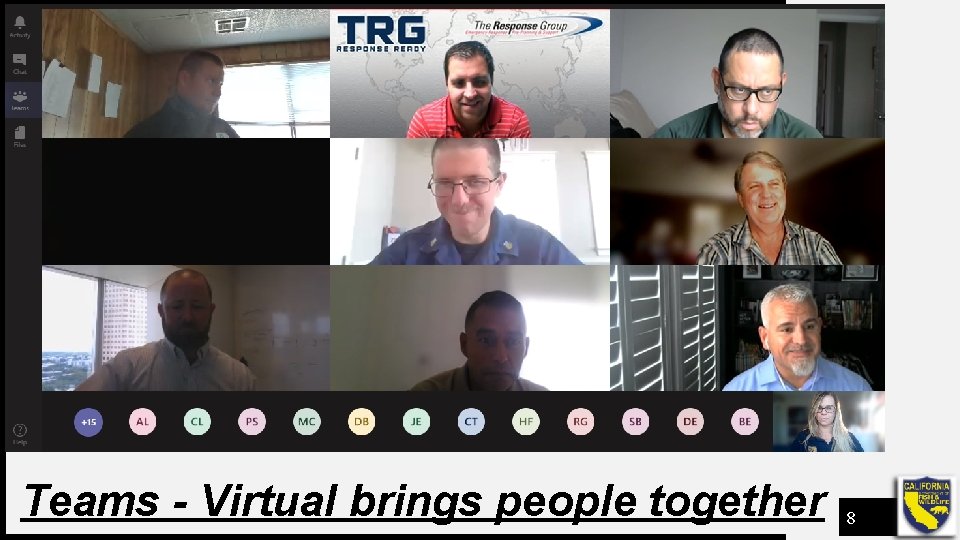
Teams - Virtual brings people together 8
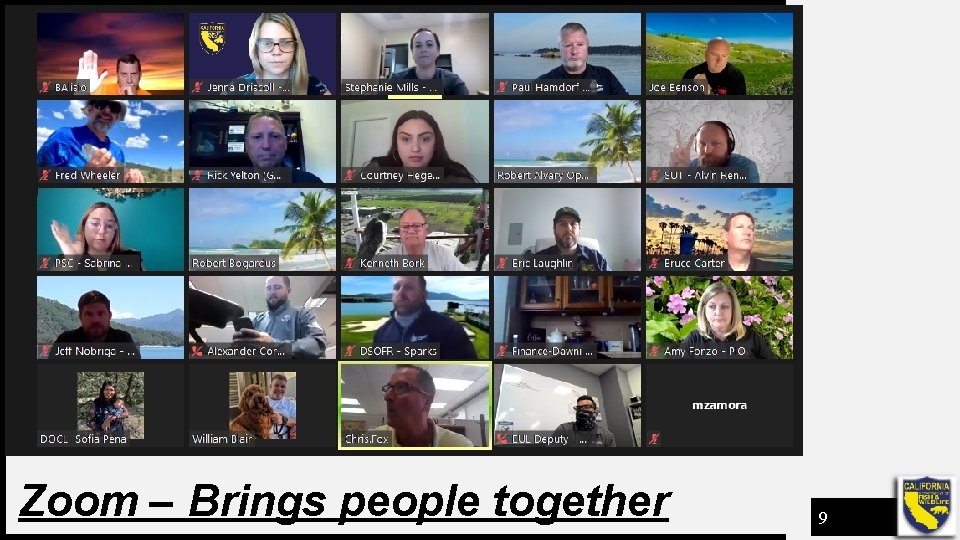
Zoom – Brings people together 9
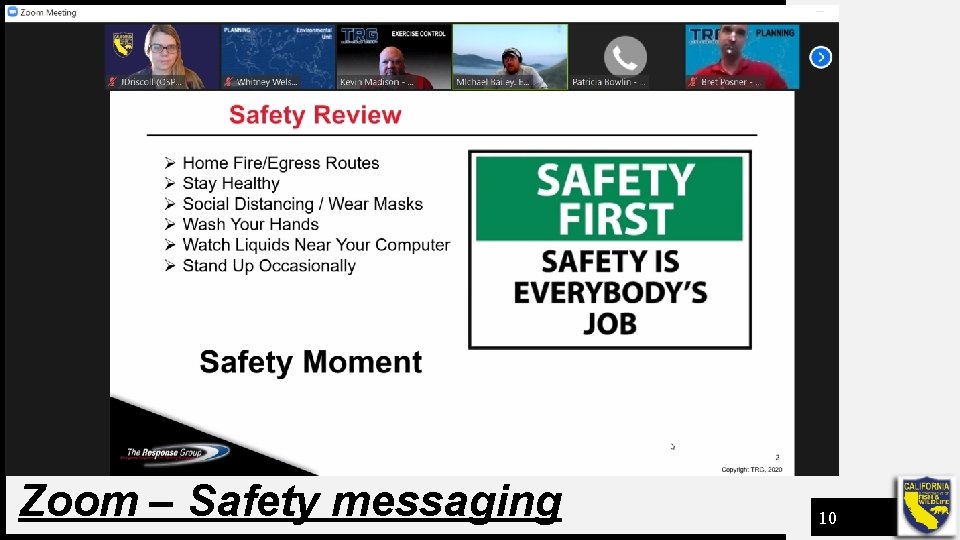
Zoom – Safety messaging 10
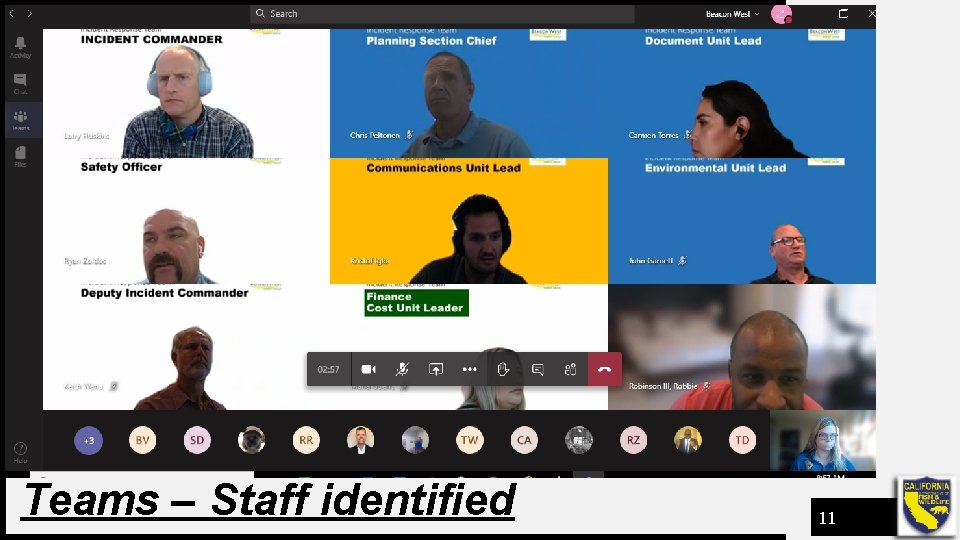
Teams – Staff identified 11
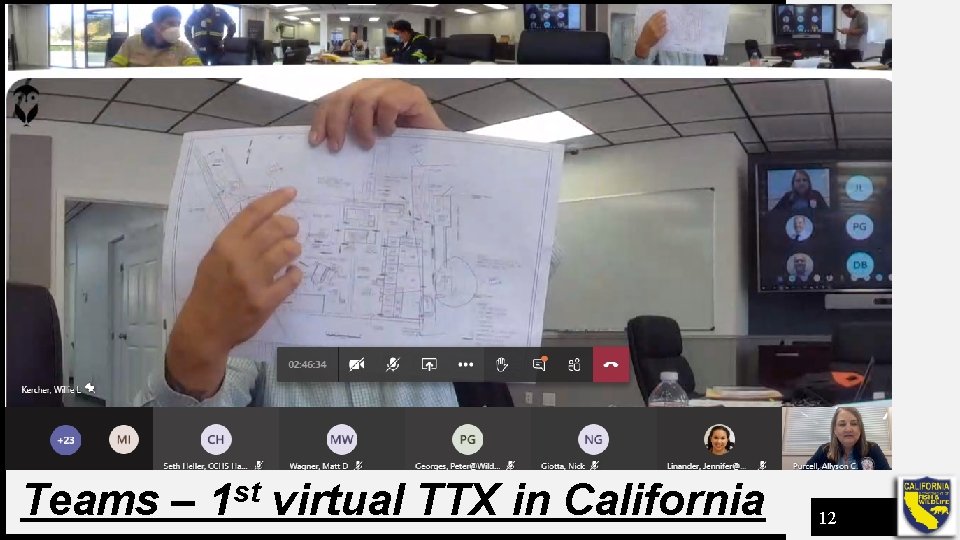
Teams – 1 st virtual TTX in California 12
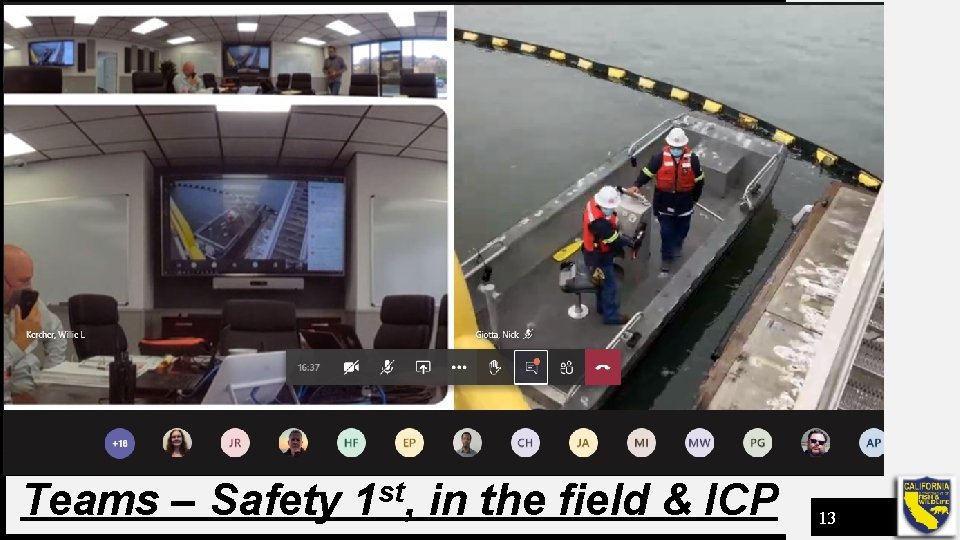
Teams – Safety 1 st, in the field & ICP 13
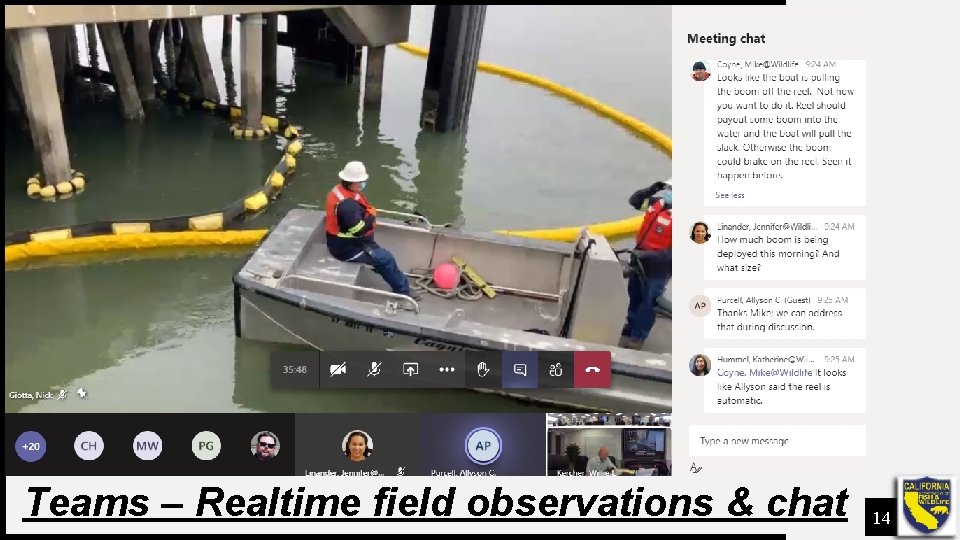
Teams – Realtime field observations & chat 14
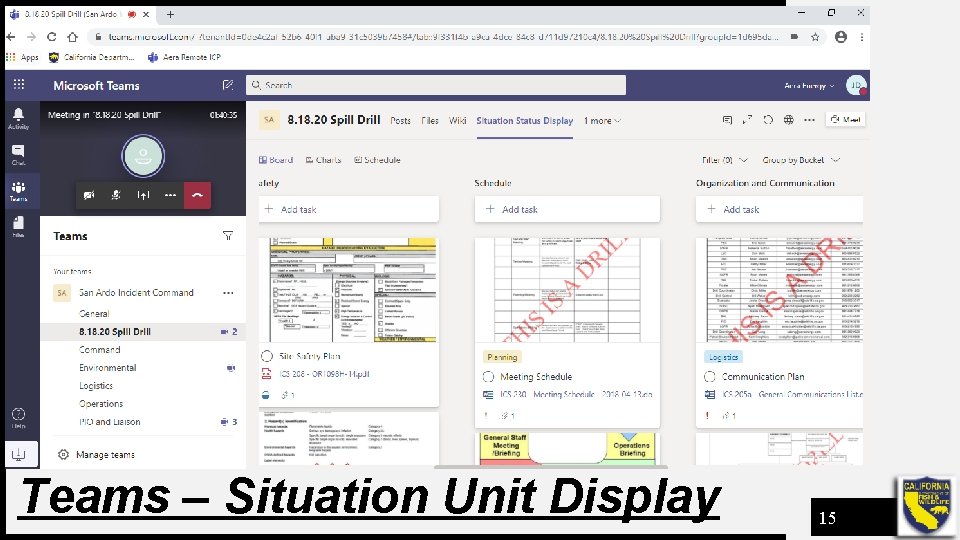
Teams – Situation Unit Display 15
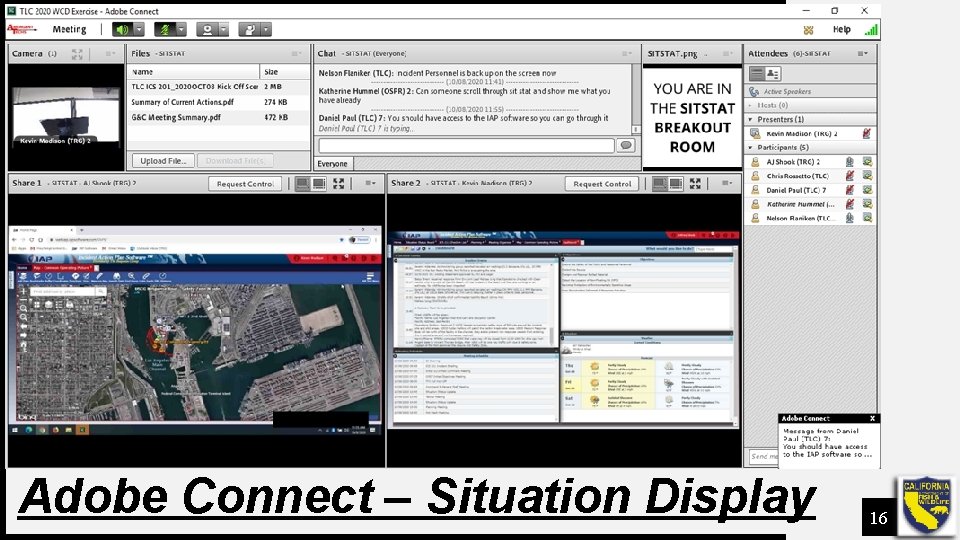
Adobe Connect – Situation Display 16
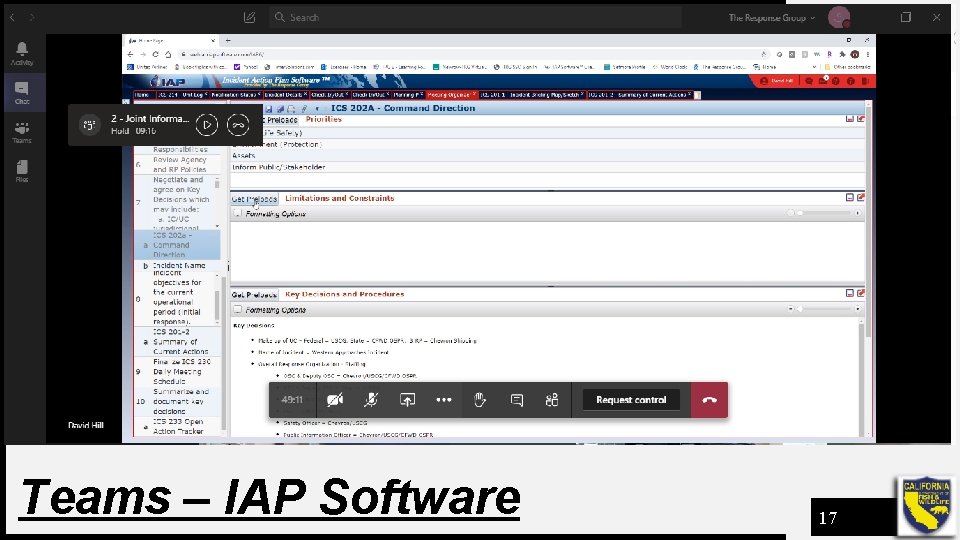
Teams – IAP Software 17
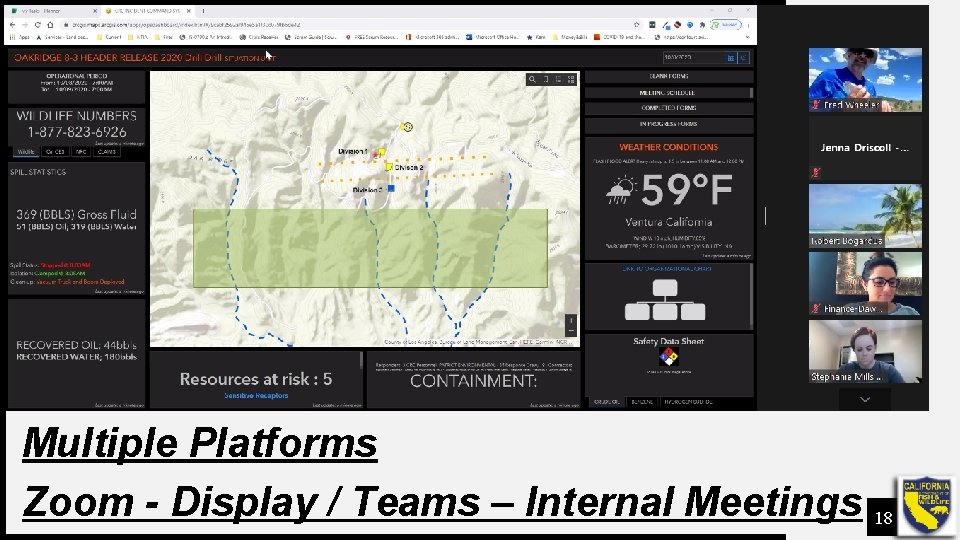
Multiple Platforms Zoom - Display / Teams – Internal Meetings 18
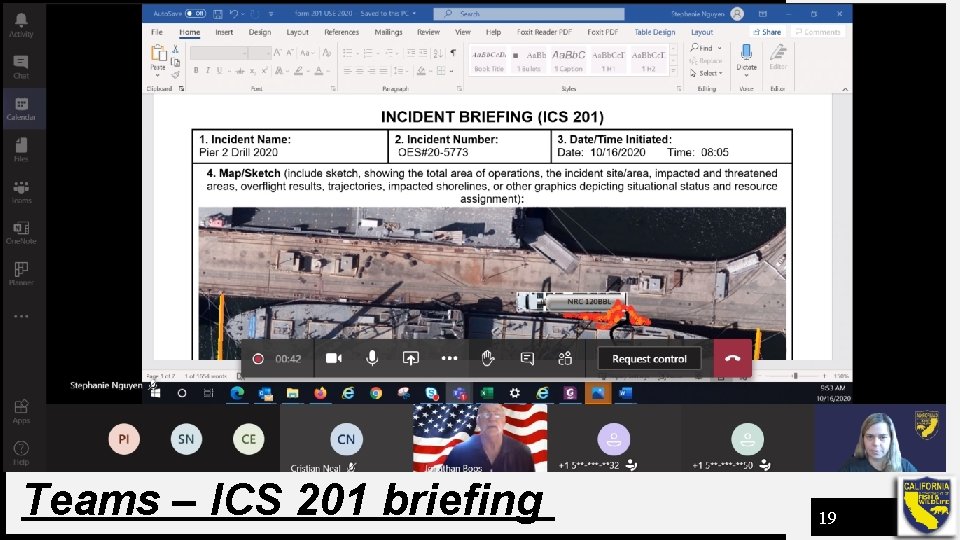
Teams – ICS 201 briefing 19
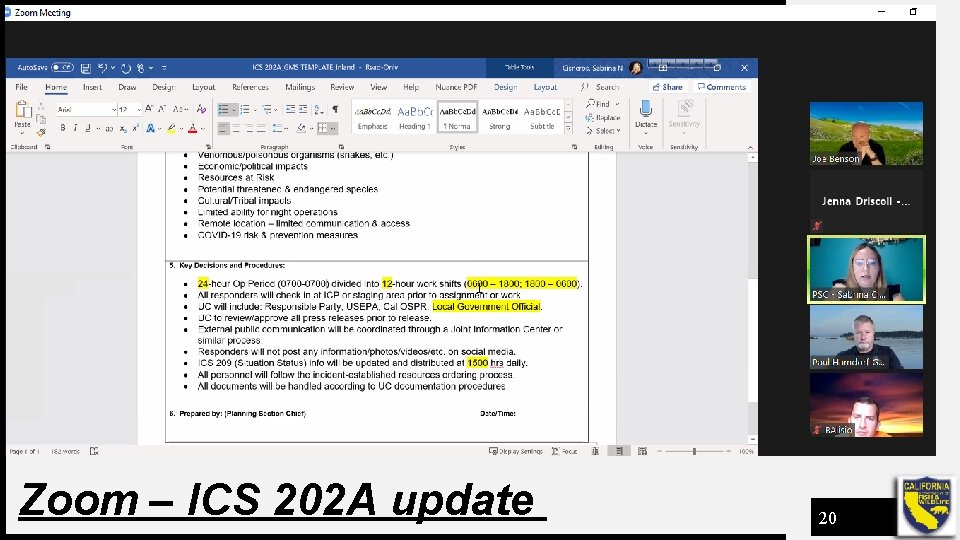
Zoom – ICS 202 A update 20
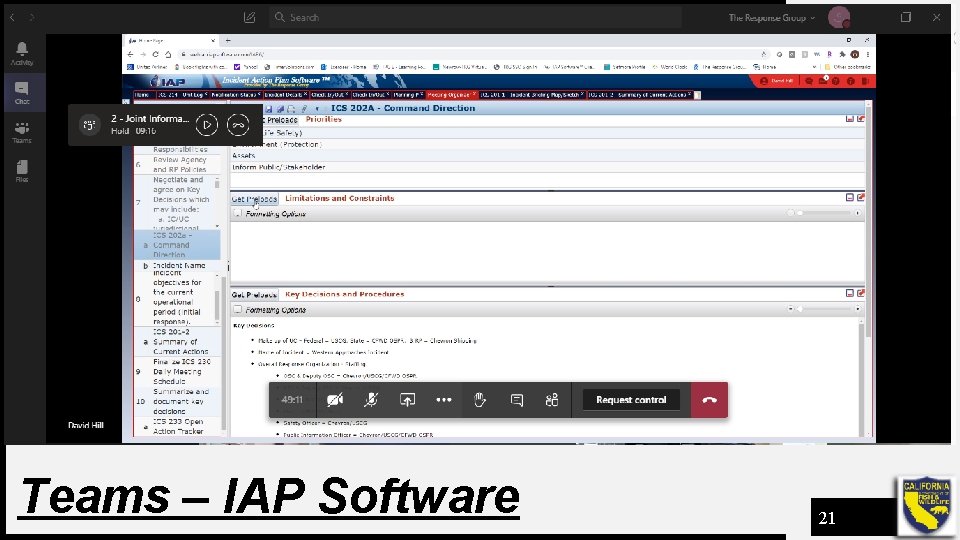
Teams – IAP Software 21
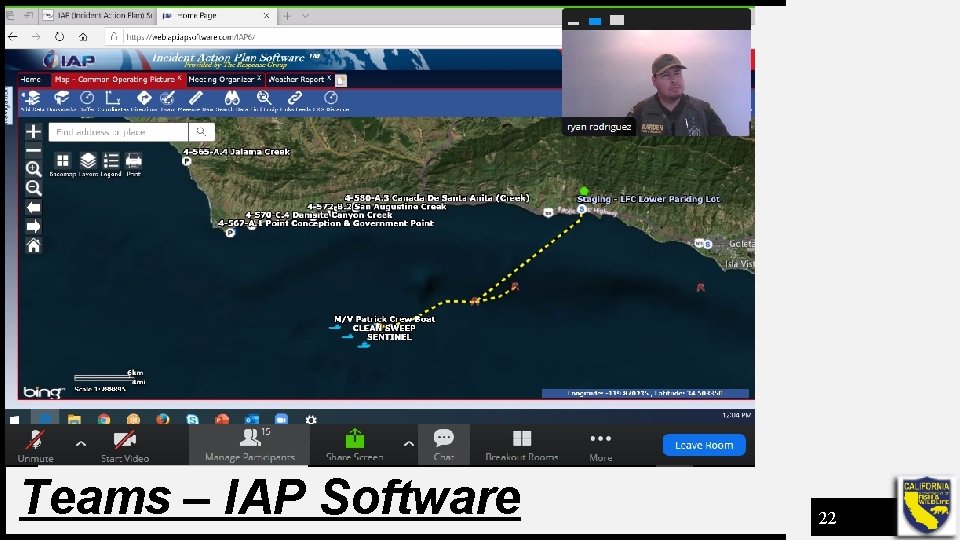
Teams – IAP Software 22
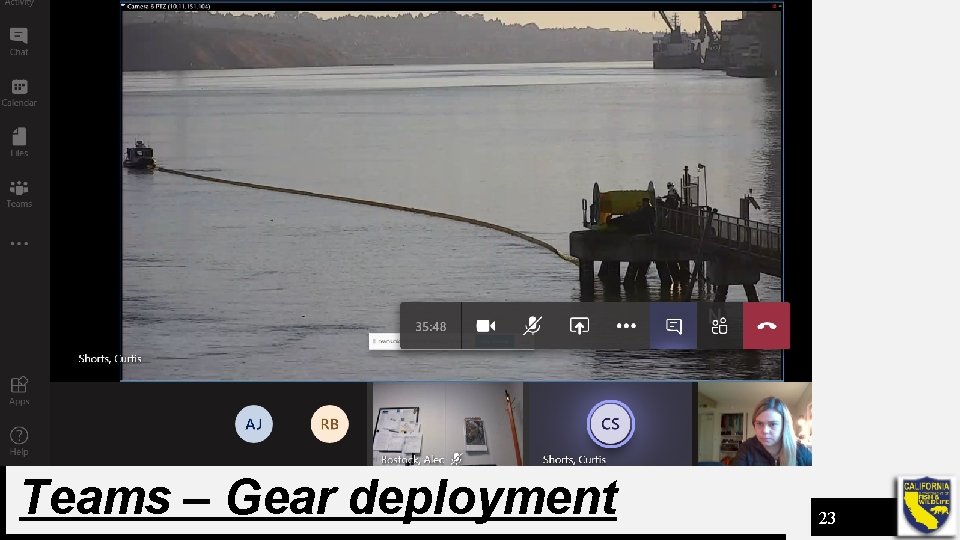
Teams – Gear deployment 23
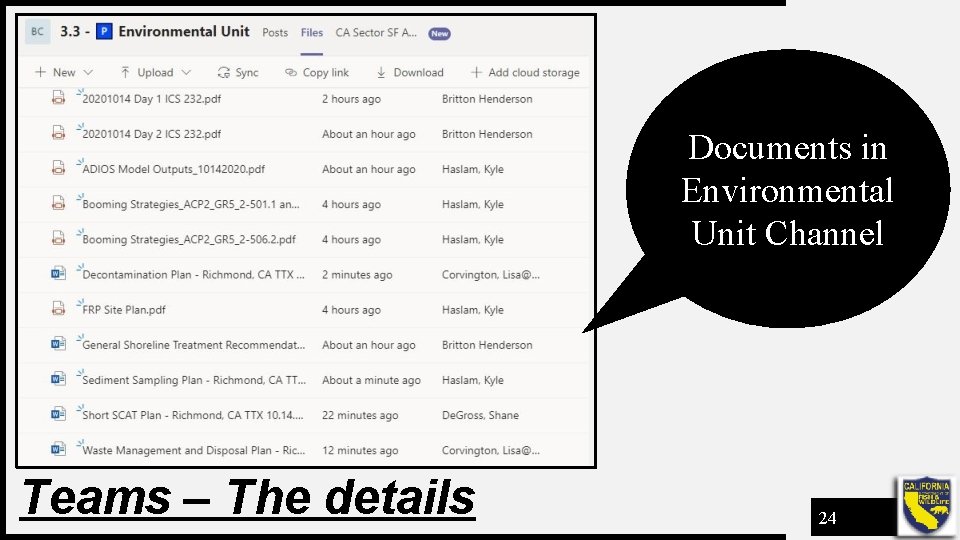
Documents in Environmental Unit Channel Teams – The details 24
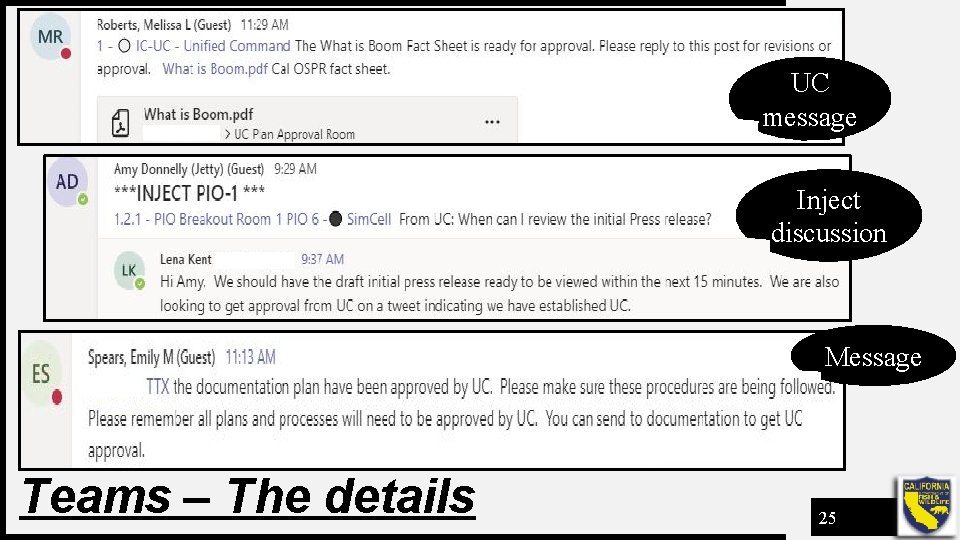
UC message Inject discussion Message Teams – The details 25
Contact Information Chris Thixton Senior Environmental Scientist - Supervisor Drills & Exercises Unit, CDFW-OSPR email: chris. thixton@wildlife. ca. gov cell phone: 562 -233 -7095 26