
Virtual Consultations Administrator Healthcare Professional Run efficient remote
- Slides: 2
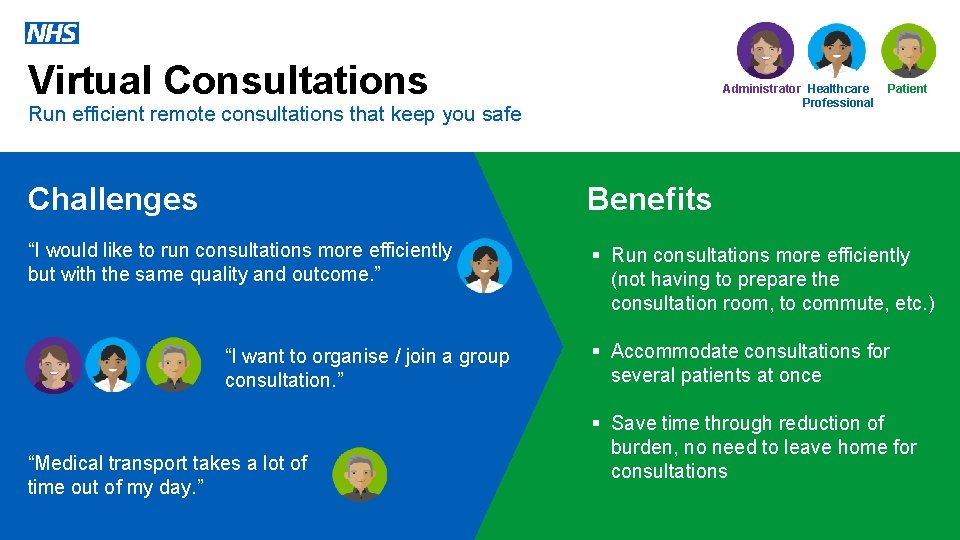
Virtual Consultations Administrator Healthcare Professional Run efficient remote consultations that keep you safe Patient Challenges Benefits “I would like to run consultations more efficiently but with the same quality and outcome. ” § Run consultations more efficiently (not having to prepare the consultation room, to commute, etc. ) “I want to organise / join a group consultation. ” “Medical transport takes a lot of time out of my day. ” § Accommodate consultations for several patients at once § Save time through reduction of burden, no need to leave home for consultations
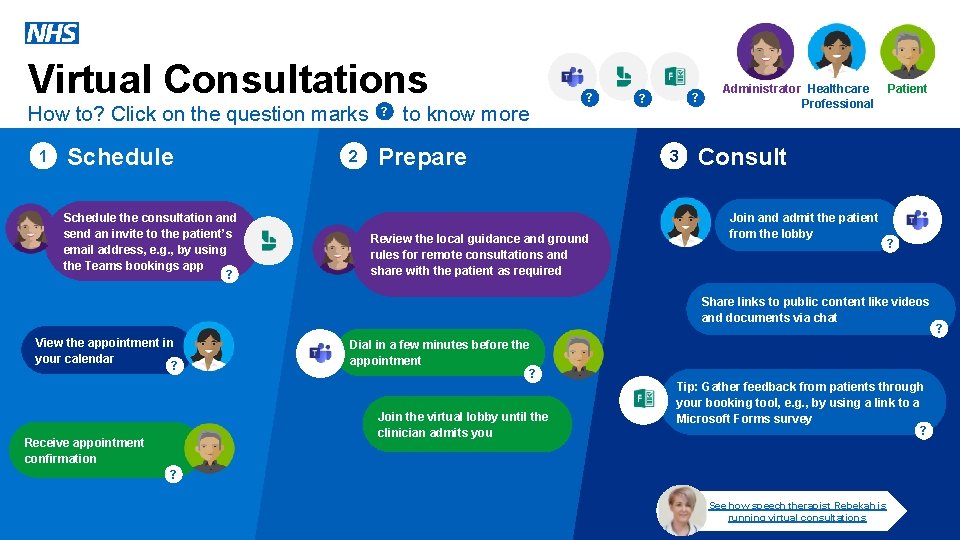
Virtual Consultations How to? Click on the question marks 1 Schedule the consultation and send an invite to the patient’s email address, e. g. , by using the Teams bookings app ? 2 ? to know more ? Prepare Review the local guidance and ground rules for remote consultations and share with the patient as required ? ? 3 Administrator Healthcare Professional Patient Consult Join and admit the patient from the lobby ? Share links to public content like videos and documents via chat View the appointment in your calendar ? Dial in a few minutes before the appointment ? Join the virtual lobby until the clinician admits you Receive appointment confirmation Tip: Gather feedback from patients through your booking tool, e. g. , by using a link to a Microsoft Forms survey ? ? See how speech therapist Rebekah is running virtual consultations ?