
Virtual Classroom Tutorial To listen to the tutorial

- Slides: 11
Virtual Classroom Tutorial To listen to the tutorial, select Slideshow > Play from Beginning
Independent Work Virtual Classrooms How to use these resources: • This virtual classroom resource is aligned to each Benchmark Unit and designed to be used during Independent Work…both independently and independent of the teachers’ lessons. (Meaning, it doesn’t have to follow any particular lesson on any particular day or in any particular order. )
Independent Work Virtual Classrooms How to use these resources: • This virtual classroom resource is aligned to each Benchmark Unit and designed to be used during Independent Work…both independently and independent of the teachers’ lessons. (Meaning, it doesn’t have to follow any particular lesson on any particular day or in any particular order. ) • Ideally, it will be used as many days as you need it at any time during your instruction. Students can re-visit the same links several times.
Independent Work Virtual Classrooms How to use these resources: • This virtual classroom resource is aligned to each Benchmark Unit and designed to be used during Independent Work…both independently and independent of the teachers’ lessons. (Meaning, it doesn’t have to follow any particular lesson on any particular day or in any particular order. ) • Ideally, it will be used as many days as you need it at any time during your instruction. Students can re-visit the same links several times. • These activities are from or connected to Benchmark Advance except for the ART lesson. The art should not replace a component of the curriculum.
Independent Work Virtual Classrooms How to use these resources: • This virtual classroom resource is aligned to each Benchmark Unit and designed to be used during Independent Work…both independently and independent of the teachers’ lessons. (Meaning, it doesn’t have to follow any particular lesson on any particular day or in any particular order. ) • Ideally, it will be used as many days as you need it at any time during your instruction. Students can re-visit the same links several times. • These activities are from or connected to Benchmark Advance except for the ART lesson. The art should not replace a component of the curriculum. • These materials can be used for both in-person learning and distance learning.
Independent Work Virtual Classrooms Tech tips: • Students need to view these slides in “Presenter View" for the links to work. [In the Powerpoint menu go to “View, ” then “Presenter View” ] • After students click on a link, they need to return to the Power Point. • You may change the Bitmoji of the teacher if you wish • EPIC code: uqx 7813 See directions here.
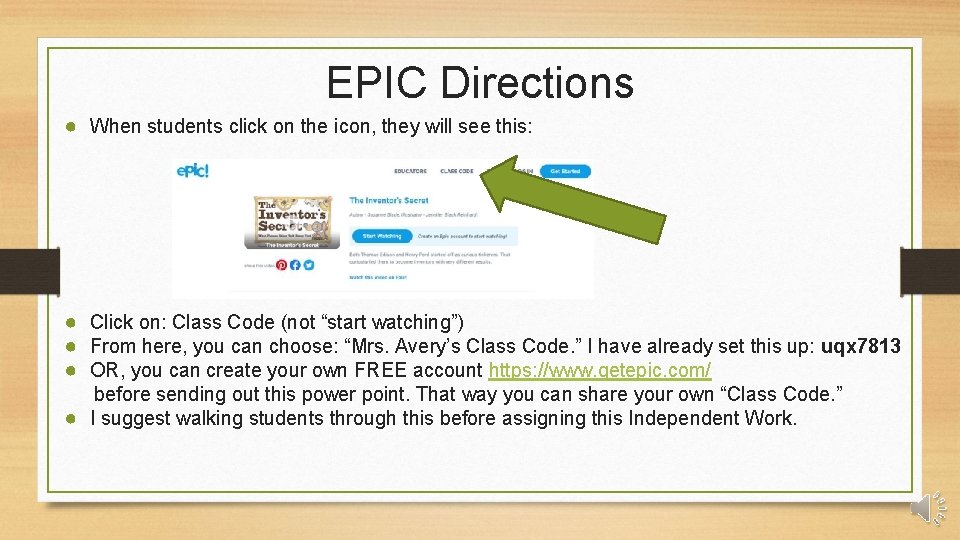
EPIC Directions ● When students click on the icon, they will see this: ● Click on: Class Code (not “start watching”) ● From here, you can choose: “Mrs. Avery’s Class Code. ” I have already set this up: uqx 7813 ● OR, you can create your own FREE account https: //www. getepic. com/ before sending out this power point. That way you can share your own “Class Code. ” ● I suggest walking students through this before assigning this Independent Work.
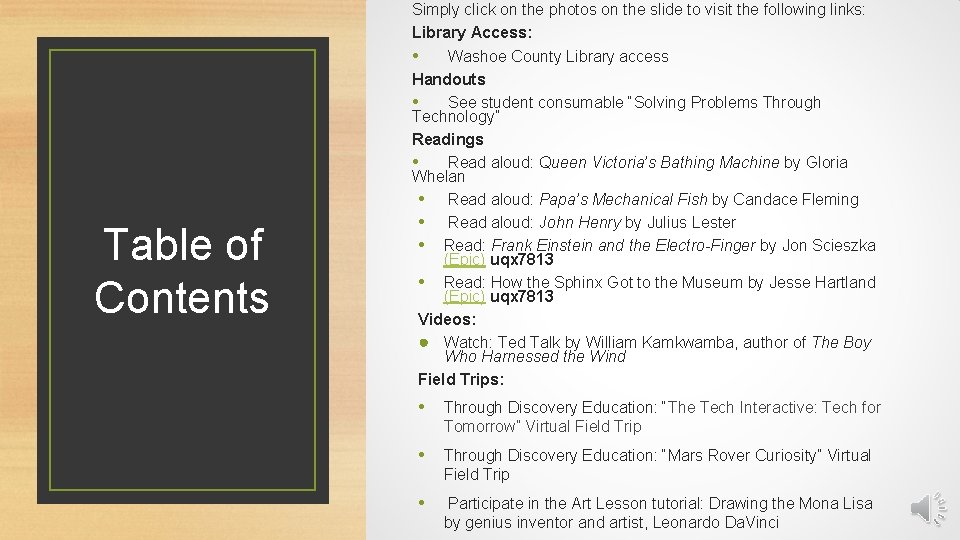
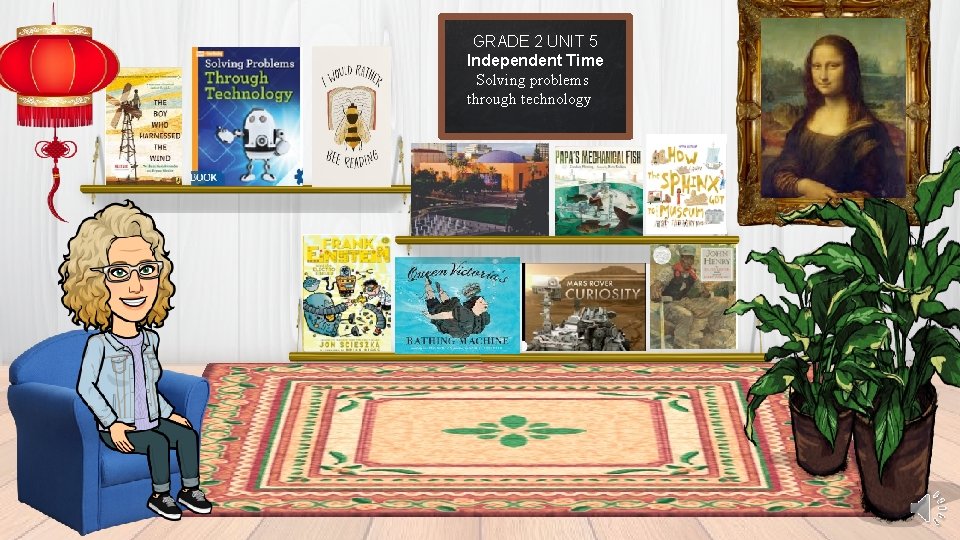
Table of Contents Simply click on the photos on the slide to visit the following links: Library Access: • Washoe County Library access Handouts • See student consumable “Solving Problems Through Technology” Readings • Read aloud: Queen Victoria’s Bathing Machine by Gloria Whelan • Read aloud: Papa’s Mechanical Fish by Candace Fleming • Read aloud: John Henry by Julius Lester • Read: Frank Einstein and the Electro-Finger by Jon Scieszka (Epic) uqx 7813 • Read: How the Sphinx Got to the Museum by Jesse Hartland (Epic) uqx 7813 Videos: ● Watch: Ted Talk by William Kamkwamba, author of The Boy Who Harnessed the Wind Field Trips: • Through Discovery Education: “The Tech Interactive: Tech for Tomorrow” Virtual Field Trip • Through Discovery Education: “Mars Rover Curiosity” Virtual Field Trip • Participate in the Art Lesson tutorial: Drawing the Mona Lisa by genius inventor and artist, Leonardo Da. Vinci
GRADE 2 UNIT 5 Independent Time Solving problems through technology
Feedback encouraged. • Kelly S. Avery kelly. avery@washoeschools. net • Kacey Edgington kedgington@washoeschools. net