
VIRTUAL CLASSROOM TECHNOLOGY AND APPS BY SHIKHA PARASHAR
VIRTUAL CLASSROOM TECHNOLOGY AND APPS -BY SHIKHA PARASHAR ASSISTANT PROFESSOR SCHOOL OF ENGINEERING & INFORMATION TECHNOLOGY SANSKRITI UNIVERSITY, MATHURA
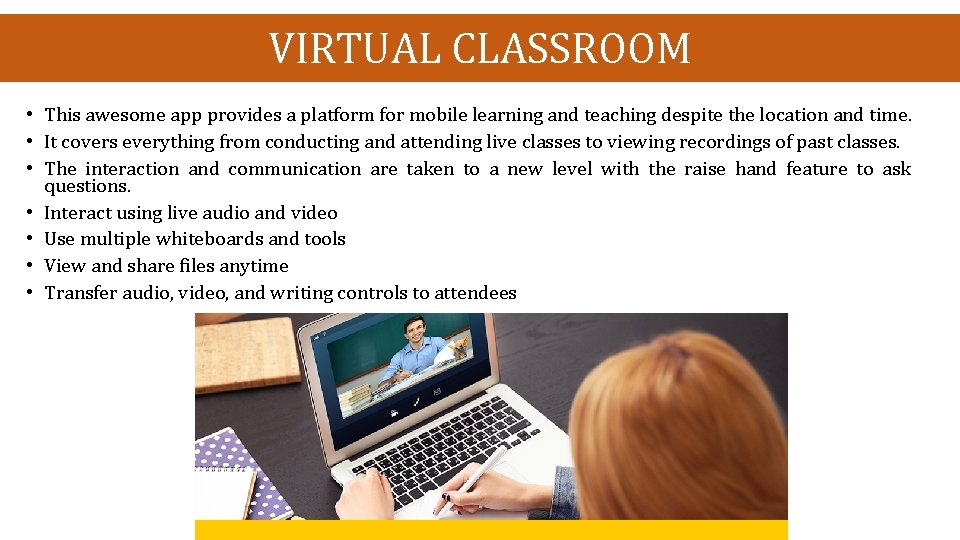
VIRTUAL CLASSROOM • This awesome app provides a platform for mobile learning and teaching despite the location and time. • It covers everything from conducting and attending live classes to viewing recordings of past classes. • The interaction and communication are taken to a new level with the raise hand feature to ask questions. • Interact using live audio and video • Use multiple whiteboards and tools • View and share files anytime • Transfer audio, video, and writing controls to attendees
VIRTUAL BOARD • This innovative education tool is yet another addition to get the best use of virtual classroom technology. • It may replace the traditional blackboard or digital Smart board in no time for its simplicity and quicker and efficient options to create tutorials. • Your device can be turned into a virtual blackboard in no time through wireless casting or direct connection. • Educators can simply write with finger or stylus and save with narrated voice and the captured dynamic video can be replayed to make own tutorials. • No video camera or editing tools are required to make these interactive lessons.
BRAINCERT • This is a great tool to set up virtual classrooms and teach, learn and collaborate online all from a single place. • Its speciality is the “Teacher accounts” feature that allows educators to invite their trainees almost instantly and ask them to set up and manage test or live courses. • The tool has separate platforms for three main functions- a course creating platform, a content management platform and an online testing system. • Instructors and students can connect almost instantly. • Here are some other key features: • Real-time collaboration • Powerful reporting and tracking • Online testing and courses
GOOGLE CLASSROOM • Anyone with a personal Google account can make use of this awesome application free of cost for virtual classroom experience. • With this application, creating classes, communicating, distributing assignments and staying organized is a lot easy than ever before. • This allows simple and paperless assignment workflow allowing teachers to create and review easily from a single place. • Students can see all of the class materials and assignments in a single place which makes organization easy. • Here are key options, features and benefits of Google Classroom: • Easy to set up
zoom • Zoom is one of the best tools available in the top list of virtual meeting and classroom services. • Easy adoption with Web RTC technology • Join from anywhere on any device • Access robust security solutions throughout • Built-in tools for screen sharing • HD video and audio calls • Support for up to 1, 000 video participants and 49 videos • Meet securely with role-based user permissions • Streamlined calendaring services with Outlook and Google • Built-in recording and transcripts
Cisco Web. Ex • This innovative education tool is yet another addition to get the best use of virtual classroom technology. • Cisco Web. Ex provides HD video conferencing • Platform Compatibility and Data Protection • Convenient Virtual Meetings Anytime, Anywhere • Integrated Communication • Sharing Desktops and Documents

- Slides: 8