
Vinyl Machine Table of Content Introduction and models

Vinyl Machine
Table of Content: • • • Introduction and models Why we need this machine/ Use-fullness Vinyl machine types Vinyl machine specification Machine installation Software requirement Vinyl Machine working steps Material , Speed, Power requirement Safety precautions Machine Maintenance Training and promotion Machine selection/ comparison
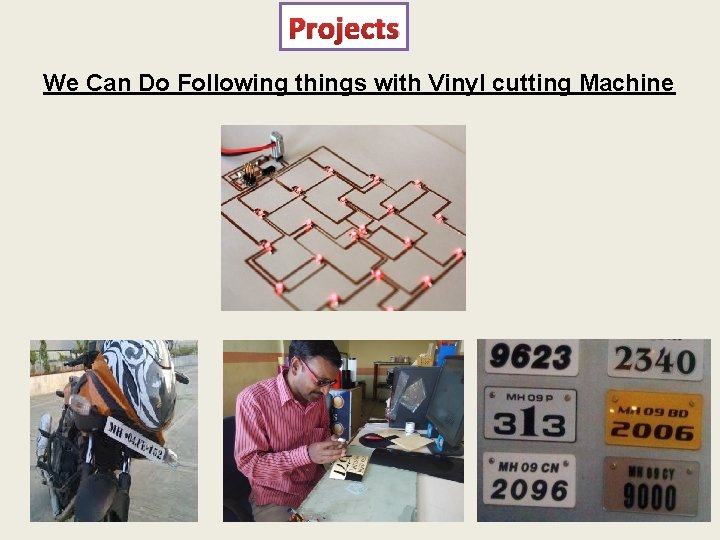
Projects We Can Do Following things with Vinyl cutting Machine
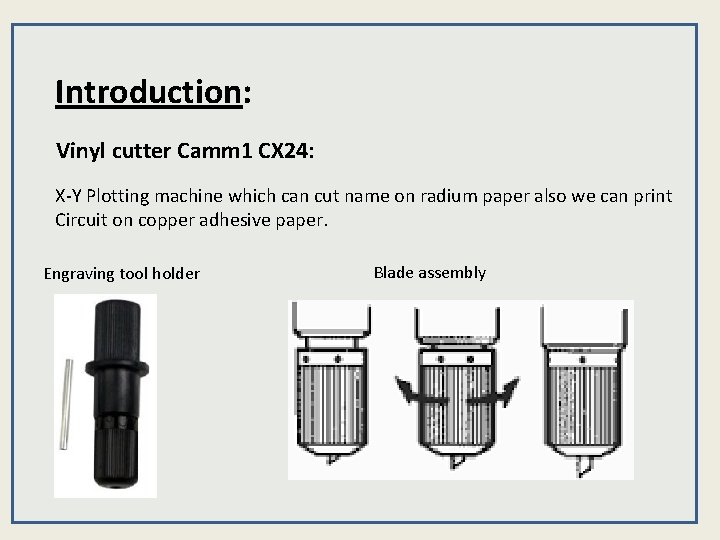
Introduction: Vinyl cutter Camm 1 CX 24: X-Y Plotting machine which can cut name on radium paper also we can print Circuit on copper adhesive paper. Engraving tool holder Blade assembly
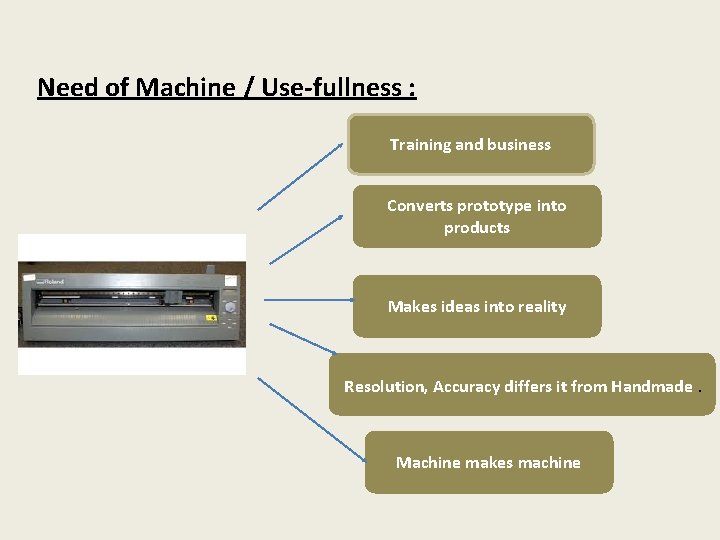
Need of Machine / Use-fullness : Training and business Converts prototype into products Makes ideas into reality Resolution, Accuracy differs it from Handmade. Machine makes machine
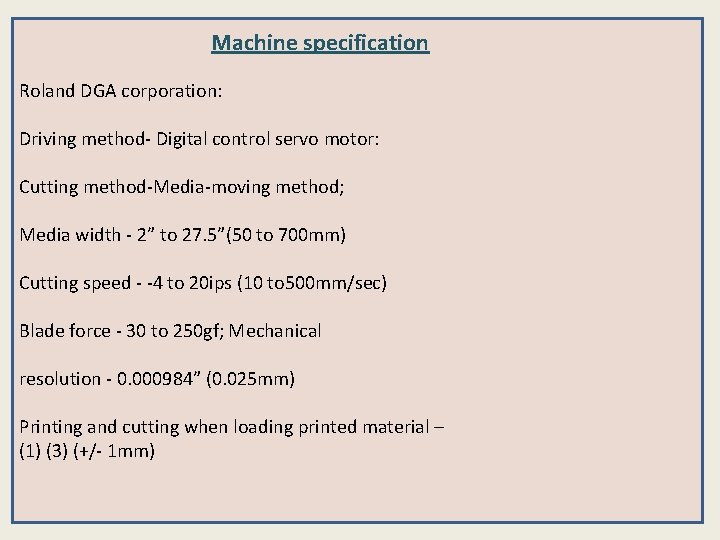
Machine specification Roland DGA corporation: Driving method- Digital control servo motor: Cutting method-Media-moving method; Media width - 2” to 27. 5”(50 to 700 mm) Cutting speed - -4 to 20 ips (10 to 500 mm/sec) Blade force - 30 to 250 gf; Mechanical resolution - 0. 000984” (0. 025 mm) Printing and cutting when loading printed material – (1) (3) (+/- 1 mm)
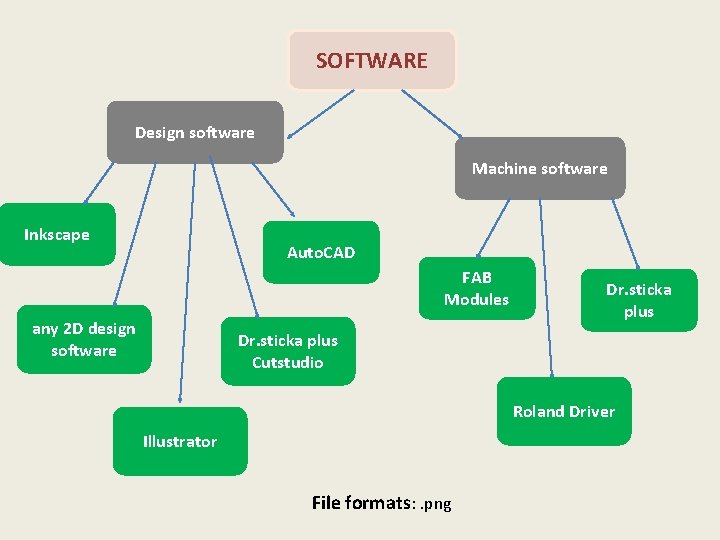
SOFTWARE Design software Machine software Inkscape Auto. CAD FAB Modules any 2 D design software Dr. sticka plus Cutstudio Roland Driver Illustrator File formats: . png
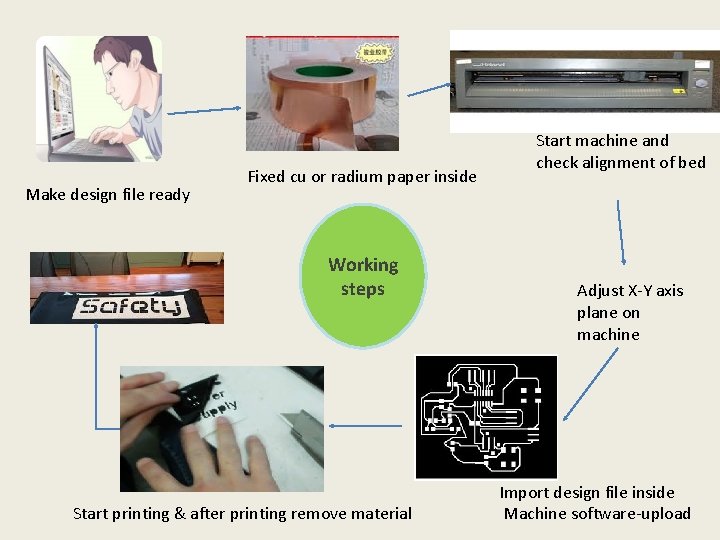
Make design file ready Fixed cu or radium paper inside Working steps Start printing & after printing remove material Start machine and check alignment of bed Adjust X-Y axis plane on machine Import design file inside Machine software-upload
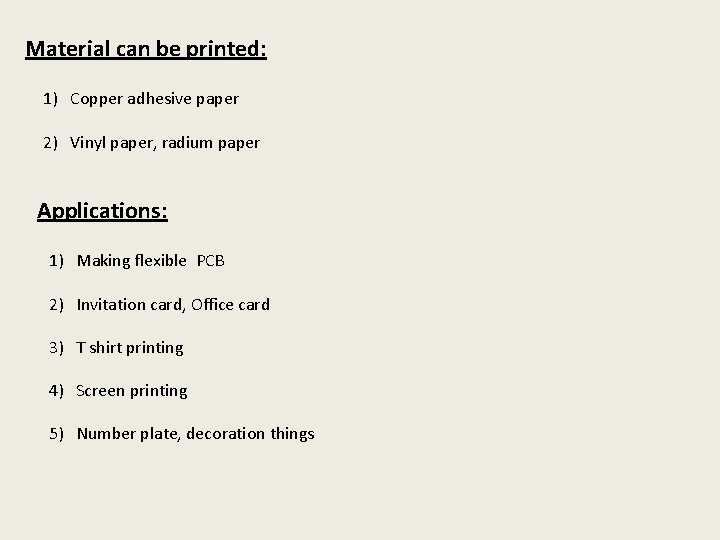
Material can be printed: 1) Copper adhesive paper 2) Vinyl paper, radium paper Applications: 1) Making flexible PCB 2) Invitation card, Office card 3) T shirt printing 4) Screen printing 5) Number plate, decoration things
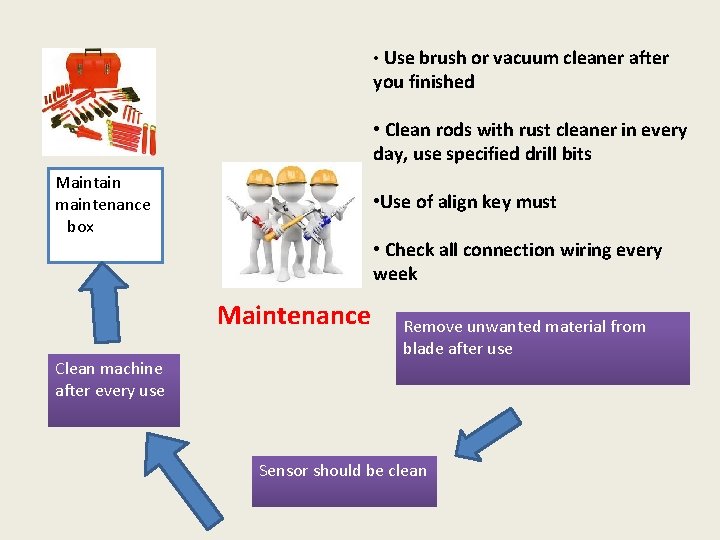
• Use brush or vacuum cleaner after you finished • Clean rods with rust cleaner in every day, use specified drill bits Maintain maintenance box • Use of align key must • Check all connection wiring every week Maintenance Clean machine after every use Remove unwanted material from blade after use Sensor should be clean

- Slides: 11