
Views Introduction to Oracle 9 i SQL 1
- Slides: 17
Views Introduction to Oracle 9 i: SQL 1
Chapter Objectives • Create a view, using CREATE VIEW command or the CREATE OR REPLACE VIEW command • Employ the FORCE and NO FORCE options • State the purpose of the WITH CHECK OPTION constraint Introduction to Oracle 9 i: SQL 2
Chapter Objectives • Explain the effect of the WITH READ ONLY option • Update a record in a simple view • Re-create a view • Explain the implication of an expression in a view for DML operations • Update a record in a complex view Introduction to Oracle 9 i: SQL 3
Chapter Objectives • Identify problems associated with adding records to a complex view • Identify the key-preserved table underlying a complex view • Drop a view • Explain inline views and the use of ROWNUM to perform a “TOP-N” analysis Introduction to Oracle 9 i: SQL 4
Views • Permanent objects that store no data • Display data contained in other tables • Two purposes: – Reduce complex query requirements for novice users – Restrict users’ access to sensitive data Introduction to Oracle 9 i: SQL 5
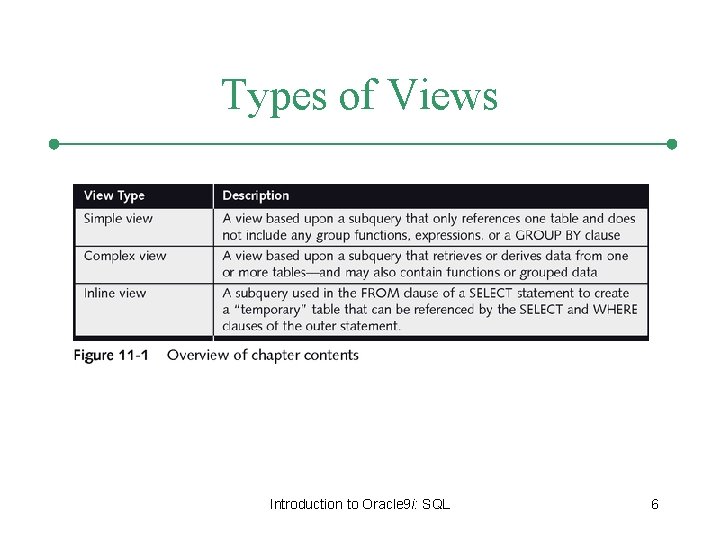
Types of Views Introduction to Oracle 9 i: SQL 6
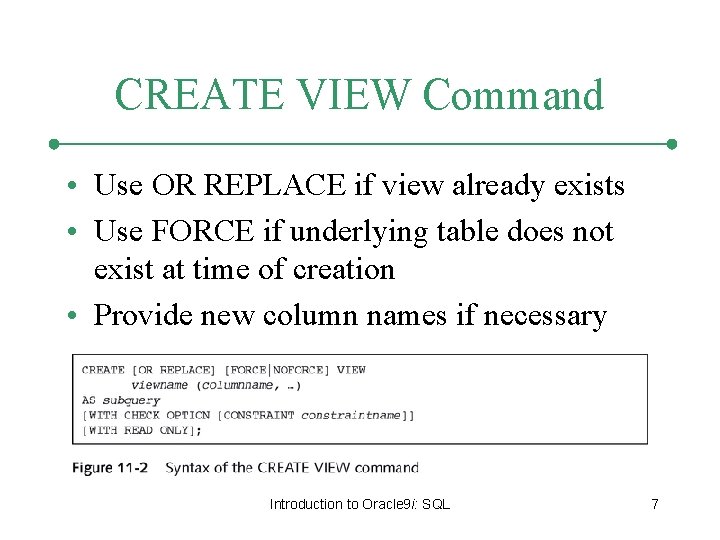
CREATE VIEW Command • Use OR REPLACE if view already exists • Use FORCE if underlying table does not exist at time of creation • Provide new column names if necessary Introduction to Oracle 9 i: SQL 7
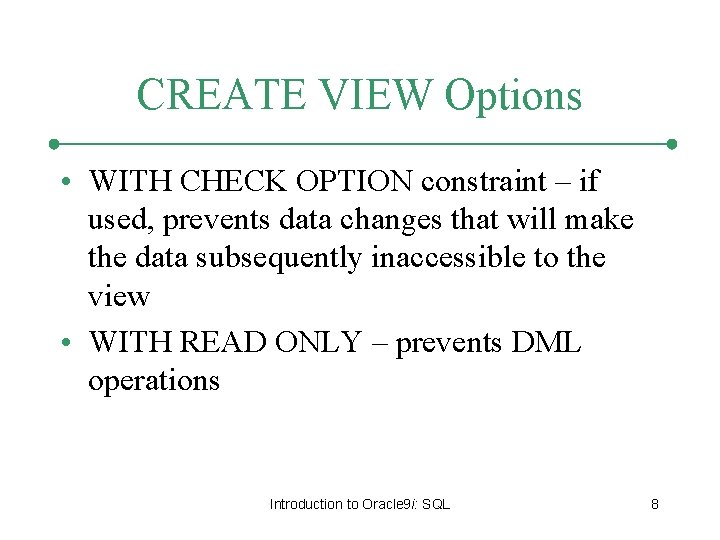
CREATE VIEW Options • WITH CHECK OPTION constraint – if used, prevents data changes that will make the data subsequently inaccessible to the view • WITH READ ONLY – prevents DML operations Introduction to Oracle 9 i: SQL 8
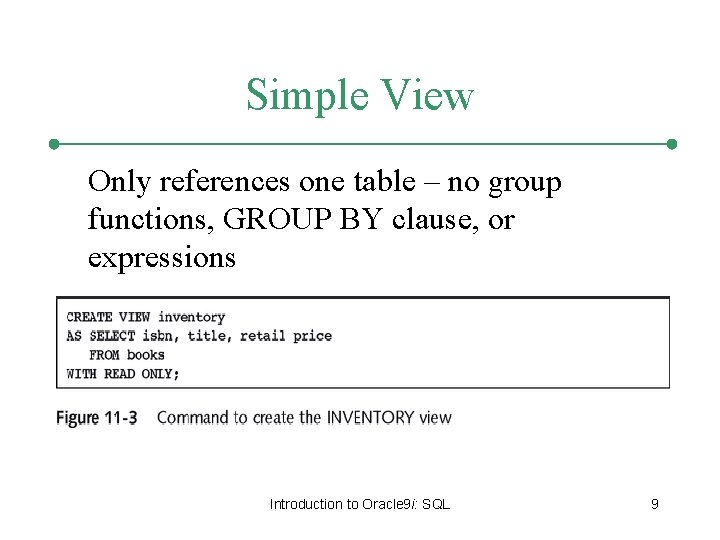
Simple View Only references one table – no group functions, GROUP BY clause, or expressions Introduction to Oracle 9 i: SQL 9
Simple View – DML Operations • Any DML operations are allowed through simple views unless created with WITH READ ONLY option • DML operations that violate constraints on the underlying table are not allowed Introduction to Oracle 9 i: SQL 10
Complex View • May contain data from multiple tables or data created with the GROUP BY clause, functions, or expressions • Type of DML operations allowed depends on various factors Introduction to Oracle 9 i: SQL 11
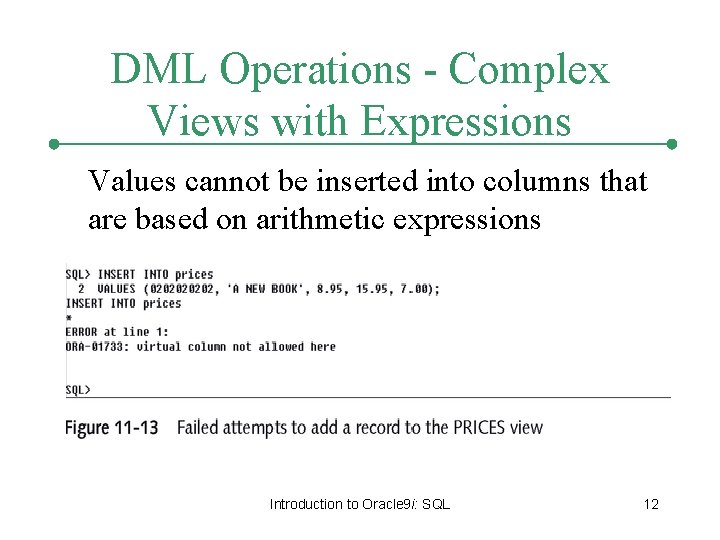
DML Operations - Complex Views with Expressions Values cannot be inserted into columns that are based on arithmetic expressions Introduction to Oracle 9 i: SQL 12
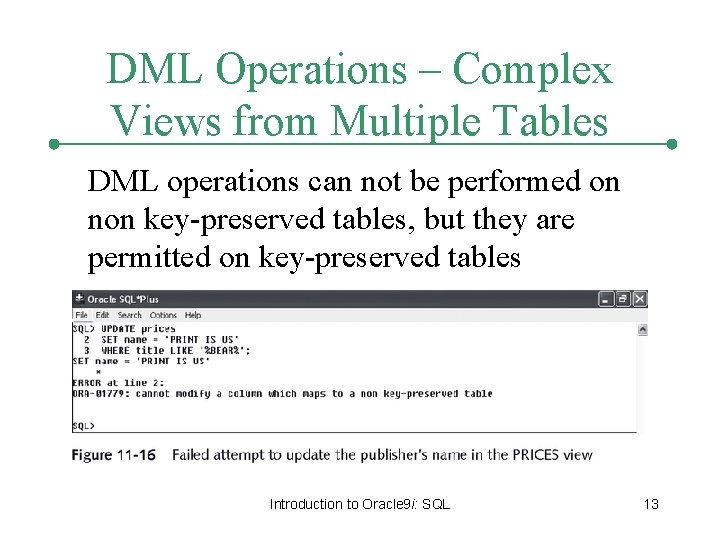
DML Operations – Complex Views from Multiple Tables DML operations can not be performed on non key-preserved tables, but they are permitted on key-preserved tables Introduction to Oracle 9 i: SQL 13
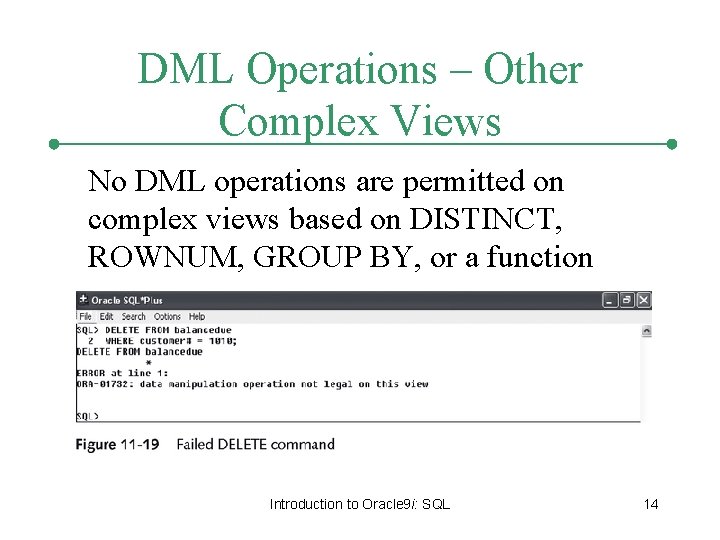
DML Operations – Other Complex Views No DML operations are permitted on complex views based on DISTINCT, ROWNUM, GROUP BY, or a function Introduction to Oracle 9 i: SQL 14
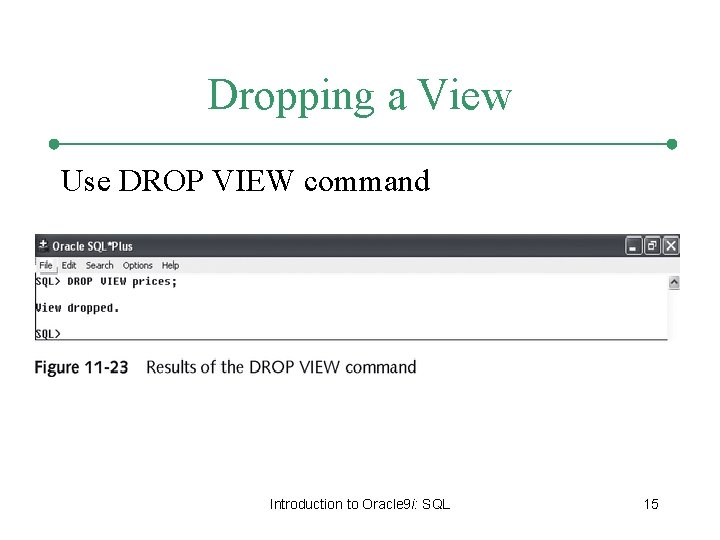
Dropping a View Use DROP VIEW command Introduction to Oracle 9 i: SQL 15
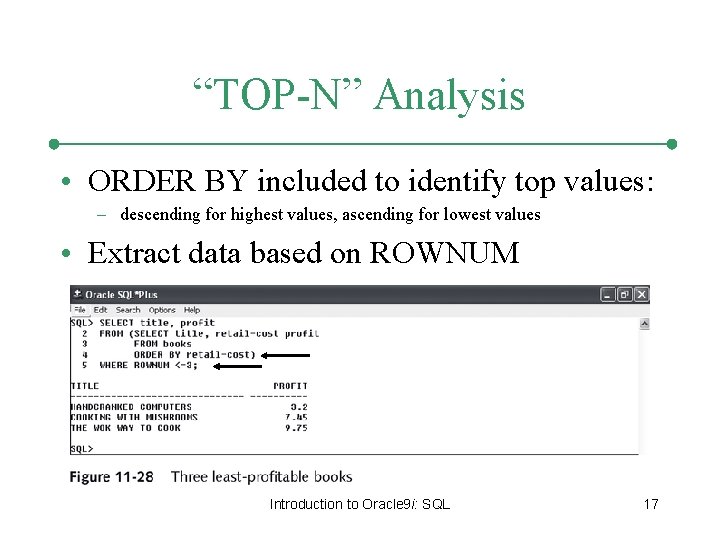
Inline View • Temporary table created by using subquery in FROM clause • Can only be referenced while the command is being executed • Most common usage – “TOP-N” Analysis Introduction to Oracle 9 i: SQL 16
“TOP-N” Analysis • ORDER BY included to identify top values: – descending for highest values, ascending for lowest values • Extract data based on ROWNUM Introduction to Oracle 9 i: SQL 17