
Video Technology for Excel Competency Programs By Joseph
Video Technology for Excel Competency Programs By Joseph M. Manzo Lehigh University jmm 6@Lehigh. edu
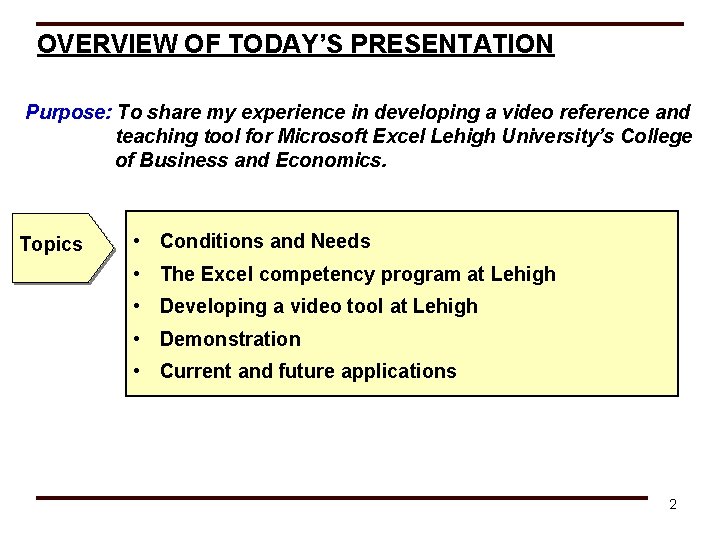
OVERVIEW OF TODAY’S PRESENTATION Purpose: To share my experience in developing a video reference and teaching tool for Microsoft Excel Lehigh University’s College of Business and Economics. Topics • Conditions and Needs • The Excel competency program at Lehigh • Developing a video tool at Lehigh • Demonstration • Current and future applications 2
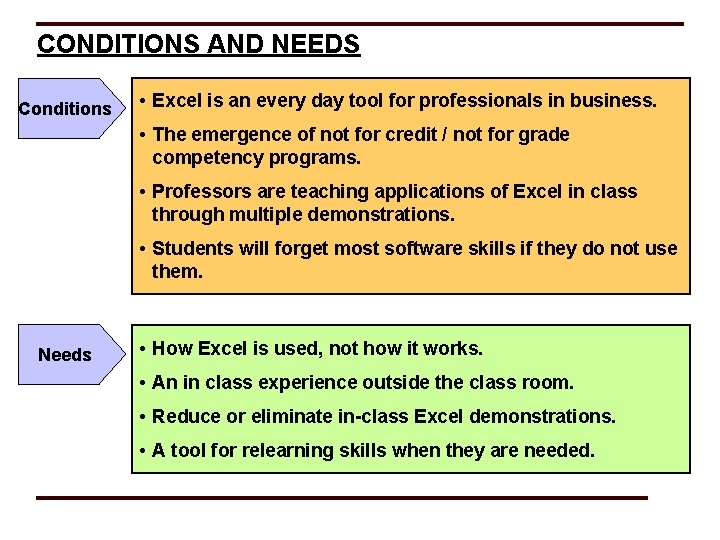
CONDITIONS AND NEEDS Conditions • Excel is an every day tool for professionals in business. • The emergence of not for credit / not for grade competency programs. • Professors are teaching applications of Excel in class through multiple demonstrations. • Students will forget most software skills if they do not use them. Needs • How Excel is used, not how it works. • An in class experience outside the class room. • Reduce or eliminate in-class Excel demonstrations. • A tool for relearning skills when they are needed.
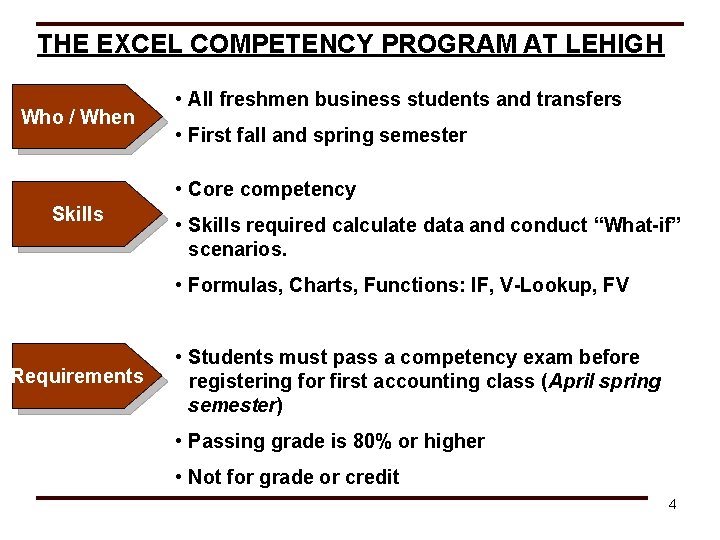
THE EXCEL COMPETENCY PROGRAM AT LEHIGH Who / When • All freshmen business students and transfers • First fall and spring semester • Core competency Skills • Skills required calculate data and conduct “What-if” scenarios. • Formulas, Charts, Functions: IF, V-Lookup, FV Requirements • Students must pass a competency exam before registering for first accounting class (April spring semester) • Passing grade is 80% or higher • Not for grade or credit 4

BENEFITS OF THE EXCEL COMPETENCY PROGRAM • Allows students who come to Lehigh with strong Excel skills to take the competency exam and complete the requirement • Focuses on skills students will likely use during their undergraduate classes • Gives students flexibility to attend various seminars and exams • Students must pass the exam and retake if they don’t pass Provides the core essential skills to get students up and running on Excel as quickly as possible 5
DEVELOPING A VIDEO TECHNOLOGY TOOL • Collection of videos on CD ROM • Filmed using advanced camera technology • Smartboard for written demonstrations • Green Screen technology to display Excel screen • NOT a voice over screen capture model • Only live takes…. . no editing 6
VIDEO DEMONSTRATION Absolute References & Formulas 7
CURRENT APPLICATIONS & TECHNICAL SPECS CD & Book • Core skills • Freshman receive over the summer to prepare for the Excel Competency exam. • Reference tools for future classes • 640 x 480 resolution; 30 frames per second; . rm • Camtasia access menu Streaming Videos • Advanced skill content (Regression, Histograms, etc. ) • Professors assign or refer students instead of doing in class demonstration. • 320 x 240; 30 frames per second; . rm • Custom web site access 8
BENEFITS OF BOOK AND VIDEO • Quick reference tool • Includes more business applications and assignments • Address learning styles • Text • Inverse • Pictures • Demonstration 9
FUTURE APPLICATIONS - ACCESS • Covered in the Sophomore year • Not used by faculty • Students are not confident with skills in their Senior year Senior Competency Program vs. Integration in the Curriculum 10
NEEDS RECAP Needs • How Excel is used, not how it works. • An in class experience outside the class room. • Reduced in-class Excel demonstrations. • A tool for relearning skills when they are needed. 11
QUESTIONS? ? ? 12
- Slides: 12