
Video Data Topic 4 Multimedia Technology What is
- Slides: 24
Video Data Topic 4: Multimedia Technology
What is Video? • A video is just a collection of bit-mapped images that when played quickly one after another give the illusion of a moving image • It is a sequence of individual pictures or frames • The standard rate at which these frames are taken is 25 frames per second (this gives realistic movement)
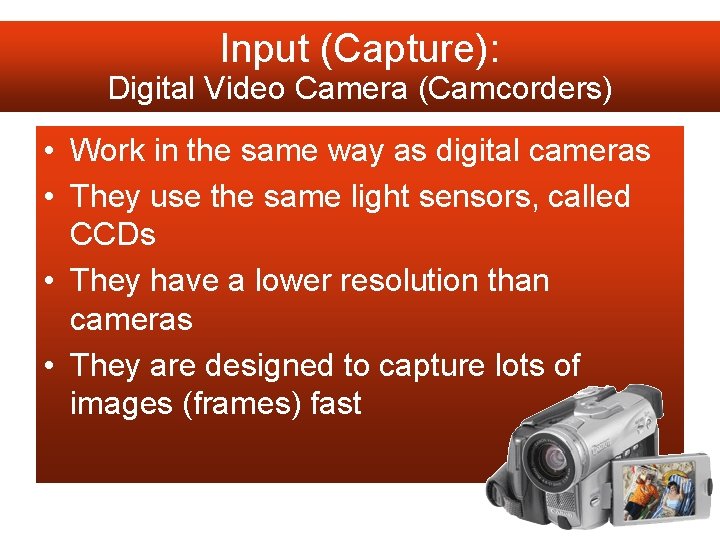
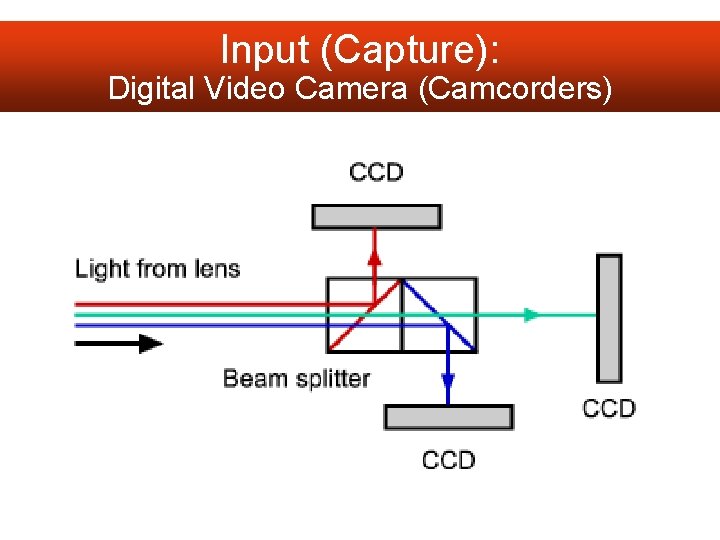
Input (Capture): Digital Video Camera (Camcorders) • Work in the same way as digital cameras • They use the same light sensors, called CCDs • They have a lower resolution than cameras • They are designed to capture lots of images (frames) fast
Input (Capture): Digital Video Camera (Camcorders)
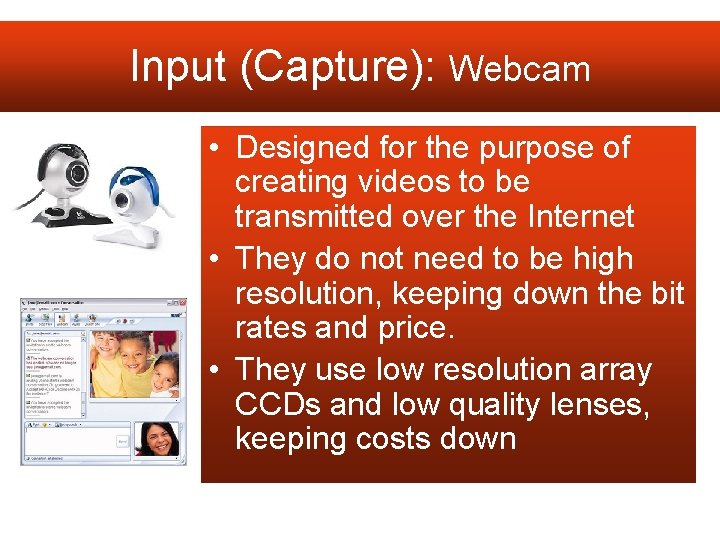
Input (Capture): Webcam • Designed for the purpose of creating videos to be transmitted over the Internet • They do not need to be high resolution, keeping down the bit rates and price. • They use low resolution array CCDs and low quality lenses, keeping costs down
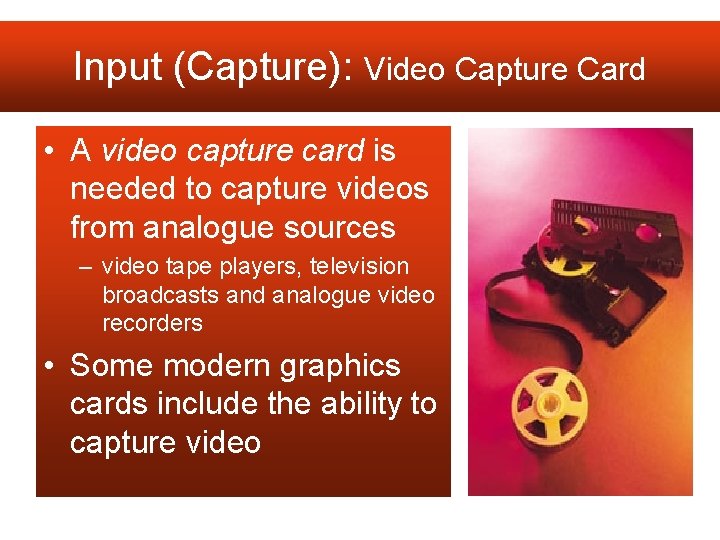
Input (Capture): Video Capture Card • A video capture card is needed to capture videos from analogue sources – video tape players, television broadcasts and analogue video recorders • Some modern graphics cards include the ability to capture video
Video Data: Storage of Video data Topic 4: Multimedia Technology:
AVI (Audio Video Interleave) • Type of RIFF file (container file) • Uncompressed • AVI ratio set during saving – The audio is embedded into the video at different intervals.
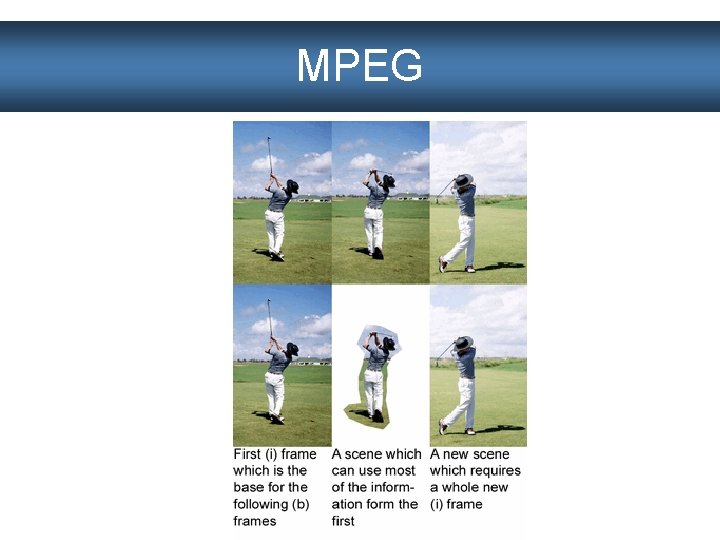
MPEG • Lossy compression cuts out unnecessary parts of a video clip • Saves each frame of video as a JPEG – These are called ‘i-frames’ • Data that stays the same in following frames is removed • The next frames only store data on what has changed since last i-frame
MPEG
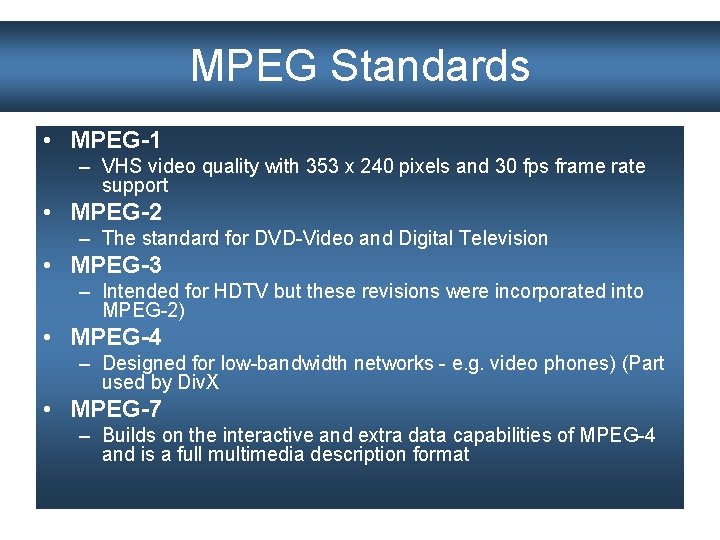
MPEG Standards • MPEG-1 – VHS video quality with 353 x 240 pixels and 30 fps frame rate support • MPEG-2 – The standard for DVD-Video and Digital Television • MPEG-3 – Intended for HDTV but these revisions were incorporated into MPEG-2) • MPEG-4 – Designed for low-bandwidth networks - e. g. video phones) (Part used by Div. X • MPEG-7 – Builds on the interactive and extra data capabilities of MPEG-4 and is a full multimedia description format
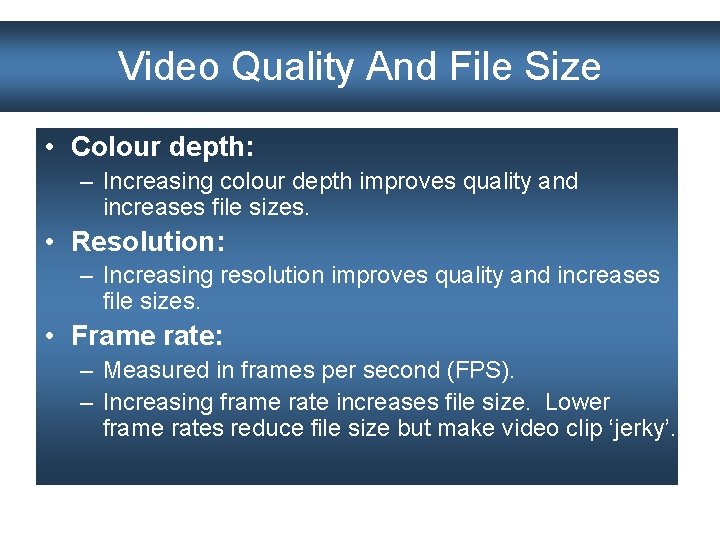
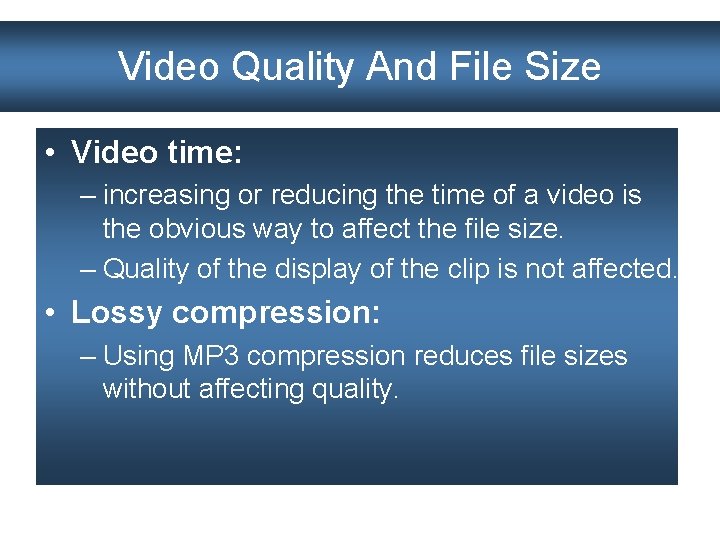
Video Quality And File Size • Colour depth: – Increasing colour depth improves quality and increases file sizes. • Resolution: – Increasing resolution improves quality and increases file sizes. • Frame rate: – Measured in frames per second (FPS). – Increasing frame rate increases file size. Lower frame rates reduce file size but make video clip ‘jerky’.
Video Quality And File Size • Video time: – increasing or reducing the time of a video is the obvious way to affect the file size. – Quality of the display of the clip is not affected. • Lossy compression: – Using MP 3 compression reduces file sizes without affecting quality.
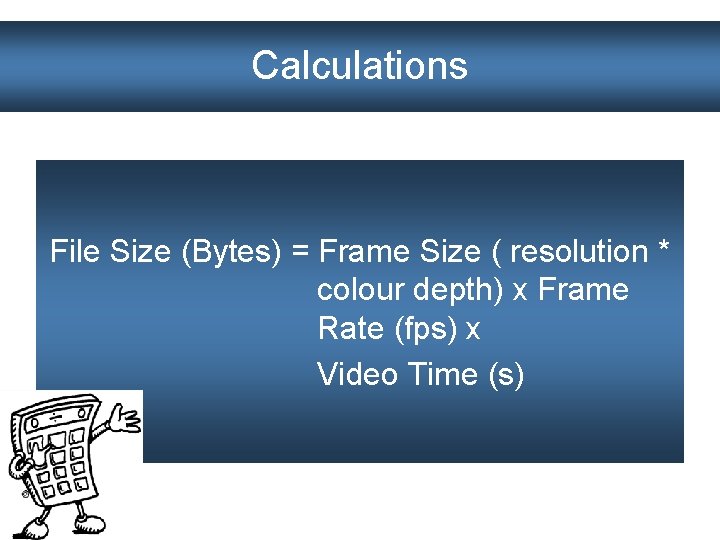
Calculations File Size (Bytes) = Frame Size ( resolution * colour depth) x Frame Rate (fps) x Video Time (s)
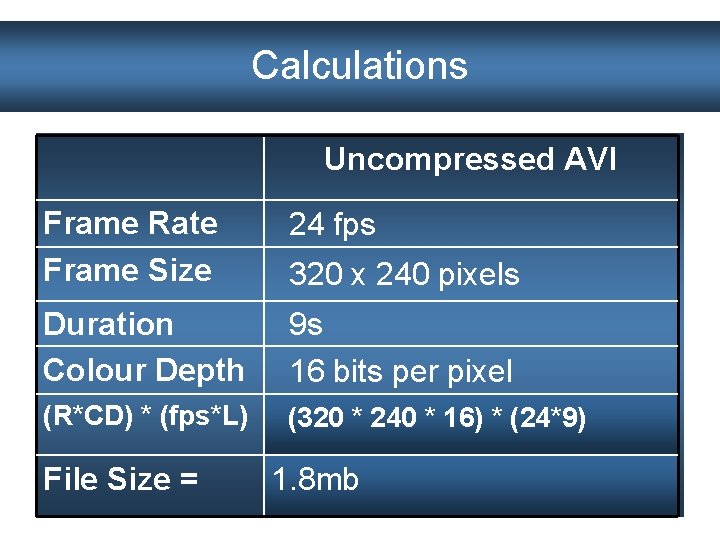
Calculations Uncompressed AVI Frame Rate Frame Size 24 fps Duration Colour Depth 9 s 16 bits per pixel (R*CD) * (fps*L) (320 * 240 * 16) * (24*9) File Size = 320 x 240 pixels 1. 8 mb
Video Data: Video Editing Topic 4: Multimedia Technology:
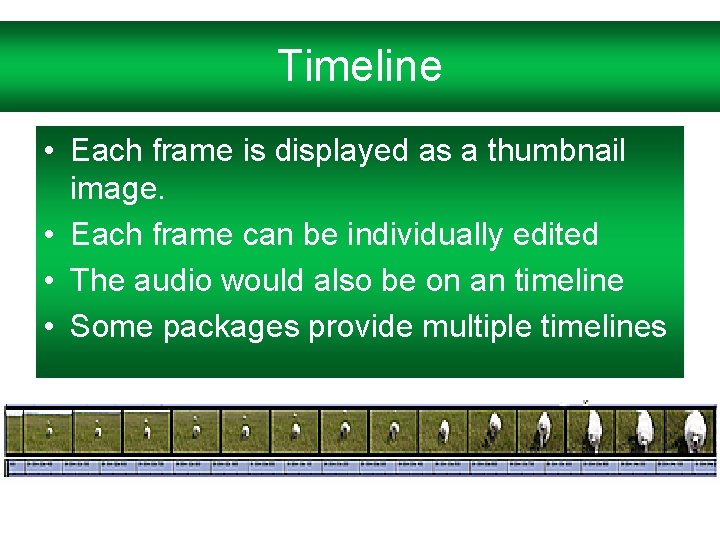
Timeline • Each frame is displayed as a thumbnail image. • Each frame can be individually edited • The audio would also be on an timeline • Some packages provide multiple timelines
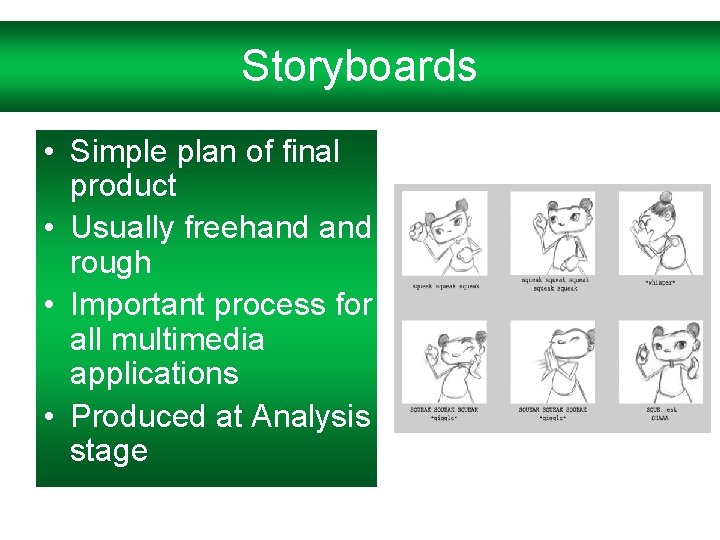
Storyboards • Simple plan of final product • Usually freehand rough • Important process for all multimedia applications • Produced at Analysis stage
Crop • Basically, cutting or removing the parts you don’t want. • You may want to remove a frame or a whole scene.
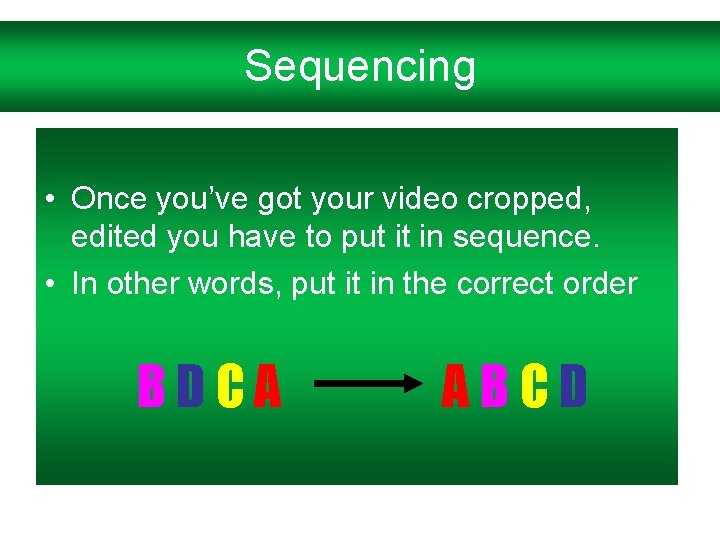
Sequencing • Once you’ve got your video cropped, edited you have to put it in sequence. • In other words, put it in the correct order BDCA ABCD
Transitions • Used to ‘join up’ different scenes/frames • Different types are available, for example: Wipe
Transitions • Used to ‘join up’ different scenes/frames • Different types are available, for example: Dissolve
Transitions • Used to ‘join up’ different scenes/frames • Different types are available, for example: Box Out
Transitions • Used to ‘join up’ different scenes/frames • Different types are available, for example: Fade