
Video Compression MPEG Roger Cheng Spring 2007 Evolution
- Slides: 31
Video Compression - MPEG Roger Cheng Spring 2007
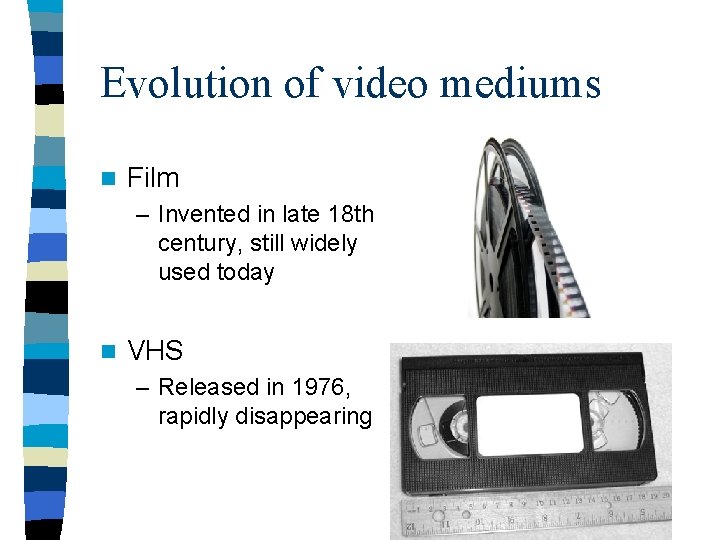
Evolution of video mediums n Film – Invented in late 18 th century, still widely used today n VHS – Released in 1976, rapidly disappearing
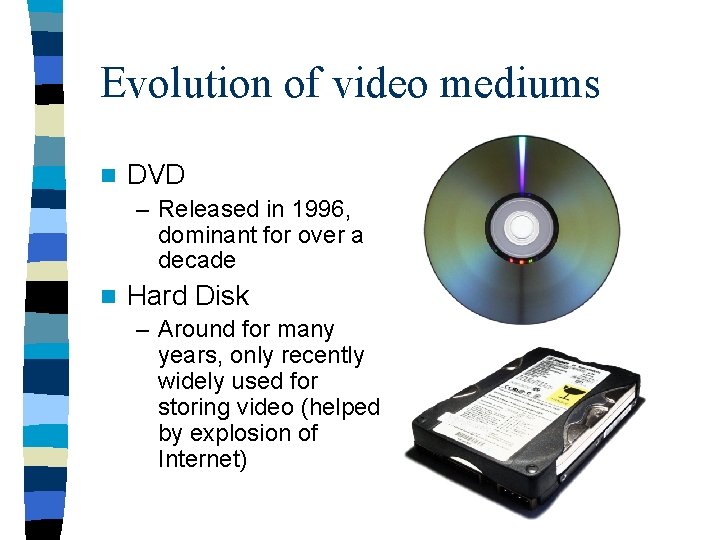
Evolution of video mediums n DVD – Released in 1996, dominant for over a decade n Hard Disk – Around for many years, only recently widely used for storing video (helped by explosion of Internet)
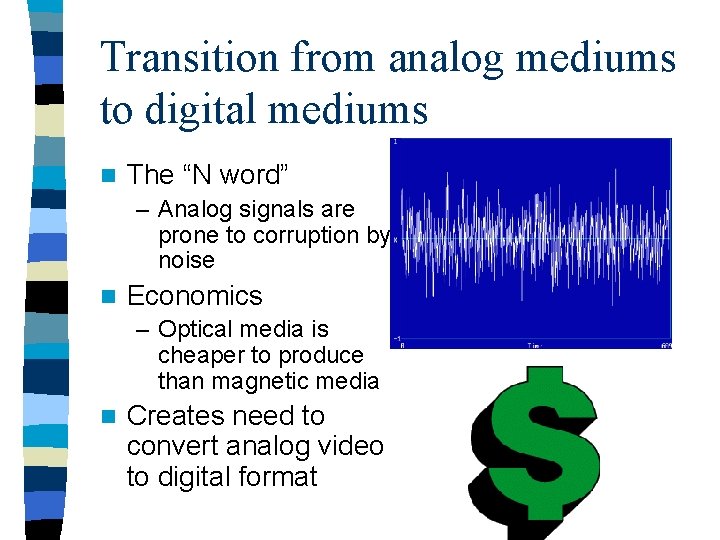
Transition from analog mediums to digital mediums n The “N word” – Analog signals are prone to corruption by noise n Economics – Optical media is cheaper to produce than magnetic media n Creates need to convert analog video to digital format
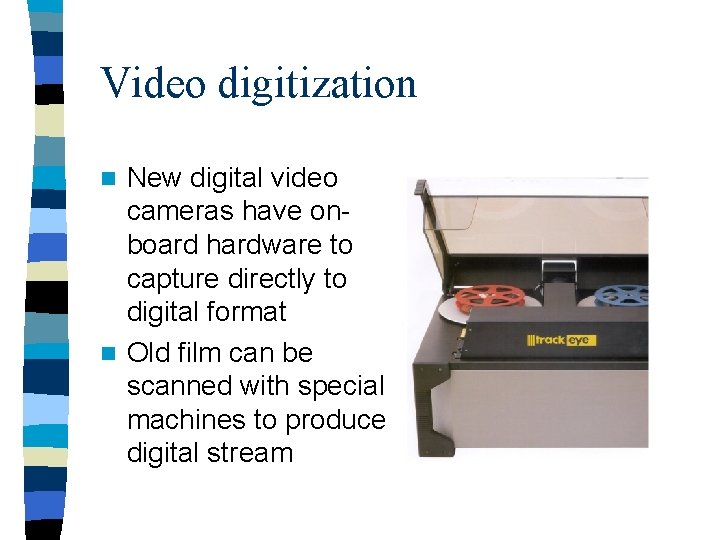
Video digitization New digital video cameras have onboard hardware to capture directly to digital format n Old film can be scanned with special machines to produce digital stream n
Video Encoding/Compression Once video is in digital format, it makes sense to compress it n Similarly to image compression, we want to store video data as efficiently as possible n Again, we want to both maximize quality and minimize storage space and processing resources n This time, we can exploit correlation in both space and time domains n
TMI! (Too Much Information) n Unlike image encoding, video encoding is rarely done in lossless form n No storage medium has enough capacity to store a practical sized lossless video file – Lossless DVD video - 221 Mbps – Compressed DVD video - 4 Mbps – 50: 1 compression ratio!
Definitions n Bitrate – Information stored/transmitted per unit time – Usually measured in Mbps (Megabits per second) – Ranges from < 1 Mbps to > 40 Mbps n Resolution – Number of pixels per frame – Ranges from 160 x 120 to 1920 x 1080 n FPS (frames per second) – Usually 24, 25, 30, or 60 – Don’t need more because of limitations of the human eye
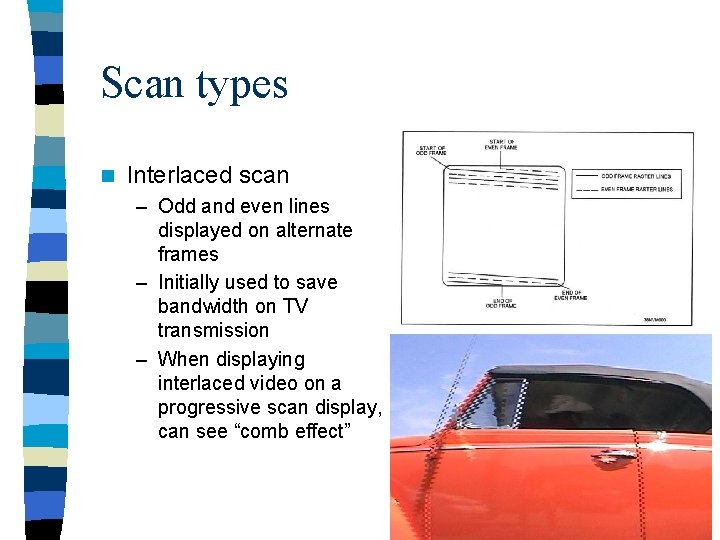
Scan types n Interlaced scan – Odd and even lines displayed on alternate frames – Initially used to save bandwidth on TV transmission – When displaying interlaced video on a progressive scan display, can see “comb effect”
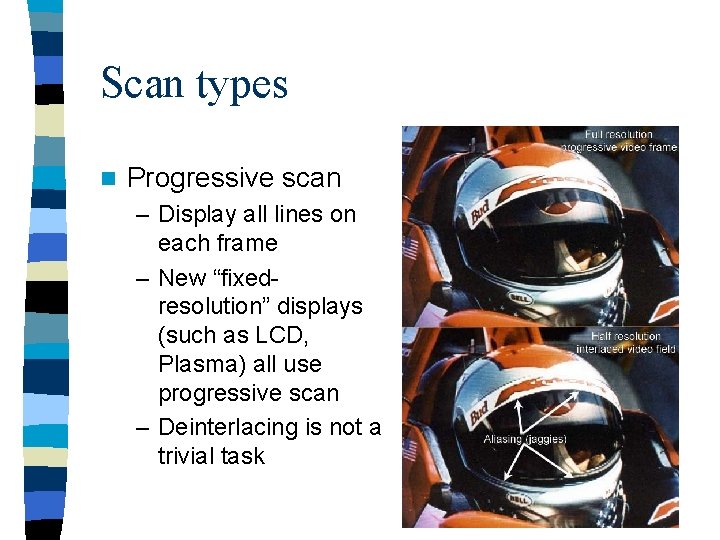
Scan types n Progressive scan – Display all lines on each frame – New “fixedresolution” displays (such as LCD, Plasma) all use progressive scan – Deinterlacing is not a trivial task
MPEG (Moving Pictures Expert Group) Committee of experts that develops video encoding standards n Until recently, was the only game in town (still the most popular, by far) n Suitable for wide range of videos n – Low resolution to high resolution – Slow movement to fast action n Can be implemented either in software or hardware
Evolution of MPEG n MPEG-1 – Initial audio/video compression standard – Used by VCD’s – MP 3 = MPEG-1 audio layer 3 – Target of 1. 5 Mb/s bitrate at 352 x 240 resolution – Only supports progressive pictures
Evolution of MPEG n MPEG-2 – Current de facto standard, widely used in DVD and Digital TV – Ubiquity in hardware implies that it will be here for a long time • Transition to HDTV has taken over 10 years and is not finished yet – Different profiles and levels allow for quality control
Evolution of MPEG n MPEG-3 – Originally developed for HDTV, but abandoned when MPEG-2 was determined to be sufficient n MPEG-4 – Includes support for AV “objects”, 3 D content, low bitrate encoding, and DRM – In practice, provides equality to MPEG-2 at a lower bitrate, but often fails to deliver outright better quality – MPEG-4 Part 10 is H. 264, which is used in HDDVD and Blu-Ray
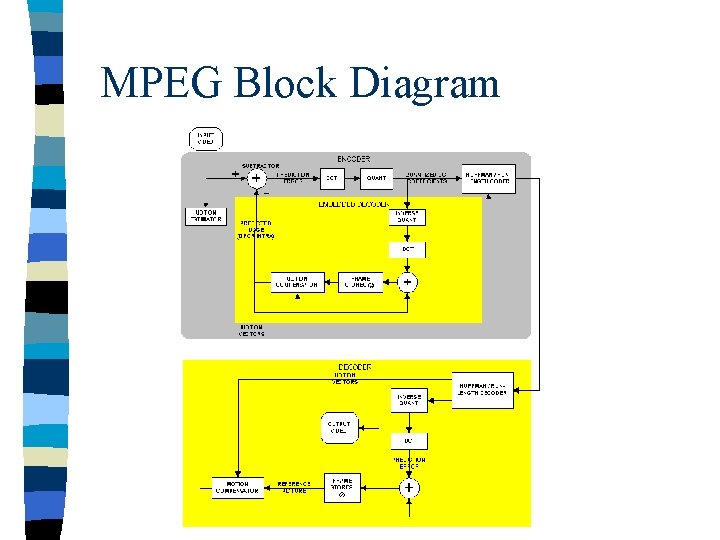
MPEG Block Diagram
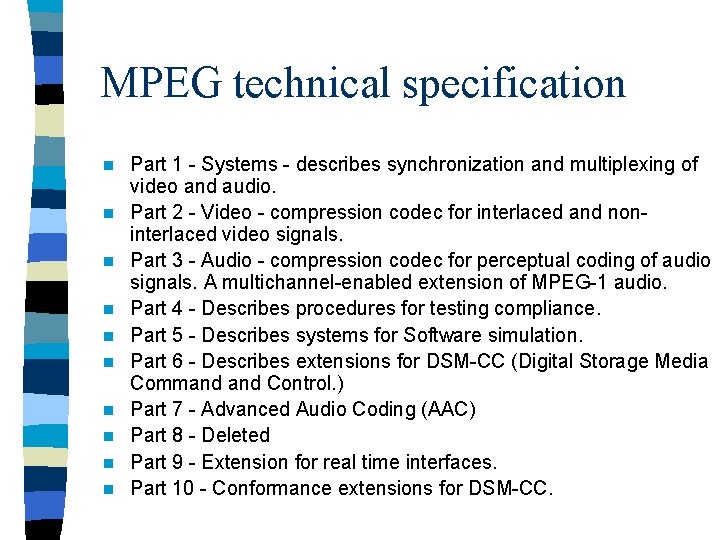
MPEG technical specification n n Part 1 - Systems - describes synchronization and multiplexing of video and audio. Part 2 - Video - compression codec for interlaced and noninterlaced video signals. Part 3 - Audio - compression codec for perceptual coding of audio signals. A multichannel-enabled extension of MPEG-1 audio. Part 4 - Describes procedures for testing compliance. Part 5 - Describes systems for Software simulation. Part 6 - Describes extensions for DSM-CC (Digital Storage Media Command Control. ) Part 7 - Advanced Audio Coding (AAC) Part 8 - Deleted Part 9 - Extension for real time interfaces. Part 10 - Conformance extensions for DSM-CC.
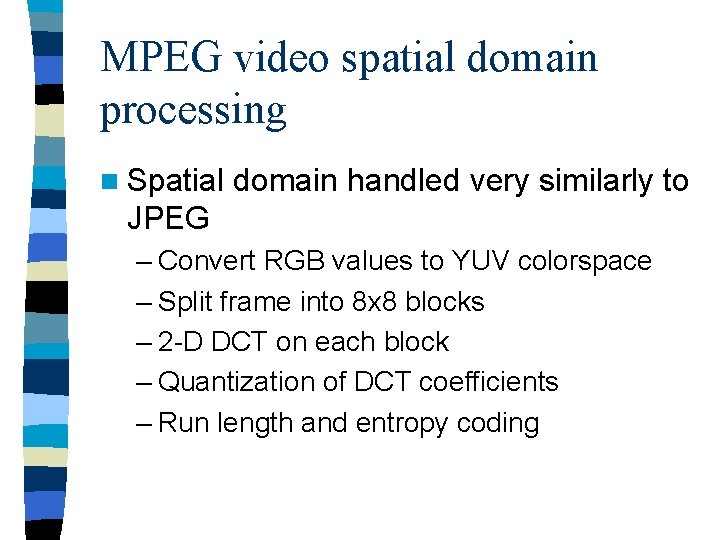
MPEG video spatial domain processing n Spatial domain handled very similarly to JPEG – Convert RGB values to YUV colorspace – Split frame into 8 x 8 blocks – 2 -D DCT on each block – Quantization of DCT coefficients – Run length and entropy coding
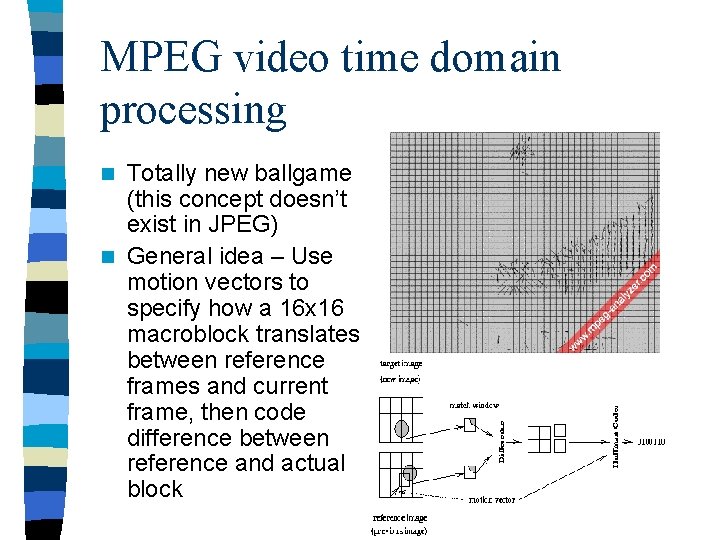
MPEG video time domain processing Totally new ballgame (this concept doesn’t exist in JPEG) n General idea – Use motion vectors to specify how a 16 x 16 macroblock translates between reference frames and current frame, then code difference between reference and actual block n
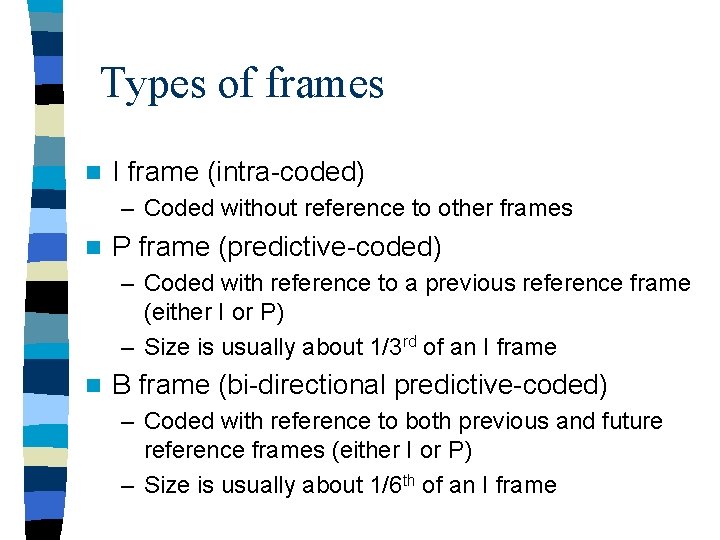
Types of frames n I frame (intra-coded) – Coded without reference to other frames n P frame (predictive-coded) – Coded with reference to a previous reference frame (either I or P) – Size is usually about 1/3 rd of an I frame n B frame (bi-directional predictive-coded) – Coded with reference to both previous and future reference frames (either I or P) – Size is usually about 1/6 th of an I frame
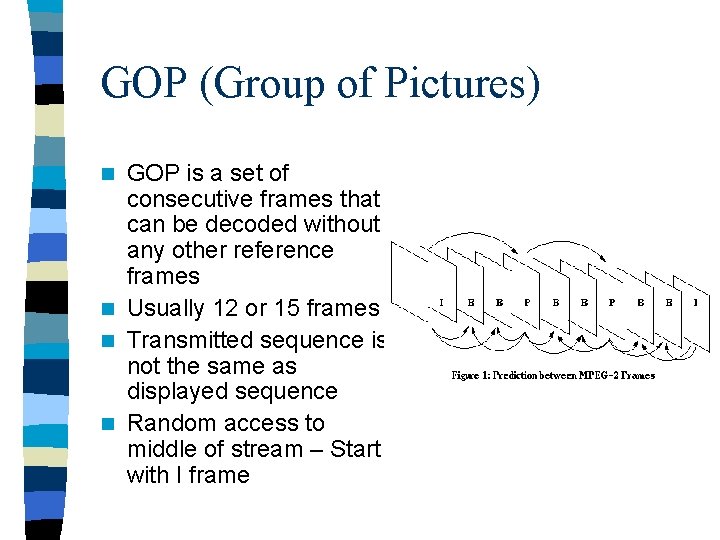
GOP (Group of Pictures) GOP is a set of consecutive frames that can be decoded without any other reference frames n Usually 12 or 15 frames n Transmitted sequence is not the same as displayed sequence n Random access to middle of stream – Start with I frame n
Things about prediction n Only use motion vector if a “close” match can be found – Evaluate “closeness” with MSE or other metric – Can’t search all possible blocks, so need a smart algorithm – If no suitable match found, just code the macroblock as an I-block – If a scene change is detected, start fresh n Don’t want too many P or B frames in a row – Predictive error will keep propagating until next I frame – Delay in decoding
Bitrate allocation n CBR – Constant Bit. Rate – Streaming media uses this – Easier to implement n VBR – Variable Bit. Rate – – DVD’s use this Usually requires 2 -pass coding Allocate more bits for complex scenes This is worth it, because you assume that you encode once, decode many times
MPEG audio n MPEG-1 – 3 layers of increasing quality, layer 3 being the most common (MP 3) – – 16 bits Samping rate - 32, 44. 1, or 48 k. Hz Bitrate – 32 to 320 kbps De facto - 44. 1 k. Hz sample rate, 192 kbps bitrate MPEG-2 – Supports > 2 channels, lower sampling frequencies, low bitrate improvement n AAC (Advanced Audio Coding) n – More sample frequencies (8 k. Hz to 96 k. Hz) – Higher coding efficiency and simpler filterbank – 96 kbps AAC sounds better than 128 kbps MP 3 n Usually CBR, but can do VBR
MPEG Container Format n Container format is a file format that can contain data compressed by standard codecs n 2 types for MPEG – Program Stream (PS) – Designed for reasonably reliable media, such as disks – Transport Stream (TS) – Designed for lossy links, such as networks or broadcast antennas
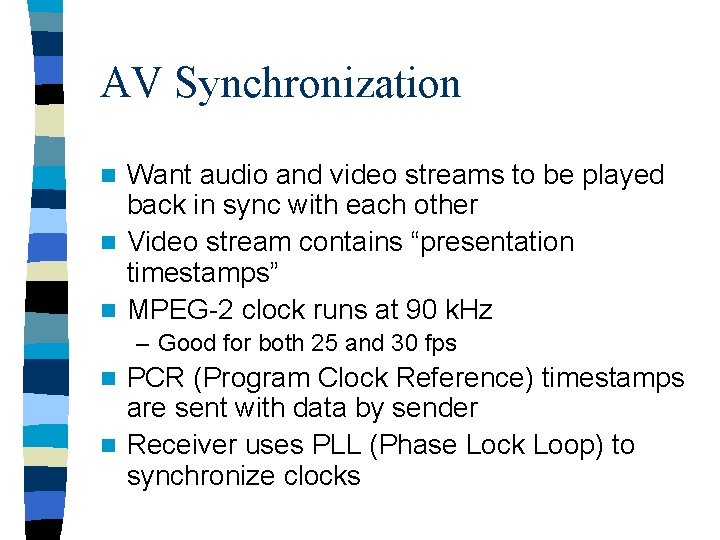
AV Synchronization Want audio and video streams to be played back in sync with each other n Video stream contains “presentation timestamps” n MPEG-2 clock runs at 90 k. Hz n – Good for both 25 and 30 fps PCR (Program Clock Reference) timestamps are sent with data by sender n Receiver uses PLL (Phase Lock Loop) to synchronize clocks n
Real time video encoding Motion estimation will be worse, so need higher bitrate to compensate n Very hard to do in software, need dedicated hardware or hardware assistance n Tivo, Replay. TV do this n
Streaming media n Common types include Flash, Real. Video, Quicktime n Usually have low bandwidth available, need to optimize as such n Want dedicated network protocols for this purpose – TCP will wait indefinitely for retransmission, so is often not suitable
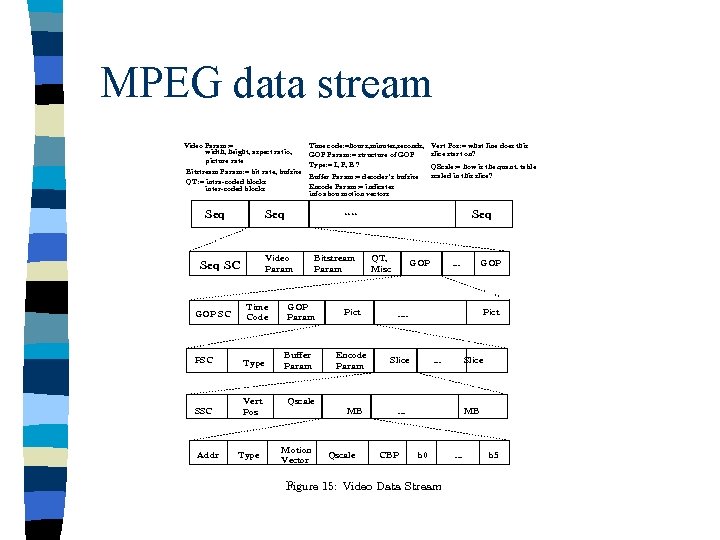
MPEG data stream
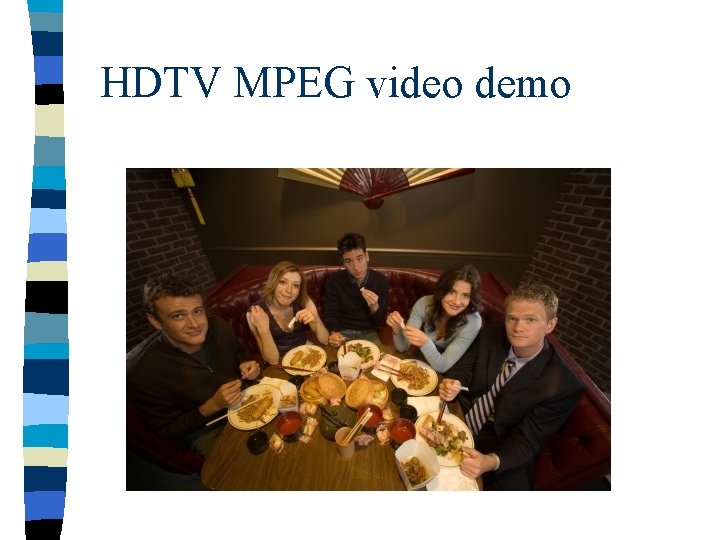
HDTV MPEG video demo
Analysis n Pros – Overall sharp picture – Audio and video stay in sync with each other • What if we were transmitting this over a network? n Cons – Picture flashes, blurs when there is too much movement on screen • Higher bitrate often does not solve this problem
Conclusion Video compression is important n Video compression is not easy n Video compression has come a long way n Not as mature as image compression => There is definitely room for improvement n – New paradigms in computing will dictate future research directions