
Video Camera Technique Creating the illusion Of 3
- Slides: 58
Video Camera Technique Creating the illusion Of 3 dimensions In a 2 -D medium
FOCUS • zoom in on object/subject as far as possible find area of contrast • focus • zoom out and frame (COMPOSE) your shot • . . . this works for stationary objects only
ZOOM • Lengthening and shortening the lens "in" - longer, closer "out" - shorter, farther away make sure the zoom is 'motivated, ’ has purpose • Avoid the tendency to 'overzoom. ' • Well-composed start and finish • Usually requires a pan and tilt with the zoom
ZOOM • Digital zoom - selects and expands ("blows up") an increasingly smaller part of the image. • This leads to very close shots from far away but also produces digital noise in the form of pixels and grain.
ZOOM • Useful for far away shots where importance of image overrides concern for quality - that is, if you can live with a grainy image, use the digital zoom. • Can function as an artistic choice
ZOOM IN • pulls the viewer into the shot, into situation • more intimate and emotional (lines on the face, tension, sweat)
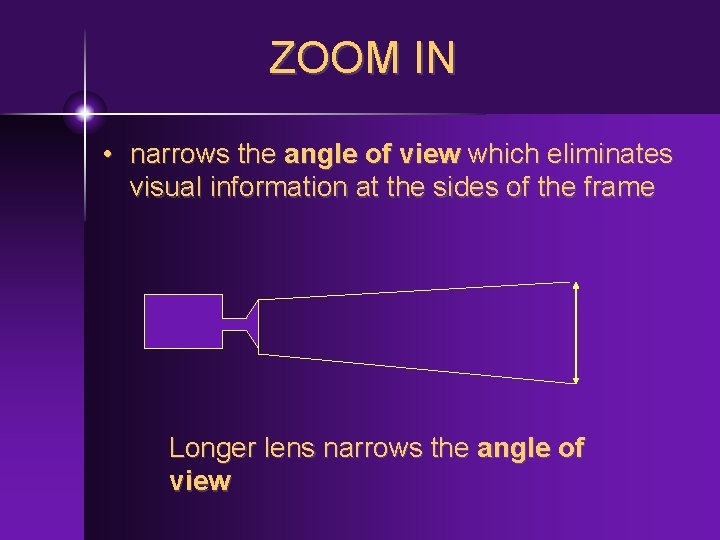
ZOOM IN • narrows the angle of view which eliminates visual information at the sides of the frame Longer lens narrows the angle of view
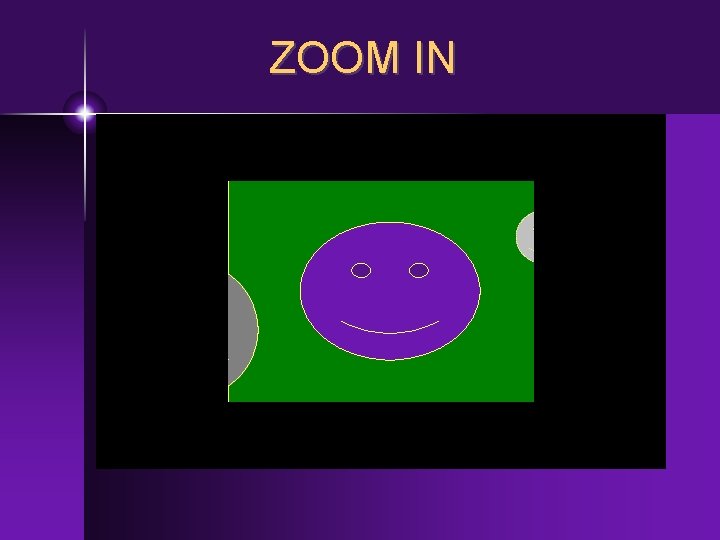
ZOOM IN
ZOOM IN • longer lens yields shallower depth of field, throws the background out of focus • good for depth - narrows the angle of view which eliminates visual information at the sides of the frame • "forces" audience to view fewer items in the frame
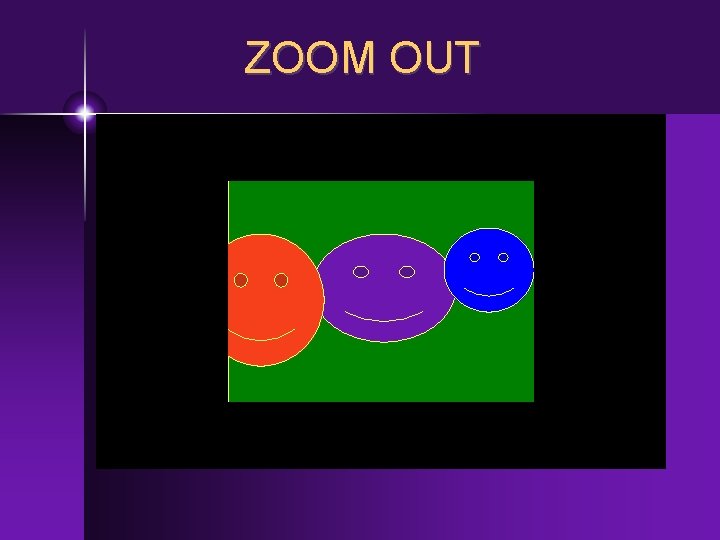
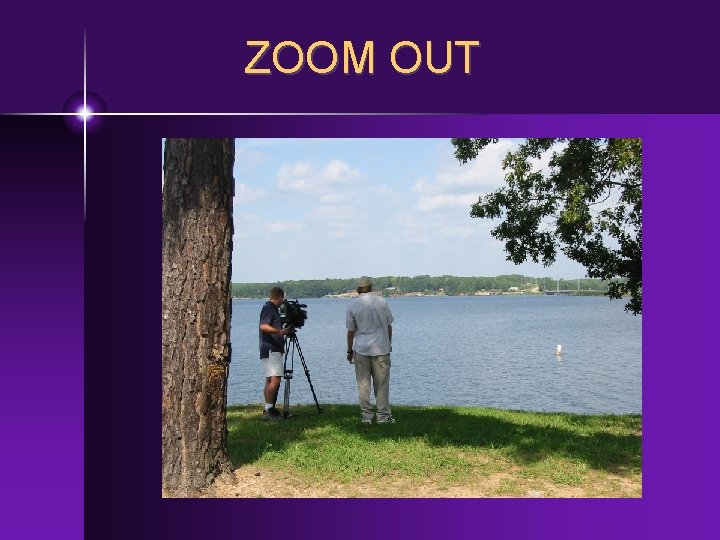
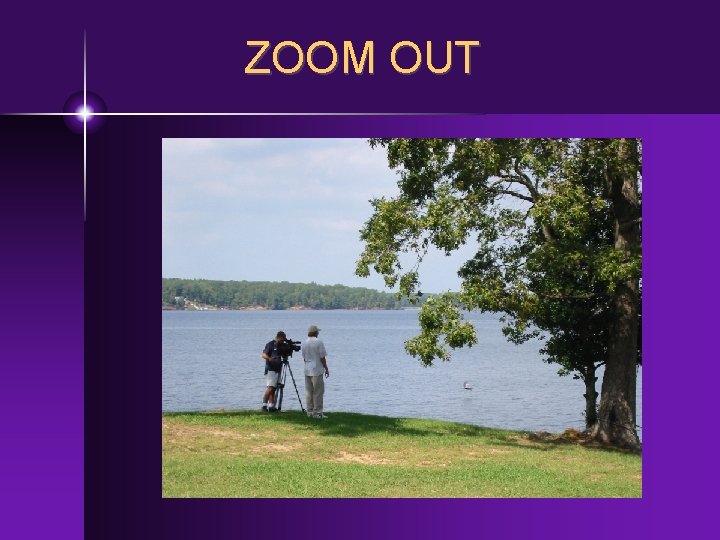
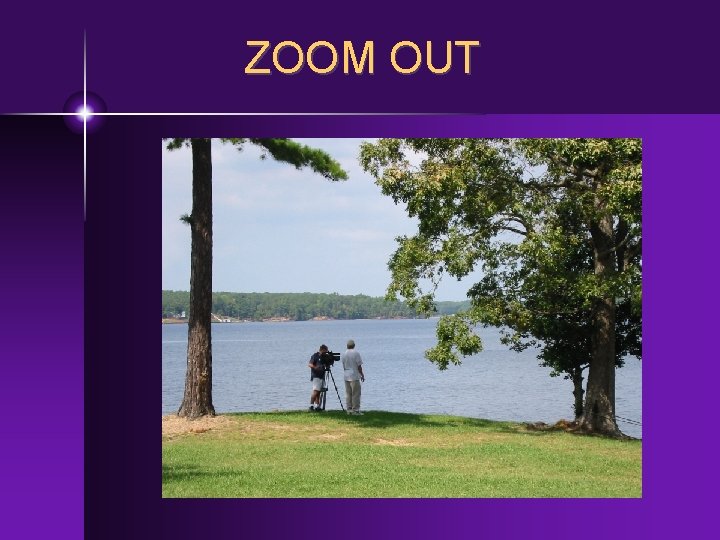
ZOOM OUT • reveals information to the viewer that they couldn't see with the tighter shot, allows space, reveals other characters or objects in the scene • allows more space for actor movement
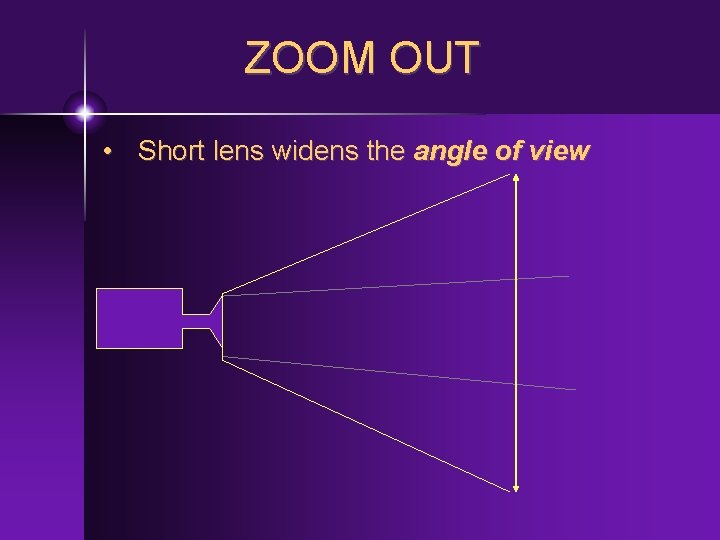
ZOOM OUT • Short lens widens the angle of view
ZOOM OUT
ZOOM OUT
ZOOM OUT
ZOOM OUT
DOLLY • DOLLY - movement of entire cam toward or away from the subject • Similar to a zoom but with a different effect - keeps the same 'angle of view' throughout the camera move • "participant" or POV orientation as camera moves through the scene
PAN • Left/right movement of camera head on stationary cam. mount (either tripod or on the shoulder of videographer) • Suggests 'observer' role (compared to a 'truck') - action 'passes by' the camera
TRUCK • Left/right movement of entire camera • Usually mounted on a rolling platform (dolly) but may be handheld • As cam follows along-side the action, allows viewer to participate in the moving scene (Indiana Jones fighting on a moving truck, Olympic sprinters)
TILT, ARC • Tilt - up/down movement of camera head on stationary cam. mount tilt up/down movement of camera head on stationary cam mount • Arc - left/right arching movement of camera
Basic shot descriptions • Extreme long shot (XLS, ELS ) • cam very far away from the subject (often an "establishing" shot) • sets overall context, shows location of action • exterior" on drama or sitcom, blimp shot at sporting event • Long shots - dramatic, landscape, don't translate well to TV
Basic shot descriptions • Long shot (LS) • camera far from the subject, may include all talent and props in the shot • sets context, shows relationships • all players in a basketball game, shot from back of Letterman's studio
Basic shot descriptions • Medium shot (MS) • fairly close, "interpersonal" distance • shows most of a person or people • may be more specific - 2 S, 3 S • shows relationships, close-enough to feel "in the action"
Basic shot descriptions • Close-up (CU) • close shot, framed tightly, only part of subject seen • variations: bust shot, tight shot • emotional, necessary on TV (small screen)
Basic shot descriptions • Extreme close-up ( ECU, XCU) • very close, extreme detail • The tighter the shot, the more "emotional"
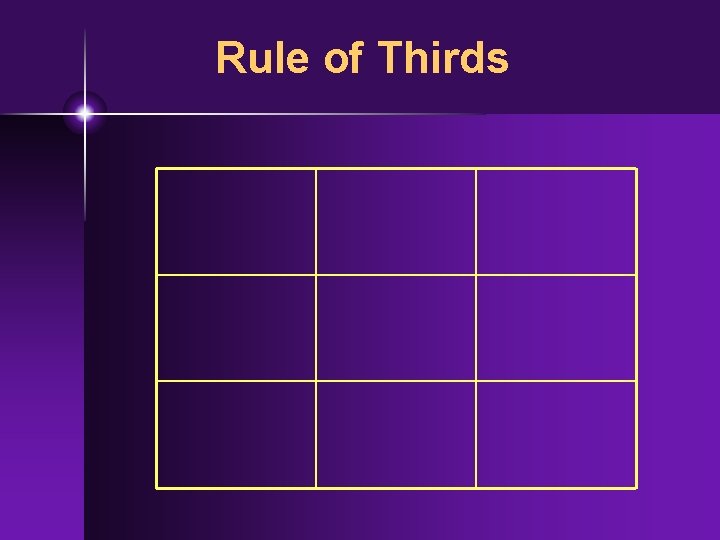
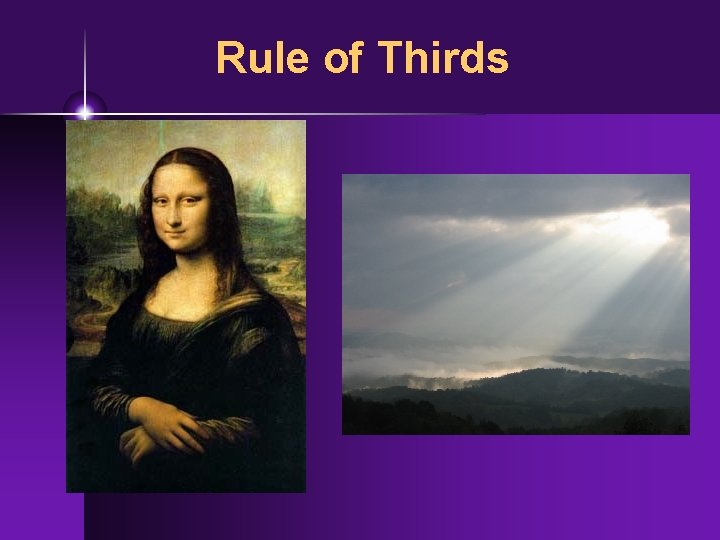
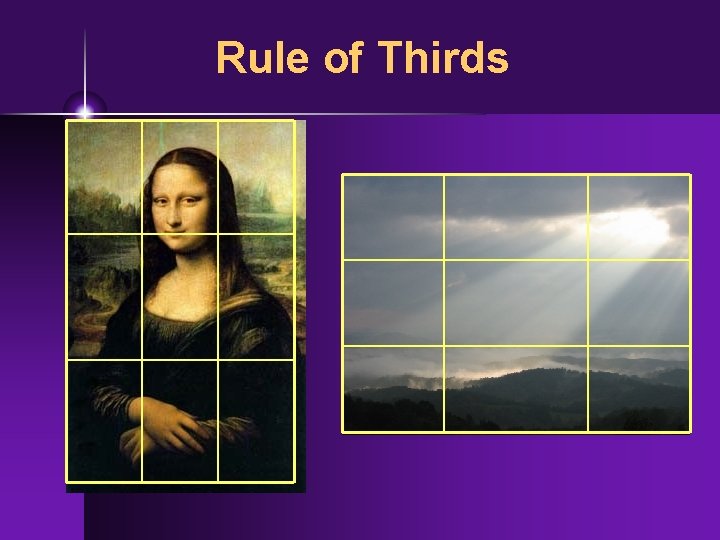
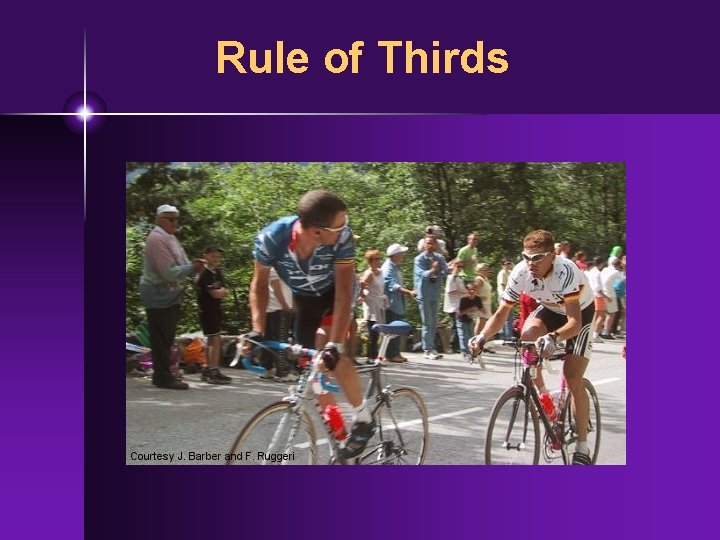
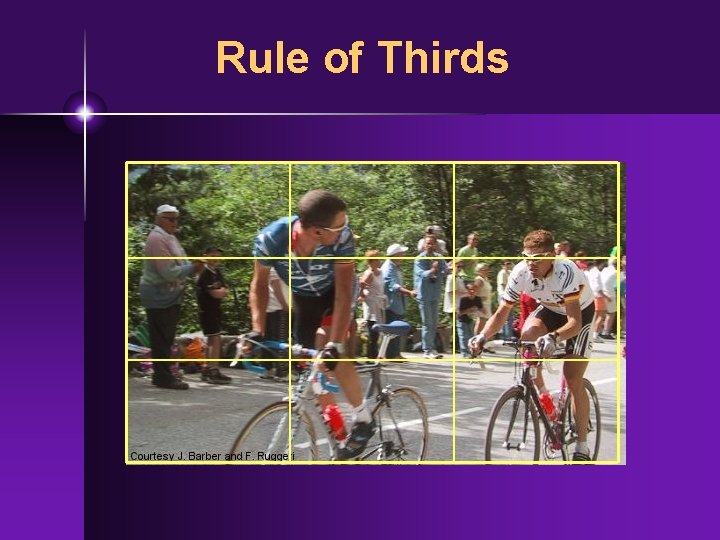
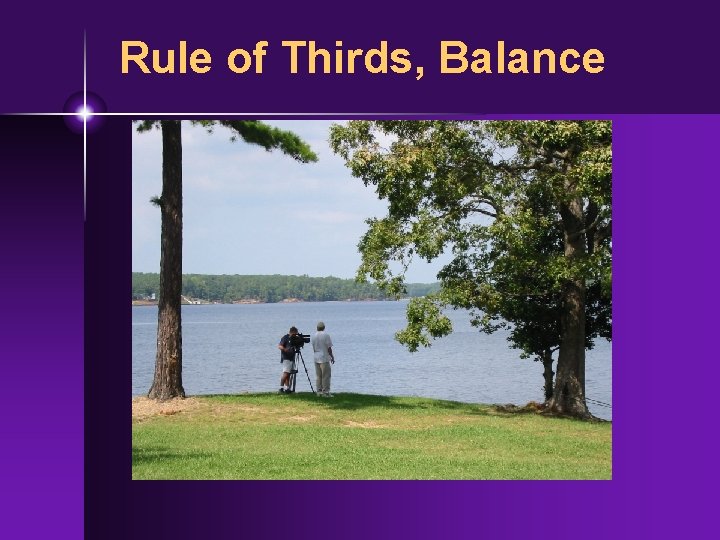
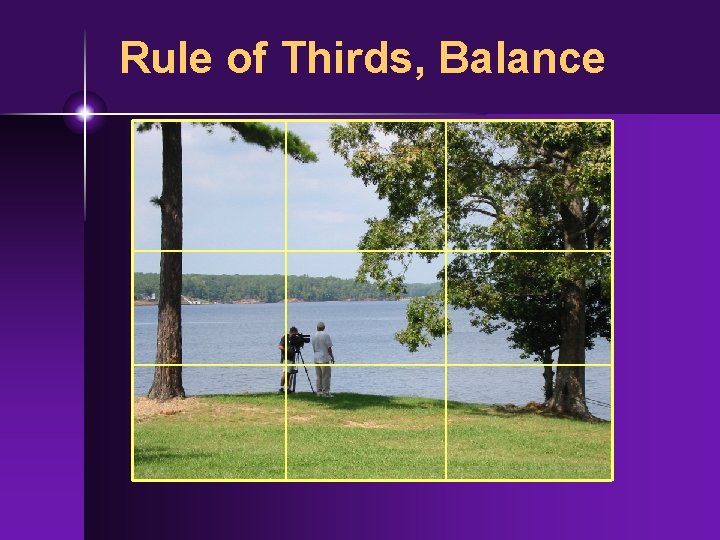
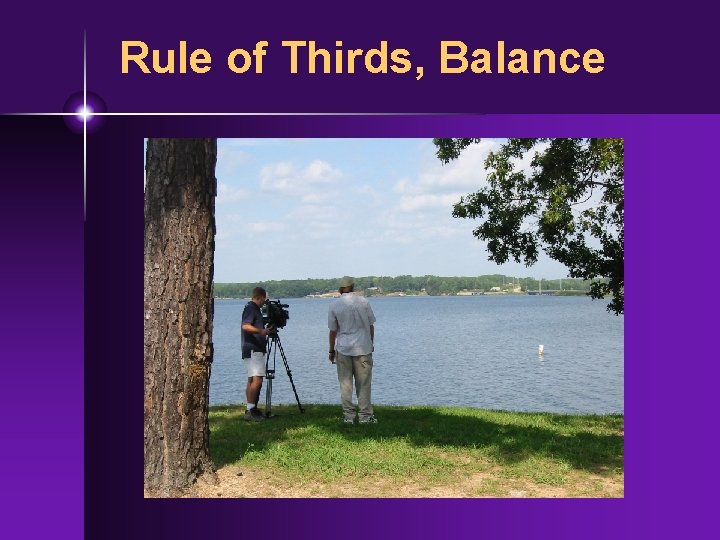
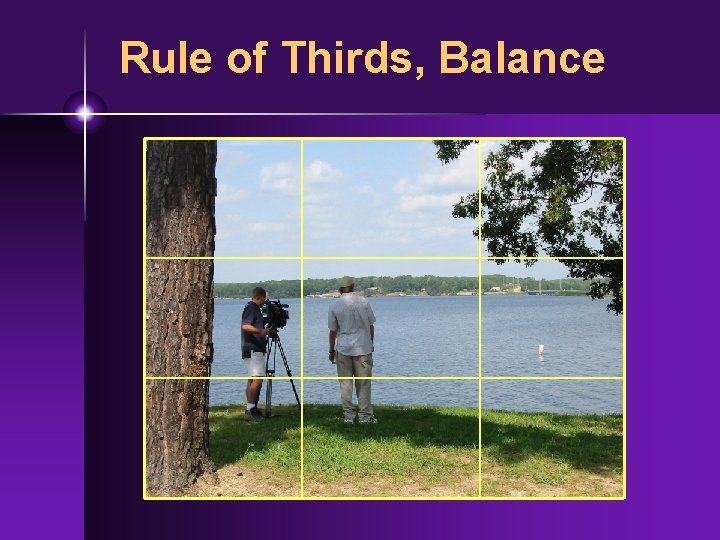
Composition • Balance - strive for visual balance in most shots • ***Rule of thirds - divide the screen into vertical and horizontal thirds • Place key objects on those thirds • Follow rule of thirds on every shot!
Rule of Thirds
Rule of Thirds
Rule of Thirds
Rule of Thirds
Rule of Thirds
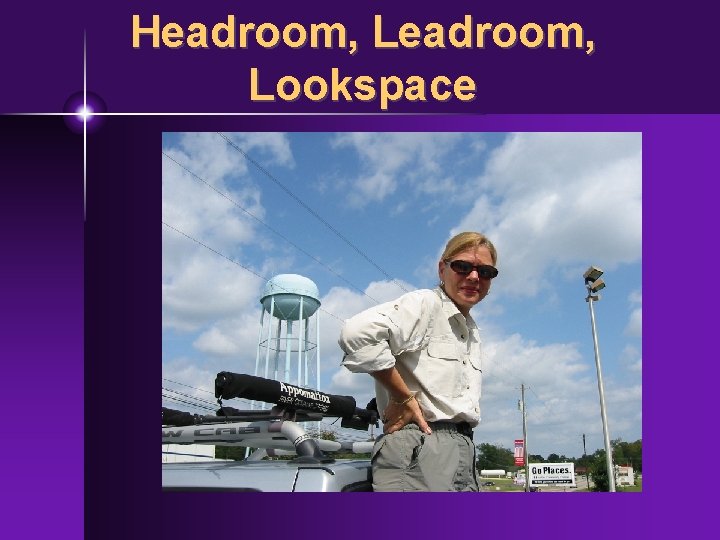
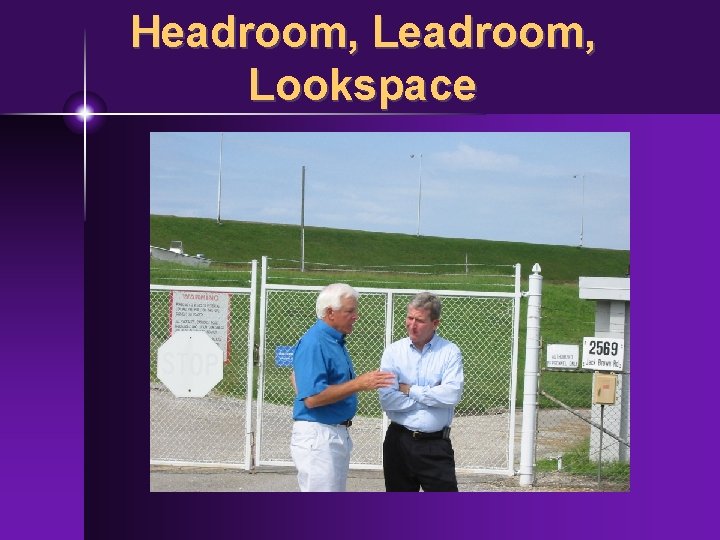
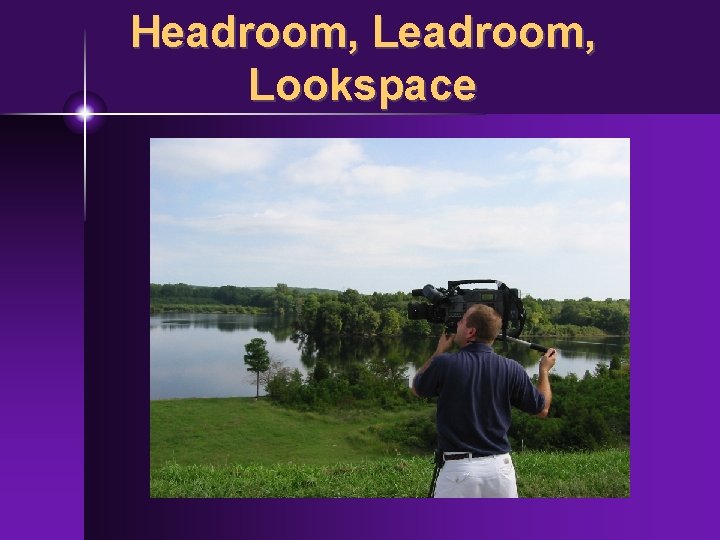
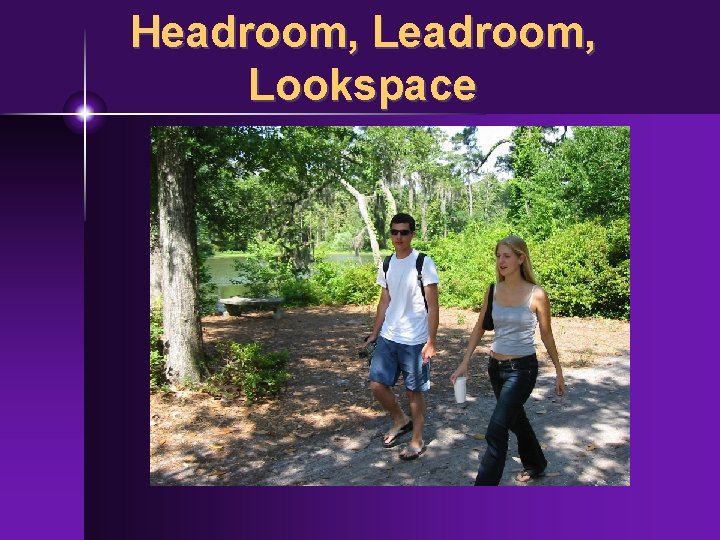
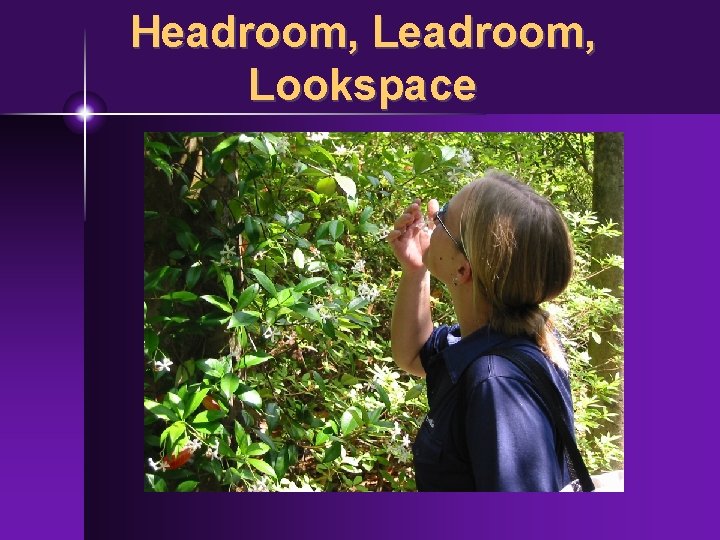
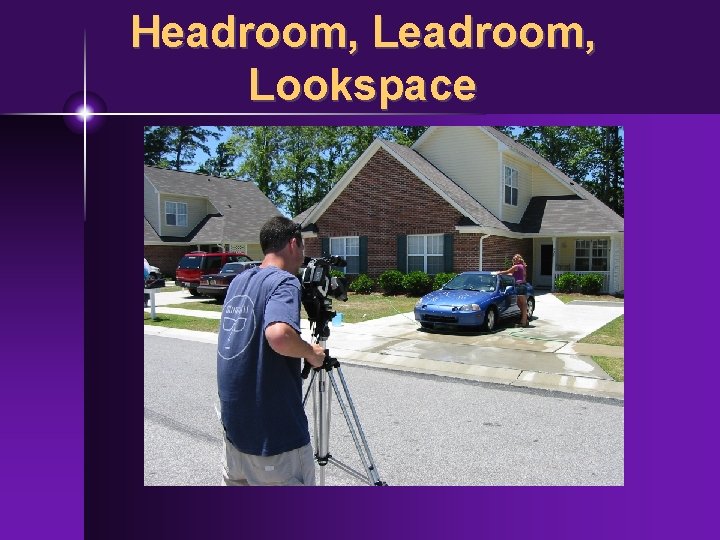
Composition • Headroom - room above talent's head • Leadroom - space in frame in front of talent into which talent moves (e. g. , pan) • Lookspace - space in frame IN FRONT of talent into which talent looks
Headroom, Lookspace
Headroom, Lookspace
Headroom, Lookspace
Headroom, Lookspace
Headroom, Lookspace
Headroom, Lookspace
Composition • Visual "weight" (and therefore balance) determined by size, color and placement of objects in the frame. • LARGER objects carry more "weight • - also, foreground increases size • BRIGHTER objects carry more "weight” • white, yellow, etc. . .
Composition • CLOSER TO THE EDGE equals more "weight” • - small, but near edge = "weight”
Other composition considerations • Symmetrical balance not required • Nonsymmetrical framing acceptable in limited situations • Landscapes, large horizontal objects look better off-center • Background clutter - avoid it, distracts from the foreground • Limit camera motion - smooth, steady, avoid tendency to over zoom
Rule of Thirds, Balance
Rule of Thirds, Balance
Rule of Thirds, Balance
Rule of Thirds, Balance
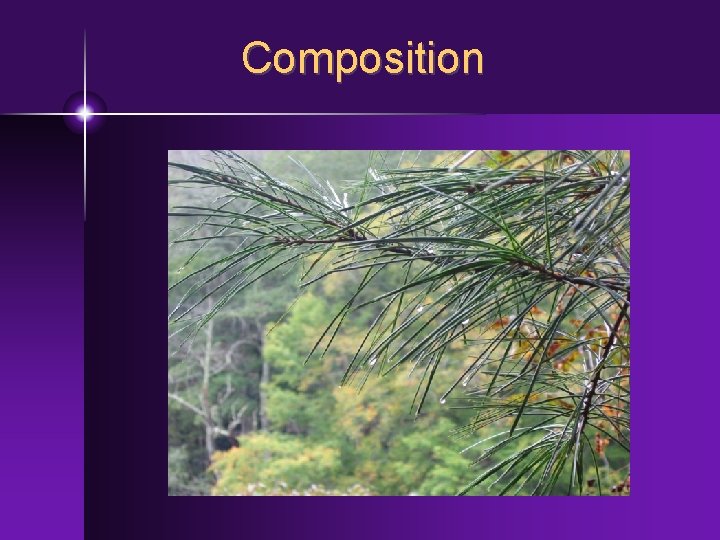
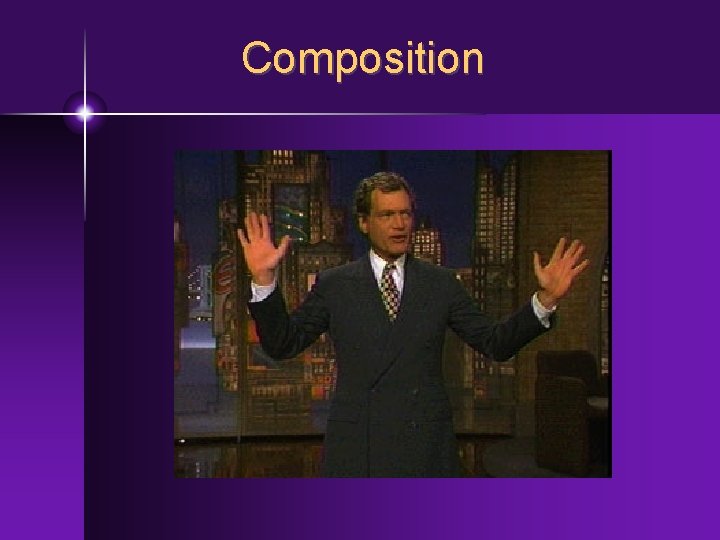
Composition • Psychological Closure - frame shots so that viewers can "mentally" fill-in the parts that extend off-screen • Entire object does NOT need to be onscreen • Framing can "suggest" continuation
Composition
Composition
Composition • Framing people - avoid cutting people off at natural "cut points” • knees, waist, ankles, elbows, bust • frame to suggest "closure, " continuation off-screen
Composition • Foreground framing - use objects in the foreground to frame the subject • adds depth, more interesting • Over the shoulder (O/S, OTS) • Shot of one person framed over the other's shoulder (good for interviews)
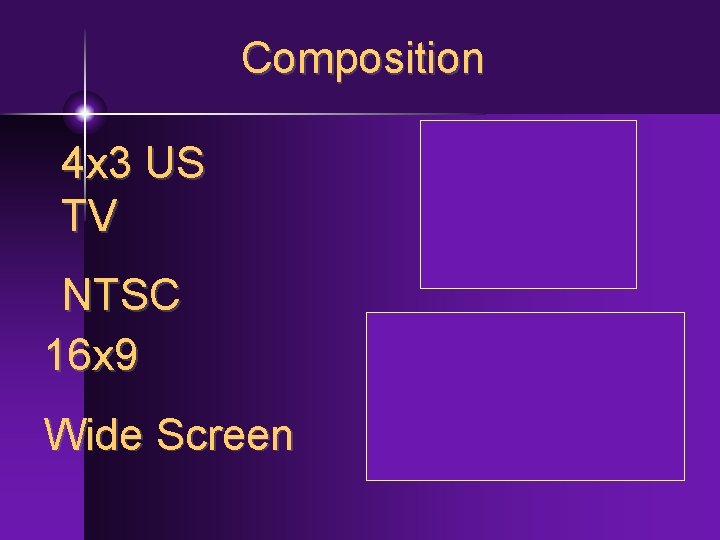
Composition • Rack focus - "move" the depth of field from one object to another by adjusting focus ring • Aspect ratio • U. S. TV = 4 x 3 (1. 33: 1) • Film, HDTV = 16 x 9 (1. 78: 1) • But shot with 4 x 3 in mind for TV
Composition 4 x 3 US TV NTSC 16 x 9 Wide Screen
TRIPOD OPERATION • whenever possible, use a tripod or other appropriate camera support • exceptions - desired effect, not enough time
TRIPOD OPERATION • Set up tripod properly • • legs locked spreaders locked set tripod feet - spikes or rubber camera plate FULLY secured to cam and tripod (quick release plate stays with the camera) • bubble balance to insure level shot
TRIPOD OPERATION • Pan drag - knob which controls pan "looseness" • set to your preference • Pan lock - be careful, usually leave this unlocked when you step away from the camera to keep from knocking camera over
TRIPOD OPERATION • Tilt drag - same function as the pan drag • don't want tilt or pan motions TOO LOOSE, makes for unsteady camera moves • Tilt lock - ALWAYS set the tilt lock when leaving the camera
TRIPOD OPERATION • Panning/tilting - set to your preference • START in the uncomfortable position, finish in the comfortable position • Begin and end with a balanced, wellcomposed shot • Set up tripod in a comfortable position for the shoot • Use pan bar to smooth out pan and tilt motions
HAND HELD OPERATION • Brace yourself if necessary, use head, shoulder, arm to steady the camera • Work with partner if you will be moving • Consider alternate camera position (low level, held by handle, braced on knee • The WIDER the angle (zoomed out) the steadier the shot.
HAND HELD OPERATION • Extreme zooms (narrow angle, zoomed in) yields shakier shot • Do news interviews, MOS s w/short lens