
VHA Homeless Program Office VA COORDINATED ENTRY GUIDANCE

- Slides: 19
VHA Homeless Program Office VA COORDINATED ENTRY GUIDANCE AND SUPPORTING RESOURCES Shawn Liu, LCSW, VHA-CM Lead Program Analyst, Clinical Operations VHA Homeless Program Office 2017 Florida Institute on Homelessness and Supportive Housing Veterans Pre-Conference November 1, 2017
Overview • VA Coordinated Entry Guidance • Universal Release of Information Guidance • Virtru Pro • VA SQUARES • VA Data Systems • Burning Questions 2
Incorporating VA Homeless Programs in the Coordinated Entry System VA COORDINATED ENTRY GUIDANCE
Coordinated Entry Guidance Overview • On October 17 th, VA’s Deputy Under Secretary for Health for Operations and Management released a memo to Network Directors, Network Homeless Coordinators and VA Medical Center staff which issued guidance regarding the roles and responsibilities of the VA medical center homeless programs in each of their local Continuum of Care (Co. C) and the Co. C’s coordinated entry systems. • Within the guidance, VA recognizes that coordinated entry systems are a critical element in our continued efforts to end Veteran homelessness, as it ensures coordination of community-wide services for Veterans experiencing homelessness, system-wide awareness of the availability of housing and services, and easy access to and appropriate prioritization for these resources by Veterans who are in critical need. • It also emphasizes that VA’s participation is essential to the success of this national effort and addresses in detail, the VA medical center’s required level of participation in several key components to a fully-developed CES: case conferencing, By-Name-Lists (BNL), dedication of VA resources, assessment tools, and data sharing. 4
Coordinated Entry Guidance Overview (Continued) • While the guidance emphasizes participation in these elements to the fullest extent possible, it also recognizes the real challenges that VA medical centers are presented with as a result of: • the frequent mismatches in the geographical catchment areas between Co. Cs and VA medical centers • instances where larger VA medical centers are tasked with coordinating services with multiple Co. Cs • this is especially applicable in the area of assessment tools and dedication of VA resources to CES • The memo addresses these challenges when outlining the specific requirements of each key component, recognizing that while full participation may not be feasible in each area of CES for these reasons, the goal is to be as fully participatory as possible. • It is anticipated that each VA medical center will be reaching out to their partner Co. Cs about this guidance and the subsequent collaborative effort that will be required to meet the requirements. 5
Making Information Sharing Easier UNIVERSAL RELEASE OF INFORMATION GUIDANCE 6
Universal Releases of Information • VA Form 10 -5345 Request for an Authorization to Release Medical Records or Health Information is used to document authorizations for disclosures of Veteran Personally Identifiable Information (PII) or Protected Health Information (PHI). • In most instances, each ROI signed by a Veteran authorizes disclosures to a specific person or organization for a limited purpose covering past and present information only. • Universal ROIs are different in that a single ROI can be used to authorize disclosures to different providers or health care organizations for stated purposes over a specified period of time. Prior to use in the field, any universal ROI developed must be approved by the local facility’s Privacy Officer.
Universal Releases of Information Examples • Example 1: VA Homeless Program Staff are working with multiple community partners to coordinate housing services for a Veteran (i. e. , coordinated entry case conferencing process); a universal ROI can be drafted covering the disclosure of information for the purpose of working with various community partners to provide this service, eliminating the need for a new ROI for each entity. This example could be directly applied to VAMC’s participation in the coordinated entry case conferencing process. • Example 2: VA Community Employment Coordinators are working with a Veteran to obtain employment; a universal ROI can be drafted covering the disclosure of information for the purpose of sharing a Veteran’s resume with all perspective employers, eliminating the need for a new ROI for each employer.
Universal Releases of Information Examples • Remember: Local VA staff can disclose “as needed” Veteran information to community partners without a formal data sharing agreement or a signed, written authorization form when the partner is serving homeless and recently homeless Veterans. • Disclosure of information is for the intended purpose of identifying, assessing or addressing a Veteran’s basic need(s) (housing, safety or medical). When disclosing information without an ROI, VA must always use the most protective of the authorities and follow all requirements outlined in the National Privacy Guidance.
Secure Email Communication for Community Partners VIRTRU PRO
Virtru Overview • What is Virtru Pro? • • How Will it Impact Me? • • Virtru Pro is an encrypted e-mail technology. It provides VA a secure method of exchanging information with you, the community provider. Virtru Pro means VA can communicate with you more over email. In practice, you can expect to receive authorizations, referrals, appointment confirmations, and requests for patient health records over email. VA will no longer need to fax personal health information for Veterans, but will be able to both send and receive this information securely over email. How Will I Know VA is Sending a Secure Email? • When VA sends a secure message through Virtru Pro not only will it originate from a VA email account, but will include a personalized message noting the VA Medical Center where the staff member works, and a phone number to contact in case you have any questions. Call this number in case you have questions, including trouble opening the email or downloading the attached documentation.
Virtru Overview • • Is There Anything I Need to Do to Set-up Virtru Pro? • The great thing about Virtru Pro is you don’t have to download anything to be able to receive secure messages from VA. You will receive these secure messages in the same way you receive other emails. • To use Virtru Pro to receive and reply to secure emails from VA, you just have to follow a couple of steps to authenticate that you are the correct recipient. When you receive an email click “Unlock Message”, which will launch the “Secure Reader” in an internet browser. • Follow the prompts in the “Secure Reader” to decrypt. You must provide an email address and will receive another email to verify your identity. If you choose the “Remember Me” option, you will not have to authenticate again for 30 days. Using Virtru Pro this way means you can only respond to secure emails, not initiate them to send to VA. Where Can I Find More Information? • More information can be found on the Virtru Pro website, virtru. com. For questions about interacting with VA through Virtru Pro please reach out to your local facility.
Veterans Status Verification for Community Partners VA SQUARES 13
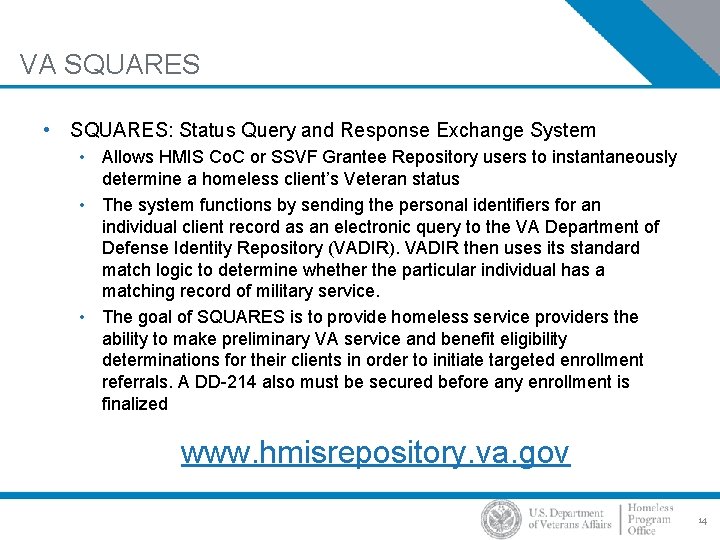
VA SQUARES • SQUARES: Status Query and Response Exchange System • Allows HMIS Co. C or SSVF Grantee Repository users to instantaneously determine a homeless client’s Veteran status • The system functions by sending the personal identifiers for an individual client record as an electronic query to the VA Department of Defense Identity Repository (VADIR). VADIR then uses its standard match logic to determine whether the particular individual has a matching record of military service. • The goal of SQUARES is to provide homeless service providers the ability to make preliminary VA service and benefit eligibility determinations for their clients in order to initiate targeted enrollment referrals. A DD-214 also must be secured before any enrollment is finalized www. hmisrepository. va. gov 14
Information Available for Collaboration VA DATA SYSTEMS
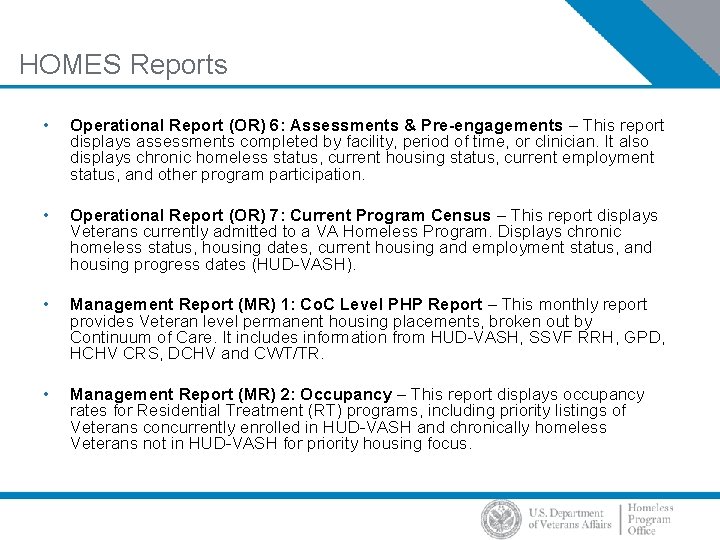
HOMES Reports • Operational Report (OR) 6: Assessments & Pre-engagements – This report displays assessments completed by facility, period of time, or clinician. It also displays chronic homeless status, current housing status, current employment status, and other program participation. • Operational Report (OR) 7: Current Program Census – This report displays Veterans currently admitted to a VA Homeless Program. Displays chronic homeless status, housing dates, current housing and employment status, and housing progress dates (HUD-VASH). • Management Report (MR) 1: Co. C Level PHP Report – This monthly report provides Veteran level permanent housing placements, broken out by Continuum of Care. It includes information from HUD-VASH, SSVF RRH, GPD, HCHV CRS, DCHV and CWT/TR. • Management Report (MR) 2: Occupancy – This report displays occupancy rates for Residential Treatment (RT) programs, including priority listings of Veterans concurrently enrolled in HUD-VASH and chronically homeless Veterans not in HUD-VASH for priority housing focus.
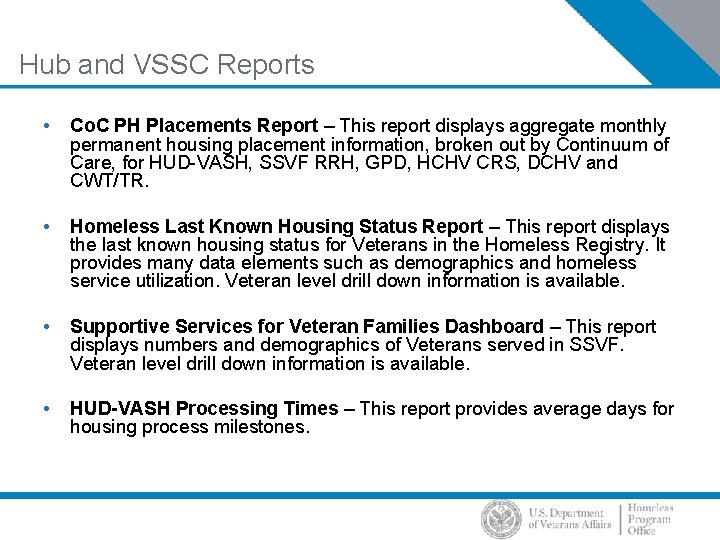
Hub and VSSC Reports • Co. C PH Placements Report – This report displays aggregate monthly permanent housing placement information, broken out by Continuum of Care, for HUD-VASH, SSVF RRH, GPD, HCHV CRS, DCHV and CWT/TR. • Homeless Last Known Housing Status Report – This report displays the last known housing status for Veterans in the Homeless Registry. It provides many data elements such as demographics and homeless service utilization. Veteran level drill down information is available. • Supportive Services for Veteran Families Dashboard – This report displays numbers and demographics of Veterans served in SSVF. Veteran level drill down information is available. • HUD-VASH Processing Times – This report provides average days for housing process milestones.
Joint Legacy Viewer • JLV provides an integrated read-only view of health data from VA, Department of Defense (Do. D) and VA VLER partner sources in a common viewer. • Features • Web-based Graphical User Interface (GUI) with national-level patient search. • Displays health data from Do. D legacy (CHCS), inpatient (Essentris) and outpatient (AHLTA) systems, Theater Medical Data Store, VLER partners and all Vist. A hosts. • Context managed with other VA context aware applications ( e. g. CPRS, Vist. A Imaging) for sync to same patient. https: //jlv. med. va. gov/JLV/ 18
Joint Legacy Viewer • As a VA employee working in a clinical or administrative setting, JLV offers several benefits: • JLV provides an integrated, chronological view of health information from all sites where a patient has received care on a single screen • Speed. JLV is faster and easier to use than Vist. AWeb and CPRS Remote Data View • Access to information not available in other viewers, especially the availability of more Do. D data • Customizable. Easily configurable displays support multiple workflows • Quick user startup with virtual on-demand self-paced training (takes less than 30 minutes) • JLV is in use at every VAMC and Regional Office and accessible from every VA site of care. 19