
Version 1 1 RPMSEHR New Technical Features RPMS
![RPMS Menus • The new menu RPMS-EHR Configuration Master Menu [BEHOMENU] • Is locked](https://slidetodoc.com/presentation_image/9f880eee99dedbace2a5b026052bc040/image-4.jpg "RPMS Menus • The new menu RPMS-EHR Configuration Master Menu [BEHOMENU] • Is locked")

- Slides: 39
Version 1. 1 RPMS-EHR New Technical Features
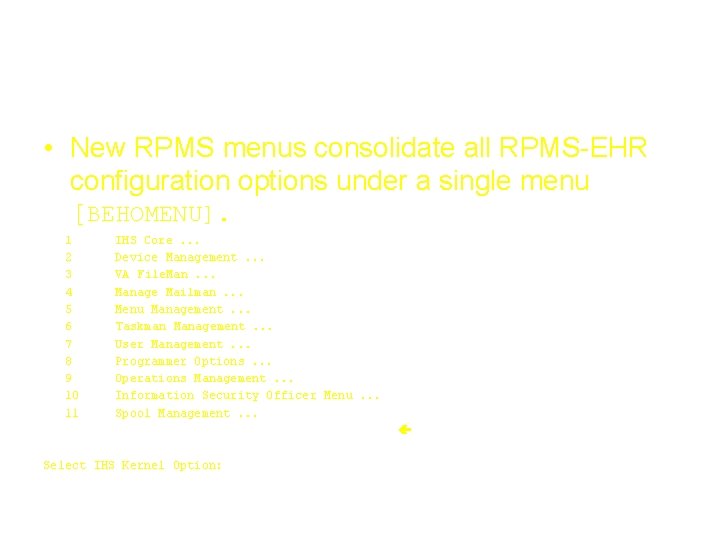
RPMS Menus • New RPMS menus consolidate all RPMS-EHR configuration options under a single menu [BEHOMENU]. 1 2 3 4 5 6 7 8 9 10 11 EHR IHS Core. . . Device Management. . . VA File. Man. . . Manage Mailman. . . Menu Management. . . Taskman Management. . . User Management. . . Programmer Options. . . Operations Management. . . Information Security Officer Menu. . . Spool Management. . . RPMS-EHR Configuration Master Menu. . . Select IHS Kernel Option:
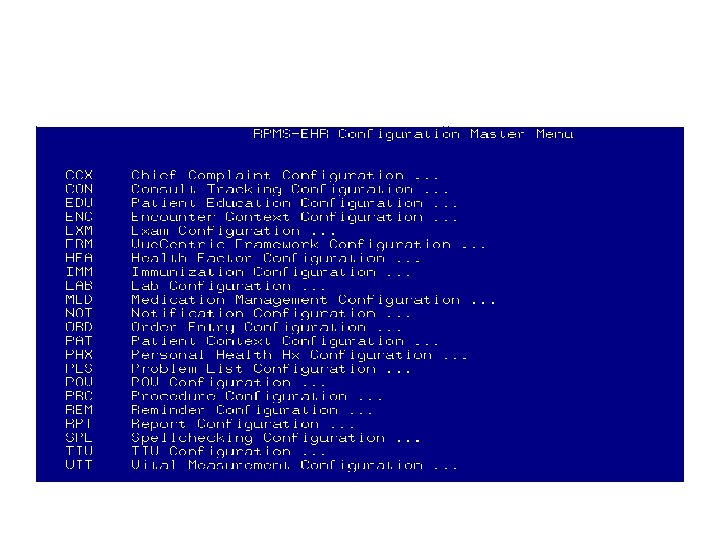
RPMS-EHR Configuration Master Menu
RPMS Menus • The new menu RPMS-EHR Configuration Master Menu [BEHOMENU] • Is locked with the key BEHOZMENU
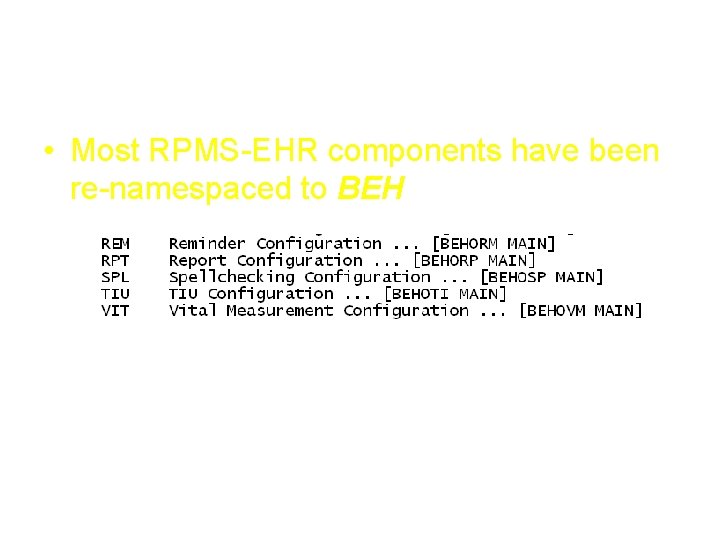
EHR Components • Most RPMS-EHR components have been re-namespaced to BEH
RPMS-EHR 1. 1 Non-technical staff will not need access to “XPAR Menu Tools” General Parameter Tools XPAR MENU TOOLS RPMS-EHR Configuration Master Menu
EHR Parameter Access via RPMS-EHR Configuration Master Menu • For example, Vital Measurement setup: Vital Measurement Configuration CVR DVE OVR PER Measurements Listed on Cover Sheet Disable Triage Vitals Editing Override Default Units Data Entry Permissions TPL Data Entry Templates
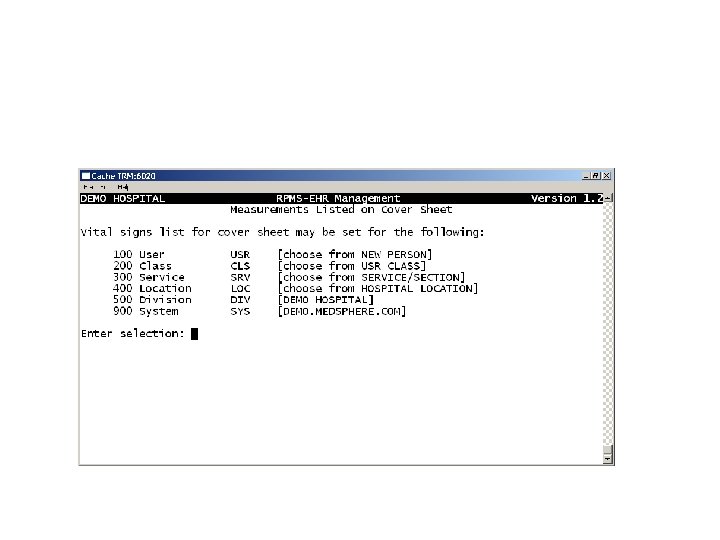
EHR Parameter Access via RPMS-EHR Configuration Master Menu • CVR Measurements Listed on Cover Sheet…
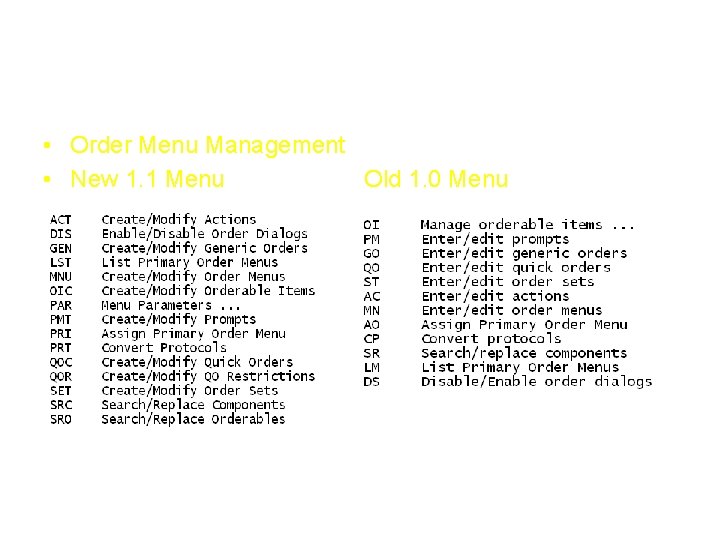
Menu comparison • Order Menu Management • New 1. 1 Menu Old 1. 0 Menu
RPMS-EHR 1. 1 • When version 1. 1 is installed, sites will not need to reconfigure parameters. • The current version 1. 0 settings will persist and EHR will continue to function correctly.
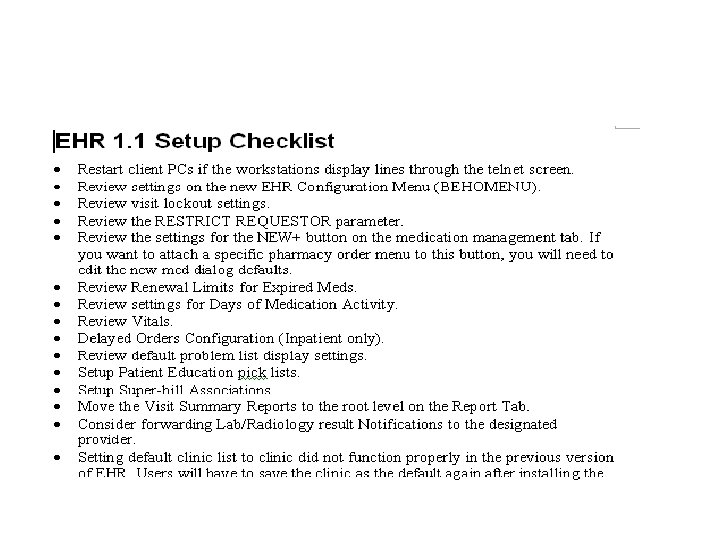
RPMS-EHR 1. 1 Setup
RPMS-EHR 1. 1 Setup
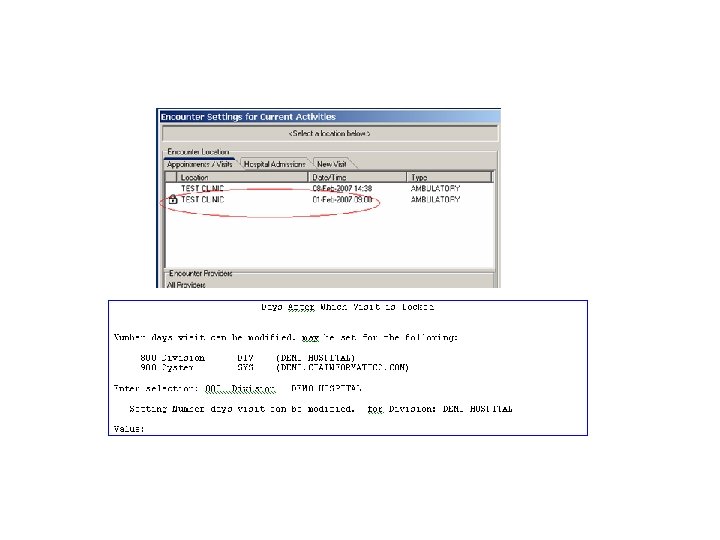
Review Visit Lockout Setting
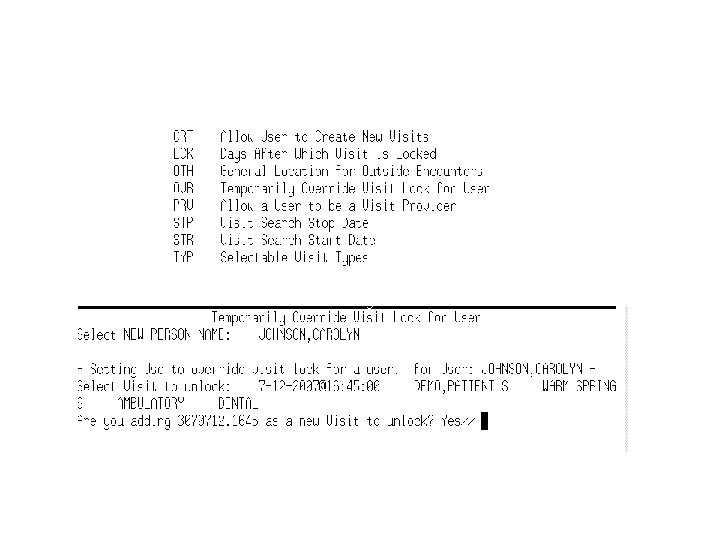
Unlocking a Visit
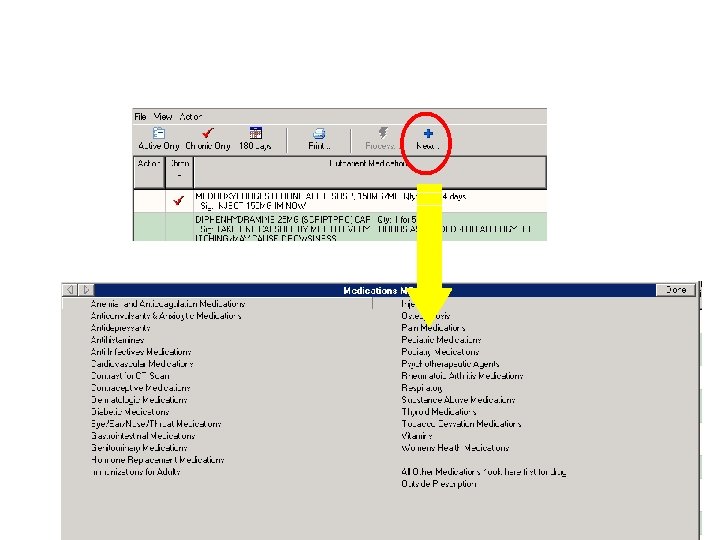
New Med Dialog
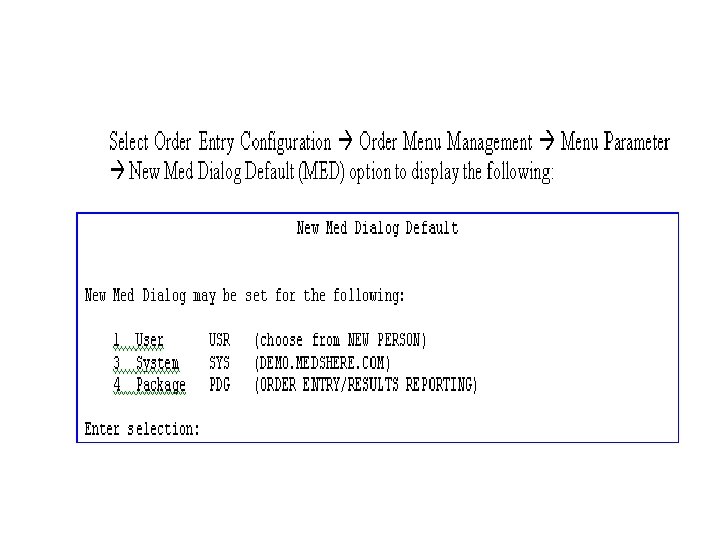
New Med Dialog Setup
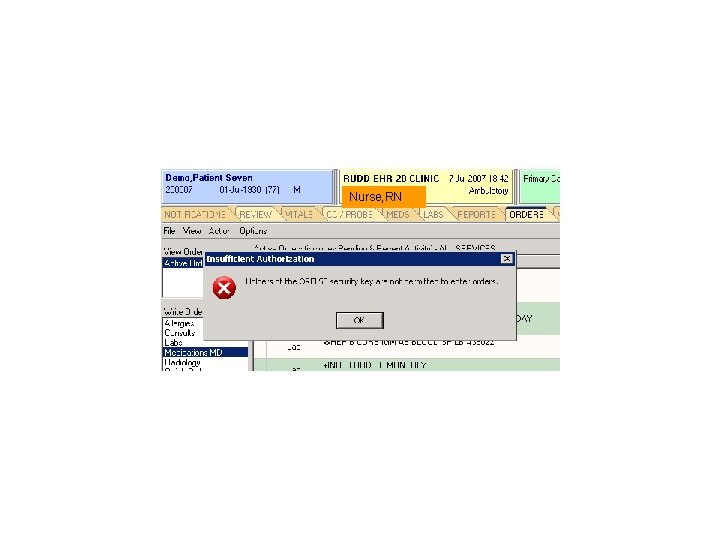
Restrict Requestor Nurse, RN
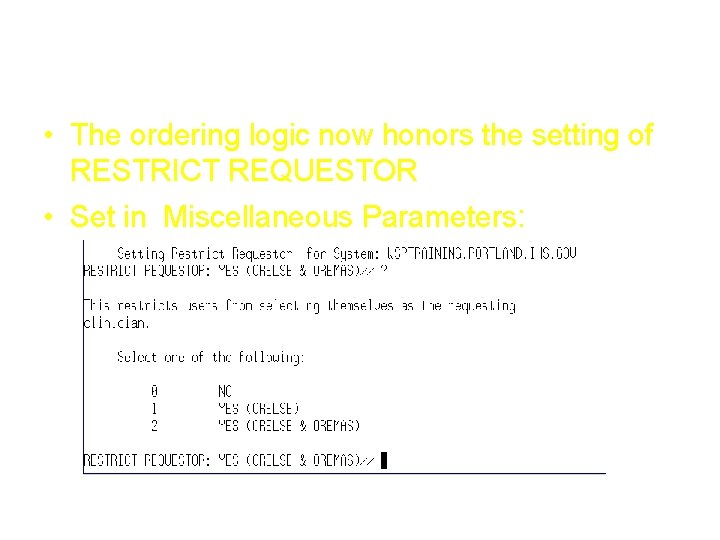
Restrict Requestor • The ordering logic now honors the setting of RESTRICT REQUESTOR • Set in Miscellaneous Parameters:
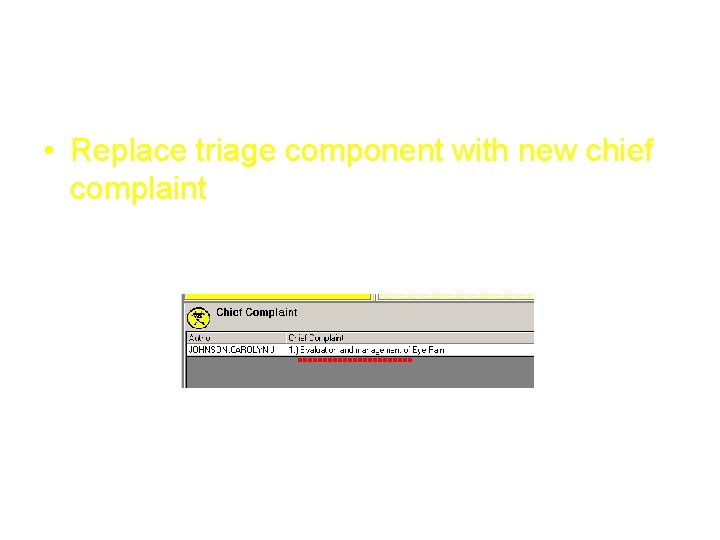
Chief Complaint • Replace triage component with new chief complaint
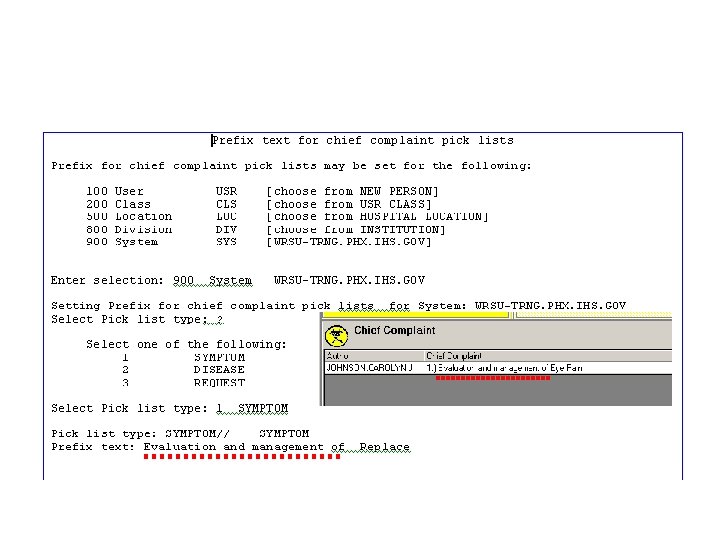
Chief Complaint Prefix
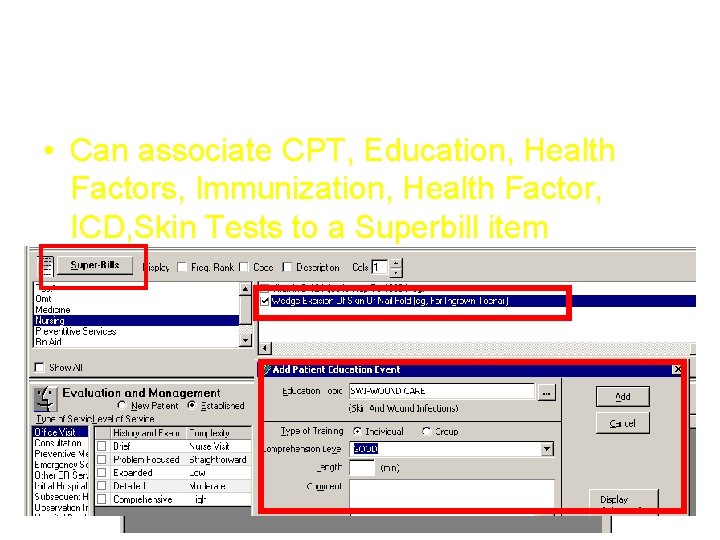
Superbill Associations • Can associate CPT, Education, Health Factors, Immunization, Health Factor, ICD, Skin Tests to a Superbill item
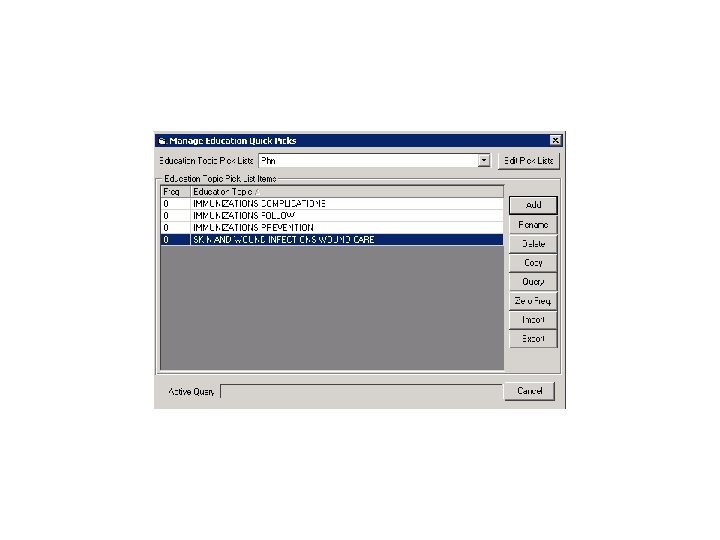
Create Pt Ed Pick Lists
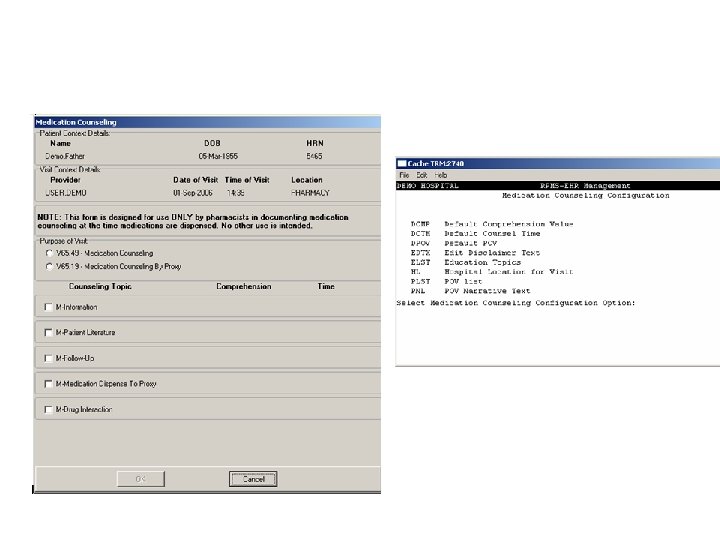
Medication Counseling Button
Medication Counseling Button
Medication Counseling Button • If no patient has been selected, the button will not be selectable. • If the macro has been run on that patient on that day, the button will not be selectable.
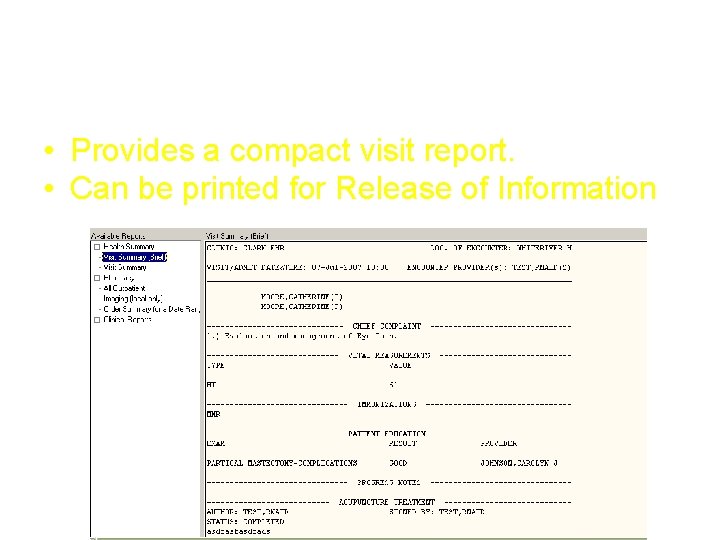
Visit Summary (Brief) Report • Provides a compact visit report. • Can be printed for Release of Information
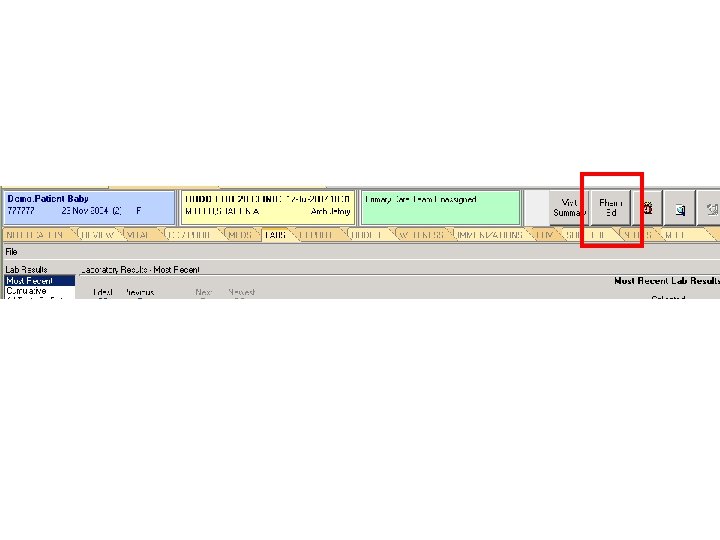
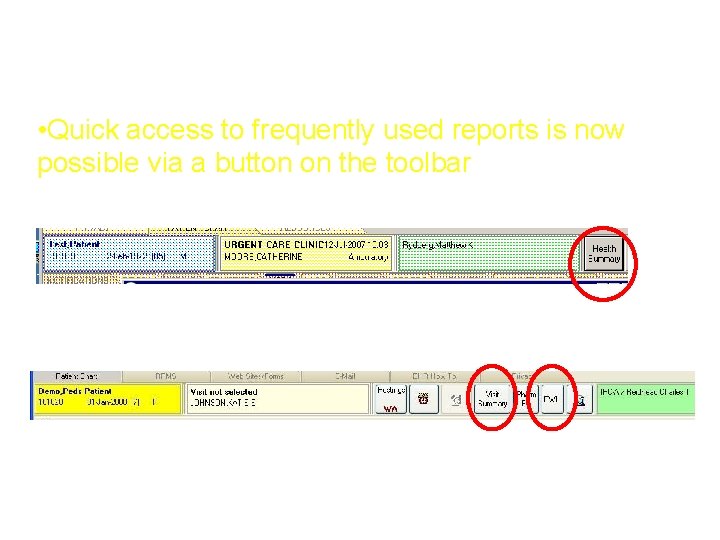
Visit or Health Summary Button • Quick access to frequently used reports is now possible via a button on the toolbar
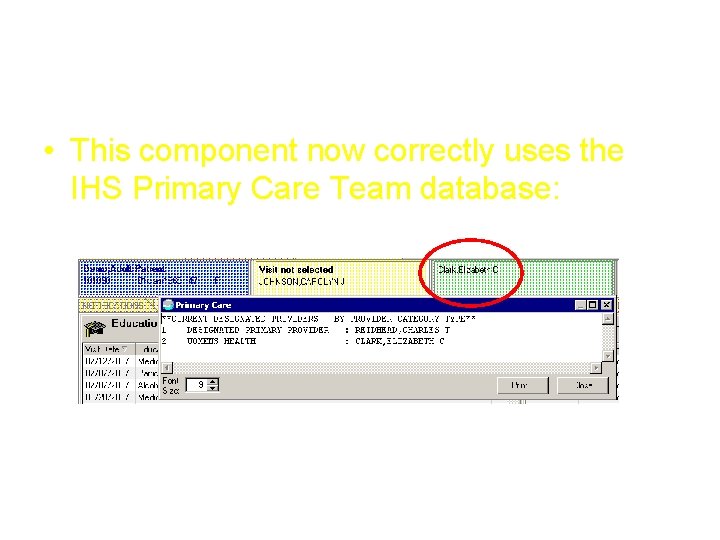
Add the Primary Care Header • This component now correctly uses the IHS Primary Care Team database:
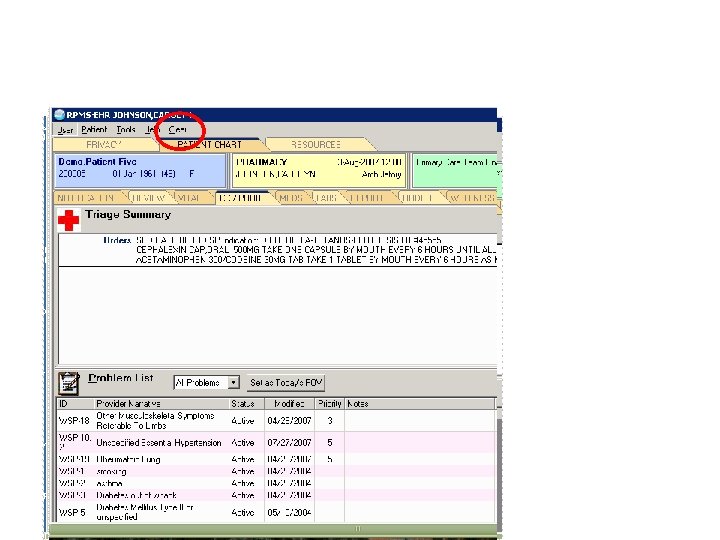
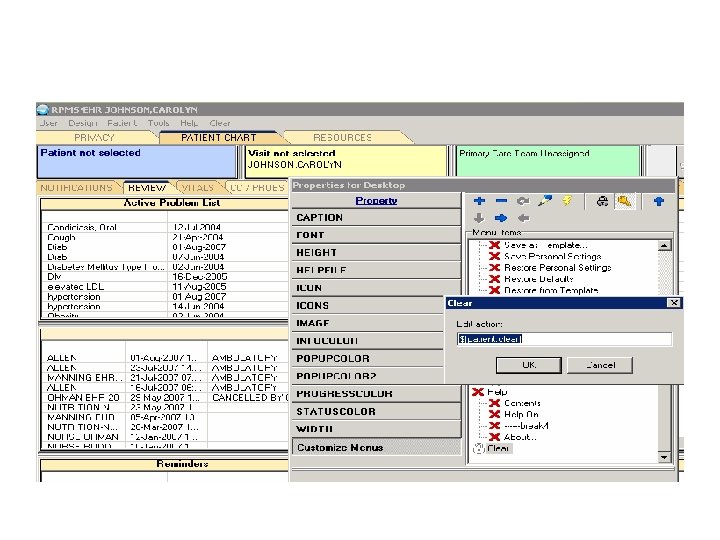
Patient Clear • Privacy feature • Menu action which will clear Patient Data in one click • Menu can be added to the EHR by the CAC
Pt Clear Demonstration
Patient Clear Set Up
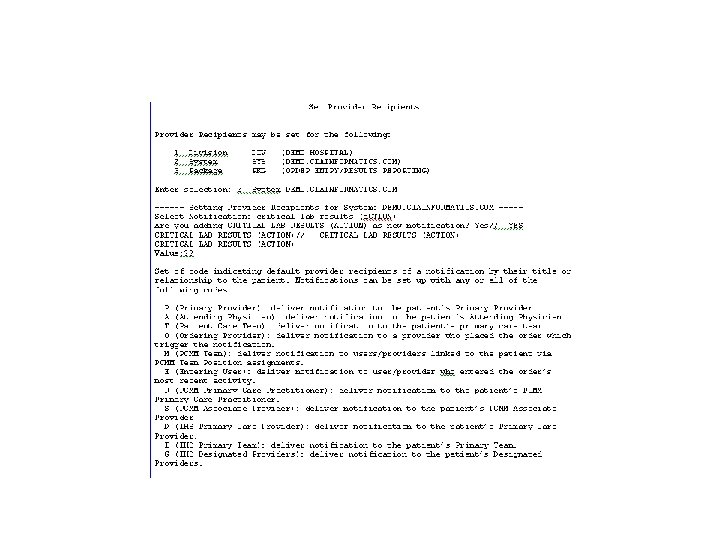
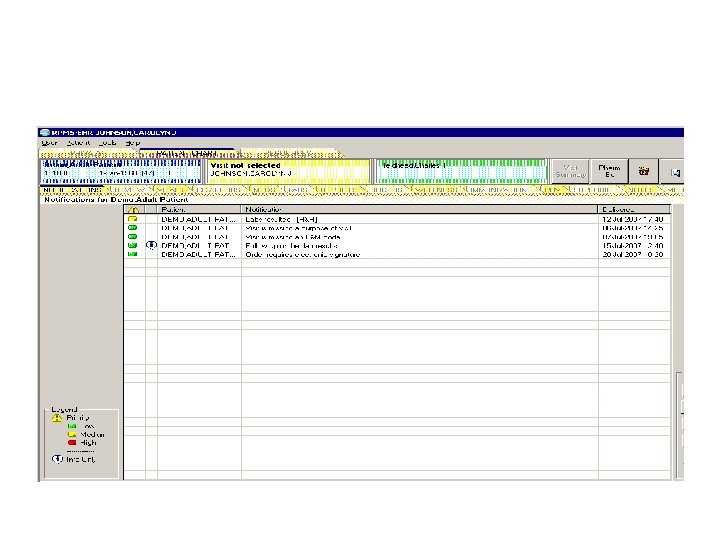
Notifications • Notifications can be sent to the ordering provider and the : – Designated Primary Care Provider – Primary Provider – Attending Physician – Team
Notifications
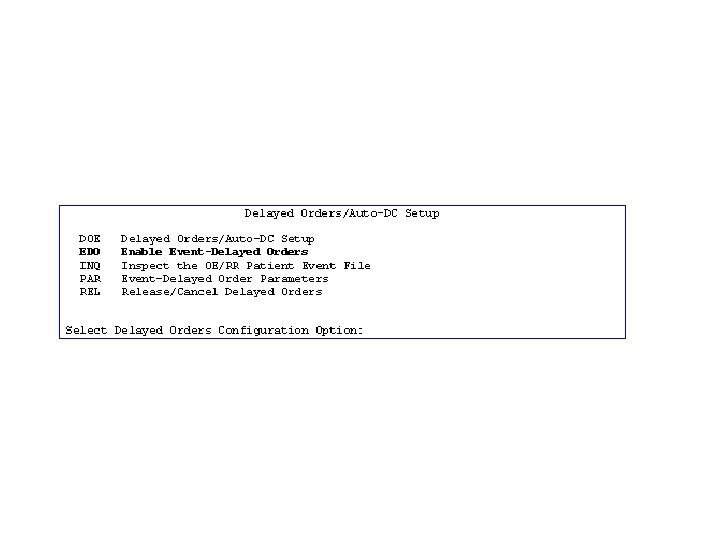
Enable Event Delayed Orders
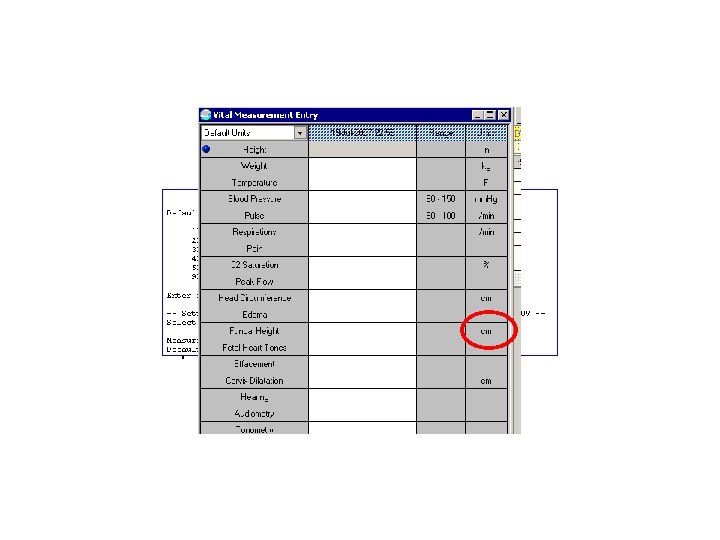
Override Default Vital Units
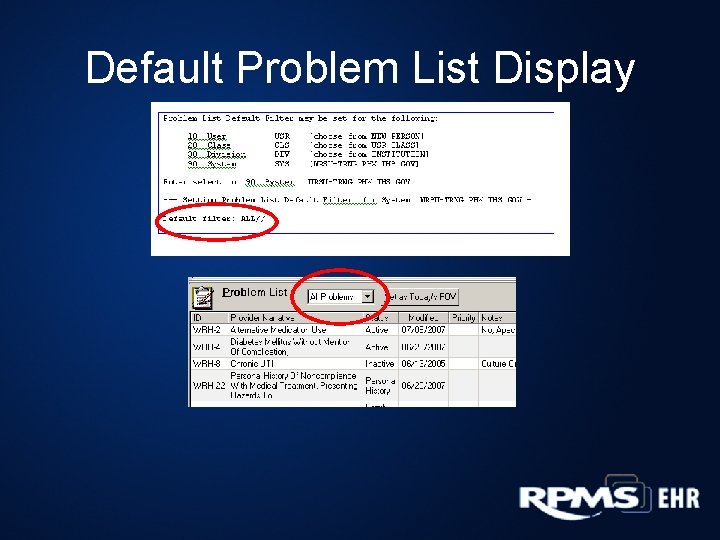
Default Problem List Display
RPMS-EHR Version 1. 1
RPMS-EHR 1. 1 Documentation • • • New Features Setup Guide User Manual CAC Manual Clinicians/Nursing Manual Technical Manual Troubleshooting Load Errors –Coming Soon!
Thank You!